
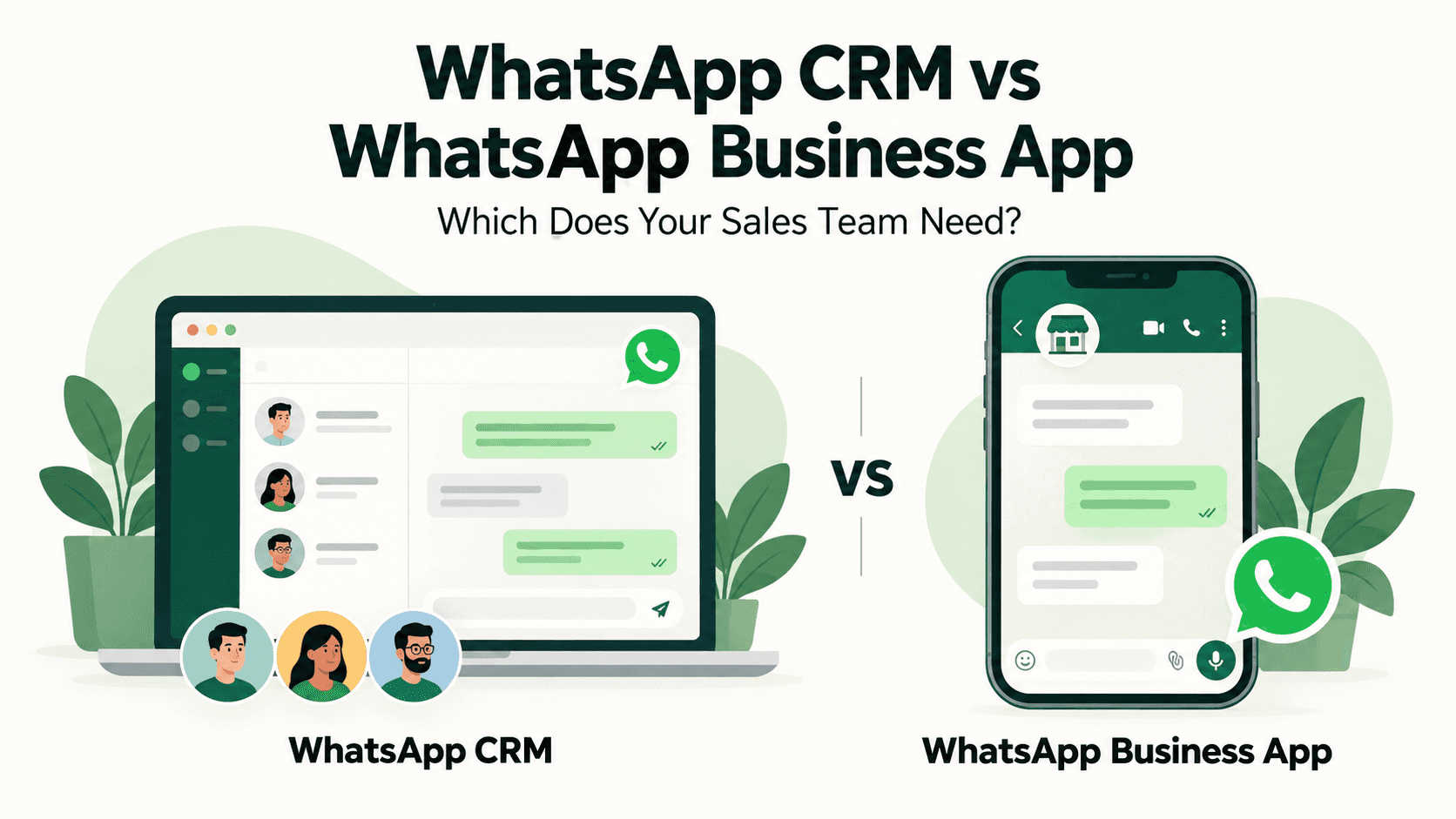
WhatsApp is a core channel for many Indian small and medium businesses. But when your sales team grows, juggling inquiries, follow-ups, and internal handoffs on a single device becomes challenging. The question often isn’t whether to use WhatsApp, but which setup best fits your team: the WhatsApp Business App for basic needs, or a WhatsApp-integrated CRM that adds collaboration, automation, and analytics. This article compares the two paths and offers practical guidance for Indian SMBs looking to scale their WhatsApp outreach.
WhatsApp Business App: what it offers and when it fits
The WhatsApp Business App is designed for small businesses that want a dedicated profile on the consumer’s WhatsApp. It’s easy to set up and use on a single device per number, making it a practical choice for solo entrepreneurs or micro teams that handle inquiries themselves. Typical capabilities include a business profile, quick replies, and basic automated messages like greeting and away messages. Labels can help keep conversations organized, but the app is not built around multi-user collaboration or enterprise-grade workflow automation.
- Business profile with a catalog to showcase products or services
- Quick replies to save time on frequently asked questions
- Greeting messages and away messages to manage expectations
- Labels for basic organization of chats
For many micro businesses, the WhatsApp Business App covers essential customer interactions—order inquiries, appointment booking, or basic support. However, as teams grow, you’ll likely encounter bottlenecks: who handles what, who follows up, and how to ensure consistent messaging across agents. In those cases, a CRM-based approach that integrates WhatsApp becomes more practical.
WhatsApp CRM with integrated WhatsApp: a different approach for growing teams
A CRM that integrates WhatsApp, such as Triostack CRM, extends beyond the single-user model. It provides a shared inbox for the team, unified contacts, and a structured way to manage conversations, workflows, and follow-ups. It also layers in analytics and automation that help standardize outreach and improve follow-up discipline without requiring every agent to reinvent the wheel for each message.
Key capabilities to consider in a WhatsApp-enabled CRM include shared inboxes, templates, flows, automation triggers, and lead management features. These elements help a growing sales team stay aligned, faster to respond, and more adept at moving prospects through the funnel. Below are the core areas where a CRM with WhatsApp integration adds value.
Collaborative messaging with a shared inbox
In a small team, multiple agents often handle inquiries. A shared inbox ensures everyone sees new messages, avoids duplicate responses, and can assign chats to teammates. This reduces back-and-forth and helps ensure timely follow-ups. It also creates a single source of truth for customer history, making handoffs smoother and faster.
Templates, flows and automation to standardize outreach
Templates enable consistent responses in multiple languages (for example, Hindi, Hinglish and English) and across scenarios such as order confirmations, service updates, or appointment reminders. Flows and automation triggers can route conversations, schedule follow-ups, or trigger reminders based on specific events or lead status. This helps new teammates hit the ground running and reduces the risk of human error.
Calls, transcription and language support
Beyond messaging, a CRM with WhatsApp integration can include SIM calling through the mobile app and maintain call logs and recordings on compatible Android devices. AI call transcription supports Hindi, Hinglish and English, enabling quick review of conversations and better documentation for training and compliance. This feature set can be particularly valuable for businesses that rely on call-driven sales or after-sales follow-ups.
Lead management: intent, scoring and automatic assignment
The CRM can analyze lead intent from conversations, assign scores based on engagement and interest, and suggest prioritized next steps. Automatic lead assignment ensures that new inquiries reach the most appropriate sales rep or team, speeding up response times and helping balance workload across the team.
Practical steps to decide and implement
Choosing between the WhatsApp Business App and a WhatsApp-enabled CRM isn’t just about features; it’s about how your team works today and where you want to go. Use these steps to evaluate your needs and plan a practical rollout.
Assess your team and processes
Map how inquiries come in, how they’re handed off, and how follow-ups are tracked. If your team consists of 2–5 people who mainly handle inquiries in parallel and you don’t need cross-agent handoffs, the WhatsApp Business App may suffice. If you have 6 or more agents, need shared visibility, and want standardized follow-ups, a WhatsApp-enabled CRM is worth considering.
Compare features directly
List must-have items for your use case: shared inbox, templates, automation, language support, and call capabilities. If automatic lead assignment or lead scoring would save time and boost conversion, a CRM solution with WhatsApp integration clearly wins on this point.
Plan a controlled pilot
Run a short pilot with a subset of your sales team. Track metrics such as response time, follow-up rate, and conversion signals. Use the pilot to test templates and flows; gather feedback on how the team handles handoffs and what visibility gaps exist.
Roll out with training and governance
As you scale, provide training on templates, response tone, and how to use the shared inbox. Establish governance around data handling, permissions, and escalation paths. A CRM approach often benefits from documented playbooks and periodic reviews to refine lead scoring and follow-up cadences.
Frequently asked questions
Can WhatsApp Business App support multiple agents?
The WhatsApp Business App is designed primarily for a single device, and multi-agent collaboration is limited compared to a CRM setup. For larger teams, a solution that uses WhatsApp along with a CRM backend provides better shared access and governance.
Do I need WhatsApp API to use a CRM?
Many CRM integrations rely on the WhatsApp Business API to enable scalable messaging and automation. The standard WhatsApp Business App is not designed to connect to a CRM for multi-user workflows; a dedicated API-based integration is typically required for shared inboxes and automation across a team.
Can Triostack CRM transcribe calls in Hindi, Hinglish and English?
Yes, AI call transcription supports Hindi, Hinglish and English, helping you capture and review conversations in the language that suits your customer and your team.
Are call recordings available on all devices?
Call logs and recordings are available on compatible Android devices where such features are supported. Availability can depend on device capabilities and the installed app version.
How does automatic lead assignment work?
Automatic lead assignment routes new inquiries to the most appropriate sales representative based on rules you configure (for example, product line, region, or workload). This helps ensure timely responses and even distribution of opportunities.
In short, if your sales operation is still largely a one-to-one or small team setup, starting with the WhatsApp Business App can be a sensible first step. If you anticipate growth, cross-team collaboration, and more automated processes, a WhatsApp-enabled CRM like Triostack CRM can unlock greater consistency and efficiency across your sales workflow.
To explore how Triostack CRM can simplify your WhatsApp outreach and help your team scale, consider a guided discussion or pilot to see how these features fit your specific business needs.