The best Business Suite software in India, built to help your business grow. Contact us at +91-8882435276.
[ Contact ]
Phone number
Email address
Head office
Noida office
The right team at TriostackOne will get back to you.
A practical checklist for comparing payroll software: pay structure, attendance link, payslips, compliance support, self-service, integrations, reporting and support.
A fair checklist for any payroll evaluation
Positioning Assessment
Vendor feature lists run to dozens of items, and many are irrelevant to your team. Comparing them line by line hides what matters.
Use this checklist instead: how pay structure is configured, how attendance and leave reach the run, how payslips are produced, what compliance support exists, how employees self-serve, which tools it connects to, what reports you can get and how support responds. Ask each vendor to demonstrate, rather than describe.
“A short checklist beat the long feature sheet. We scored each tool on the same eight things.”
Sample team scenario
Illustrative example, not a customer testimonial
Illustrated Overview
Imagine a scorecard with eight boxes. Each tool gets the same pen, the same questions and the same scale.
Keeps the comparison fair.
Ask to see your own data.
Not every box counts equally.
Platform Integrity
Components and rules
Attendance, leave, claims
Payslips and reports
Integrations and support
Detailed Comparison
General guidance. Verify current features and prices with each vendor you consider.
| Dimension | Triostack Payroll | Questions to Ask Any Vendor |
|---|---|---|
| Pay Structure | Can salary components and rules be configured to your policy? | Ask for a demo with your own structure |
| Attendance & Leave | Do they feed the run without re-entry? | Ask how inputs reach the run |
| Payslips | How are they generated and shared? | Ask to see a sample |
| Compliance Support | What help exists, and what remains your responsibility? | Ask for specifics in writing |
| Integrations & Support | Which tools connect, and how fast is help? | Ask for references and response times |
We help bring over employee records, salary structures and history, and plan a parallel run so no one's pay is disrupted.
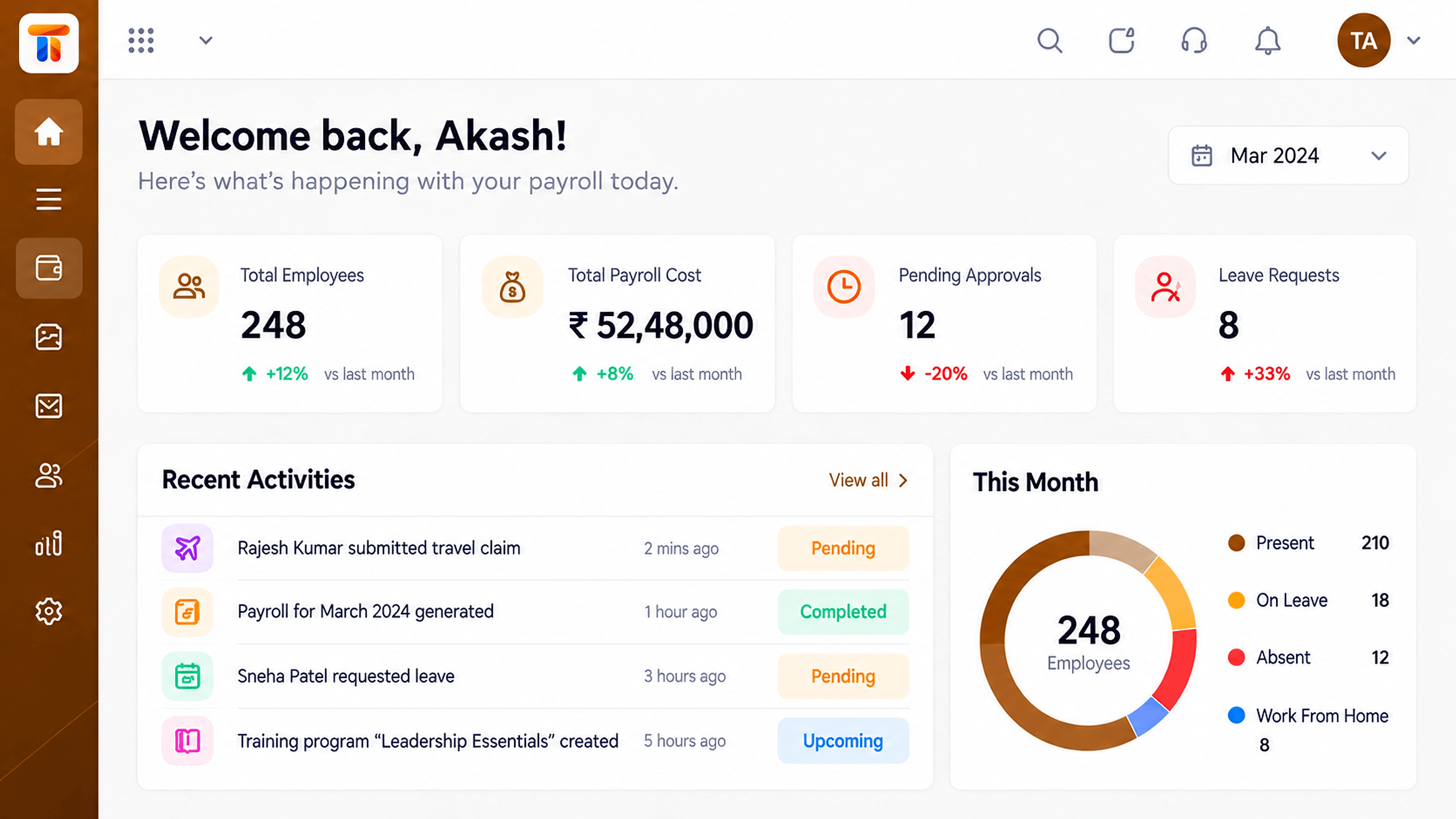
Live Interface Tour
Real screens captured directly from the Triostack Payroll workspace.
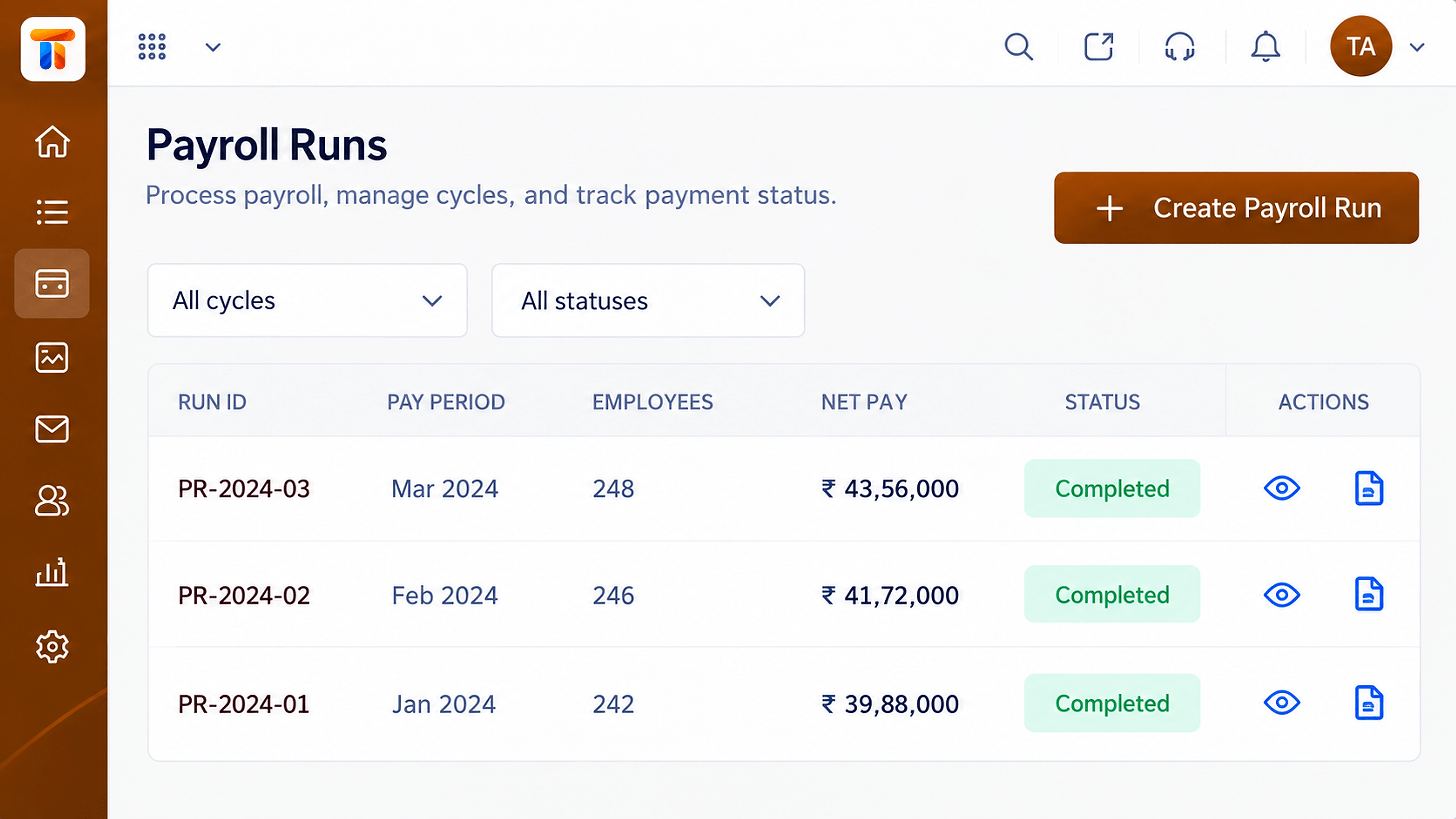 Payroll
Monthly runs with status, totals and approvals
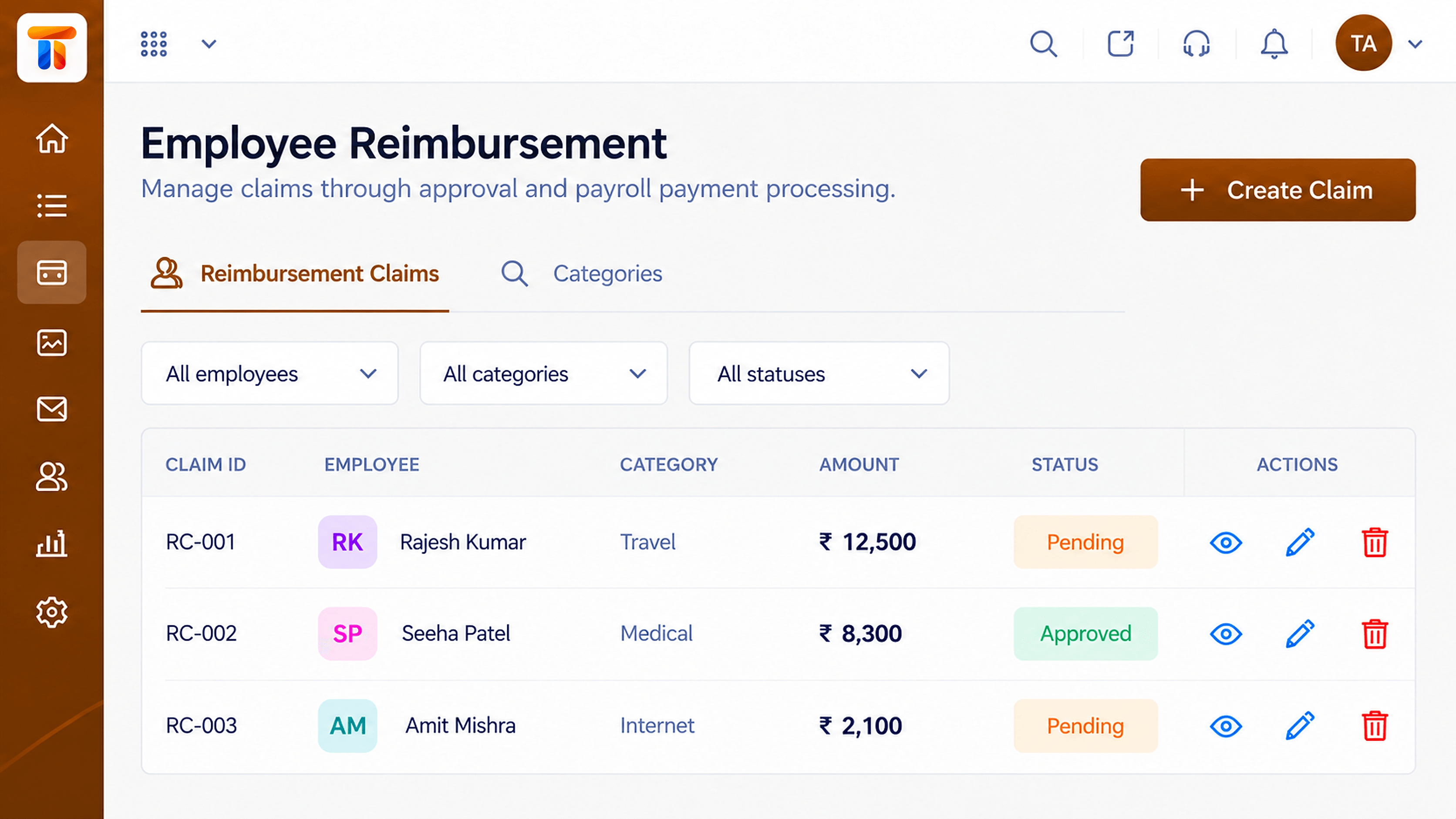 Claims
Expense claims reviewed and added to pay
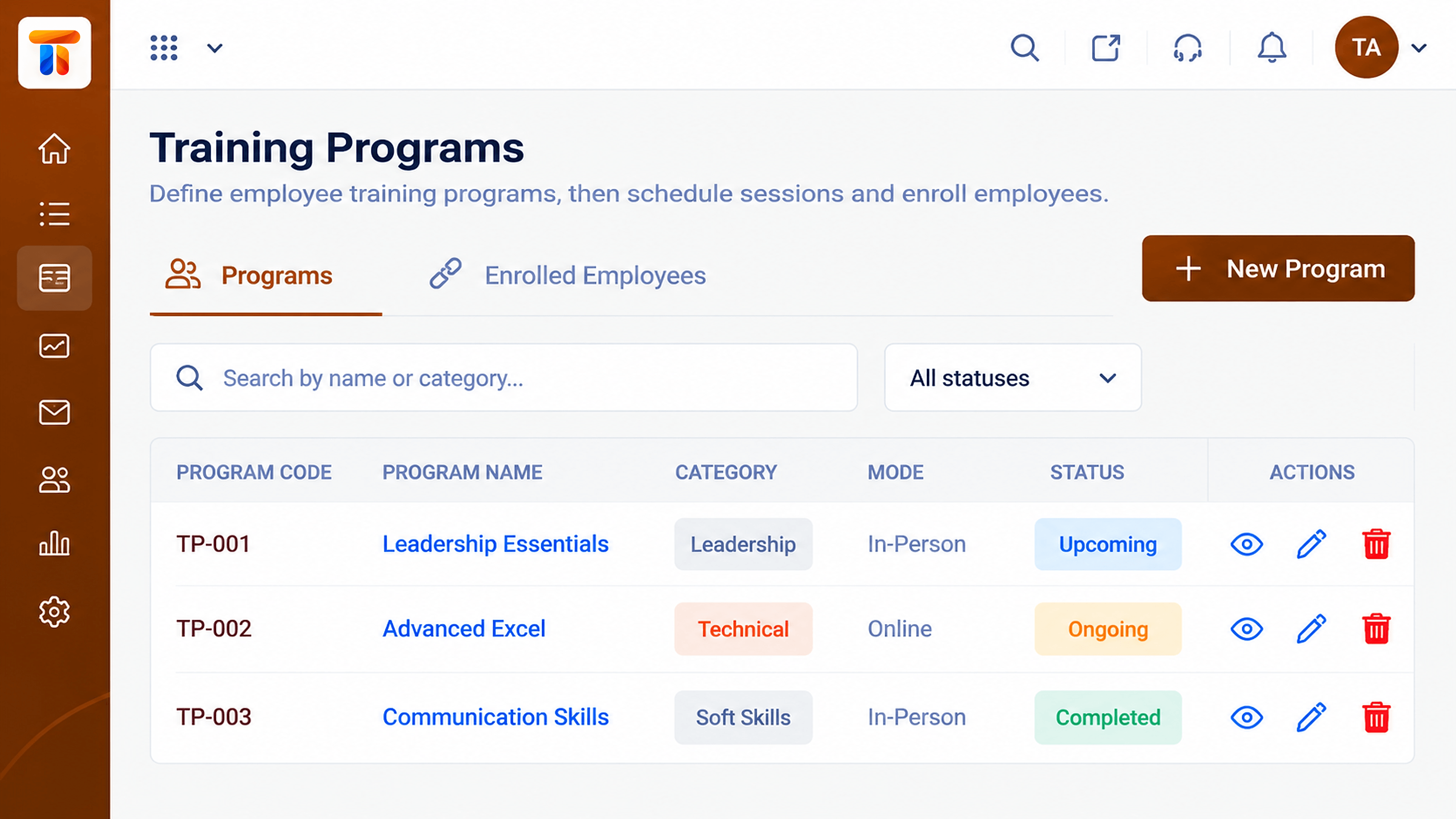 People
Programs and participation records
Feature Breakdown
Captured from the Triostack Payroll workspace.
CompareWhat you see each month.
CompareHow the cycle works.
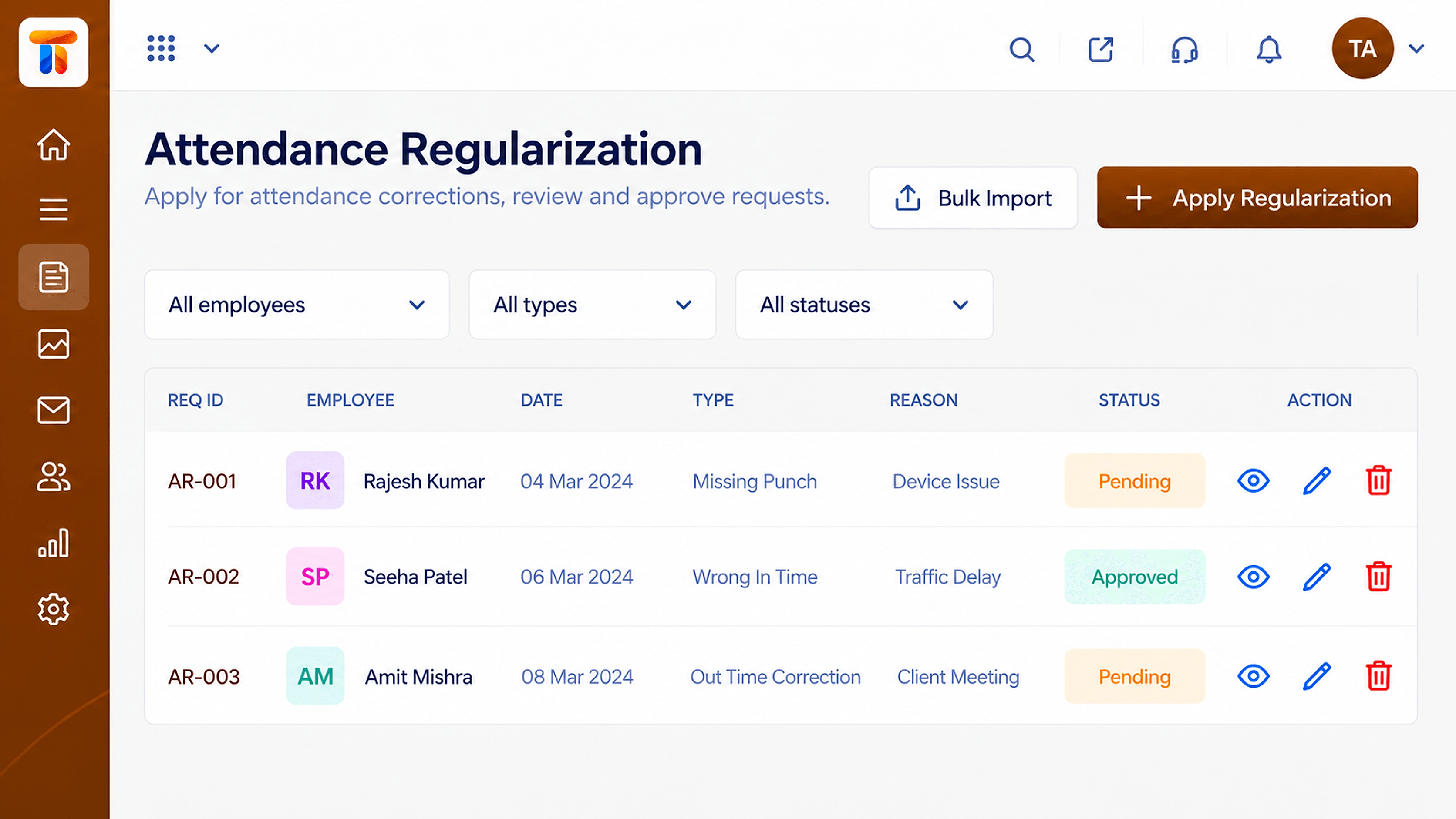 Compare
Data that drives pay.
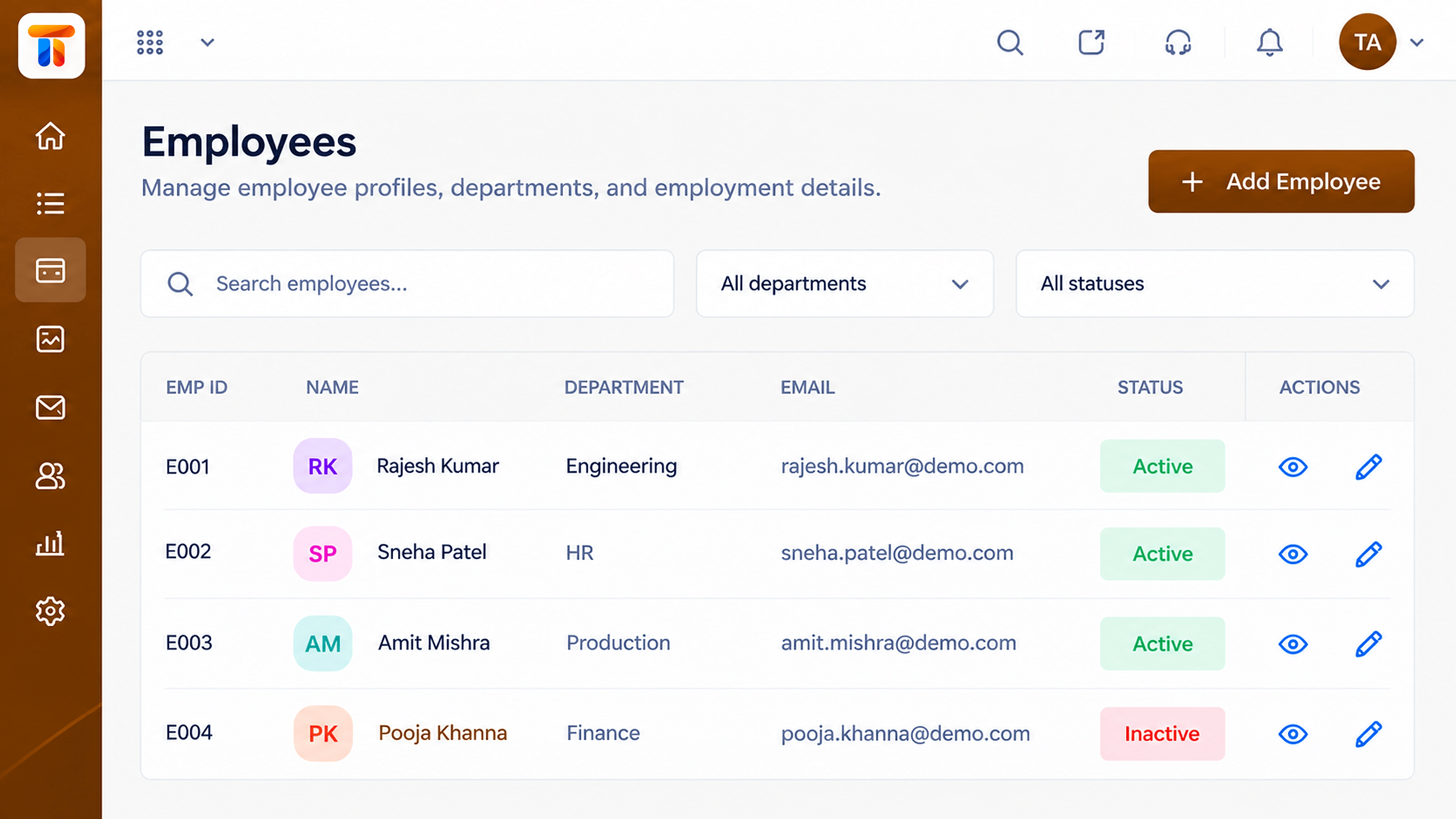 Compare
The foundation.
Execution Plan
Adjust the list to your needs.
Use your own data where possible.
Same questions, same scale.
HR, finance and employees.
In Real Life
Scenario 01
Three tools are cut to two quickly.
Scenario 02
The same eight questions go to each.
Scenario 03
HR and finance compare scores side by side.
Frequently Asked Questions
Yes. Use it with any payroll tool, including ours.
Treat them as a starting point and ask for a live demonstration.
Usually how clean the inputs are before the run.
Yes. Request a demo and bring your own questions.
Employee records, attendance, reimbursements and monthly pay runs in one workspace, built for finance and HR teams.
