The best Business Suite software in India, built to help your business grow. Contact us at +91-8882435276.
[ Contact ]
Phone number
Email address
Head office
Noida office
The right team at TriostackOne will get back to you.
Compare Triostack Desk with Freshdesk, Zendesk, Zoho Desk, HelpScout and Intercom, and learn what to weigh beyond a feature list.
A fair guide to choosing a helpdesk
Positioning Assessment
Helpdesk comparisons often reduce to feature counts. In practice, fit depends on channels, team size, stack and budget.
These pages compare Desk with five well-known tools in general terms and suggest how to evaluate fairly. Always verify current features and prices on each vendor's website.
“A one-week pilot with a real scenario told us more than any comparison table.”
Sample team scenario
Illustrative example, not a customer testimonial
Illustrated Overview
Picture a crossroads: each road leads to a different helpdesk, and the sign asks what you actually need.
Not with features.
A week tells you a lot.
Add-ons and effort matter.
Platform Integrity
No unverifiable claims
Test your own journey
Include add-ons
We assist
Detailed Comparison
What distinguishes each alternative at a glance.
| Dimension | Triostack Desk | Alternative's Typical Strength |
|---|---|---|
| Freshdesk | Suite-connected alternative | Full-featured helpdesk |
| Zendesk | Focused toolkit in a suite | Large ecosystem |
| Zoho Desk | Triostack suite family | Zoho suite family |
| HelpScout | Simple inbox plus depth | Clean, simple inbox |
| Intercom | Ticket-first, multi-channel | Conversational messaging |
We help bring over tickets, customers and knowledge articles, and plan the cut-over so support is never interrupted.
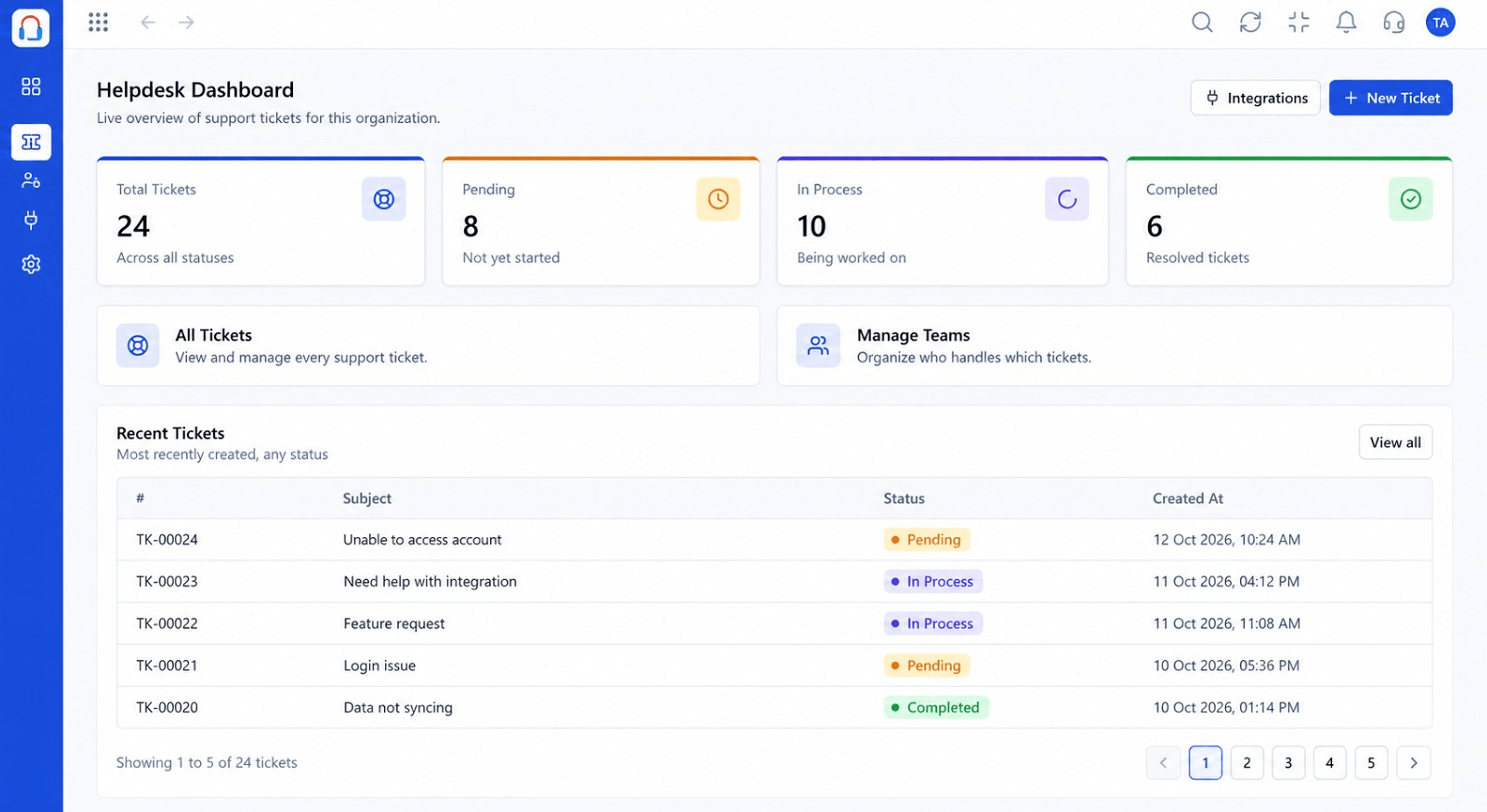
Live Interface Tour
Real screens captured directly from the Triostack Desk workspace.
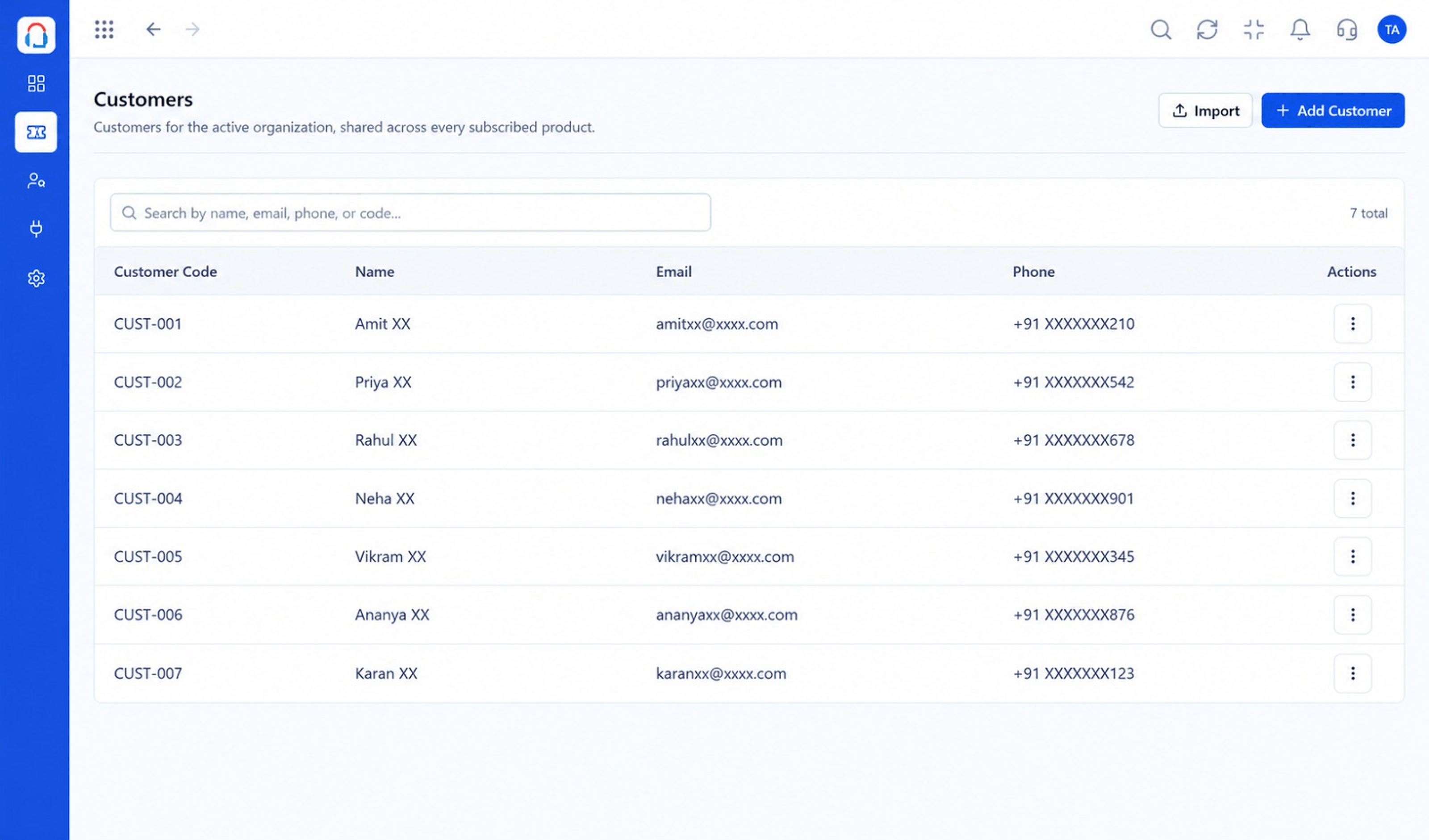 Customers
Every customer with their full ticket history
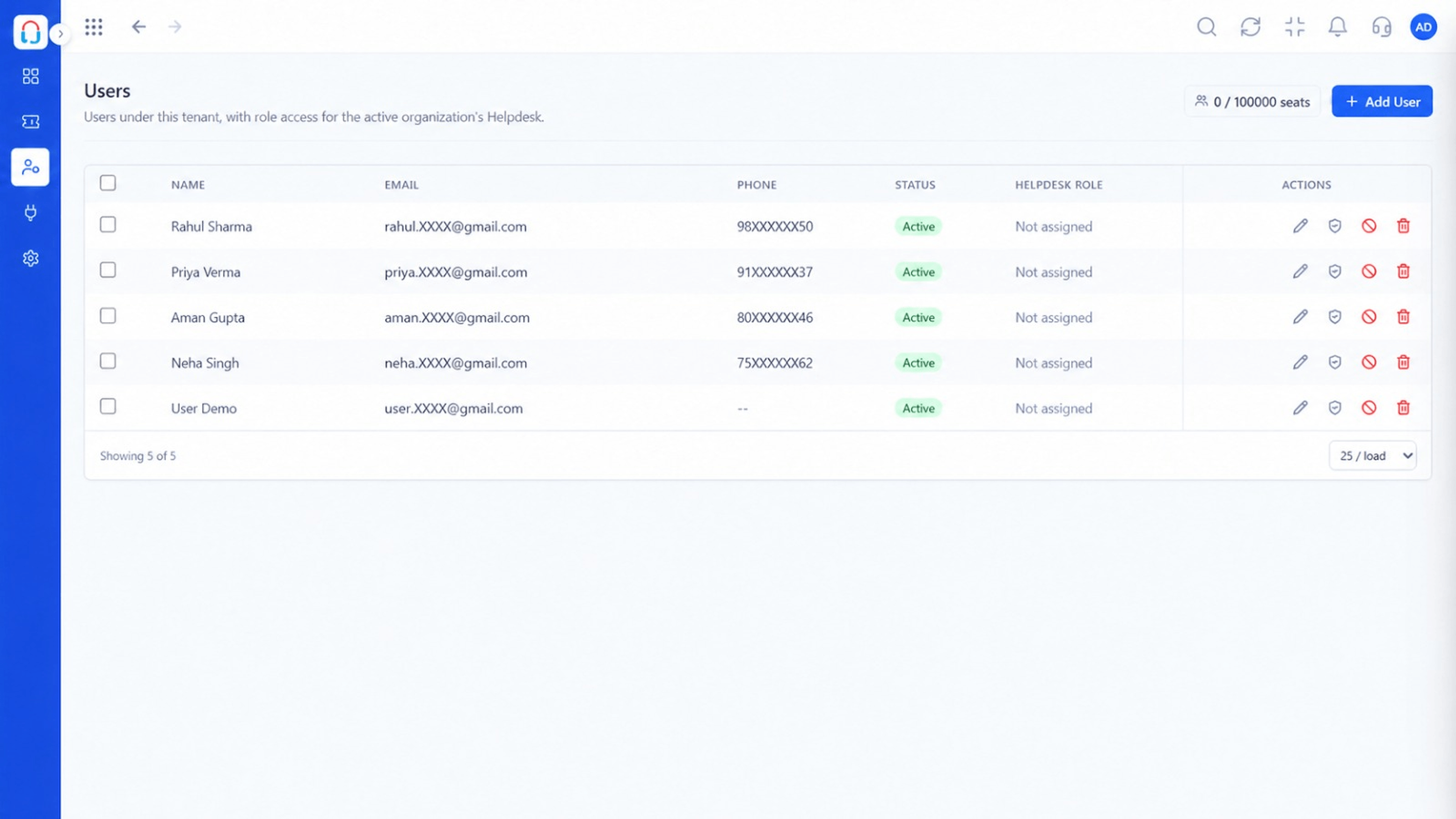 Team
TeamAgents, teams and roles in one place
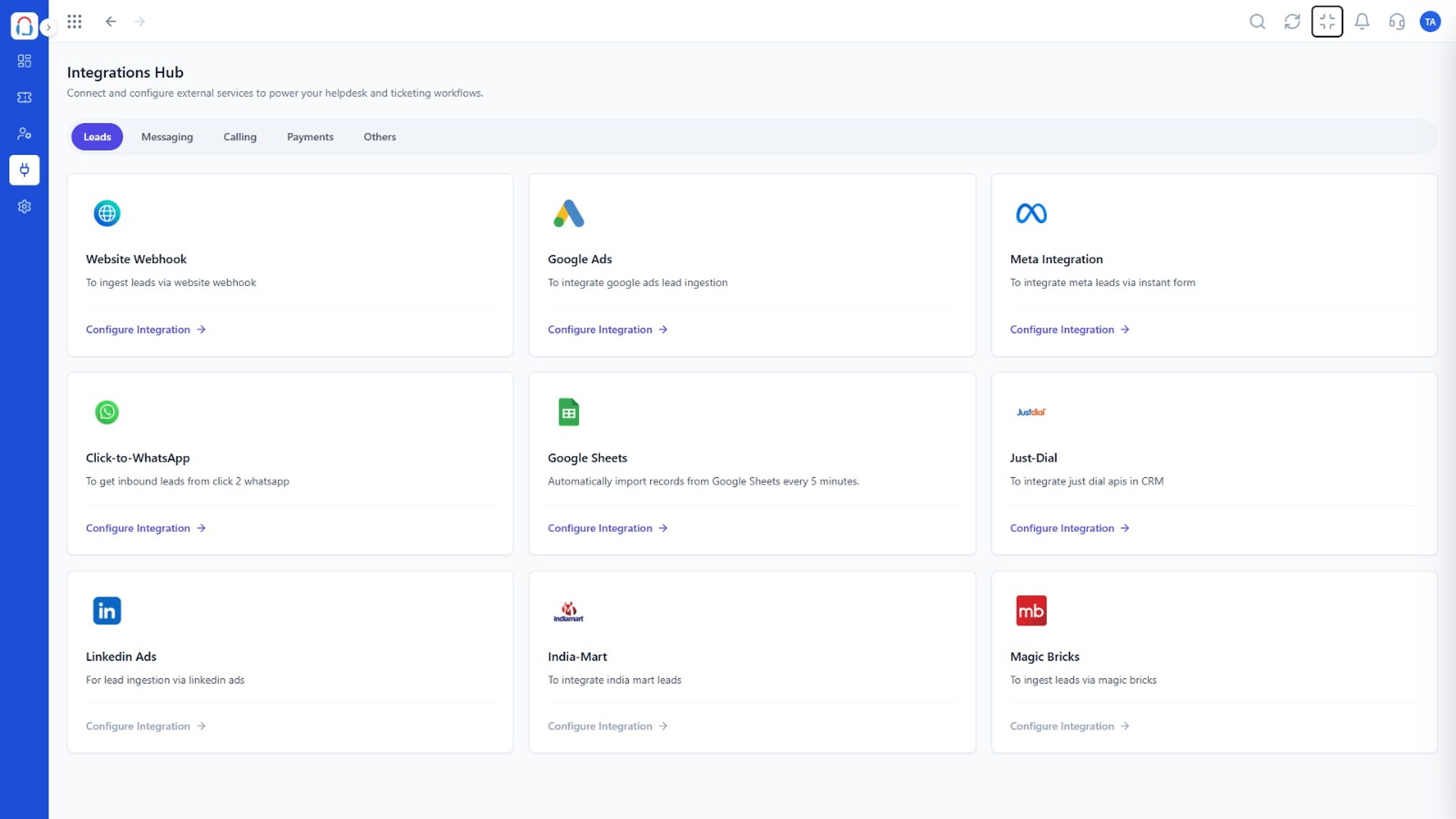 Integrations
Connect channels and tools to your helpdesk
Feature Breakdown
Captured from the Triostack Desk workspace.
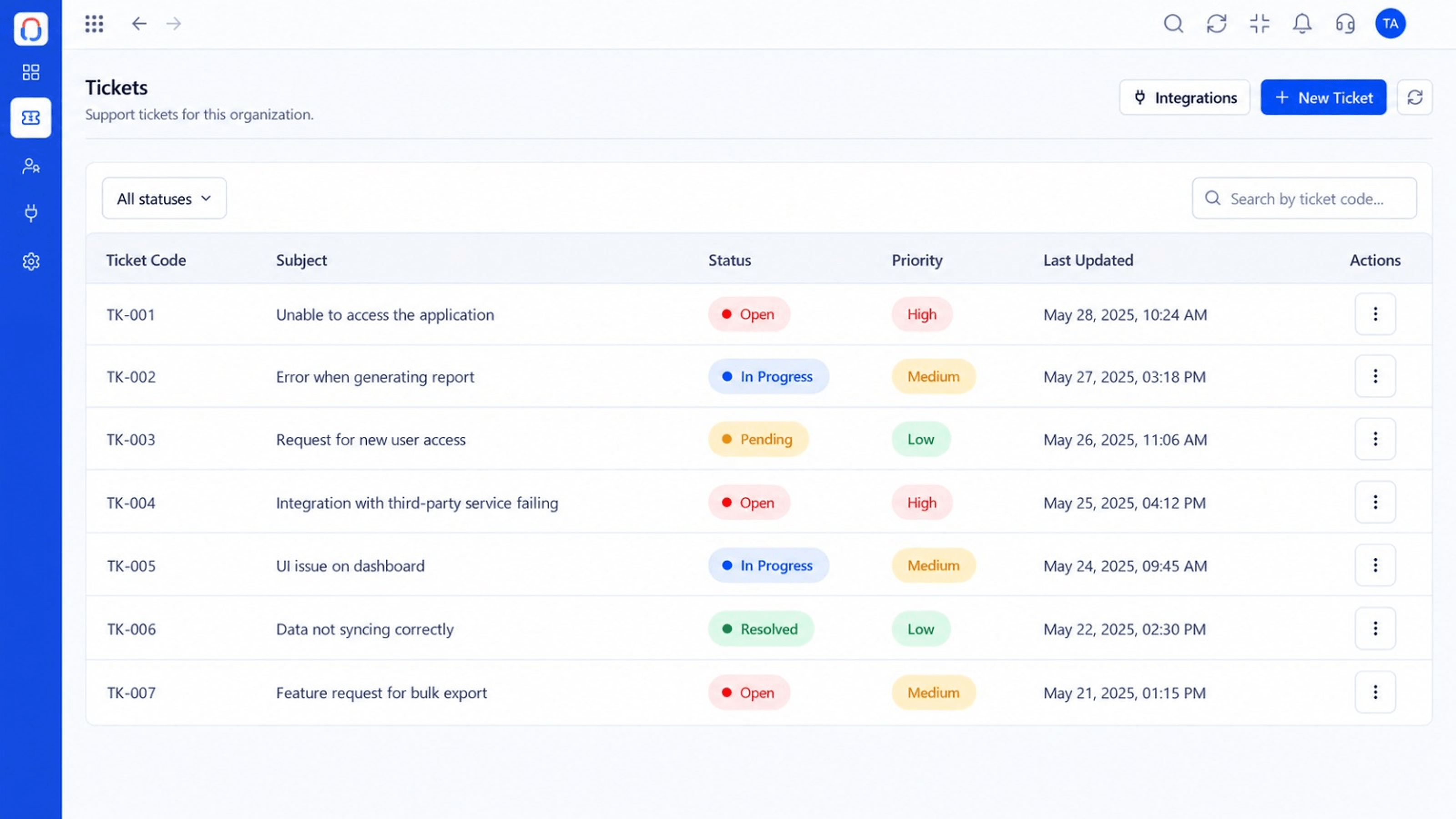 Compare
The shared foundation.
CompareCompare how you measure.
CompareCompare the surroundings.
CompareCompare daily usability.
Execution Plan
Write must-haves and nice-to-haves.
Pick two or three tools.
Run a real week on each.
Pick and plan the move.
In Real Life
Scenario 01
Read the page for your current tool.
Scenario 02
Skim all five and shortlist.
Scenario 03
Use the evaluation process.
Frequently Asked Questions
The one for the tool you are using or considering.
They are intentionally general. Verify details with each vendor.
Yes.
Yes, from the contact page.
Tickets, shared inbox, automation, SLAs, knowledge base and reports, built for support teams of every size.
