The best Business Suite software in India, built to help your business grow. Contact us at +91-8882435276.
[ Contact ]
Phone number
Email address
Head office
Noida office
The right team at TriostackOne will get back to you.
Give employees, managers, HR and admins different levels of access, so personal data stays with the people who genuinely need it.
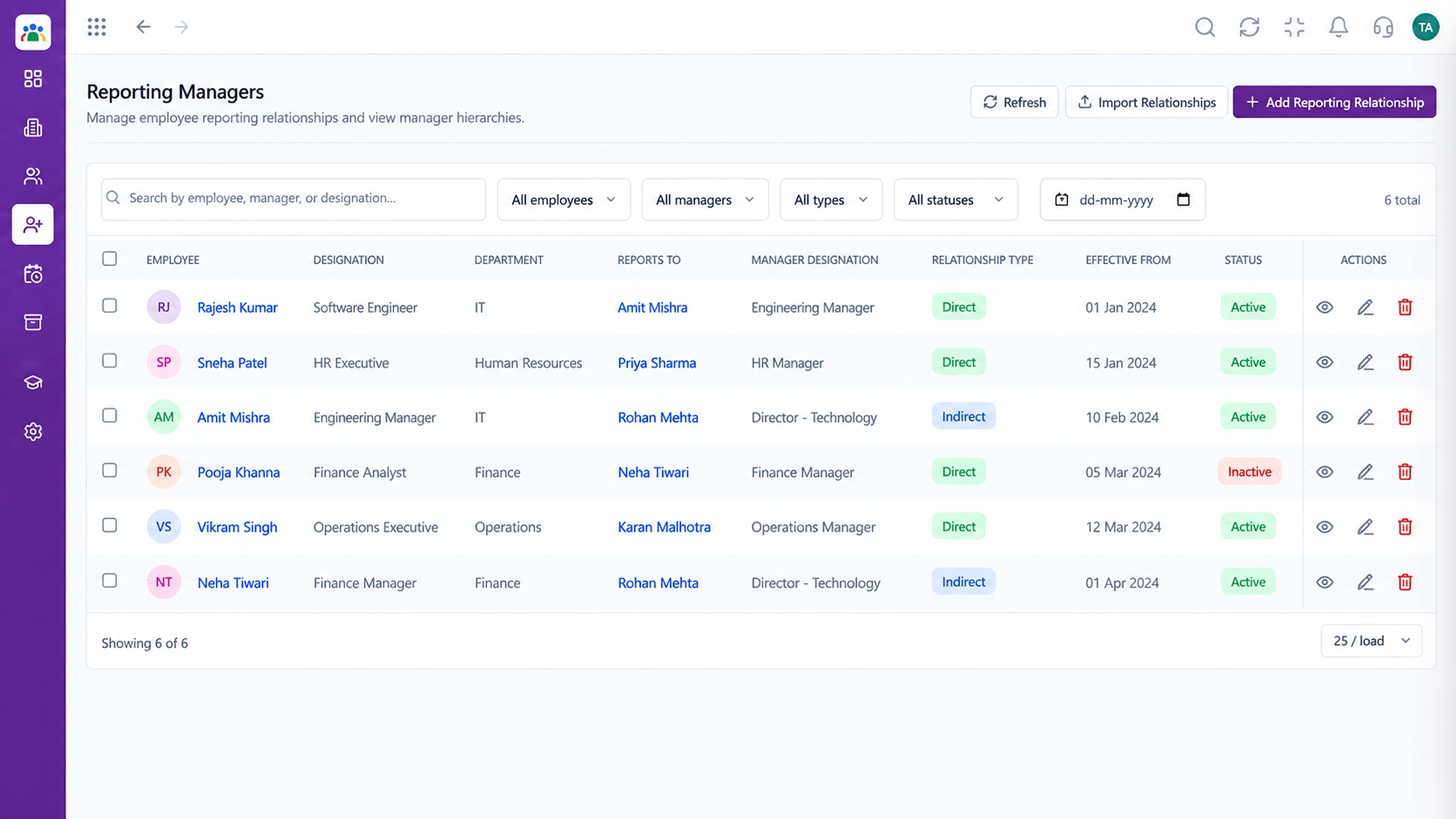
People see only what their role needs
Positioning Assessment
Employee records contain contact details, grades and attendance. Open access to all of it invites curiosity, gossip and mistakes.
HRMS separates what employees, managers, HR and admins can see and do. Managers see their own team through reporting lines, and HR sees what HR needs. Ask us how to design roles for your organisation.
“Managers see their own team and nothing more, which is exactly how it should be.”
Sample team scenario
Illustrative example, not a customer testimonial
Illustrated Overview
Picture a ring with four keys: each person carries only the one that fits the doors they need.
Employee, manager, HR, admin.
Reporting lines set scope.
Review access periodically.
Platform Integrity
Permissions per role
Managers see their reports
Broader where required
Central configuration
How It Works
How controlled access compares with shared files.
| Dimension | Triostack HRMS | Shared Spreadsheets |
|---|---|---|
| Access | By role | Everyone with the file |
| Managers | Own team only | Everything |
| Changes | Controlled and logged | Anyone can edit |
| Leavers | Deactivate the user | Change the sheet |
| Accountability | Tied to users | Anonymous |
We help translate leave, attendance and approval policies into configuration your team can rely on.
Live Interface Tour
Real screens captured directly from the Triostack HRMS workspace.
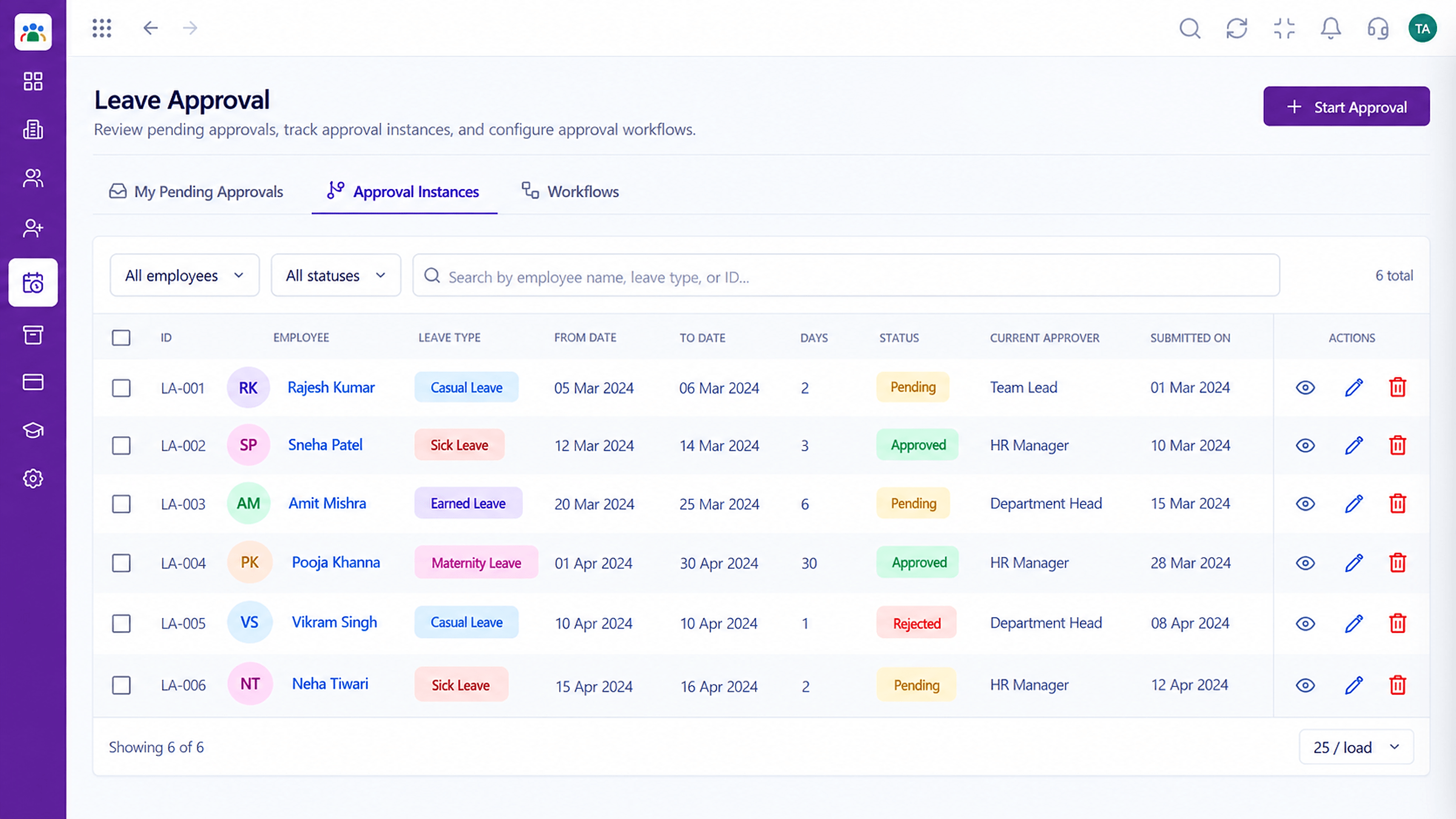 Leave
LeaveApproval instances with current approver and status
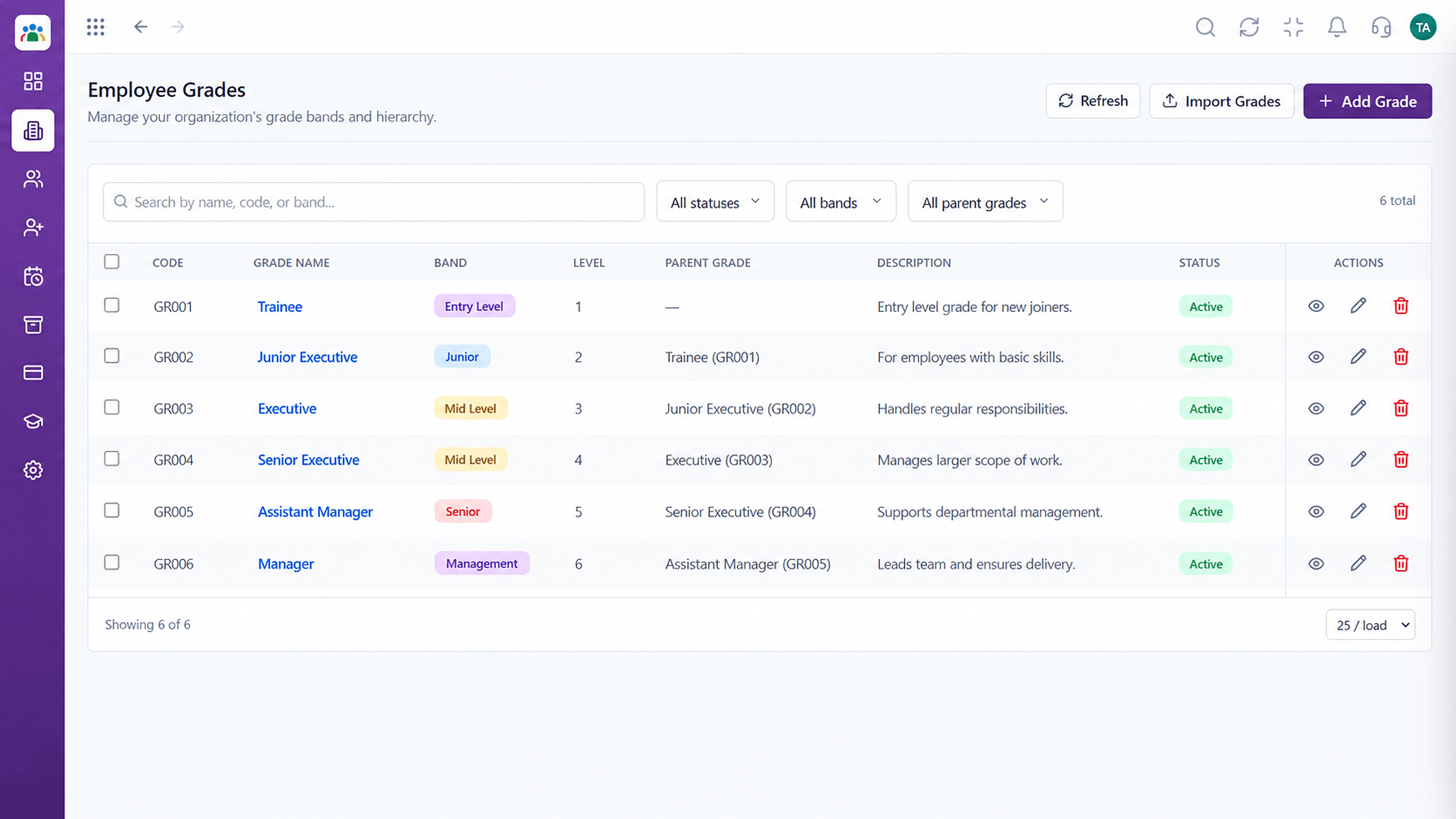 Organisation
Grade structure for your organisation
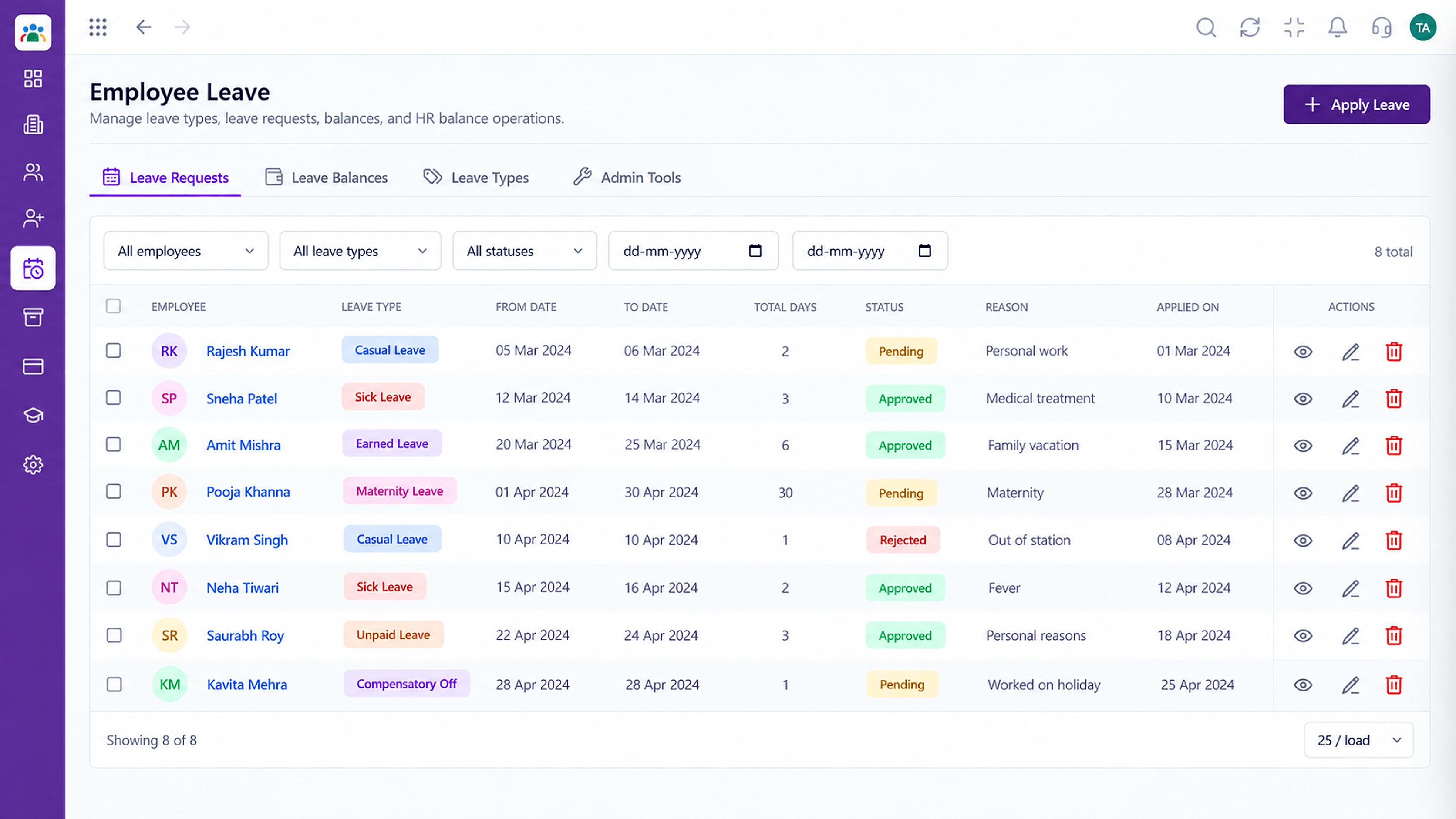 Leave
LeaveLeave types, balances and requests in one place
Feature Breakdown
Captured from the Triostack HRMS workspace.
Policies & ControlDefines team visibility.
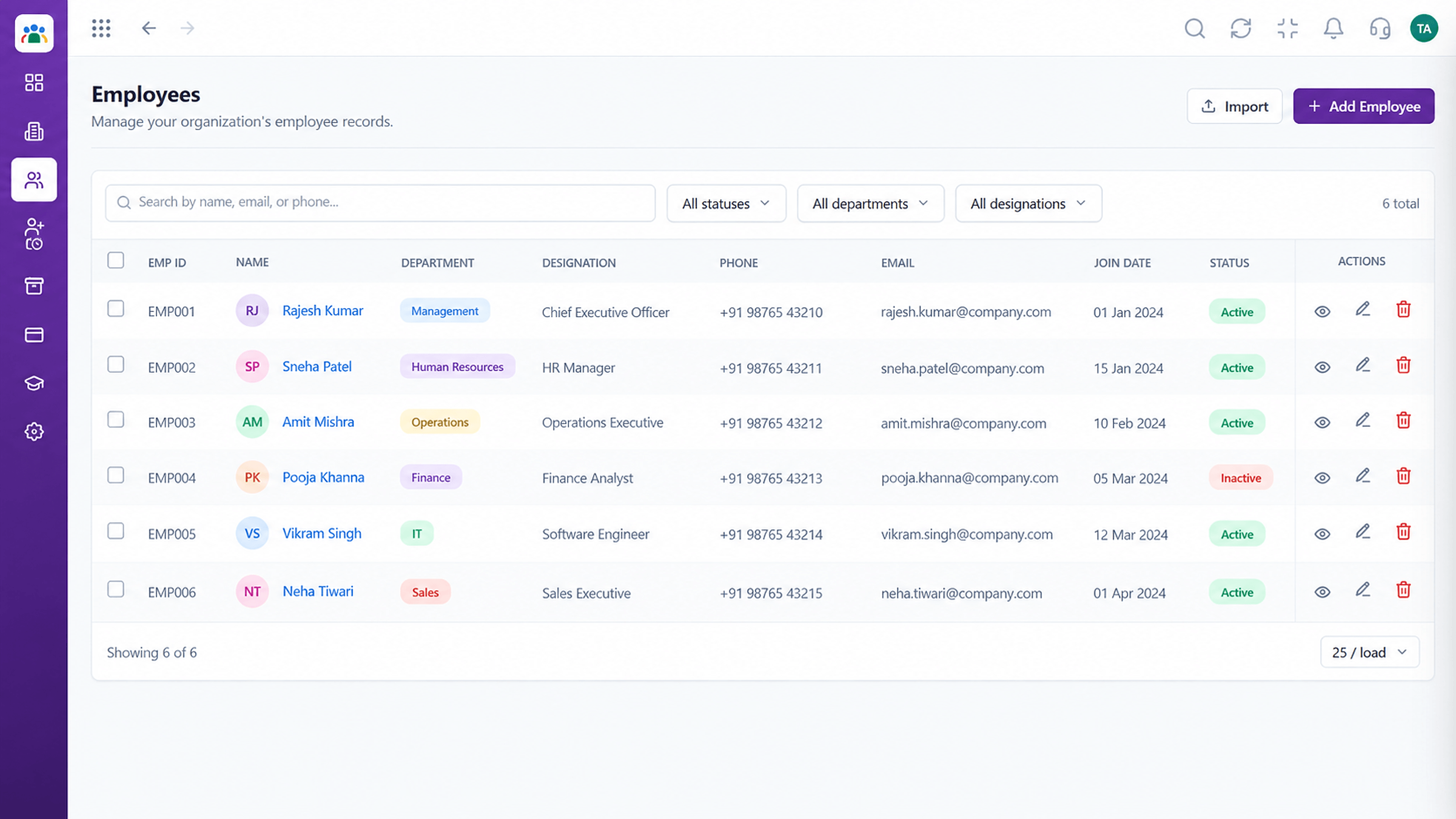 Policies & Control
Who can see what.
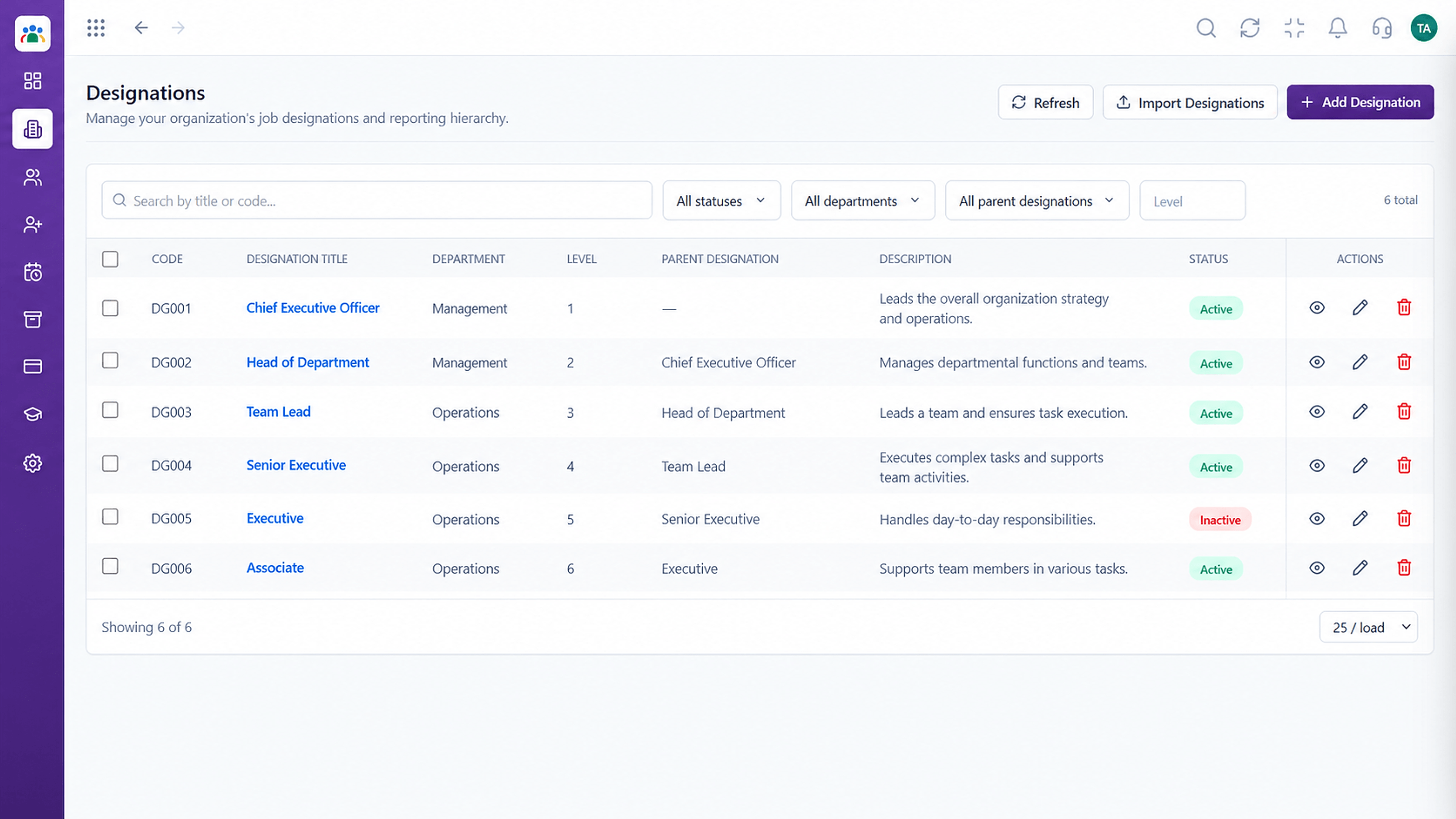 Policies & Control
Access linked to roles.
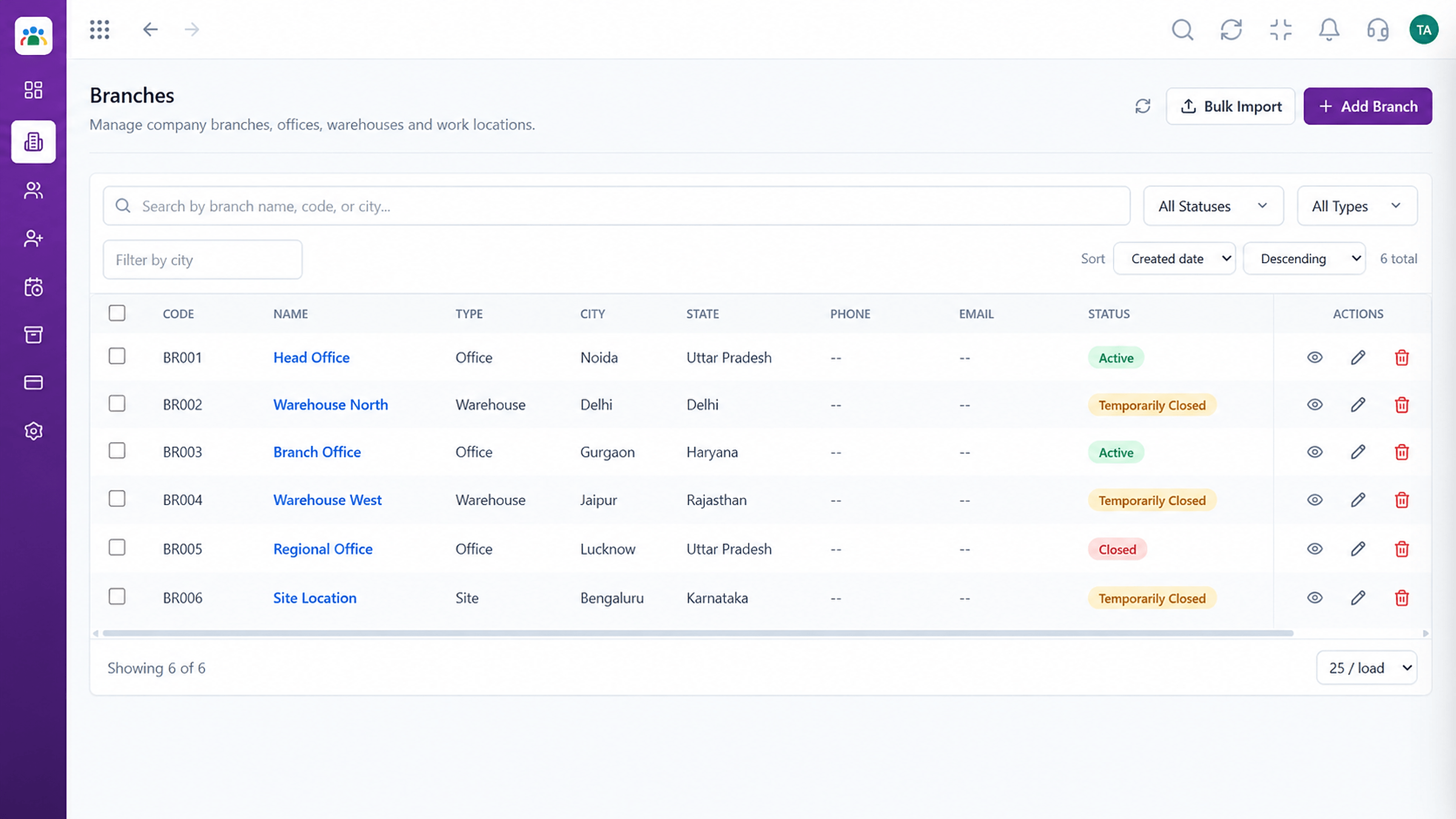 Policies & Control
Limit by location.
Execution Plan
Employee, manager, HR, admin.
Decide what each can see and do.
Place people in roles.
Check access regularly.
In Real Life
Scenario 01
Sees only their own team's leave.
Scenario 02
Handles records without admin rights.
Scenario 03
Gets configuration rights deliberately.
Frequently Asked Questions
No. Reporting lines limit managers to their own team.
Ask us about scoping access by location.
Admins.
Ask us about audit options for your plan.
Employee records, attendance, leave, shifts and approvals in one workspace, built for HR teams and the people they serve.
Explore All Policies & Control
