The best Business Suite software in India, built to help your business grow. Contact us at +91-8882435276.
[ Contact ]
Phone number
Email address
Head office
Noida office
The right team at TriostackOne will get back to you.
Move toward a CRM workspace focused on lead tracking, WhatsApp, compatible Android calling and commercial sales documents. Plan your data transition with appropriate mapping, validation and a controlled cutover; automated migration is not assumed.
Positioning Assessment
Exporting data from Freshsales is straightforward via its built-in Account Export utility. Admins receive a secure ZIP archive containing CSV files for Contacts, Accounts, Deals, and Activities.
Switching to Triostack CRM frees your team from complex tier limits and expensive add-on modules: you gain native WhatsApp Cloud API messaging, mobile Android SIM calling, and integrated GST invoice creation right out of the box.
Our migration blueprint walks you through reviewing exportable entities, mapping fields, executing a staging pilot, and onboarding your sales reps with confidence.
“Migrating from Freshsales to Triostack was the best operational decision we made this year. We eliminated three separate software add-ons, our reps love the mobile SIM calling, and our monthly software bill was cut in half.”
Naveen Prasad
VP Growth, Zenith Logistics
Platform Integrity
Full CSV archive exported directly from Freshsales Admin
Full preservation of phone numbers, emails, and lead sources
Seamless alignment of pipeline stages and values
Complete freedom and independence from per-seat add-on penalties
Detailed Comparison
How Freshsales data models translate into Triostack CRM records.
| Source Record | Proposed Triostack Target | Migration Caveat |
|---|---|---|
| Contacts | Contact / Lead | Contact name, telephone, email address, lifecycle stage, and custom attributes. |
| Accounts | Company / Customer | Company name, industry, address, and primary contact associations. |
| Deals | Deal / Pipeline | Deal title, pipeline stage, deal amount, close date, and assigned owner. |
| Sales Activities | Follow-Up / Tasks | Call logs, appointment records, and task due dates mapped to lead history. |
| Users | CRM Users | Matched by stable company email address to preserve ownership records. |
| Email Logs | Assess separately | Historical email logs require assessment; live email sync is configured anew. |
Our solutions architects handle data cleaning, field mapping, and cutover testing to ensure zero disruption.
Live Interface Tour
Real screens captured directly from the production Triostack CRM interface.
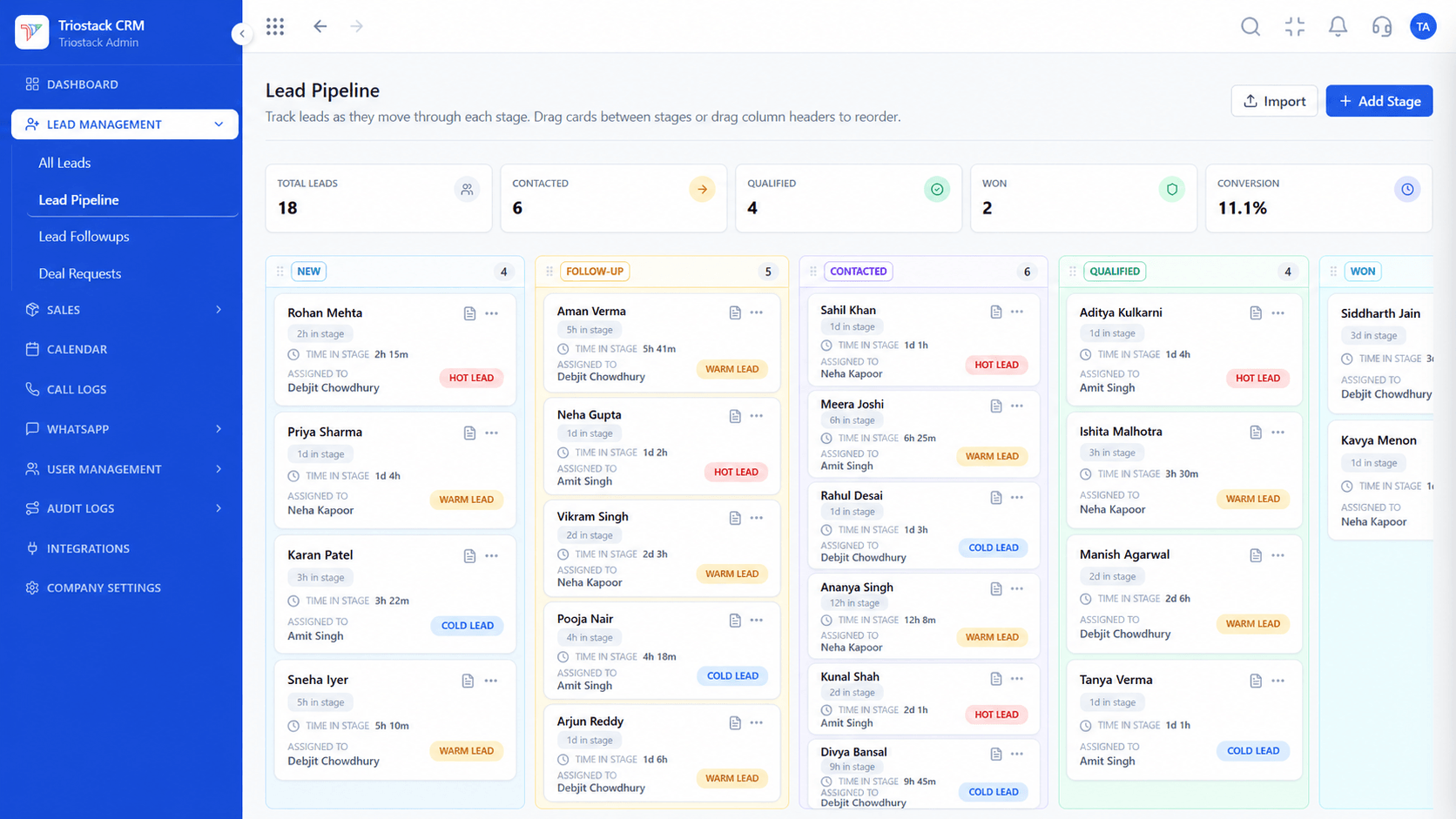 Deals
DealsReplicate Freshsales deal stages with custom close probability
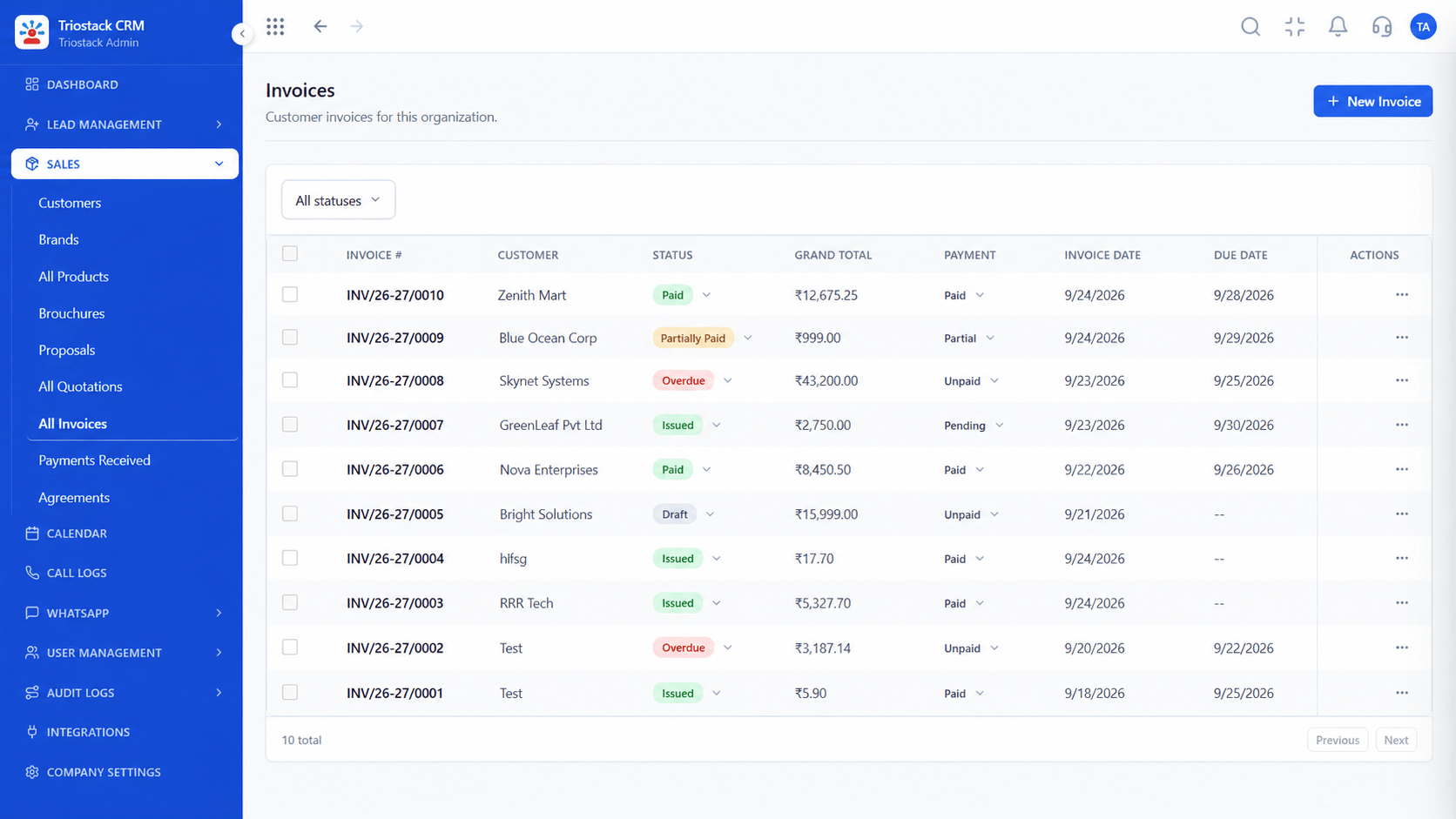 Billing
Issue compliant GST invoices with online UPI links
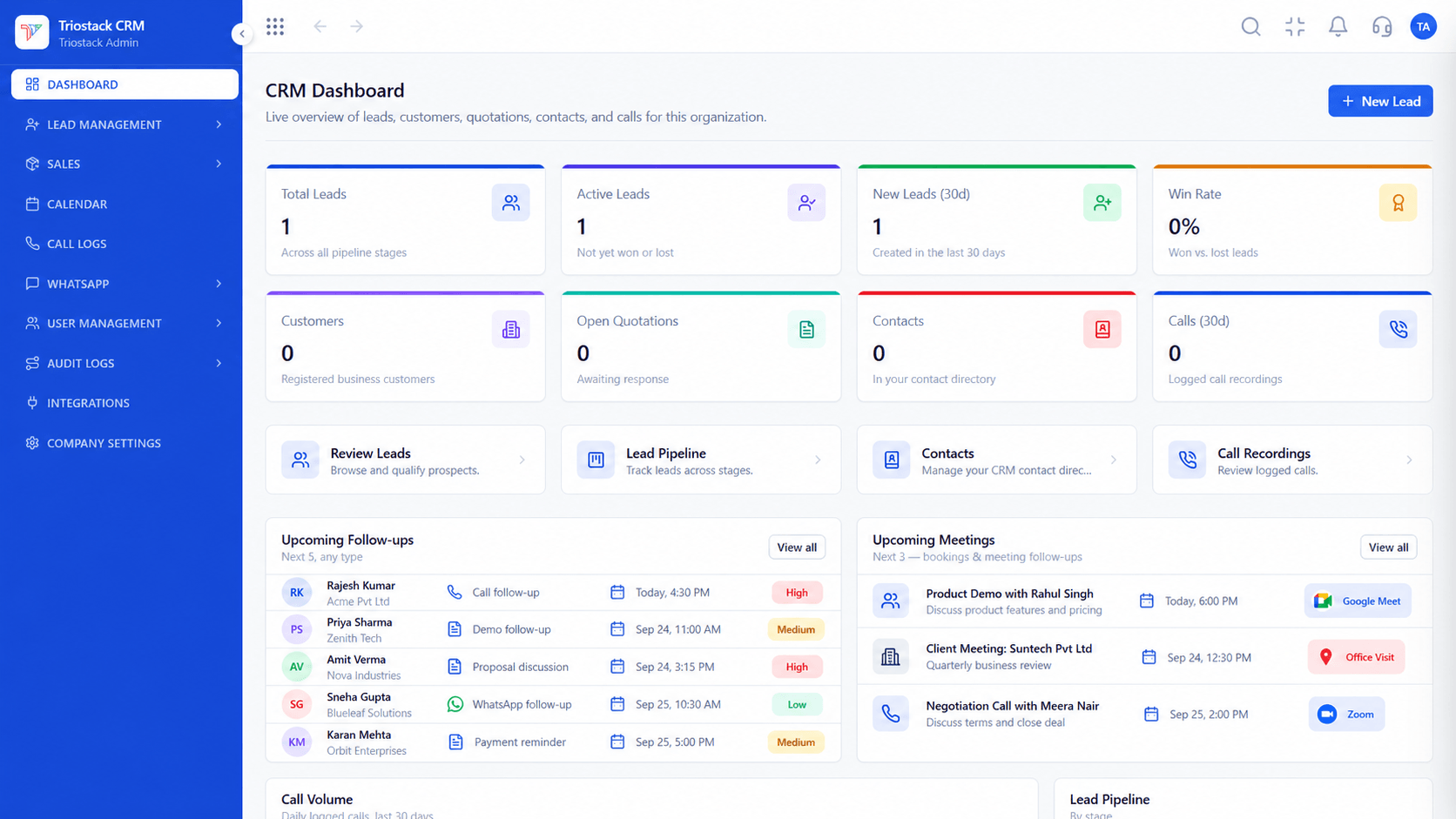 Overview
Real-time visibility across pipeline deals and sales rep activities
Feature Breakdown
Essential information collected prior to your cutover schedule.
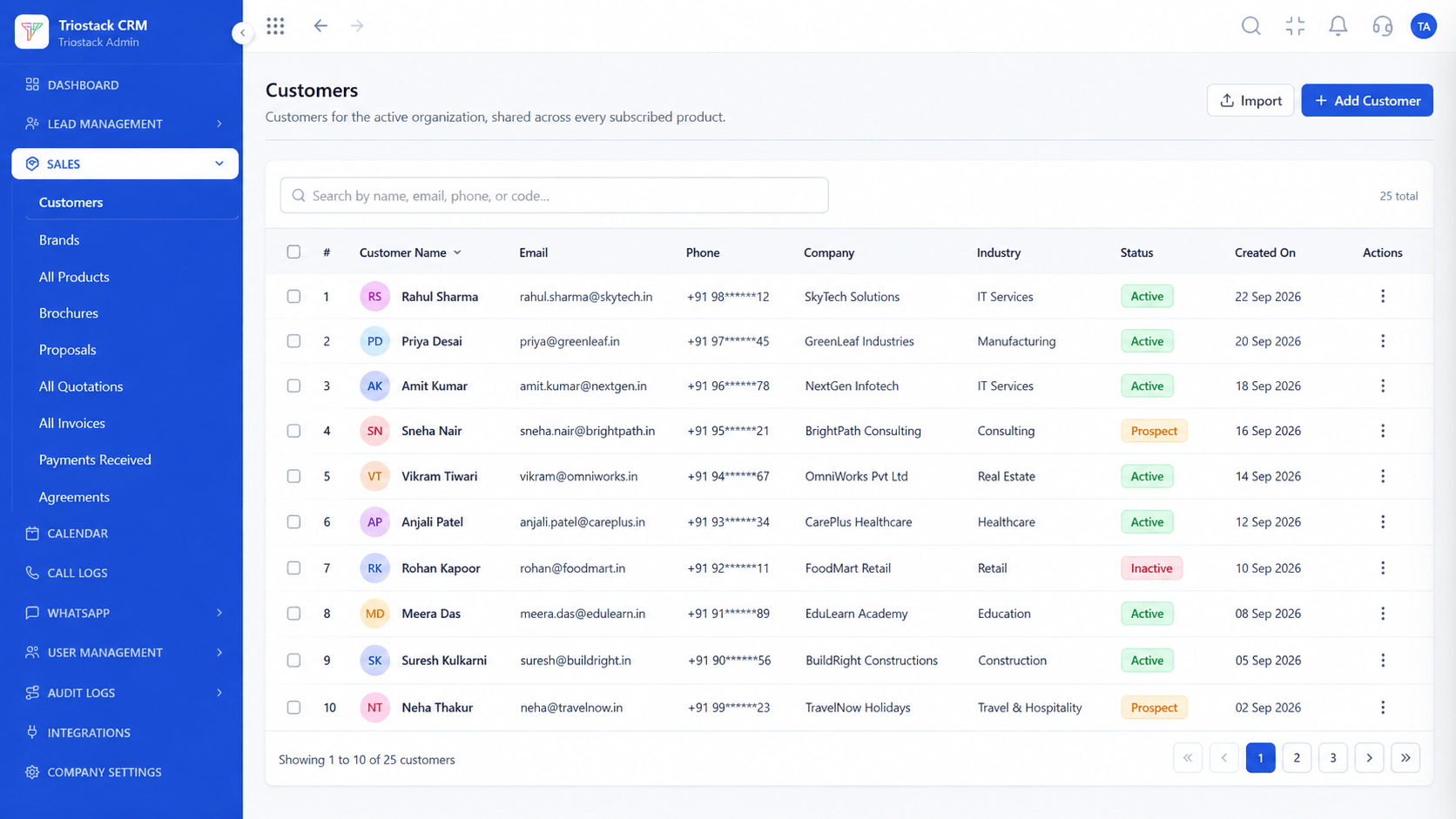 Data Cleansing
Review total counts of contacts and companies to eliminate duplicates prior to import.
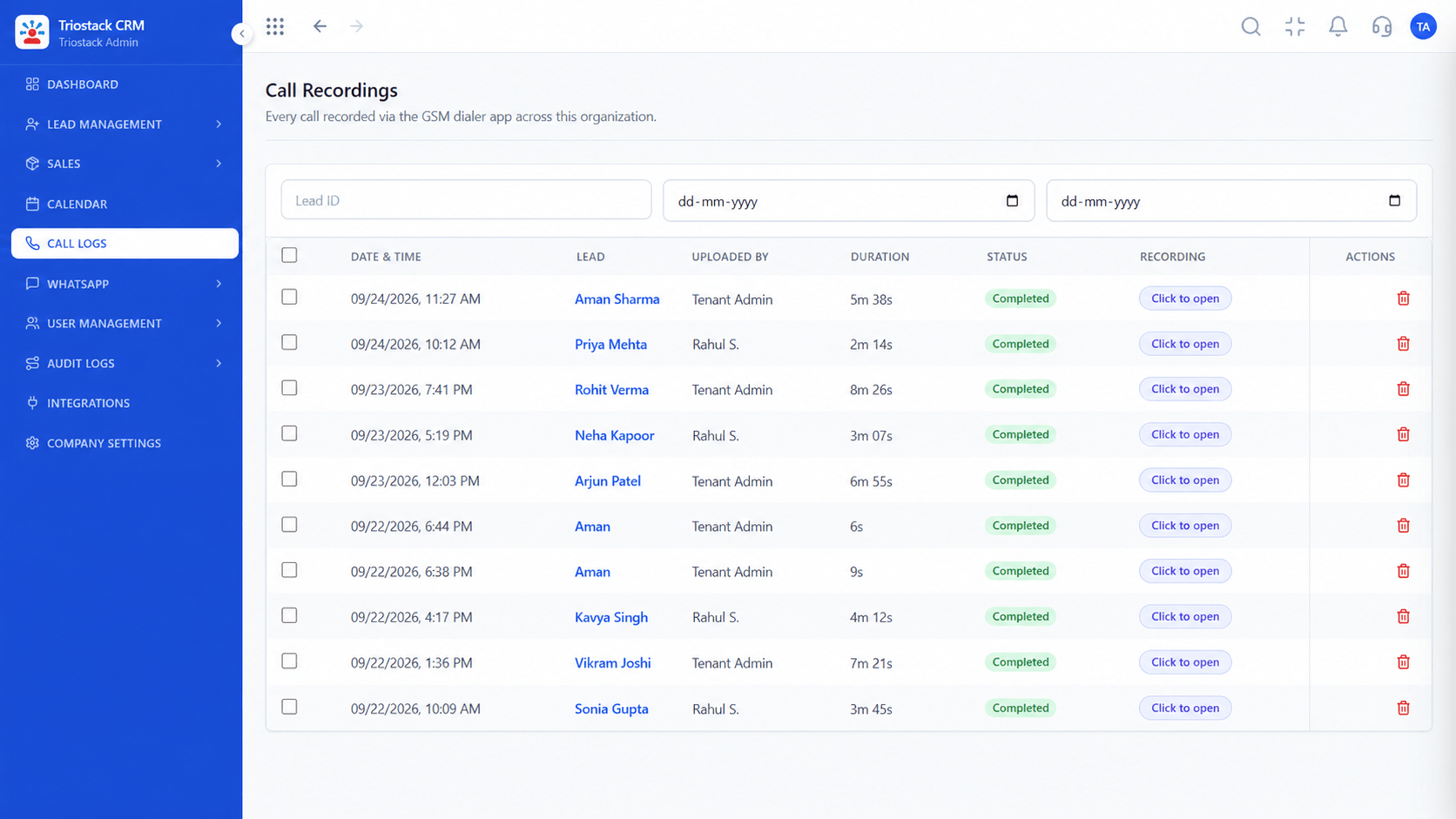 Calling Setup
Move reps from browser VoIP headsets to mobile Android SIM calling with automated duration and audio logs.
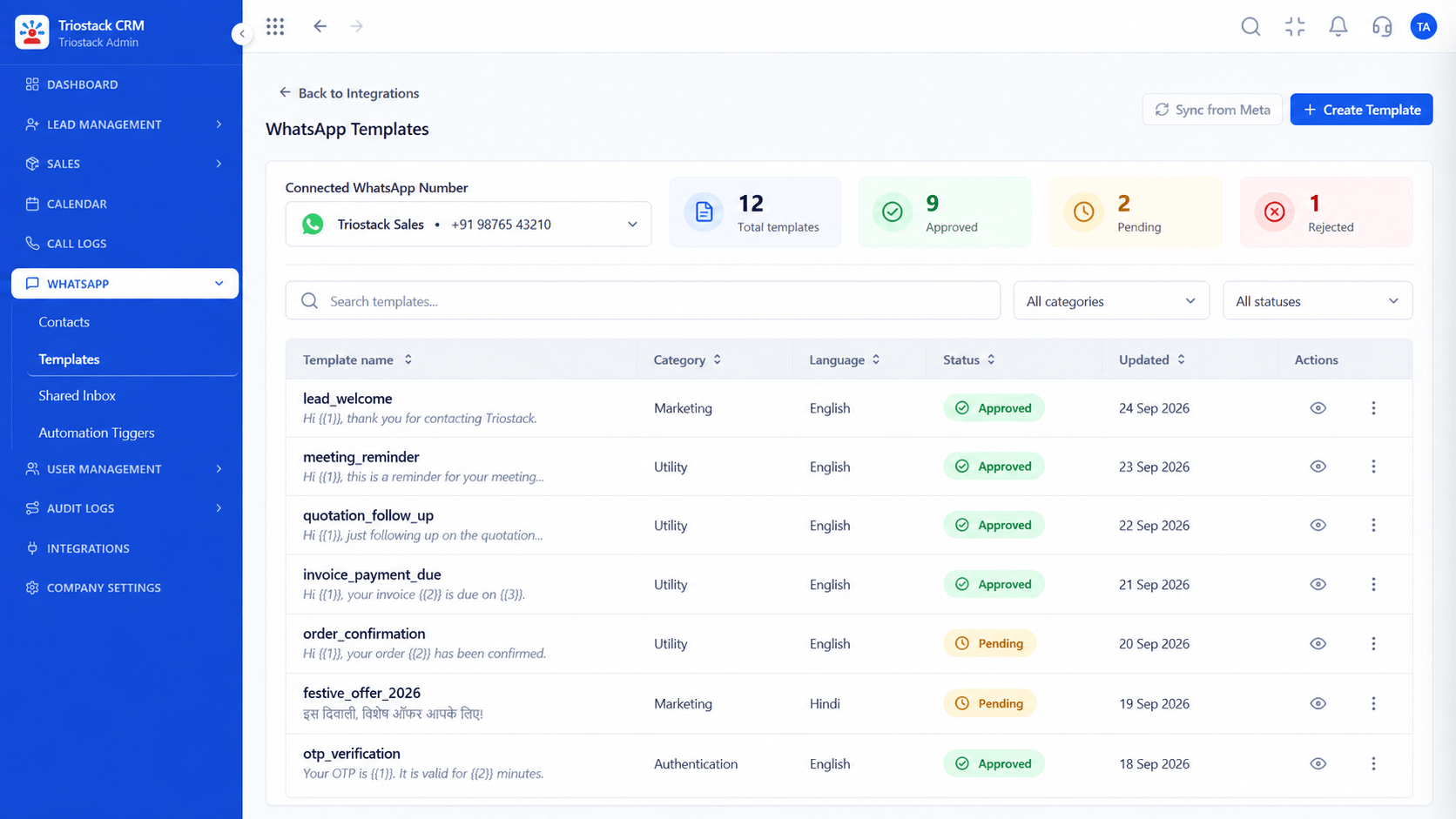 Messaging Setup
Connect your official Meta WhatsApp Business number and import approved communication templates.
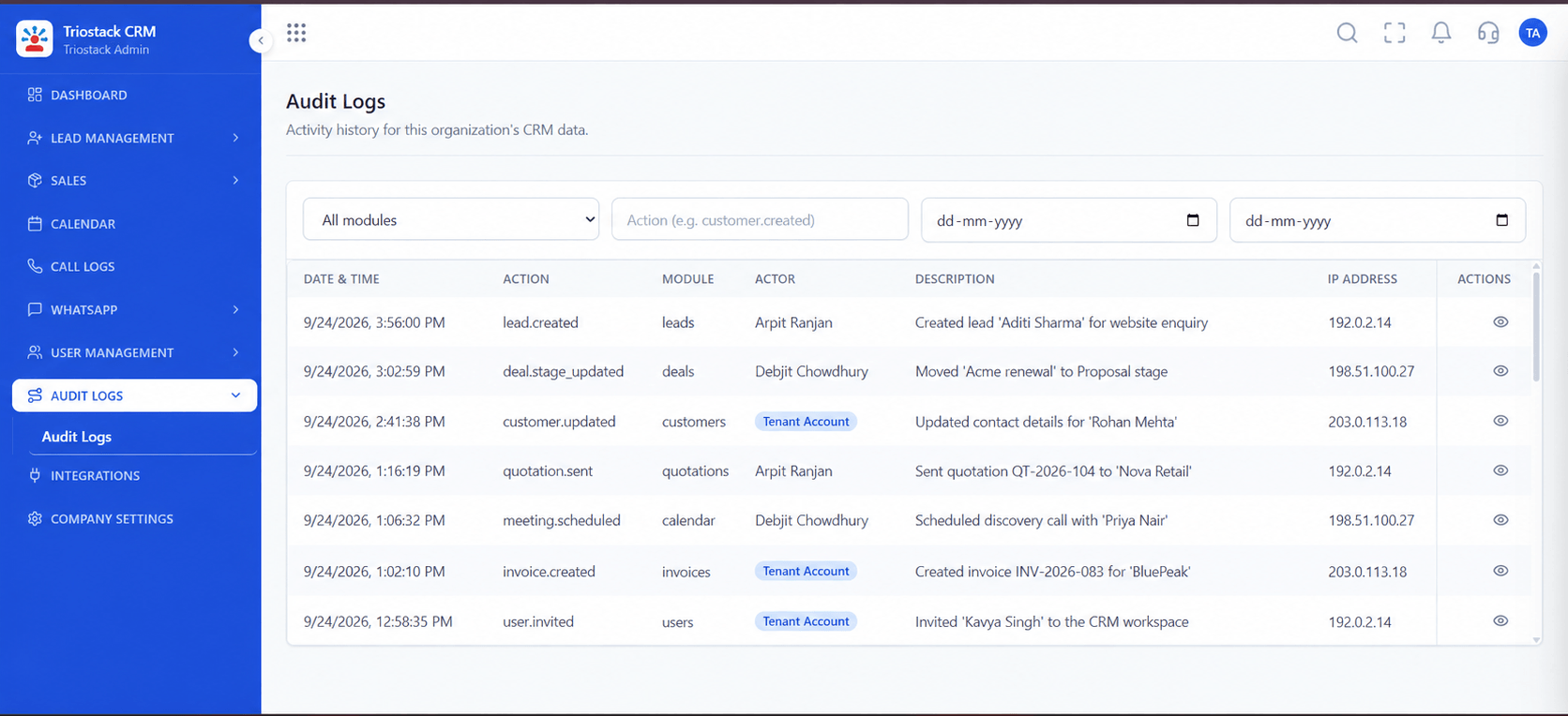 Audit Verification
Run staging audit verification to confirm record integrity and assign rep permissions.
Execution Plan
In Freshsales, go to Admin Settings > Account Settings > Export data and choose categories.
Download and extract the emailed secure ZIP export file containing your raw CSVs.
Normalize phone numbers to international standard (+91) for WhatsApp and calling.
Create matching deal pipeline stages, custom fields, and user accounts.
Import company records first to establish relational parent accounts.
Import contacts and automatically link them to their corresponding accounts.
Import deals mapped to contacts and assigned to appropriate sales rep emails.
Conduct a team walkthrough, test calling and WhatsApp, and start daily execution.
Frequently Asked Questions
Go to Admin Settings > Account Settings > Export Data. Select the record categories you wish to export and submit. Freshsales will email a secure download link for the ZIP archive.
Freshsales allows up to five data exports daily and one full-range export per account. Plan your export during off-peak hours to avoid export delays.
Yes. Notes associated with contacts, accounts, and deals in the Freshsales export can be imported into the corresponding customer timeline in Triostack.
Ensure phone numbers include the appropriate country code (e.g., +91 for India). This allows one-click mobile SIM dialing and WhatsApp template messaging without formatting errors.
Yes. Triostack provides staging environments where you can run a pilot import with sample records to verify field mappings and relationships before your live cutover.
Unify Meta leads, WhatsApp conversations, Android SIM calls, and GST invoices without per-seat price taxes.
