The best Business Suite software in India, built to help your business grow. Contact us at +91-8882435276.
[ Contact ]
Phone number
Email address
Head office
Noida office
The right team at TriostackOne will get back to you.
Move toward a CRM workspace focused on lead tracking, WhatsApp, compatible Android calling and commercial sales documents. Plan your data transition with appropriate mapping, validation and a controlled cutover; automated migration is not assumed.
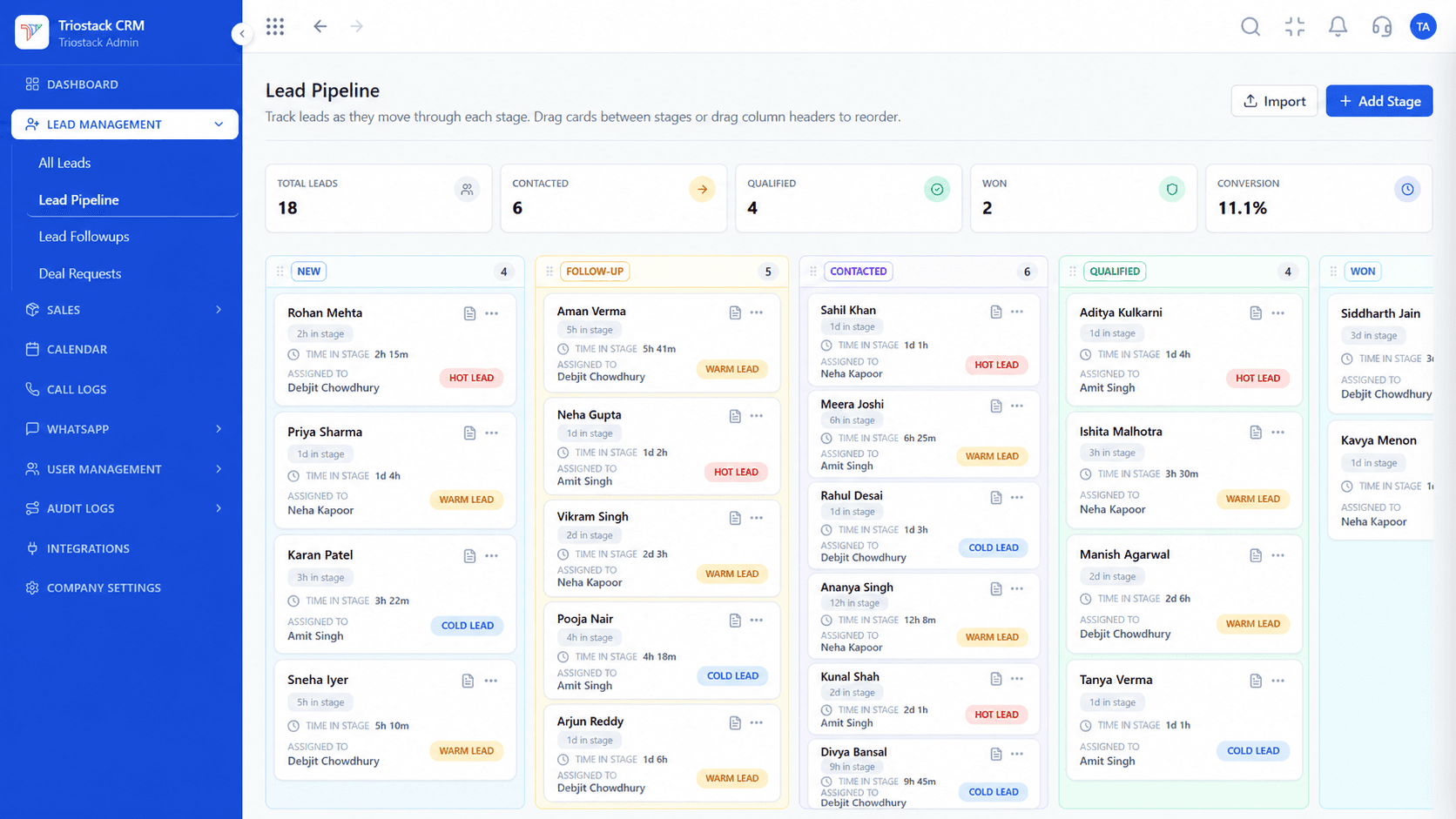
Positioning Assessment
Pipedrive makes exporting your sales data straightforward through its Tools and Apps menu. The key to a successful transition is mapping Pipedrive's 'Persons' and 'Organizations' model into Triostack's unified Contact and Company architecture.
Additionally, moving to Triostack unlocks capabilities that Pipedrive lacked: native WhatsApp Cloud API communication, mobile SIM call recording, and integrated quotation-to-GST-invoice paperwork.
Our migration framework ensures your deal stages, contact histories, and pipeline values transition cleanly without disrupting ongoing customer conversations.
“We exported our 8 Pipedrive pipeline stages and 4,000 active deals on a Friday afternoon. By Monday morning, our team was running calls and sending invoices inside Triostack.”
Gautam Sethi
Managing Director, Nexus Solar
Platform Integrity
Direct export of Persons, Organizations, and Deals
Replicate your exact deal stages and probability weights
Format numbers to E.164 for WhatsApp and SIM calling
Maintain offline backups of all historical records
Detailed Comparison
How Pipedrive record types correspond to Triostack CRM objects.
| Source Record | Proposed Triostack Target | Migration Caveat |
|---|---|---|
| People (Persons) | Contacts | Full name, phone numbers, email addresses, and contact tags. |
| Organizations | Company / Customer | Company name, billing address, and associated contact linkages. |
| Leads | Lead Queue | Inbound lead inbox with lead source attribution and initial owner. |
| Deals | Deal / Pipeline | Deal title, value, pipeline stage, expected close date, and owner. |
| Activities | Follow-Up / Tasks | Due dates, activity types (call, meeting), and completion statuses. |
| Notes & Files | Assess individually | Text notes import into customer timeline; files require separate handling. |
Our solutions specialists will review your Pipedrive schema, format your CSV exports, and supervise the cutover.
Live Interface Tour
Real screens captured directly from the production Triostack CRM interface.
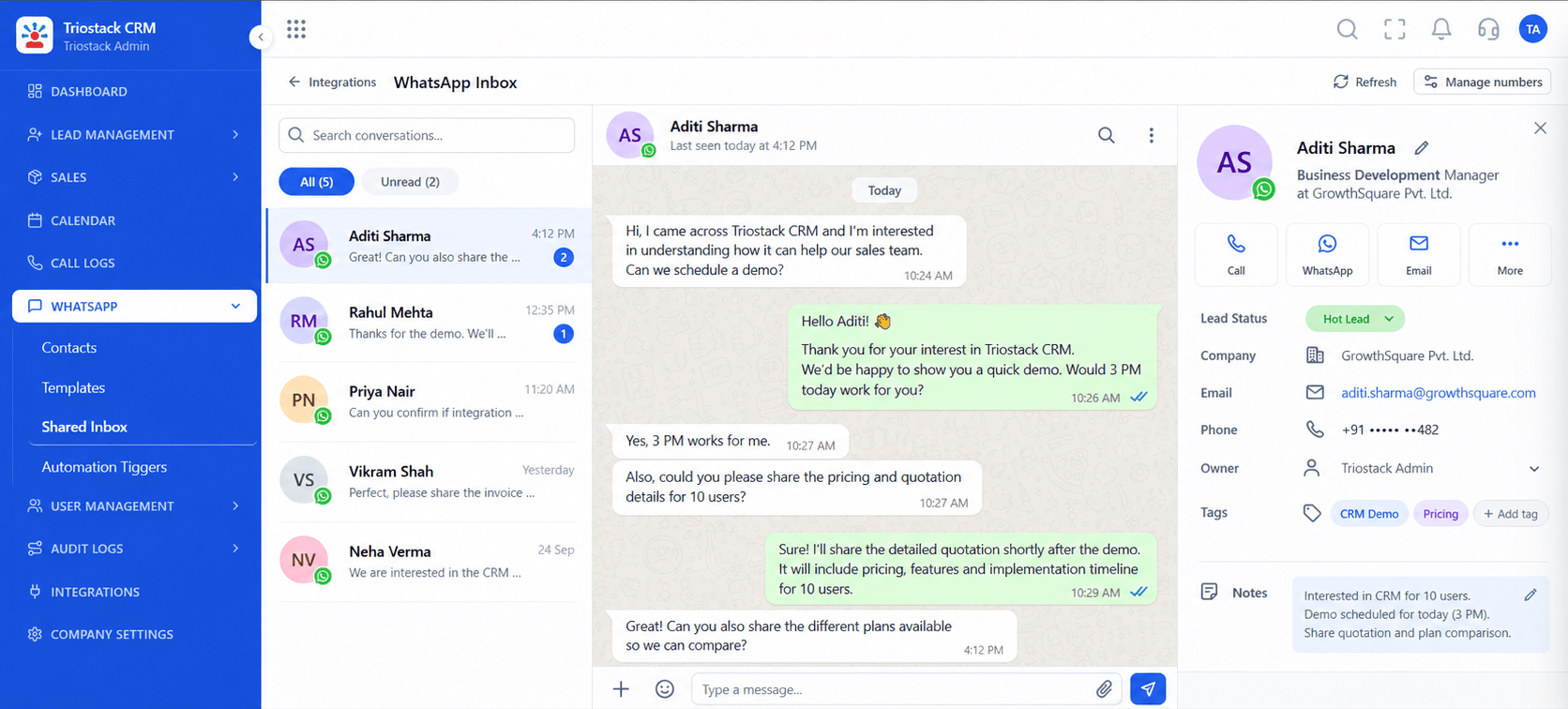 Messaging
Message migrated contacts directly from their customer profile
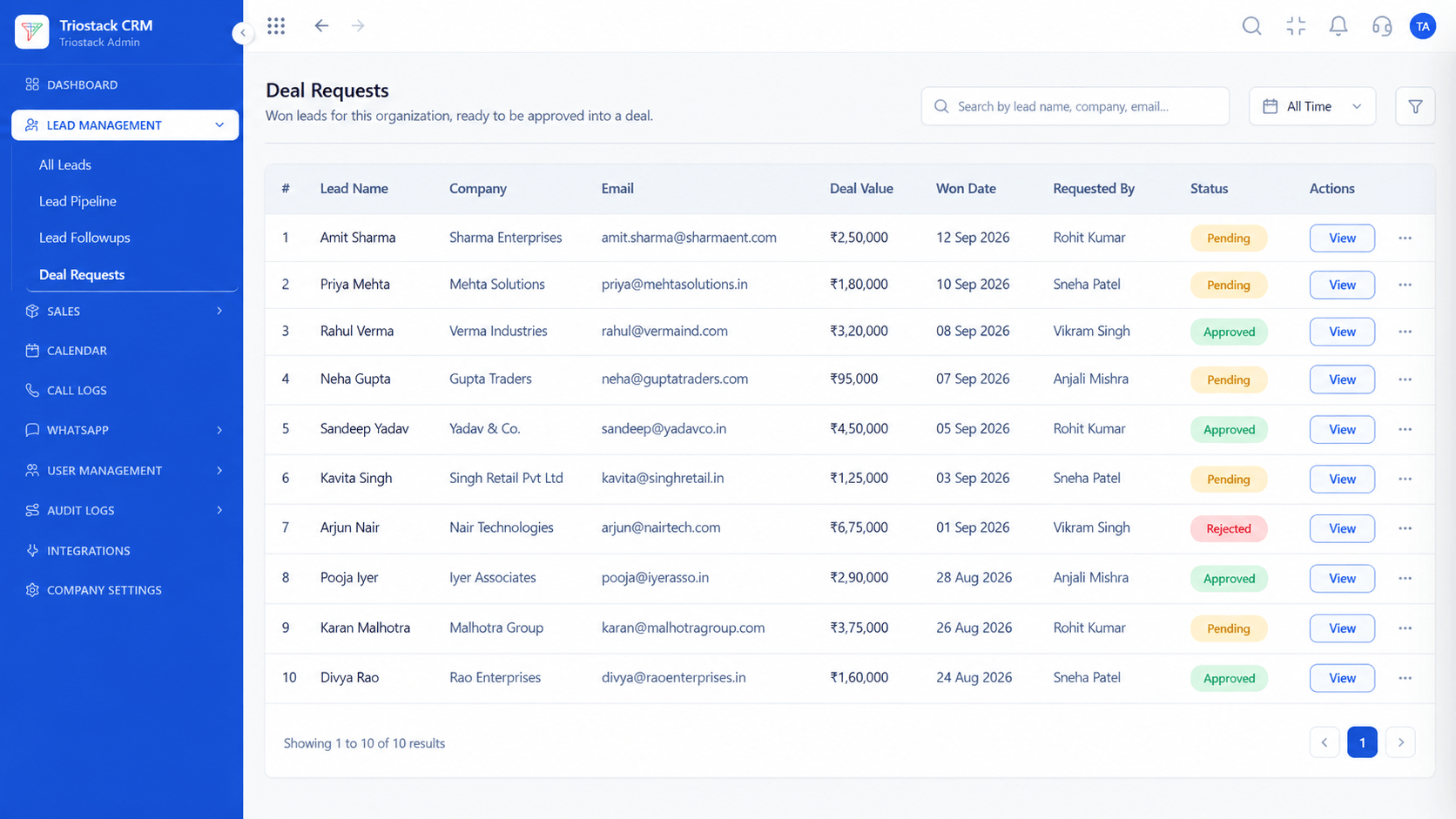 Routing
Route incoming deals automatically across sales reps
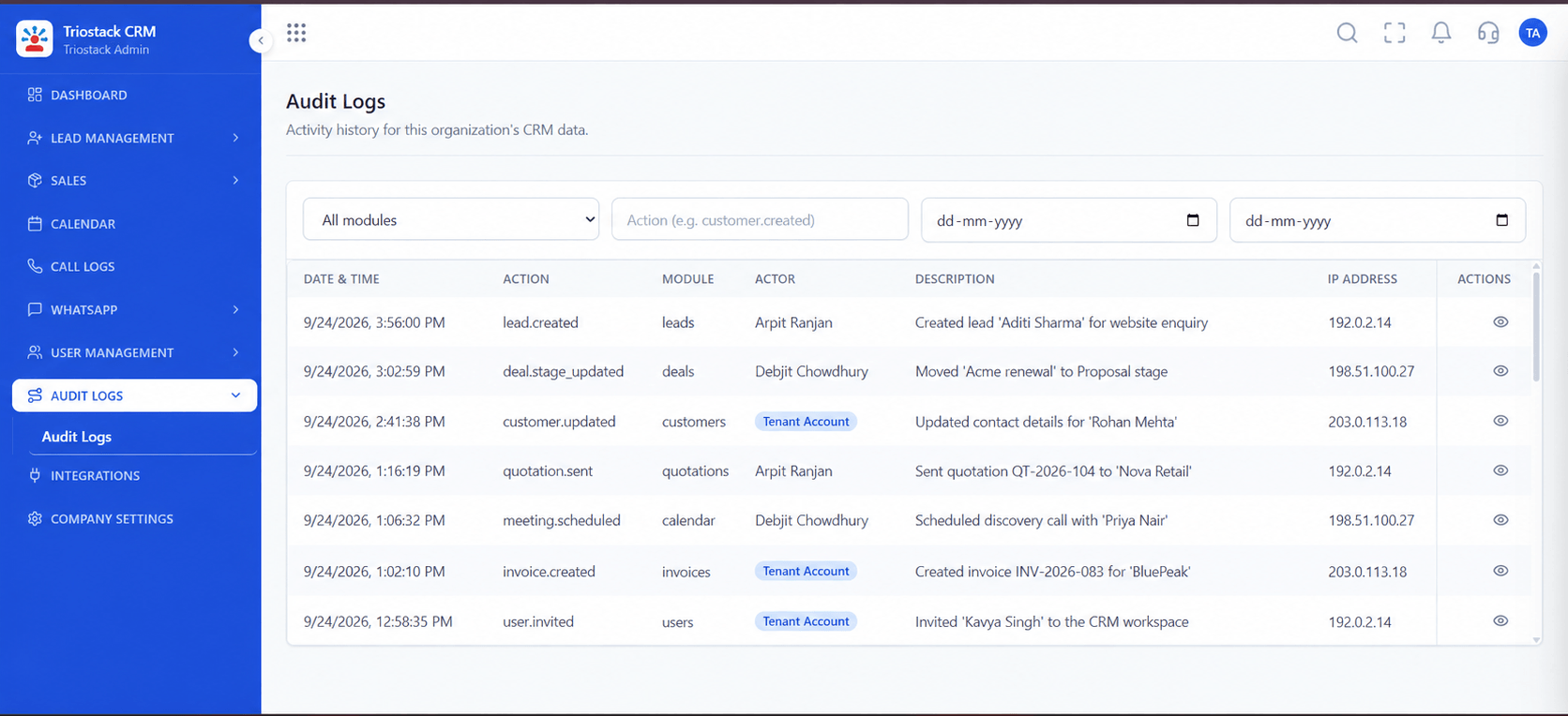 Audit
AuditVerify record counts and relationship integrity post-import
Feature Breakdown
Pre-migration steps to guarantee a smooth, error-free transition.
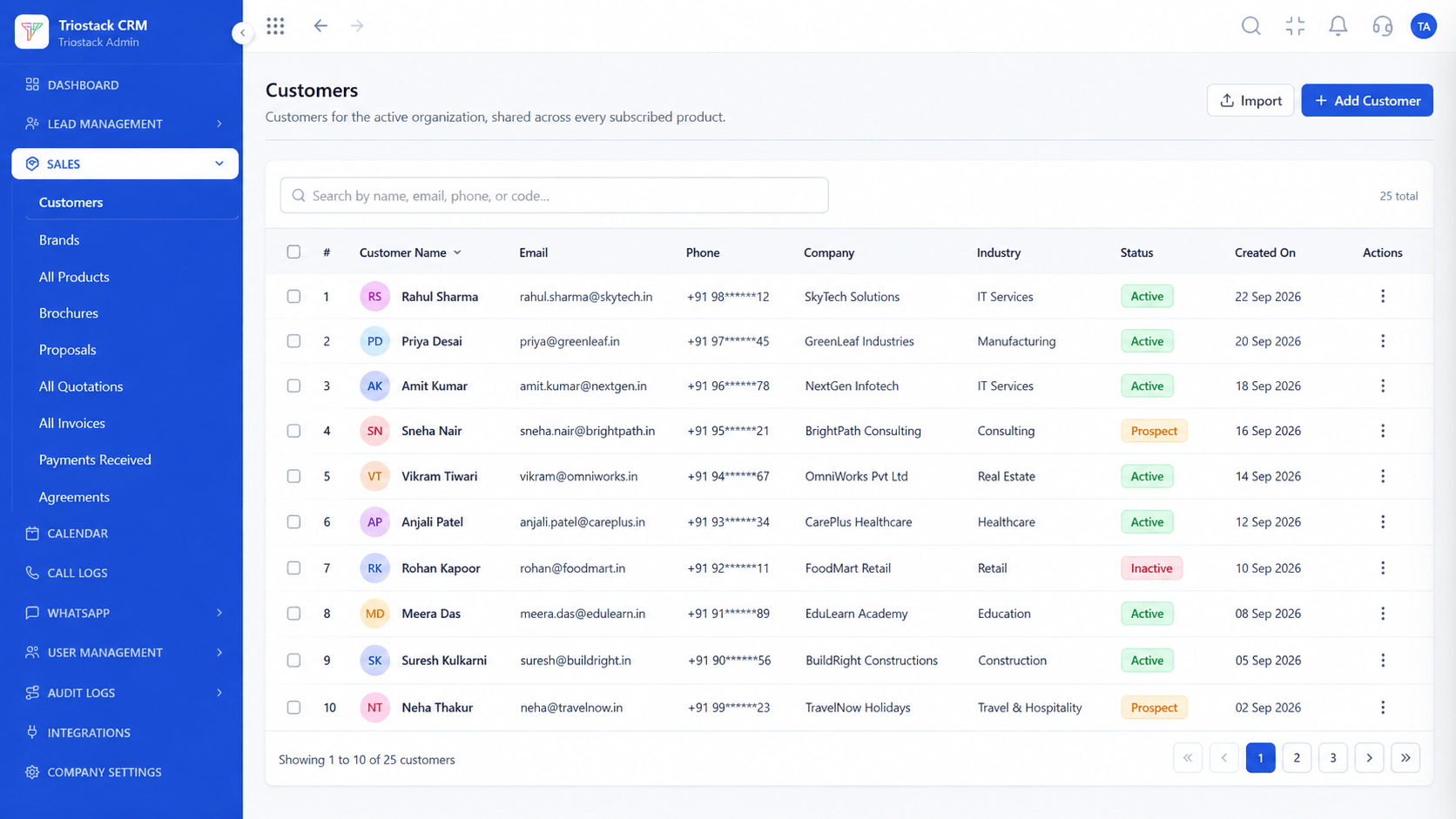 Companies
Import company records first to maintain relational linkages between Pipedrive organizations and people.
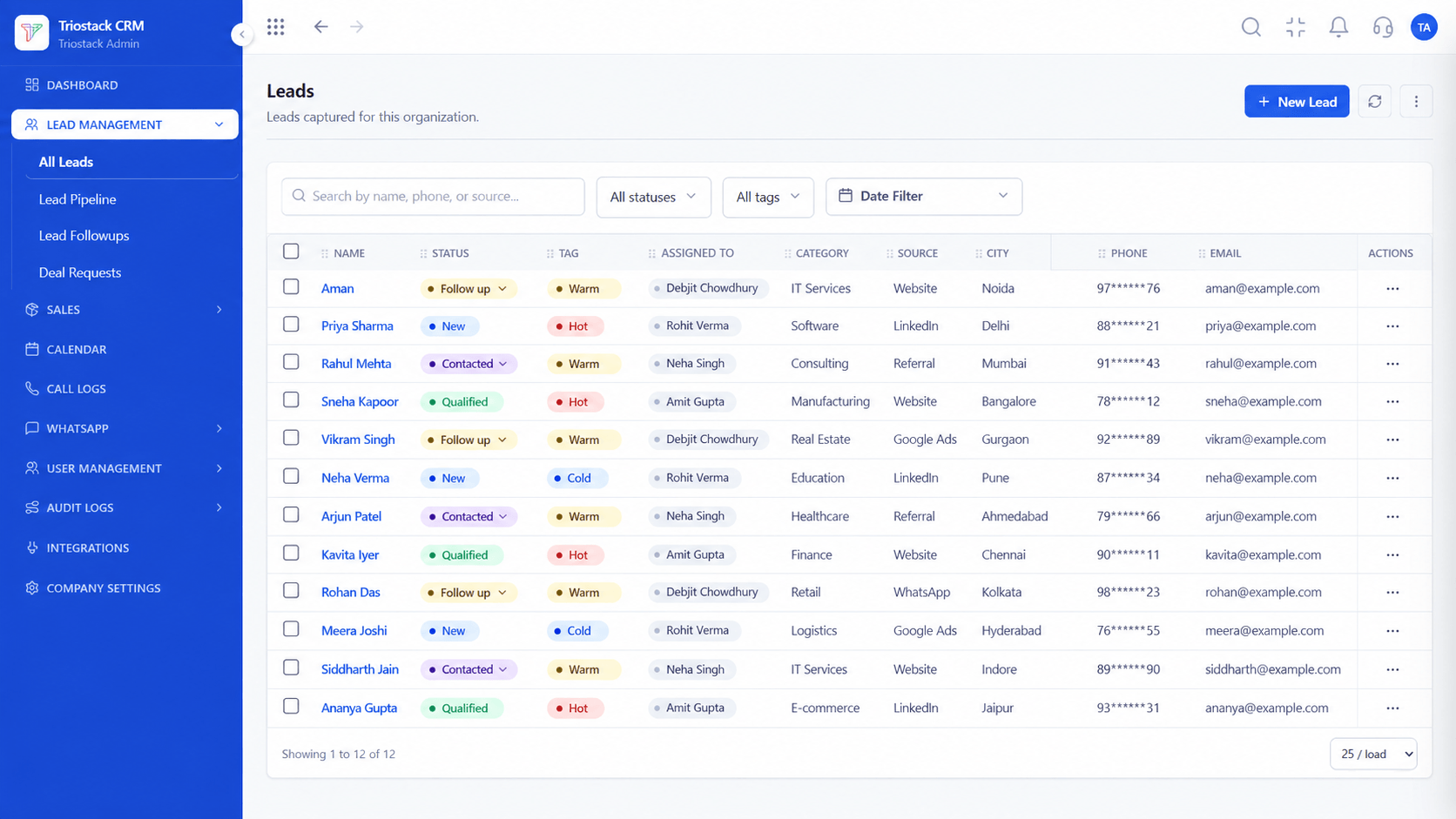 Contacts
Import persons records with telephone numbers formatted to international E.164 standard (+91 for India).
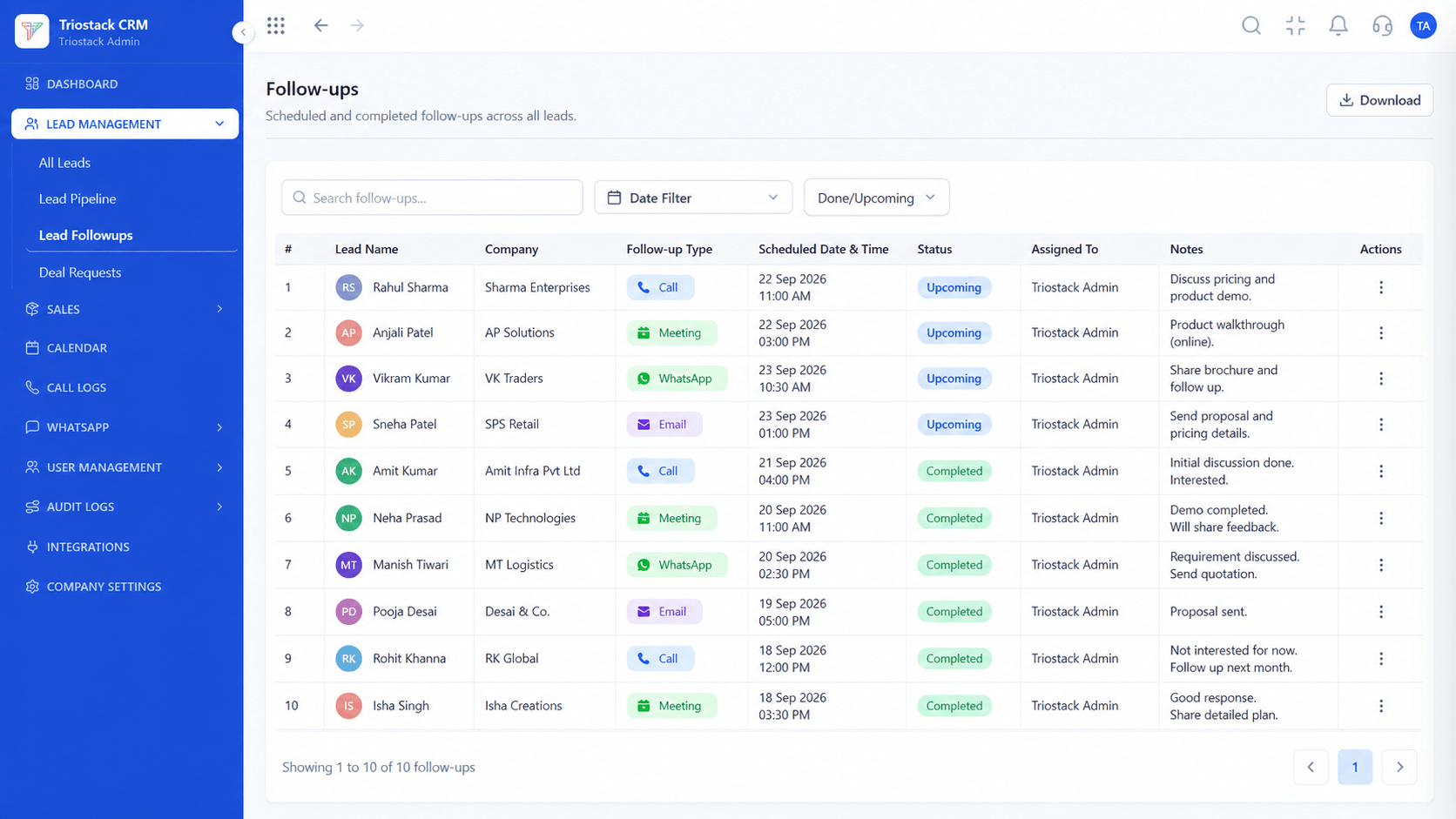 Tasks
TasksReplicate scheduled follow-ups and meetings into the Triostack next-action task engine.
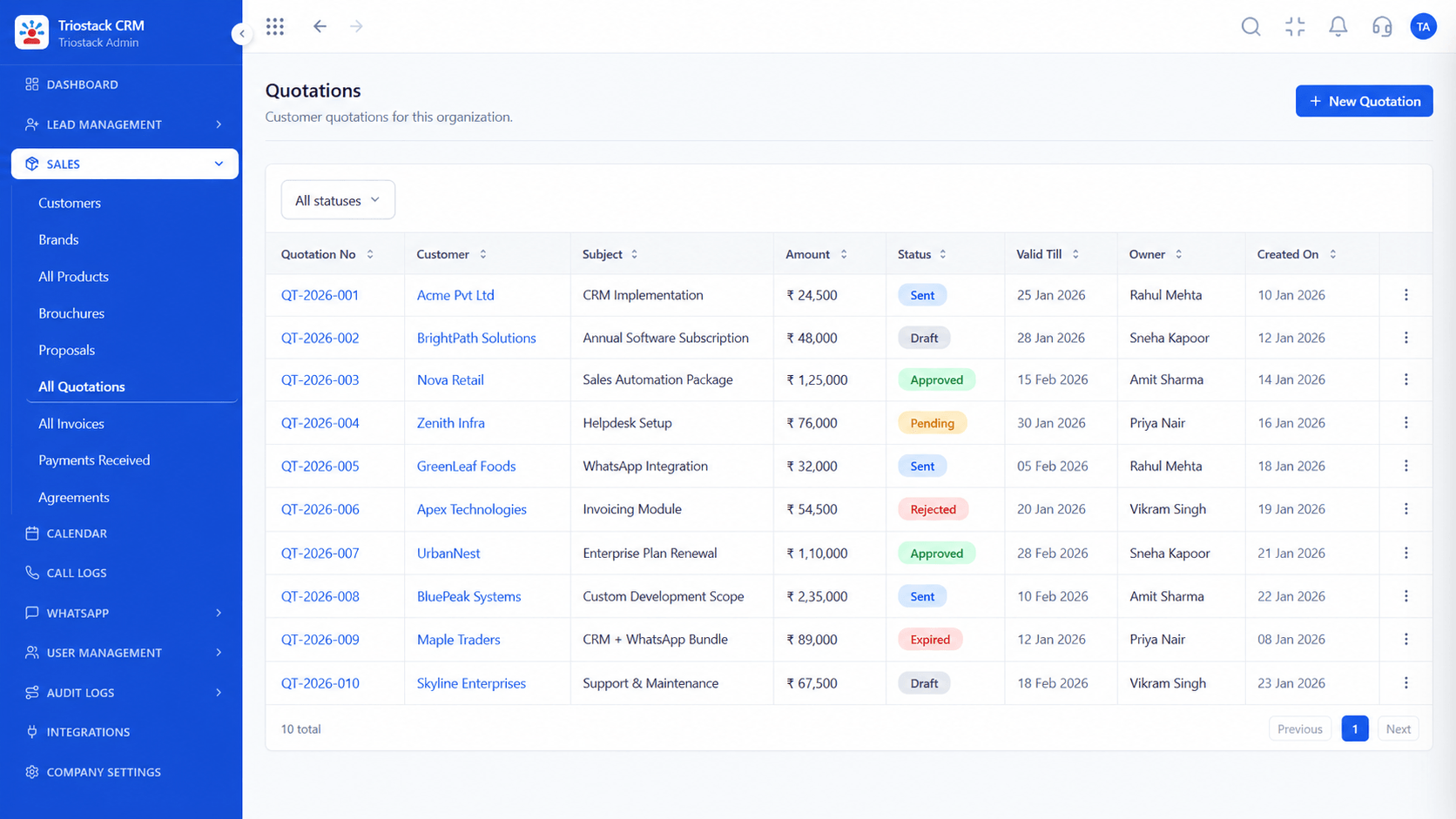 Paperwork
Activate built-in quotation and GST invoice generation directly from migrated pipeline deals.
Execution Plan
Navigate to Tools and apps > Export data and download Persons, Organizations, and Deals.
Normalize telephone numbers and ensure all deals have assigned owner emails.
Set up pipeline stages, custom fields, and lead sources in Triostack CRM.
Import company records first to establish customer parent accounts.
Import people records and automatically link them to their companies.
Import active deals mapped directly to contact records and pipeline stages.
Activate Meta WhatsApp Cloud API credentials and Android SIM calling.
Complete live user orientation and transition all daily sales outreach.
Frequently Asked Questions
In Pipedrive, go to Settings > Tools and apps > Export data. You can export Deals, Persons, Organizations, and Activities as separate CSV or XLSX files.
Yes. Before importing your data, create matching custom fields (text, number, dropdown, date) in Triostack CRM settings to map your custom columns.
Yes. Deal monetary amounts, currencies, creation dates, and expected close dates are fully preserved during import.
Recordings stored in third-party VoIP apps connected to Pipedrive cannot be directly imported into the Triostack call player; keep these in your archival backup.
For teams with up to 20,000 records, the export, cleansing, and import process typically takes 1 to 2 business days with zero downtime for sales reps.
Unify Meta leads, WhatsApp conversations, Android SIM calls, and GST invoices without per-seat price taxes.
