The best Business Suite software in India, built to help your business grow. Contact us at +91-8882435276.
[ Contact ]
Phone number
Email address
Head office
Noida office
The right team at TriostackOne will get back to you.
Move toward a CRM workspace focused on lead tracking, WhatsApp, compatible Android calling and commercial sales documents. Plan your data transition with appropriate mapping, validation and a controlled cutover; automated migration is not assumed.
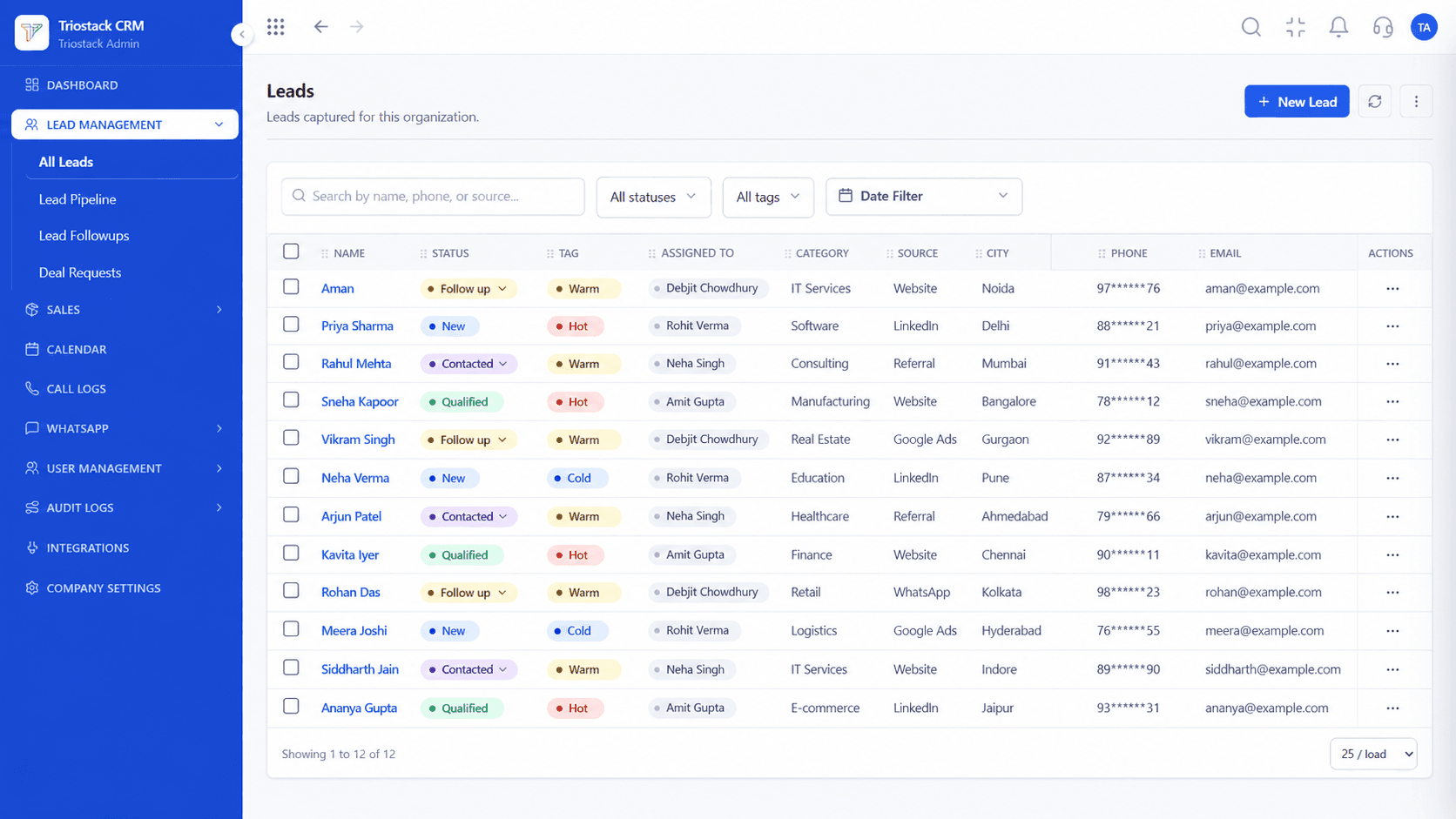
Positioning Assessment
Migrating away from Salesforce requires careful data planning, particularly around data normalization, owner mapping, and historical record archiving.
Rather than assuming an automated 'magic button' migration that risks corrupting contact records, Triostack follows a disciplined, step-by-step migration methodology.
We help you export clean CSV archives from Salesforce Setup, validate record counts, map Leads, Accounts, and Opportunities into Triostack, and conduct a pilot import in a staging workspace before final cutover.
“The Triostack solutions team helped us export 45,000 leads and 12,000 accounts from Salesforce. The field mapping was clean, our sales reps adopted the new tool immediately, and our licensing costs dropped 70%.”
Sanjay Singhal
VP Operations, TransTech Logistics
Platform Integrity
Pre-import record count verification prevents data loss
Test field mapping in a non-production staging tenant
Keep complete offline CSV backup archives permanently
Clear fallback plan maintains operational continuity
Detailed Comparison
How core Salesforce records translate into Triostack CRM entities.
| Source Record | Proposed Triostack Target | Migration Caveat |
|---|---|---|
| Leads | Lead / Contact | Standard fields, custom text fields, and lead source attributes map directly. |
| Accounts | Company / Customer | Parent-child account relationships and business tax details mapped cleanly. |
| Contacts | Contact | Normalized telephone numbers, email addresses, and duplicate matching. |
| Opportunities | Deal / Pipeline | Deal stages, values, close dates, and probability mapped to pipeline stages. |
| Tasks & Notes | Activity / Notes | Standard text notes map to lead timeline; historic activity events may be limited. |
| Custom Objects | Assess separately | Complex multi-level custom objects require individual evaluation and re-mapping. |
Our technical solutions team provides schema audit, CSV cleanup, and guided cutover assistance for expanding companies.
Live Interface Tour
Real screens captured directly from the production Triostack CRM interface.
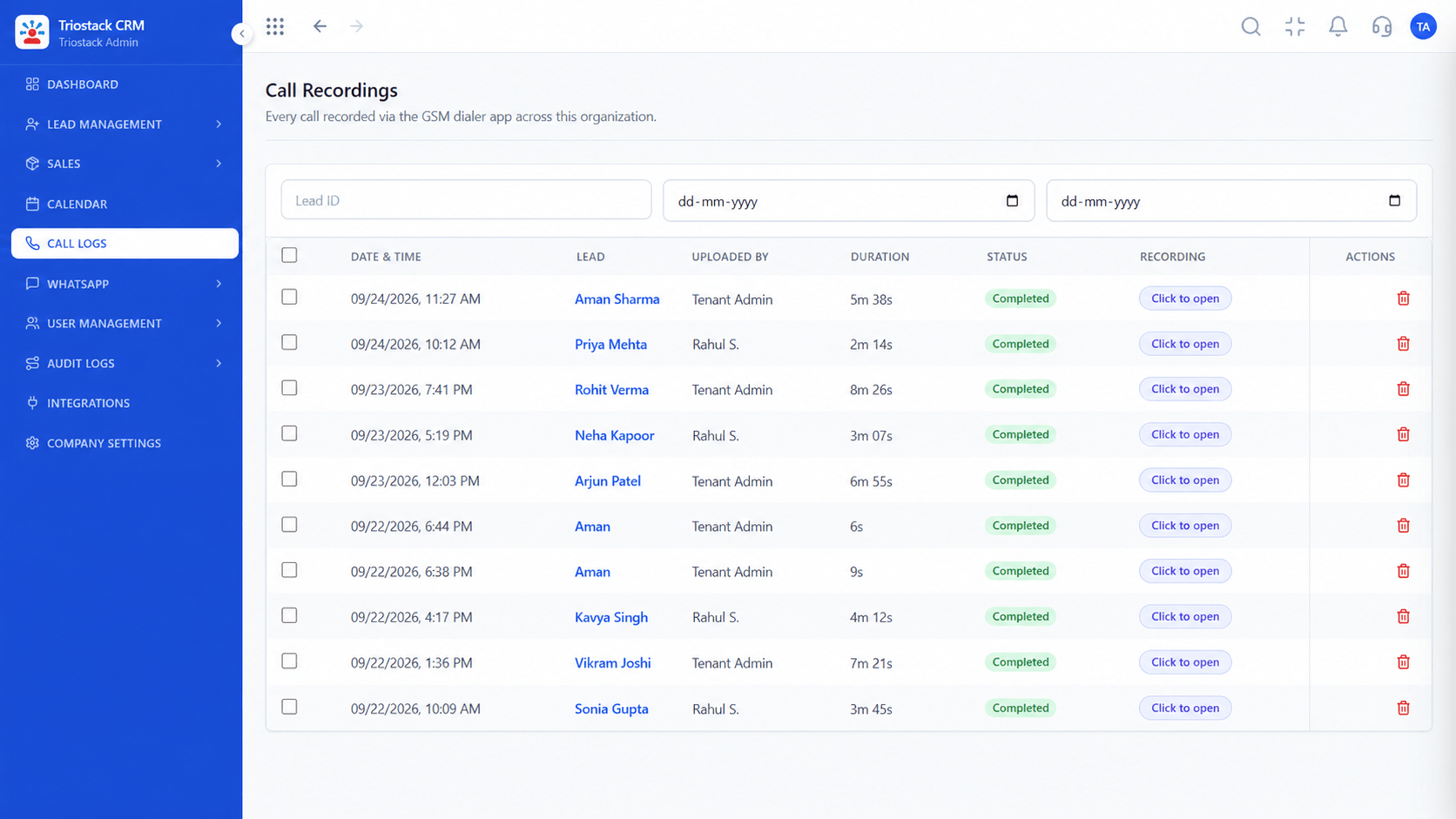 Calling
Configure outbound calling directly from company Android handsets
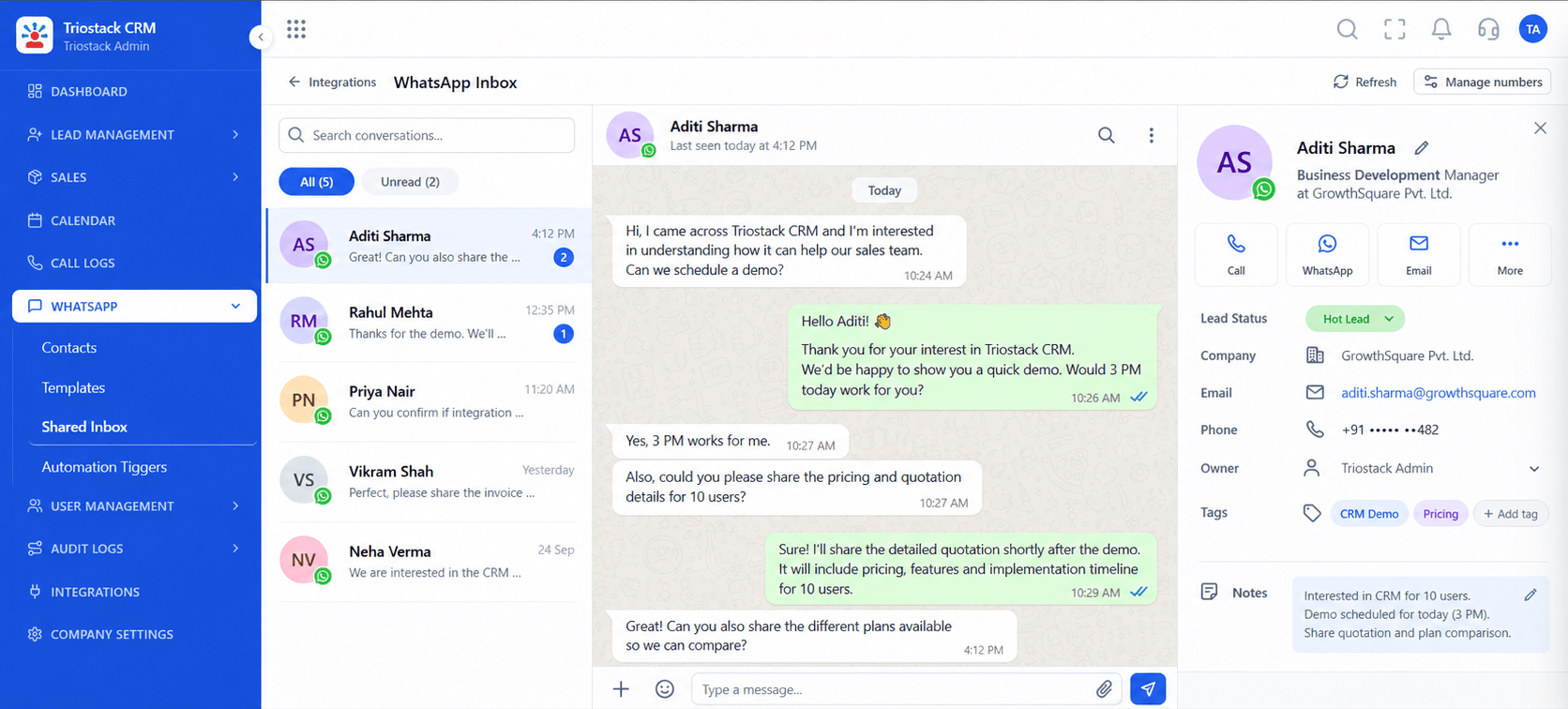 Messaging
Connect your official Meta WhatsApp Business number seamlessly
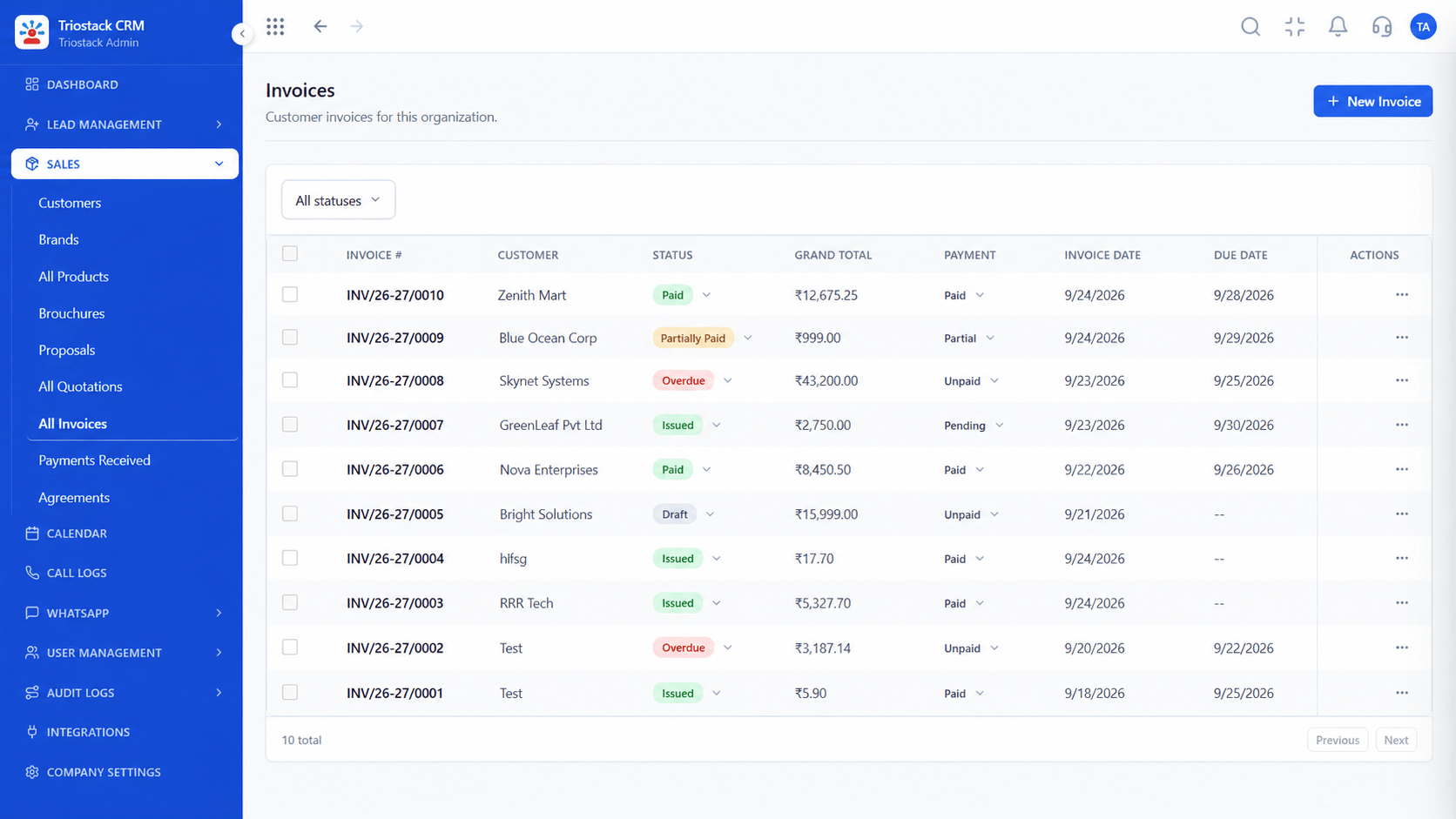 Billing
Prepare branded quotation and invoice templates ready for deal closing
Feature Breakdown
Information gathered before scheduling your data migration cutover.
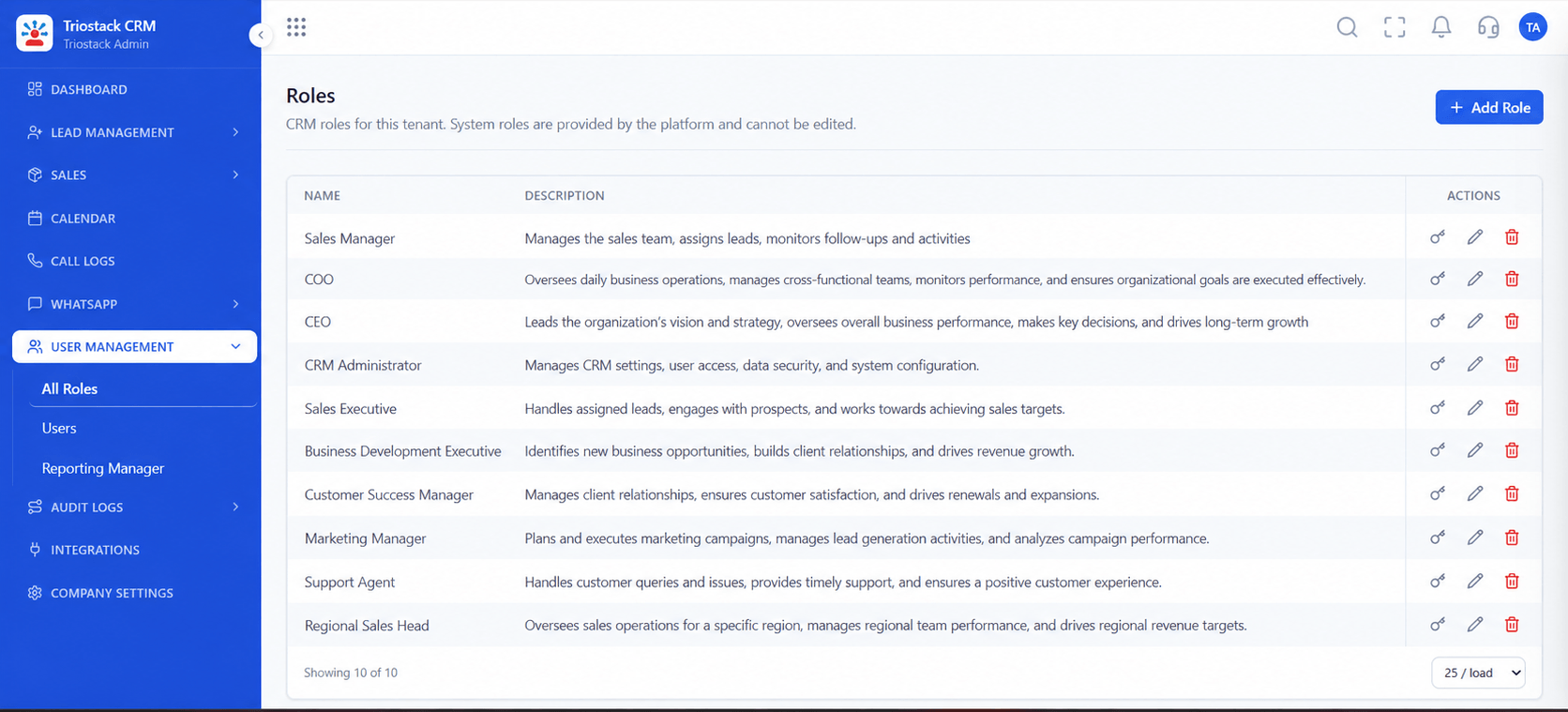 Permissions
Replicate Salesforce profiles and territory permission rules into Triostack CRM user roles.
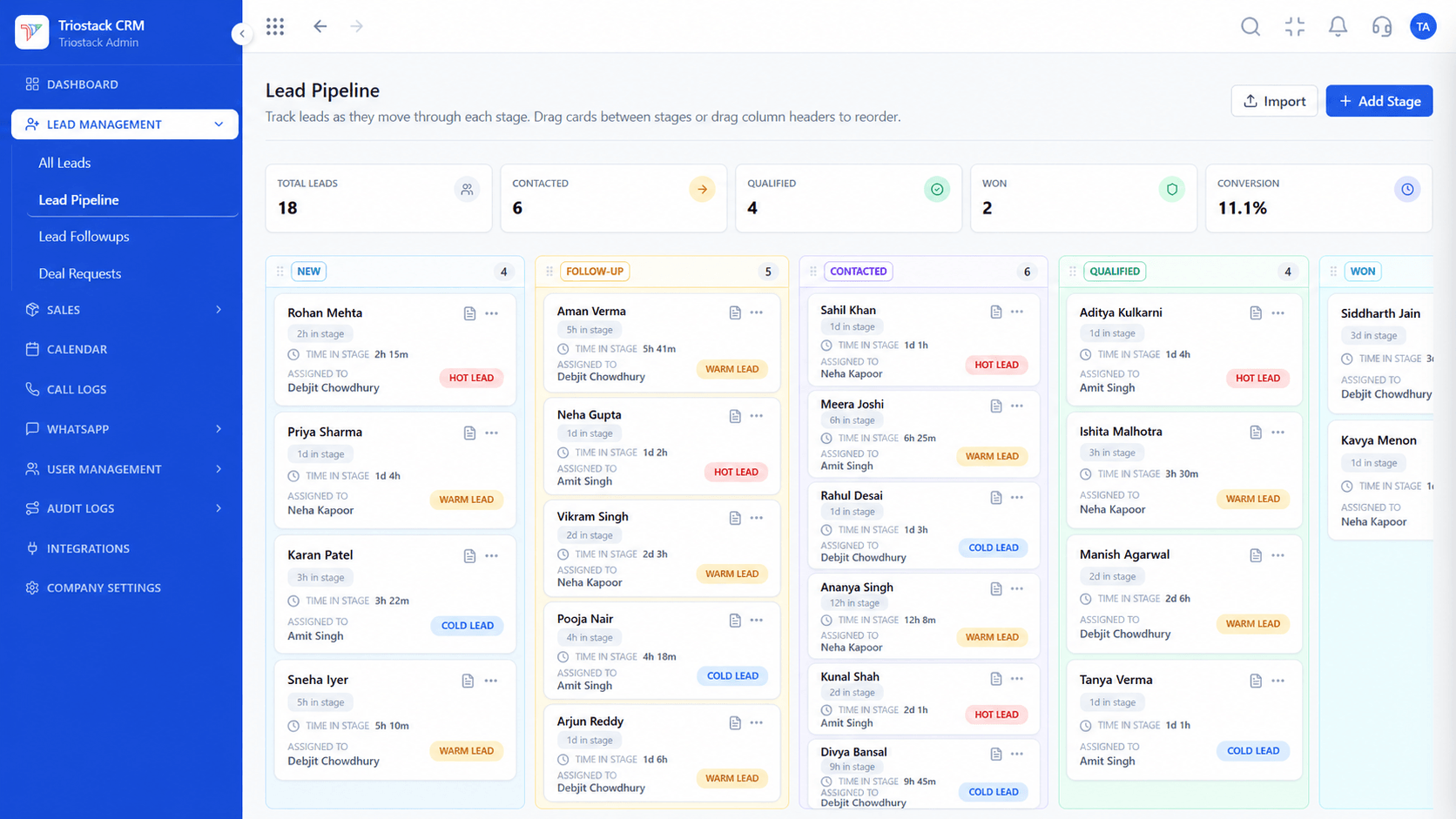 Pipeline Setup
Map Salesforce opportunity stages (Prospecting, Qualification, Proposal, Closed Won) into Triostack pipeline stages.
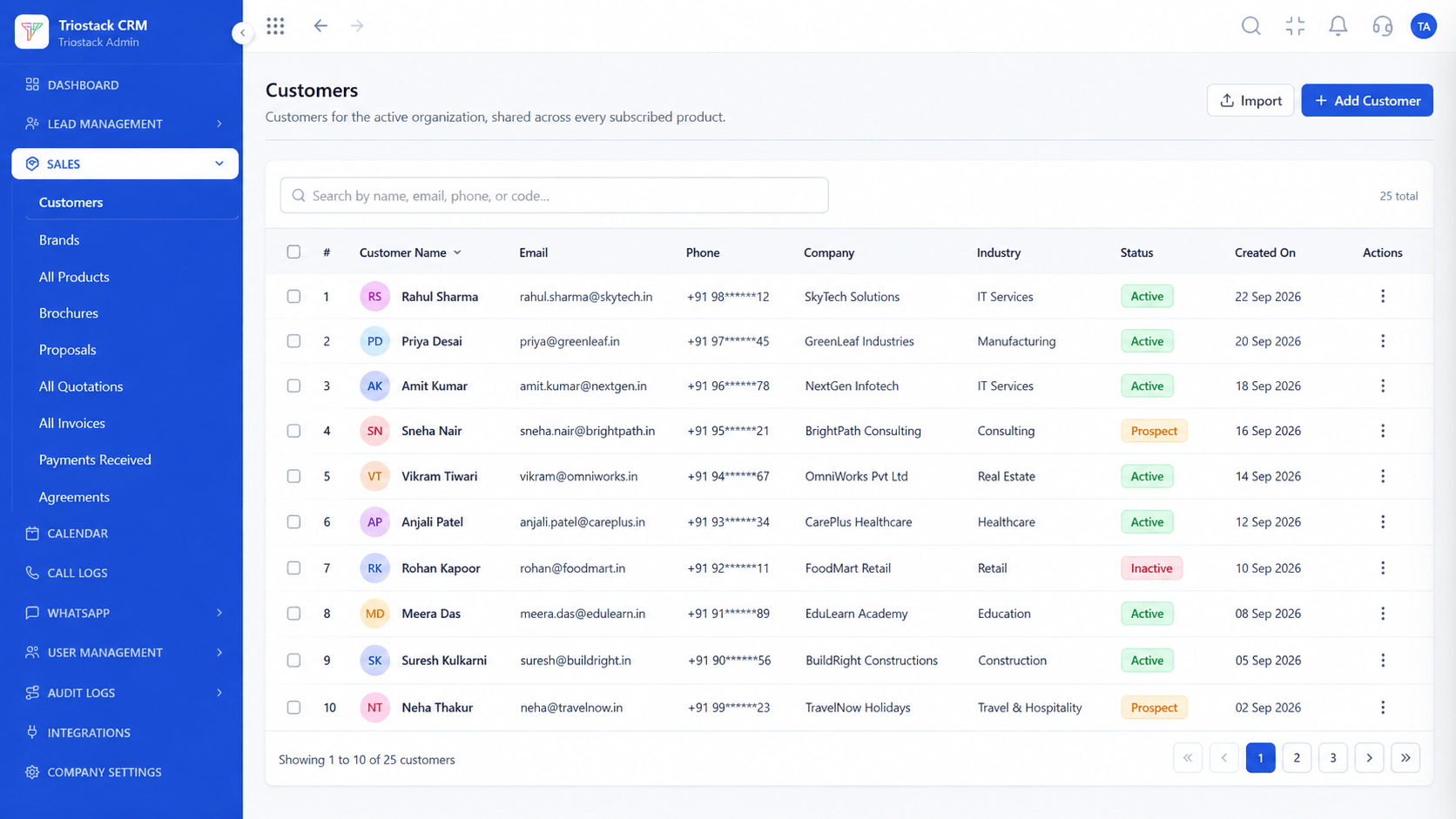 Company Records
Import company records first to maintain relational associations between accounts and contacts.
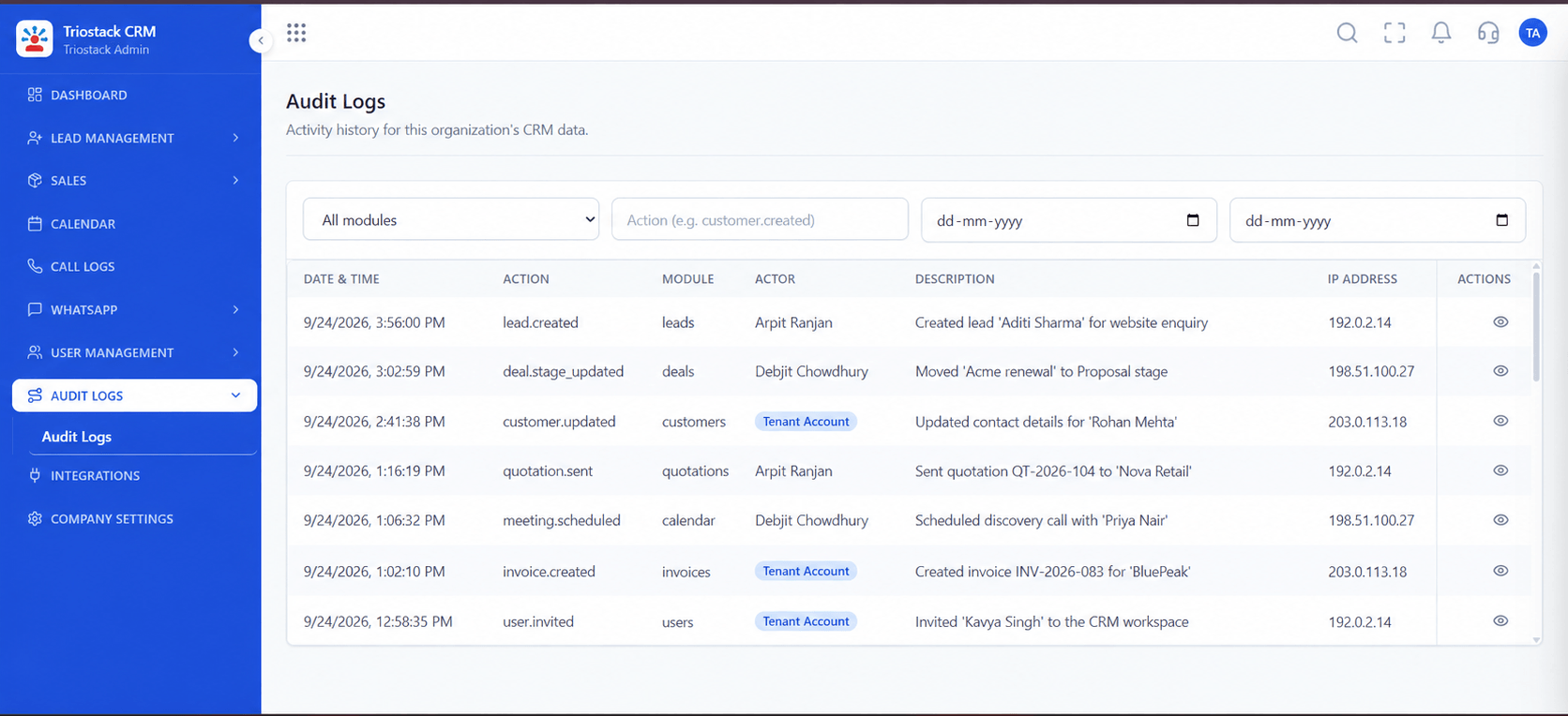 Audit Verification
Establish exact pre-migration and post-migration record baselines to ensure 100% data fidelity.
Execution Plan
Admin user verifies export permissions and data volumes in Salesforce Setup.
Execute Salesforce Data Export or list view exports to obtain raw CSV files.
Normalize mobile telephone numbers to E.164 and clean duplicate contacts.
Map owner emails, company references, picklists, and custom fields.
Import a 5% sample batch into a test tenant to verify field associations.
Confirm total record counts, relationship integrity, and rep assignments.
Set up Meta WhatsApp Cloud API and Android SIM calling on reps' handsets.
Execute full data import, train sales reps, and retain secure source archive.
Frequently Asked Questions
Authorized Salesforce administrators can export Leads, Contacts, Accounts, Opportunities, Tasks, and Notes as CSV files via Salesforce Setup > Data Management > Data Export.
Triostack CRM natively imports Leads, Contacts, Companies (Accounts), Pipeline Deals (Opportunities), and custom text fields via CSV.
Yes. You can create matching custom fields in Triostack CRM prior to import. Standard text notes associated with contacts and leads will be mapped into the customer timeline.
Historic audio recordings stored in proprietary third-party Salesforce CTI packages cannot be automatically replayed in the Triostack timeline; they should be retained in your offline archive.
Your phone numbers remain yours. You will register your existing business number on the Meta WhatsApp Cloud API to connect directly to Triostack.
Contact our solutions architecture team via our contact form at /company/contact to request a structured data audit and migration timeline.
Unify Meta leads, WhatsApp conversations, Android SIM calls, and GST invoices without per-seat price taxes.
