The best Business Suite software in India, built to help your business grow. Contact us at +91-8882435276.
[ Contact ]
Phone number
Email address
Head office
Noida office
The right team at TriostackOne will get back to you.
A tour of Triostack LMS: course builder, content library, assessments, certificates, learning paths, automatic assignment, training programs and analytics.
Positioning Assessment
Many organisations build courses in one tool, deliver them through another, track attendance in a spreadsheet and issue certificates by hand. Every handoff costs time and loses information.
Triostack LMS brings the whole cycle together: build courses, reuse content, assign by rule, teach live or self-paced, assess, certify and measure. As part of Triostack One, it also connects with HRMS, Payroll, Desk and Mail.
“One system for building, assigning and measuring training meant fewer tools and fewer things falling through.”
Sample team scenario
Illustrative example, not a customer testimonial
Illustrated Overview
Picture a small campus: the studio where courses are made, the library, the classroom, the exam hall and the observatory that watches progress.
Build courses from reusable content.
Assign, teach and guide learners.
Assess, certify and measure the result.
Platform Integrity
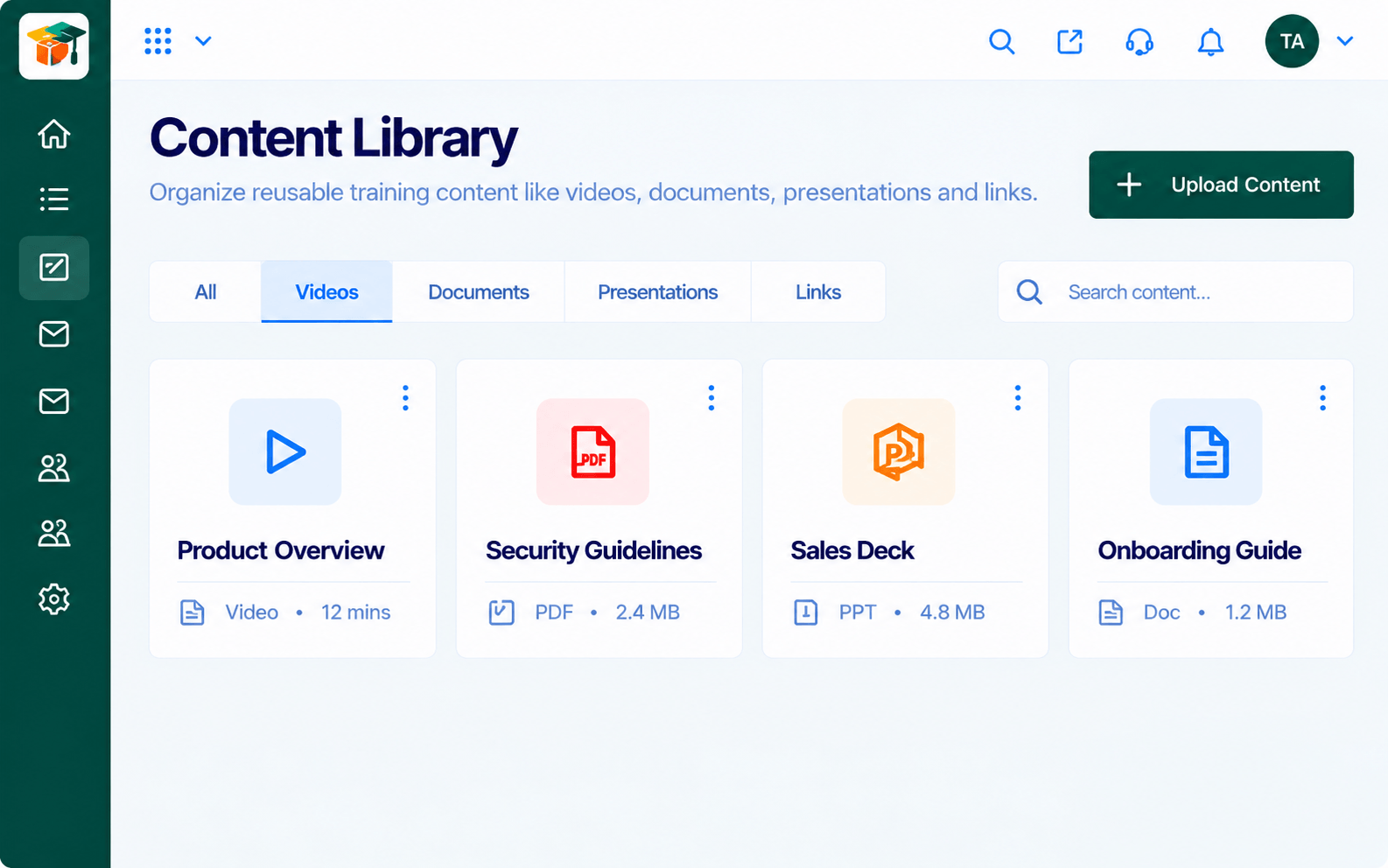
Course builder and content library
Paths, programs and live classes
Quizzes, results and certificates
Analytics and progress tracking
How It Works
What each part of the platform does for your training team.
| Dimension | Triostack LMS | Without an LMS |
|---|---|---|
| Creation | Course builder with reusable content | Slides and documents |
| Assignment | Automatic rules and learning paths | Manual emails |
| Delivery | Self-paced and live in one program | Different tools for each |
| Assessment | Quizzes, scoring and certificates | Hand-marked or skipped |
| Insight | Analytics and progress tracking | Spreadsheets |
Book a walkthrough and we will set up a sandbox with a sample course so you can try the learner and admin experience before you commit.
Live Interface Tour
Real screens captured directly from the Triostack LMS workspace.
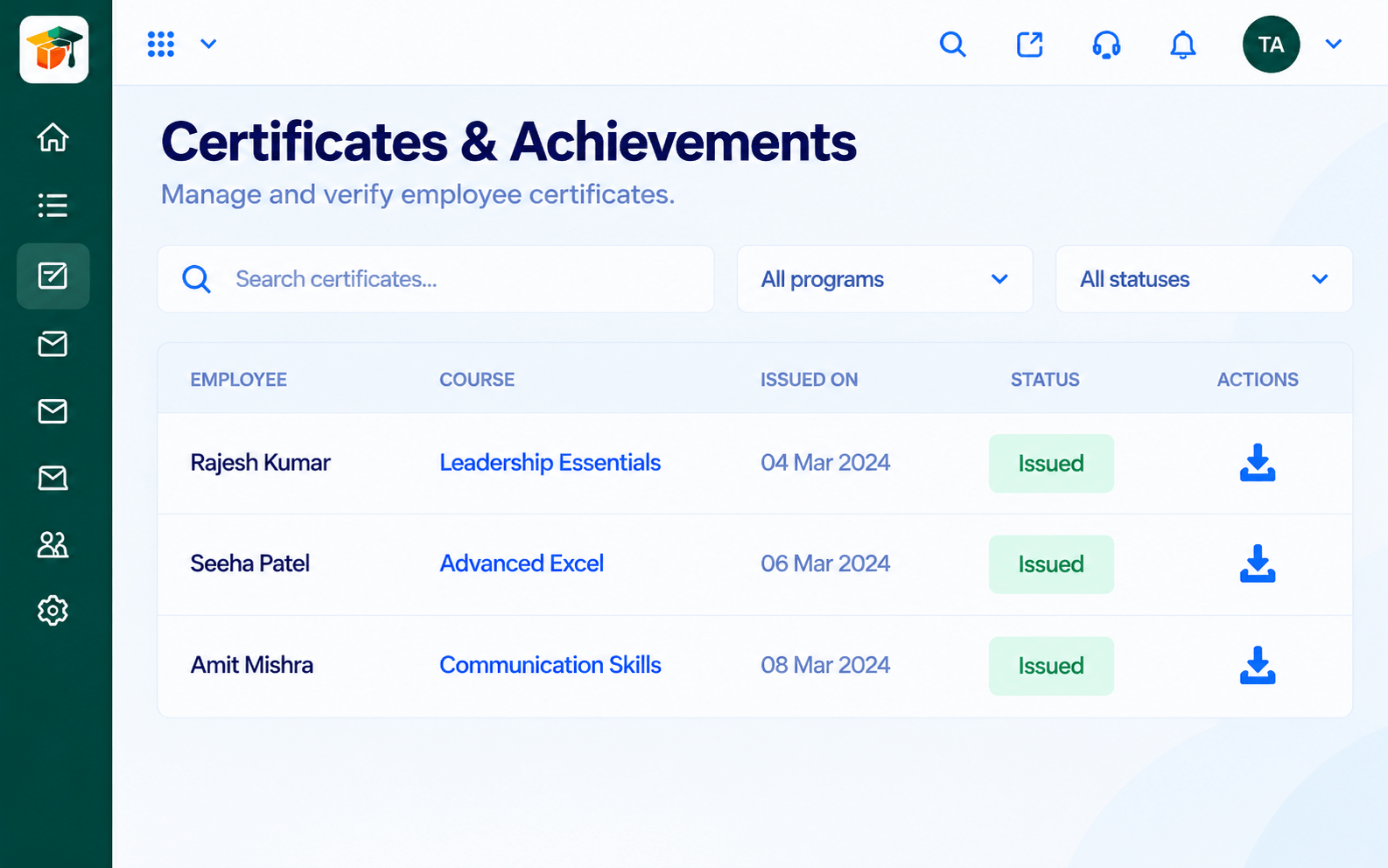
CertificatesCertificates issued when learners complete
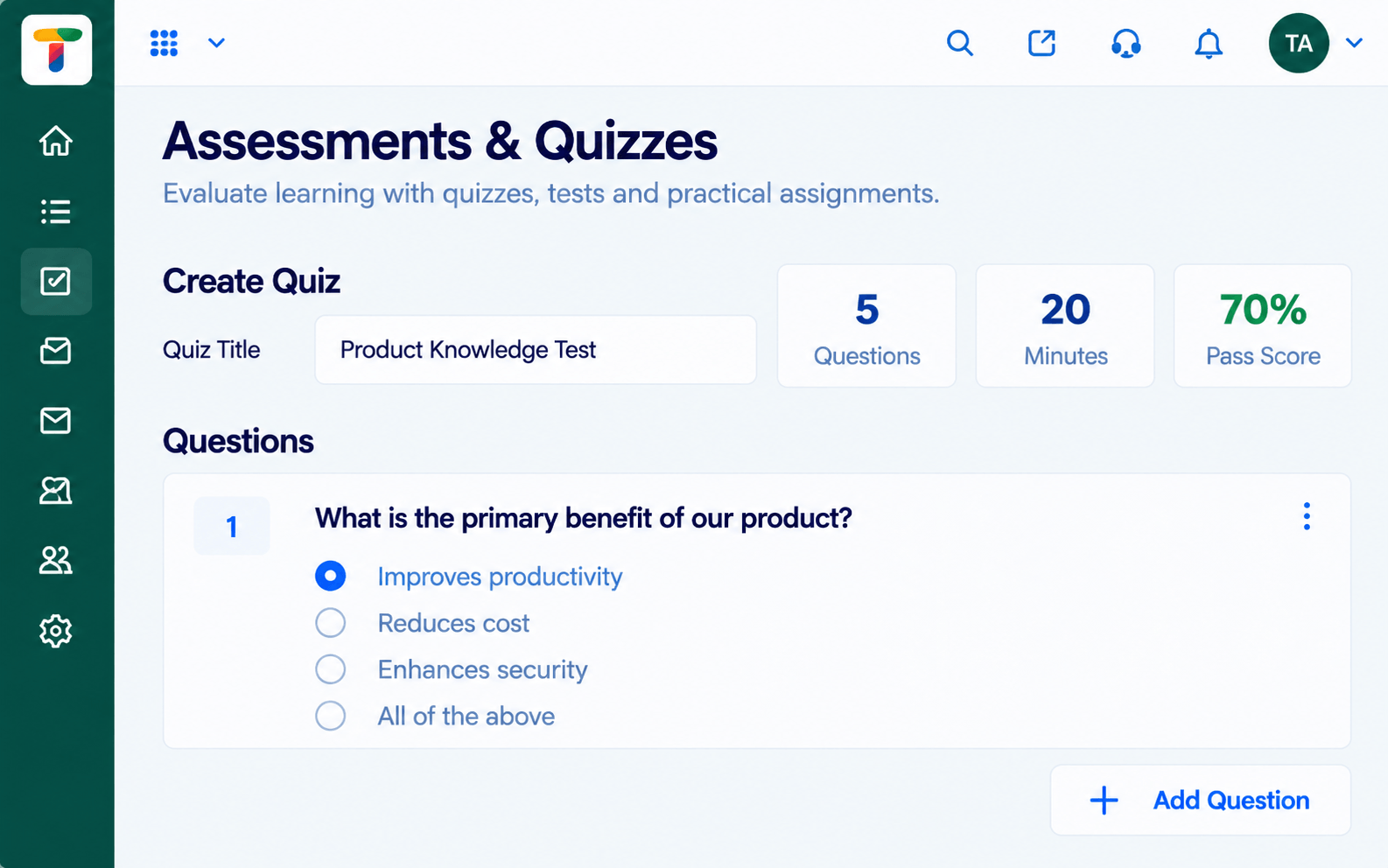
AssessmentsQuizzes and tests with scoring and results
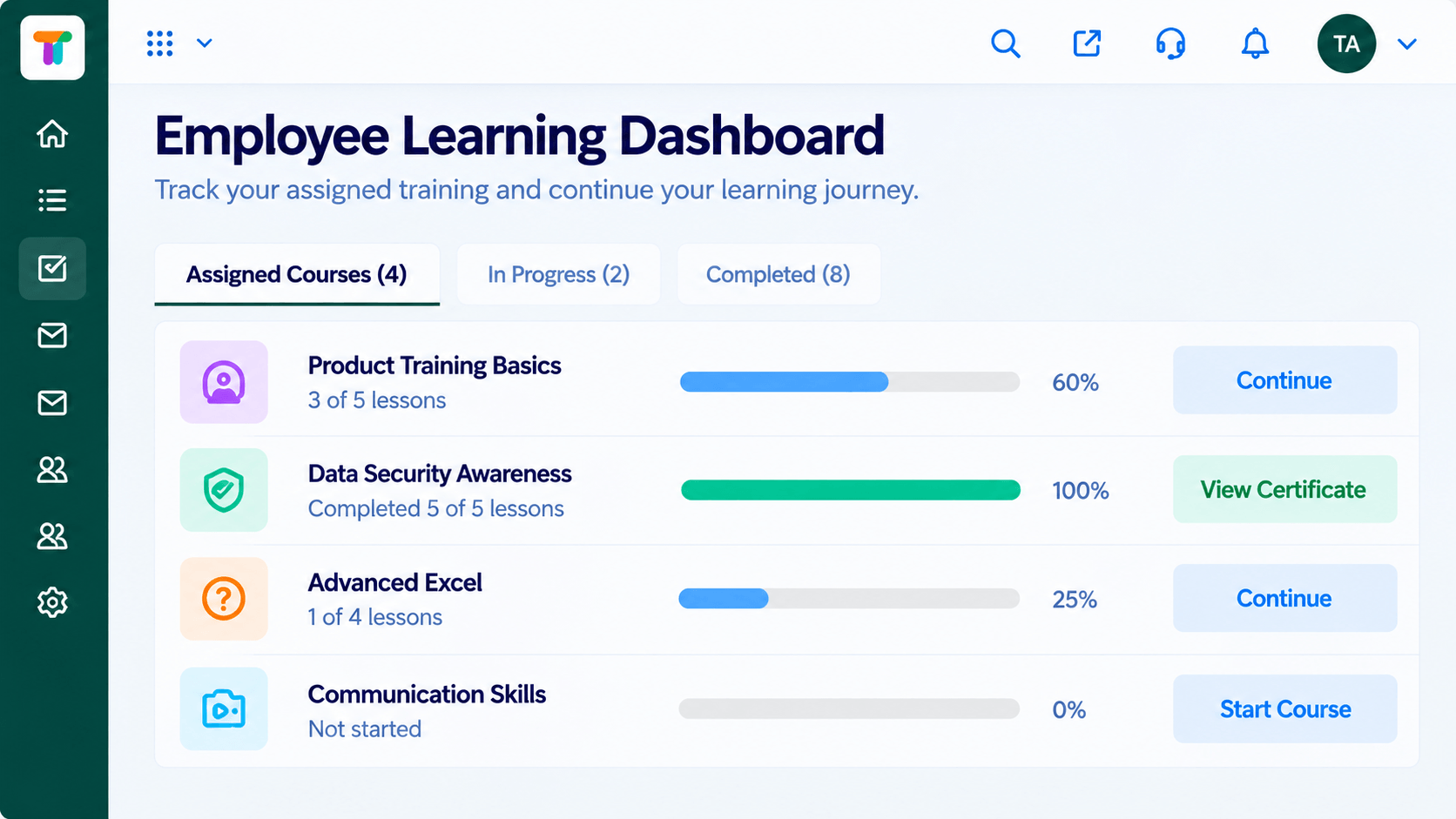 Learners
Each learner's courses, progress and deadlines
Feature Breakdown
Captured from the Triostack LMS workspace.
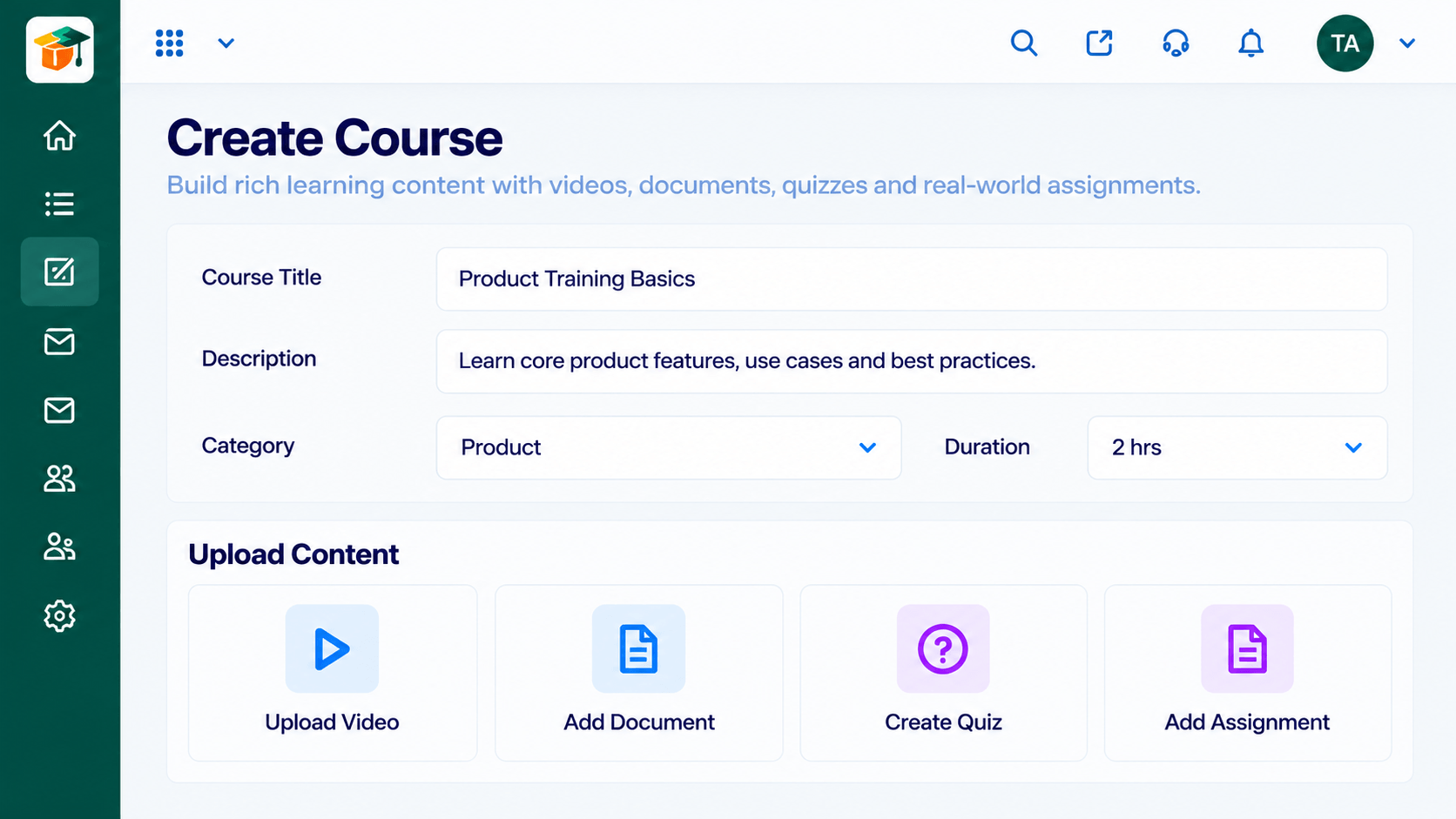 LMS Features
Create structured courses.
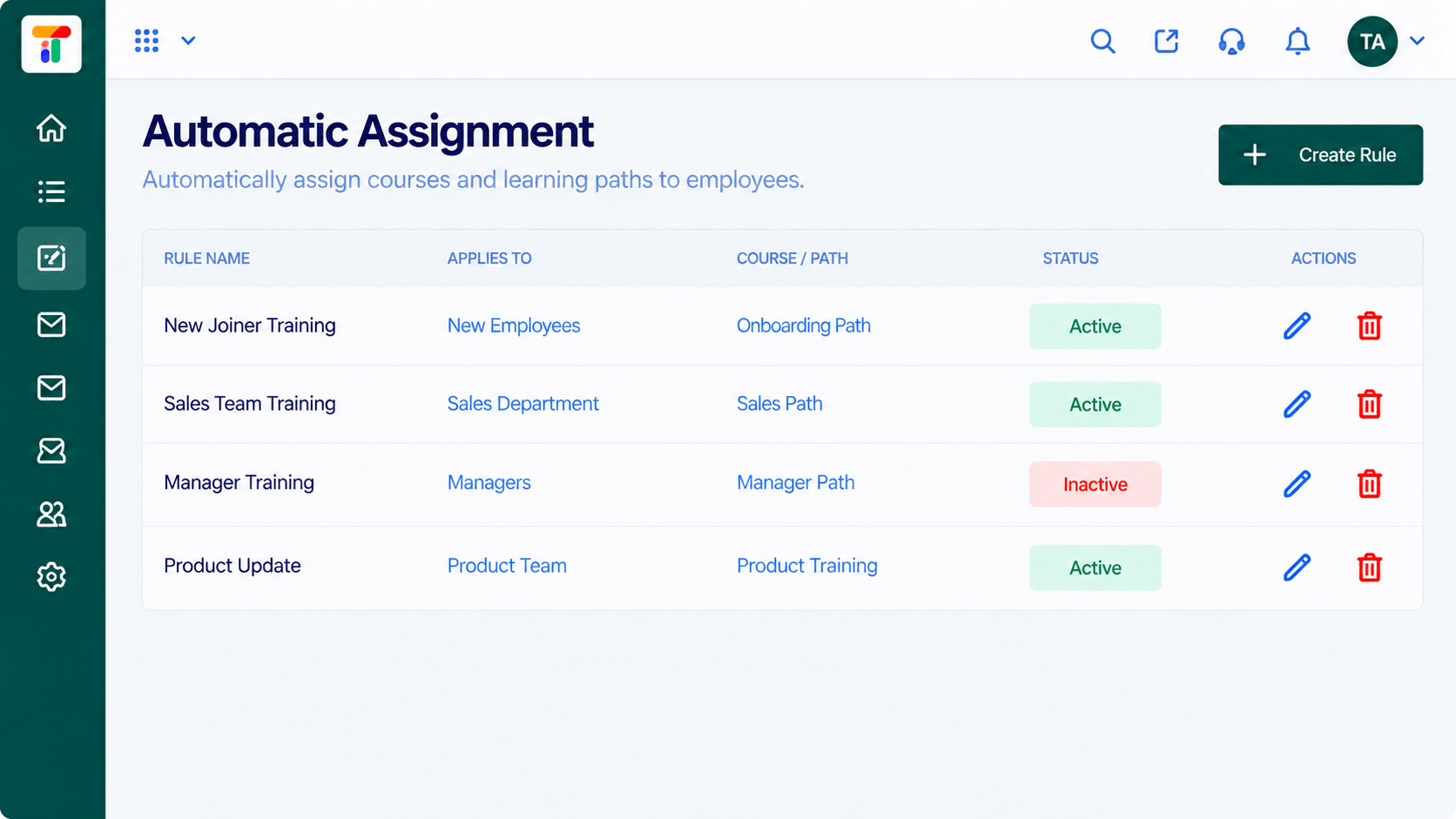 LMS Features
Assign learning by rule.
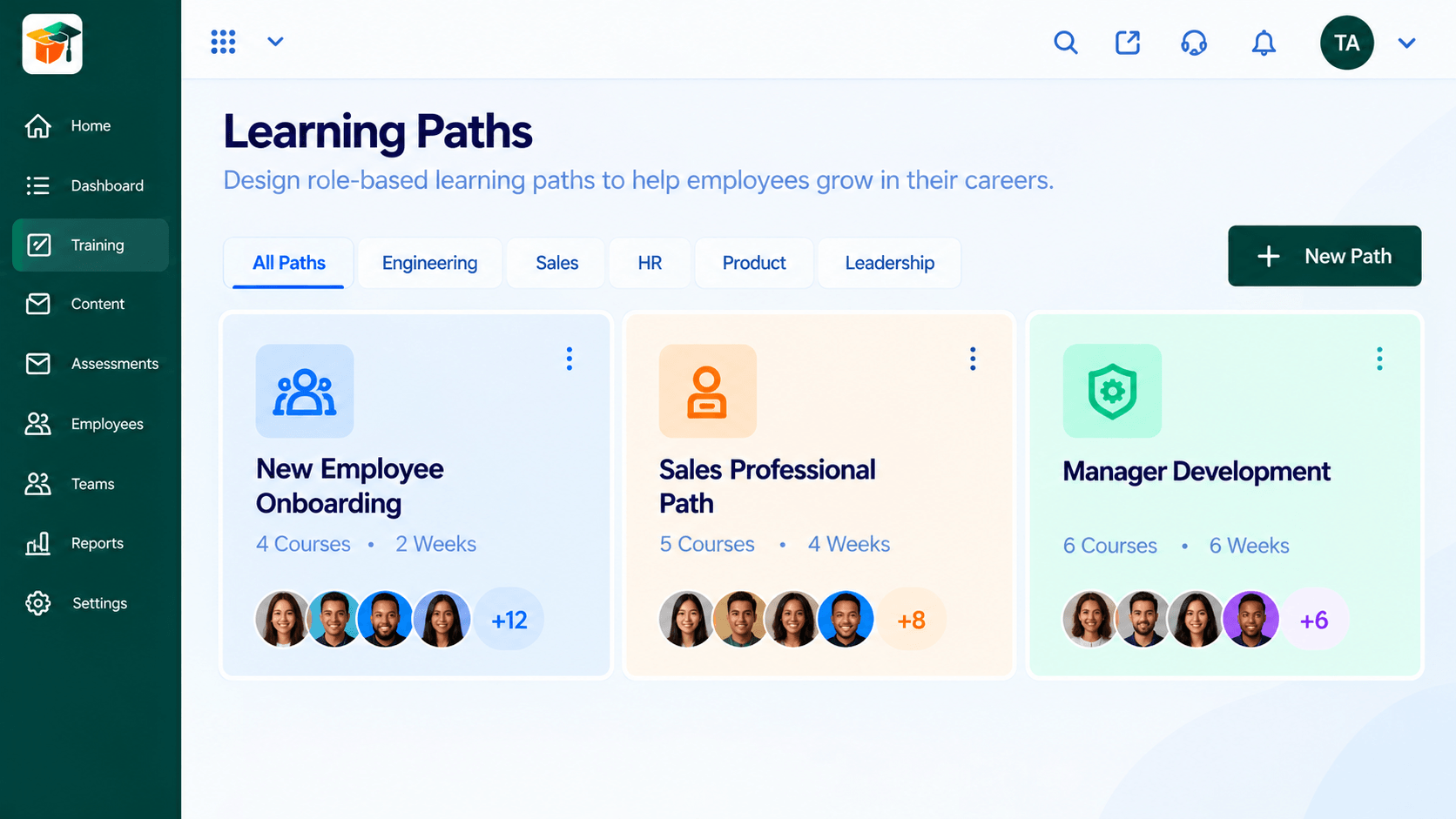 LMS Features
Guide learners through a journey.
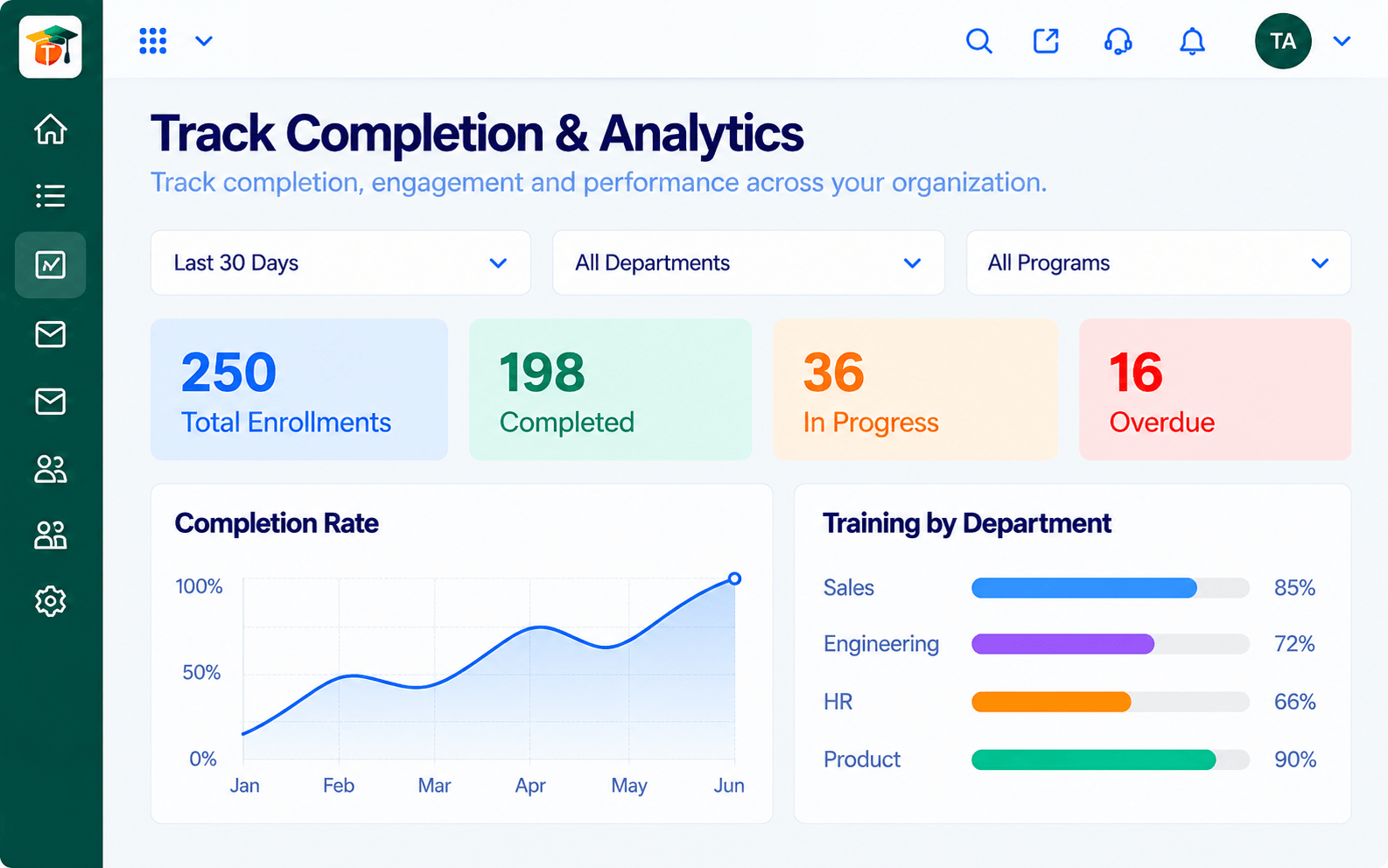 LMS Features
Measure what is working.
Execution Plan
Create your first course from the content library.
Set rules so learners get the right courses.
Run self-paced lessons, live classes and quizzes.
Use analytics and certificates to close the loop.
In Real Life
Scenario 01
A trainer builds two courses and assigns them to new joiners.
Scenario 02
Assessments and certificates are added to key programs.
Scenario 03
Analytics guide which courses to keep, improve or retire.
Frequently Asked Questions
A course builder, content library, assessments, certificates, learning paths, automatic assignment, training programs, a learner dashboard and analytics.
Yes. Begin with a few courses and add features as you grow.
Yes. It is part of Triostack One with HRMS, Payroll, Desk and Mail.
Request a demo from the contact page.
Courses, assessments, certificates and learning paths in one workspace, built for teachers, trainers and the people they teach.
