The best Business Suite software in India, built to help your business grow. Contact us at +91-8882435276.
[ Contact ]
Phone number
Email address
Head office
Noida office
The right team at TriostackOne will get back to you.
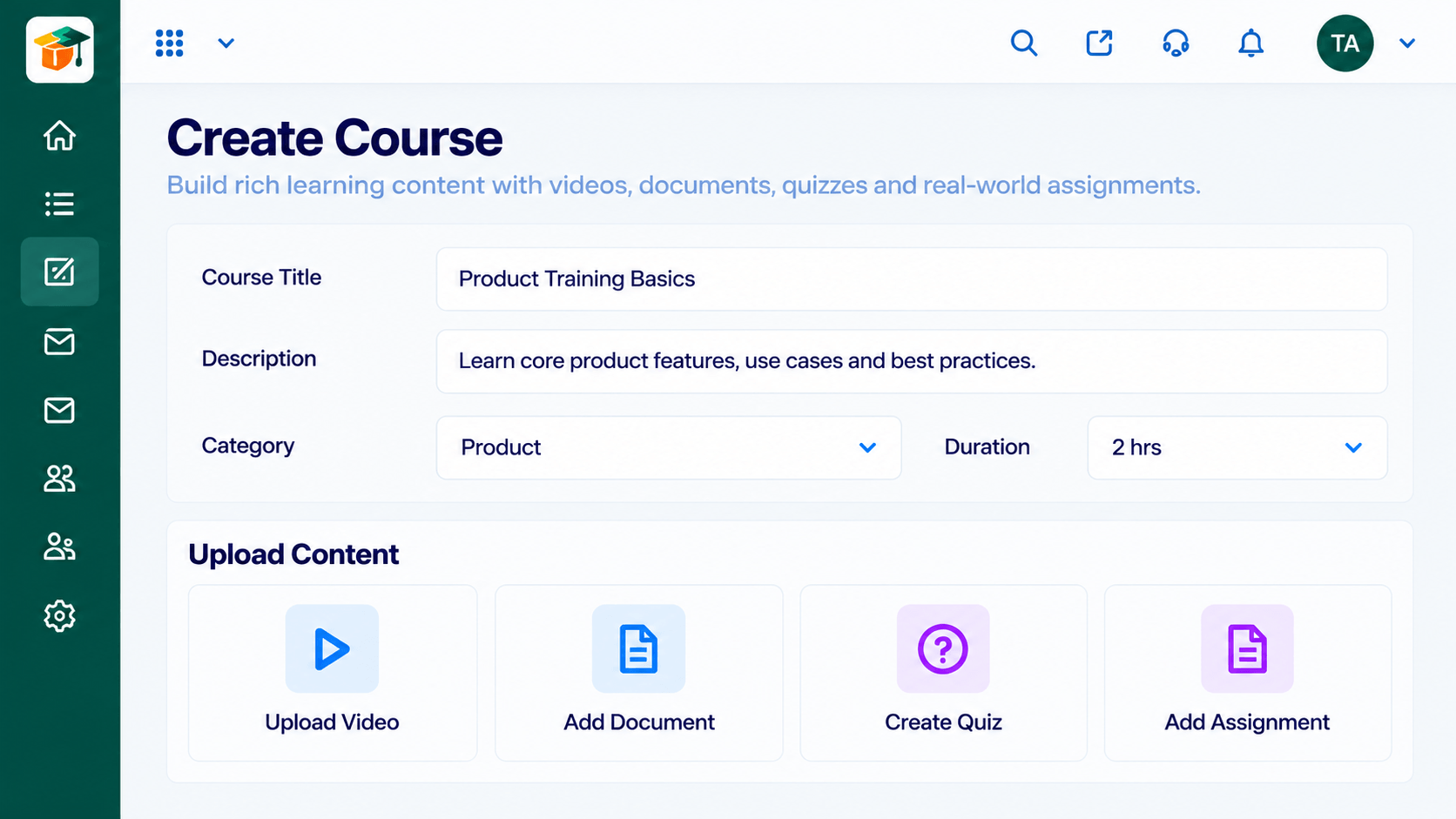
Build courses from modules and lessons, reuse content from a shared library and publish when you are ready, without needing a technical team.
Positioning Assessment
Many teams keep training in slide decks, documents and videos scattered across drives. Learners cannot tell what to open first, and trainers cannot update one thing without chasing every copy.
The course builder organises content into modules and lessons, pulls reusable material from a content library and lets you publish only when a course is ready. Update a lesson once and every course that uses it stays current.
“We stopped emailing slide decks. Every lesson now lives in a course, in order, and we edit it in one place.”
Sample team scenario
Illustrative example, not a customer testimonial
Illustrated Overview
Imagine loose pages being stacked into neat blocks, each labelled and numbered, so a learner always knows what comes next.
Modules and lessons give every course a clear shape.
The content library keeps parts ready for the next course.
Drafts stay private until you say go.
Platform Integrity
Organise content in a clear order
Reuse material across courses
Release only when ready
Edit once, learners see the change
How It Works
What changes when training lives in structured courses.
| Dimension | Triostack LMS | Scattered Files |
|---|---|---|
| Structure | Modules and lessons in a set order | Folders of mixed files |
| Reuse | Shared content library | Copy and paste between decks |
| Updates | Edit once, applies everywhere | Chase every copy |
| Publishing | Draft first, publish when ready | Shared before it is finished |
| Learner Experience | One place to start and continue | Hunt for the right file |
Book a walkthrough and we will set up a sandbox with a sample course so you can try the learner and admin experience before you commit.
Live Interface Tour
Real screens captured directly from the Triostack LMS workspace.
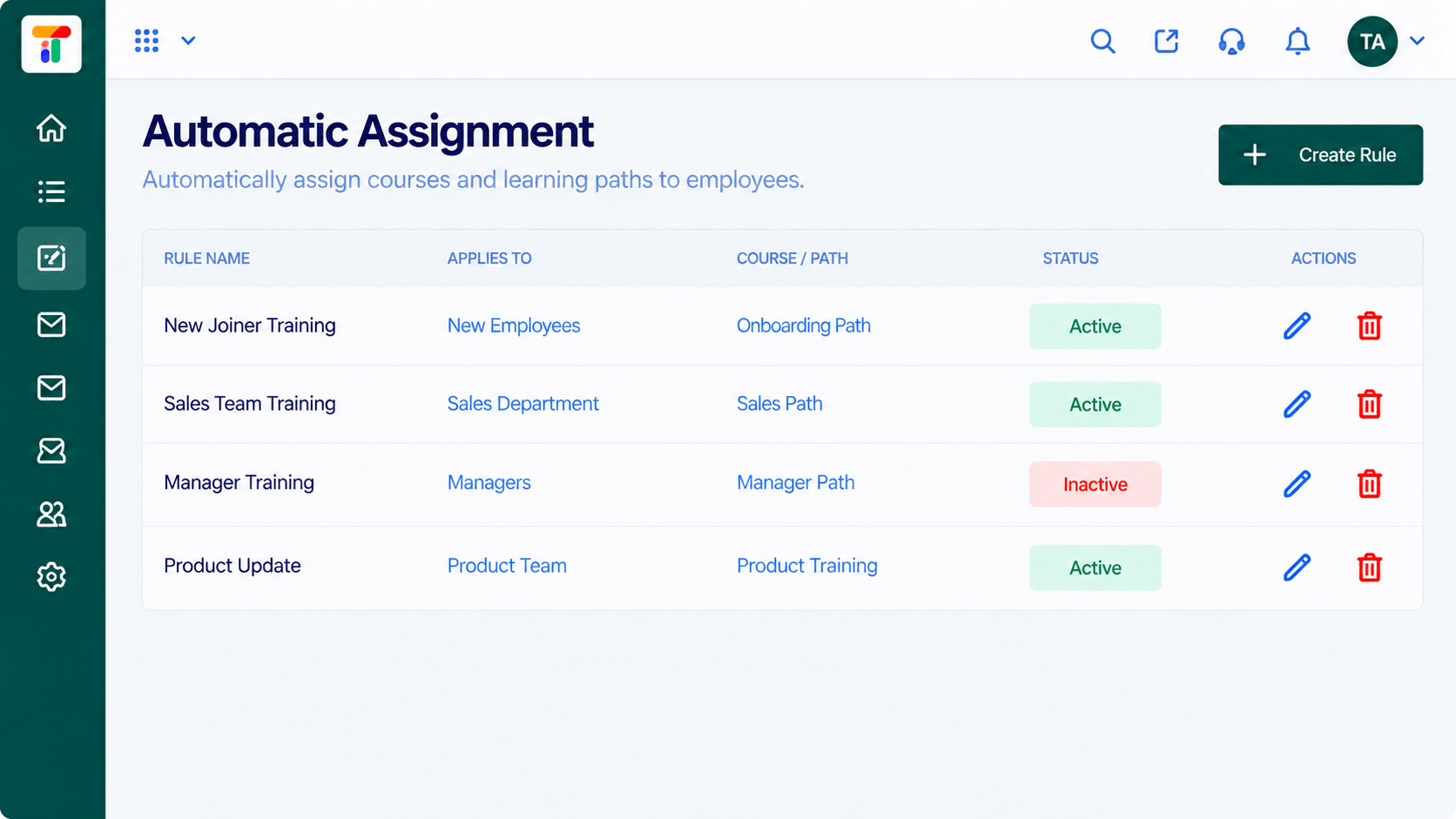
AutomationCourses assigned to the right people by rule
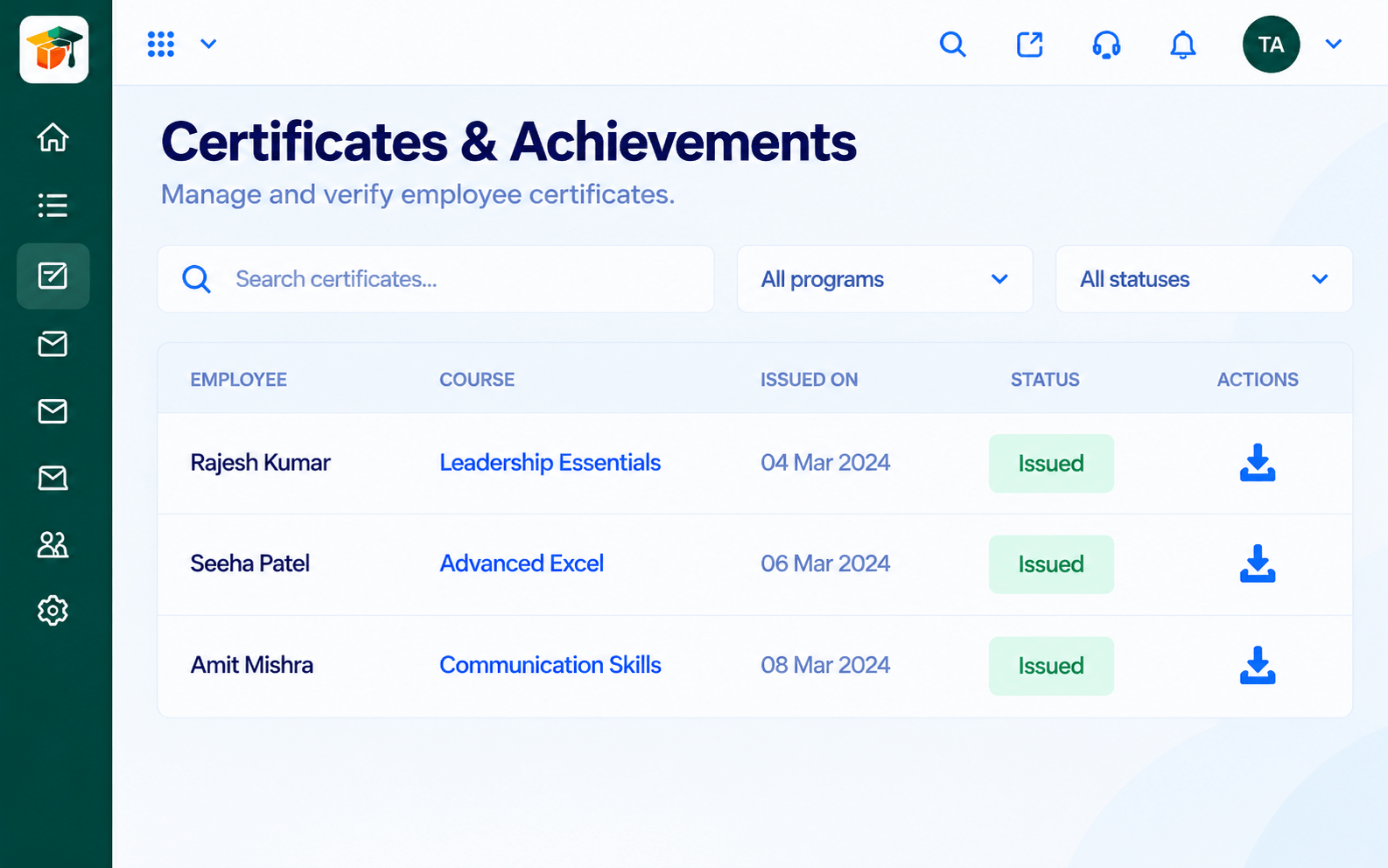
CertificatesCertificates issued when learners complete
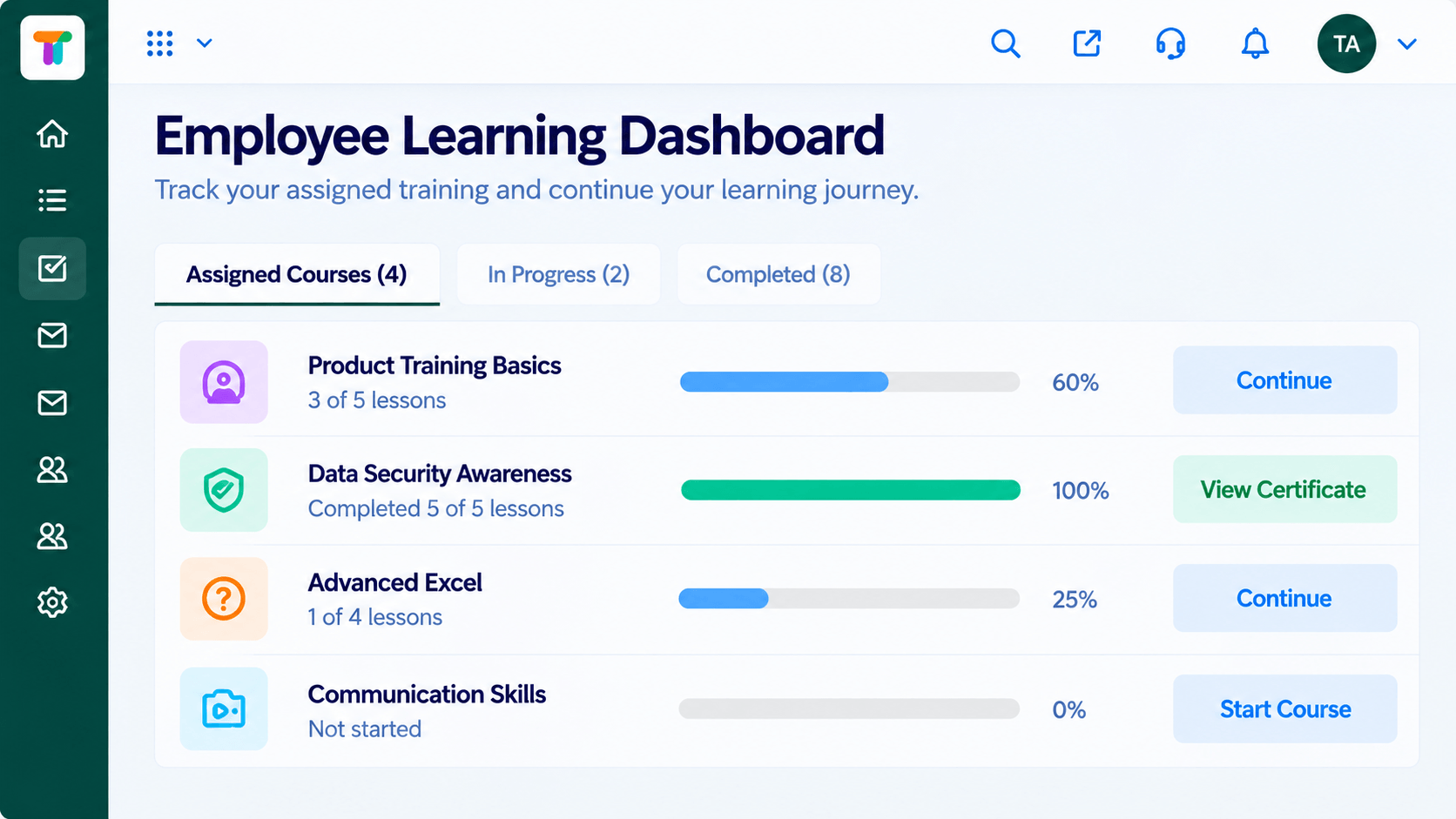 Learners
Each learner's courses, progress and deadlines
Feature Breakdown
Captured from the Triostack LMS workspace.
LMS FeaturesAssemble a course from modules and lessons.
 LMS Features
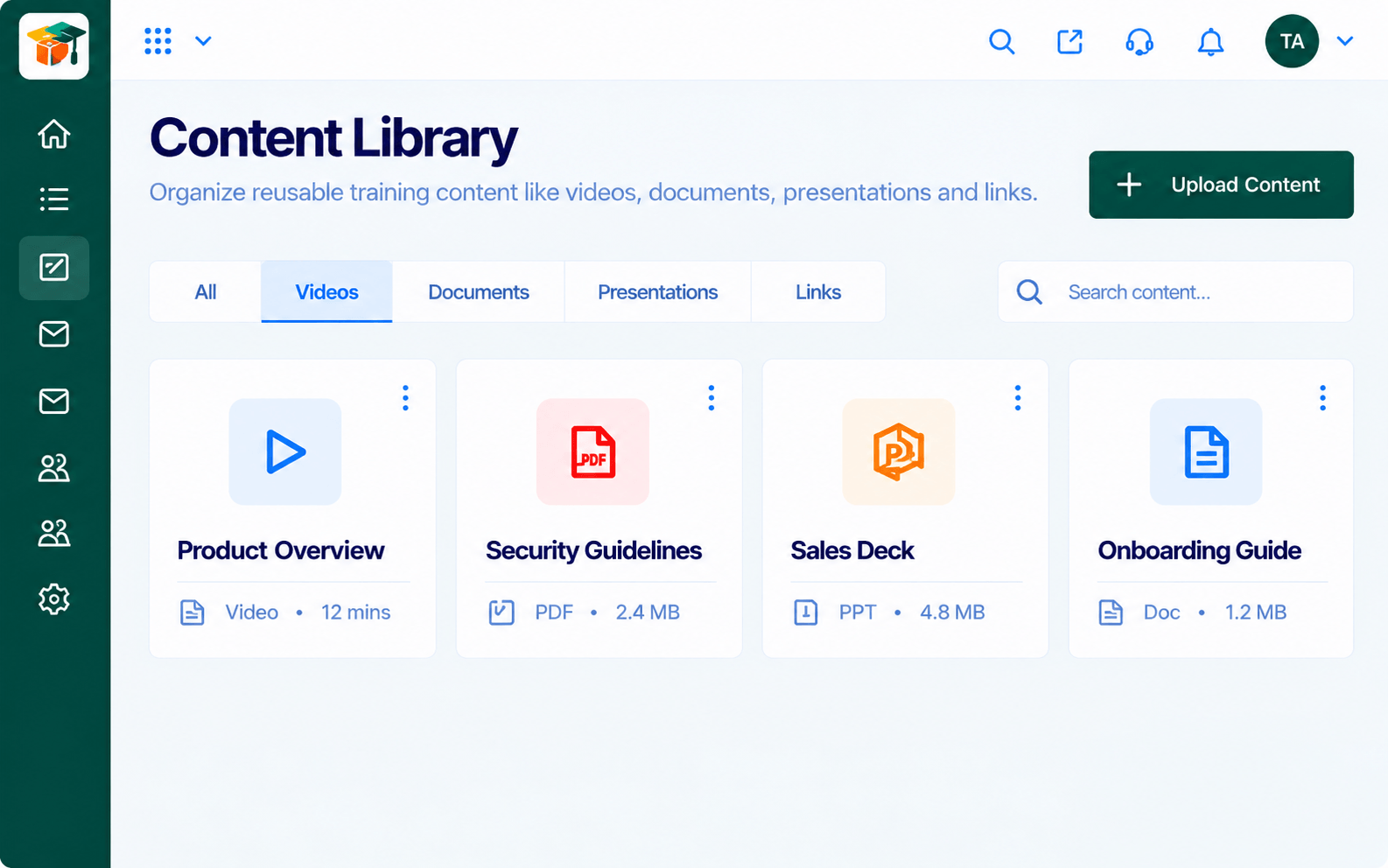
Keep reusable material in one place.
 LMS Features
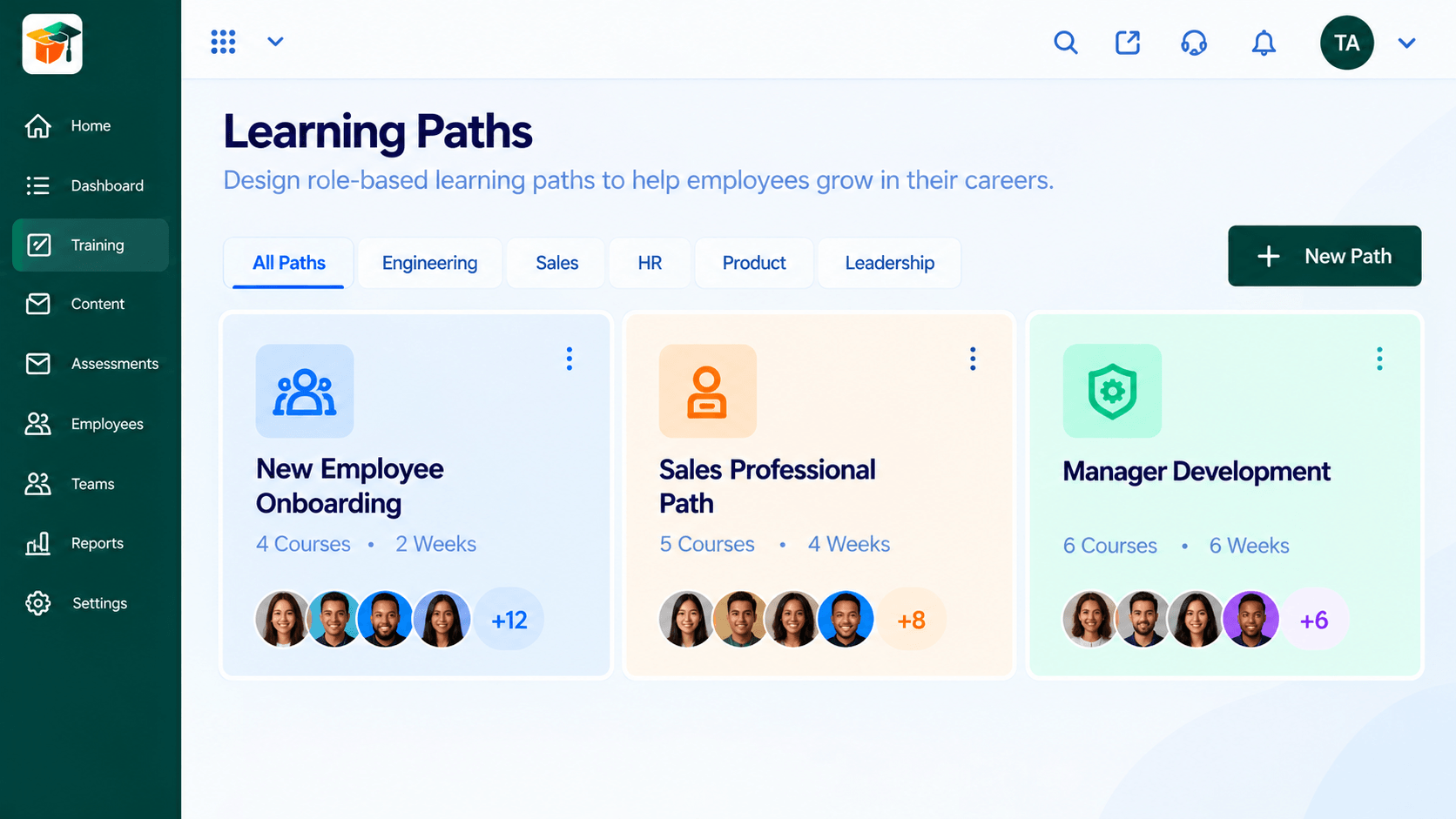
Sequence courses into a journey.
 LMS Features
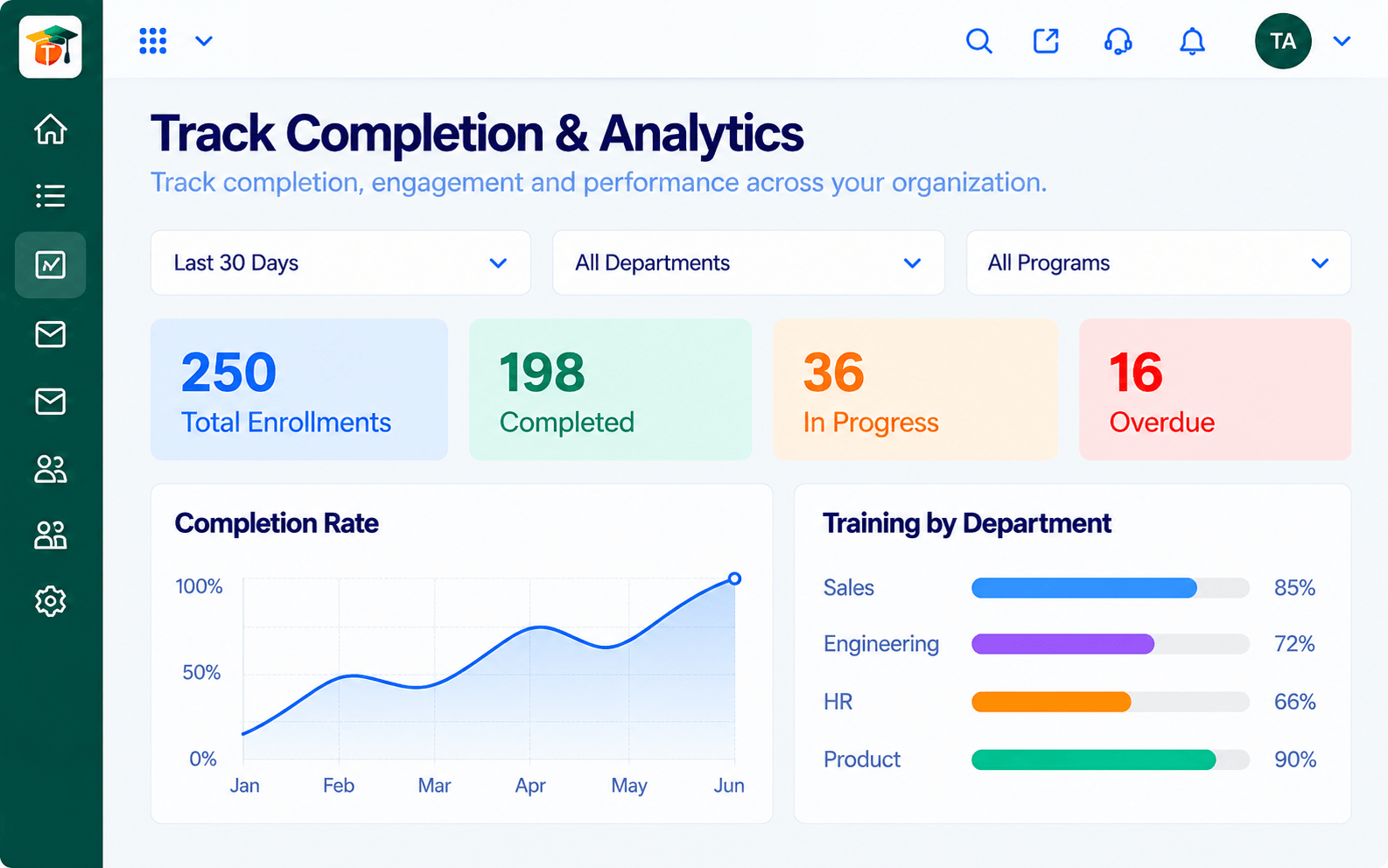
See how learners use your course.
Execution Plan
List the modules and what each should teach.
Add lessons and attach content from the library.
Preview as a learner and refine.
Release the course and assign it to learners.
In Real Life
Scenario 01
HR turns a slide deck into a step-by-step course in an afternoon.
Scenario 02
A subject expert updates one lesson and every program using it is current.
Scenario 03
Trainers duplicate last year's course and refresh only what changed.
Frequently Asked Questions
Yes. Content in the library can be used in more than one course.
Yes. Courses can stay as drafts until you publish them.
No. The builder is designed for trainers and subject experts.
Ask us about the content formats supported for your plan.
Courses, assessments, certificates and learning paths in one workspace, built for teachers, trainers and the people they teach.
