The best Business Suite software in India, built to help your business grow. Contact us at +91-8882435276.
[ Contact ]
Phone number
Email address
Head office
Noida office
The right team at TriostackOne will get back to you.
Structure modules and lessons, add content from your library, set assessments and publish, without needing a designer or developer.
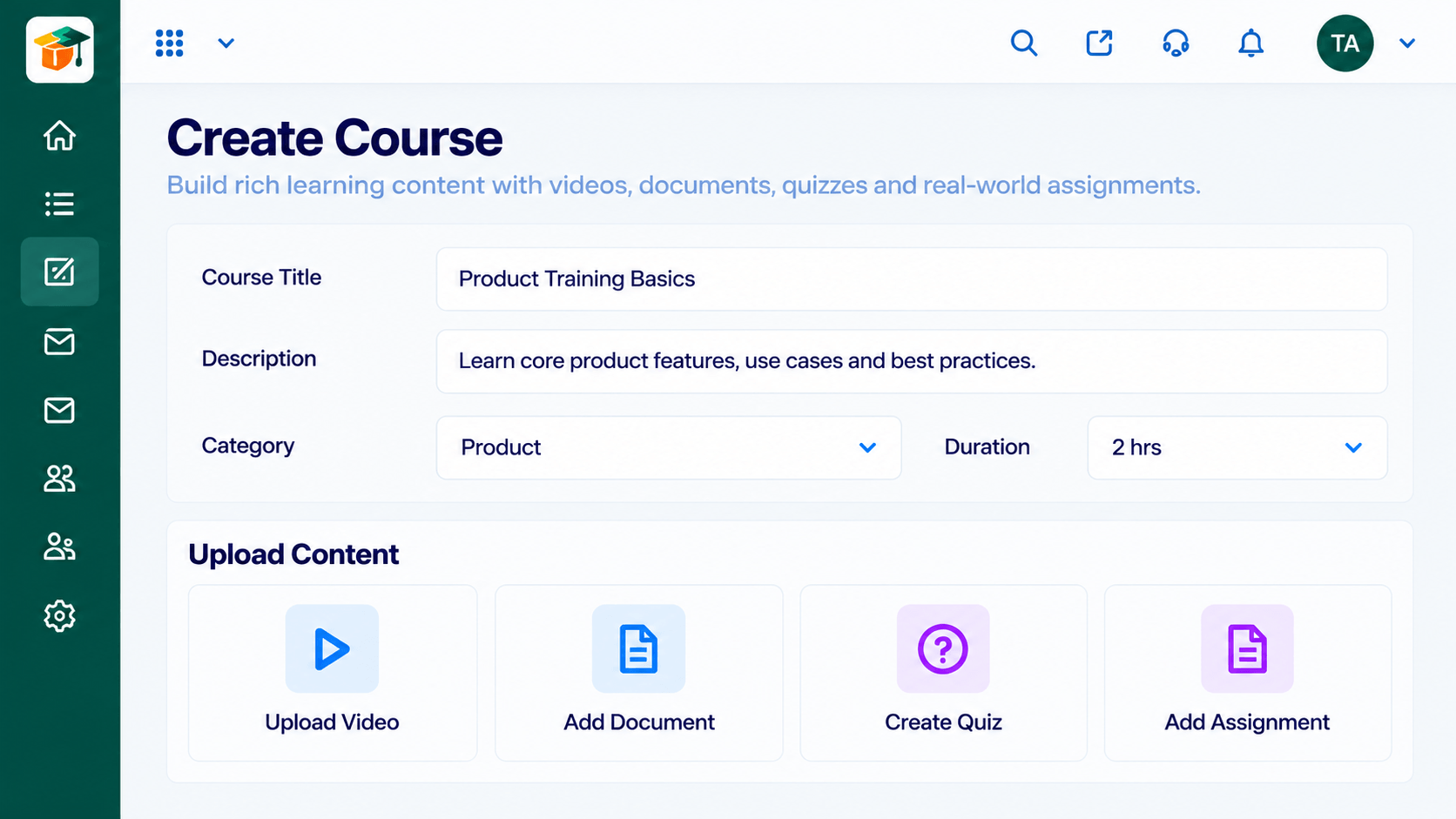
Outline
List modules and lessons.
Add Content
Upload or pick from the library.
Add Checks
Attach a quiz.
Publish
Preview, then go live.
Positioning Assessment
Many training ideas stall because building a course feels heavy. Teams wait for a specialist or give up and send a document.
The course builder lets you outline modules, add lessons and files, attach assessments and publish when ready. Reuse content from the library across courses.
“We turned a 40-slide deck into a course in an afternoon.”
Sample team scenario
Illustrative example, not a customer testimonial
Illustrated Overview
Picture modules as blocks you stack and re-order, until the course looks right and you press publish.
Structure before detail.
Library content drops in.
Drafts keep it safe.
Platform Integrity
Clear structure
From the library
Add quizzes
Preview before publishing
How It Works
What a course adds to your content.
| Dimension | Triostack LMS | Slide Decks |
|---|---|---|
| Structure | Modules and lessons | A long deck |
| Interaction | Quizzes and checks | Passive viewing |
| Tracking | Completion per learner | None |
| Reuse | Shared library | Copies of files |
| Updates | Edit once | Re-send |
We will help you build your first course and assignment end to end, from content to certificate, in your first session.
Live Interface Tour
Real screens captured directly from the Triostack LMS workspace.
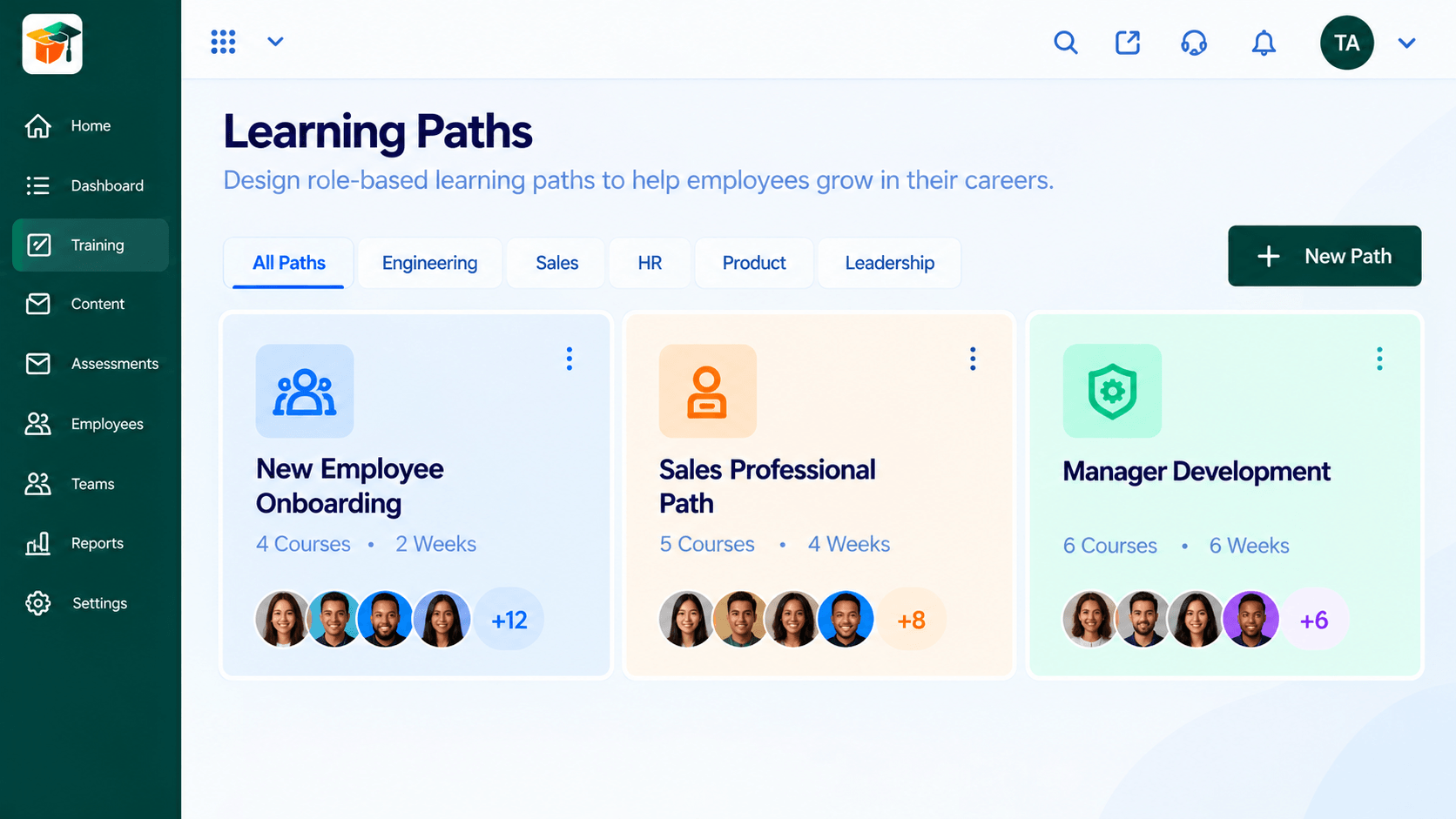 Paths
PathsSequenced courses that guide a learner end to end
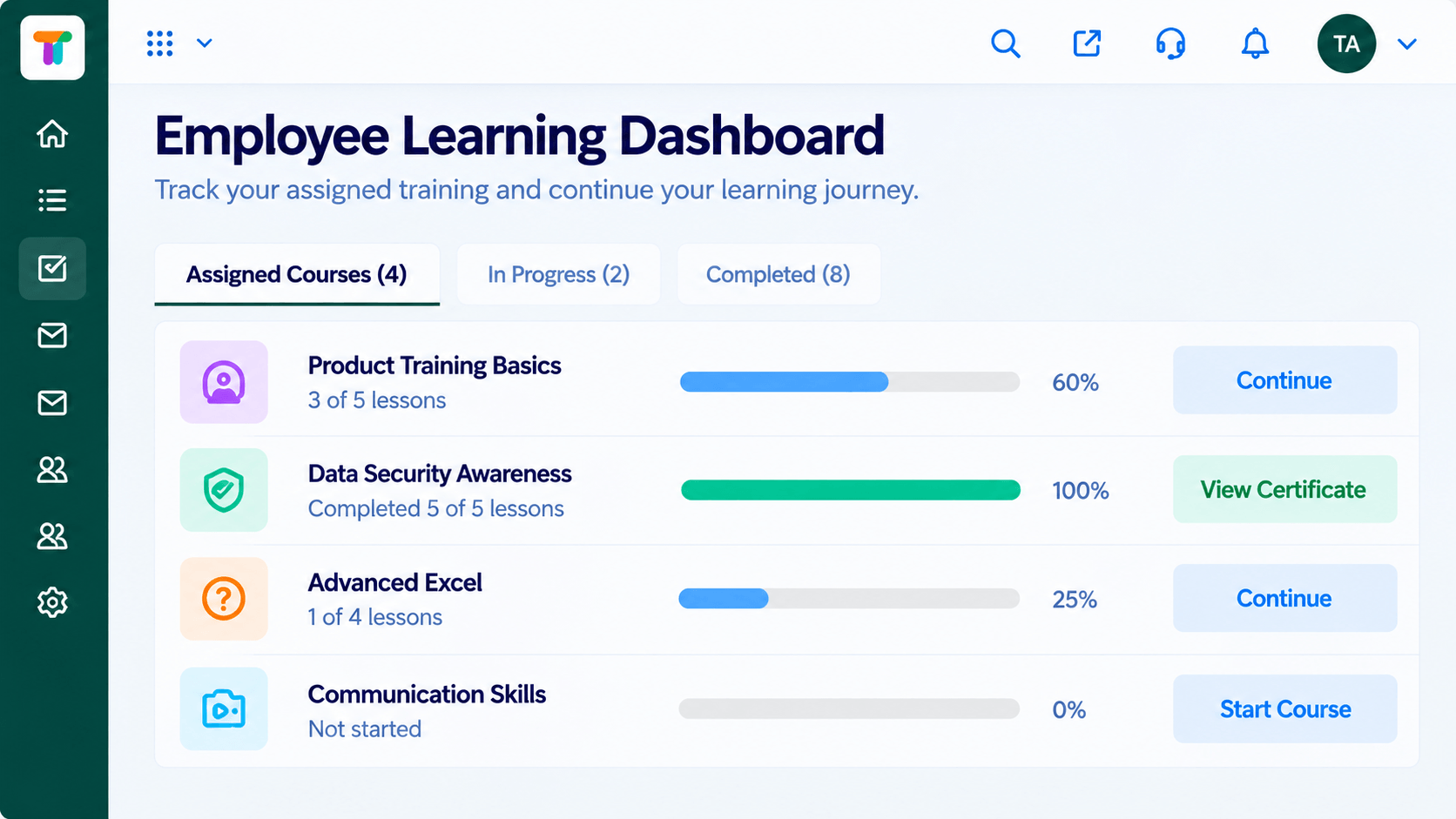 Learners
Each learner's courses, progress and deadlines
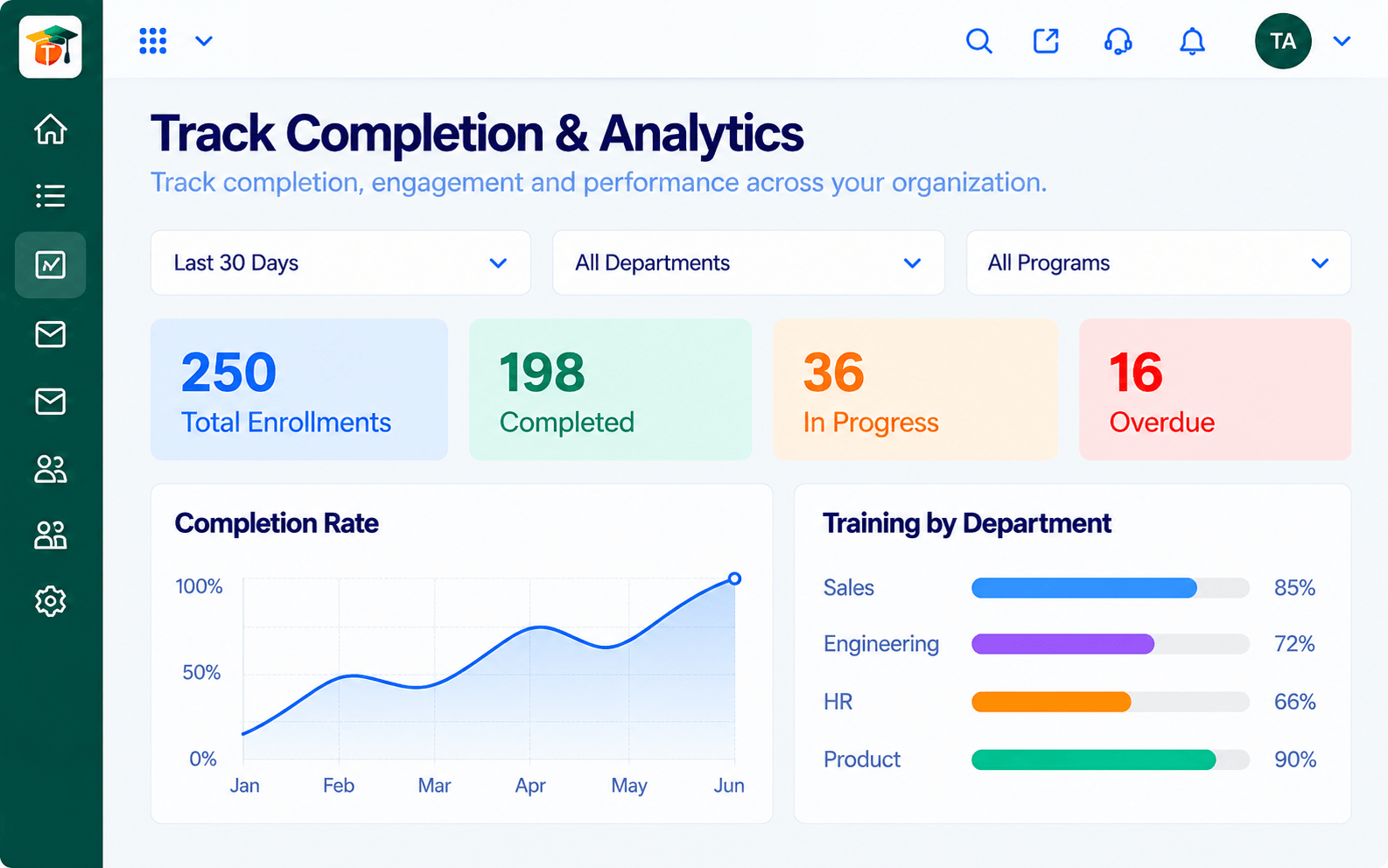 Analytics
Completion, scores and engagement at a glance
Feature Breakdown
Captured from the Triostack LMS workspace.
What You Can DoOutline and build.
 What You Can Do
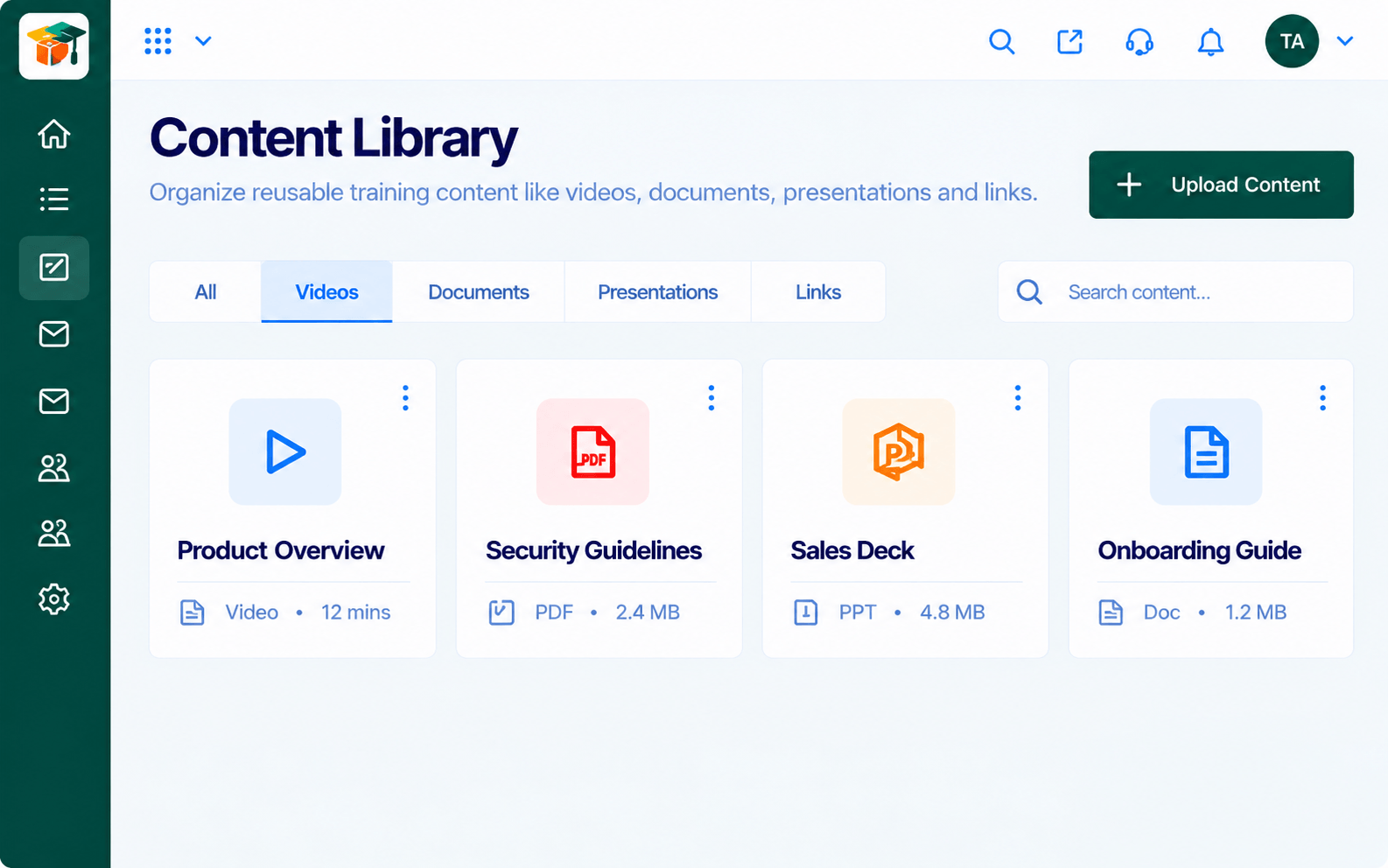
Reuse materials.
 What You Can Do
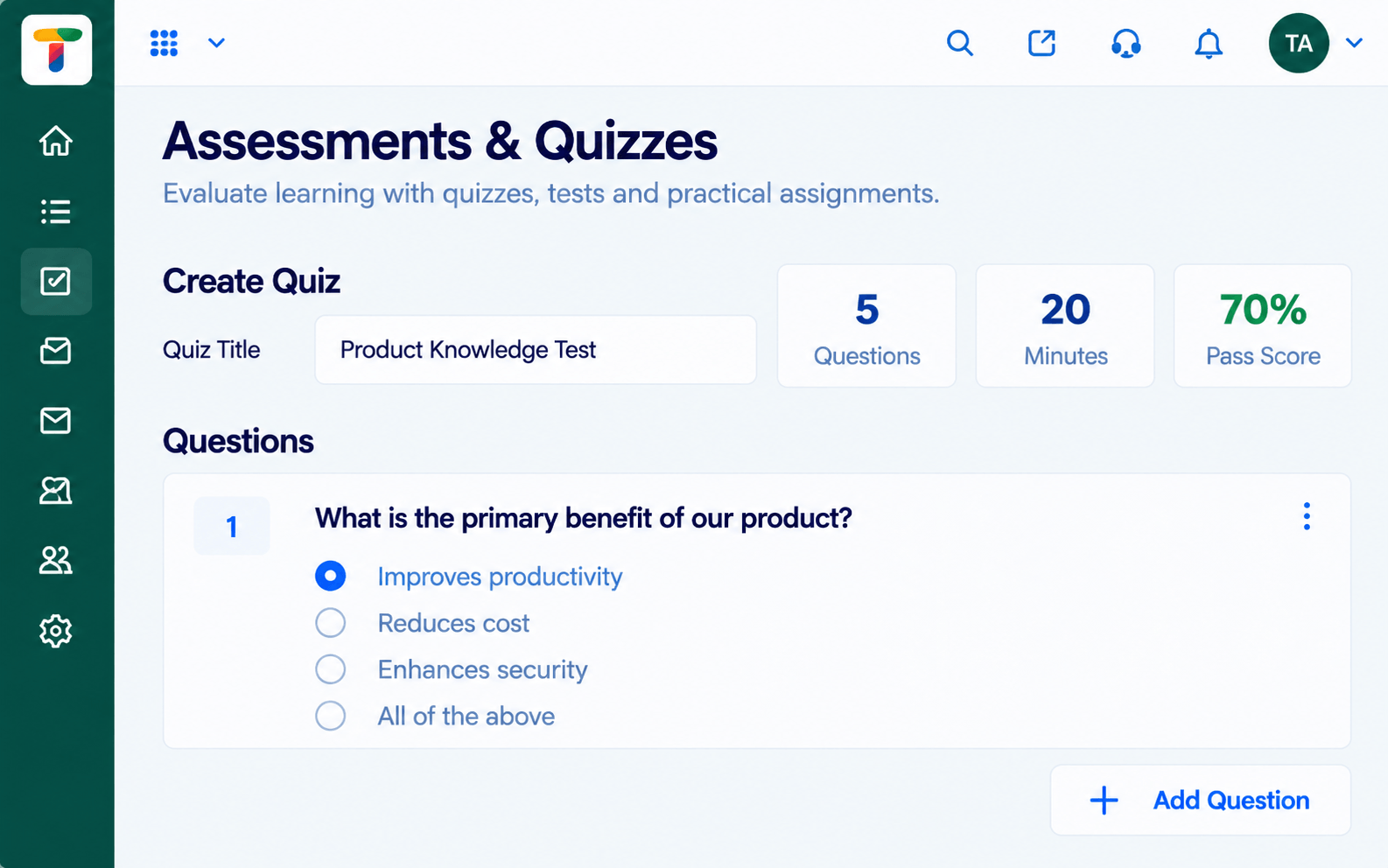
Add checks.
 What You Can Do
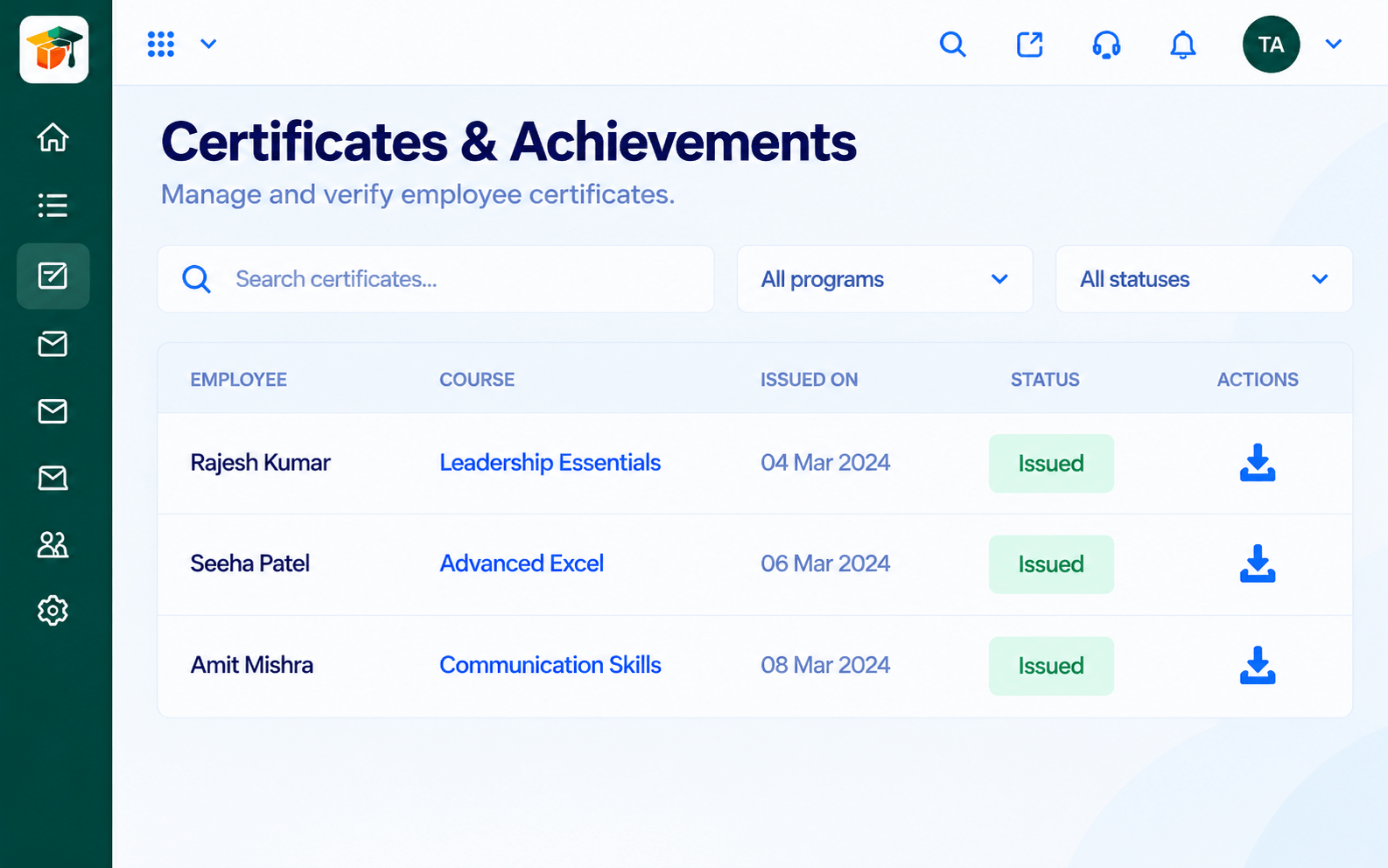
Reward completion.
Execution Plan
List modules and lessons.
Upload or pick from the library.
Attach a quiz.
Preview, then go live.
In Real Life
Scenario 01
A how-to course goes live in a day.
Scenario 02
Sales team trains before the release.
Scenario 03
Their knowledge is captured as a course.
Frequently Asked Questions
No. The builder is designed for non-technical creators.
Yes, from the content library.
Yes, courses start as drafts.
Yes, assessments attach to courses.
Courses, assessments, certificates and learning paths in one workspace, built for teachers, trainers and the people they teach.
