The best Business Suite software in India, built to help your business grow. Contact us at +91-8882435276.
[ Contact ]
Phone number
Email address
Head office
Noida office
The right team at TriostackOne will get back to you.
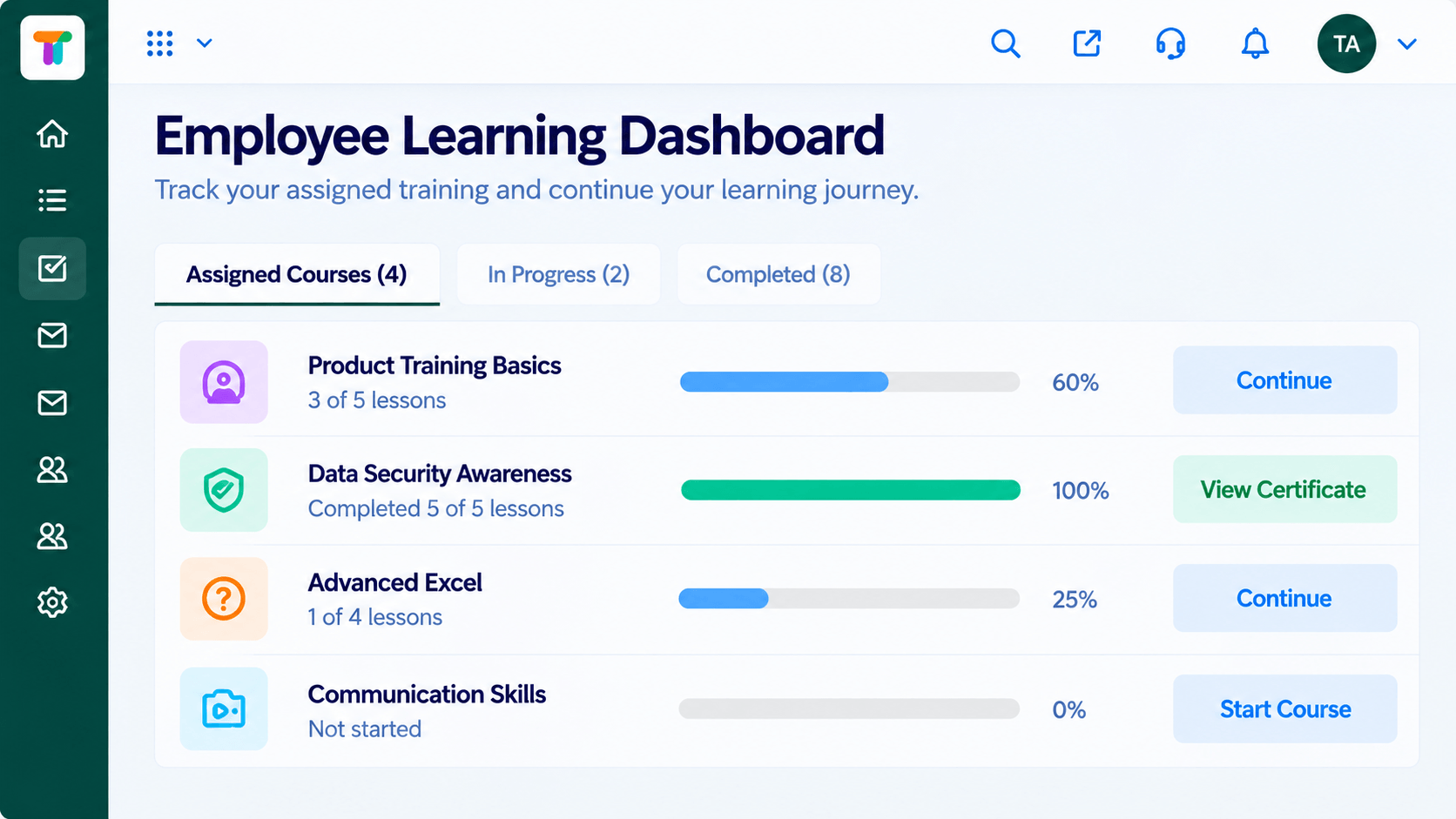
Organise learners into teams and give admins, trainers, managers and learners the permissions their role needs, nothing more.
Define Roles
Decide who can do what.
Create Teams
Group learners.
Assign People
Give each person a role.
Review
Check access as teams change.
Positioning Assessment
As a learning programme grows, more people need access: trainers to build courses, managers to see their teams, learners to take courses. Giving everyone the same access creates risk.
The LMS separates roles and teams. Admins manage the platform, trainers build and run courses, managers see their team's progress and learners see their own.
“Managers see their team and nothing else. Trainers build; admins control settings.”
Sample team scenario
Illustrative example, not a customer testimonial
Illustrated Overview
Imagine a central lock with four different keys: one for the admin, one for the trainer, one for the manager and one for the learner.
Each person gets what they need.
Managers see their own.
Settings stay protected.
Platform Integrity
Group learners
Admin, trainer, manager, learner
Limit what each can do
Admins stay in control
How It Works
What separating roles protects.
| Dimension | Triostack LMS | Shared Access |
|---|---|---|
| Access | By role | Everyone sees everything |
| Manager View | Their own team | All learners |
| Course Editing | Trainers only | Anyone |
| Settings | Admins only | Anyone |
| Offboarding | Deactivate the user | Change shared passwords |
We will help you build your first course and assignment end to end, from content to certificate, in your first session.
Live Interface Tour
Real screens captured directly from the Triostack LMS workspace.
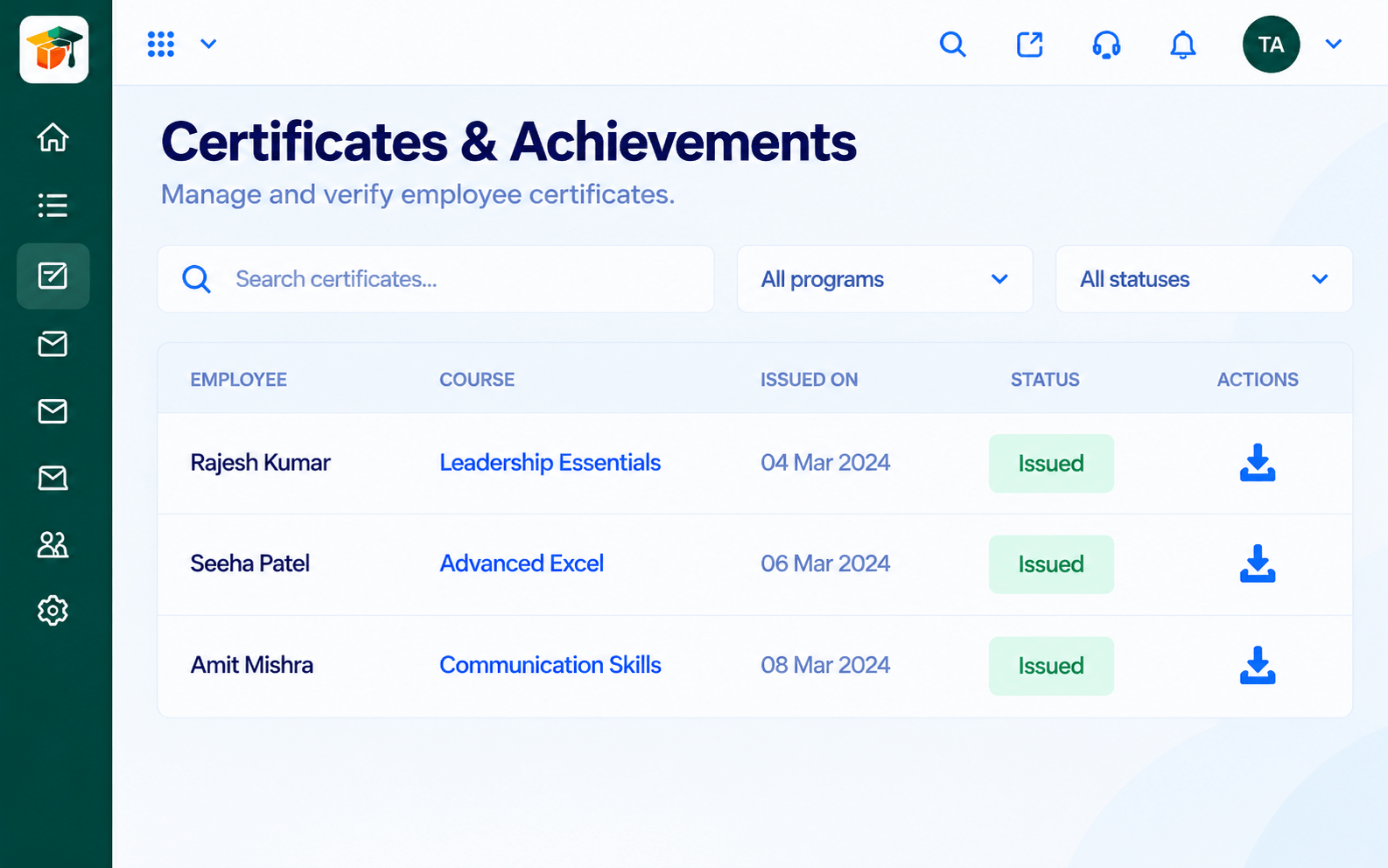 Certificates
Certificates issued when learners complete
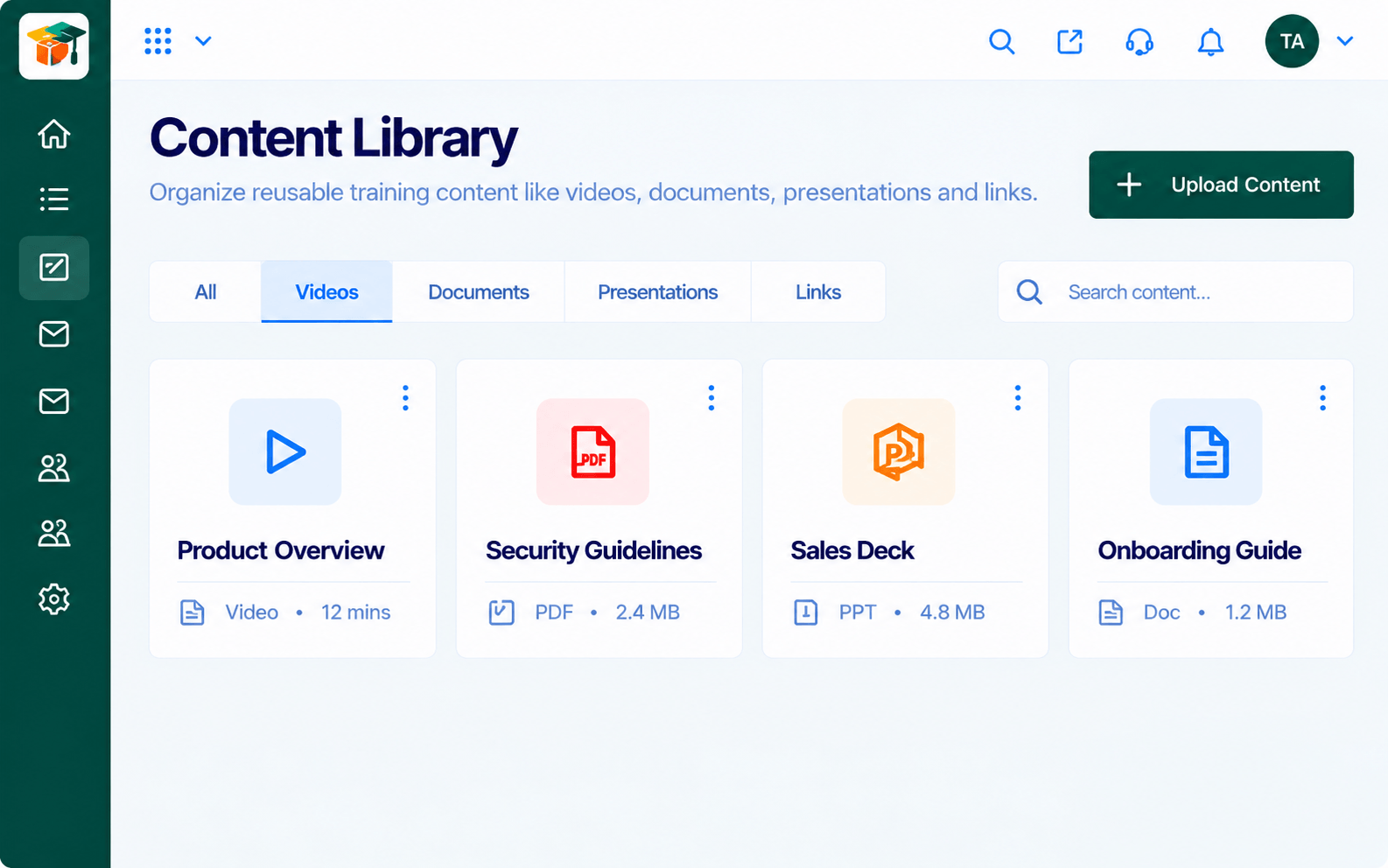 Content
Reusable learning content in one library
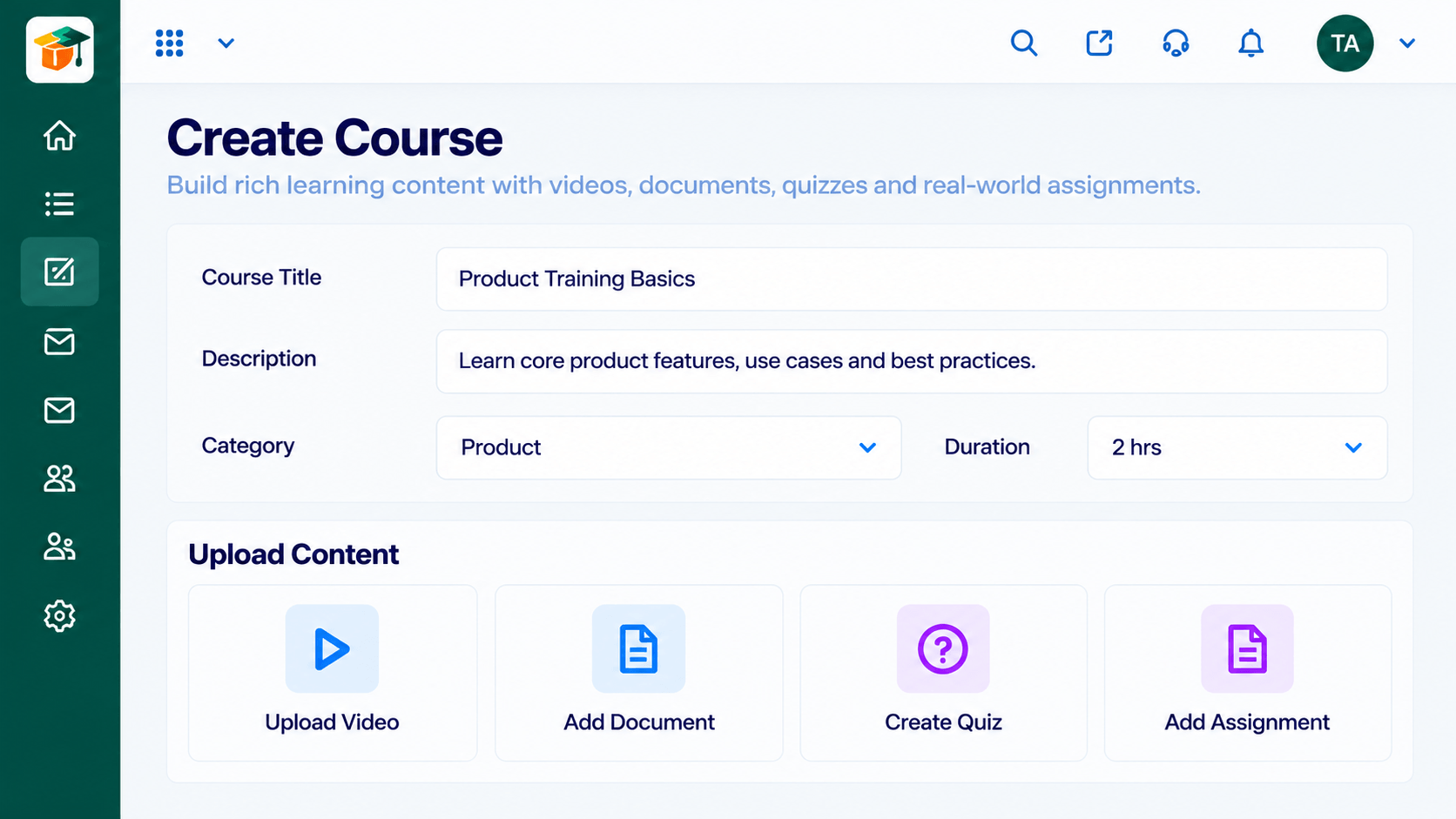 Courses
Build courses from modules and lessons
Feature Breakdown
Captured from the Triostack LMS workspace.
What You Can DoWhat learners see.
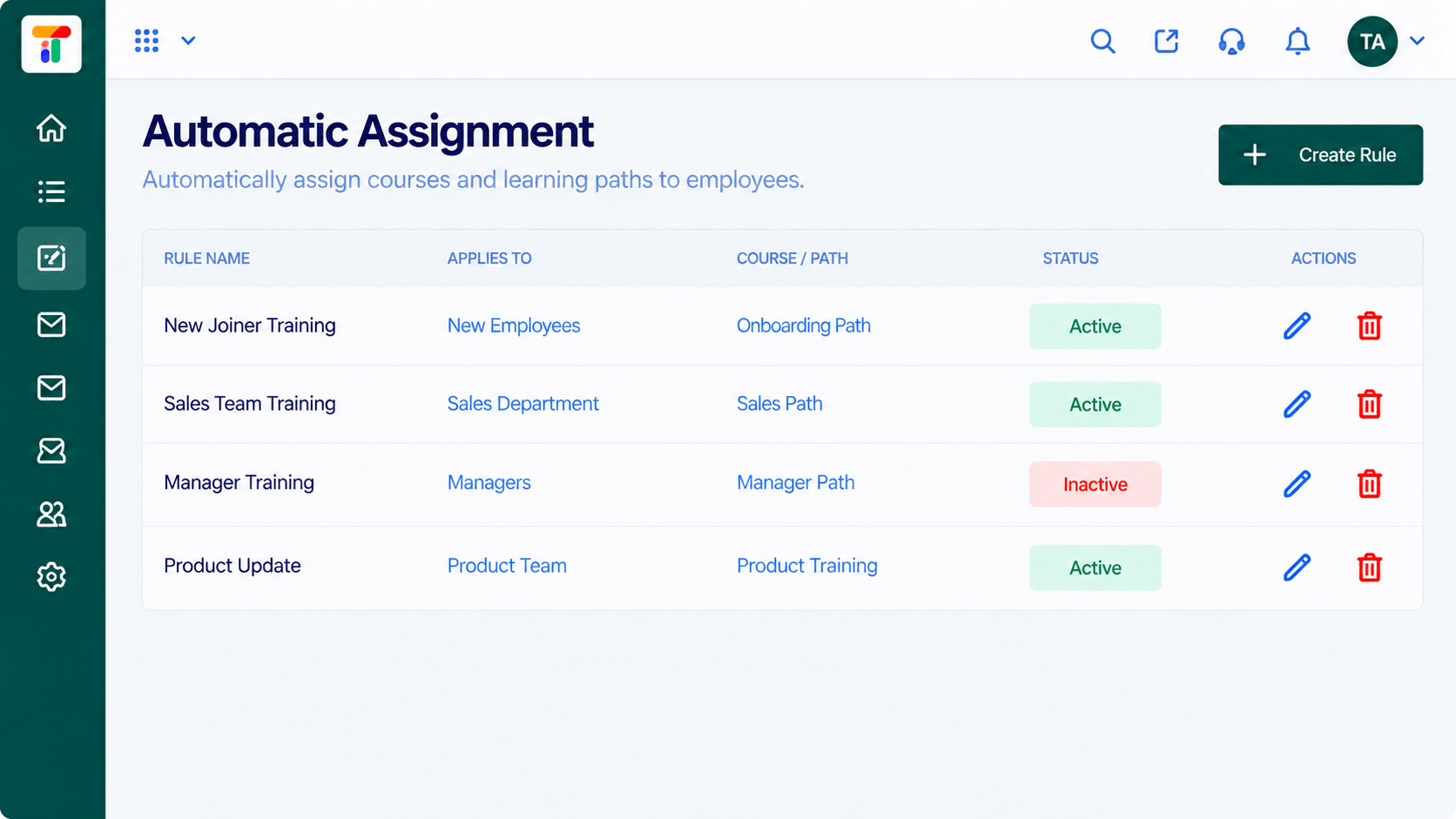 What You Can Do
Teams get their courses.
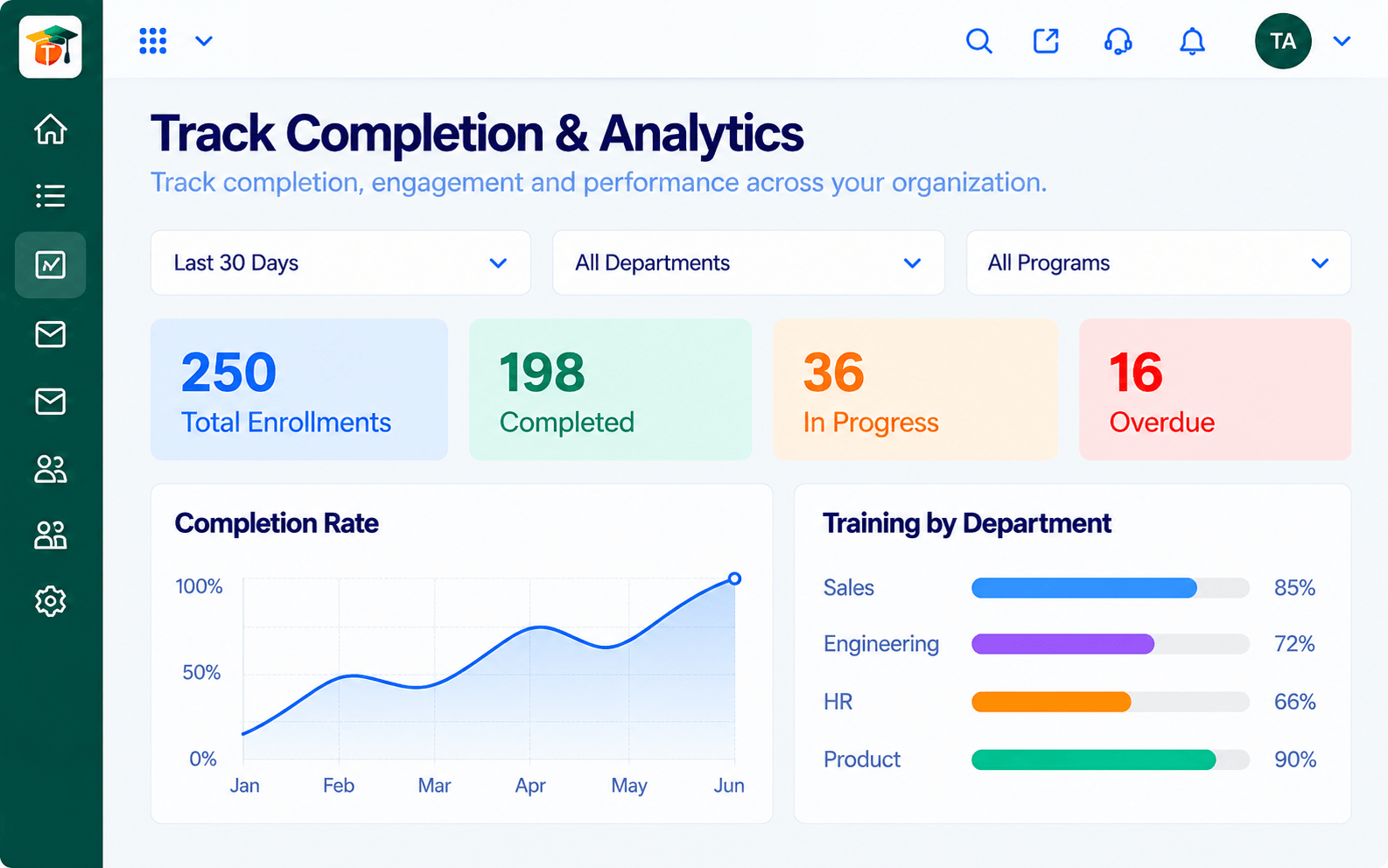 What You Can Do
Managers see their team.
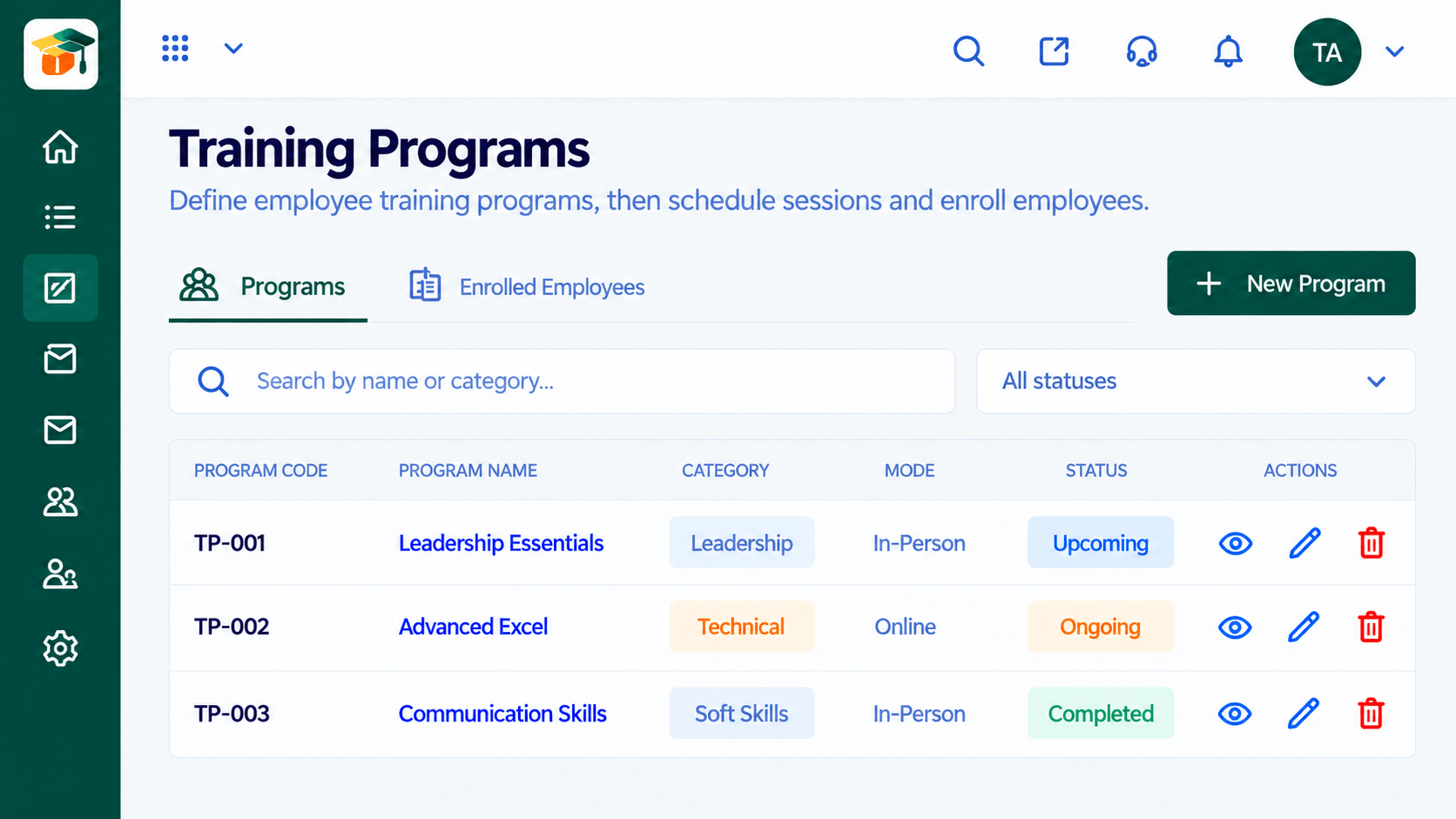 What You Can Do
Trainers run cohorts.
Execution Plan
Decide who can do what.
Group learners.
Give each person a role.
Check access as teams change.
In Real Life
Scenario 01
Can build courses but not change settings.
Scenario 02
Sees only their team's progress.
Scenario 03
Access ends, records stay.
Frequently Asked Questions
Typical roles are admin, trainer, manager and learner. Ask us about configuration.
Yes, with team-based views.
Yes, and their records remain.
Yes, by role.
Courses, assessments, certificates and learning paths in one workspace, built for teachers, trainers and the people they teach.
