The best Business Suite software in India, built to help your business grow. Contact us at +91-8882435276.
[ Contact ]
Phone number
Email address
Head office
Noida office
The right team at TriostackOne will get back to you.
Schedule live sessions, bring learners together and keep attendance and materials alongside the course. Video tools connect through integrations; ask us about your setup.
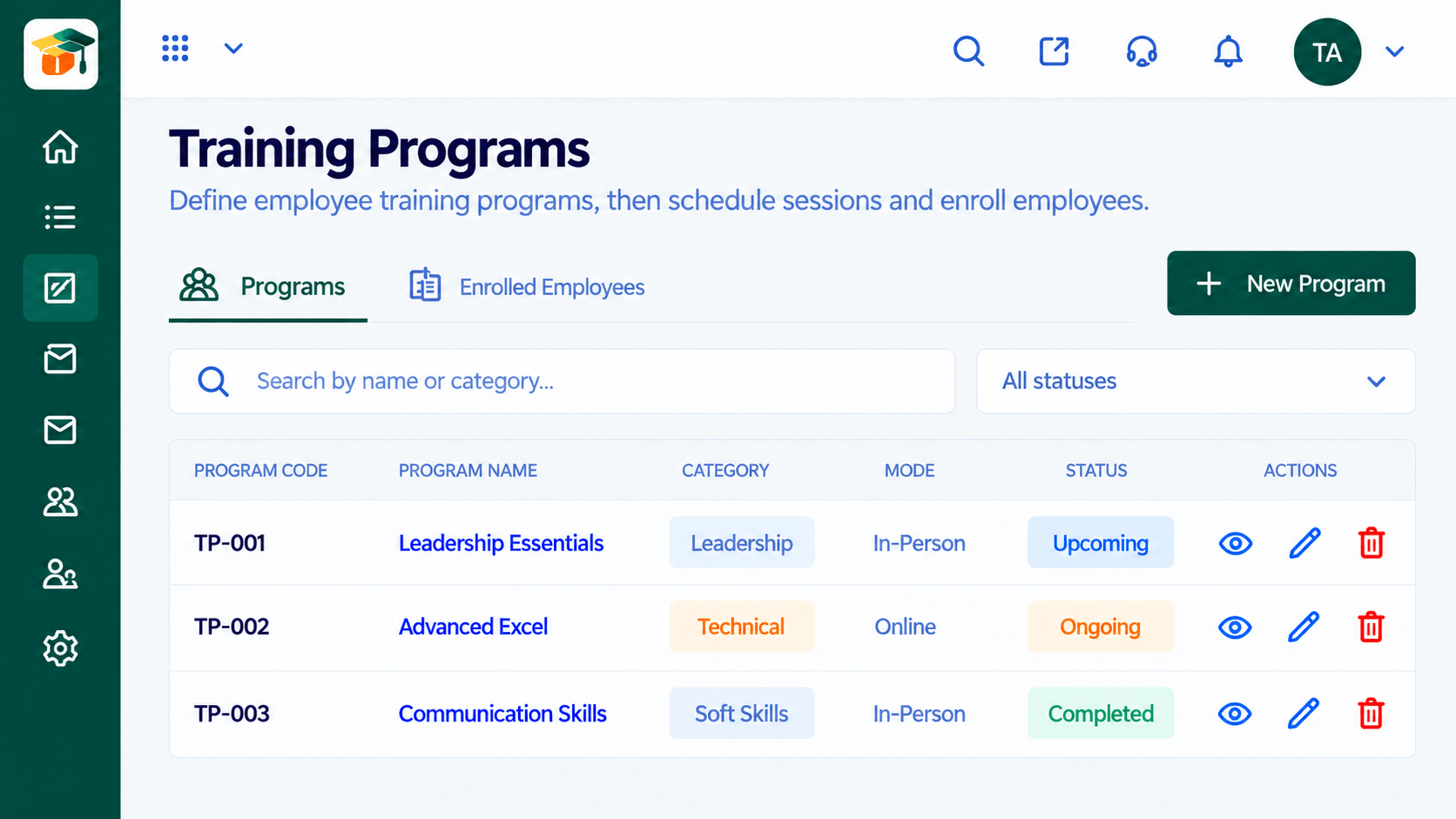
Schedule
Add the session to the program.
Share Materials
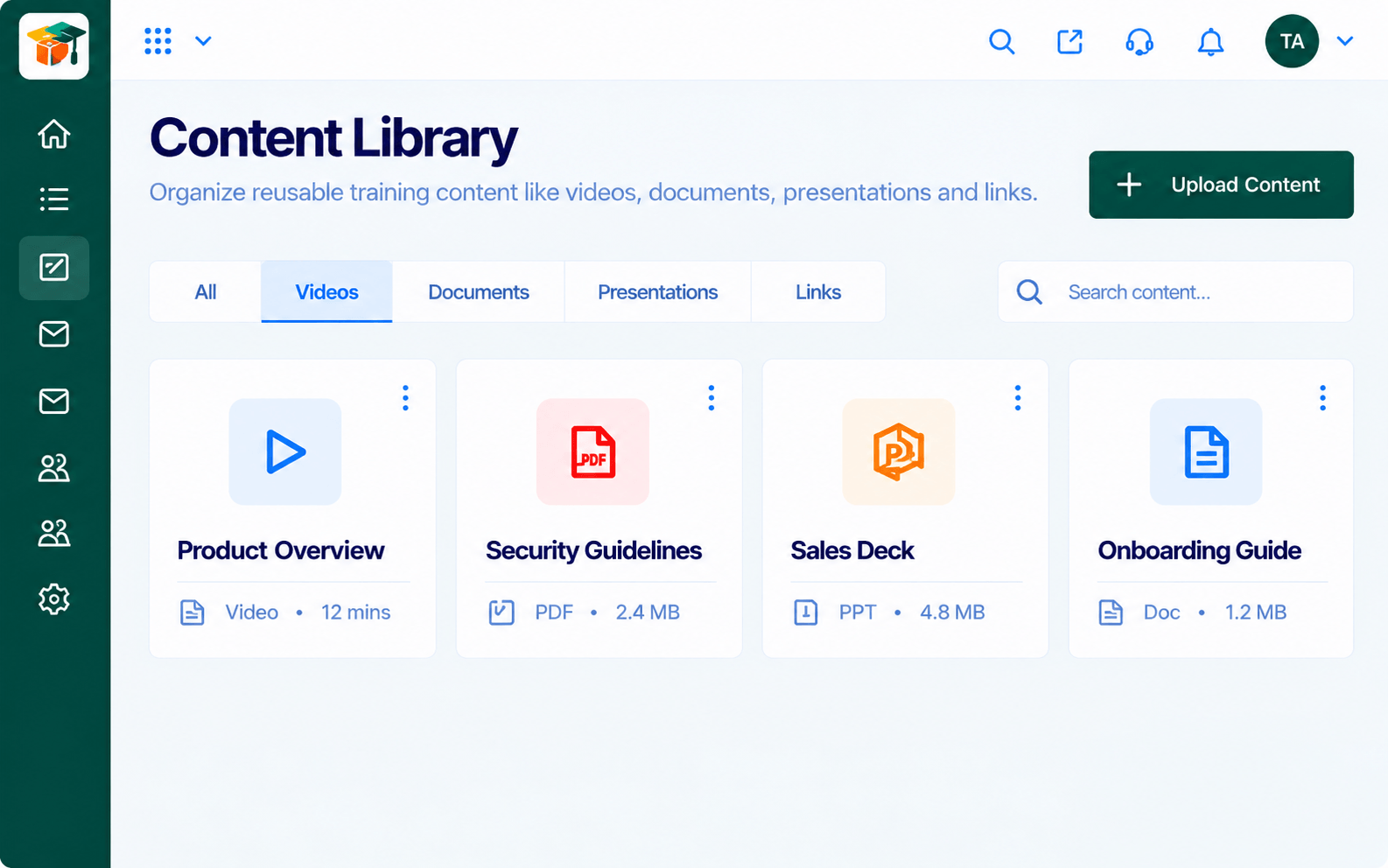
Attach slides and files.
Teach
Run the session with your video tool.
Follow Up
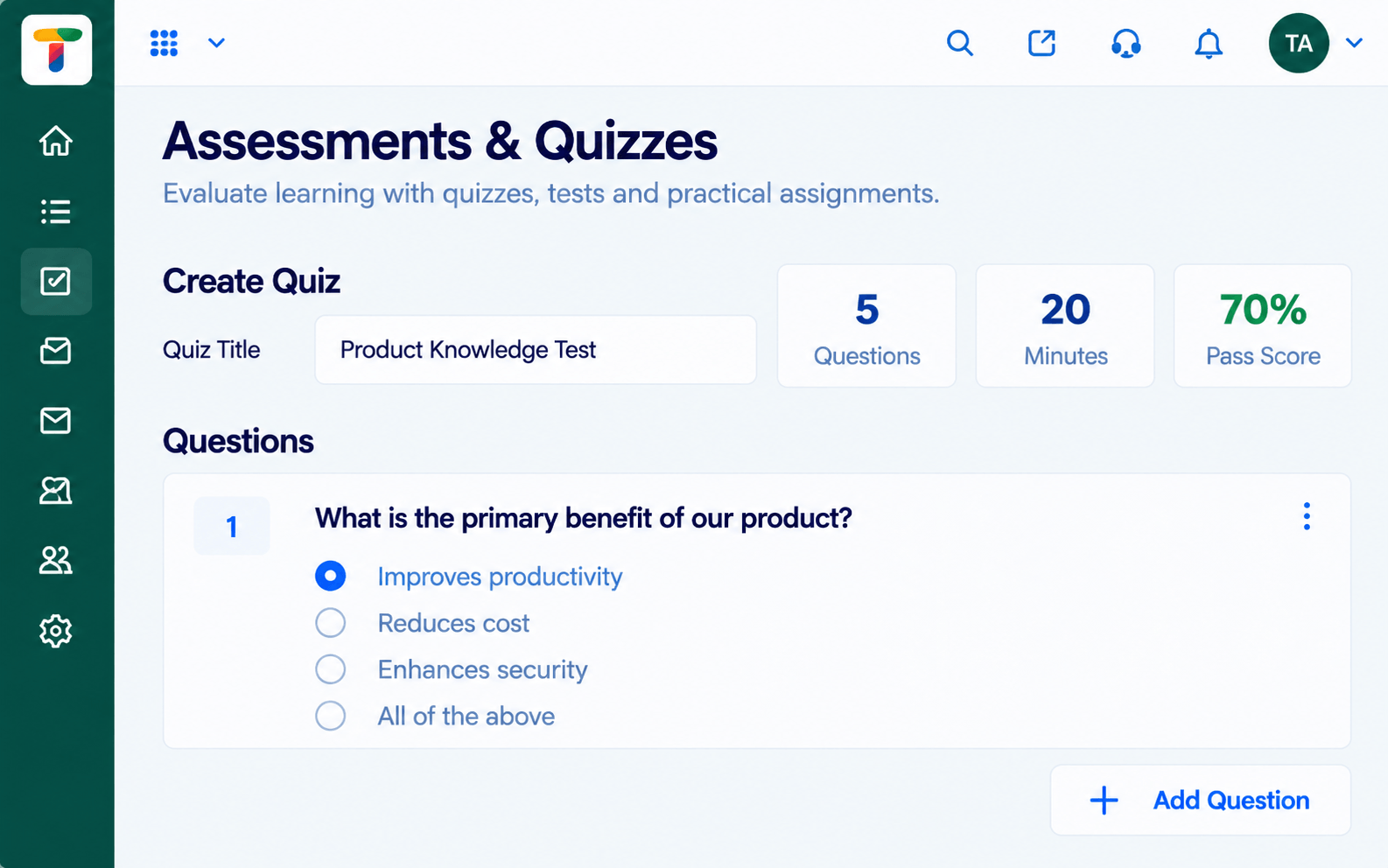
Record attendance and set a quiz.
Positioning Assessment
Live classes live in calendar invites and video links, while attendance and materials end up in separate places.
The LMS ties live sessions to the course: schedule them, share materials, record attendance and let learners find recordings or follow-up work in the same place. Live video itself runs through connected tools; ask us which ones are supported.
“Live sessions and self-paced content finally feel like one programme.”
Sample team scenario
Illustrative example, not a customer testimonial
Illustrated Overview
Imagine a video call whose slides, chat and attendance all flow straight back into the learner's course page.
Part of the programme.
Recorded automatically.
Follow-up after class.
Platform Integrity
Sessions on the programme
Who joined
Shared with the session
Quizzes after class
How It Works
What connecting sessions to courses adds.
| Dimension | Triostack LMS | Standalone Calls |
|---|---|---|
| Scheduling | On the programme | In calendar invites |
| Attendance | Recorded per learner | Manual notes |
| Materials | With the session | Emailed separately |
| Follow-Up | Quiz or task after class | None |
| Records | One history | Several tools |
We will help you build your first course and assignment end to end, from content to certificate, in your first session.
Live Interface Tour
Real screens captured directly from the Triostack LMS workspace.
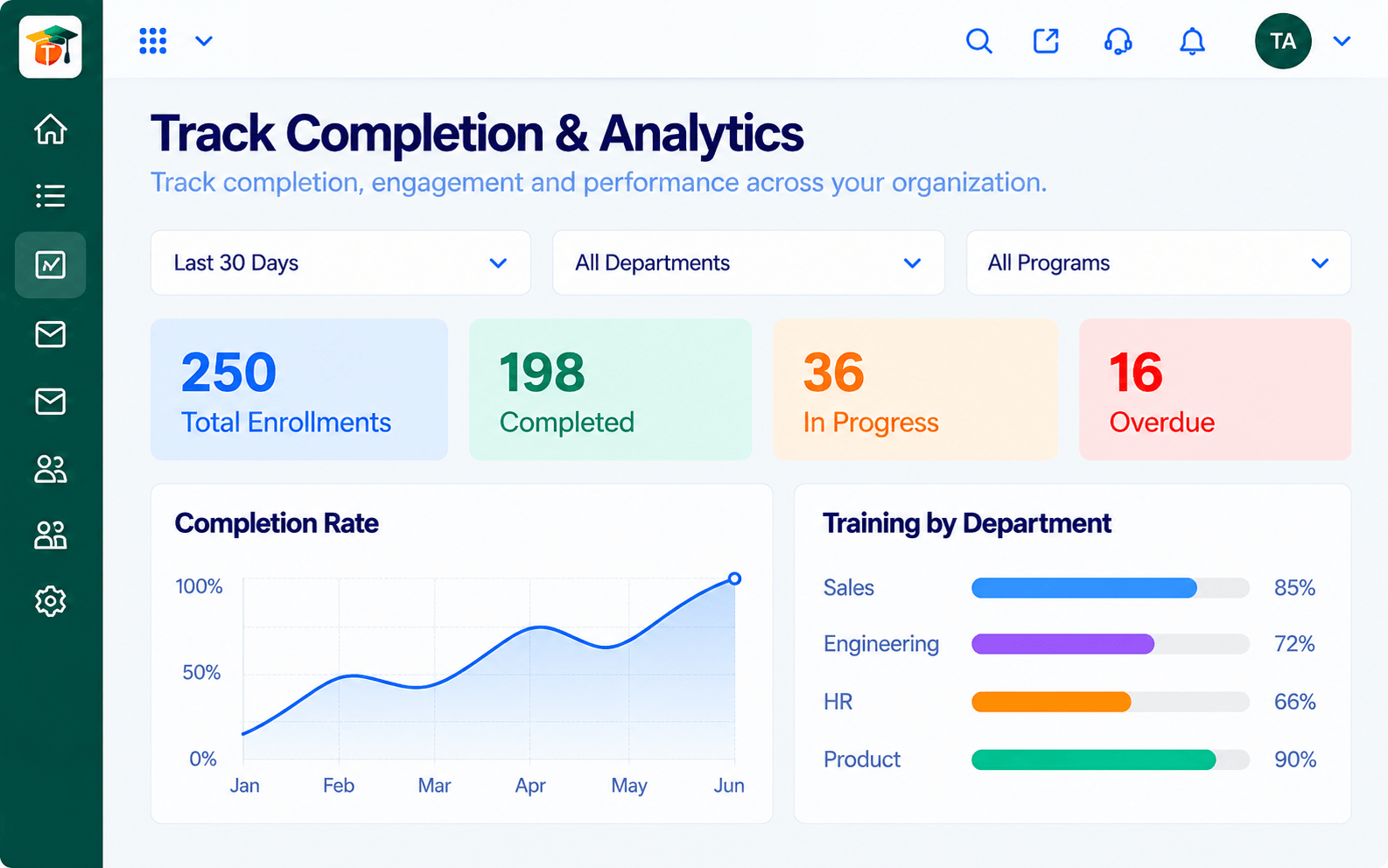 Analytics
Completion, scores and engagement at a glance
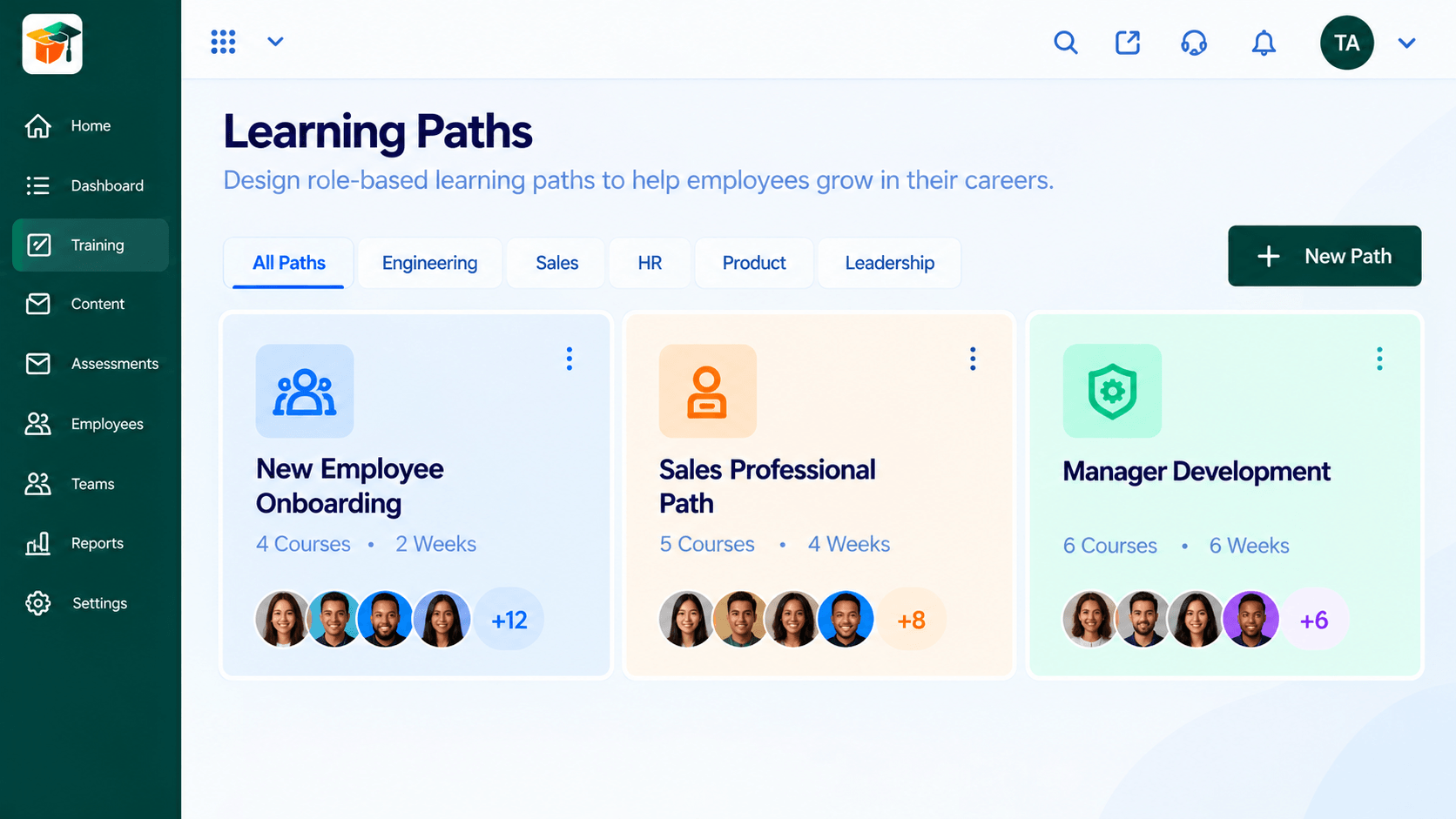 Paths
PathsSequenced courses that guide a learner end to end
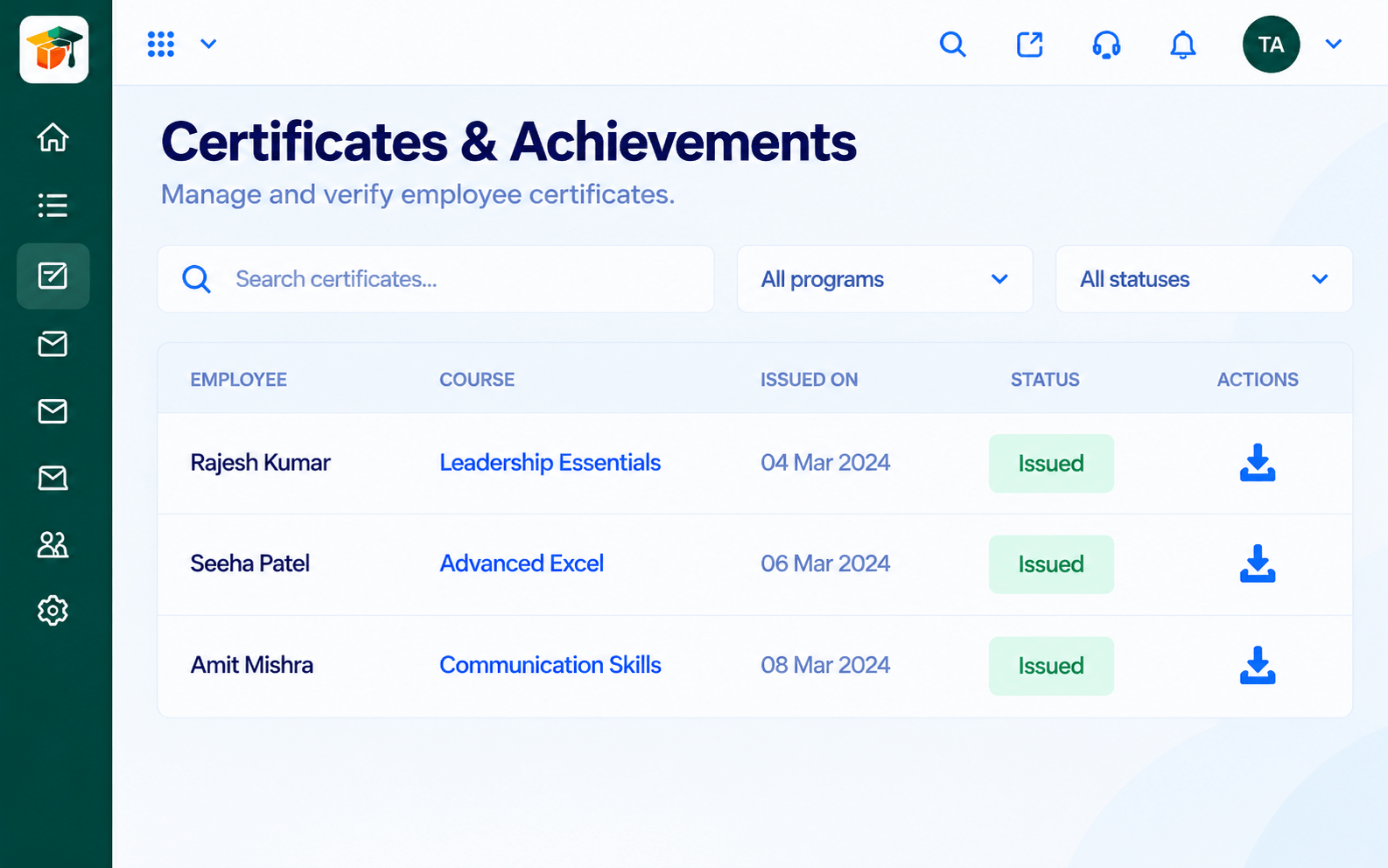 Certificates
Certificates issued when learners complete
Feature Breakdown
Captured from the Triostack LMS workspace.
What You Can DoSchedule and run sessions.
 What You Can Do
Share materials.
 What You Can Do
Check afterwards.
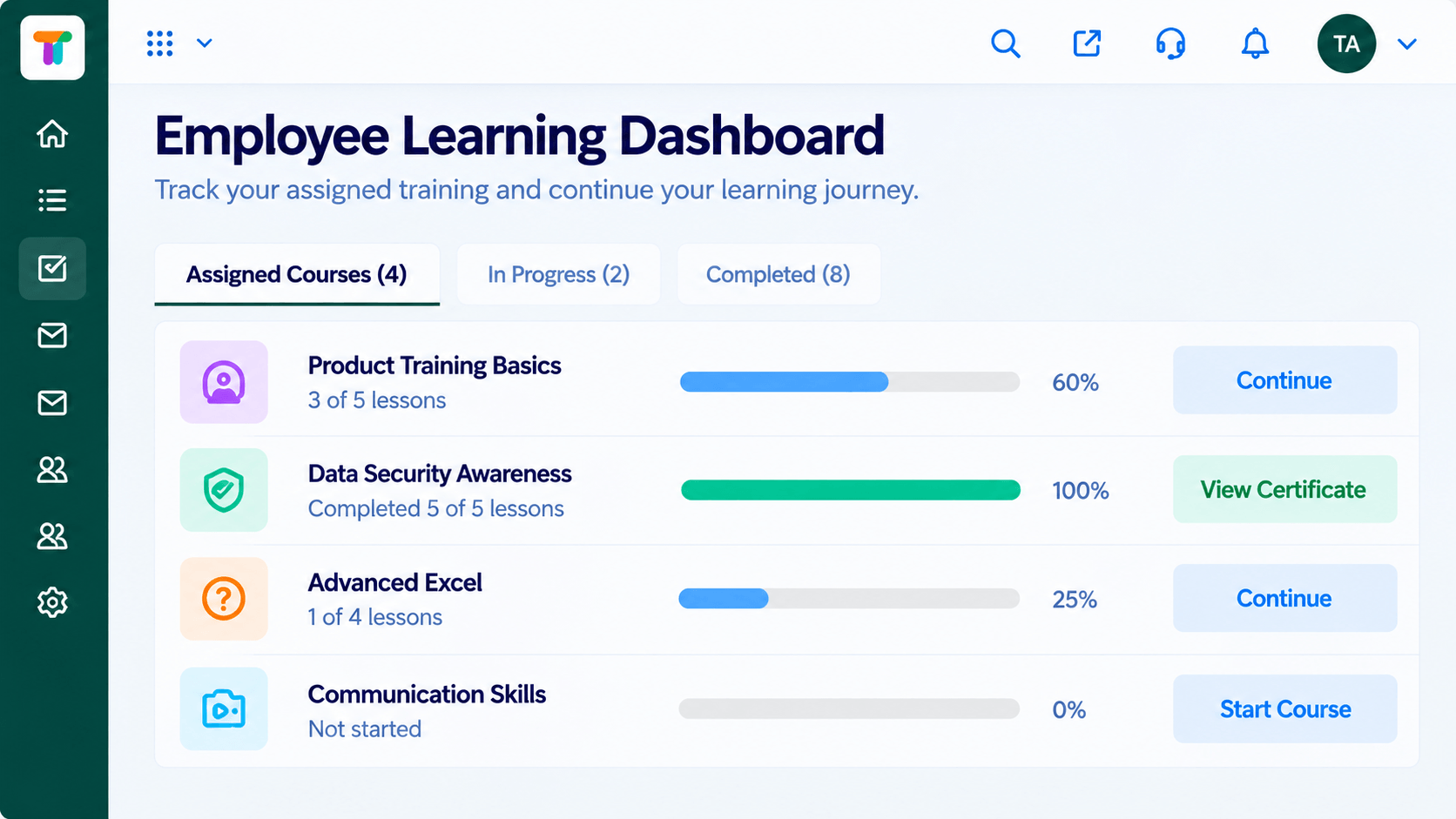 What You Can Do
Learners see what is next.
Execution Plan
Add the session to the program.
Attach slides and files.
Run the session with your video tool.
Record attendance and set a quiz.
In Real Life
Scenario 01
Attendance and slides are in the program.
Scenario 02
Everyone starts together.
Scenario 03
Learners catch up with materials.
Frequently Asked Questions
Live video runs through connected tools. Ask us which are supported.
Yes, per session and learner.
Yes, through the content library.
Yes.
Courses, assessments, certificates and learning paths in one workspace, built for teachers, trainers and the people they teach.
