The best Business Suite software in India, built to help your business grow. Contact us at +91-8882435276.
[ Contact ]
Phone number
Email address
Head office
Noida office
The right team at TriostackOne will get back to you.
Lock attendance, add claims, review the totals and release the run, with every step visible and every number traceable.
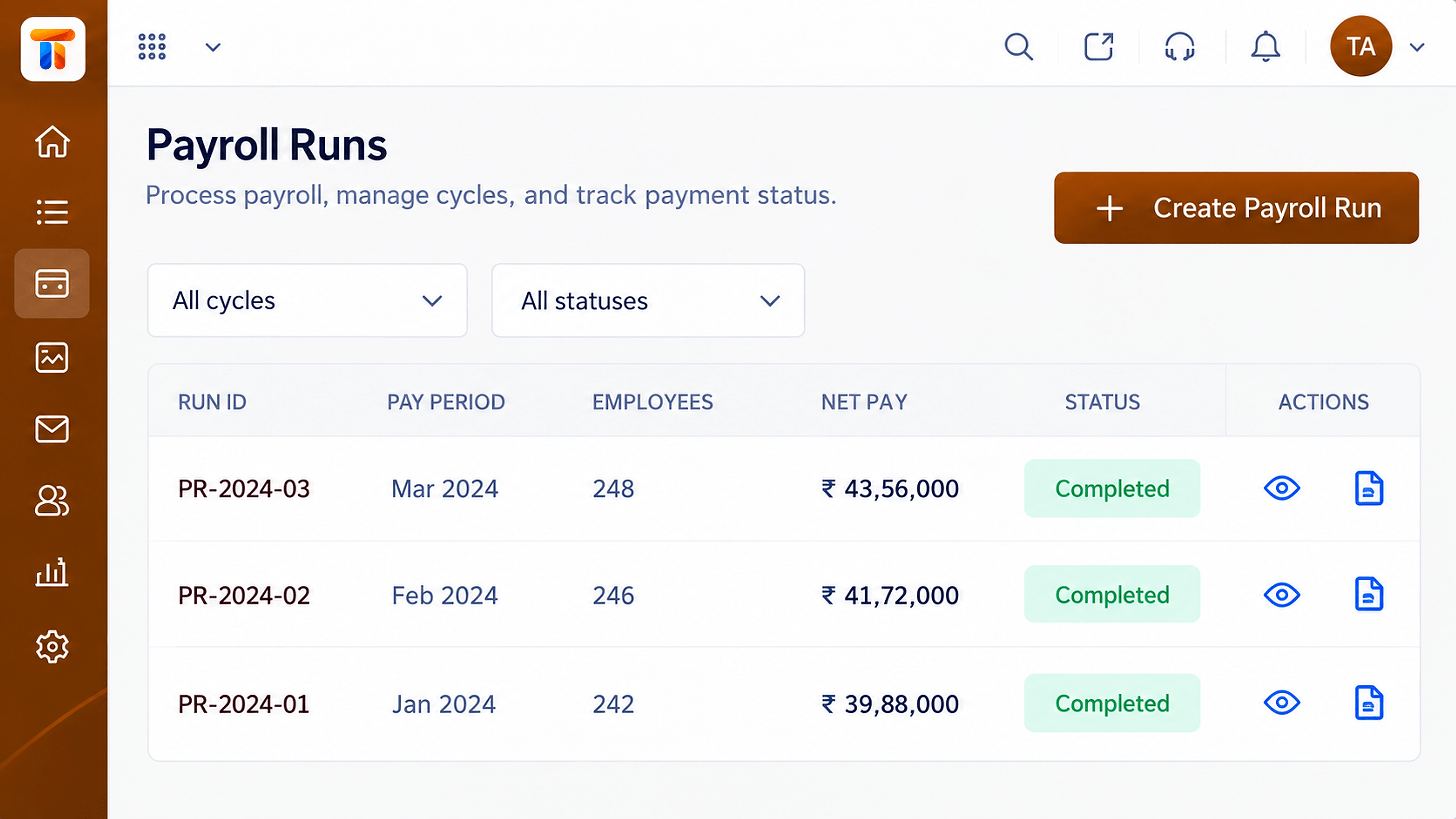
From inputs to approved payroll in a single run
Positioning Assessment
Payroll goes wrong when numbers come from many places at the last minute. The fix is a flow where each input arrives, is checked and is locked before the run begins.
Payroll lets you lock attendance and leave, include approved claims, review totals and exceptions and approve the run. The record is kept so any figure can be explained later.
“We know on day twenty-five what the run will look like. That alone is worth it.”
Sample team scenario
Illustrative example, not a customer testimonial
Illustrated Overview
Picture inputs travelling a belt through a calculation gear, an approval gate and out as paid salaries.
Attendance, leave and claims.
Exceptions are flagged.
Approved and recorded.
Platform Integrity
Attendance and leave frozen
Review what needs attention
Sign-off before release
Past runs retained
How It Works
What a structured run changes.
| Dimension | Triostack Payroll | Last-Minute Calculation |
|---|---|---|
| Inputs | Locked before the run | Changing until the end |
| Review | Totals and exceptions visible | Spot-checking |
| Approval | Defined sign-off | Informal |
| Traceability | Every figure explainable | Reconstructed later |
| Repeatability | Same steps every month | Different each time |
We will help you configure this workflow end to end, from pay structure to payslips, in your first session.
Live Interface Tour
Real screens captured directly from the Triostack Payroll workspace.
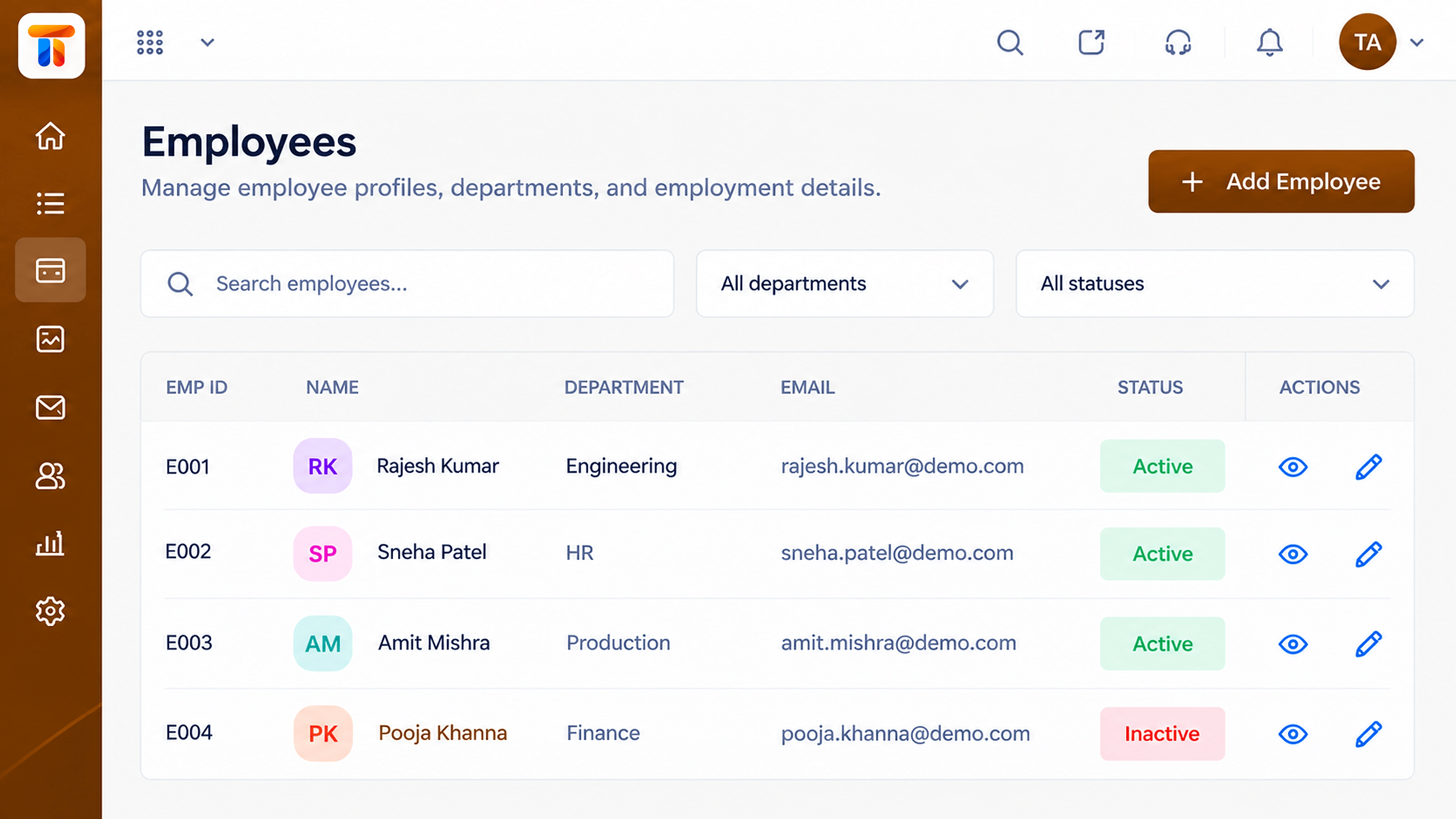 Employees
Employee records that feed every payroll run
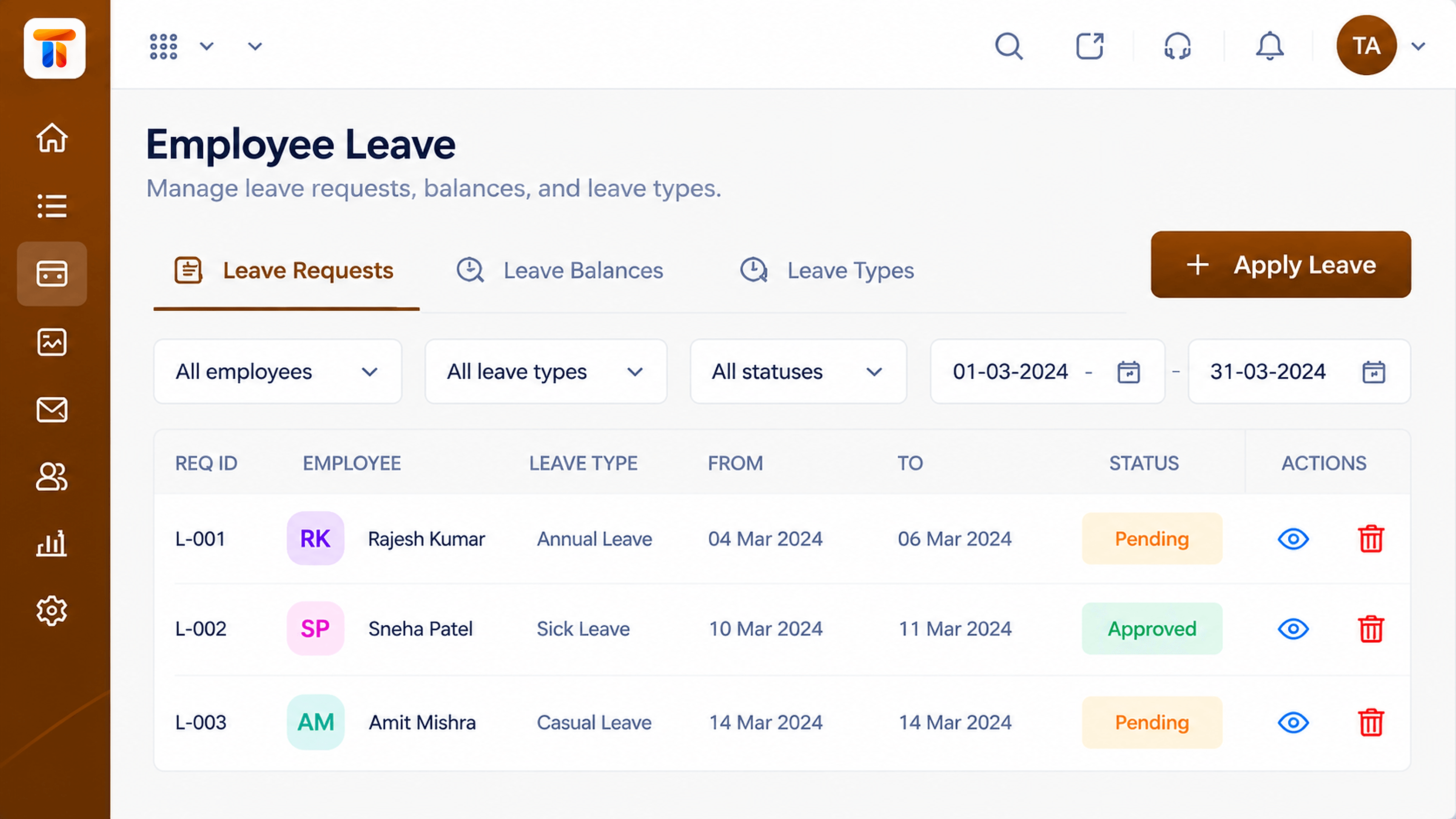 Leave
LeaveLeave records that affect pay and balances
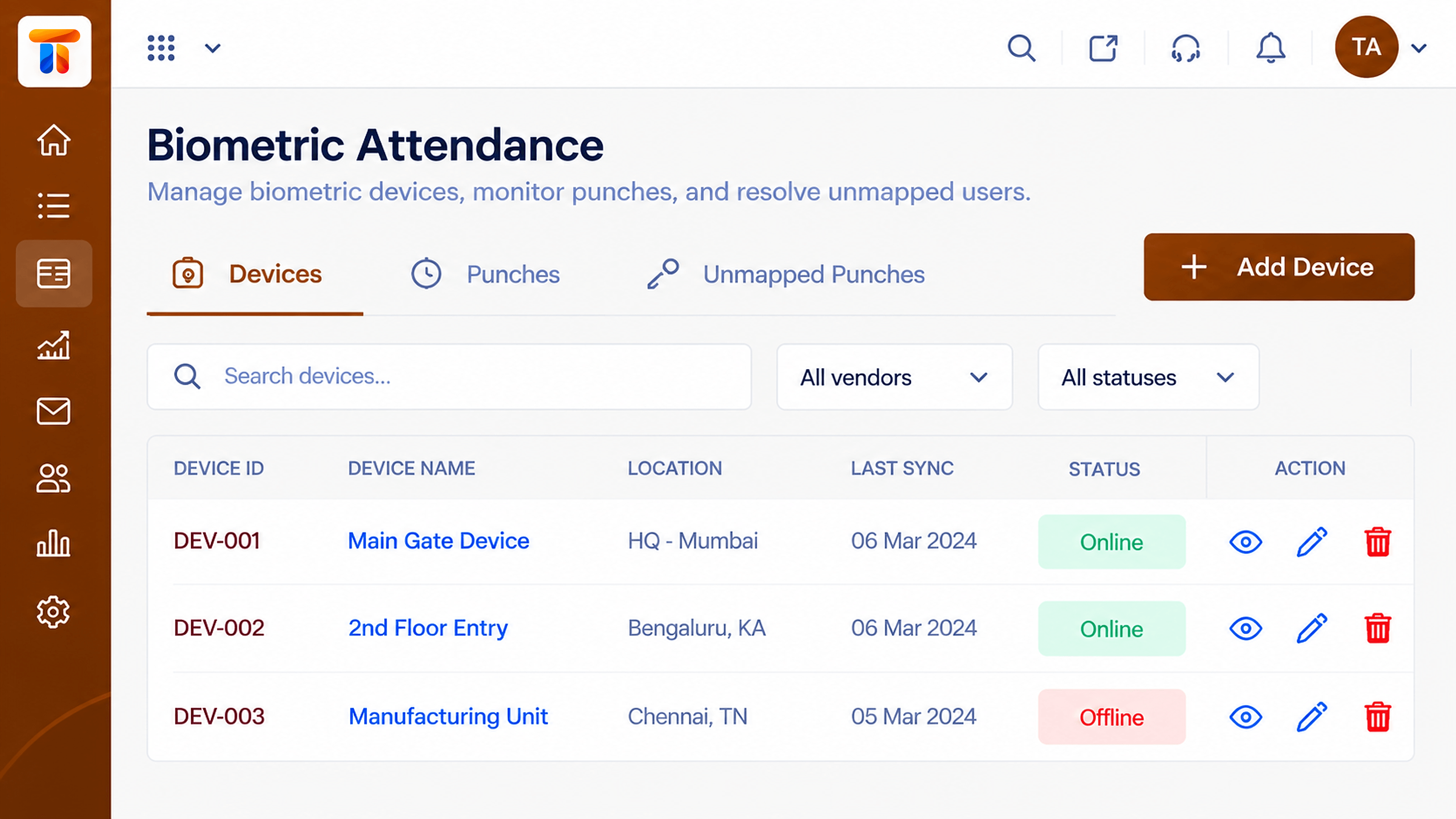 Attendance
Device punches captured as attendance
Feature Breakdown
Captured from the Triostack Payroll workspace.
What You Can DoThe monthly cycle.
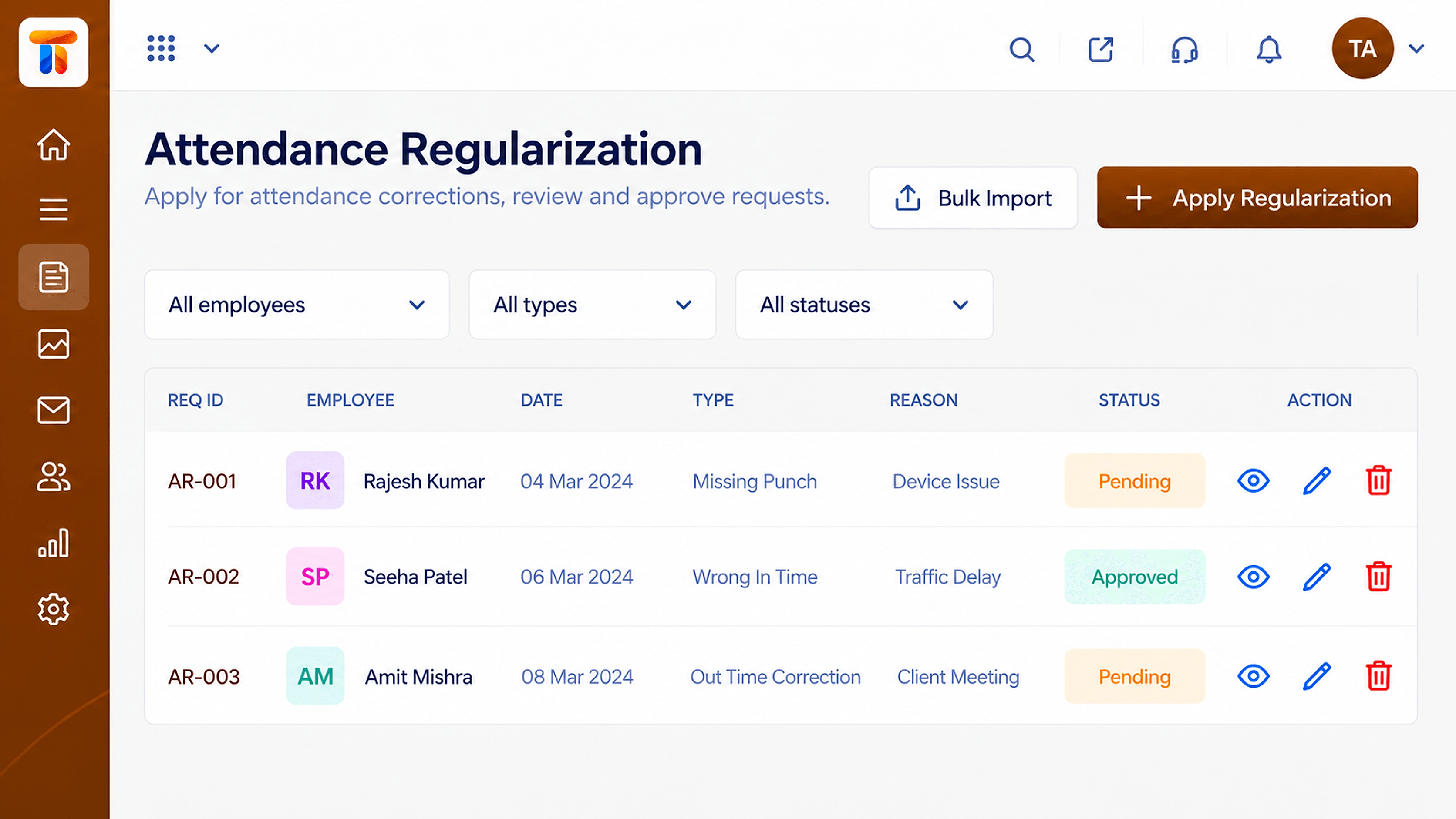 What You Can Do
Days worked and leave.
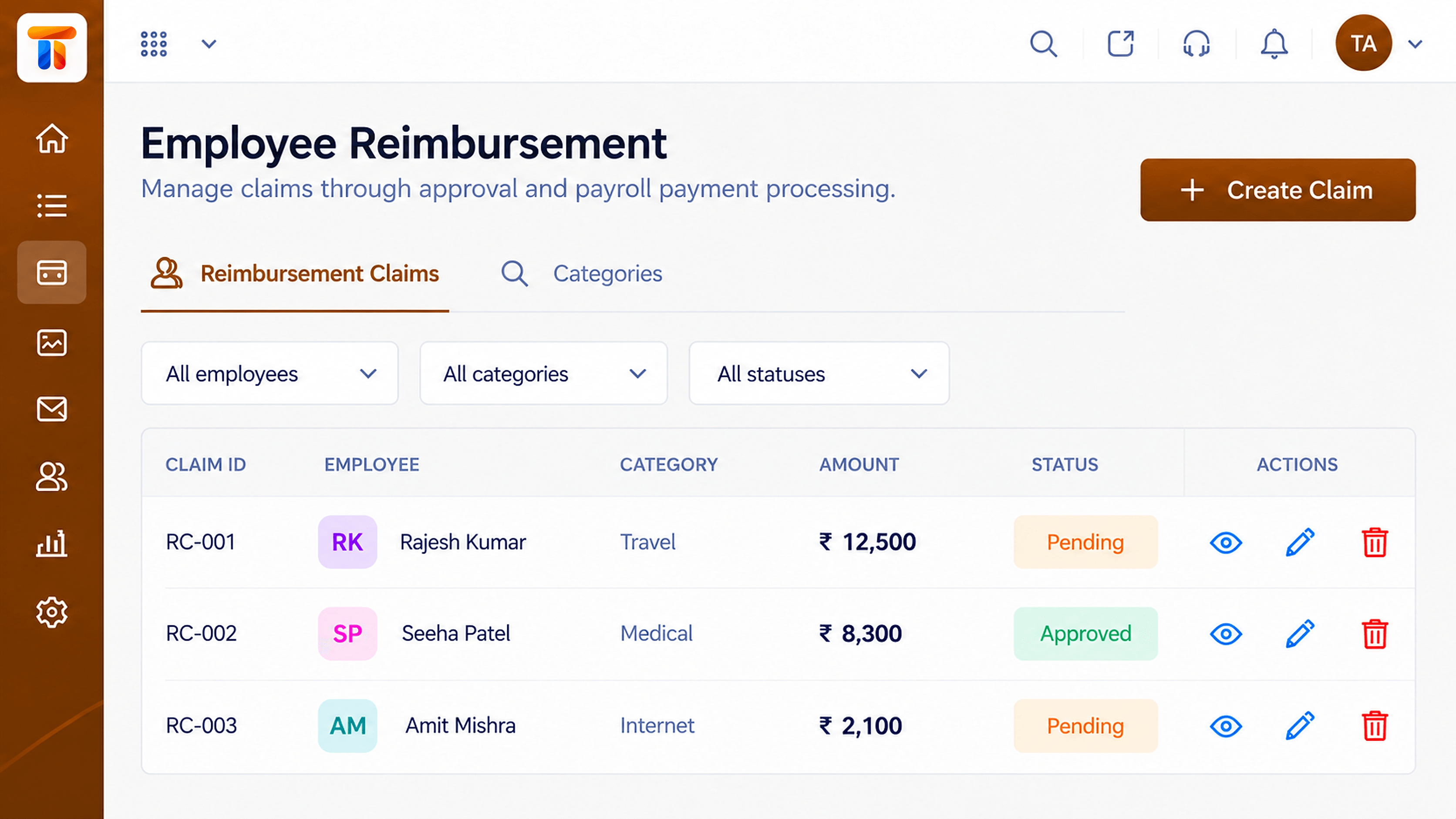 What You Can Do
Approved items in pay.
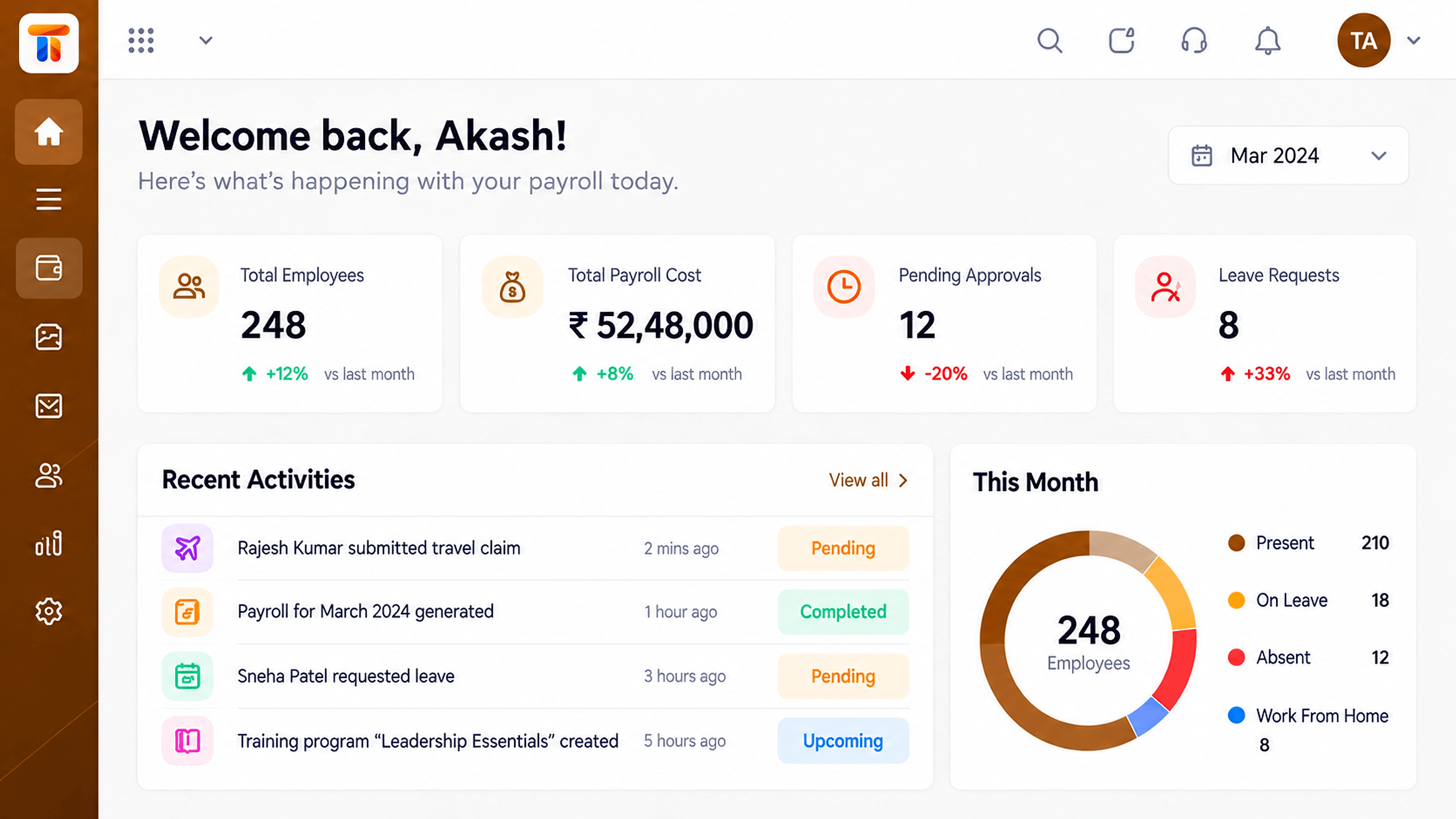 What You Can Do
Run status and cost.
Execution Plan
Freeze attendance and leave.
Include claims and one-off items.
Check totals and exceptions.
Finalise and archive.
In Real Life
Scenario 01
A calm, repeatable cycle.
Scenario 02
Added without special handling.
Scenario 03
The run record explains the number.
Frequently Asked Questions
Yes. Review totals and exceptions first.
Ask us about adjustment options for your setup.
Yes.
Yes, run history is retained.
Employee records, attendance, reimbursements and monthly pay runs in one workspace, built for finance and HR teams.
