The best Business Suite software in India, built to help your business grow. Contact us at +91-8882435276.
[ Contact ]
Phone number
Email address
Head office
Noida office
The right team at TriostackOne will get back to you.
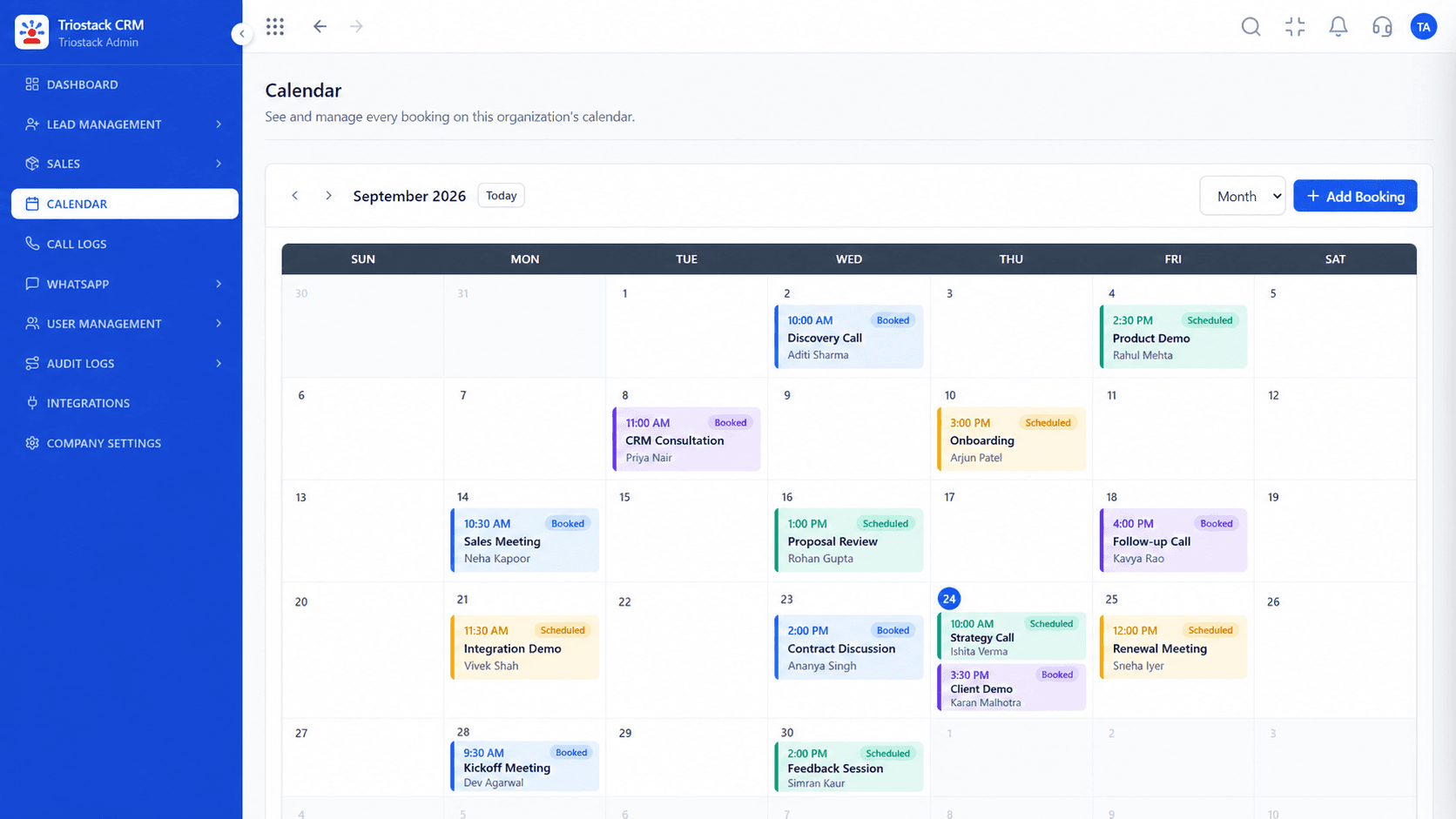
Coordinate customer appointments, sales demos and follow-up calls from a shared calendar workspace.
With Triostack Solutions Engineering
Operational Excellence
When sales consultants schedule product demonstrations on personal calendars, teammates and managers have no visibility into who is meeting which prospect. Double-booking occurs, and meeting outcomes rarely get documented.
Triostack CRM provides an integrated calendar workspace built specifically for sales activities. Every scheduled demo, consultation call, and follow-up appointment is linked directly to the prospect's lead timeline.
Following the meeting, representatives can log discussion notes, record outcomes, and immediately schedule next-step quotations or contracts.
“Having all our sales demos visible on one team calendar ended double-booking completely. Managers can see exactly how many product tours are happening each day.”
Sanjay Singhal
VP Operations, TransTech Logistics
Platform Reliability
View appointments across team members in month/week views
Every calendar booking links directly to customer records
Record whether meeting was Held, Rescheduled, or Cancelled
Two-way calendar sync for seamless smartphone updates
Feature Architecture
Focuses on internal team scheduling, attendee coordination, and post-meeting sales actions.
Month, week, and day views showcasing booking events, statuses, and attendees.
Associate a customer record with date, time, duration, location, and meeting agenda.
Log outcome, record summary notes, and advance the deal directly to quotation stage.
Sync appointments with Google Calendar to receive mobile device reminders.
Start coordinating customer appointments with Triostack CRM's shared calendar workspace.
Explore high-resolution product captures illustrating the actual workflows executed in production.
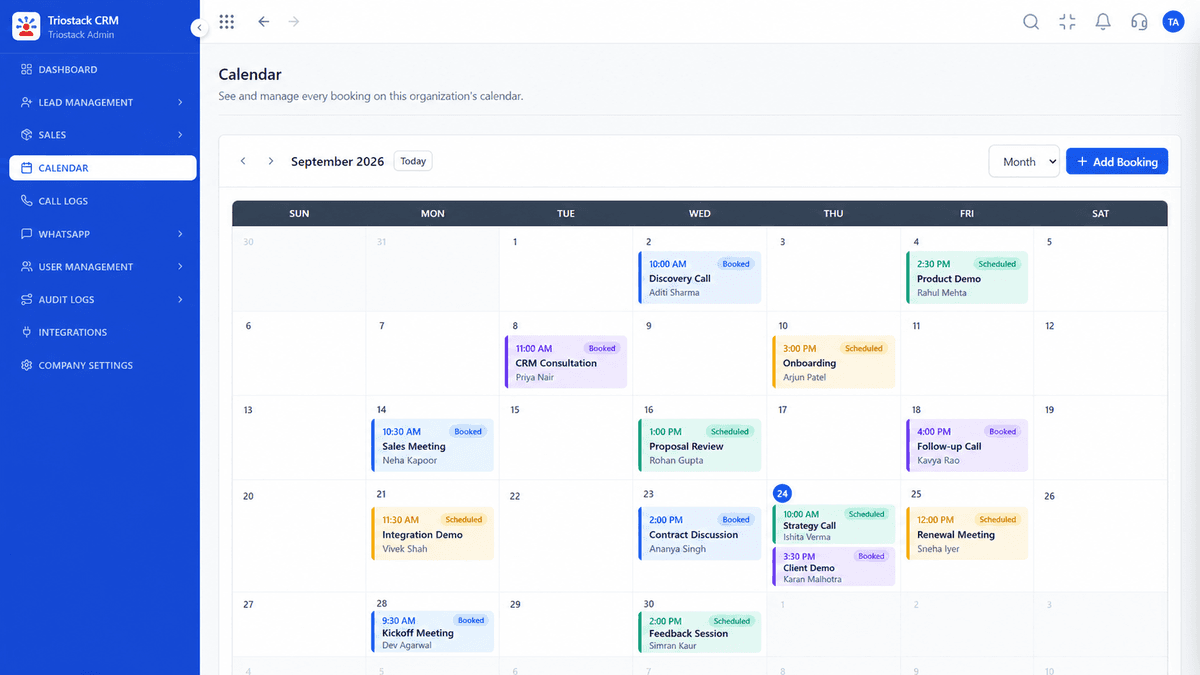
Shared calendar showing all scheduled team demos and client meetings
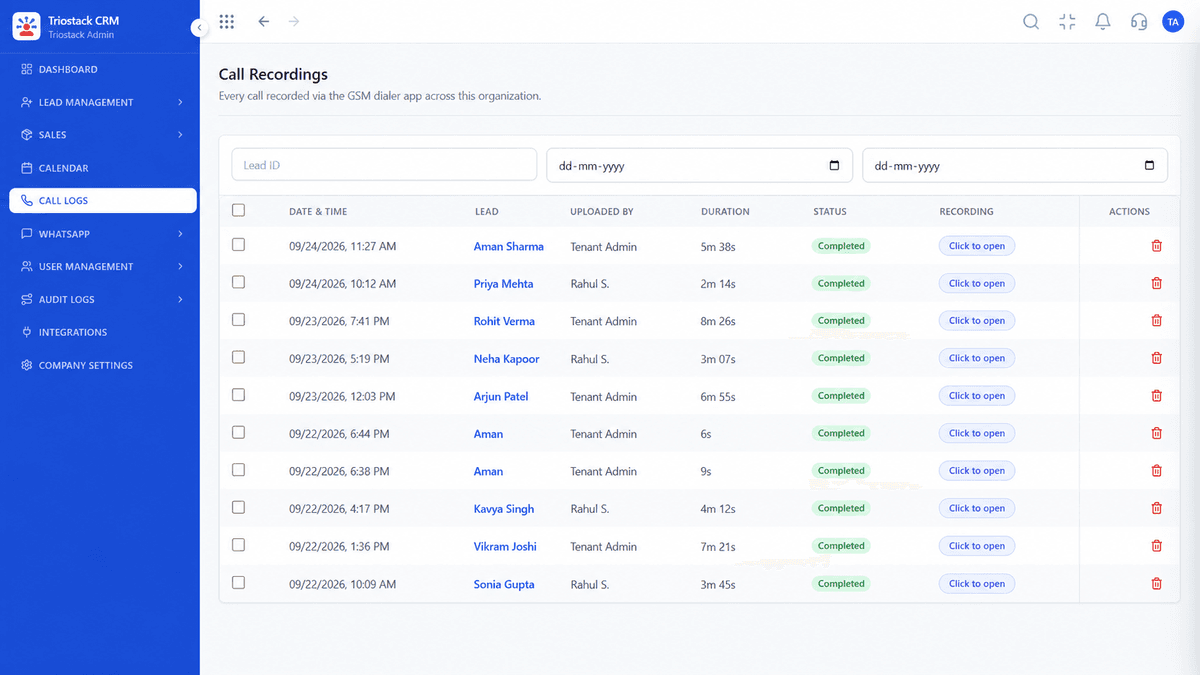
Detailed meeting duration, attendees, and discussion notes
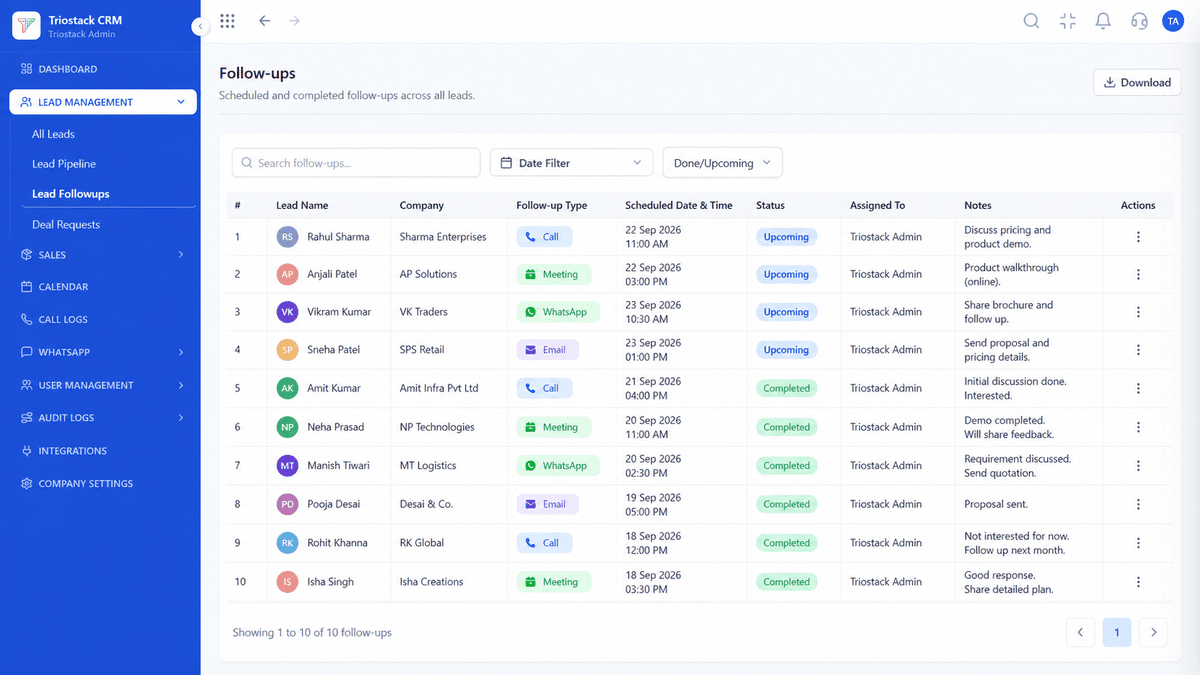
Assign follow-up tasks arising from the meeting directly to sales reps
Feature Breakdown
See how customer appointments are booked, tracked, and documented.
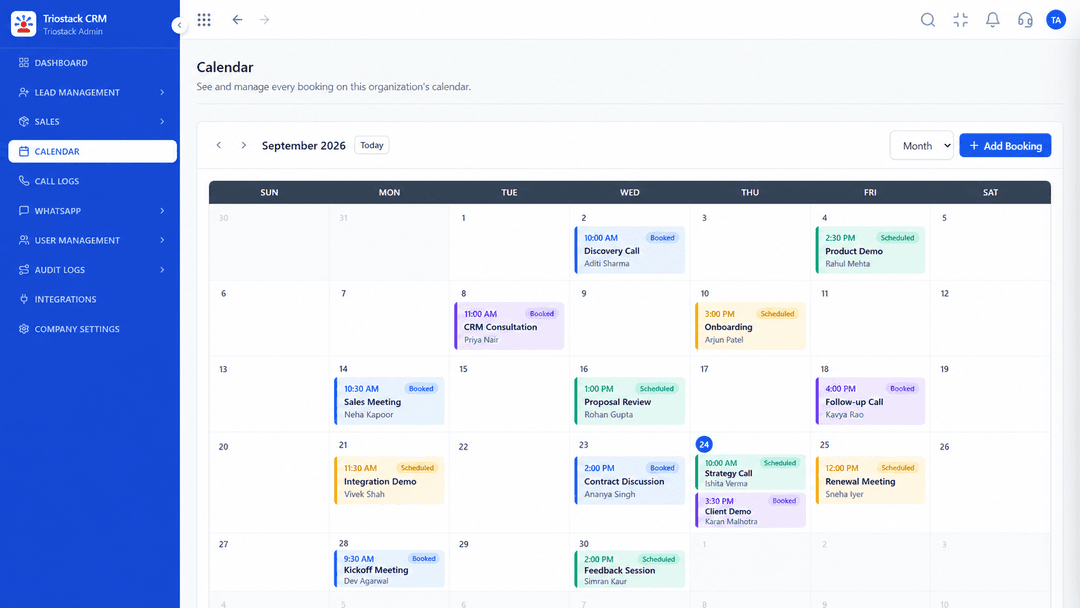 Scheduling
Choose a customer record and book an appointment with date, time slot, and assigned rep.
VisibilityView scheduled appointments across all sales team members in week and month views.
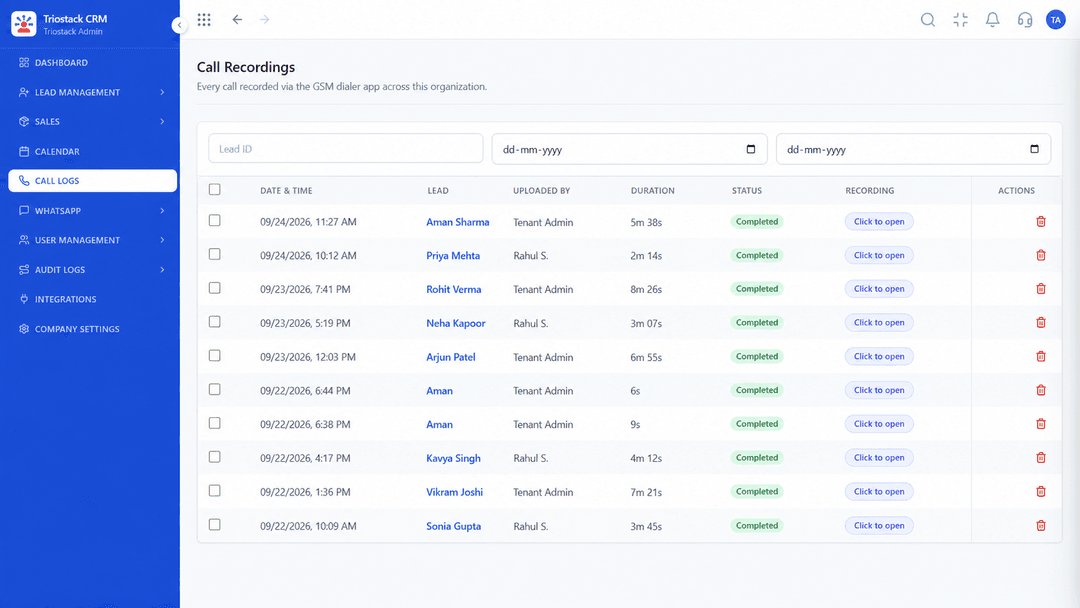 Outcomes
After the meeting, record discussion highlights, customer objections, and agreed next steps.
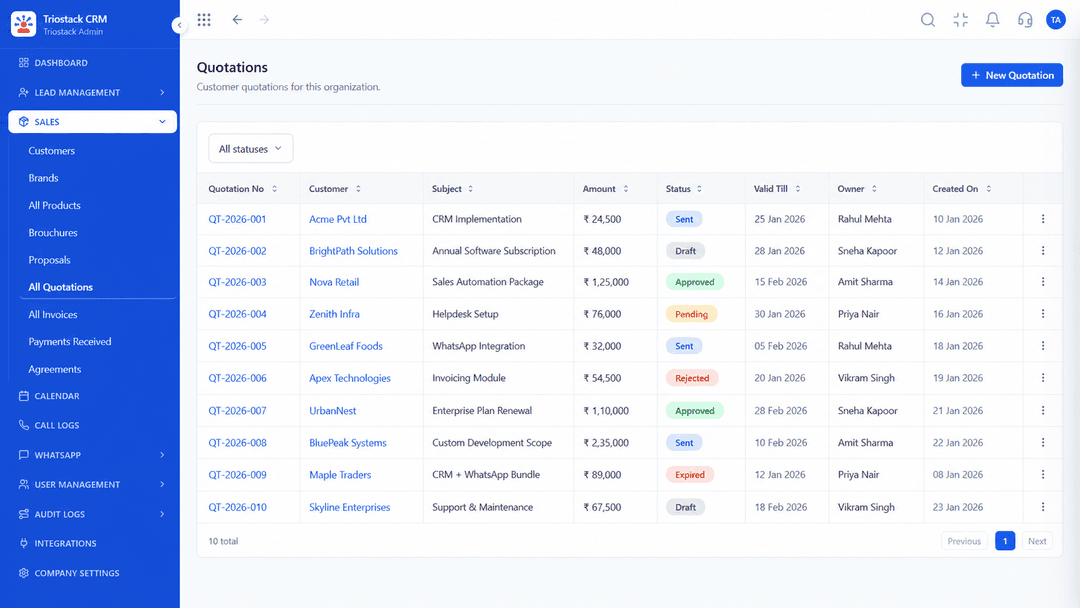 Next Step
Move the deal to 'Proposal Sent' and generate an itemized quote reflecting the demo discussion.
Execution Roadmap
A structured, step-by-step operating flow built into every Triostack CRM workspace.
Open qualified customer lead record in CRM.
Select date, time slot, and duration for the sales demonstration.
Add meeting details, video conference link, and attendee emails.
Send confirmation details via WhatsApp or calendar invite.
Present walkthrough and answer buyer questions.
Document summary notes and schedule follow-up quotation.
Expert Answers
Detailed clarifications directly addressing technical capabilities, security, and rollout.
Yes. You can book meetings and product demos directly from any lead or deal record, specifying date, time, and attendees.
Yes. Scheduled and completed appointments appear chronologically in the customer profile alongside phone calls and messages.
Yes. The shared calendar view allows managers and colleagues to view upcoming appointments across all representatives.
Yes. Triostack supports calendar integration with Google Calendar so events booked in the CRM appear on your smartphone calendar.
Yes. Scheduled reminders can be sent to both sales reps and prospects via email and WhatsApp.
Yes. You can edit meeting dates and times, and the customer timeline reflects the rescheduled booking status.
Join high-performing teams across India capturing, nurturing, and closing deals faster with zero friction.
Explore Other What You Can Do Workflows:

