The best Business Suite software in India, built to help your business grow. Contact us at +91-8882435276.
[ Contact ]
Phone number
Email address
Head office
Noida office
The right team at TriostackOne will get back to you.
Route new tickets by topic, language, customer or workload, so work reaches the right person without a manager playing traffic cop.
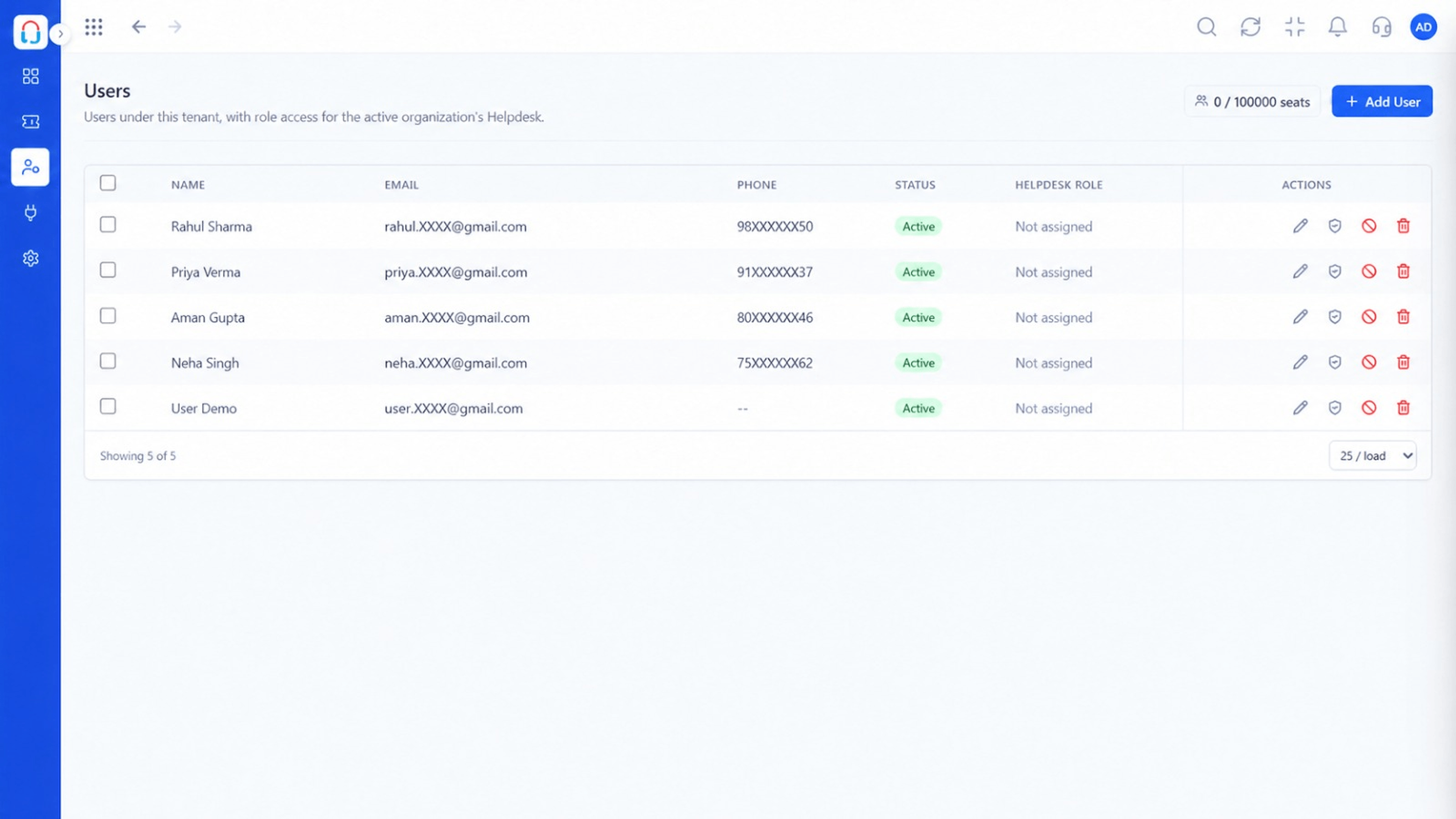
New tickets reach an owner the moment they arrive
Positioning Assessment
Manual assignment needs someone watching the queue. When they are busy or away, tickets pile up.
Desk assigns tickets by rules: topic keywords, channel, customer tier or simple rotation, optionally balanced by current workload.
“Tickets reach an owner within seconds, even at night. Our first-response time improved.”
Sample team scenario
Illustrative example, not a customer testimonial
Illustrated Overview
Picture a postal sorting machine: each parcel is read, matched to a route and delivered to the right person.
Topic, channel, customer or time.
Rotation and workload keep it even.
Overrides are always possible.
Platform Integrity
Match by topic, channel or customer
Share work evenly
Send to specialists
Managers can reassign
How It Works
What changes when routing runs itself.
| Dimension | Triostack Desk | Manual Assignment |
|---|---|---|
| Speed | Instant | When the manager looks |
| Fairness | Rotation or workload-aware | Uneven |
| Skills | Matched to specialists | Hit and miss |
| Off-Hours | Still routed | Waits until morning |
| Overrides | Reassign anytime | N/A |
We will help you configure this workflow end to end, from queues to permissions, in your first session.
Live Interface Tour
Real screens captured directly from the Triostack Desk workspace.
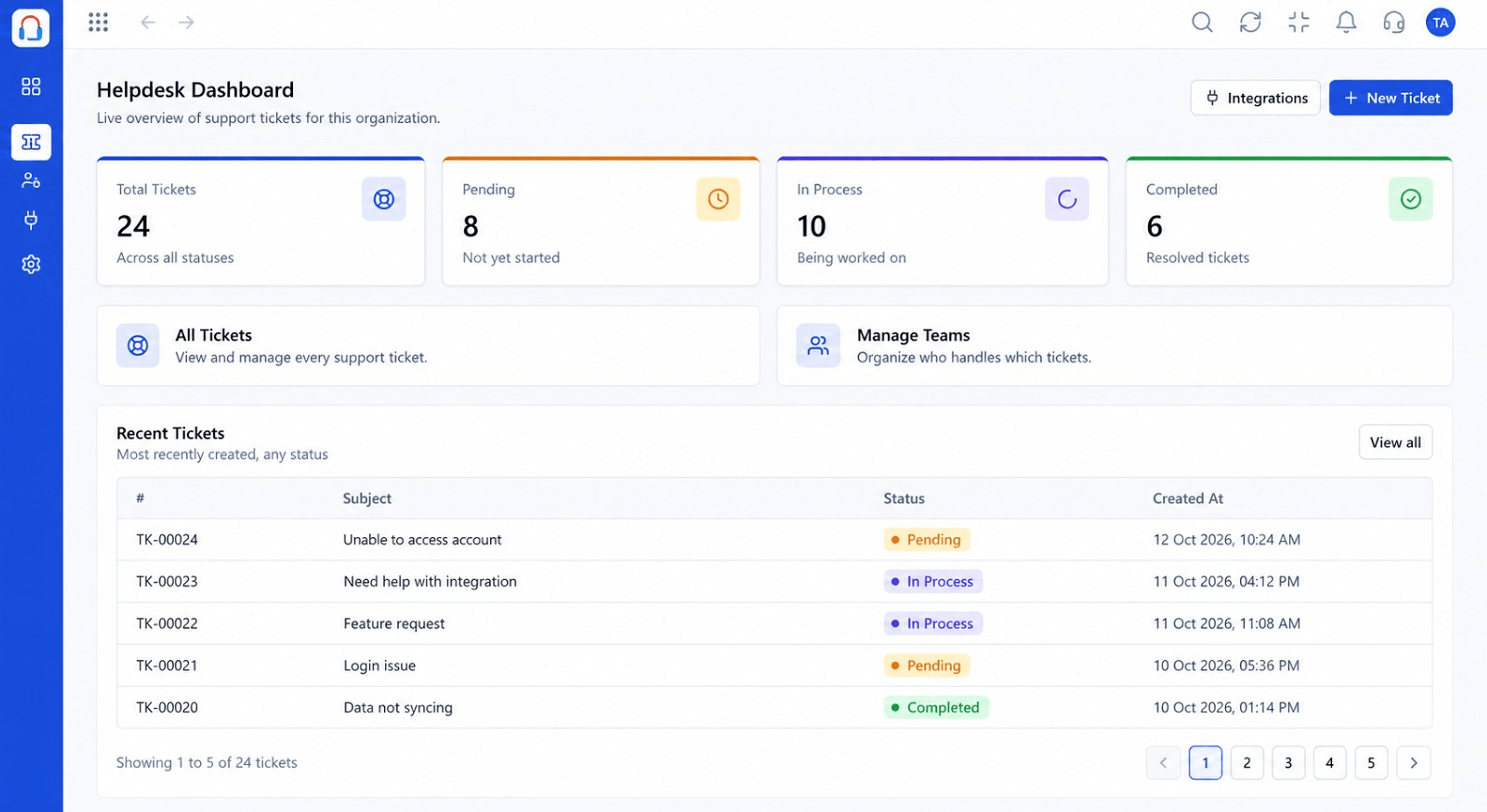 Dashboard
Live view of volume, backlog and response times
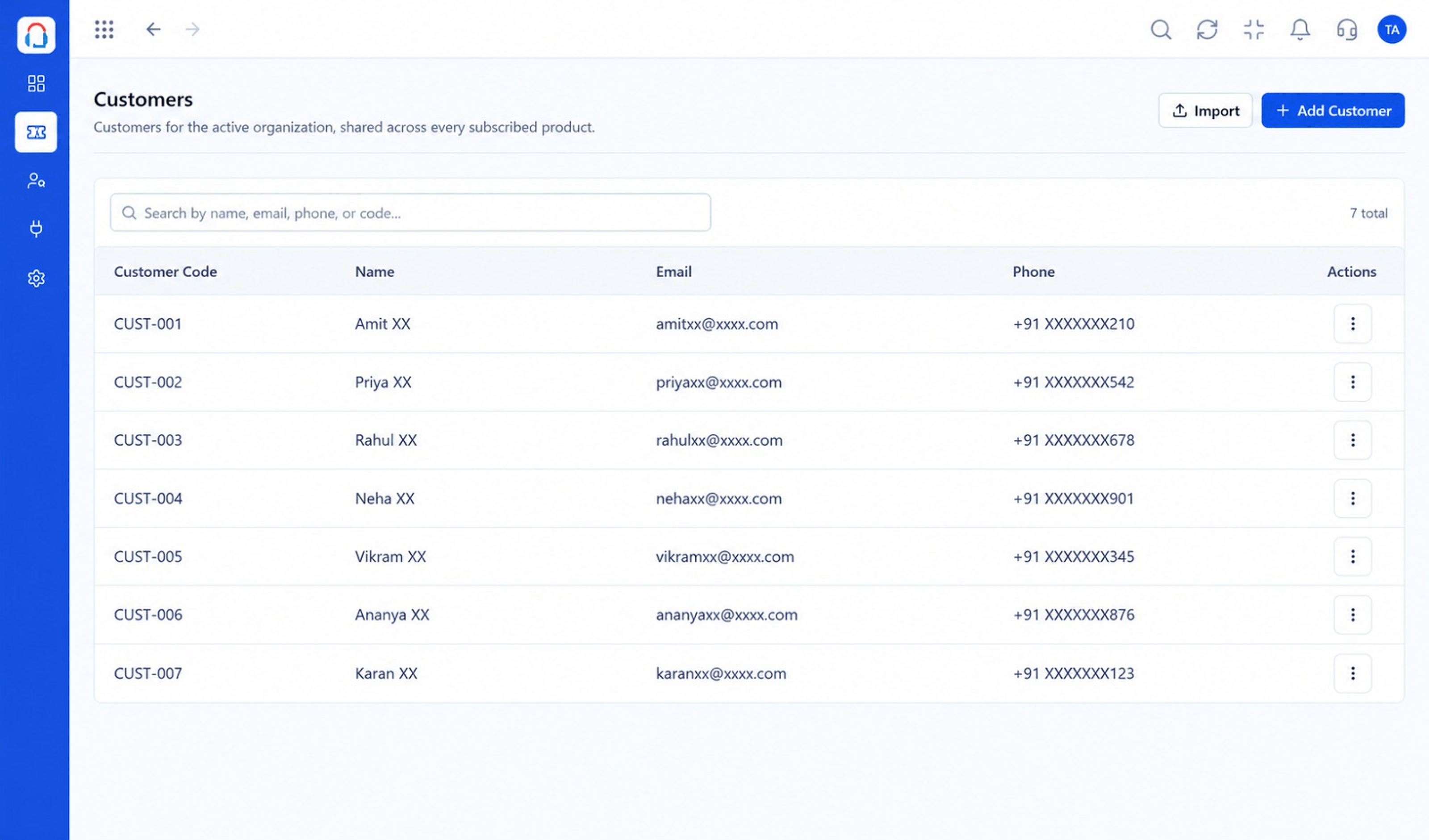 Customers
Every customer with their full ticket history
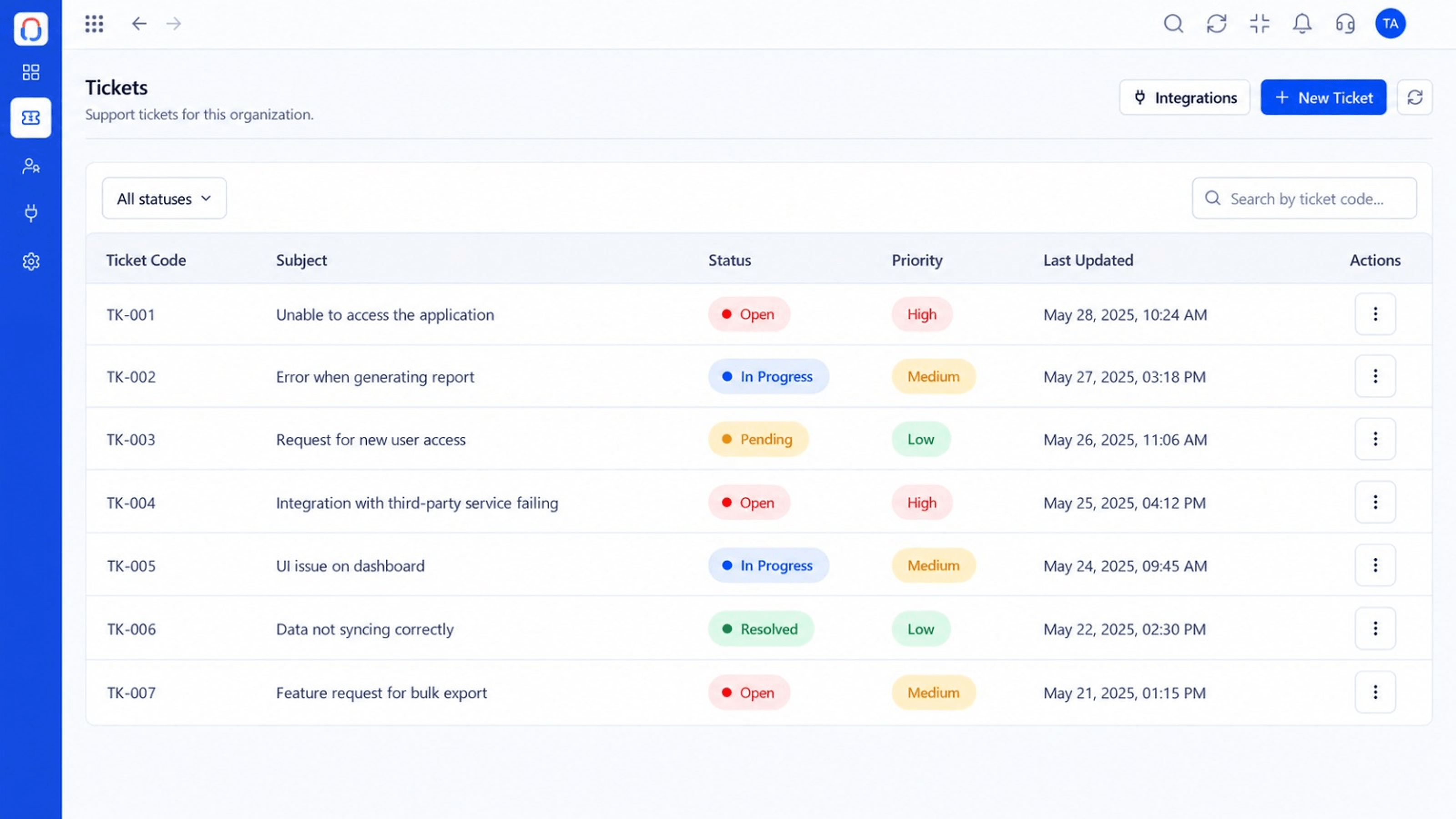 Tickets
Every request in one prioritised queue
Feature Breakdown
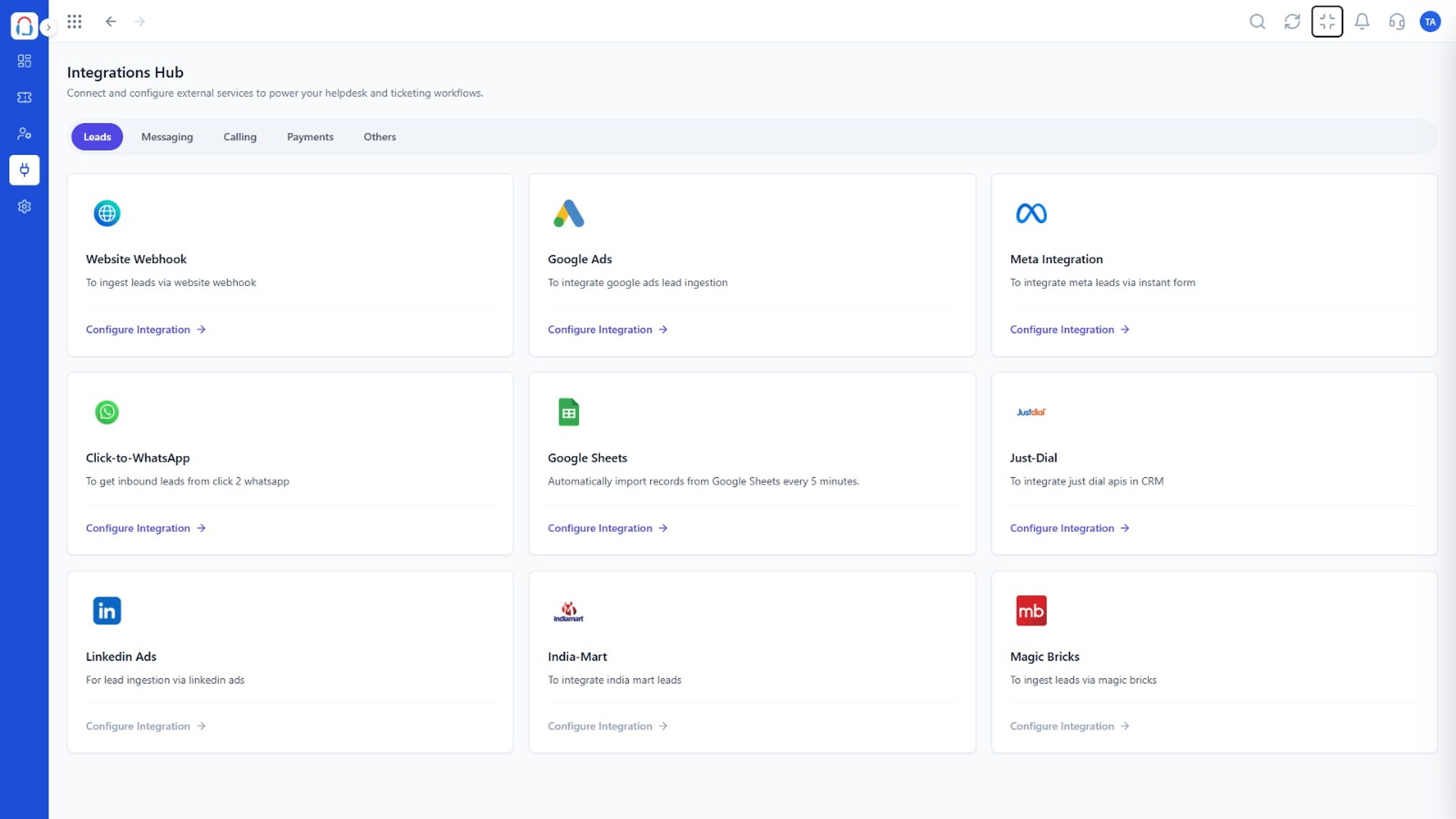
Captured from the Triostack Desk workspace.
 What You Can Do
Define who gets what.
What You Can DoCatch anything left over.
What You Can DoWho is available.
What You Can DoWatch the spread.
Execution Plan
Define teams and skills.
Match tickets to teams.
Round-robin or by workload.
Check the spread and adjust.
In Real Life
Scenario 01
Tickets still reach the right queue.
Scenario 02
Billing goes to finance, setup to onboarding.
Scenario 03
Work spreads across the whole team.
Frequently Asked Questions
By rules you define, optionally with rotation or workload balancing.
Yes, using conditions on ticket content or customer data.
Tickets stay in a queue and can alert a manager.
Yes, at any time.
Tickets, shared inbox, automation, SLAs, knowledge base and reports, built for support teams of every size.
