The best Business Suite software in India, built to help your business grow. Contact us at +91-8882435276.
[ Contact ]
Phone number
Email address
Head office
Noida office
The right team at TriostackOne will get back to you.
Switch on a portal where customers raise tickets, follow progress and read help articles, and watch the 'any update?' emails fall away.
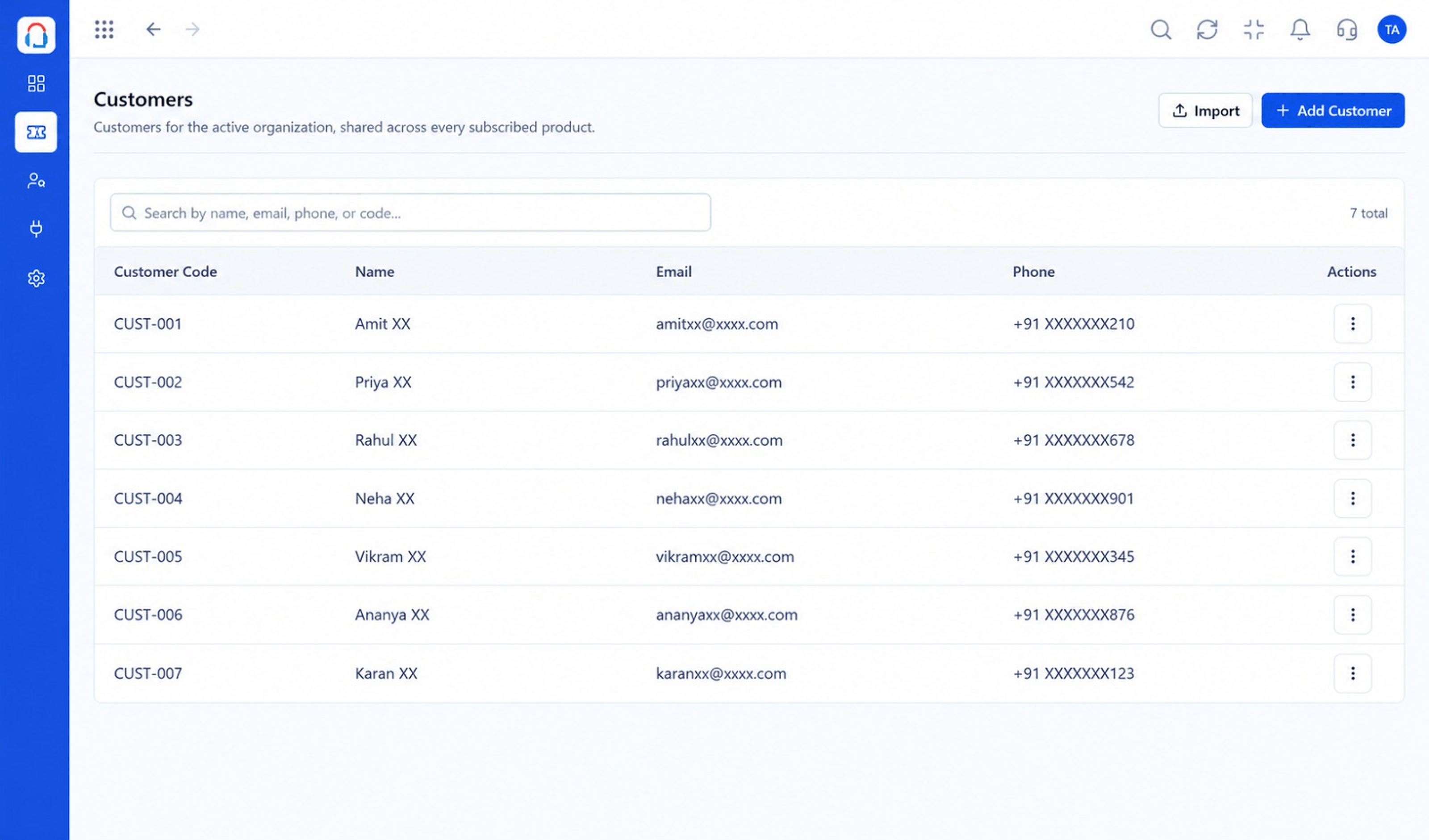
Customers raise and follow their own requests
Positioning Assessment
Without visibility, customers chase. That is frustrating for them and expensive for you.
Enabling the portal gives each customer a login to raise requests, see status and search articles. Your team spends less time answering status questions.
“We enabled the portal on Friday. By the following week our status emails had noticeably dropped.”
Sample team scenario
Illustrative example, not a customer testimonial
Illustrated Overview
Picture a lobby kiosk: visitors check in, see their status and read the guide before they need to speak to anyone.
Customers always know where to go.
Status updates as agents work.
Agents answer fewer status questions.
Platform Integrity
Customers raise tickets
Progress visible
Answers close by
Matches your business
How It Works
What customers and agents gain.
| Dimension | Triostack Desk | Email Only |
|---|---|---|
| Raising | Structured form | Free text |
| Progress | Visible | Ask and wait |
| Information | Added to the ticket | Buried in threads |
| Answers | Articles in the portal | Ask an agent |
| Agent Effort | Fewer chasers | Many chasers |
We will help you configure this workflow end to end, from queues to permissions, in your first session.
Live Interface Tour
Real screens captured directly from the Triostack Desk workspace.
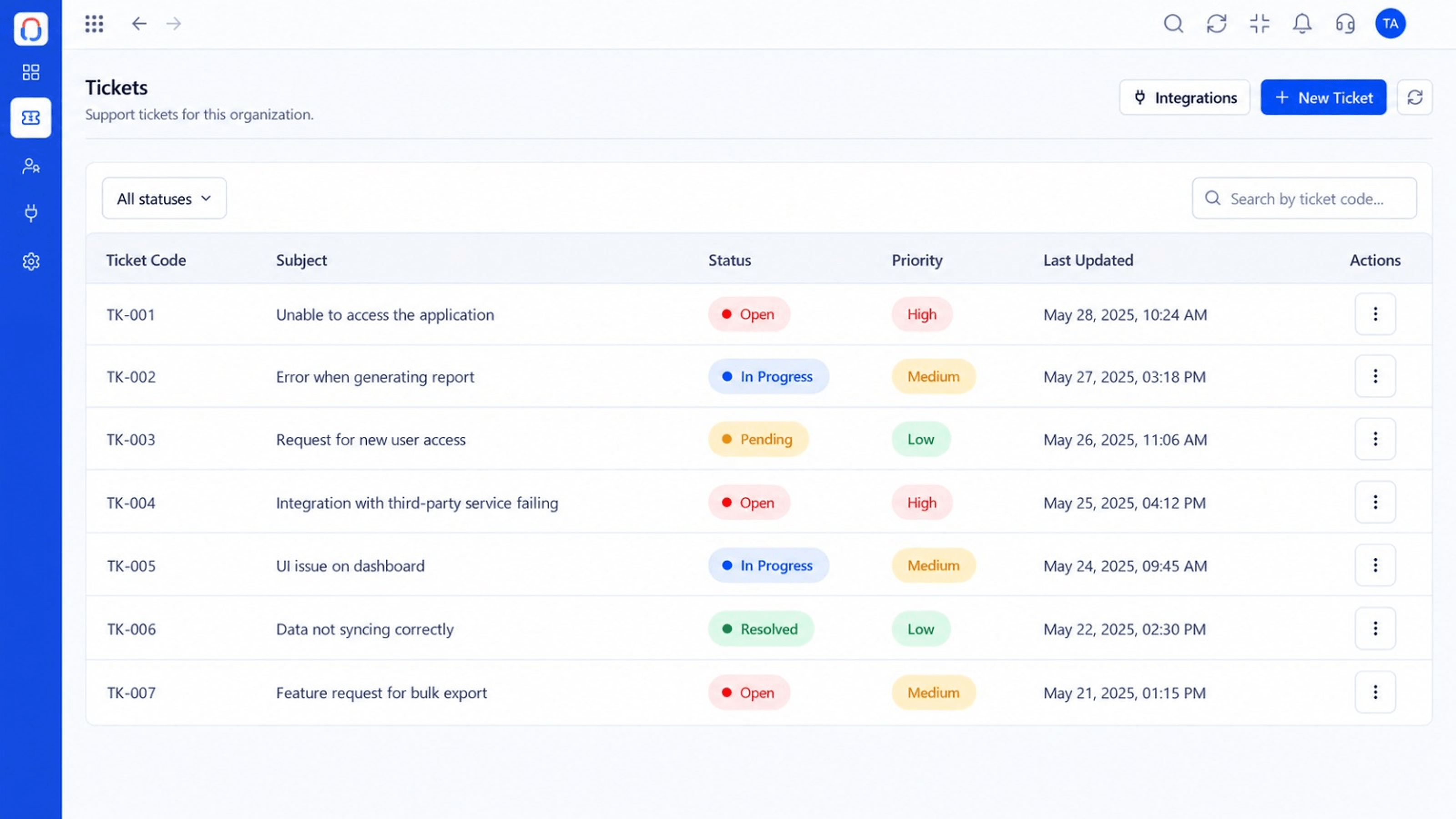 Tickets
Every request in one prioritised queue
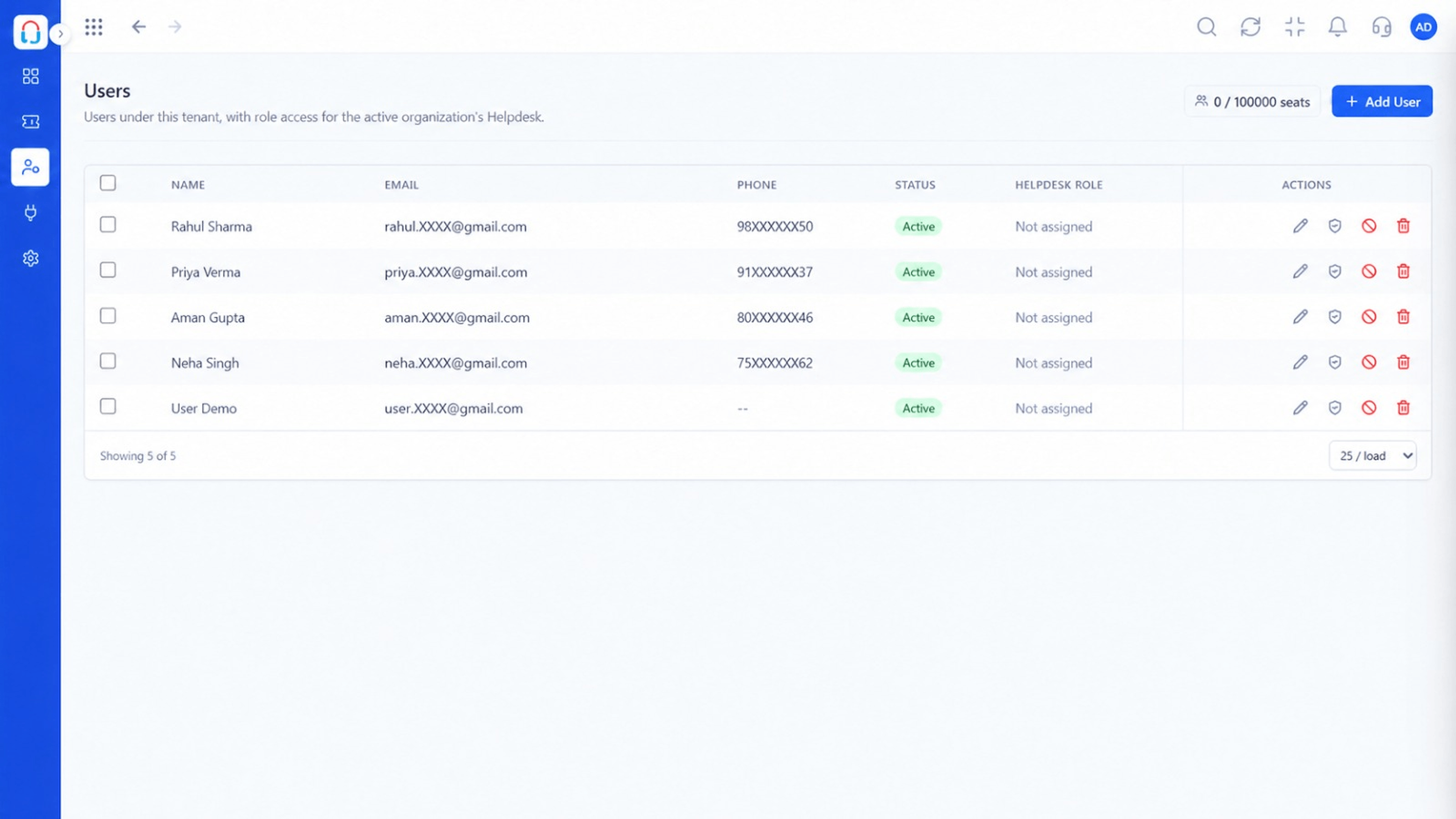 Team
TeamAgents, teams and roles in one place
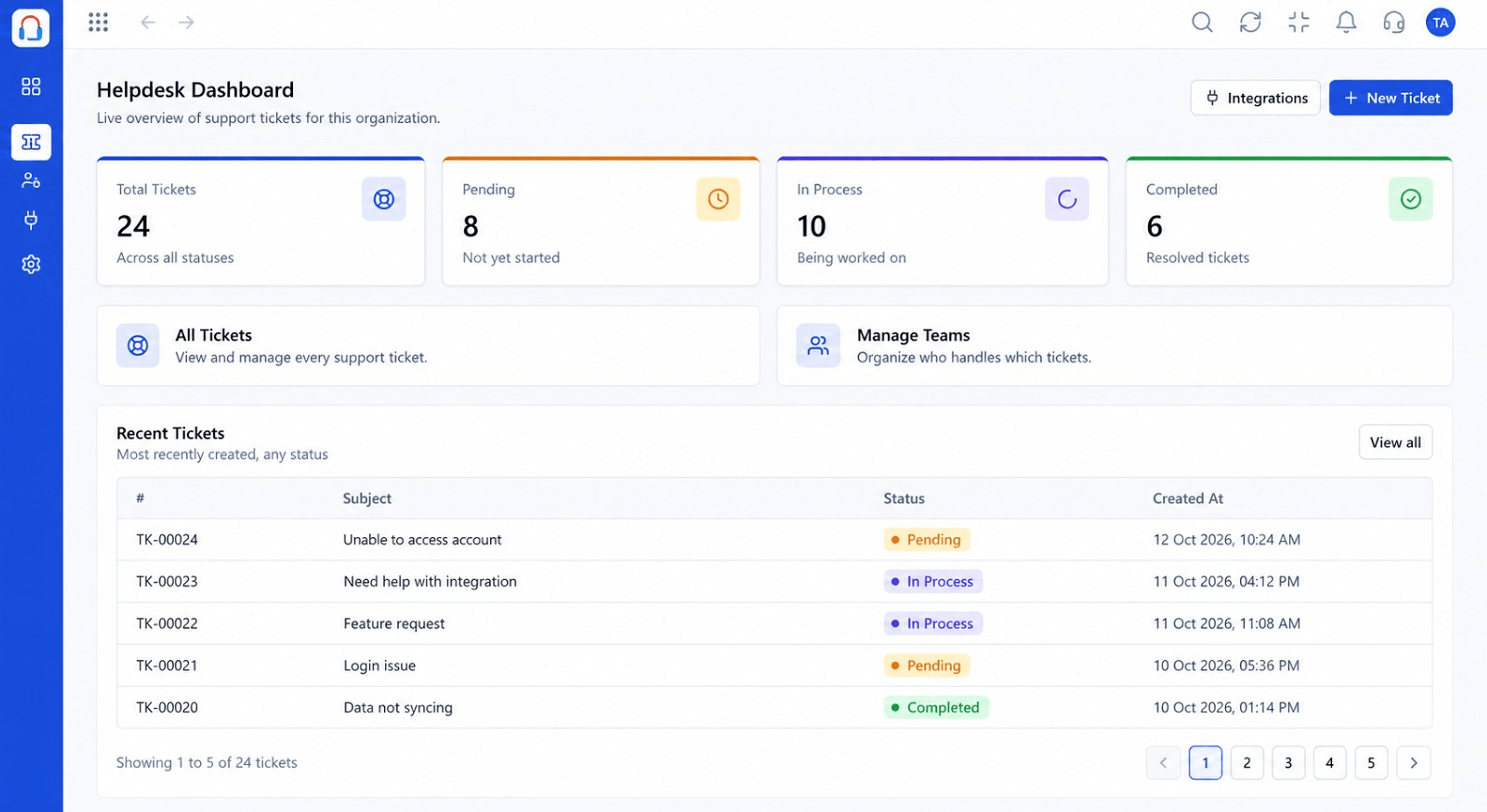 Dashboard
Live view of volume, backlog and response times
Feature Breakdown
Captured from the Triostack Desk workspace.
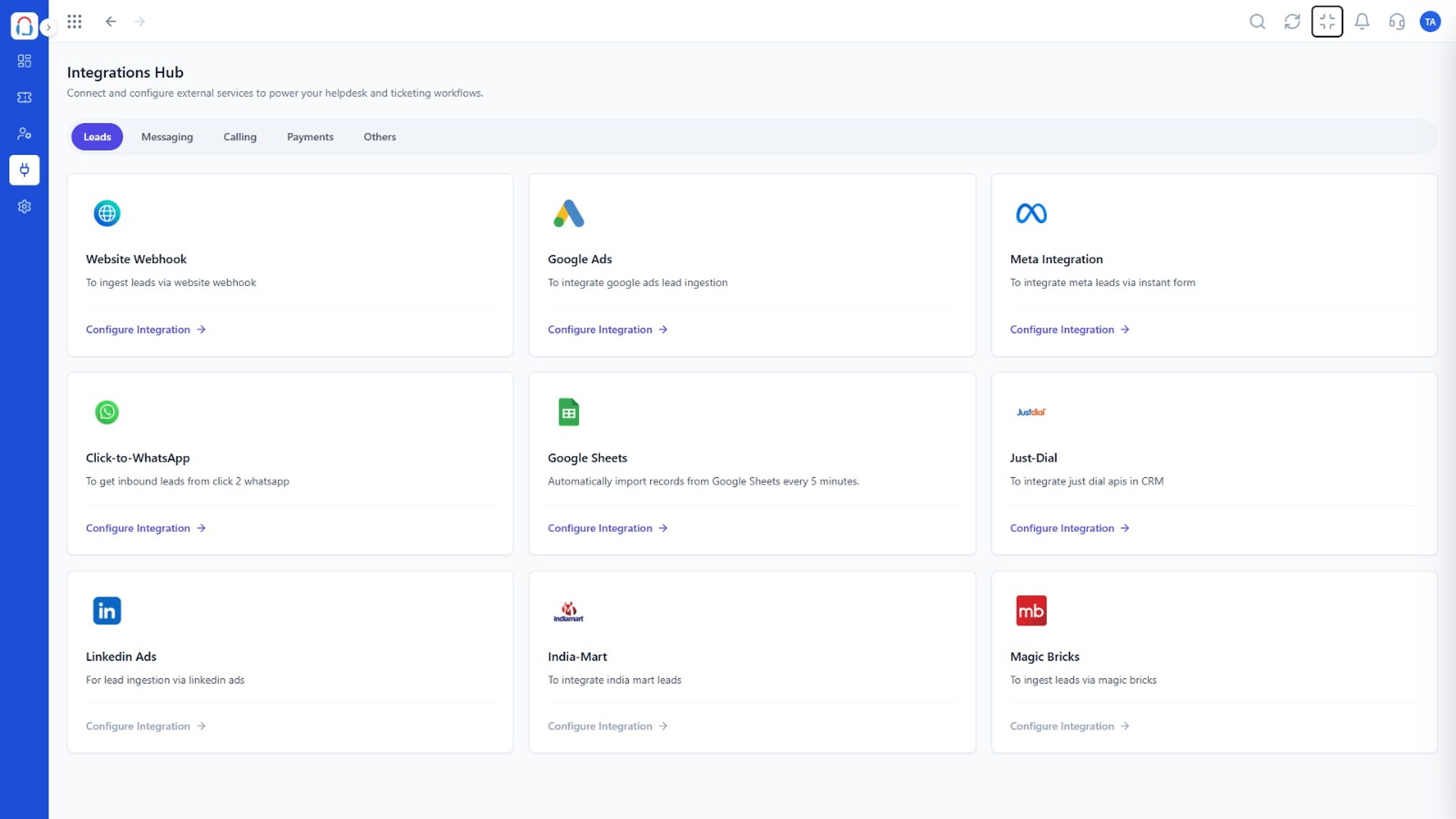 What You Can Do
Configure the portal.
What You Can DoWho can log in.
What You Can DoSee each request.
What You Can DoWatch adoption.
Execution Plan
Add your logo and colours.
Decide what customers provide.
Give customers access.
Tell customers where to find help.
In Real Life
Scenario 01
A customer's team shares one view of open issues.
Scenario 02
A customer logs details when the team is offline.
Scenario 03
Progress is visible at a glance.
Frequently Asked Questions
Access options can be configured. Ask us about your setup.
Yes.
Their own tickets, with status and replies.
Yes, published articles can appear.
Tickets, shared inbox, automation, SLAs, knowledge base and reports, built for support teams of every size.
