The best Business Suite software in India, built to help your business grow. Contact us at +91-8882435276.
[ Contact ]
Phone number
Email address
Head office
Noida office
The right team at TriostackOne will get back to you.
A map of how Triostack LMS connects: video classes, workspace and team tools, payments and single sign-on, plus the rest of the Triostack One suite.
Positioning Assessment
Learners already live in video tools, team chats, calendars and shared drives. An LMS that ignores them forces people to leave their day to learn, and participation suffers.
Triostack LMS connects to the tools around learning: video classes, workspace and team tools, payment gateways and single sign-on. It also connects with Triostack One apps such as HRMS, Payroll, Desk and Mail. This page is a map. Exact availability depends on your plan, so ask us.
“Once learning plugged into the tools we already used, adoption stopped being a push and became a habit.”
Sample team scenario
Illustrative example, not a customer testimonial
Illustrated Overview
Picture the LMS as the centre of a wheel, with spokes reaching video, chat, payments and identity.
Each tool connects to the same learning record.
Start small and connect more when needed.
HRMS, Payroll, Desk and Mail sit close by.
Platform Integrity
Video classes linked to courses
Workspace and team messaging
Payment gateways for paid courses
Single sign-on for simple access
How It Works
What integrations change for learners and administrators.
| Dimension | Triostack LMS | Standalone LMS |
|---|---|---|
| Live Sessions | Linked to courses and learners | Separate meeting links |
| Daily Tools | Reminders where teams work | Email only |
| Selling Courses | Payment followed by enrolment | Manual enrolment |
| Sign-In | Existing work identity | New passwords |
| Suite Link | HRMS, Payroll, Desk and Mail nearby | Separate systems |
Our team can walk you through the connection, permissions and a first test so learning fits into the tools your people already use.
Live Interface Tour
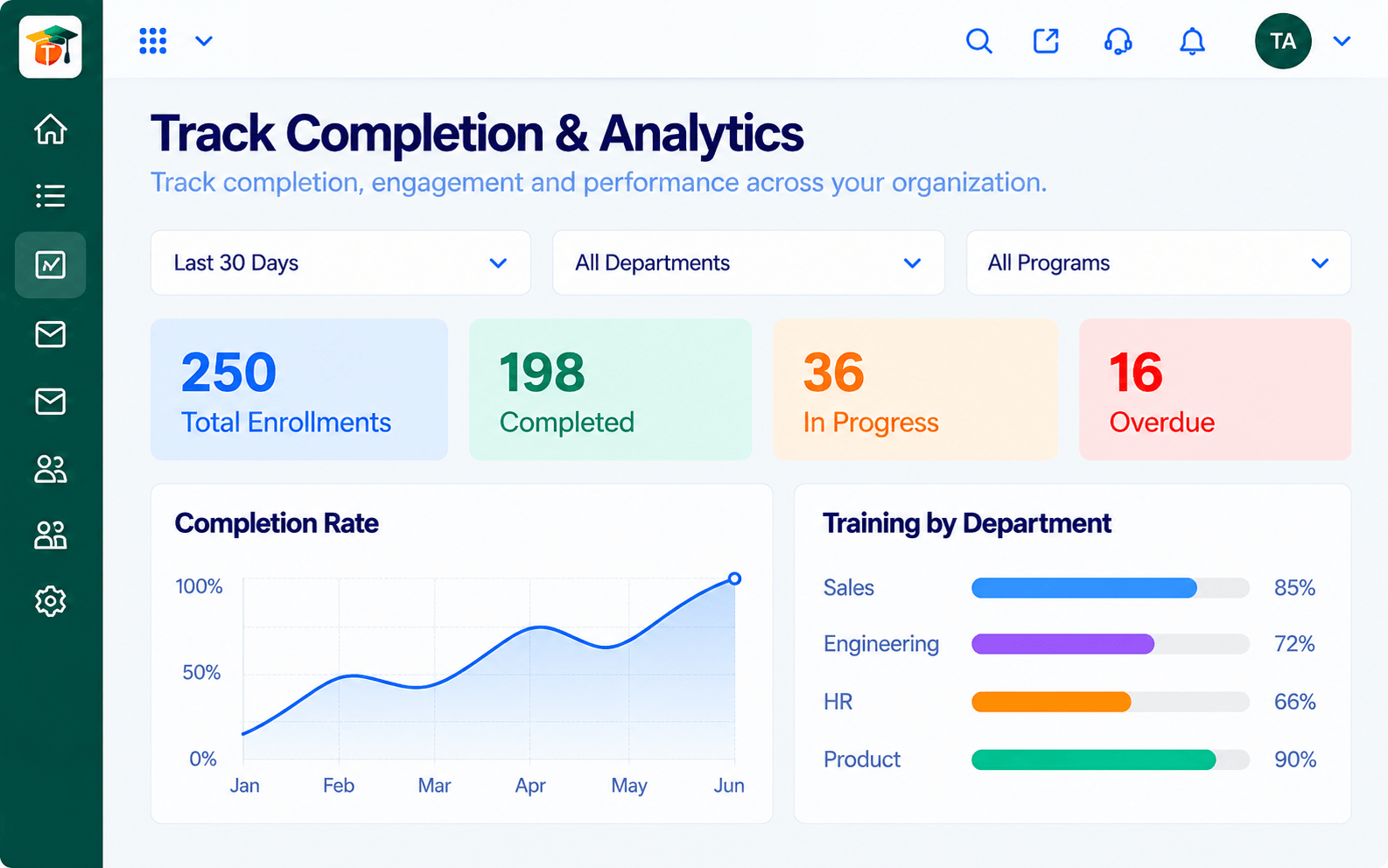
Real screens captured directly from the Triostack LMS workspace.
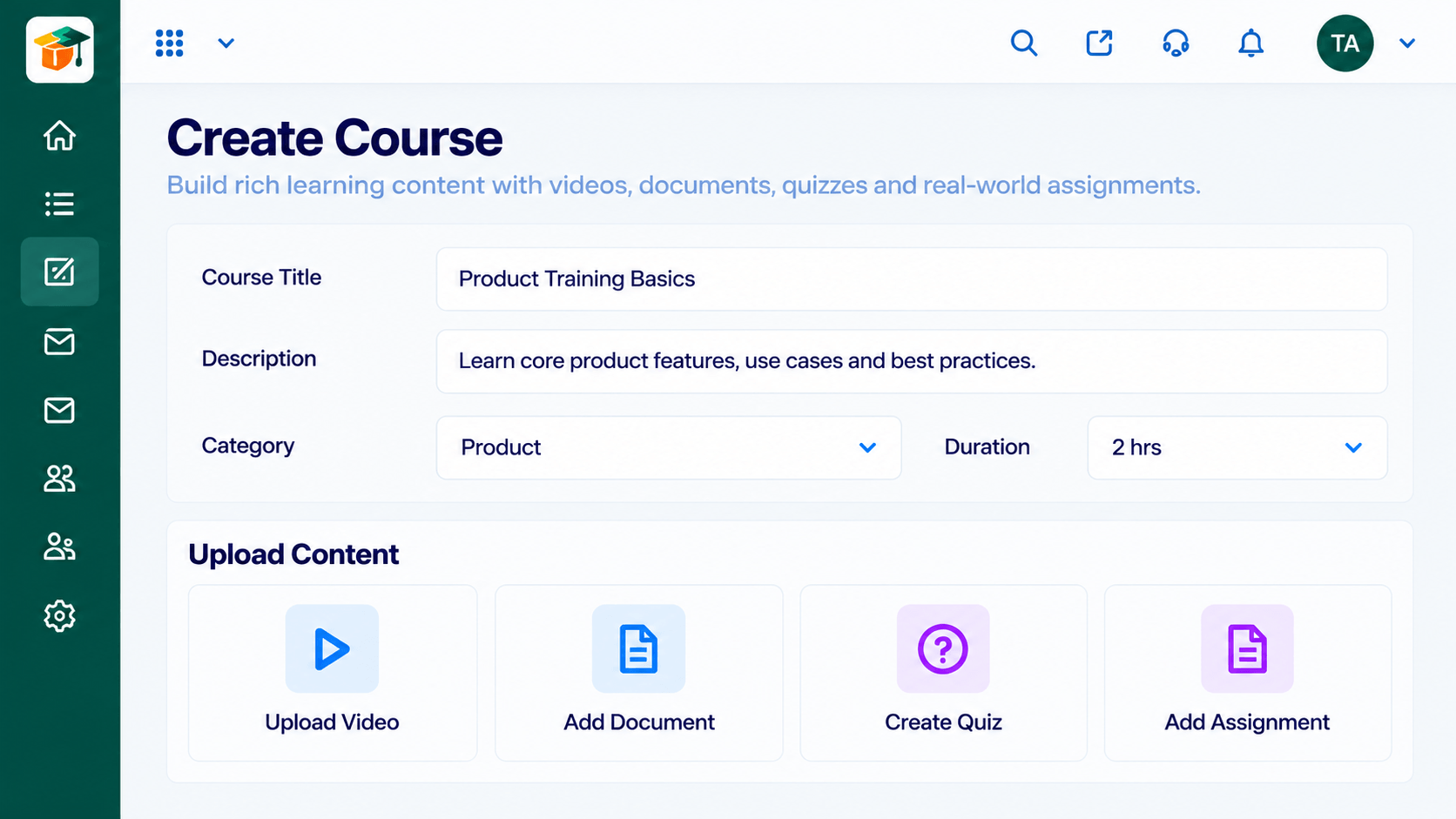 Courses
Build courses from modules and lessons
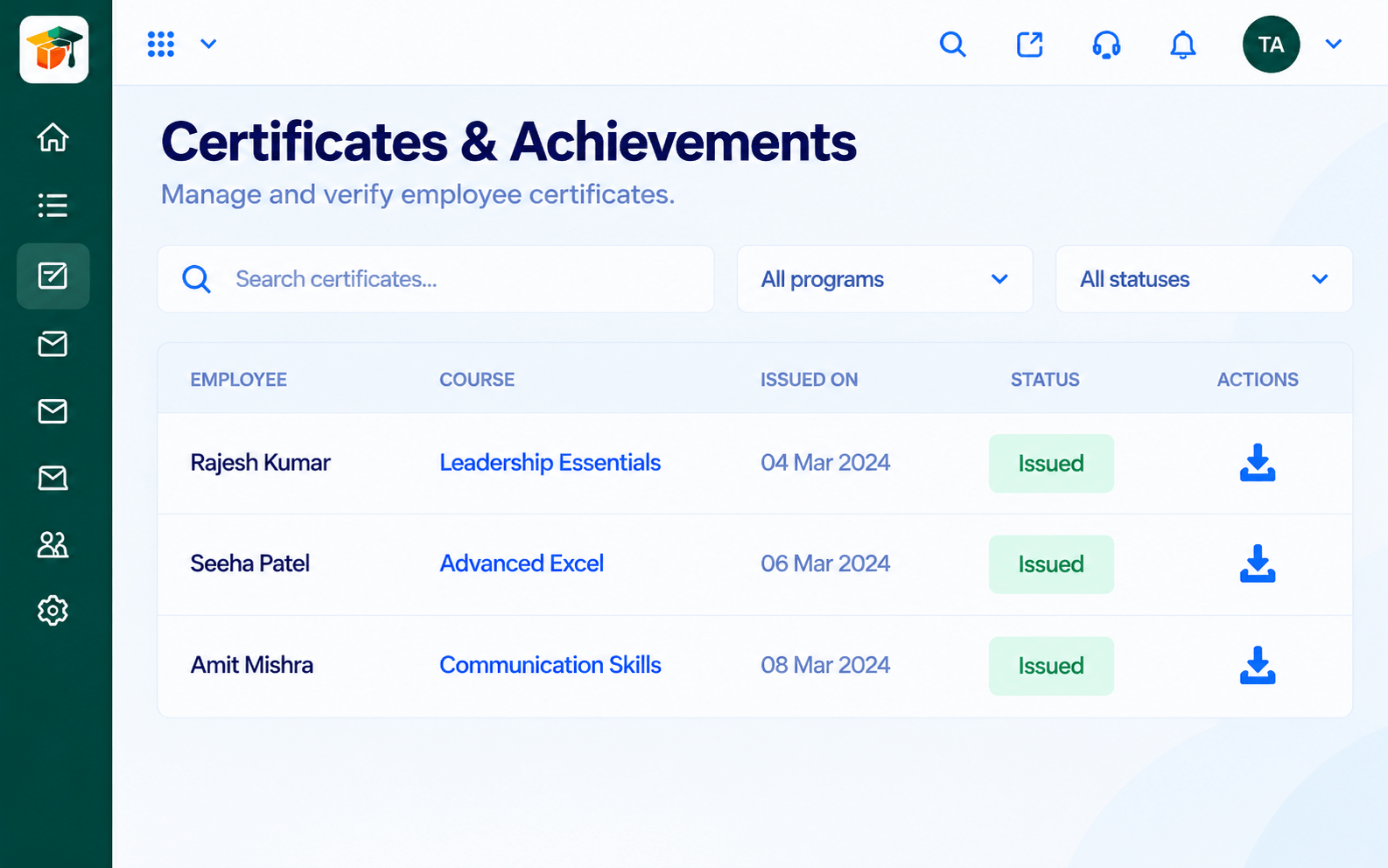 Certificates
Certificates issued when learners complete
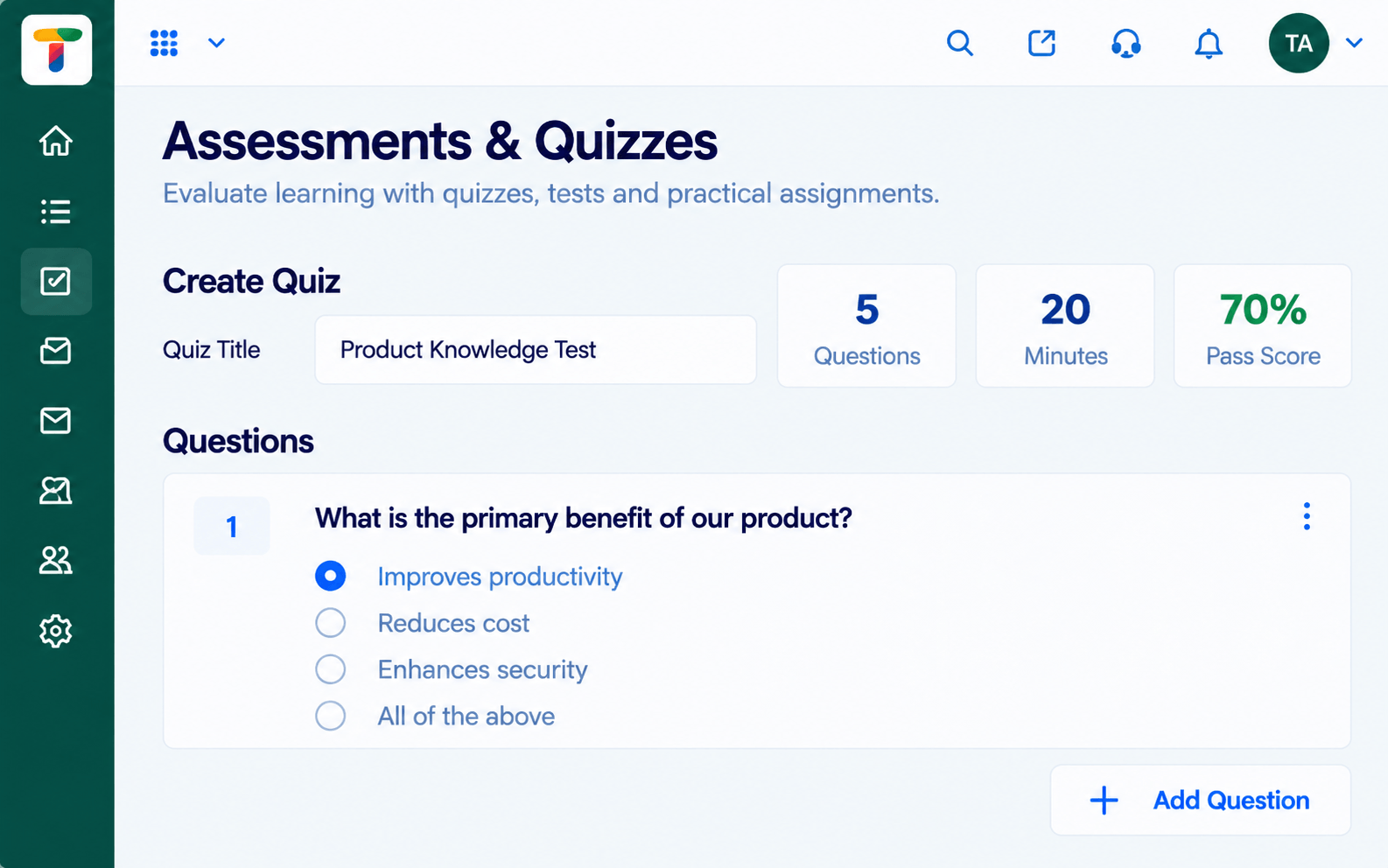 Assessments
Quizzes and tests with scoring and results
Feature Breakdown
Captured from the Triostack LMS workspace.
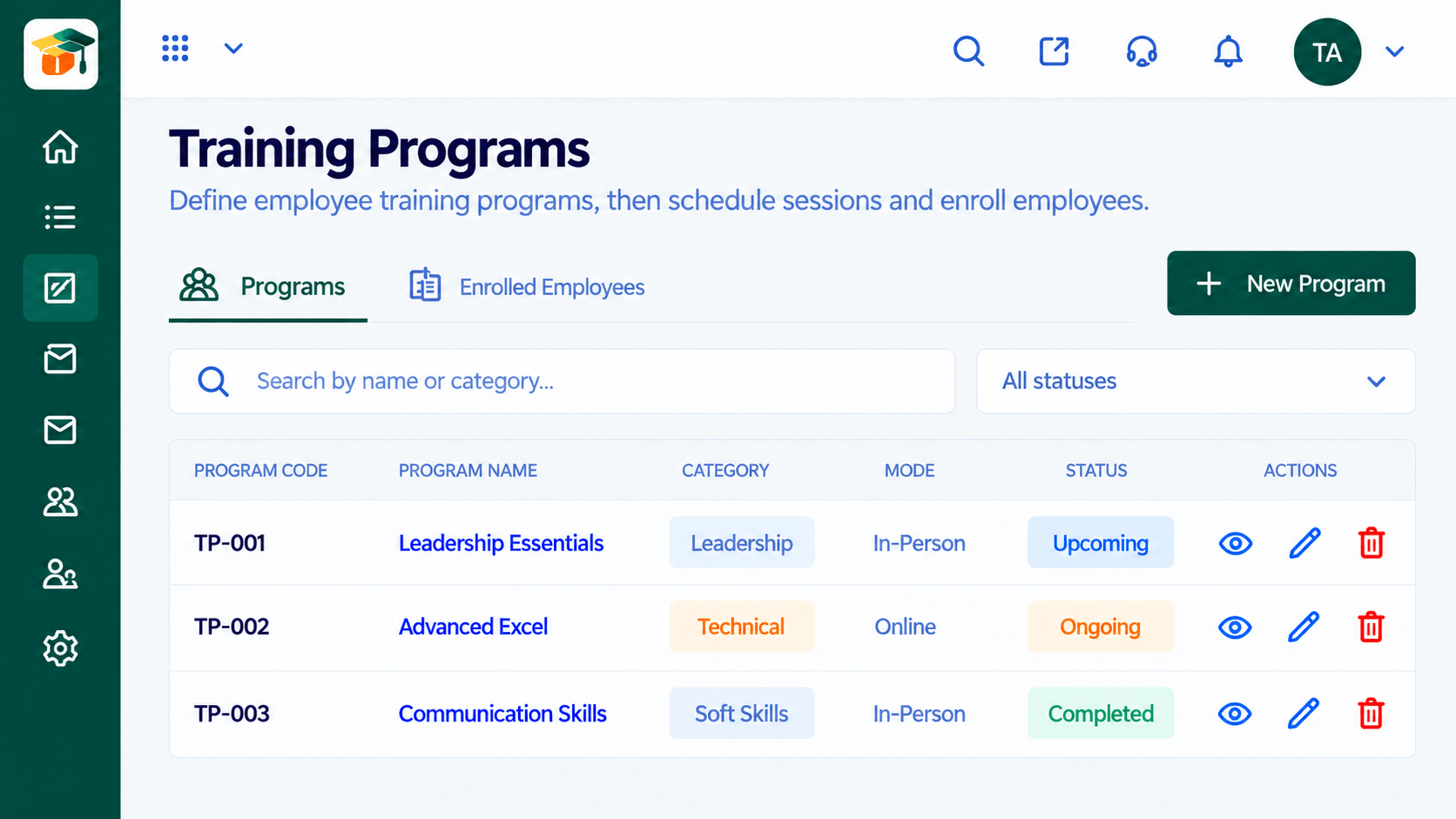 Integrations
Where live sessions live.
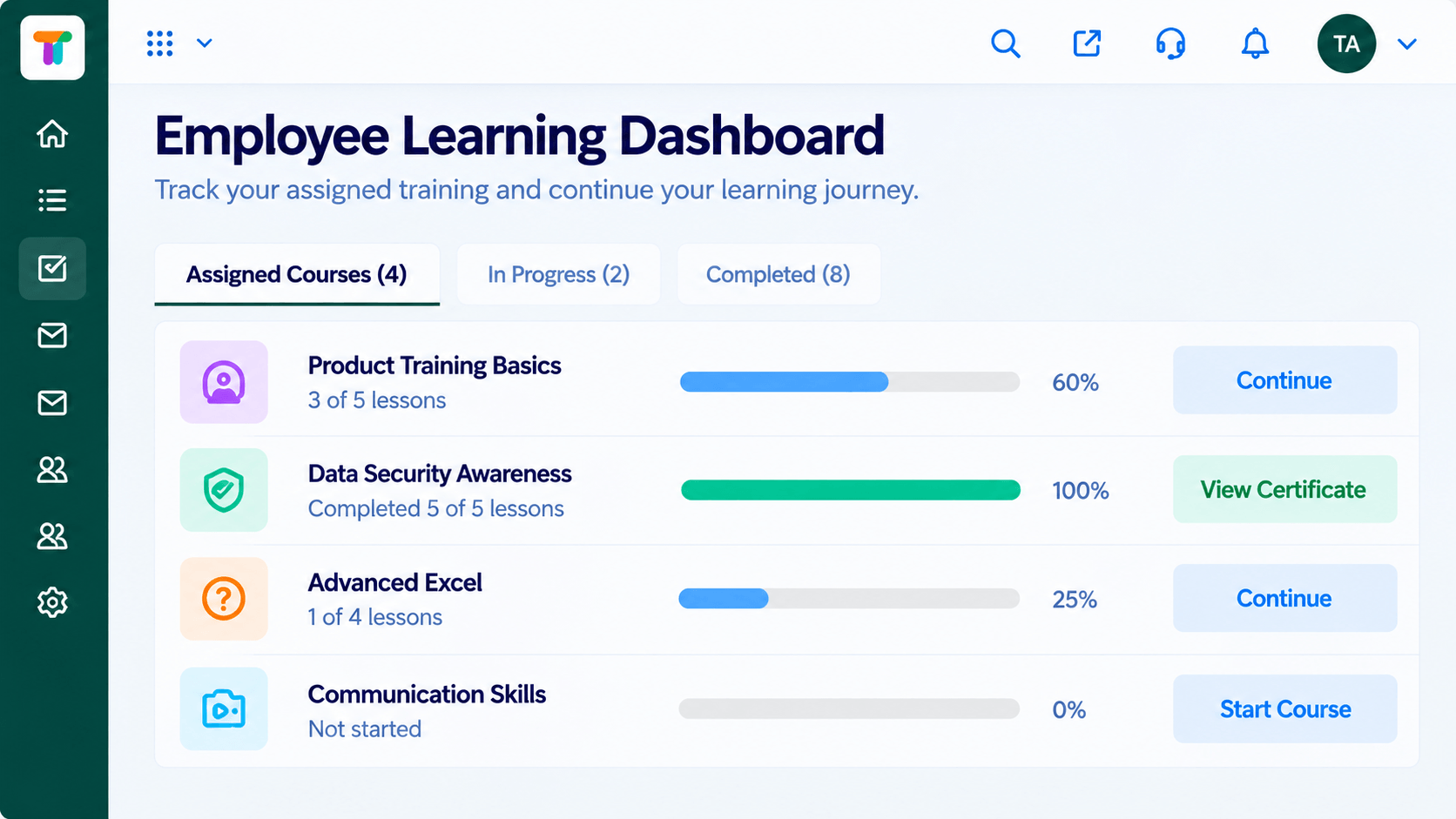 Integrations
Where everything lands.
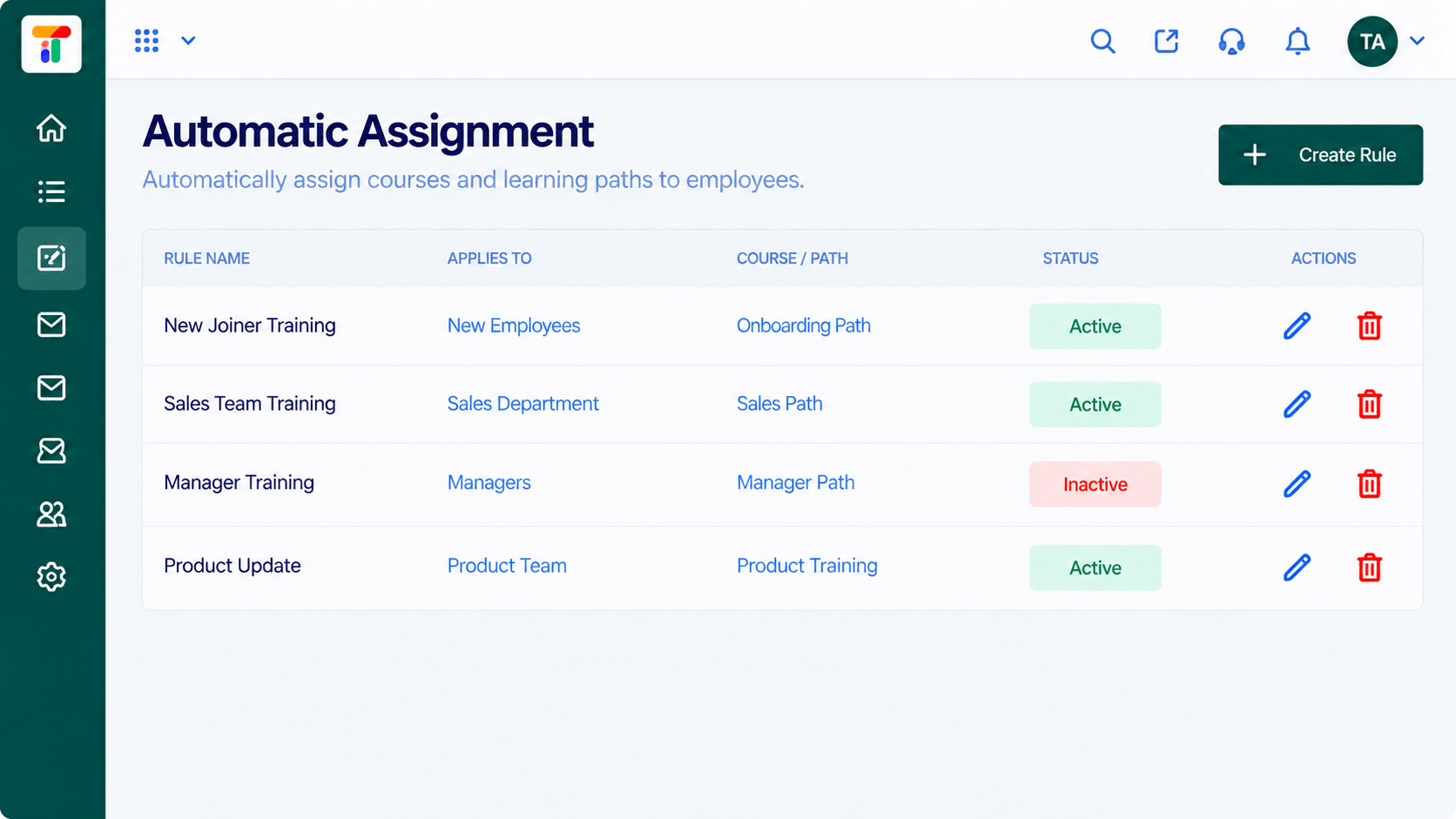 Integrations
Where identity and teams meet courses.
IntegrationsWhere results come together.
Execution Plan
Launch with courses and a learner dashboard.
Connect single sign-on to remove passwords.
Link video classes and team channels.
Connect a gateway if you sell courses.
In Real Life
Scenario 01
Courses and a learner dashboard, nothing more.
Scenario 02
Single sign-on and team reminders remove friction.
Scenario 03
Payments and video classes turn the LMS into a full academy.
Frequently Asked Questions
Video classes, workspace and team tools, payment gateways and single sign-on, plus the Triostack One suite.
No. Start with what matters and add more later.
No. Ask us what is included on your plan.
Yes. Our team can guide you through each connection.
Courses, assessments, certificates and learning paths in one workspace, built for teachers, trainers and the people they teach.
Explore All Integrations
