The best Business Suite software in India, built to help your business grow. Contact us at +91-8882435276.
[ Contact ]
Phone number
Email address
Head office
Noida office
The right team at TriostackOne will get back to you.
Connect a video meeting tool so live classes can be scheduled alongside your courses, with learners joining from the same place they learn.
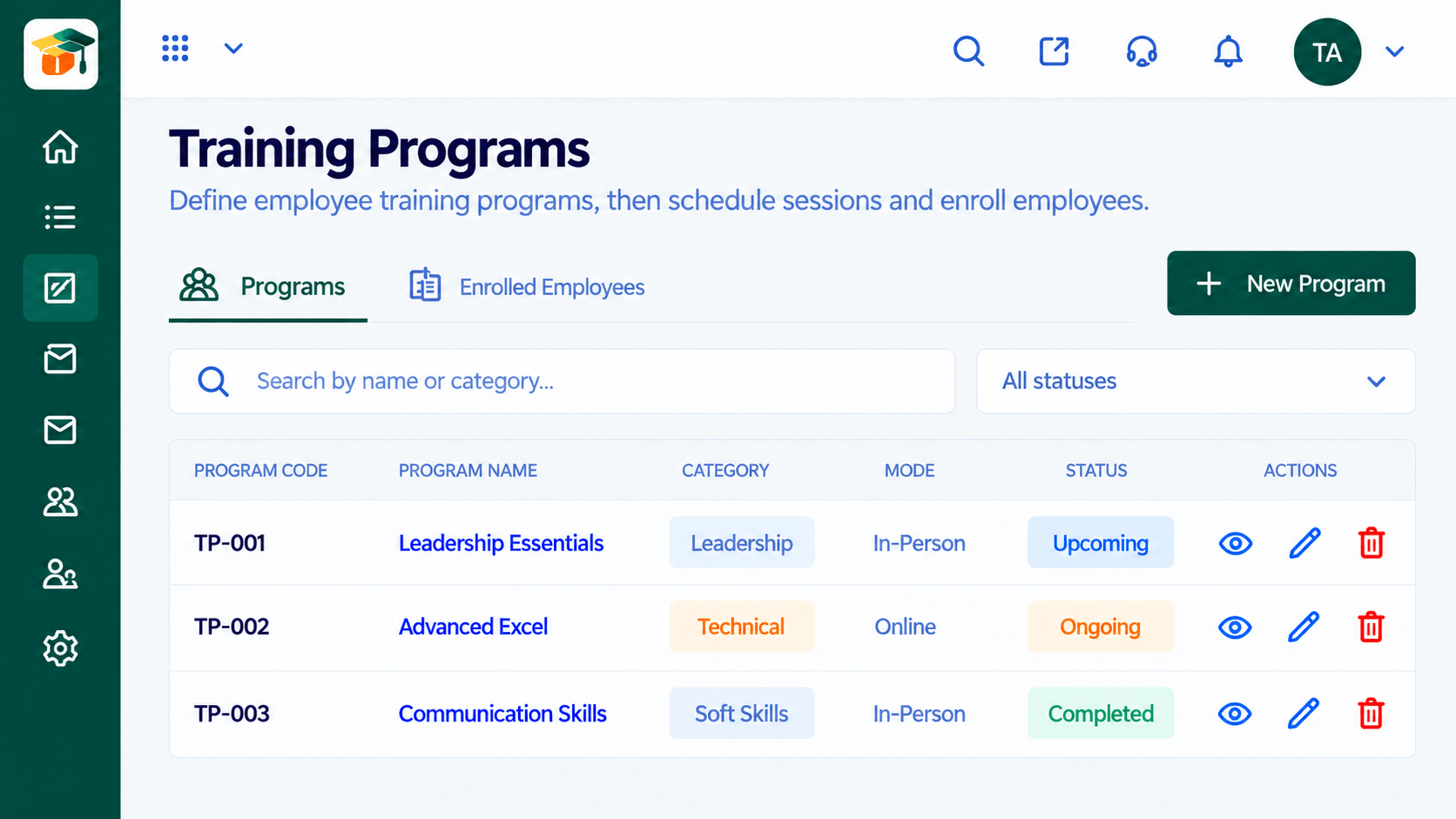
Positioning Assessment
When live classes run on a video tool and courses live in an LMS, learners juggle two places. Links are lost in email, attendance sits in a separate report, and trainers cannot see the full picture.
Connecting a video meeting tool lets live classes appear alongside the course they belong to. Learners join from their dashboard, and participation can be recorded with the rest of their learning. Exactly what is supported depends on your plan and setup, so ask us.
“Learners click the session on their dashboard instead of searching their inbox for the link. Attendance questions practically vanished.”
Sample team scenario
Illustrative example, not a customer testimonial
Illustrated Overview
Imagine a camera tile snapping into a socket on the course, so the live session is just another step in the journey.
Learners never hunt for links.
Context stays together.
Attendance joins the rest of the record.
Platform Integrity
Classes tied to their course
Learners join from the dashboard
Invite whole batches
Attendance with the record
How It Works
What changes when live video is linked to the LMS.
| Dimension | Triostack LMS | Separate Meeting Links |
|---|---|---|
| Finding the Link | Shown on the learner dashboard | Search the inbox |
| Scheduling | Planned within the program | Separate calendar invites |
| Attendance | Linked to the learning record | Exported separately |
| Batches | Cohorts invited together | Manual guest lists |
| Follow-Up | Self-paced lessons after the session | Links shared by hand |
Our team can walk you through the connection, permissions and a first test so learning fits into the tools your people already use.
Live Interface Tour
Real screens captured directly from the Triostack LMS workspace.
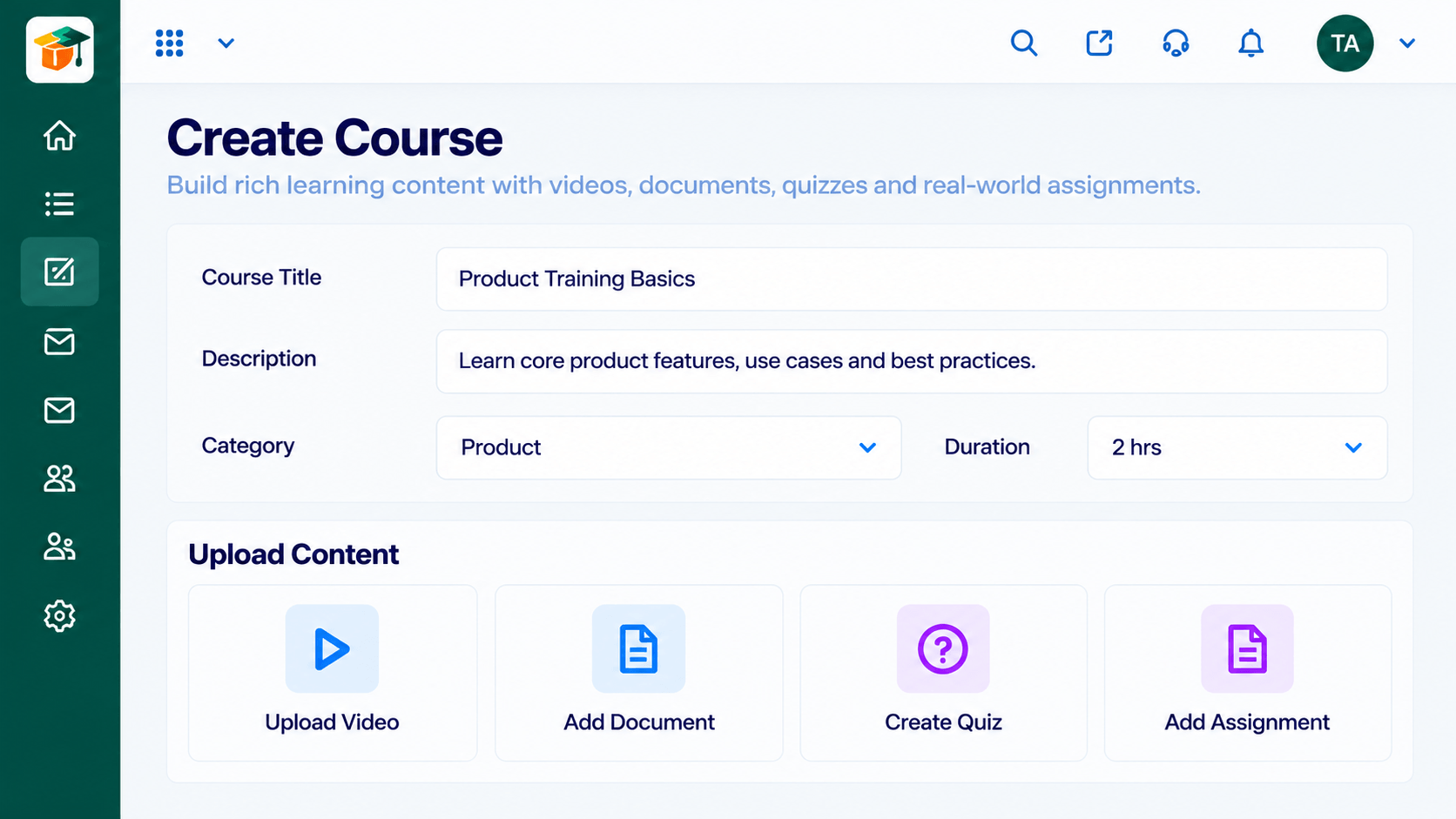 Courses
Build courses from modules and lessons
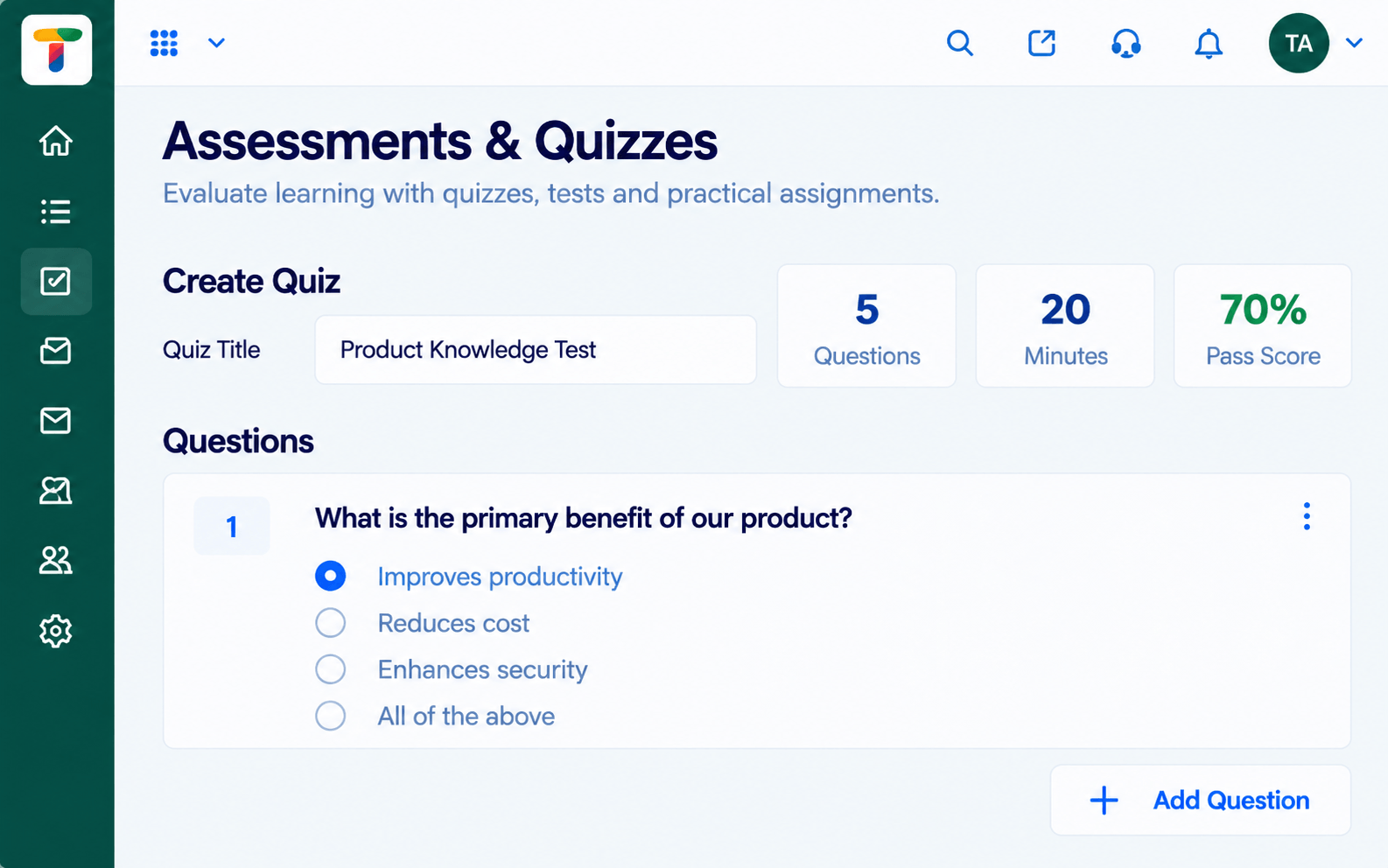 Assessments
Quizzes and tests with scoring and results
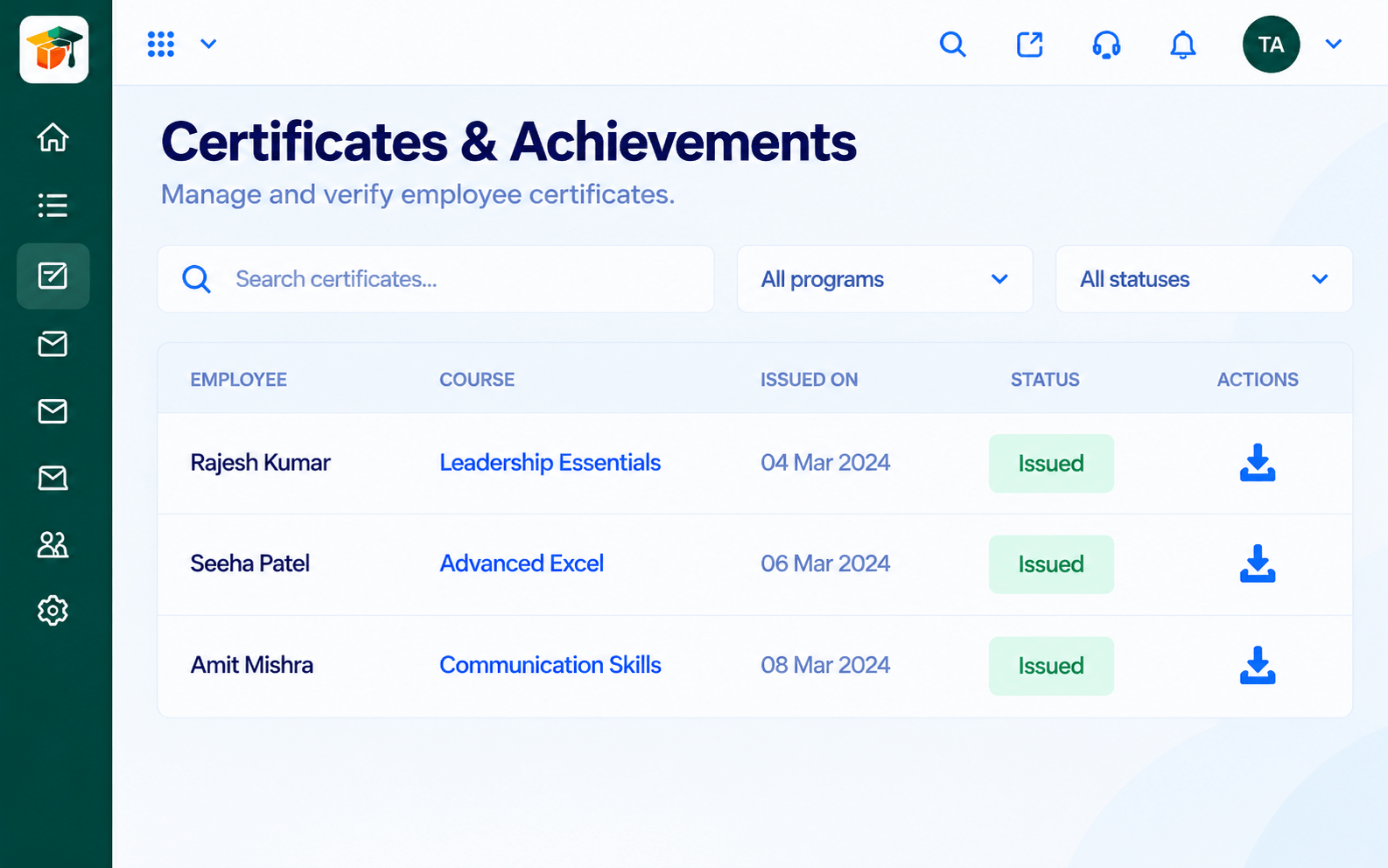 Certificates
Certificates issued when learners complete
Feature Breakdown
Captured from the Triostack LMS workspace.
IntegrationsPlan sessions inside a program.
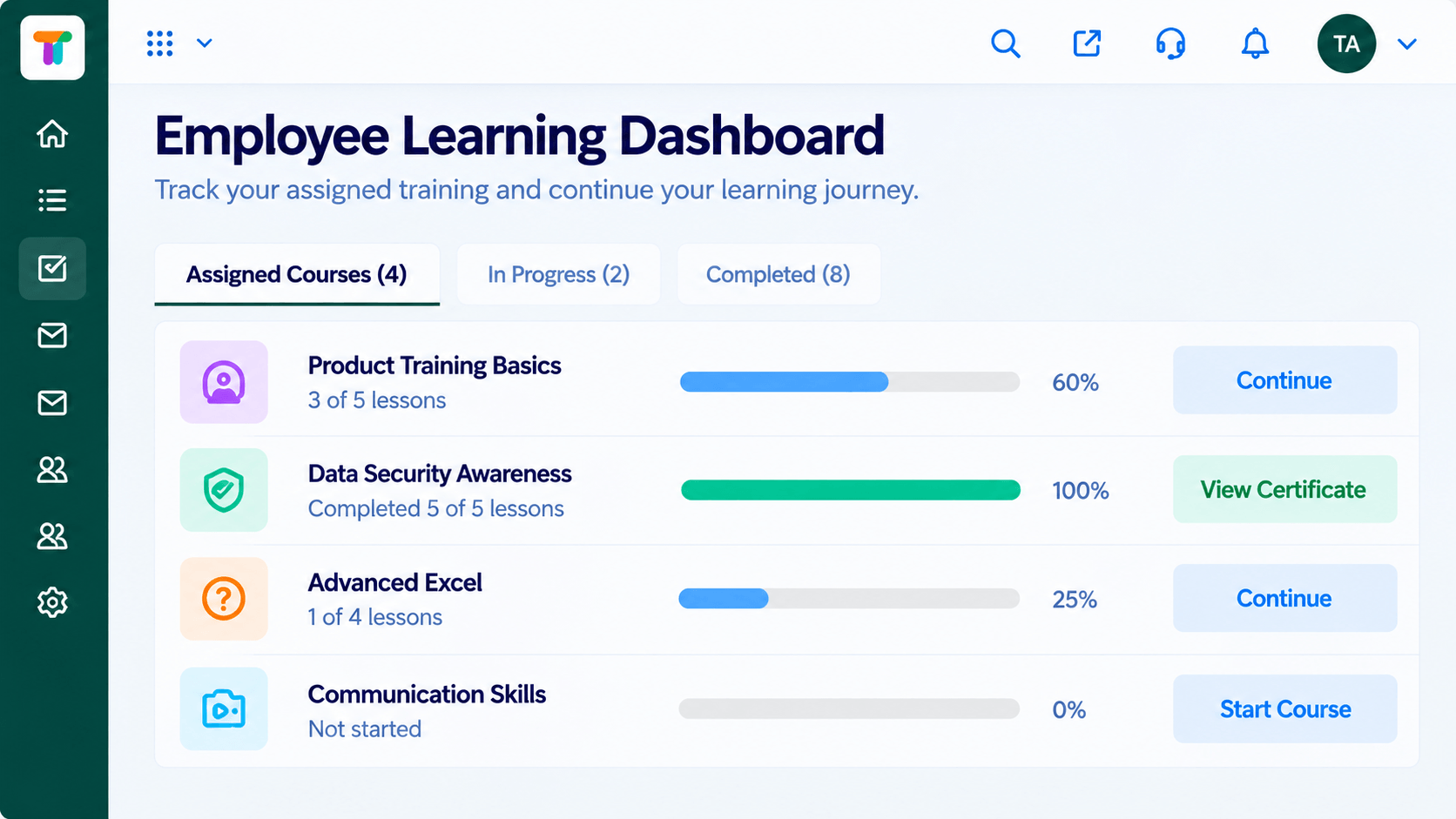 Integrations
Show upcoming sessions.
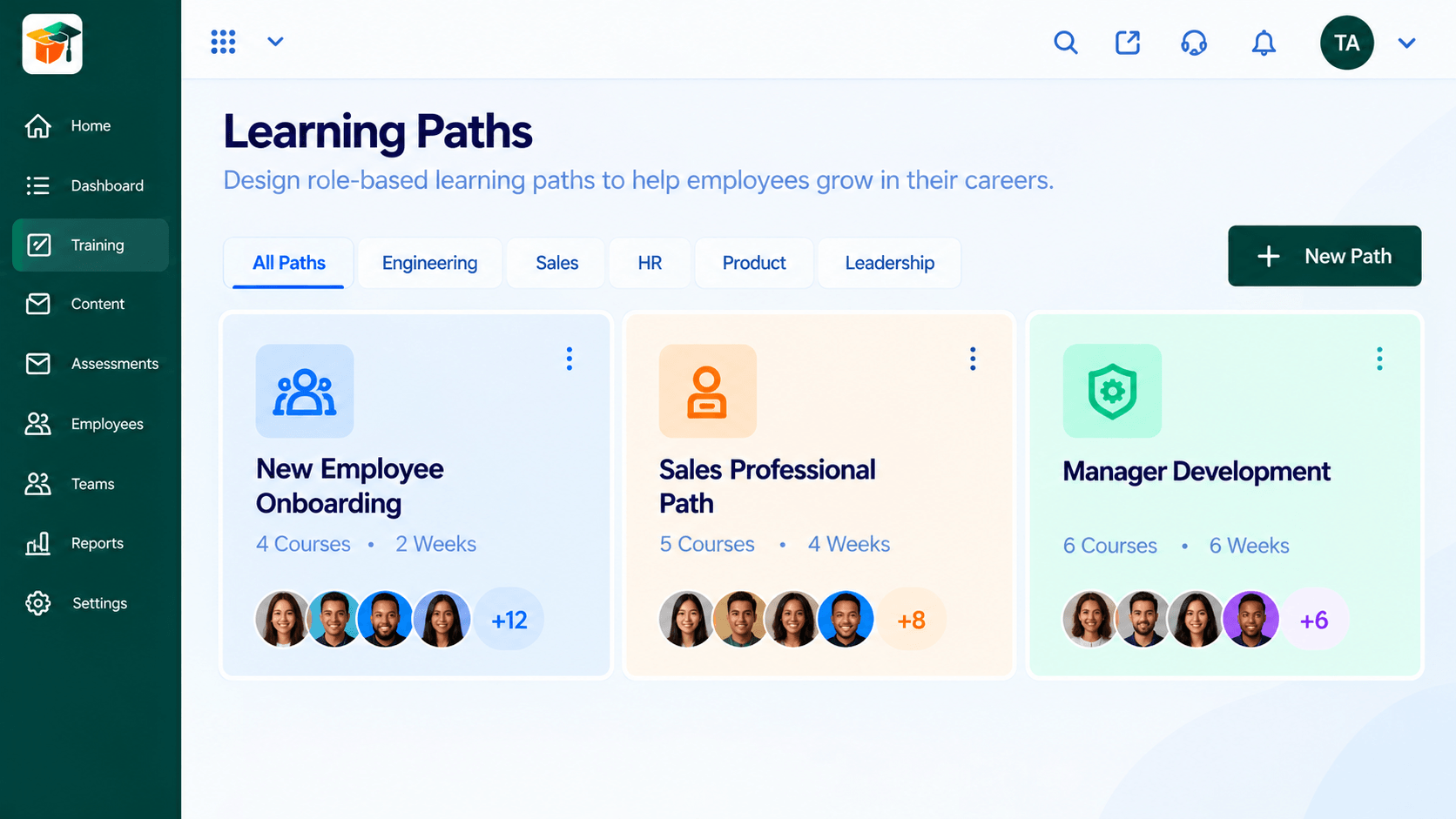 Integrations
Mix live and self-paced steps.
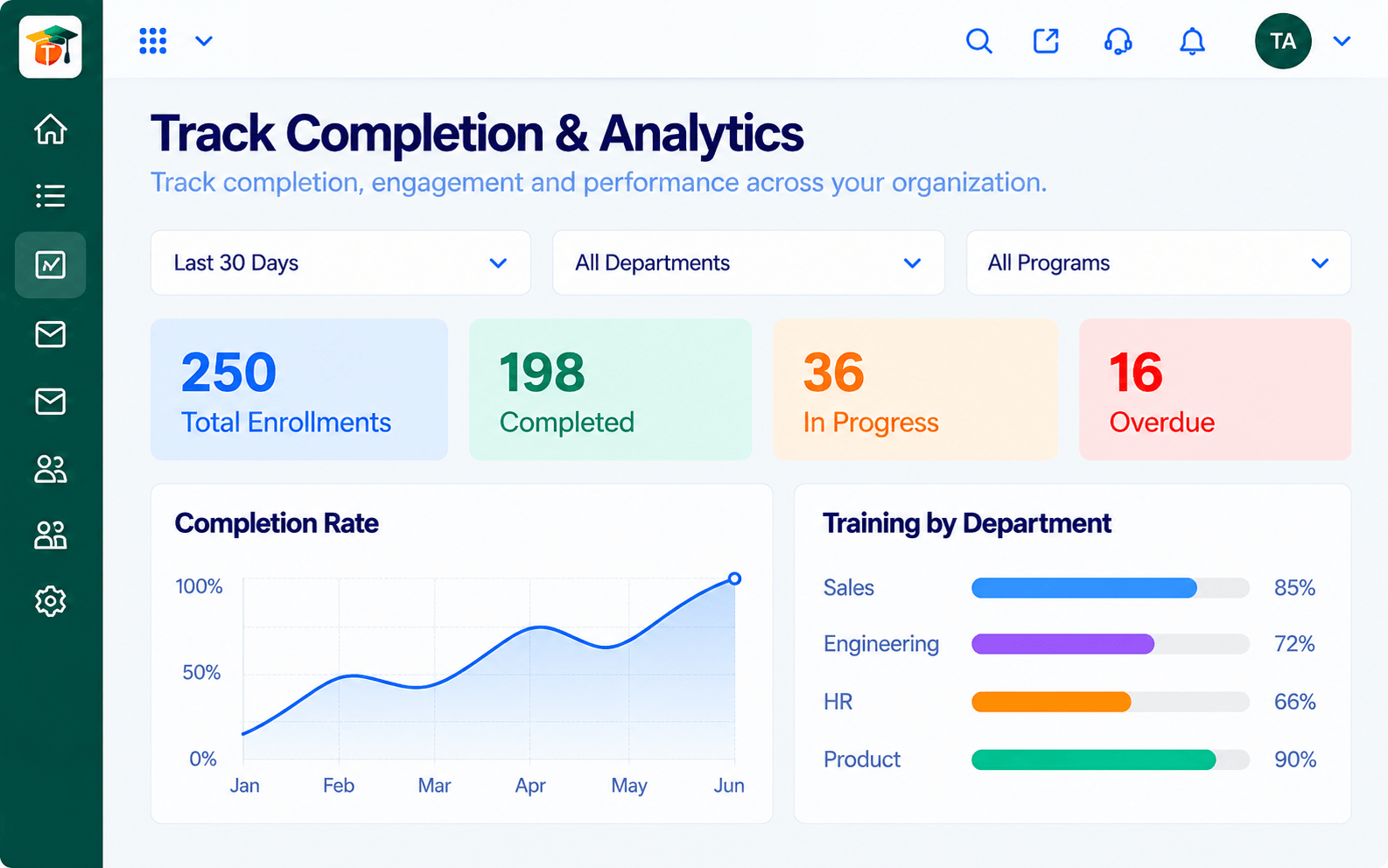 Integrations
See who joined.
Execution Plan
Link your video tool to the LMS with our guidance.
Add live sessions to a program.
They open the session from their dashboard.
See participation in the learning record.
In Real Life
Scenario 01
The trainer schedules every Friday session once and learners see it on their dashboard.
Scenario 02
Students join a live Q&A directly from the course page.
Scenario 03
New hires join a welcome session and then see the next lessons automatically.
Frequently Asked Questions
Ask us about the video tools supported for your plan.
That is the aim of the connection. Ask us how it works in your setup.
Participation can be part of the learning record. Ask us for details.
Availability depends on your plan. Contact us.
Courses, assessments, certificates and learning paths in one workspace, built for teachers, trainers and the people they teach.
Explore All Integrations
