The best Business Suite software in India, built to help your business grow. Contact us at +91-8882435276.
[ Contact ]
Phone number
Email address
Head office
Noida office
The right team at TriostackOne will get back to you.
Connect your workspace so people can sign in with existing accounts, keep calendars in step with sessions and bring documents and files into courses.
Positioning Assessment
When the LMS lives in a separate world, learners need another password, another calendar and another place to remember. Participation drops, and trainers copy materials between systems.
Connecting a workspace brings learning closer to daily tools: people can use the accounts they already have, sessions can sit on their calendars, and documents from shared drives can feed course content. What is available depends on your plan and setup, so ask us.
“Once people could sign in with their work account, the support questions about forgotten passwords simply stopped.”
Sample team scenario
Illustrative example, not a customer testimonial
Illustrated Overview
Imagine documents, calendars and accounts flowing into the LMS through one friendly doorway.
No extra credentials to remember.
Sessions land on familiar calendars.
Reuse documents instead of rewriting them.
Platform Integrity
Sign in with what people already have
Sessions on personal calendars
Reuse documents already created
One less password to forget
How It Works
What changes when the LMS fits existing tools.
| Dimension | Triostack LMS | Standalone LMS |
|---|---|---|
| Sign-In | Use existing accounts | Separate username and password |
| Calendars | Sessions appear where people look | Manual invites |
| Content | Documents brought into courses | Download and re-upload |
| Support Load | Fewer password resets | Constant resets |
| Adoption | Lower friction to start | Extra step discourages learners |
Our team can walk you through the connection, permissions and a first test so learning fits into the tools your people already use.
Live Interface Tour
Real screens captured directly from the Triostack LMS workspace.
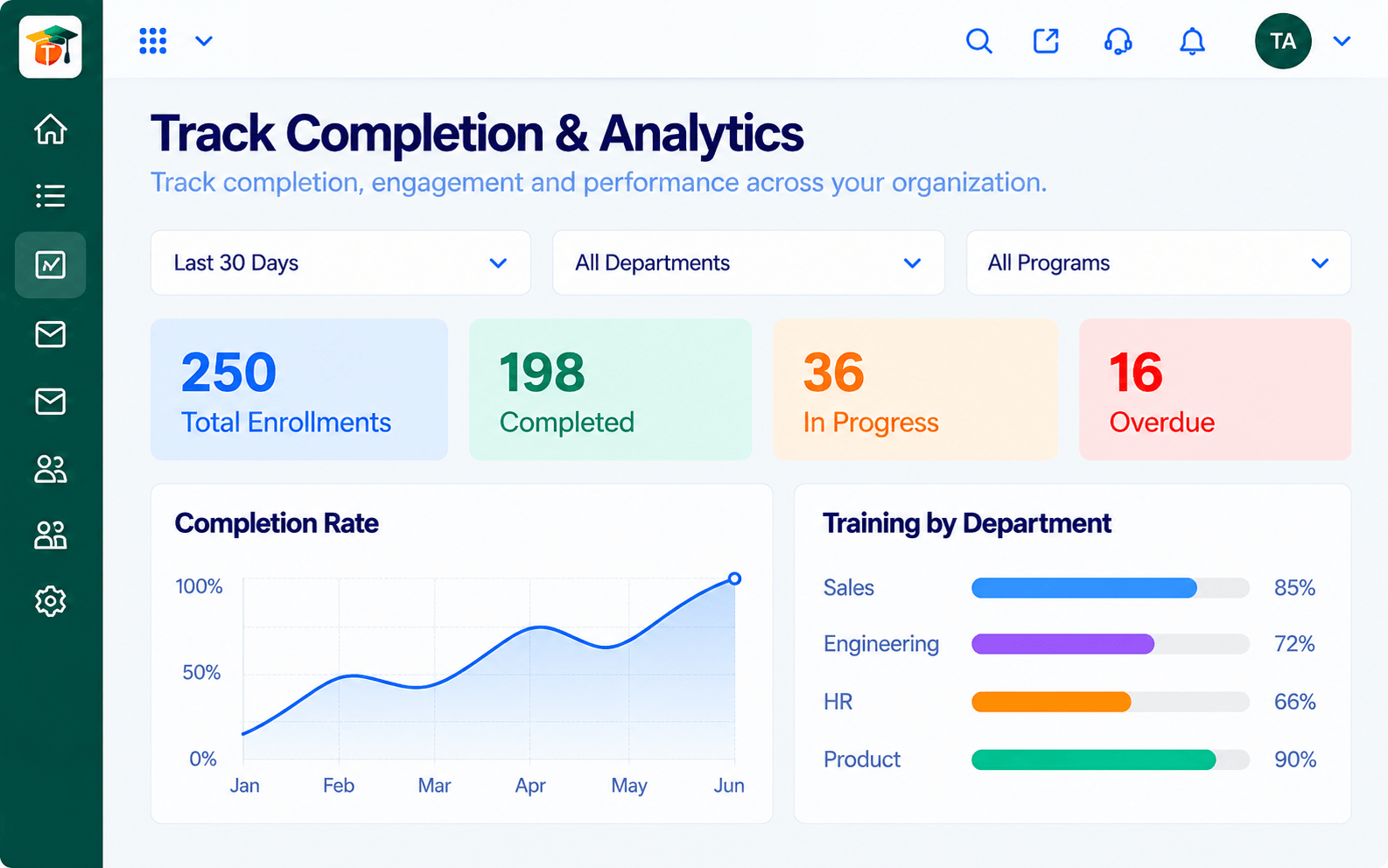 Analytics
Completion, scores and engagement at a glance
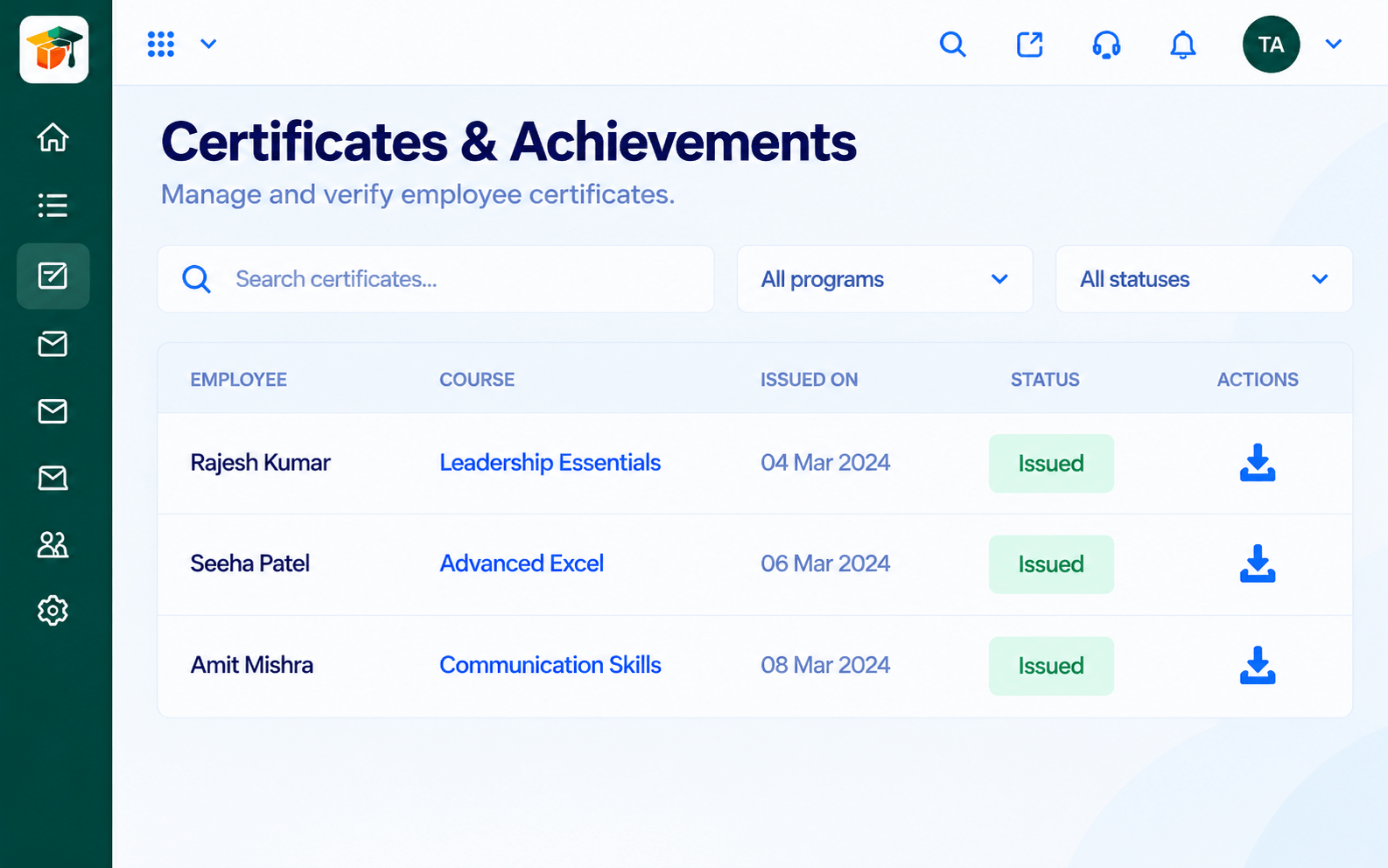 Certificates
Certificates issued when learners complete
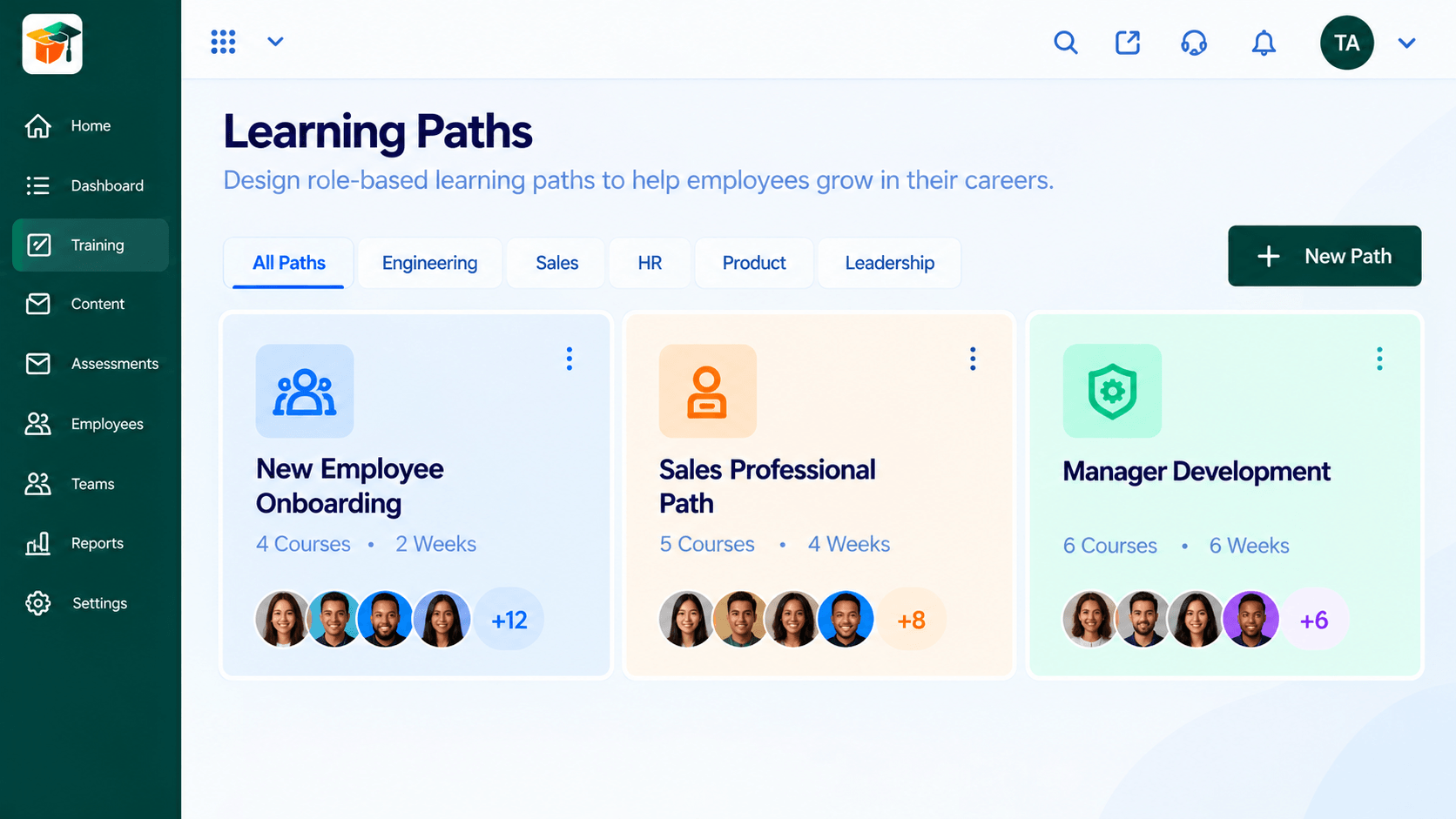 Paths
PathsSequenced courses that guide a learner end to end
Feature Breakdown
Captured from the Triostack LMS workspace.
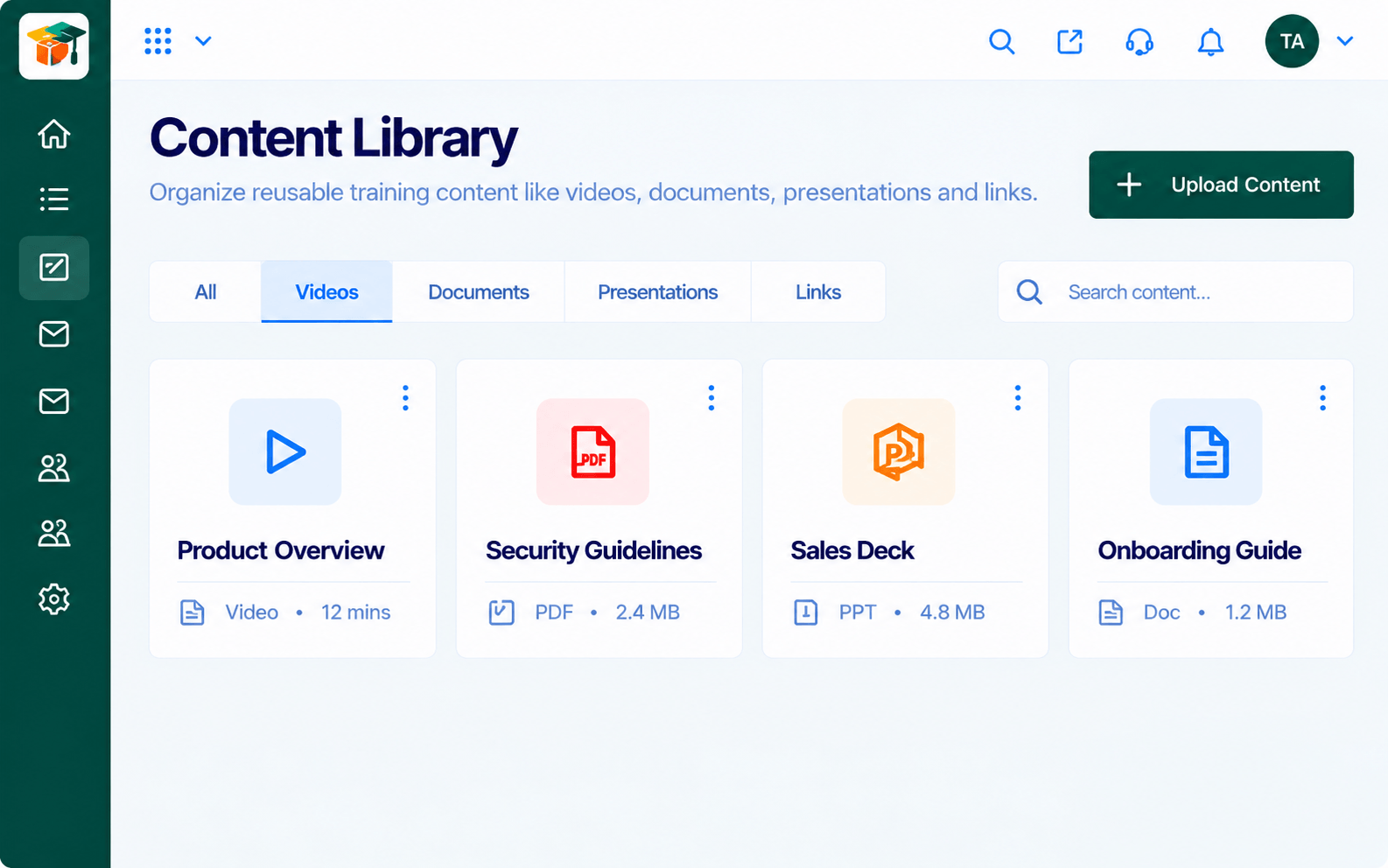
IntegrationsKeep documents ready for courses.
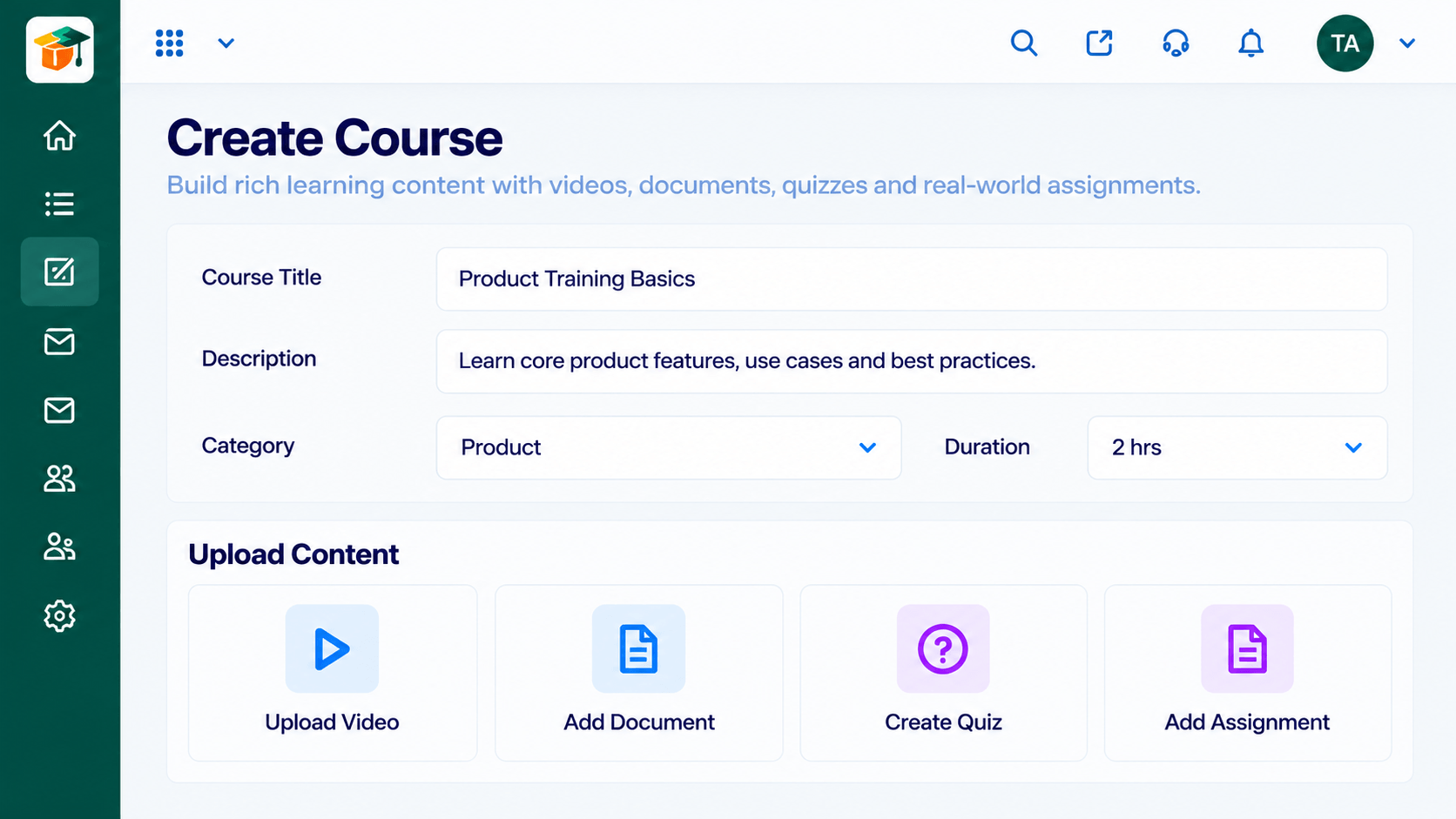 Integrations
Turn documents into lessons.
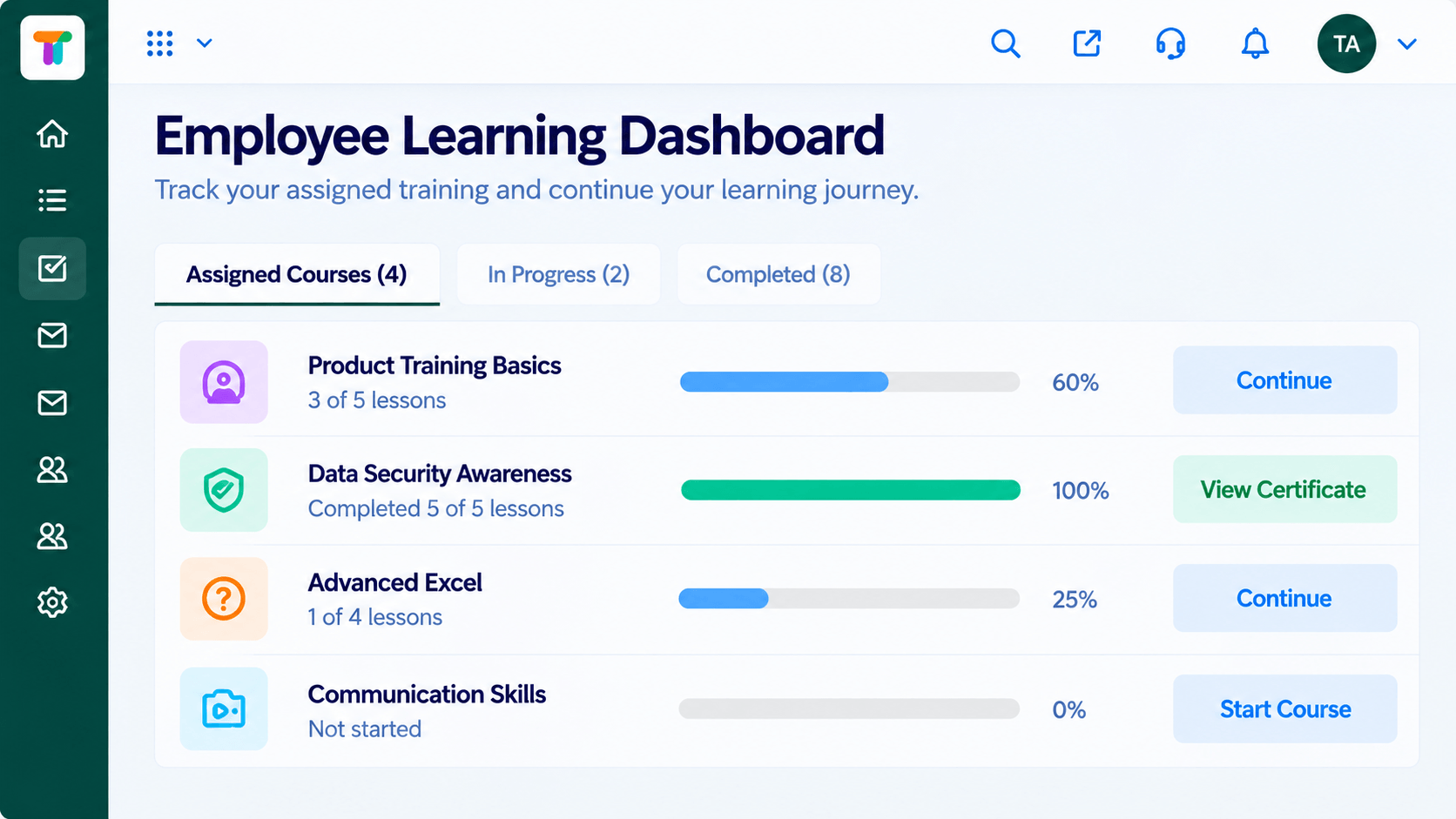 Integrations
One simple starting point.
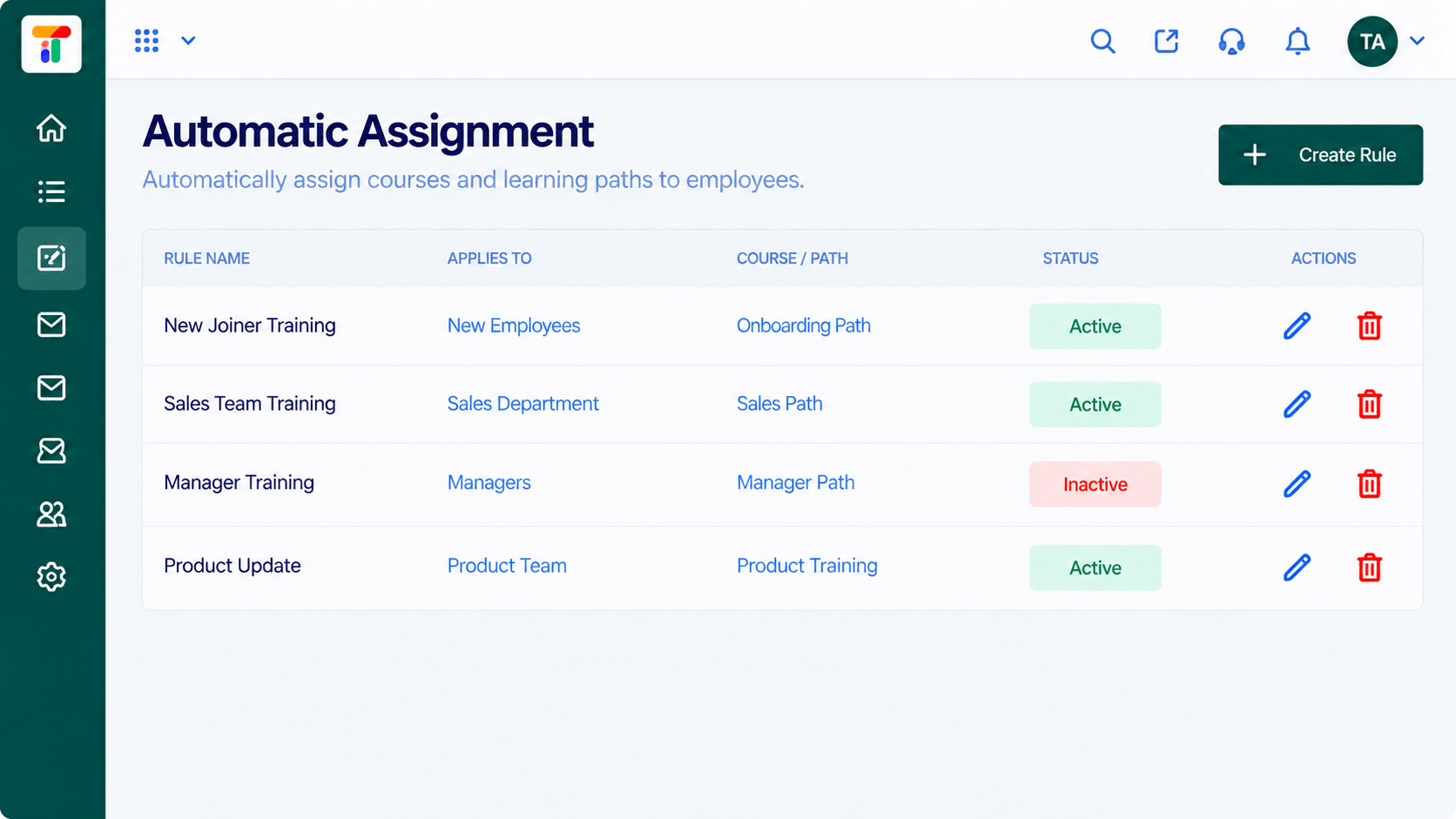 Integrations
Assign by team or role.
Execution Plan
Decide what to connect: sign-in, calendar or content.
Link the workspace with our guidance.
Try with a small group of learners.
Invite everyone and share the single link.
In Real Life
Scenario 01
Everyone signs in with their work account and the first-day training starts smoothly.
Scenario 02
Upcoming sessions appear on people's calendars without manual invites.
Scenario 03
HR turns an existing policy document into a short course quickly.
Frequently Asked Questions
Ask us which parts of your workspace connect on your plan, such as sign-in, calendars and content.
That depends on the sign-in method you choose. Ask us about single sign-on options.
Content can be added to the library. Ask us about direct connections to shared files.
Availability depends on your plan. Contact us.
Courses, assessments, certificates and learning paths in one workspace, built for teachers, trainers and the people they teach.
Explore All Integrations
