The best Business Suite software in India, built to help your business grow. Contact us at +91-8882435276.
[ Contact ]
Phone number
Email address
Head office
Noida office
The right team at TriostackOne will get back to you.
Connect a team messaging tool so learning announcements, deadline reminders and celebrations appear in the channels your teams use every day.
Positioning Assessment
Learning teams send emails that compete with hundreds of others. Deadlines slip, new courses go unnoticed, and good results never get celebrated.
Connecting a team messaging tool lets announcements, reminders and achievements reach the channels where people actually talk, with links back to the courses. Exactly what can be posted depends on your plan and setup, so ask us.
“We started posting 'five people finished the safety course this week' in the channel. It made completion feel like a team effort.”
Sample team scenario
Illustrative example, not a customer testimonial
Illustrated Overview
Imagine a small bell ringing in the team chat each time someone finishes a course, with a link to join in.
A nudge beats a newsletter.
Seeing others finish motivates the rest.
Links bring people straight back.
Platform Integrity
Tell teams about new courses
Nudge before deadlines
Share achievements
Jump straight to the course
How It Works
What changes when updates reach team channels.
| Dimension | Triostack LMS | Email-Only Updates |
|---|---|---|
| Visibility | Seen in busy channels | Lost among inbox noise |
| Timing | Quick, short nudges | Formal, infrequent mails |
| Culture | Wins celebrated in public | Achievements unseen |
| Links | One click to the course | Search for the invite |
| Effort | Set up once, runs automatically | Compose each email |
Our team can walk you through the connection, permissions and a first test so learning fits into the tools your people already use.
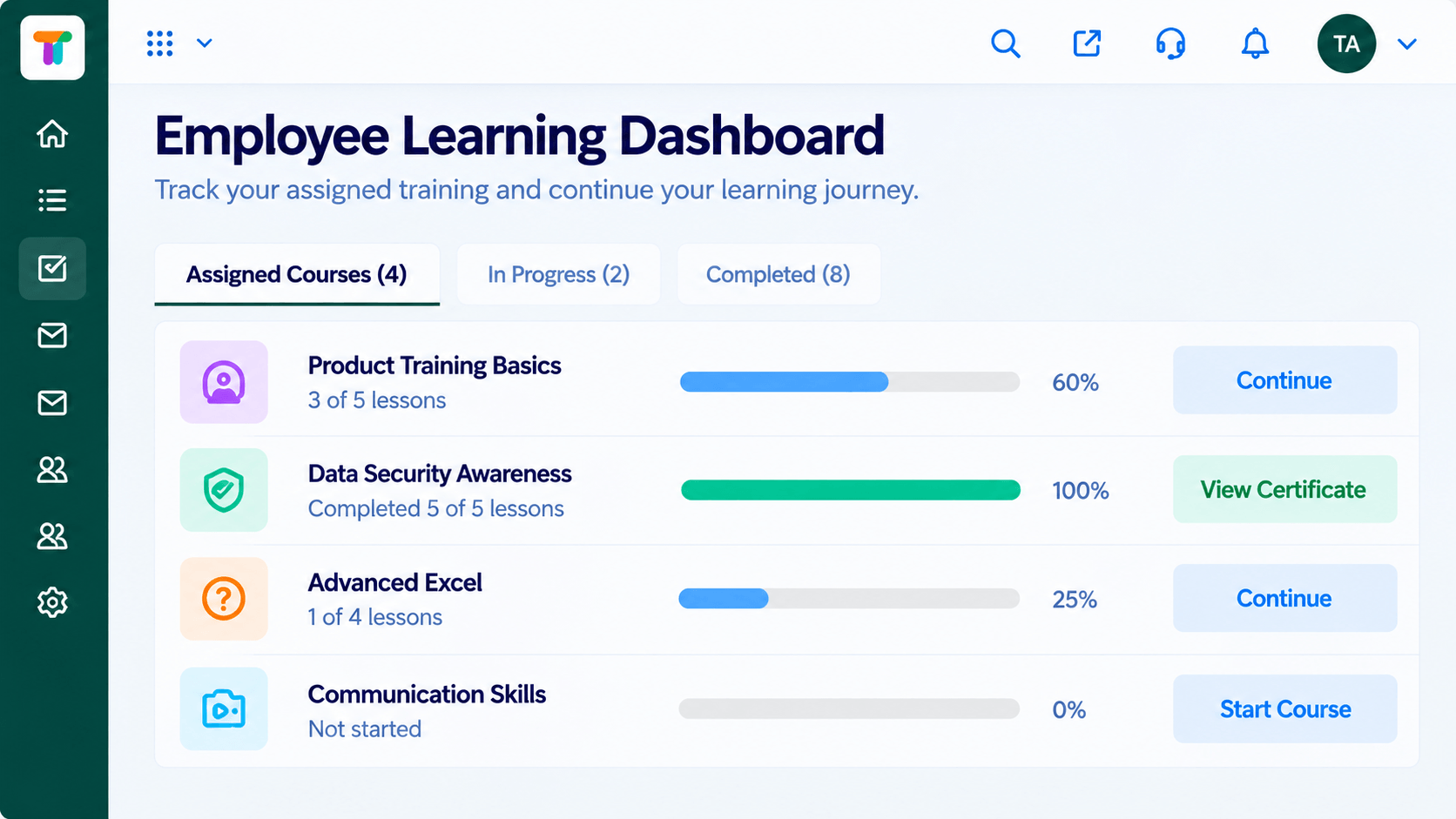
Live Interface Tour
Real screens captured directly from the Triostack LMS workspace.
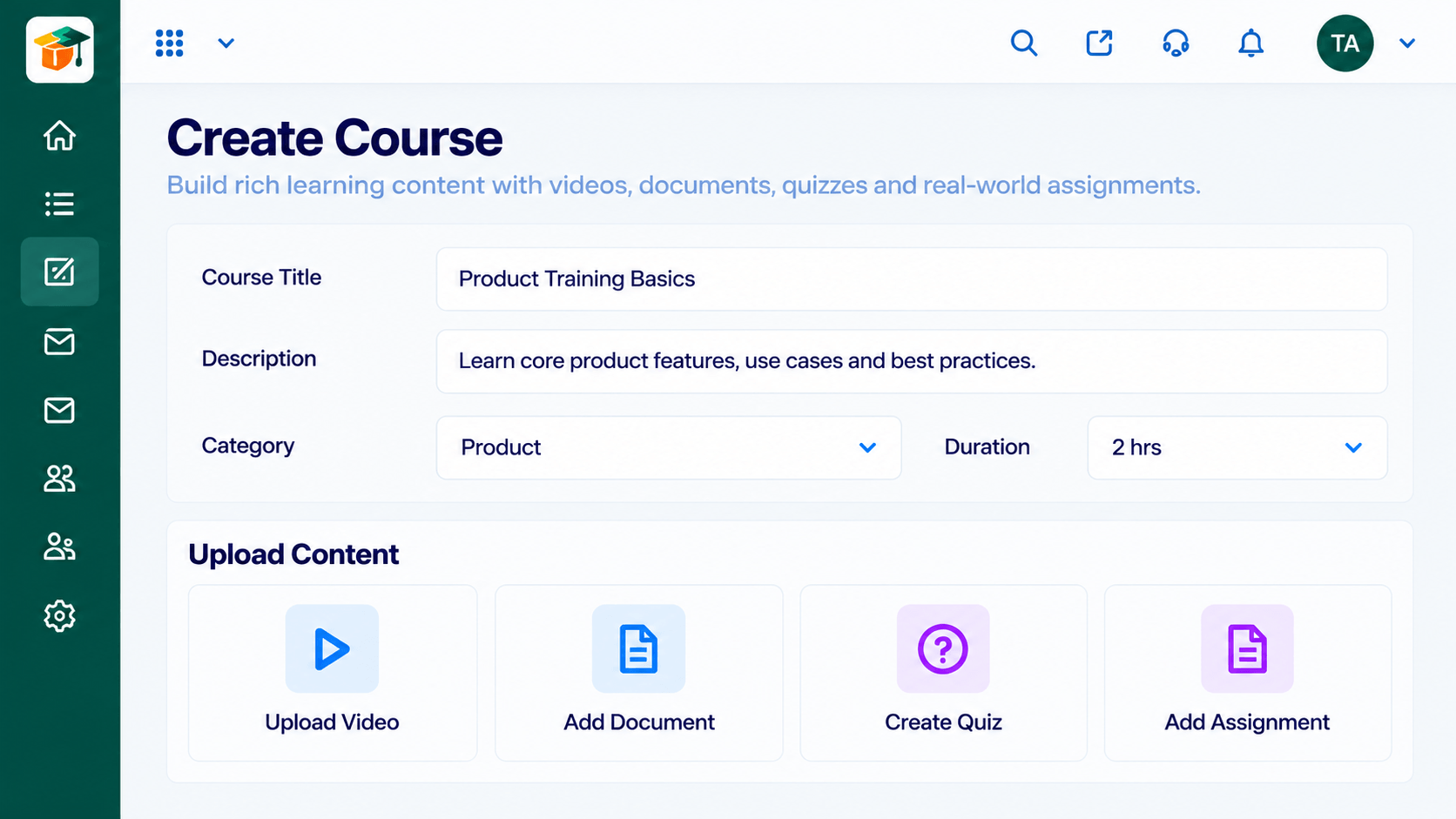 Courses
Build courses from modules and lessons
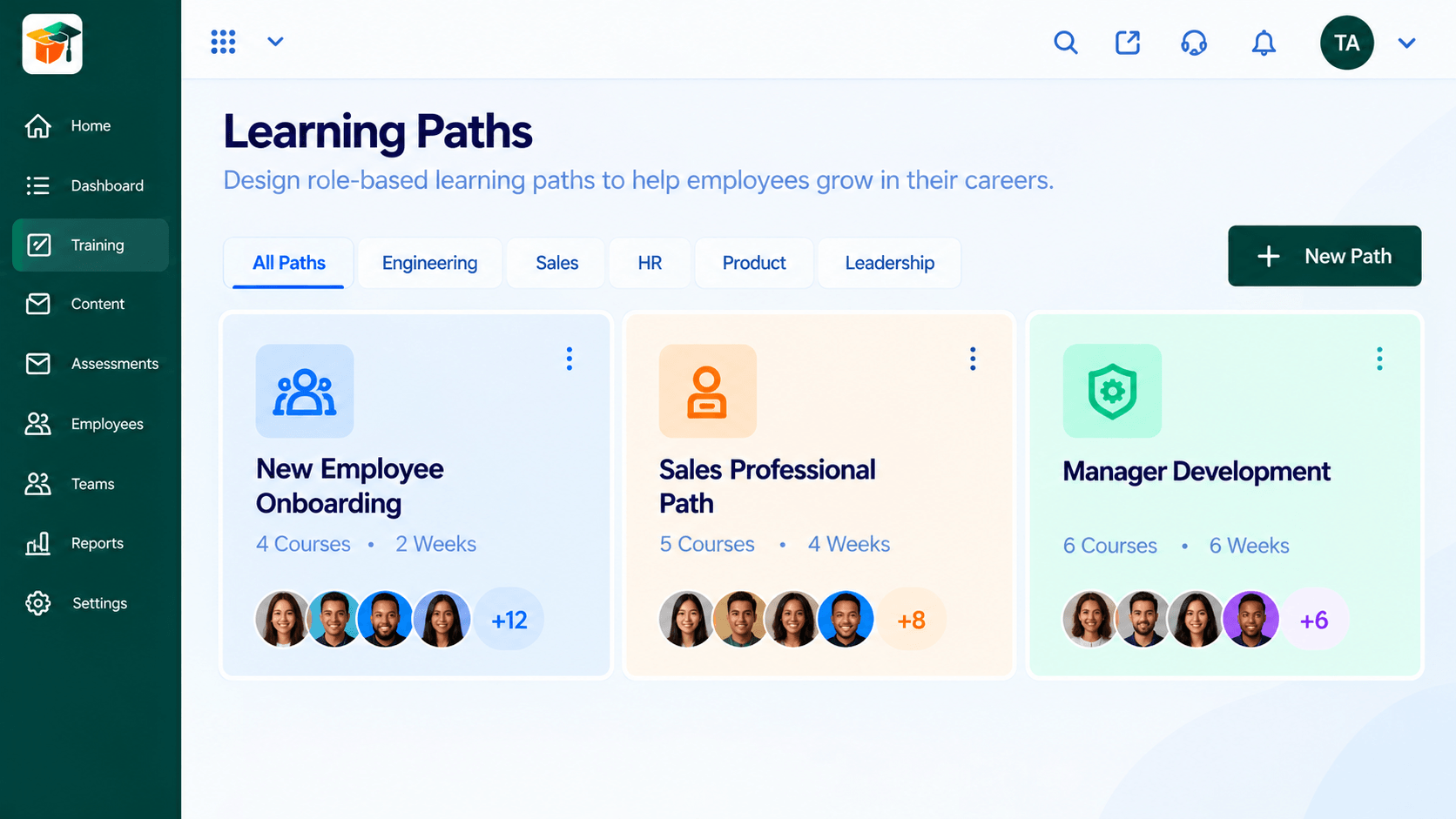 Paths
PathsSequenced courses that guide a learner end to end
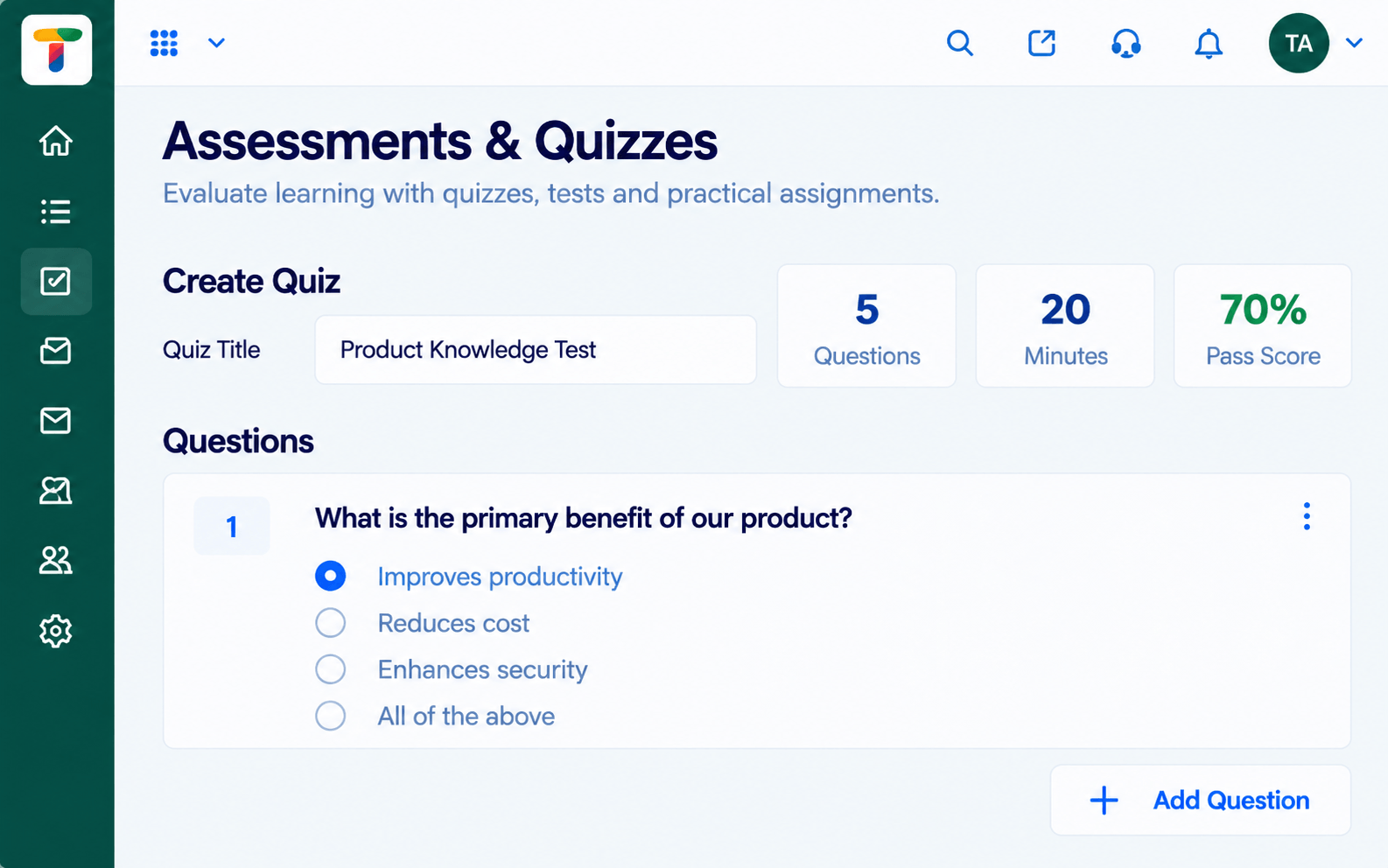 Assessments
Quizzes and tests with scoring and results
Feature Breakdown
Captured from the Triostack LMS workspace.
IntegrationsWhere the link lands.
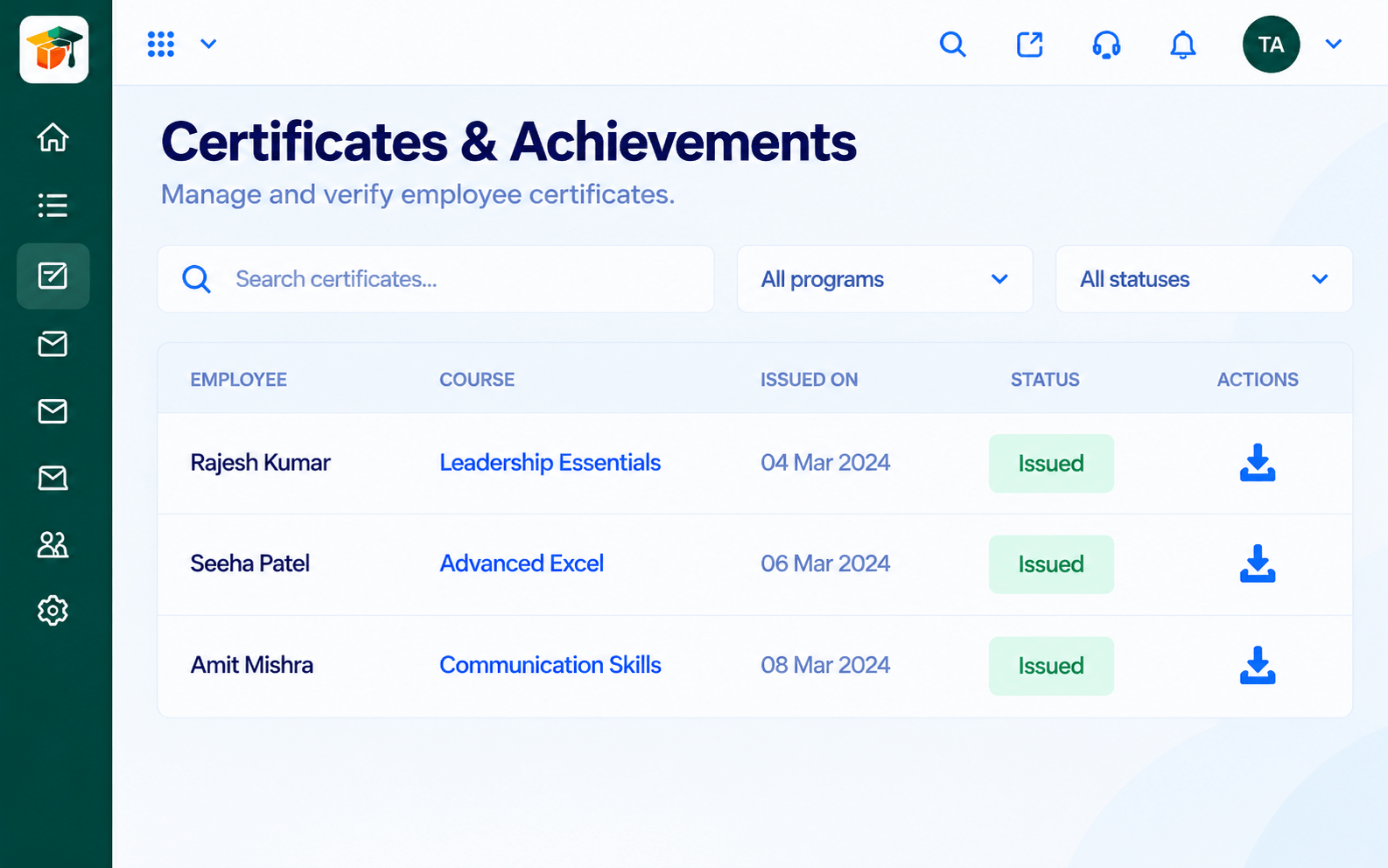 Integrations
Moments worth sharing.
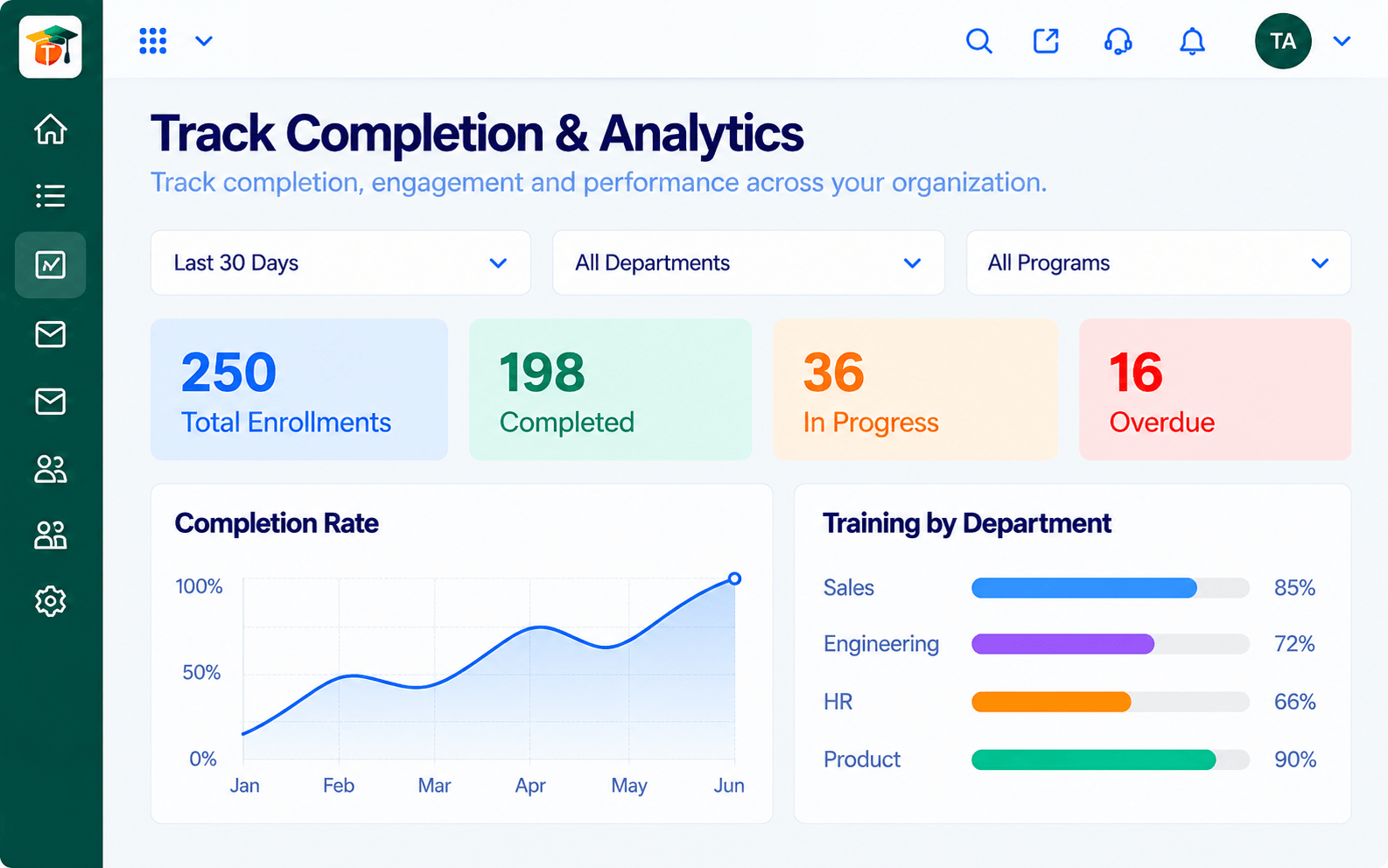 Integrations
What to announce.
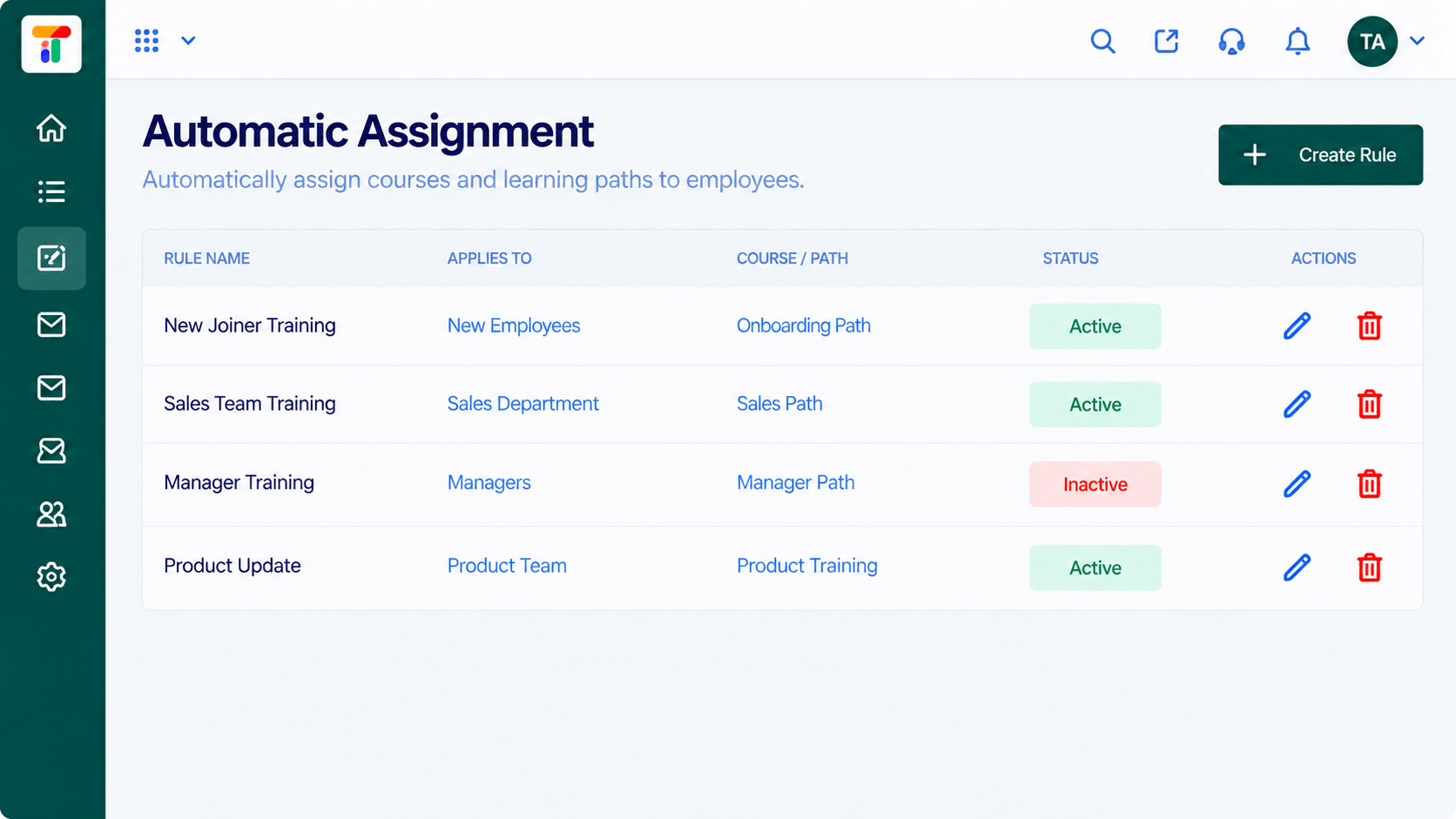 Integrations
Why a nudge is needed.
Execution Plan
Link the messaging tool with our guidance.
Choose where announcements and reminders go.
Decide which events create a message.
Check tone and frequency after a week.
In Real Life
Scenario 01
A new course is announced in the channel the moment it is published.
Scenario 02
A reminder two days before cuts the last-minute rush.
Scenario 03
The channel cheers when the team reaches full completion.
Frequently Asked Questions
Ask us which learning events can be sent to messaging channels on your plan.
Ask us about targeting options.
That is a common use. Ask us how it can be set up.
Availability depends on your plan. Contact us.
Courses, assessments, certificates and learning paths in one workspace, built for teachers, trainers and the people they teach.
Explore All Integrations
