The best Business Suite software in India, built to help your business grow. Contact us at +91-8882435276.
[ Contact ]
Phone number
Email address
Head office
Noida office
The right team at TriostackOne will get back to you.
Connect a team collaboration tool so live sessions, reminders and course links reach people in the place they already chat and meet.
Positioning Assessment
Most teams spend their day in a collaboration tool, not in an LMS. Course reminders sent by email sit unread, and live sessions run on yet another link.
Connecting a team collaboration tool lets sessions and reminders reach people in their usual channels, and lets them jump into a course with a single link. What is possible depends on your plan and setup, so ask us before you plan around a specific behaviour.
“A short nudge in the team channel with a link to the course did more than three reminder emails.”
Sample team scenario
Illustrative example, not a customer testimonial
Illustrated Overview
Picture a speech bubble drifting from the LMS into a busy team channel, carrying a link and a friendly reminder.
Reminders land in daily conversations.
Links open the right course.
Group nudges build momentum.
Platform Integrity
Reminders in team channels
Meet in the same tool
Jump straight into a course
Support whole groups together
How It Works
What changes when learning reaches the team channel.
| Dimension | Triostack LMS | Email Reminders |
|---|---|---|
| Reach | Where the team already chats | An inbox that may be ignored |
| Live Sessions | Joined in the usual tool | Another link to find |
| Links | One click to the course | Search for the invite |
| Group Learning | Shared in team spaces | Individual emails |
| Visibility | Seen by the whole team | Seen by one person |
Our team can walk you through the connection, permissions and a first test so learning fits into the tools your people already use.
Live Interface Tour
Real screens captured directly from the Triostack LMS workspace.
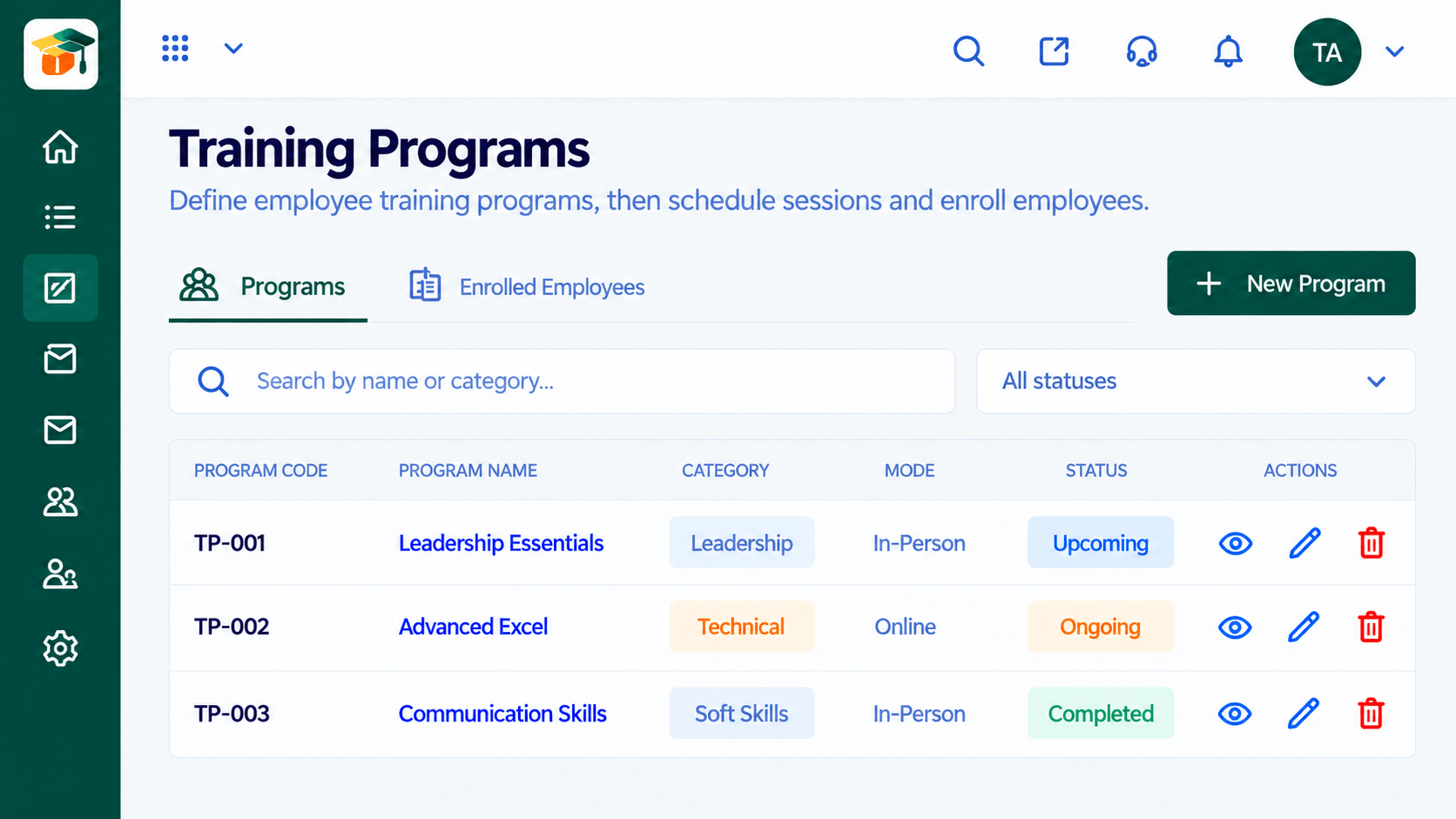
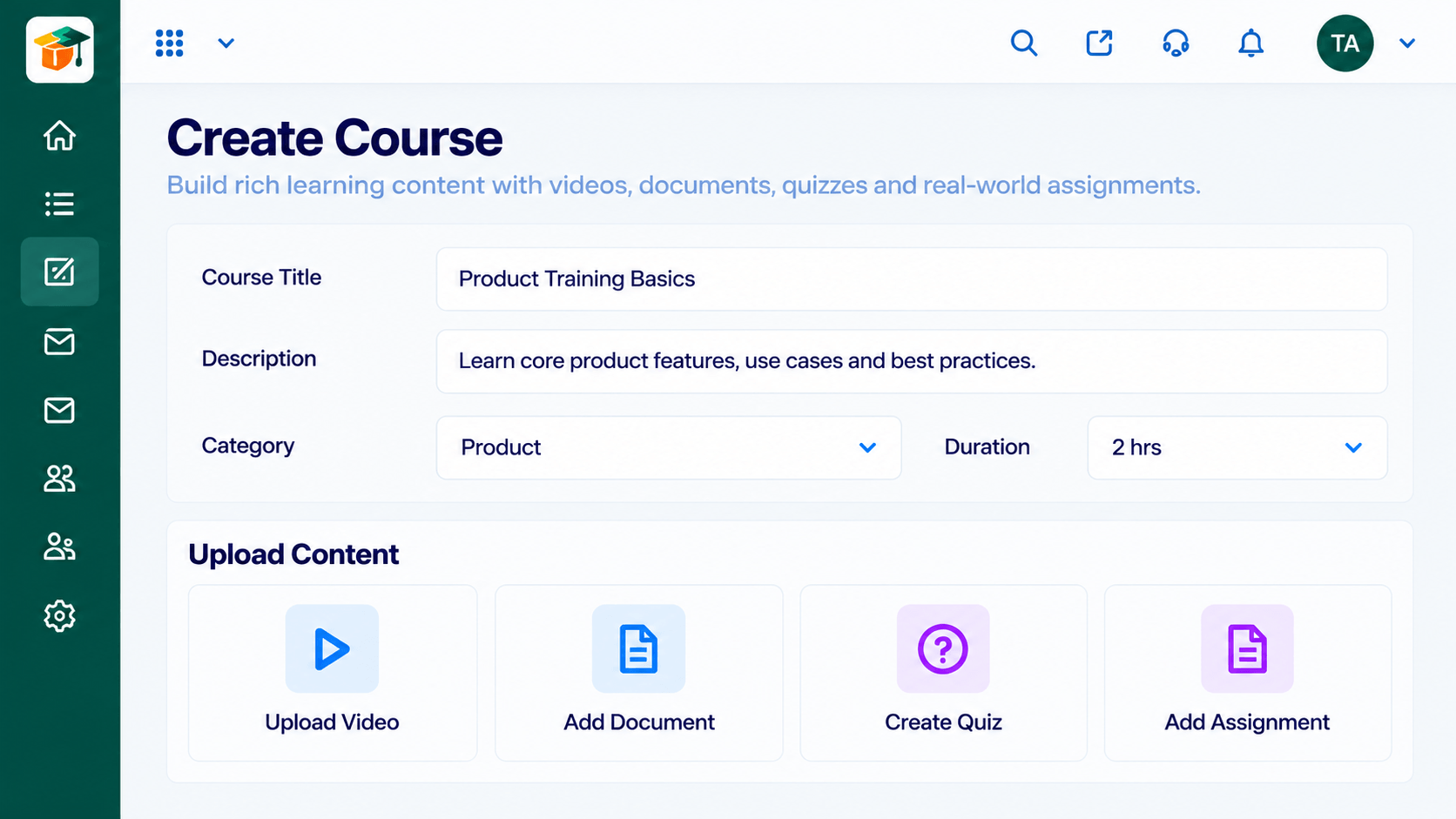 Courses
Build courses from modules and lessons
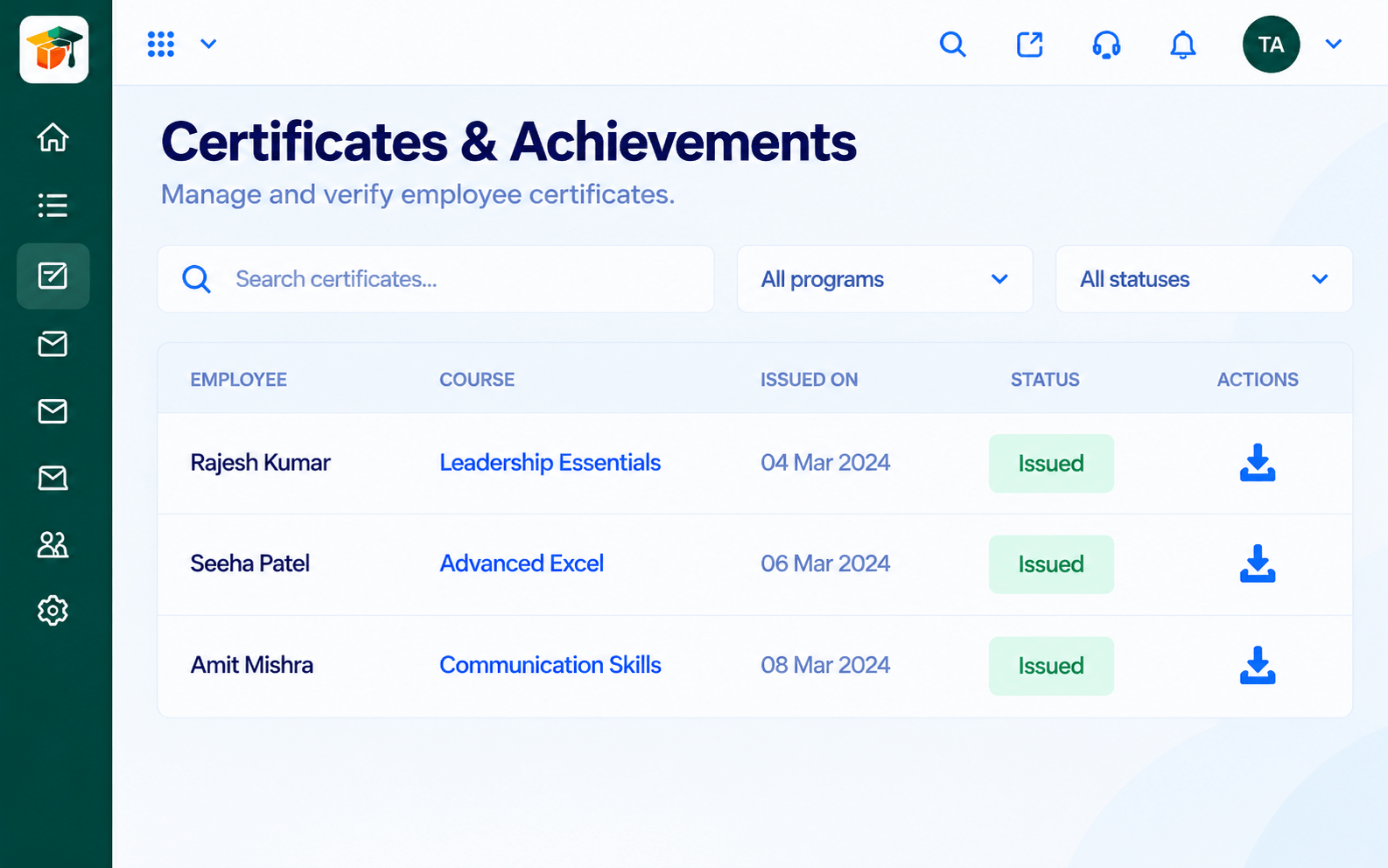 Certificates
Certificates issued when learners complete
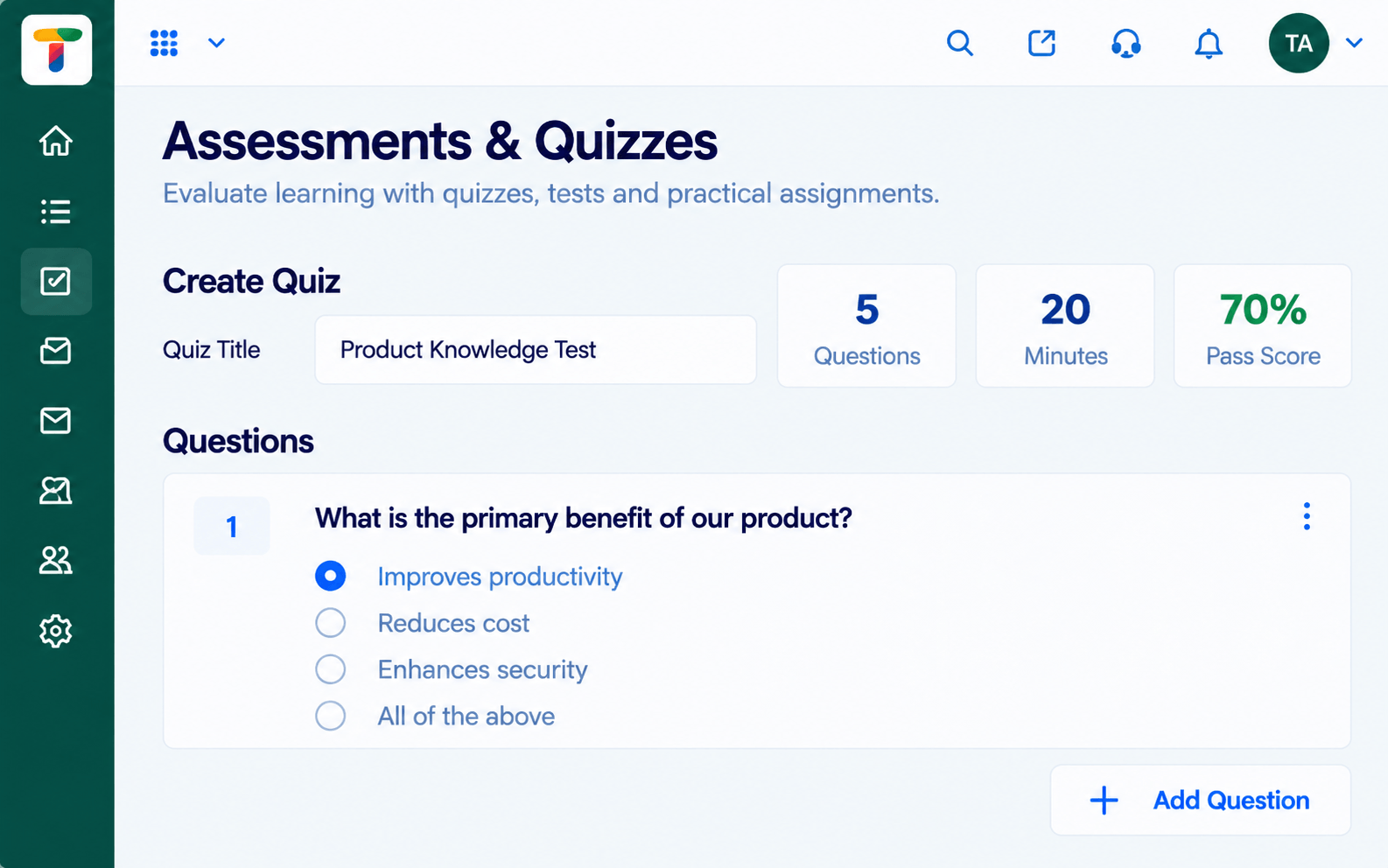 Assessments
Quizzes and tests with scoring and results
Feature Breakdown
Captured from the Triostack LMS workspace.
IntegrationsRun sessions for teams.
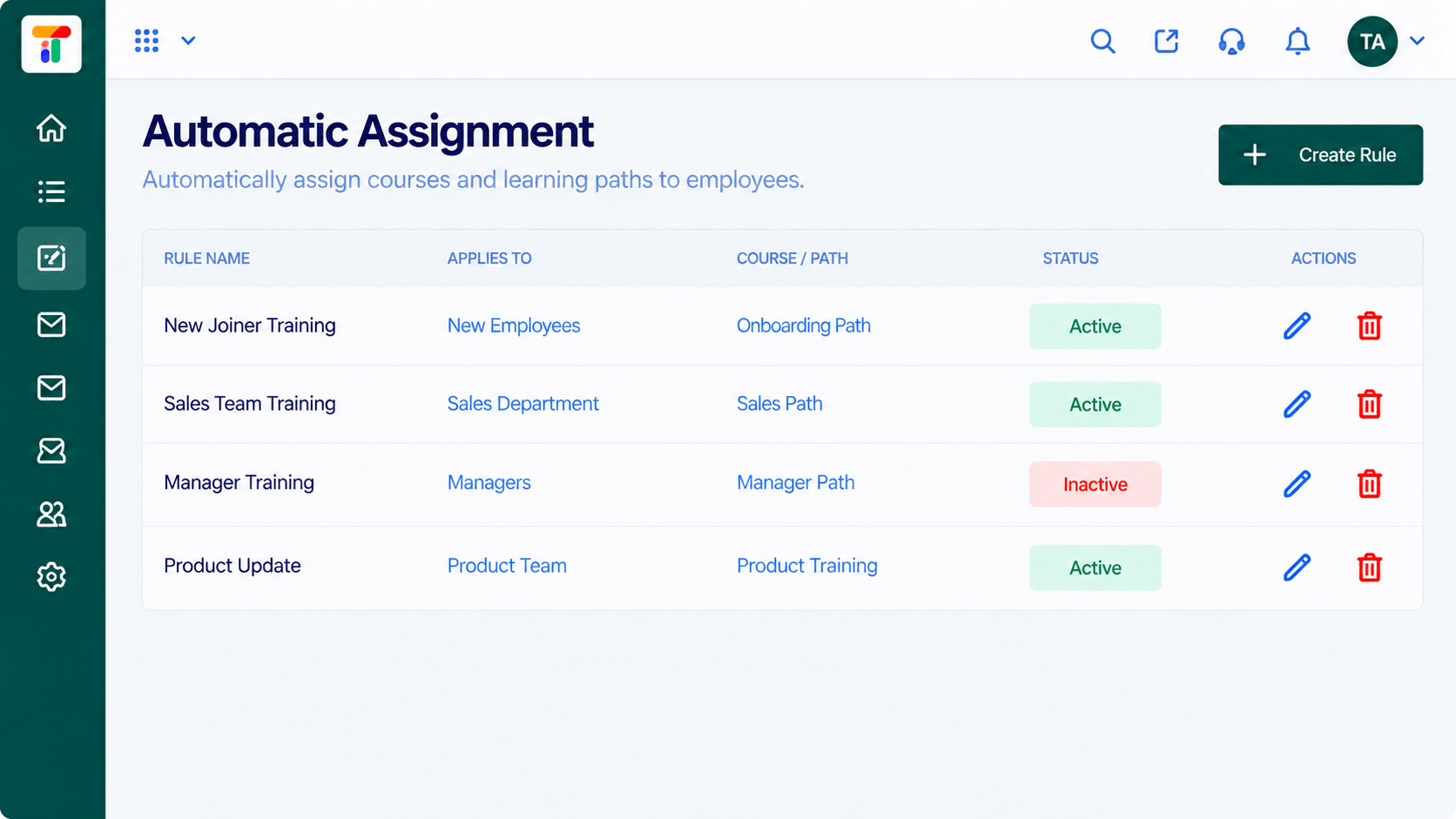 Integrations
Assign courses to teams.
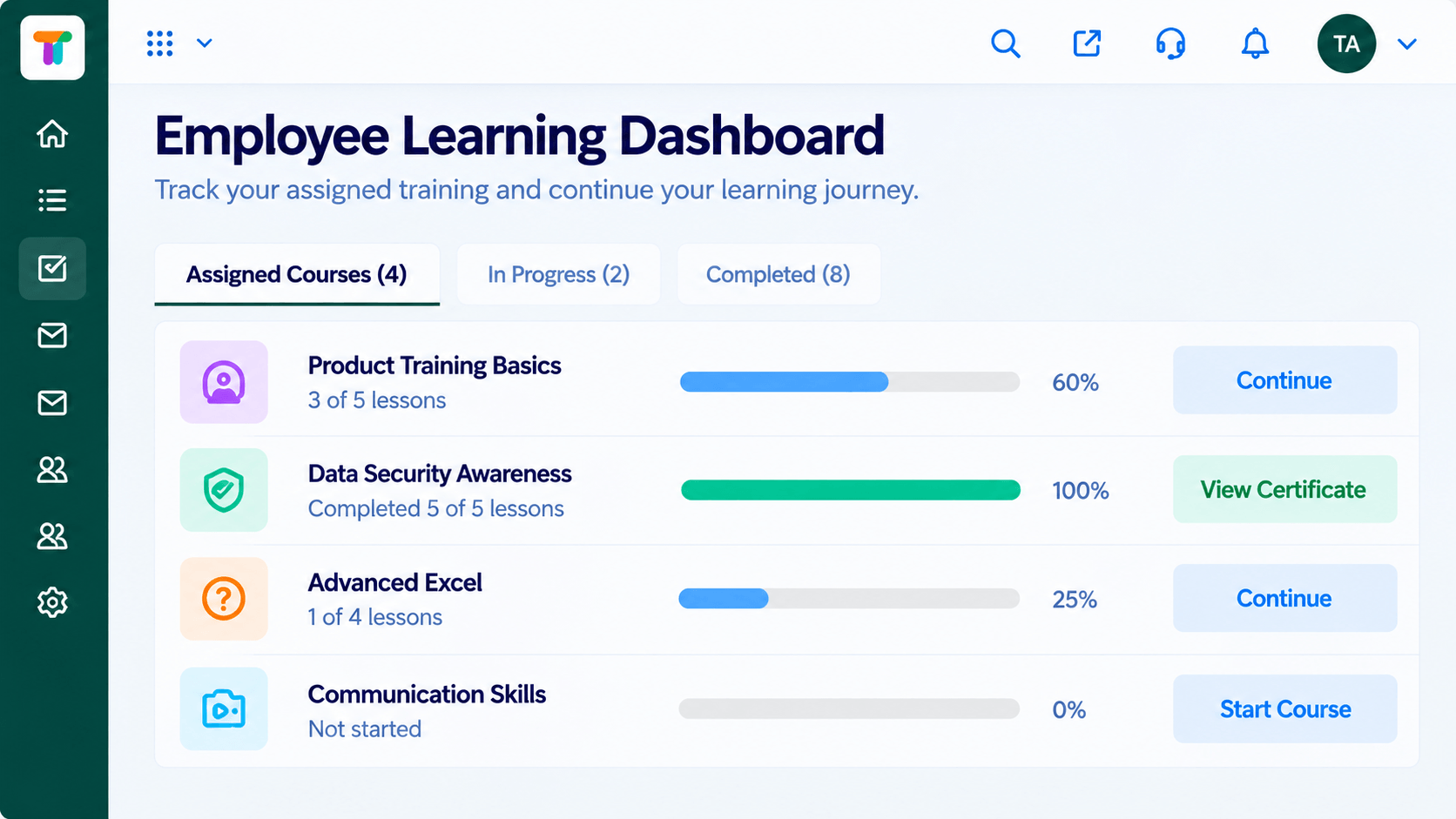 Integrations
A clear place to land.
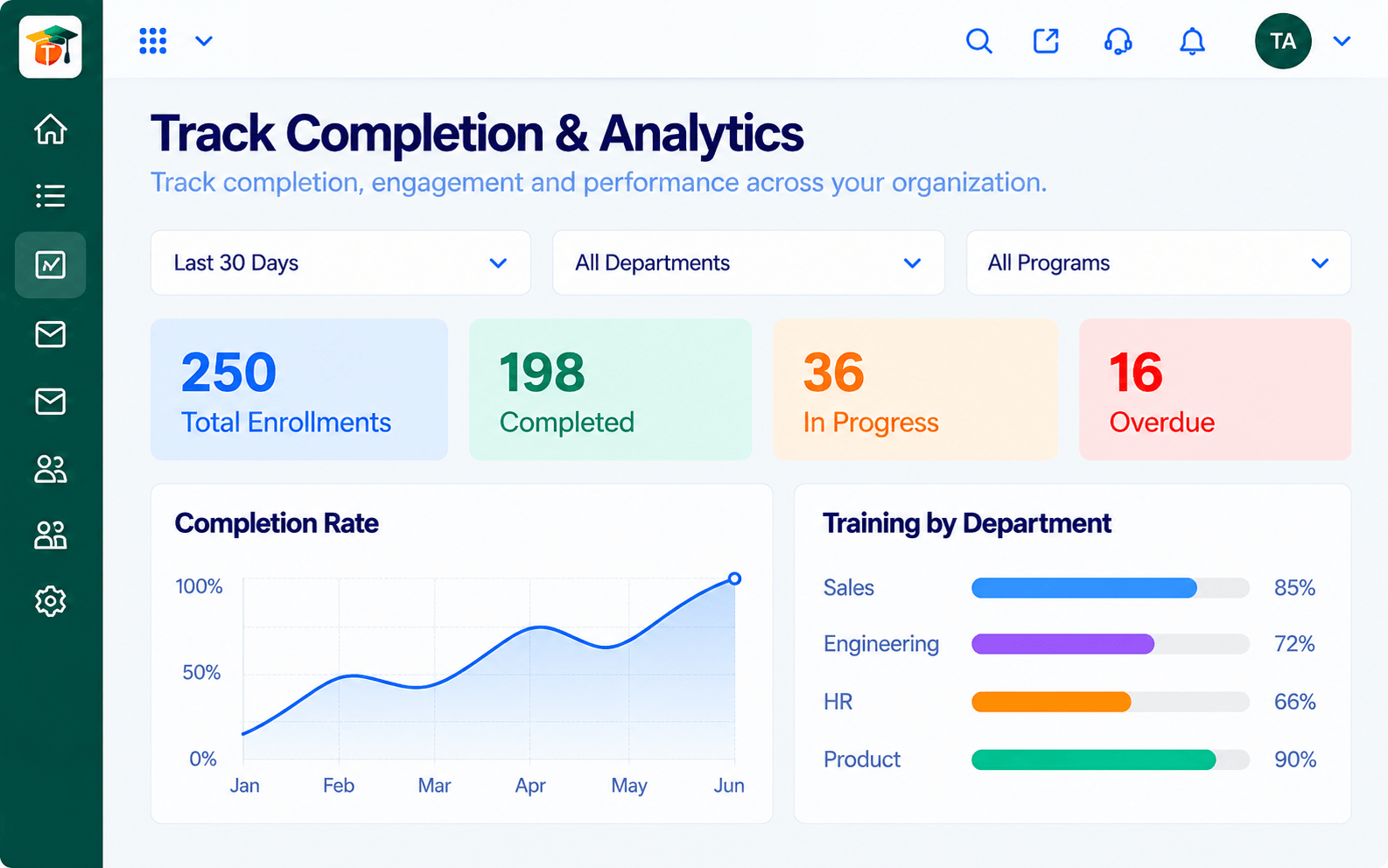 Integrations
See who is on track.
Execution Plan
Link the collaboration tool with our guidance.
Decide where sessions and reminders appear.
Share course links with each team.
Watch completion by team in analytics.
In Real Life
Scenario 01
A manager posts the quiz link in the team space and completion jumps.
Scenario 02
The session link is shared in the channel at the start of the hour.
Scenario 03
A buddy shares the next course link in the welcome channel.
Frequently Asked Questions
It is meant to bring sessions, reminders and course links to team channels. Ask us for the exact behaviour on your plan.
Ask us about team notification options.
Yes. The collaboration tool points them to courses in the LMS.
Availability depends on your plan. Contact us.
Courses, assessments, certificates and learning paths in one workspace, built for teachers, trainers and the people they teach.
Explore All Integrations
