The best Business Suite software in India, built to help your business grow. Contact us at +91-8882435276.
[ Contact ]
Phone number
Email address
Head office
Noida office
The right team at TriostackOne will get back to you.
Manage client numbers, templates and campaigns from one team workspace, with roles that keep access appropriate and your reporting consistent.
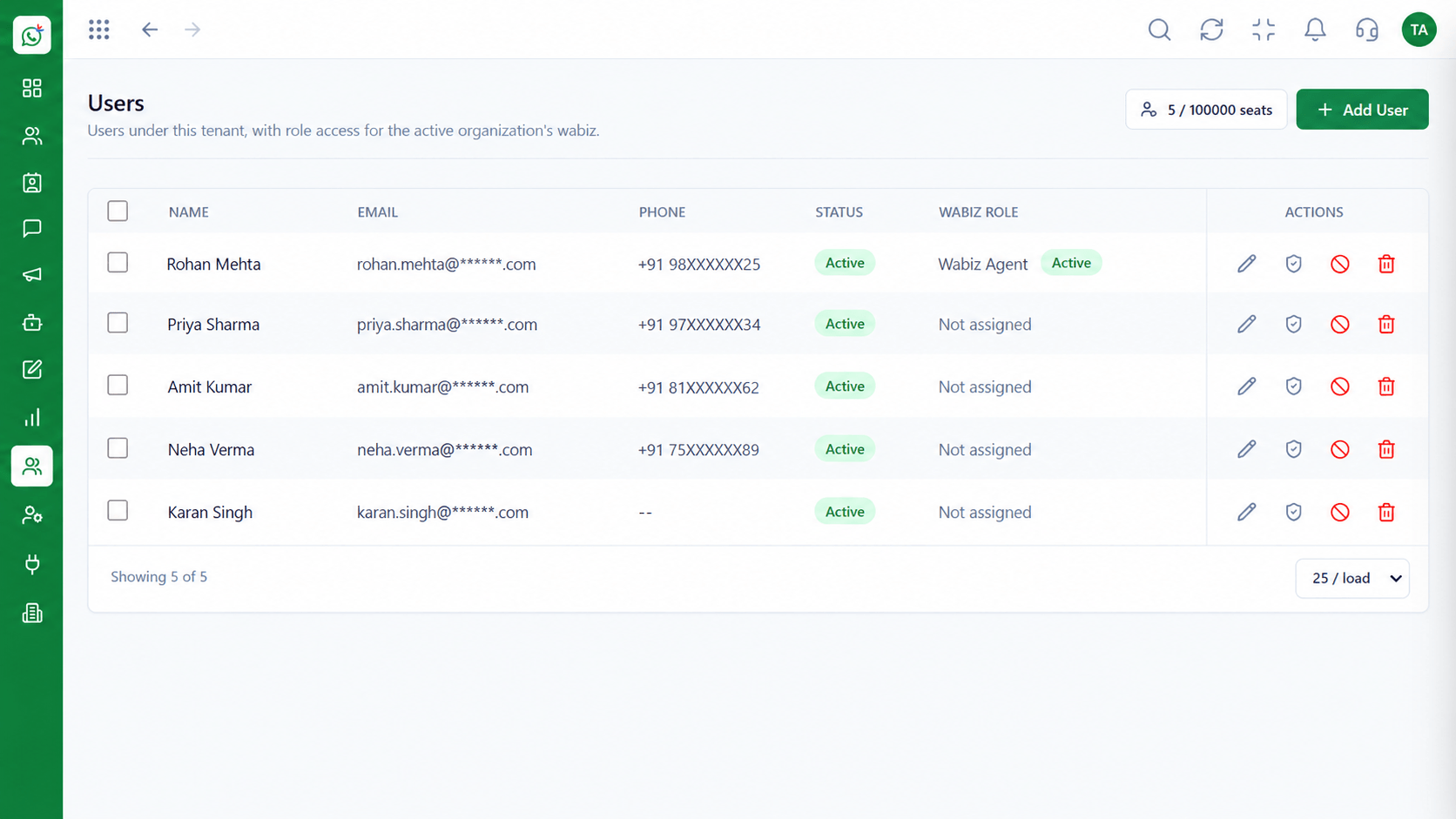
One team, structured access per client
Positioning Assessment
Running WhatsApp for several clients means separate numbers, separate approvals and a risk of the wrong message going to the wrong audience.
Wabiz gives agencies a team workspace with roles for strategists, agents and account managers, a reusable template library and campaign reporting you can share with clients.
Reach out to us to plan the right structure for your client portfolio.
“Having templates and flows we can reuse as a starting point for each client shortened our onboarding.”
Sample team scenario
Illustrative example, not a customer testimonial
Illustrated Overview
Agencies use Wabiz to run structured WhatsApp programmes for several clients, with roles and reusable assets.
Templates and flows that speed up each onboarding.
Strategists, agents and account managers with the right access.
Campaign results you can show to clients.
Platform Integrity
Strategist, agent, account manager
Templates and flows as starting points
Campaign results to share
Limit who sees which data
How It Works
What an agency gains from one structured workspace.
| Dimension | Triostack Wabiz | Tool Per Client |
|---|---|---|
| Team Access | Roles per person | Shared logins |
| Reuse | Template and flow starting points | Rebuilt per client |
| Campaigns | Scheduled and tracked | Run by hand, reported in sheets |
| Oversight | Managers review activity | No central view |
| Onboarding | Repeatable steps | Reinvented each time |
Tell us how your customers reach you today and we will propose the flows, templates and team setup that fit.
Live Interface Tour
Real screens captured directly from the Triostack Wabiz workspace.
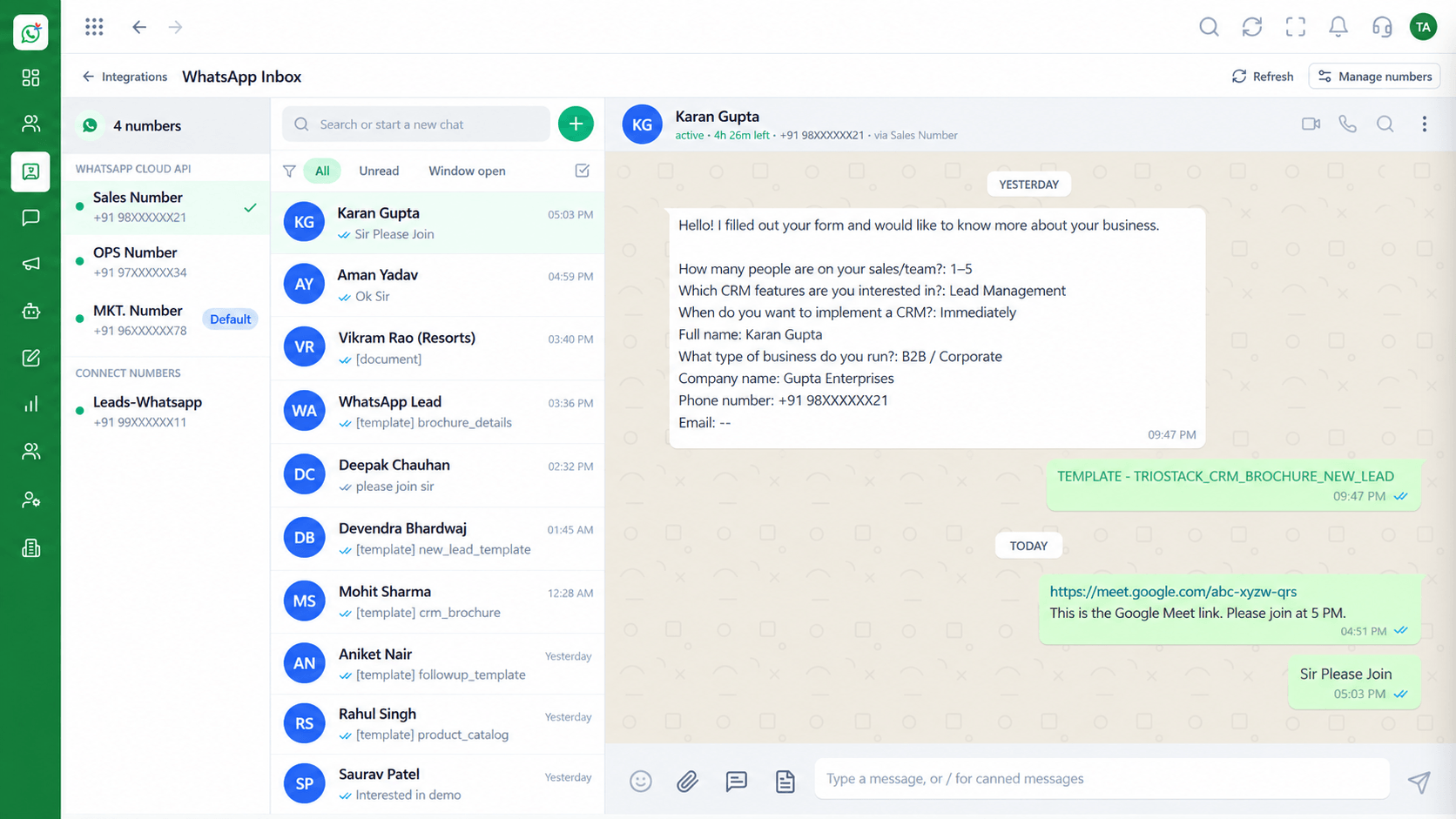 Inbox
InboxEvery WhatsApp conversation in one team view
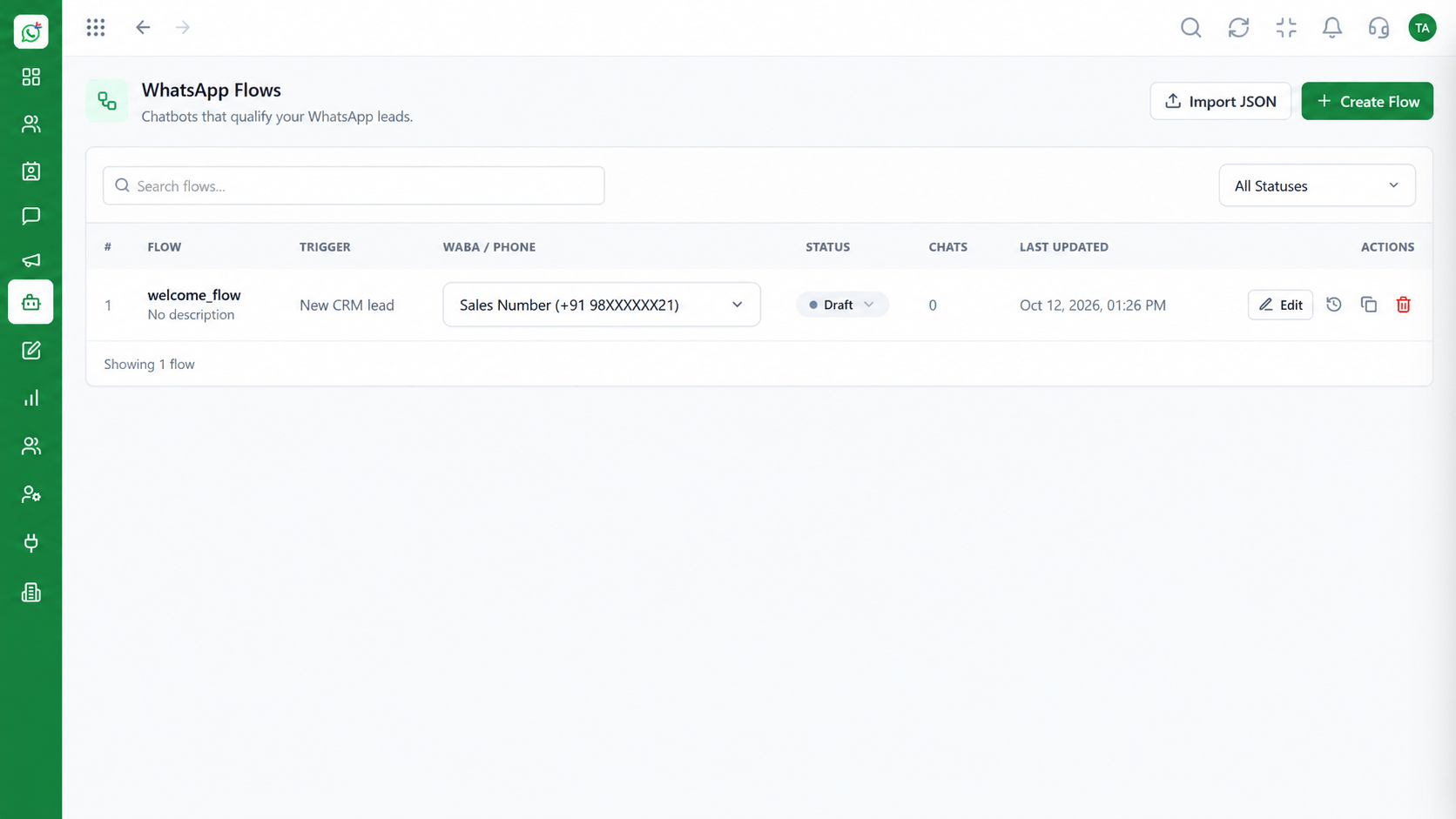 Automation
Build automated conversation journeys
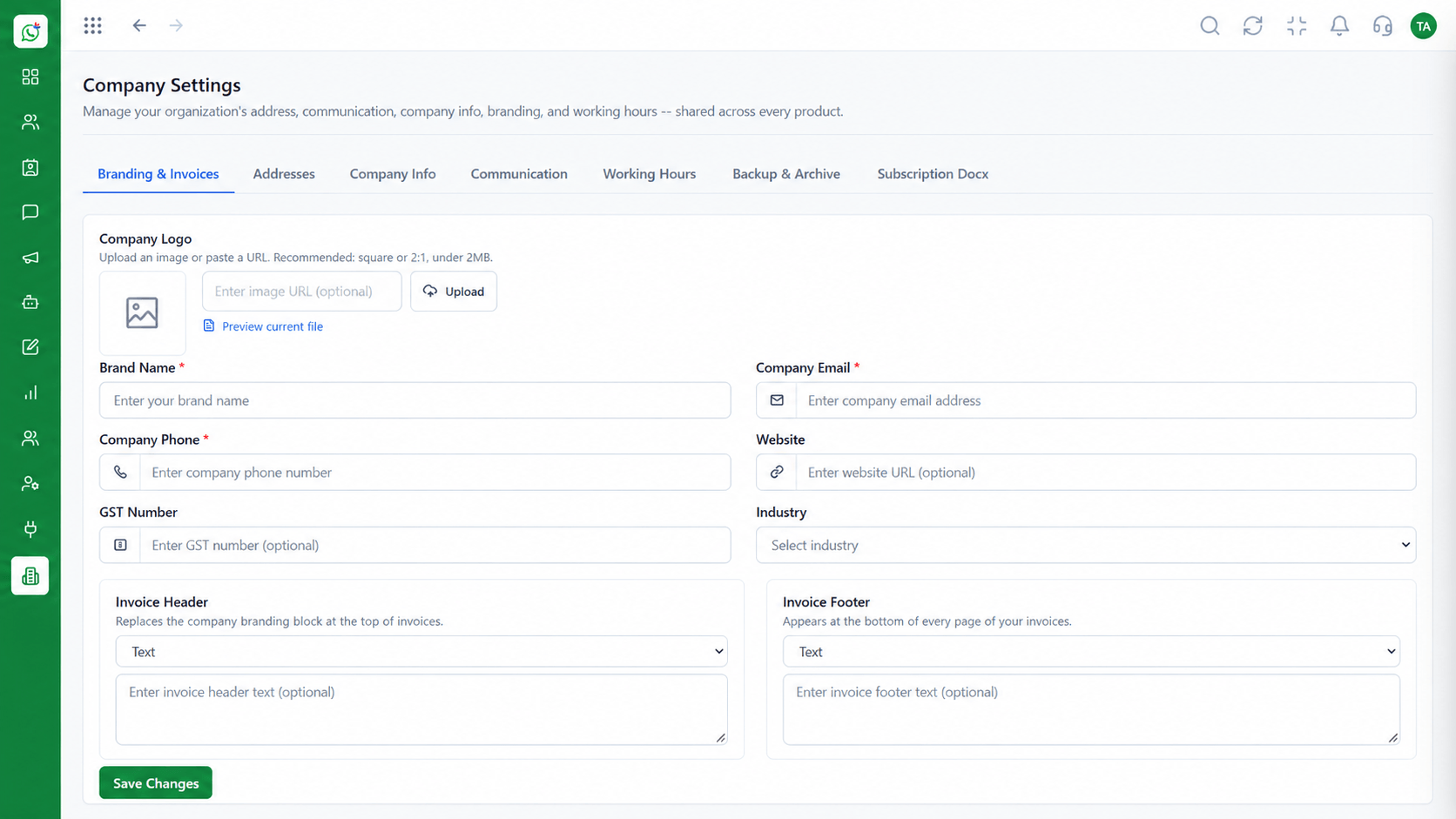 Settings
Business identity and account configuration
Feature Breakdown
Captured from the Triostack Wabiz workspace.
SolutionsAdd specialists with the right access.
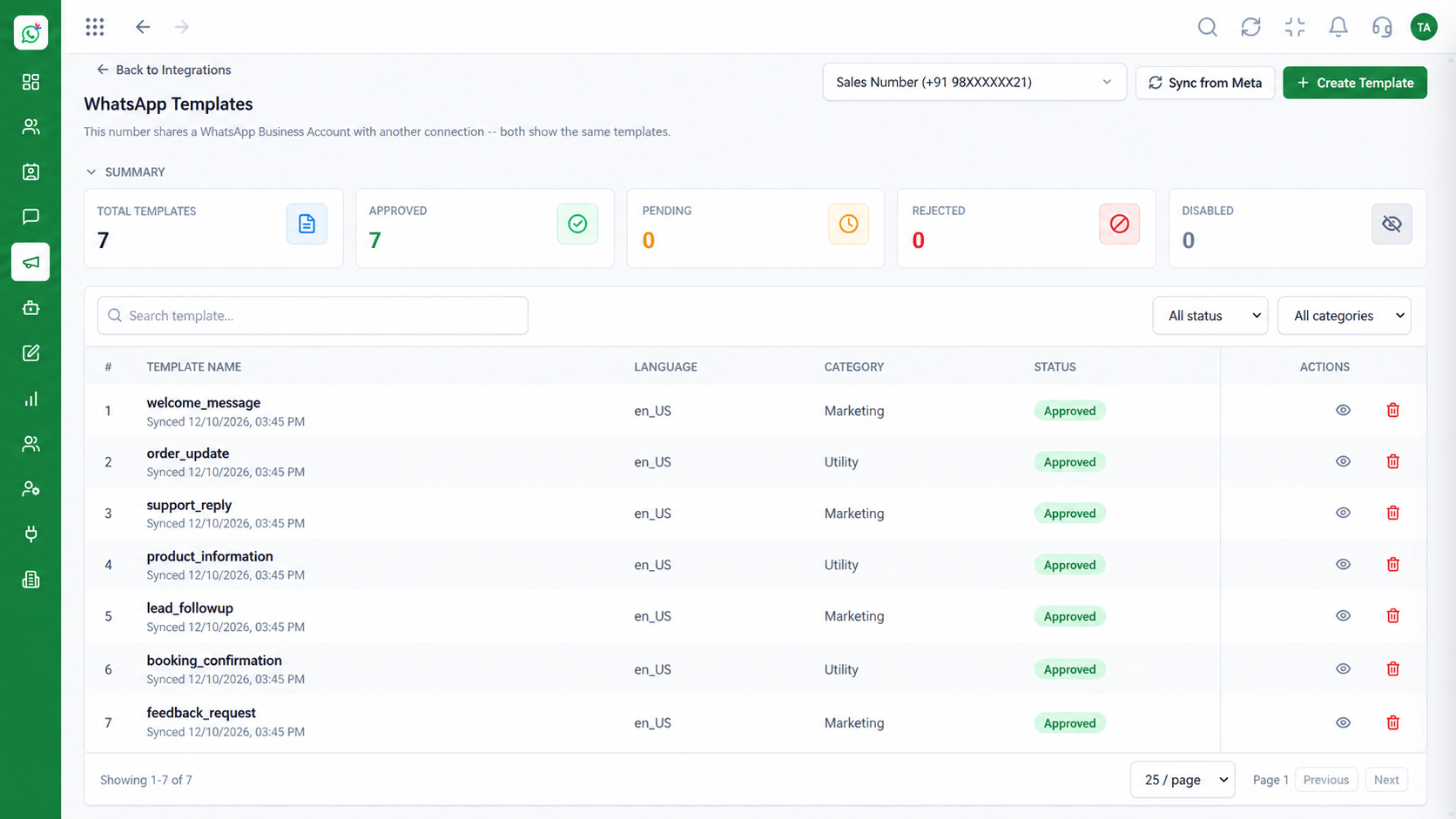 Solutions
Reuse proven message structures.
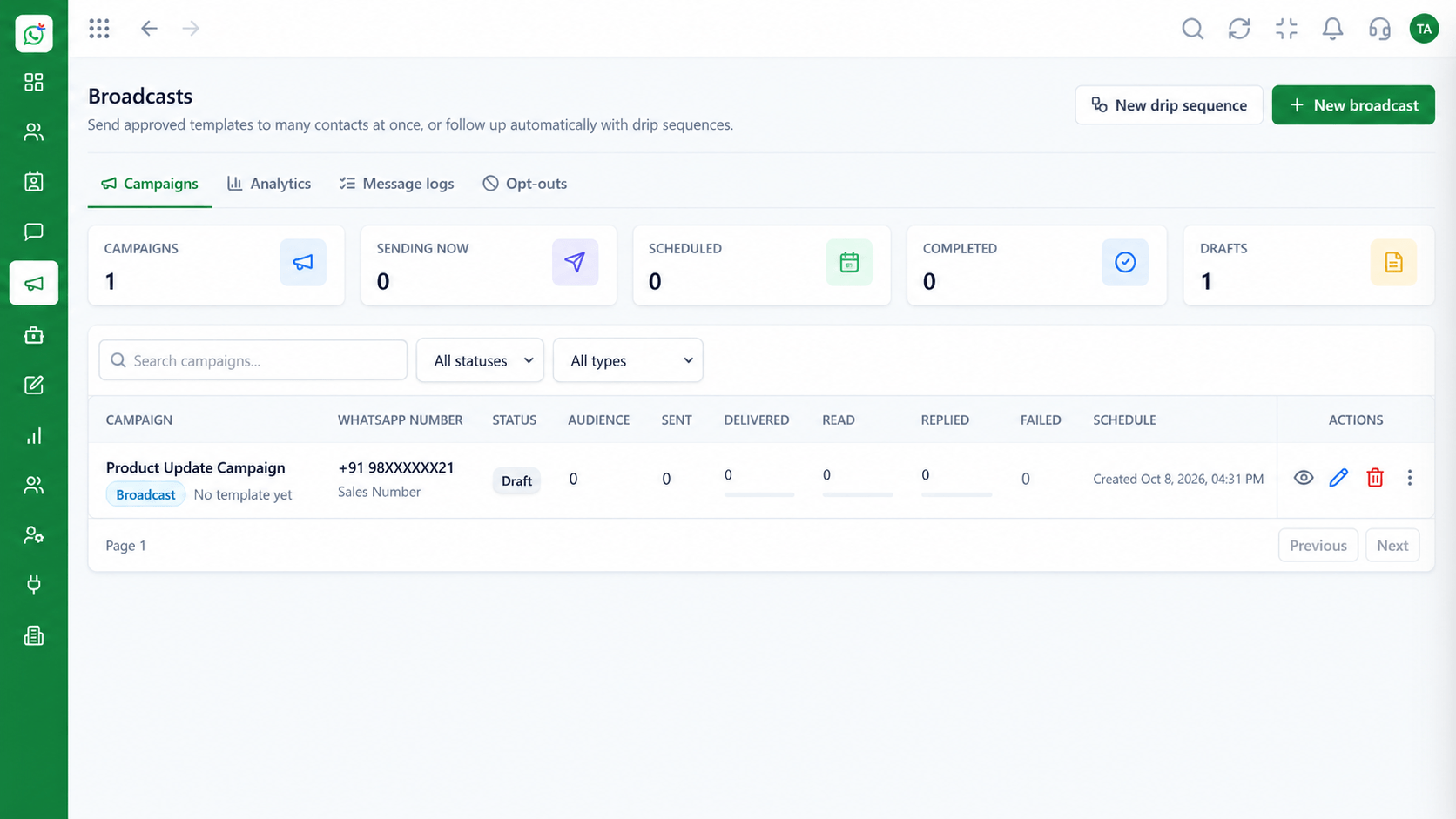 Solutions
Plan and track client campaigns.
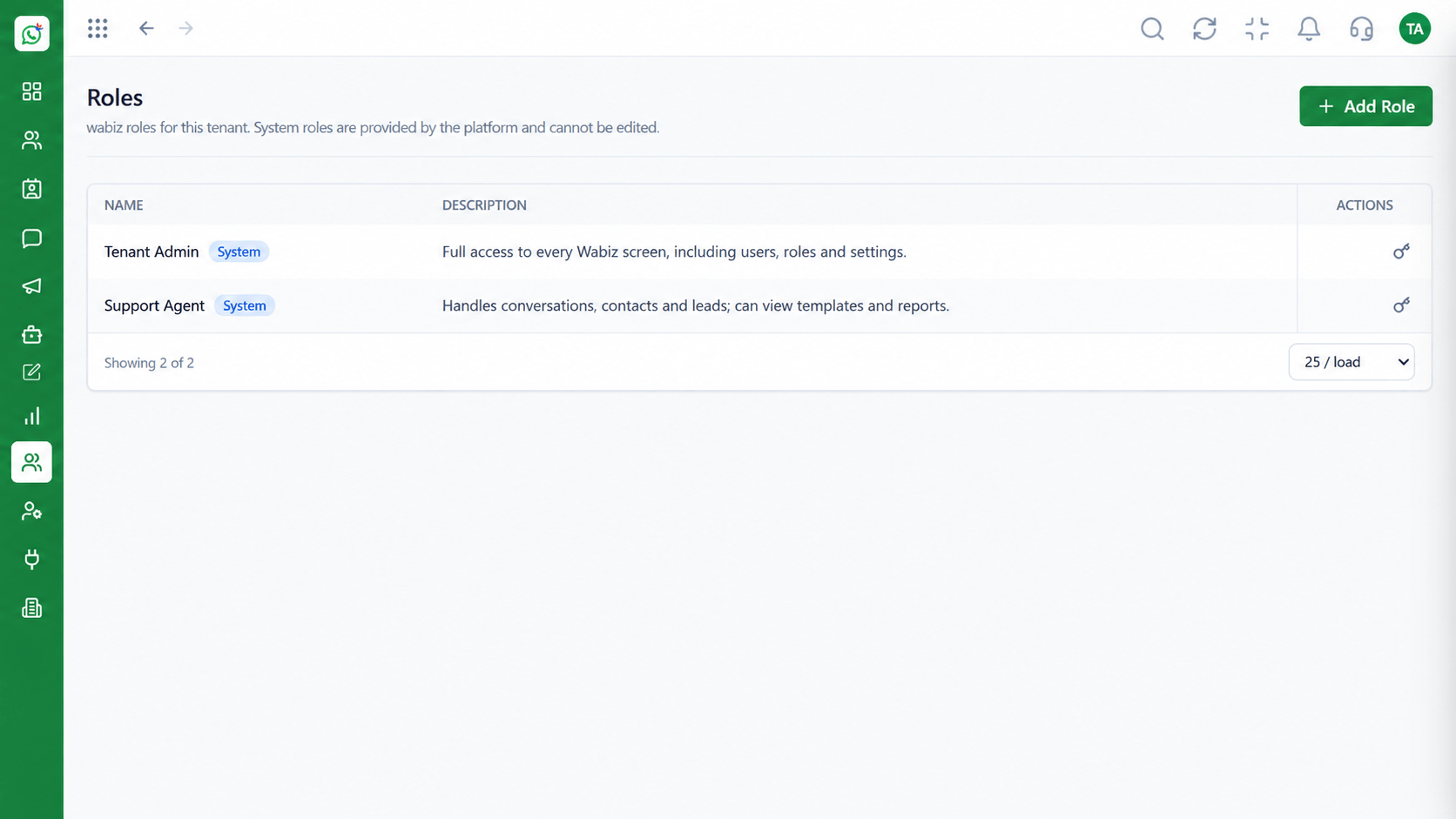 Solutions
Keep access appropriate.
Execution Plan
Map the client's goals and audiences.
Connect the number and configure templates.
Run the first campaign and flows.
Share delivery and reply results.
In Real Life
Scenario 01
Reuse a proven template set and flow as the base.
Scenario 02
The team schedules and tracks multiple campaigns.
Scenario 03
Delivery and reply results go into the client report.
Frequently Asked Questions
Talk to us about the best structure for your portfolio. Roles and workspace settings support separation of access.
Yes. The template library supports reuse as a starting point.
Campaign results can be shared. Ask us about options.
Yes. Roles control what each person can do.
See the partner programme or contact us.
Shared inbox, broadcasts, chatbot flows and templates on the WhatsApp Cloud API, built for teams.
