The best Business Suite software in India, built to help your business grow. Contact us at +91-8882435276.
[ Contact ]
Phone number
Email address
Head office
Noida office
The right team at TriostackOne will get back to you.
Answer every customer on WhatsApp, share the load between a few people and follow up automatically, without hiring a support department or learning complicated software.
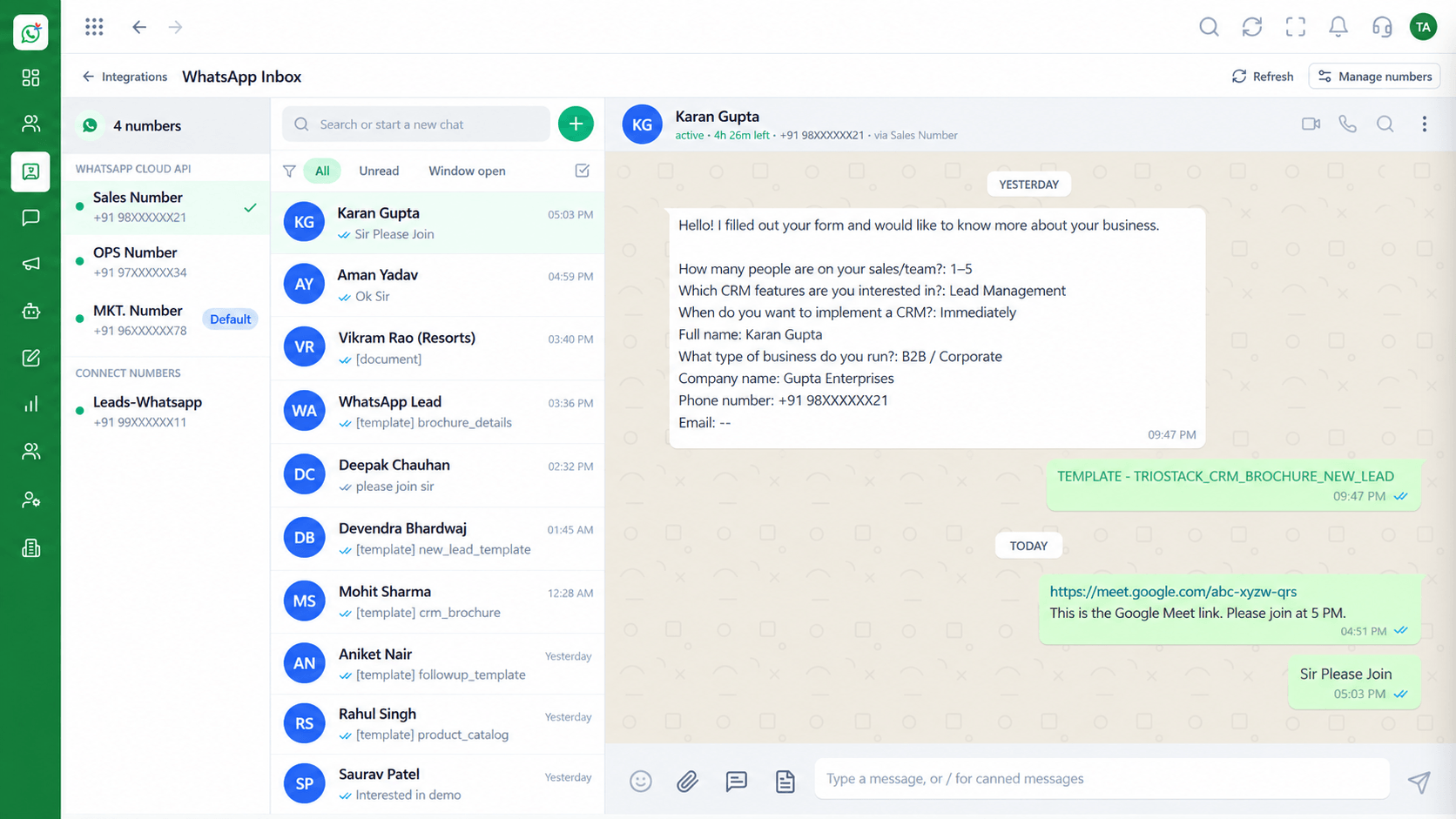
Handle more chats without adding headcount
Positioning Assessment
Small businesses win on responsiveness, but the owner's phone is not a system. Messages get buried, and nobody knows who replied.
Wabiz gives a small team a shared inbox, quick replies from approved templates, automatic greetings and simple follow-ups.
You can start with one number and two agents and add people and automation as you grow.
“We went from the owner's phone to a shared inbox in an afternoon. Nobody asks 'did anyone reply to that?' anymore.”
Sample team scenario
Illustrative example, not a customer testimonial
Illustrated Overview
For a small business, Wabiz turns the owner's phone into a team workspace with greetings, quick replies and simple follow-ups.
Connect your number, add a helper and begin.
A shared inbox and away message cover busy and quiet hours.
Add agents, campaigns and flows when you need them.
Platform Integrity
Connect your number and start
Everyone sees every chat
Greetings and away messages
Add agents and flows later
How It Works
What a small team gains from a proper workspace.
| Dimension | Triostack Wabiz | One Phone |
|---|---|---|
| Replying | Several people from one number | One person, one phone |
| Missed Chats | Unassigned chats are visible | Buried in a long list |
| After Hours | Away message sets expectations | Customers wait in silence |
| Offers | Segmented template campaigns | Manual broadcasts |
| Growth | Add users and automation | Hire to keep up |
Tell us how your customers reach you today and we will propose the flows, templates and team setup that fit.
Live Interface Tour
Real screens captured directly from the Triostack Wabiz workspace.
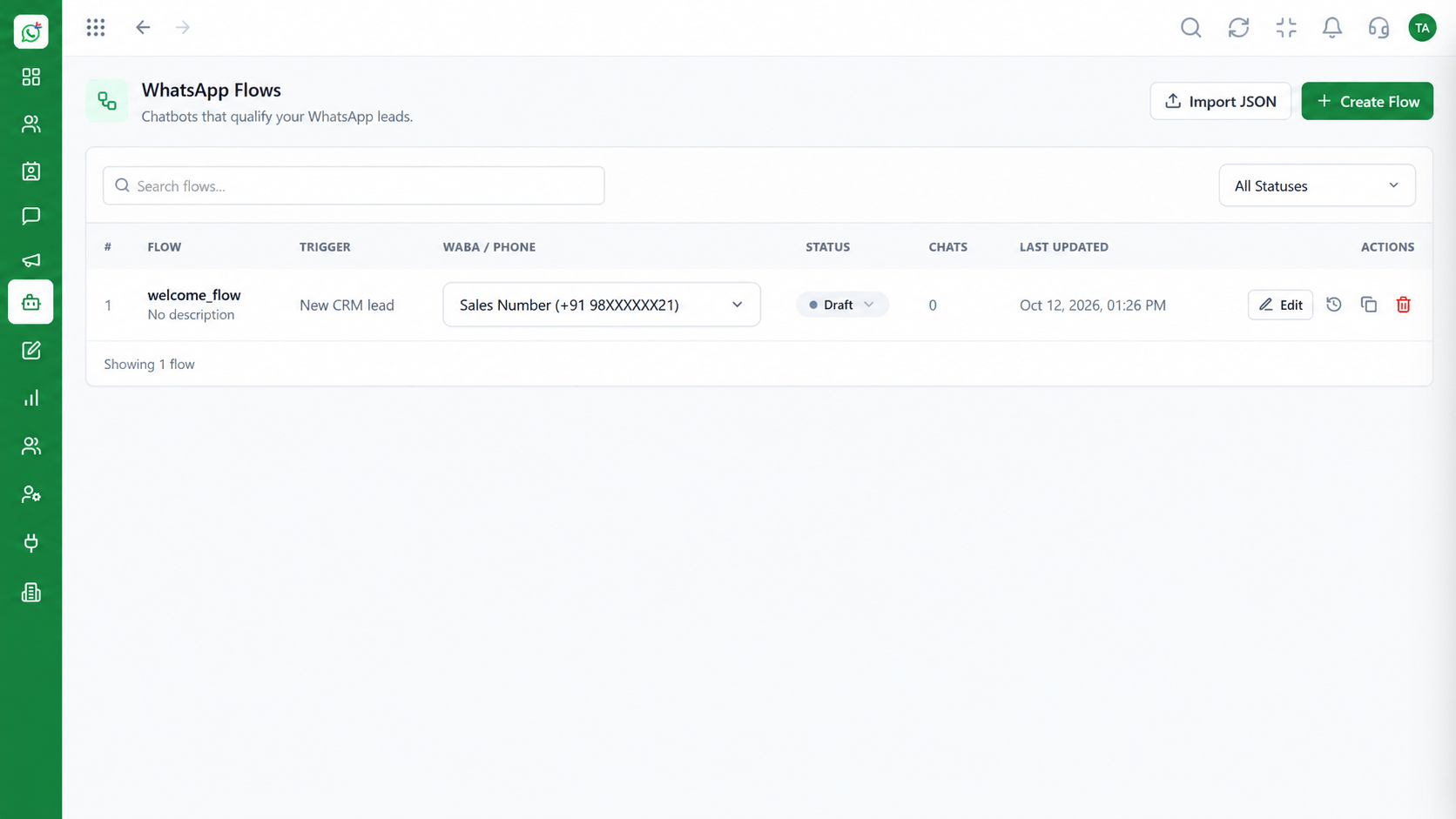 Automation
Build automated conversation journeys
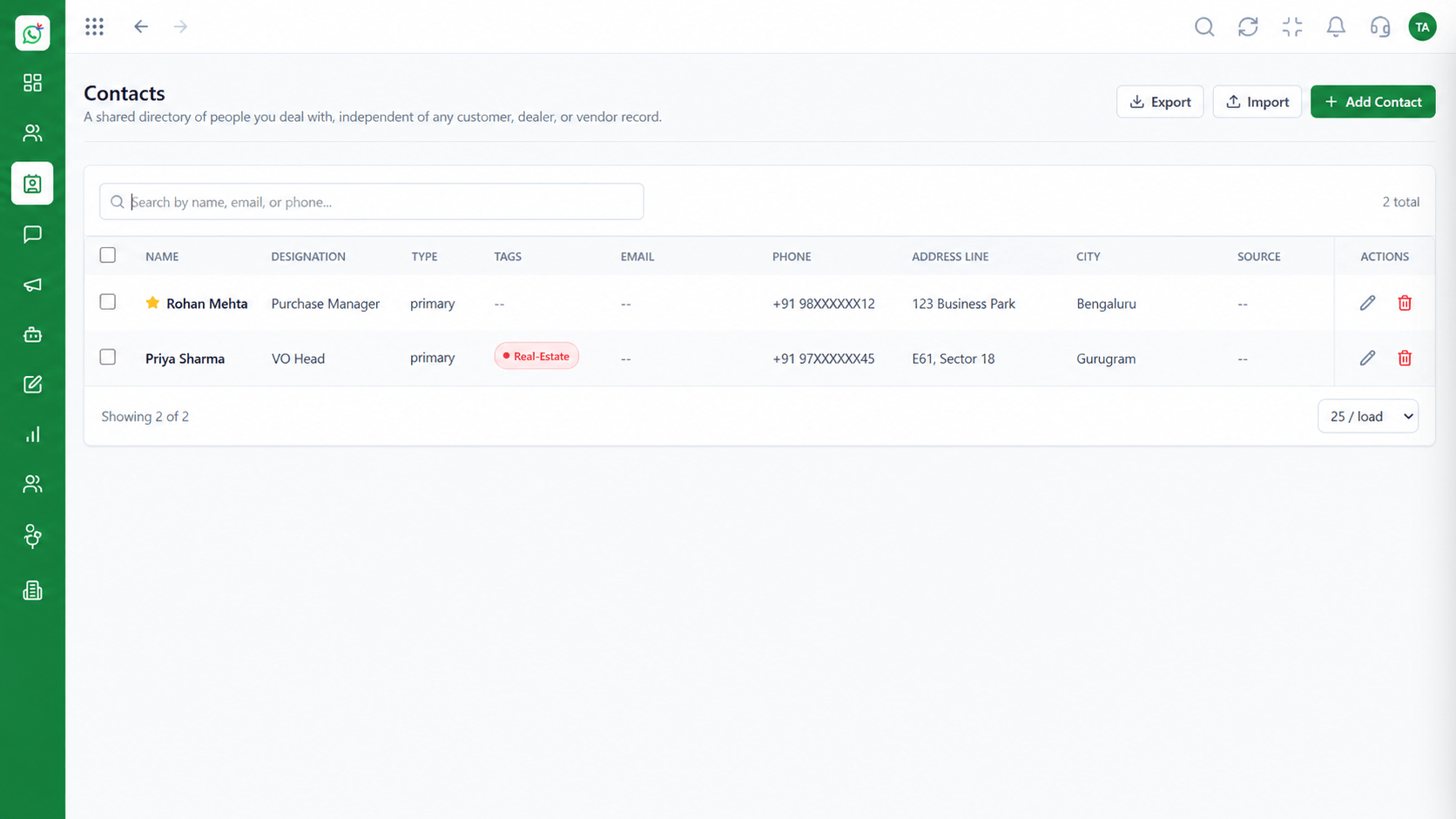 Contacts
Segment and manage your WhatsApp audience
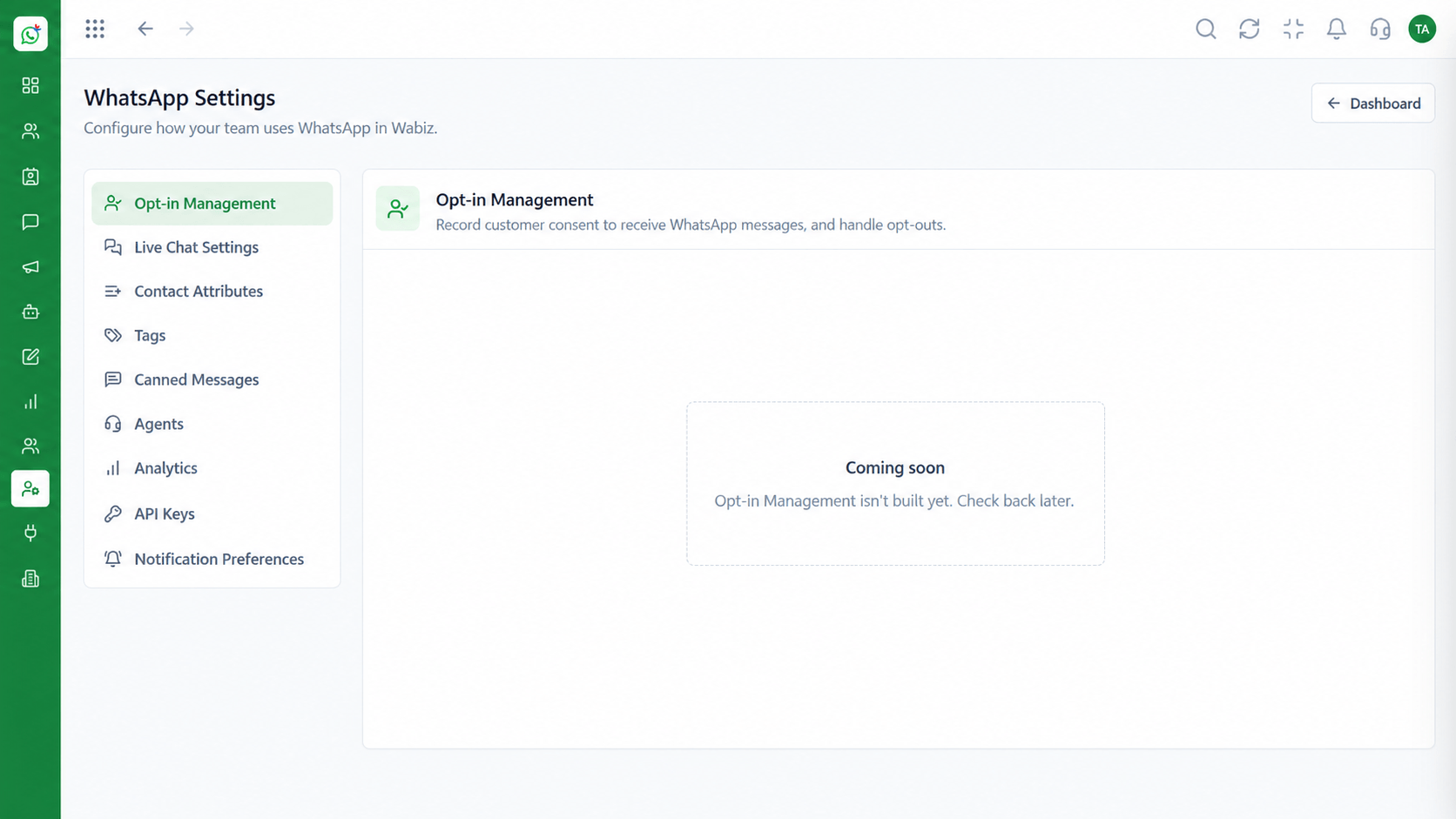 Settings
Configure numbers, hours and preferences
Feature Breakdown
Captured from the Triostack Wabiz workspace.
SolutionsNever miss a customer message.
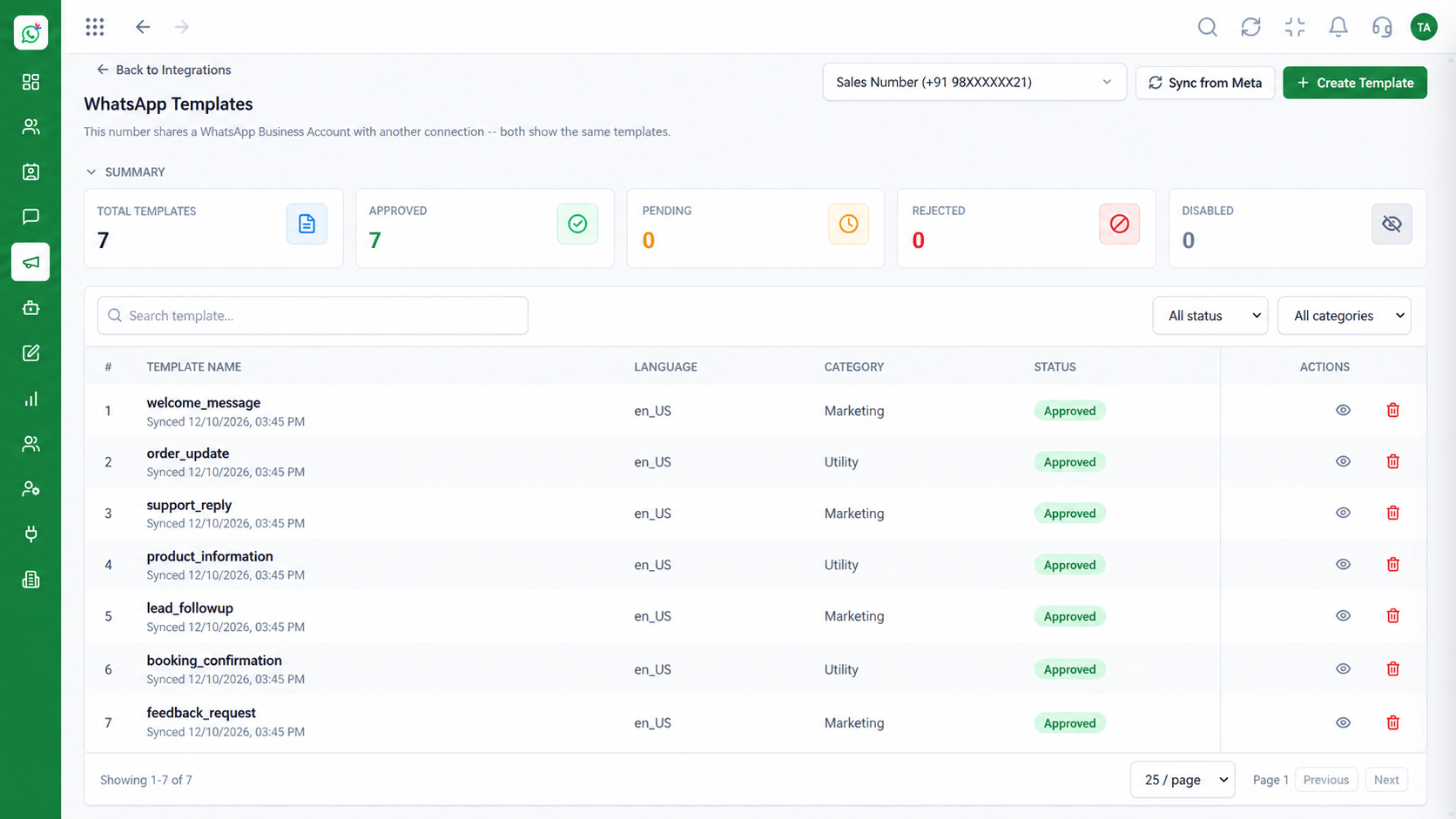 Solutions
Reply fast with approved content.
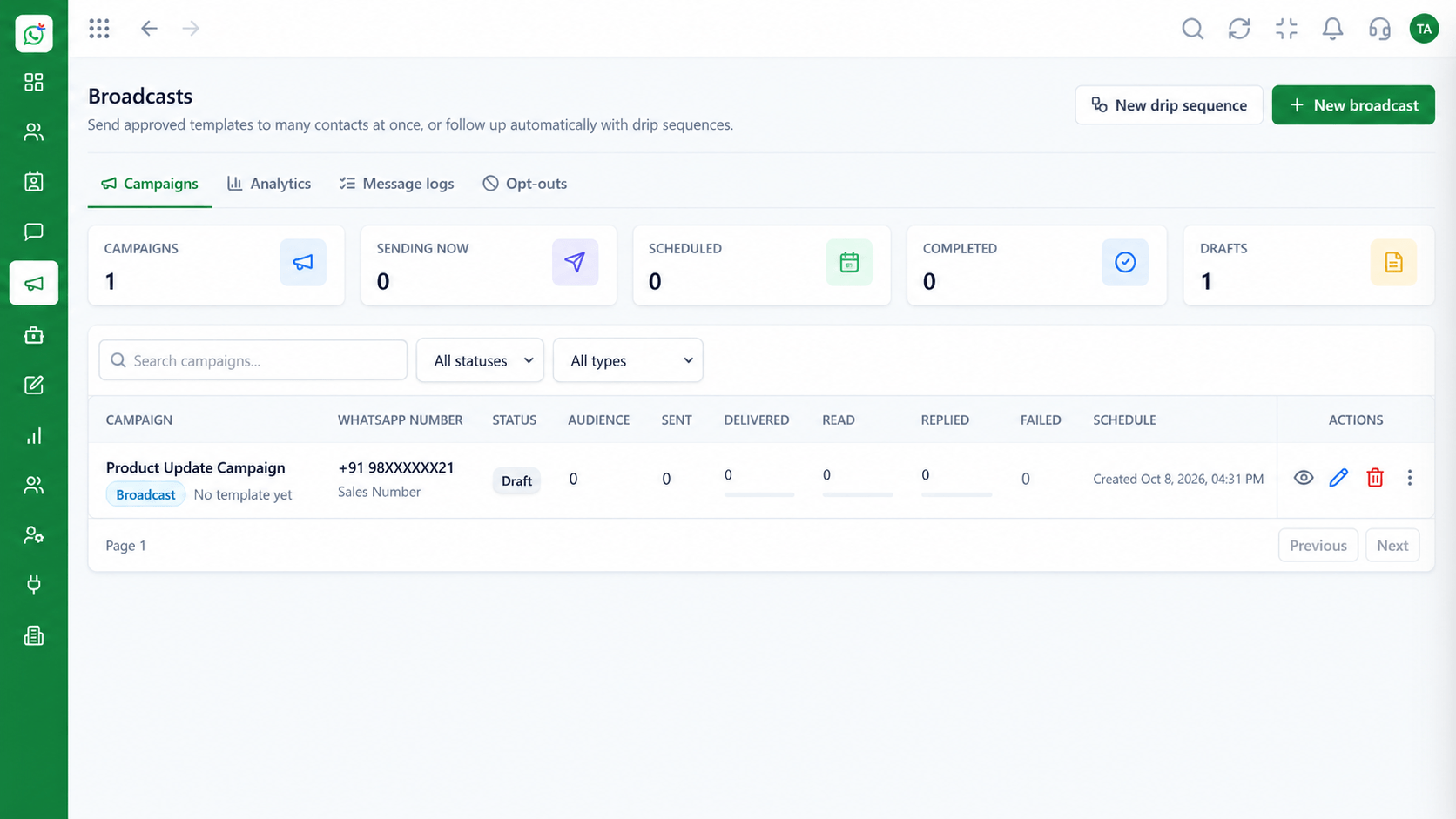 Solutions
Tell customers about offers.
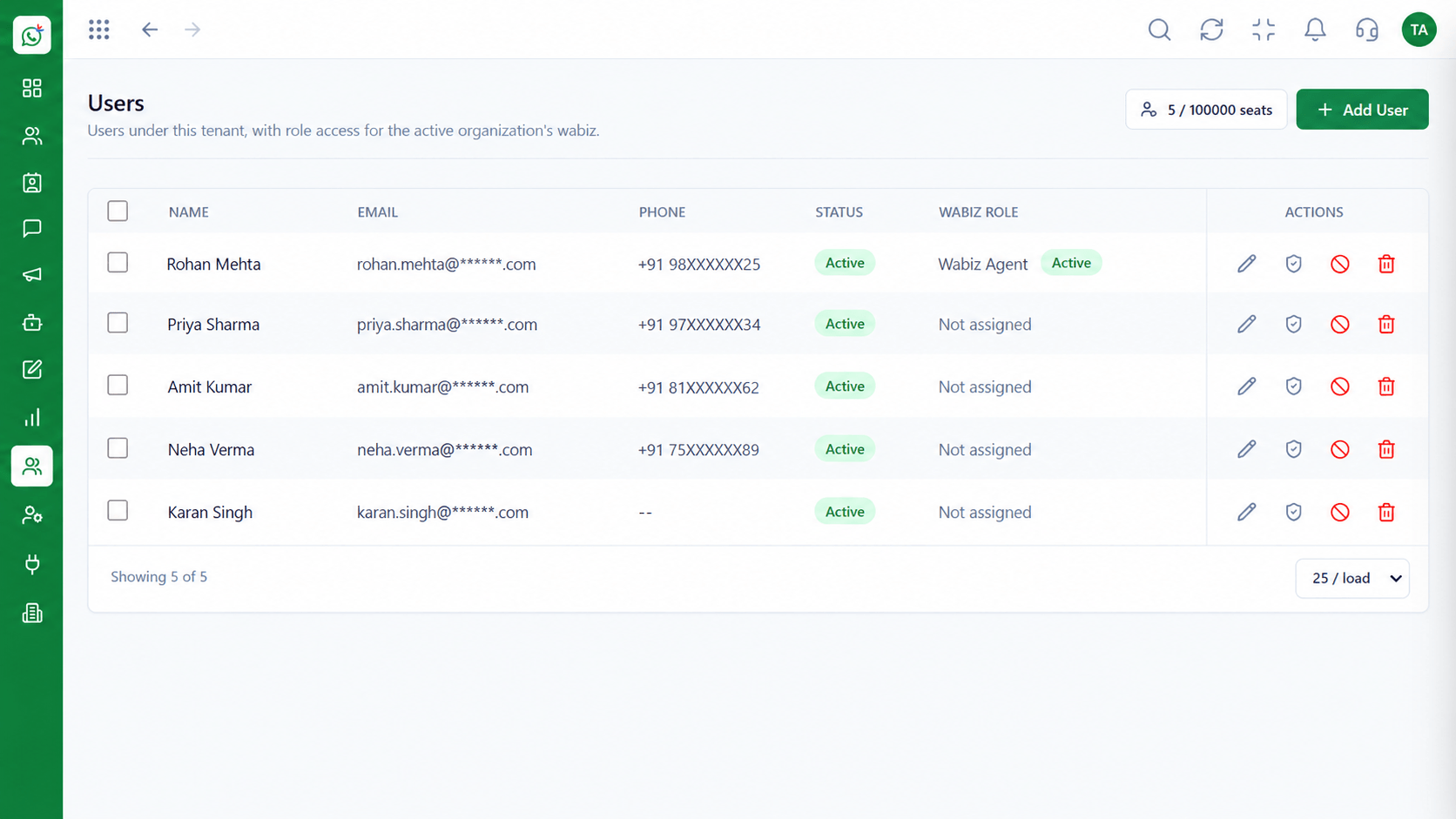 Solutions
Add helpers with limited access.
Execution Plan
Link your WhatsApp Business number.
Invite one or two helpers.
Greeting, away message and hours.
Answer from the shared inbox.
In Real Life
Scenario 01
Customers ask about stock and sizes and get quick, consistent answers.
Scenario 02
Quotes and bookings are handled from the shared inbox.
Scenario 03
Table enquiries and offers go out to regulars.
Frequently Asked Questions
Yes. You can start small and add users and automation over time.
No. Setup and day-to-day use are designed for non-technical teams.
Usually yes, subject to WhatsApp's requirements. We can guide you.
See the Wabiz pricing page or ask us for a quote.
Yes. Request a demo or start a trial.
Shared inbox, broadcasts, chatbot flows and templates on the WhatsApp Cloud API, built for teams.
