The best Business Suite software in India, built to help your business grow. Contact us at +91-8882435276.
[ Contact ]
Phone number
Email address
Head office
Noida office
The right team at TriostackOne will get back to you.
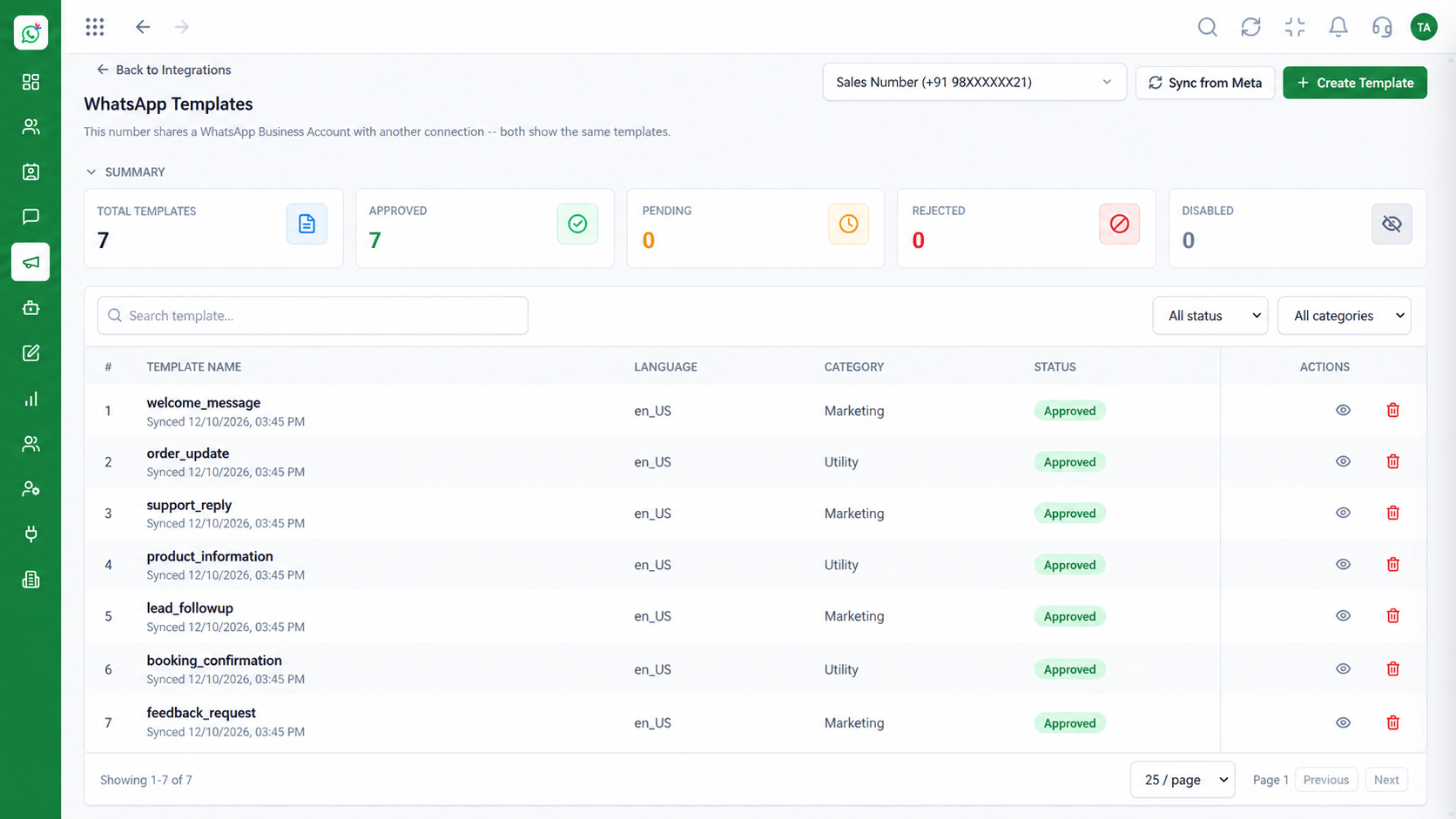
Confirm appointments, send reminders and share non-sensitive information on WhatsApp, with role-based access so only the right staff see patient conversations.
Reminders reach patients where they look
Positioning Assessment
Patients forget appointments, and phone reminders tie up front-desk staff. A WhatsApp reminder is quick to read and easy to reply to.
Wabiz sends appointment confirmations and reminders as approved utility templates and lets the front desk handle replies from a shared inbox.
Role-based access limits who can read conversations. Avoid sending sensitive clinical information over messaging and follow the rules that apply to your practice.
“A reminder the evening before and a one-tap reply to reschedule has reduced our empty slots noticeably.”
Sample team scenario
Illustrative example, not a customer testimonial
Illustrated Overview
Wabiz sends reminders and handles rescheduling replies while keeping access to patient chats limited by role.
Confirmations and reminders go out without staff calling.
Patients answer in a message and staff action it.
Roles limit who can read patient conversations.
Platform Integrity
Appointment confirmations and nudges
Patients reply in a single message
Shared across staff
Roles limit who sees chats
How It Works
How a clinic's front desk saves time.
| Dimension | Triostack Wabiz | Phone Reminders |
|---|---|---|
| Reminders | Scheduled templates sent automatically | Staff phone calls |
| Replies | Patients answer in the chat | Missed calls and voicemail |
| Coverage | Shared inbox across the desk | One phone, one person |
| Record | Conversation stored with the contact | Notes in a diary |
| Access | Role-based permissions | Open to anyone nearby |
Tell us how your customers reach you today and we will propose the flows, templates and team setup that fit.
Live Interface Tour
Real screens captured directly from the Triostack Wabiz workspace.
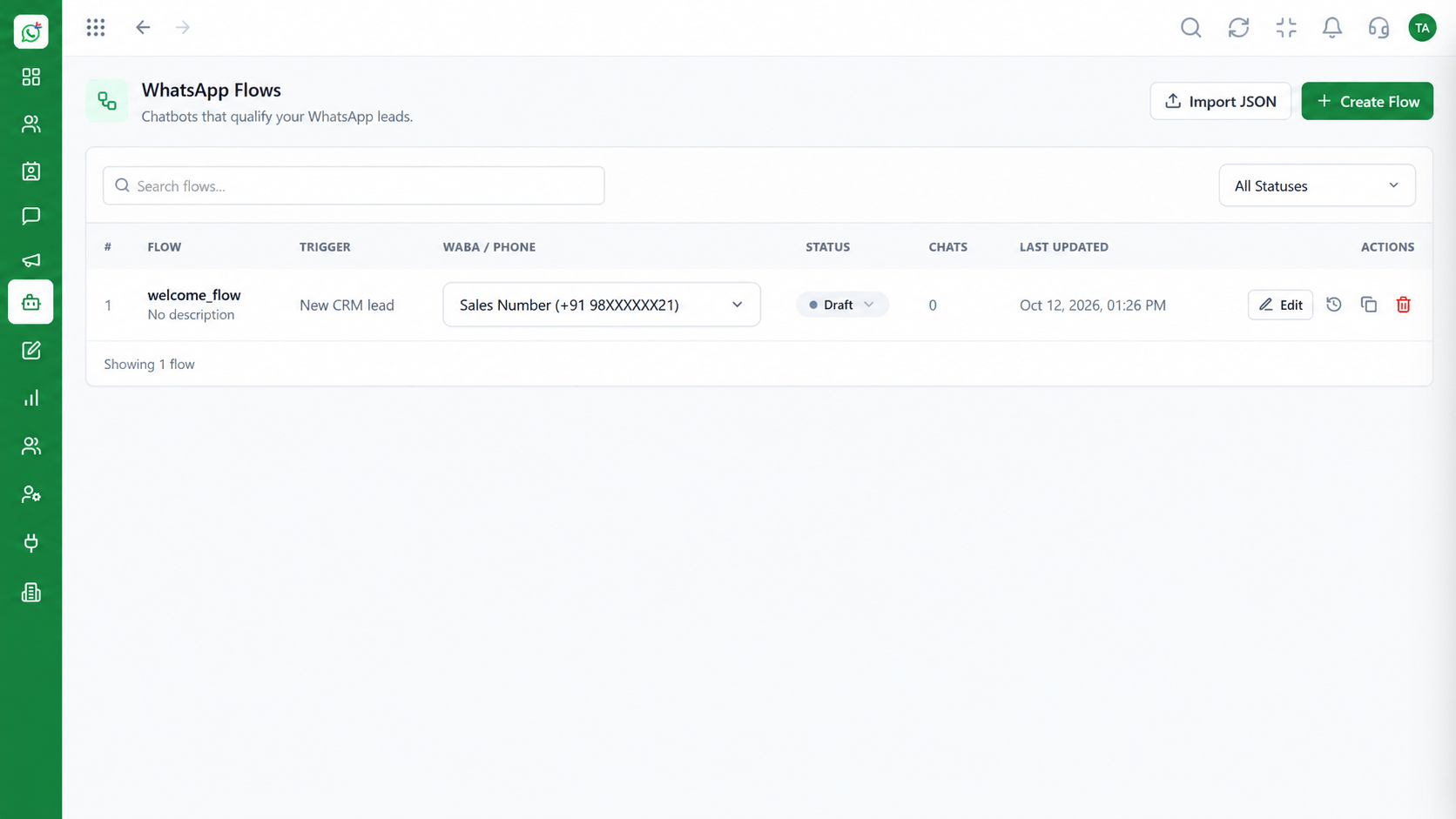 Automation
Build automated conversation journeys
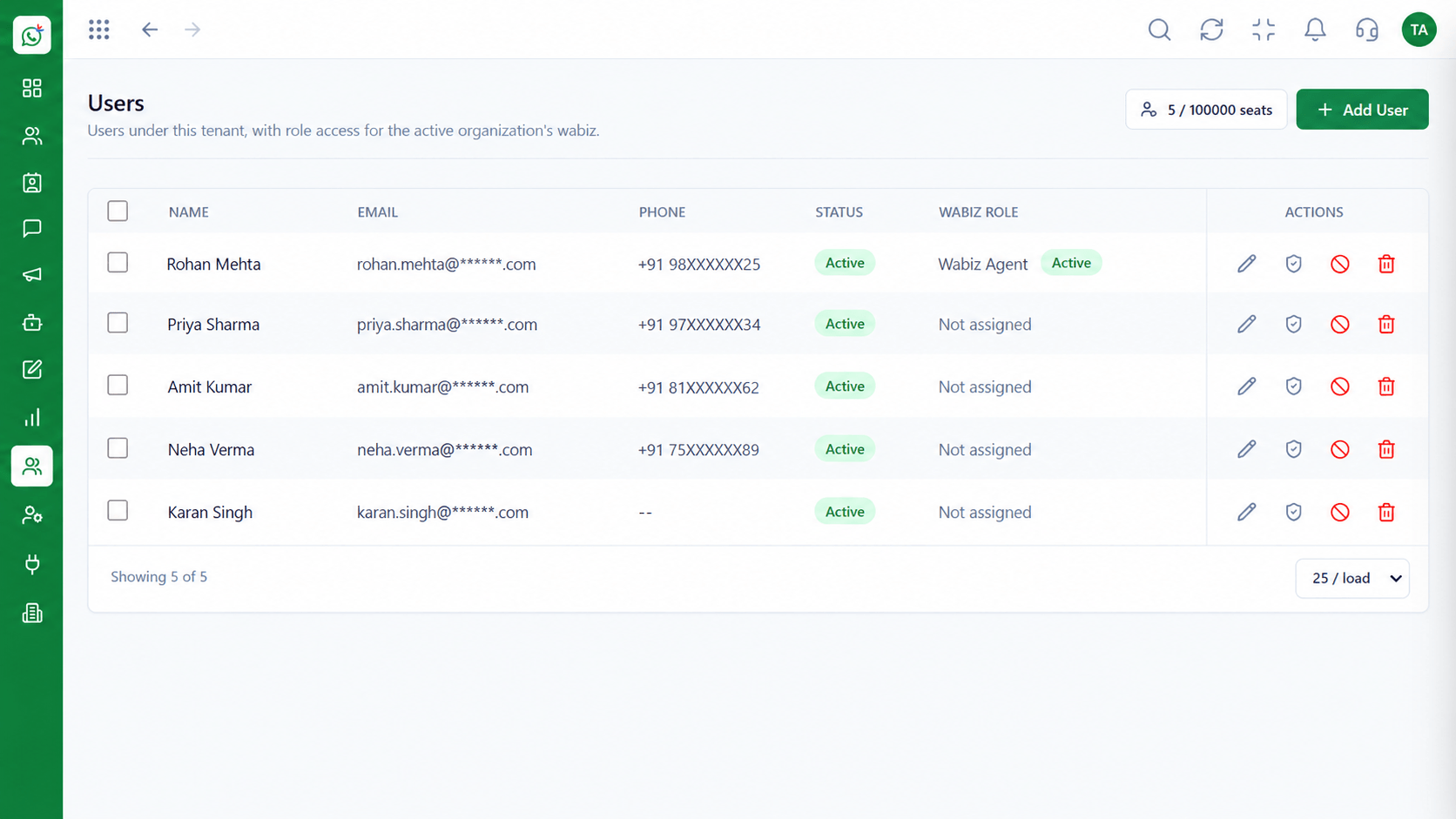 Team
TeamInvite agents and assign ownership
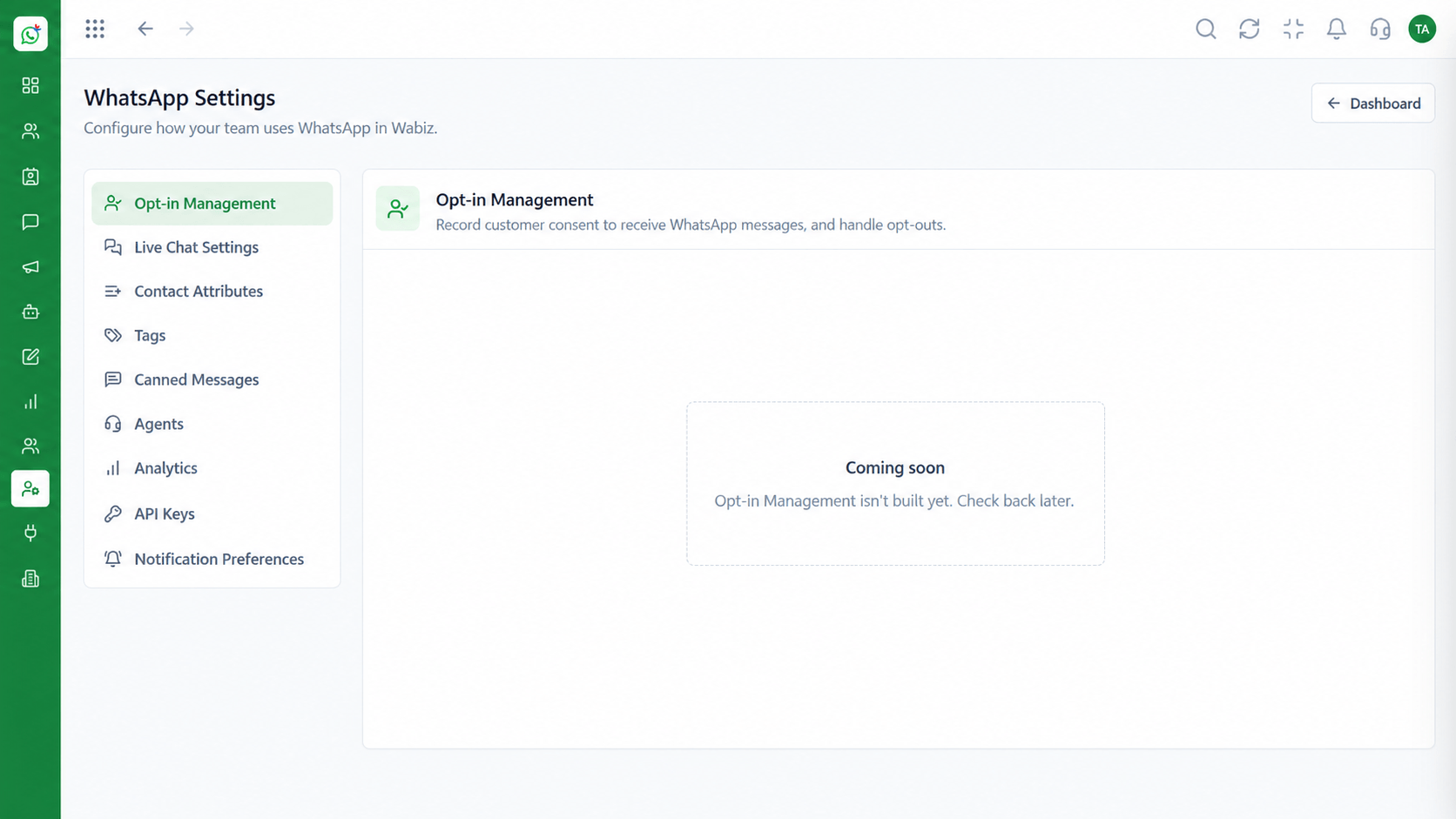 Settings
Configure numbers, hours and preferences
Feature Breakdown
Captured from the Triostack Wabiz workspace.
SolutionsConfirm and remind consistently.
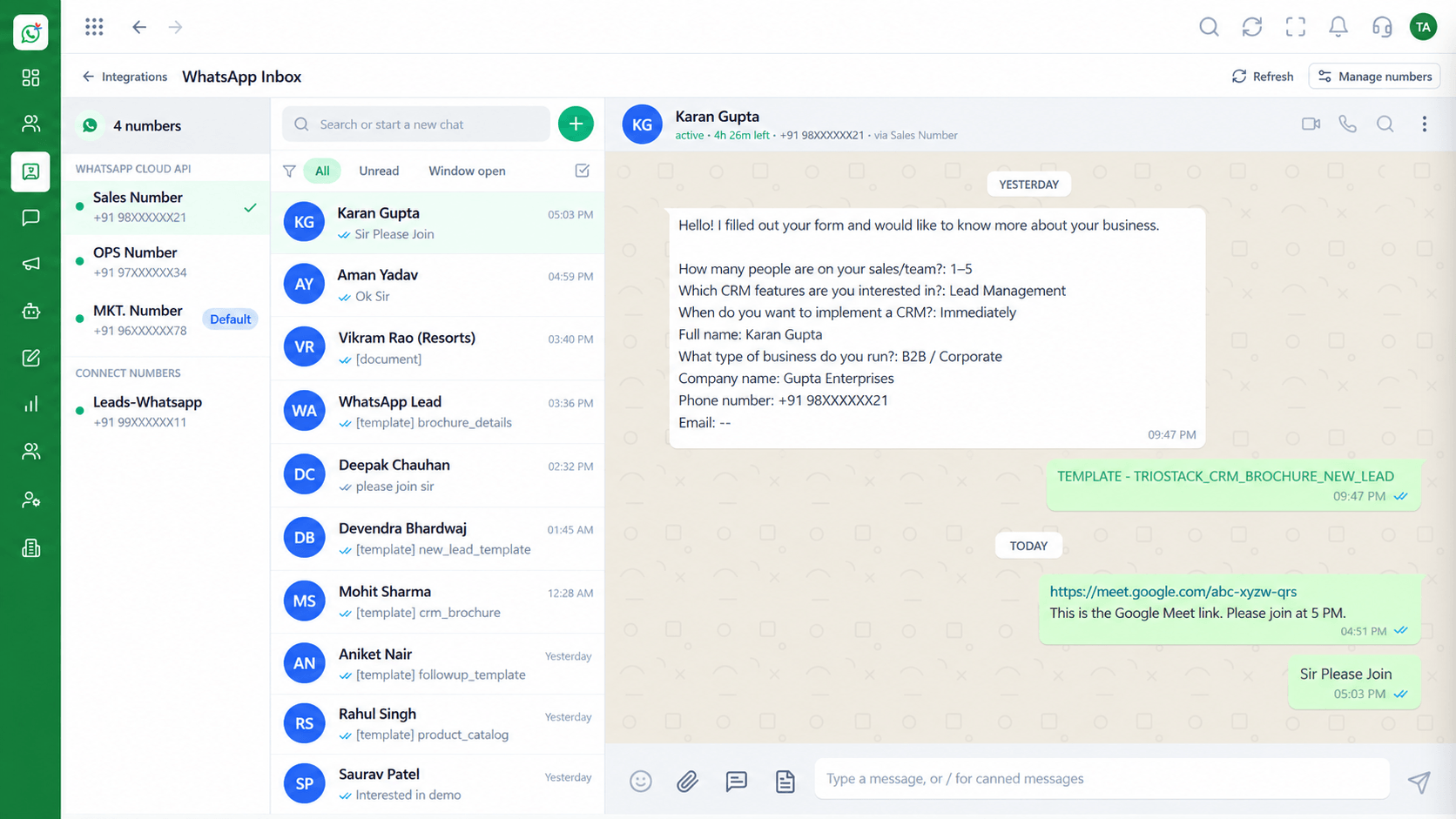 Solutions
Handle replies as a team.
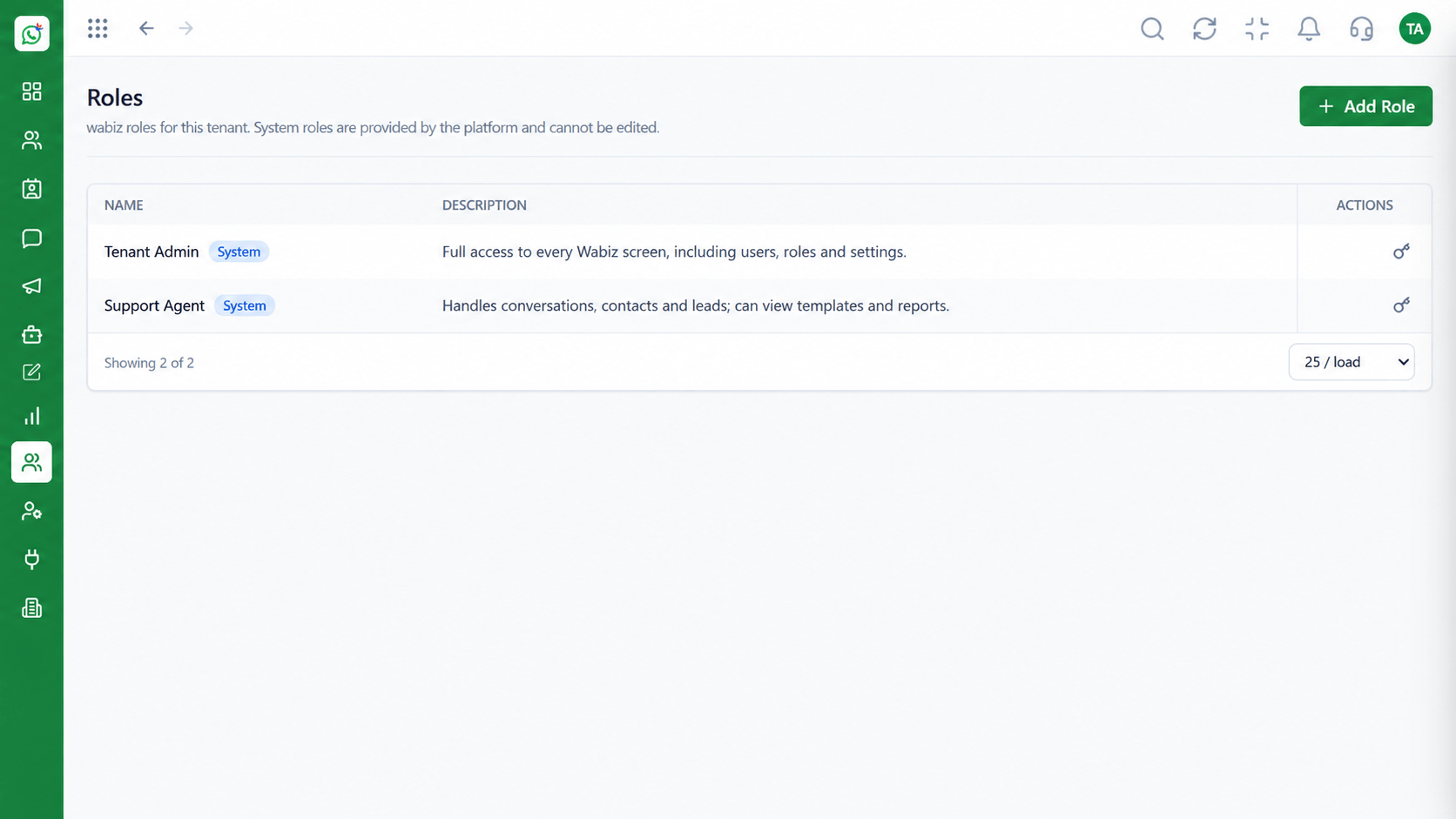 Solutions
Limit exposure of patient chats.
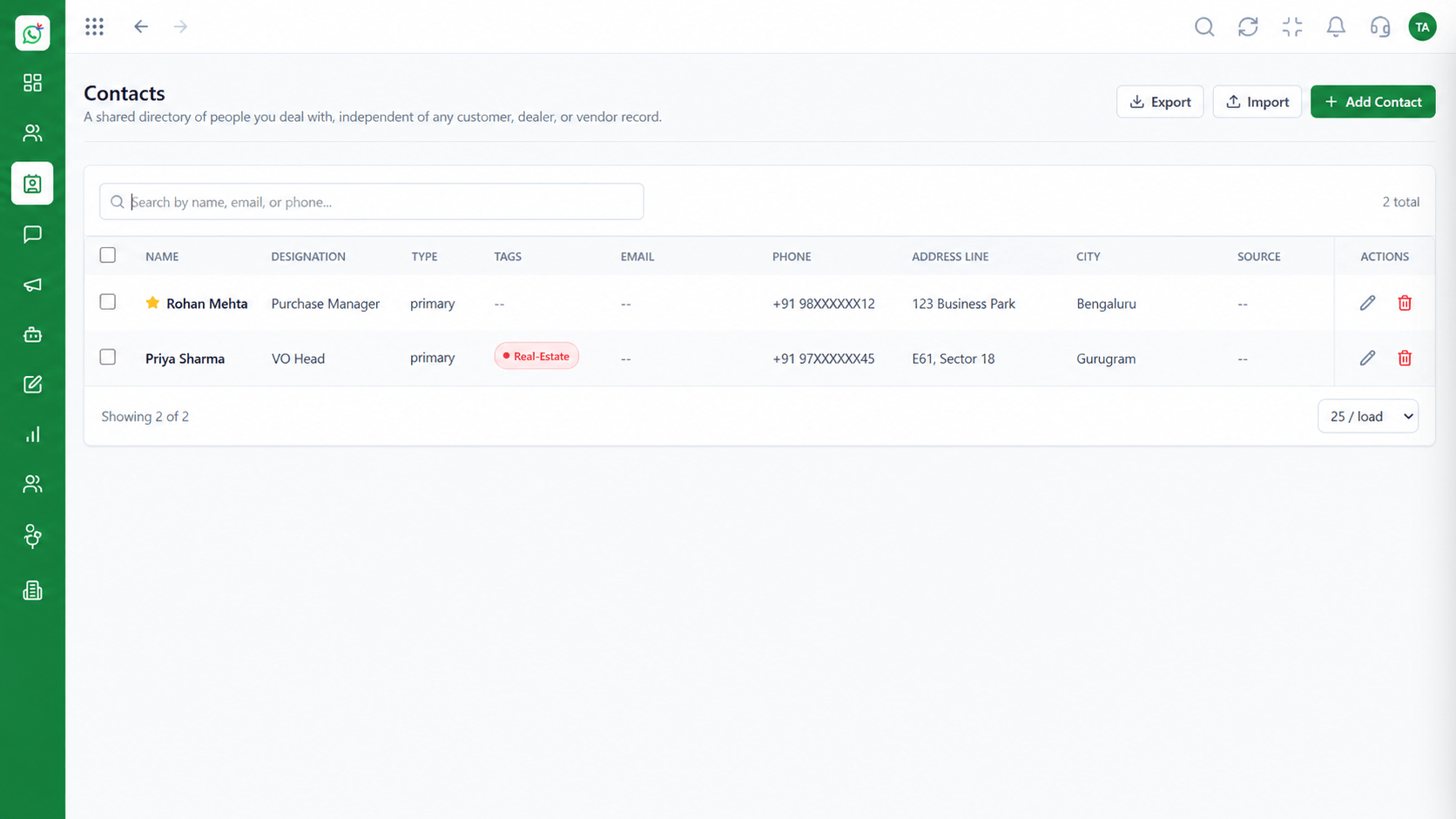 Solutions
Organise patients and follow-ups.
Execution Plan
Patient enquires or books an appointment.
A confirmation template goes out.
A reminder is sent ahead of the visit.
A check-in message after the appointment.
In Real Life
Scenario 01
A message confirms the time and offers a way to reschedule.
Scenario 02
A gentle message after a visit keeps care on track.
Scenario 03
Several staff share one number during busy hours.
Frequently Asked Questions
Yes, with approved utility templates to opted-in patients.
We recommend keeping messages administrative and following the regulations that apply to you. Ask us about your setup.
Yes, through the shared inbox.
Yes. Use roles and reporting lines.
Yes. Replies arrive in the inbox for staff to action.
Shared inbox, broadcasts, chatbot flows and templates on the WhatsApp Cloud API, built for teams.
