The best Business Suite software in India, built to help your business grow. Contact us at +91-8882435276.
[ Contact ]
Phone number
Email address
Head office
Noida office
The right team at TriostackOne will get back to you.
Set timed nudges, reminders and check-ins that go out automatically when a customer goes quiet, and stop when they reply.
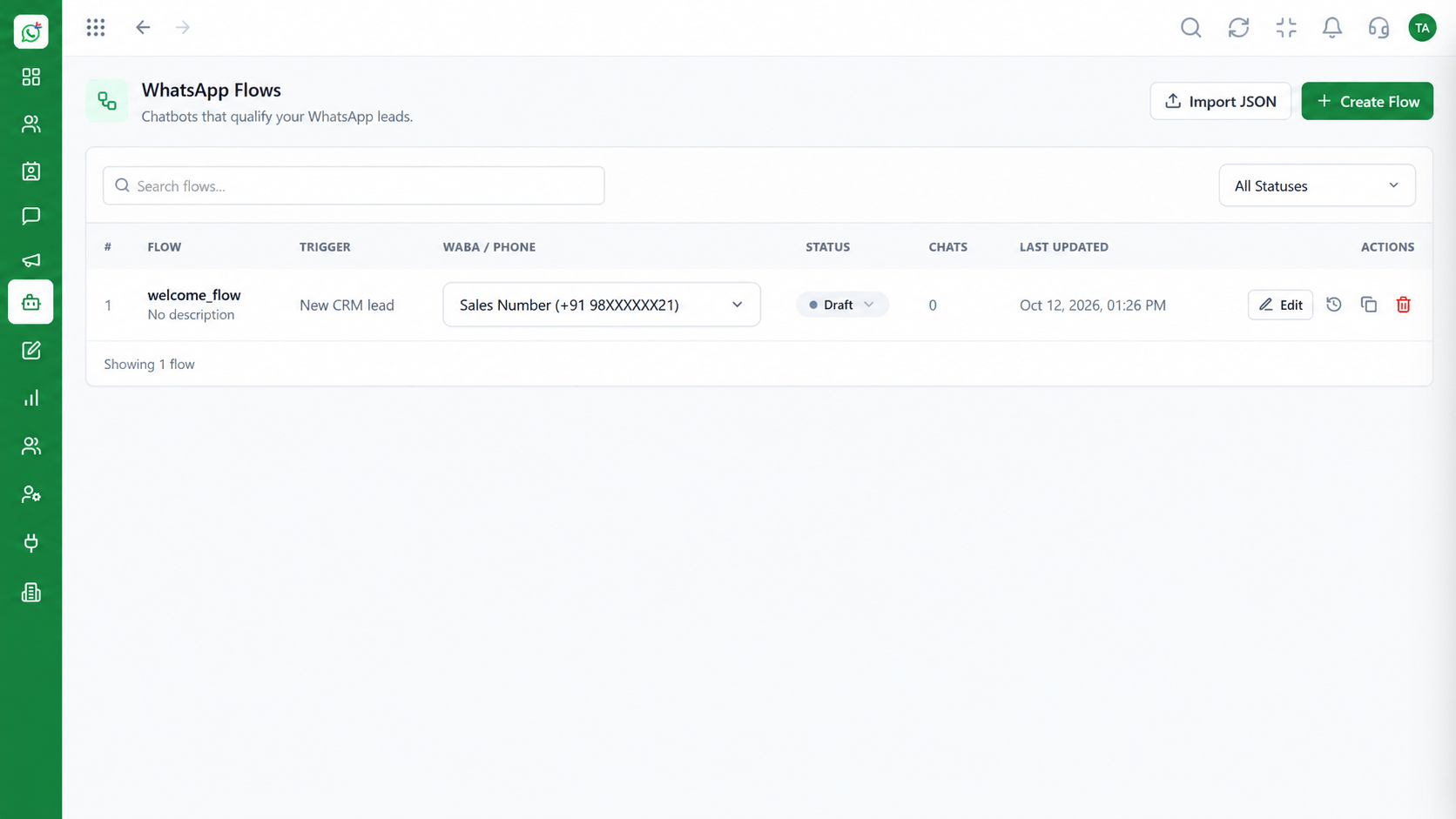
Follow-ups that do not rely on anyone remembering
Positioning Assessment
A customer shows interest, then life gets in the way. Without a follow-up, the conversation ends quietly.
Wabiz lets you define when to nudge: a day after a quotation, three days after a demo, a week before a renewal. Messages use approved templates and stop when the customer replies.
Agents see which follow-ups are due and can step in with a personal message whenever it is better than an automated one.
“We stopped losing people in the quiet. A gentle nudge at the right time brings many of them back.”
Sample team scenario
Illustrative example, not a customer testimonial
Illustrated Overview
Follow-ups go out at the right gaps after an event and end when the customer answers.
Day 1, day 3 or the week before a renewal.
Templates keep the tone right.
Due follow-ups are visible and can be overridden.
Platform Integrity
Hours, days or weeks after an event
No double-messaging
Template-based nudges
See what is due
How It Works
Where automation protects revenue.
| Dimension | Triostack Wabiz | Remembered Follow-Ups |
|---|---|---|
| Timing | Scheduled by rule | When someone remembers |
| Consistency | Every lead gets the nudge | Only the ones remembered |
| Wording | Approved templates | Improvised |
| Stopping | Ends when customer replies | Manual |
| Reporting | See what was sent and what replied | None |
We will help you configure this workflow end to end, from templates to team permissions, in your first session.
Live Interface Tour
Real screens captured directly from the Triostack Wabiz workspace.
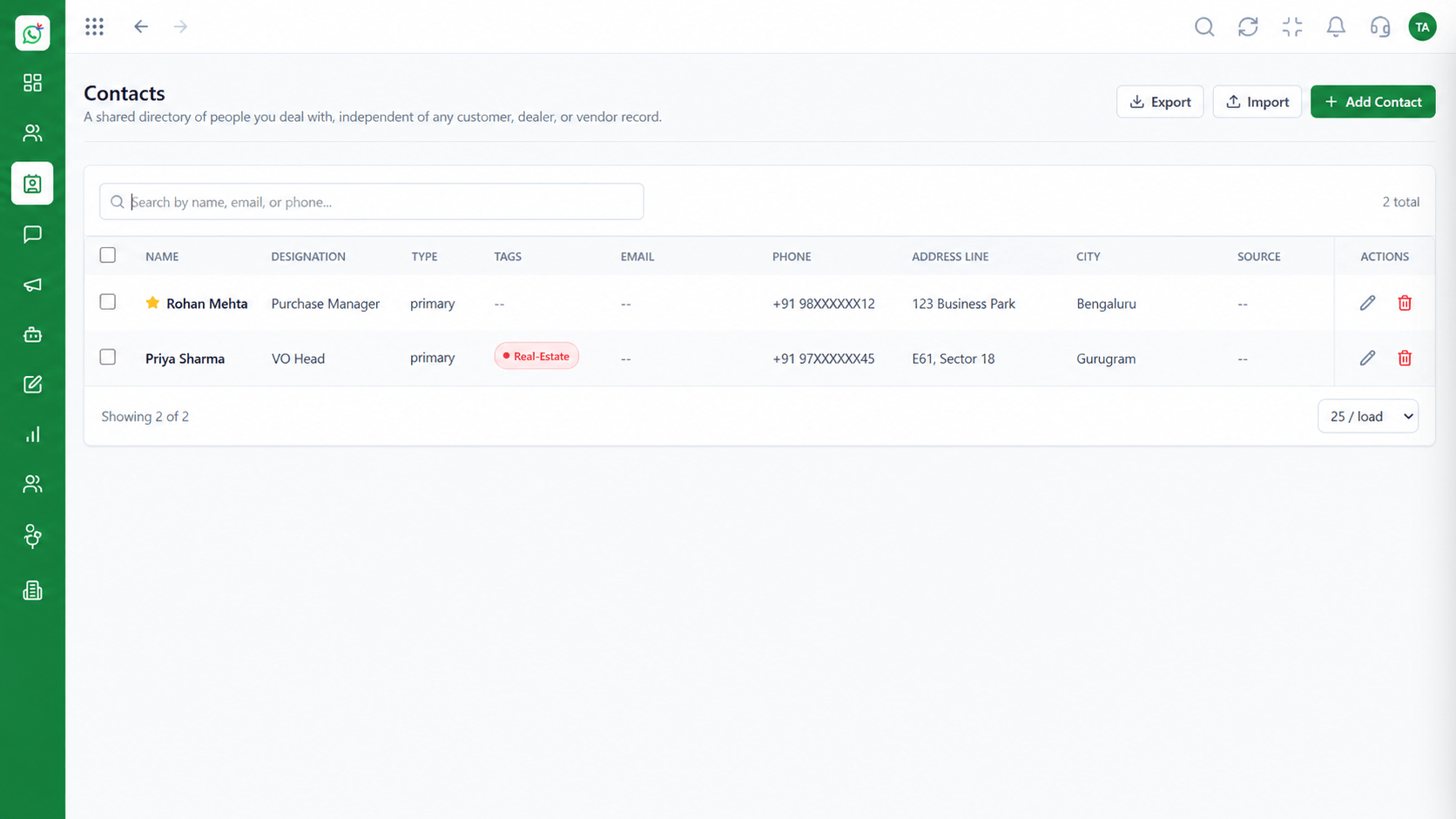 Contacts
Segment and manage your WhatsApp audience
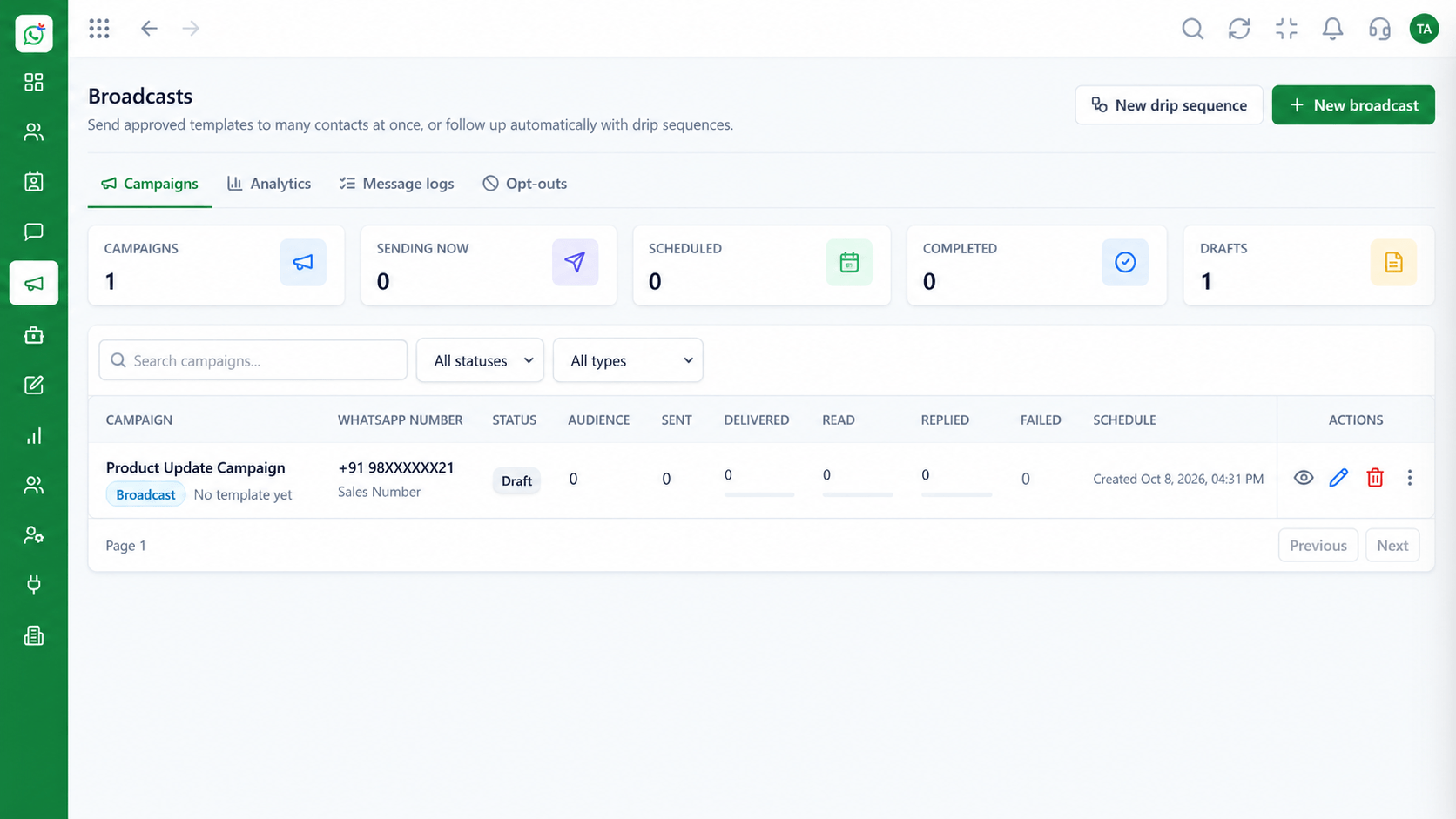 Campaigns
Schedule and track template campaigns
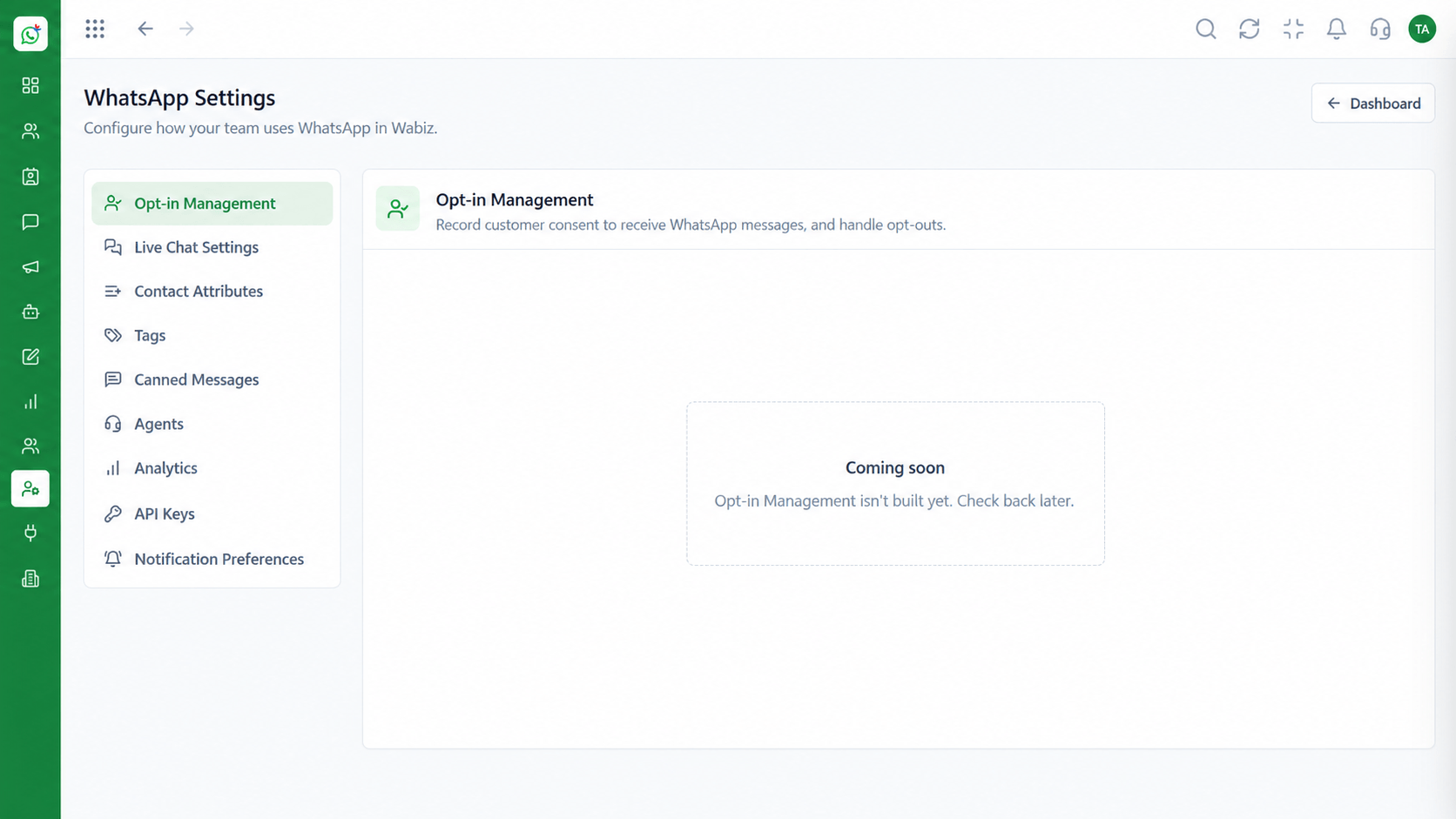 Settings
Configure numbers, hours and preferences
Feature Breakdown
Captured from the Triostack Wabiz workspace.
What You Can DoDefine when and what to send.
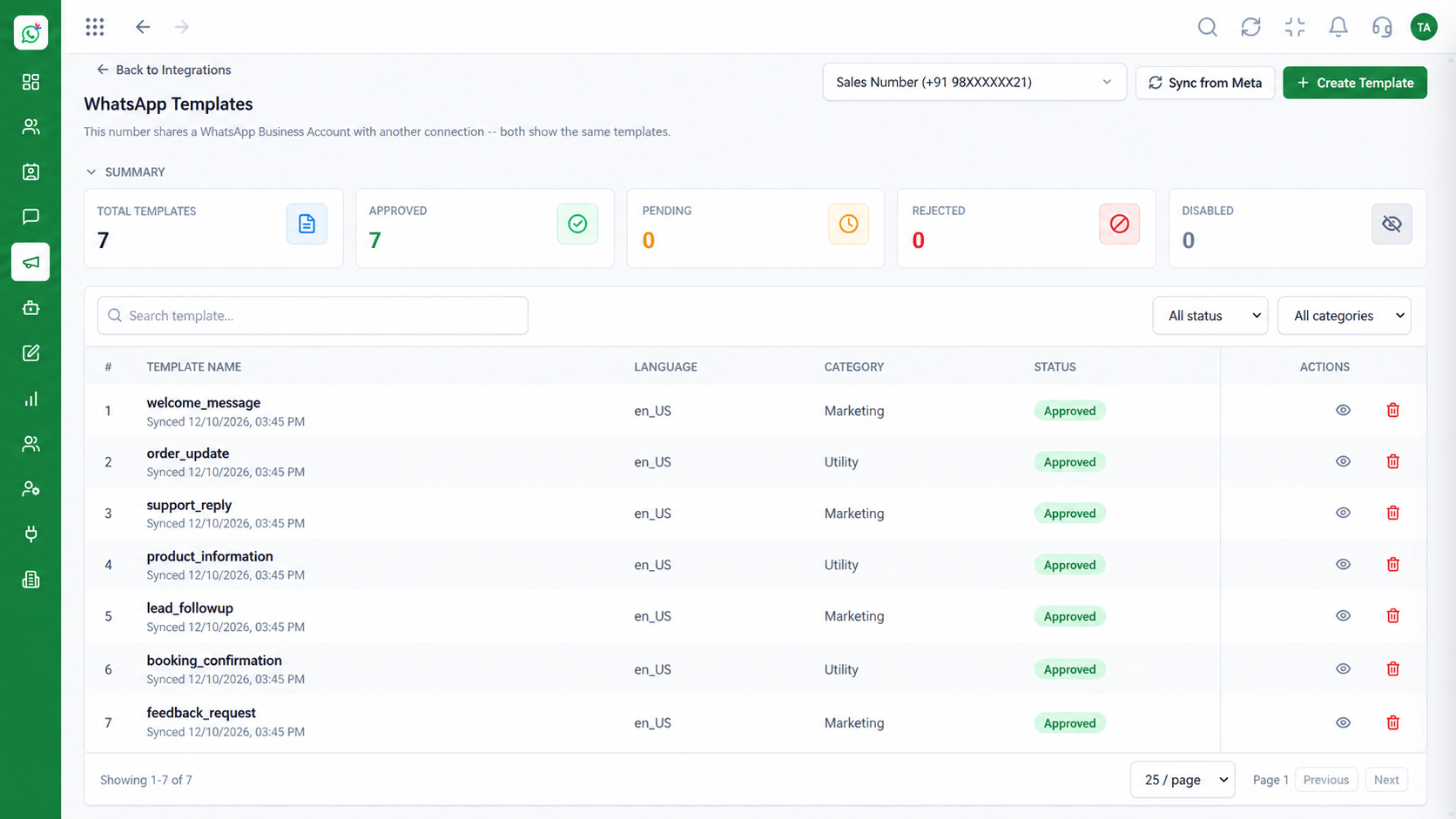 What You Can Do
Keep the tone right.
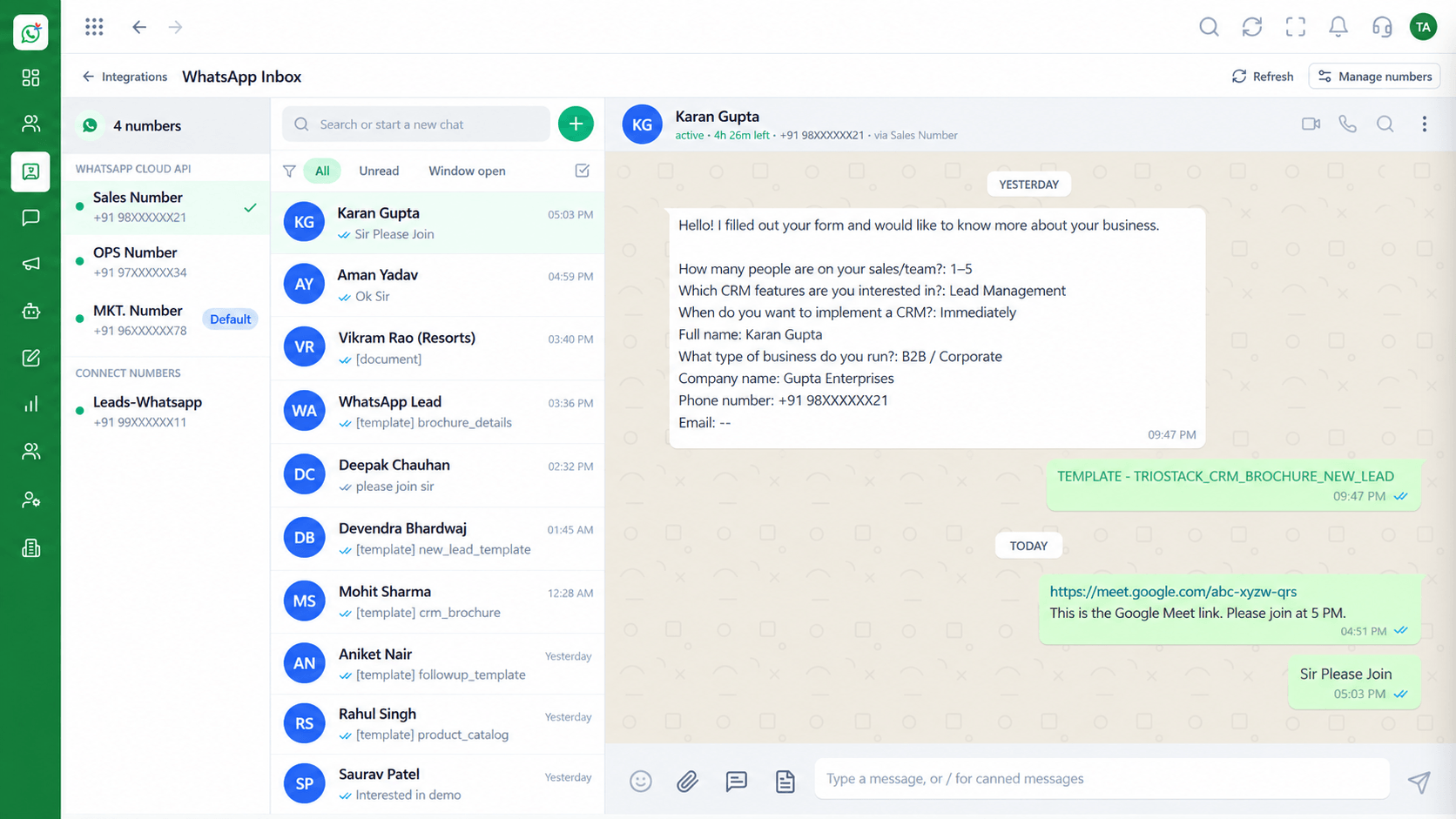 What You Can Do
Spot customers awaiting response.
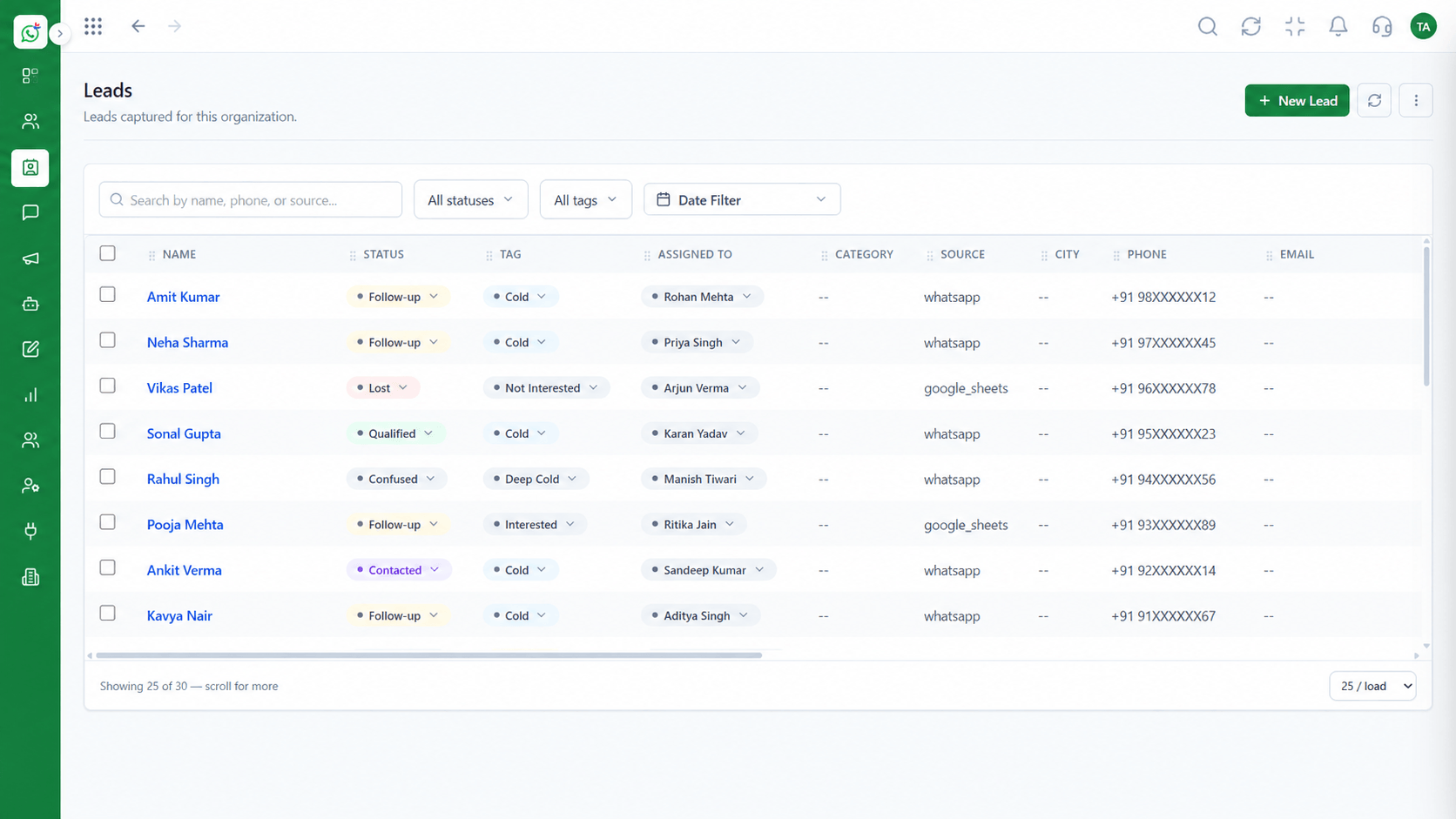 What You Can Do
Follow-up by stage.
Execution Plan
After a quote, a demo or silence.
Pick the right gap between messages.
Use approved nudge wording.
End on reply or on a won deal.
In Real Life
Scenario 01
A day later, a gentle check-in goes out.
Scenario 02
Three days later, a nudge with a booking link.
Scenario 03
A reminder a week ahead keeps the account warm.
Frequently Asked Questions
Keep sequences short and relevant, and stop them when the customer replies.
Business-initiated messages outside the 24-hour window require approved templates.
Yes. Define the sequence length.
Yes. Agents can message personally at any time.
No, but connecting it adds deal-stage triggers.
Shared inbox, broadcasts, chatbot flows and templates on the WhatsApp Cloud API, built for teams.
Explore All What You Can Do
