The best Business Suite software in India, built to help your business grow. Contact us at +91-8882435276.
[ Contact ]
Phone number
Email address
Head office
Noida office
The right team at TriostackOne will get back to you.
Build a campaign from an approved template, pick a segment, schedule it and track delivery, replies and results, all without leaving the workspace.
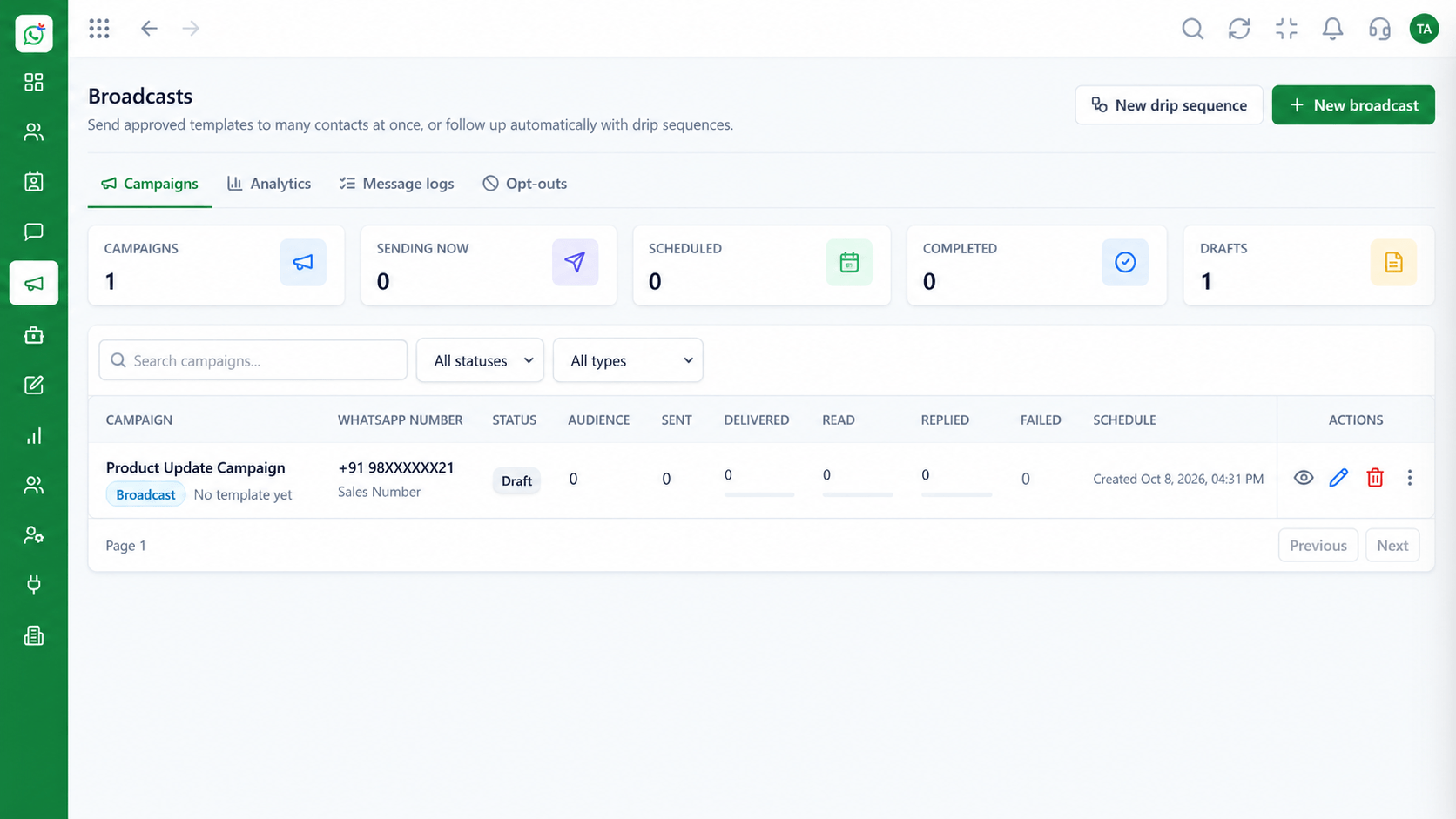
From idea to results in one workspace
Positioning Assessment
Most of the work in a campaign is not the send. It is getting the template approved, building the audience and handling the replies afterwards.
Wabiz walks through each step: choose or create a template, build a segment from your contacts, schedule the send and watch the numbers.
Replies route to the inbox, so the people who sent the campaign can answer the customers it reaches.
“Having the template, the audience and the replies in one place turned campaigns from a project into a routine.”
Sample team scenario
Illustrative example, not a customer testimonial
Illustrated Overview
A good campaign has a goal, an audience and a time. Wabiz keeps all three, and the replies, in one place.
Pick the template and the audience.
Send at the time customers respond.
Review delivery and replies, then improve.
Platform Integrity
Approved content ready to use
Segments from tags and fields
Launch at the best time
Delivery and replies
How It Works
What a structured process adds.
| Dimension | Triostack Wabiz | DIY Sending |
|---|---|---|
| Template | Approved library | Rewritten each time |
| Audience | Dynamic segments | Manual lists |
| Timing | Scheduled sends | Send when free |
| Replies | Routed to the team | Lost on one phone |
| Learning | Per-campaign results | No comparison |
We will help you configure this workflow end to end, from templates to team permissions, in your first session.
Live Interface Tour
Real screens captured directly from the Triostack Wabiz workspace.
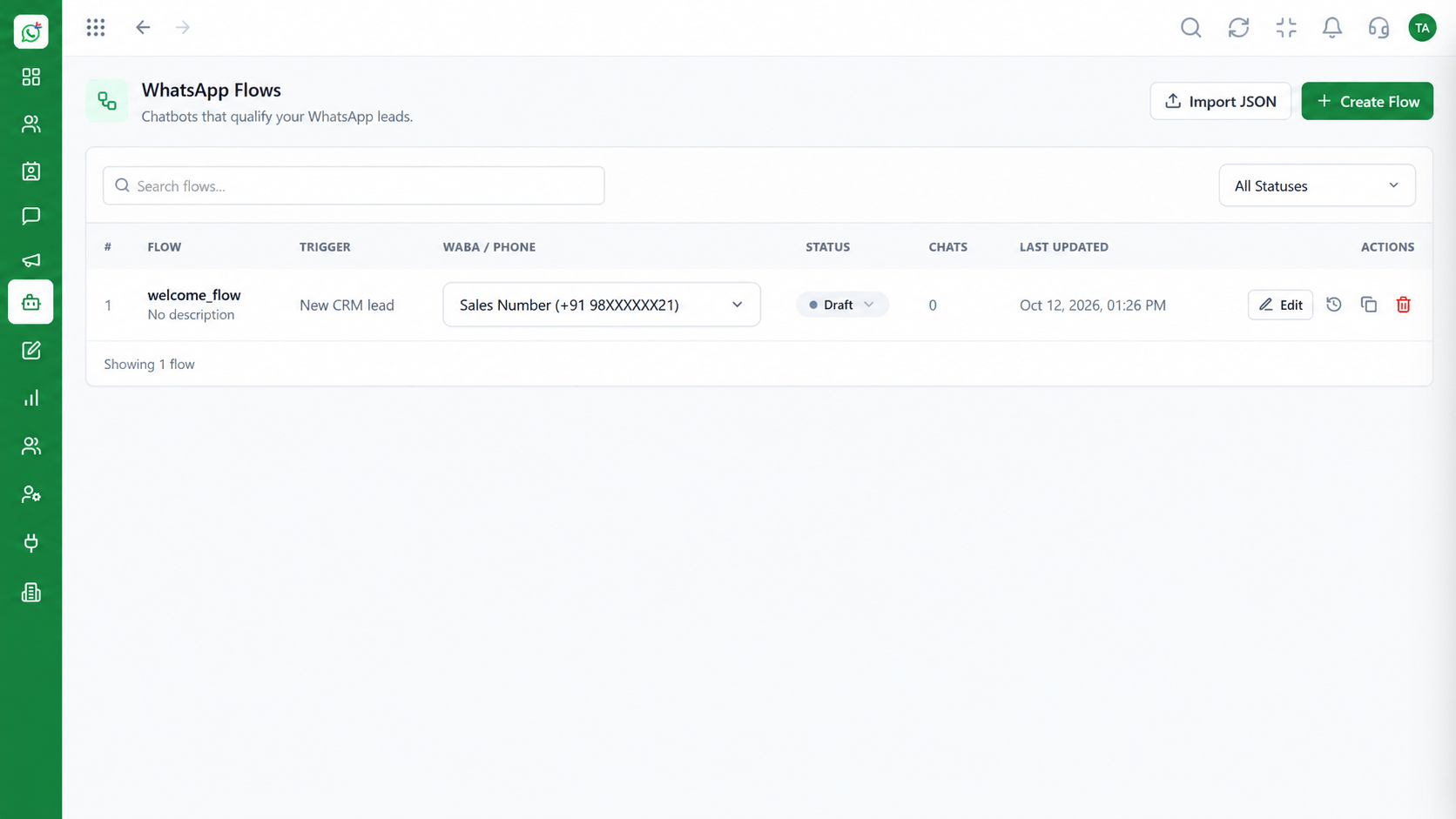 Automation
Build automated conversation journeys
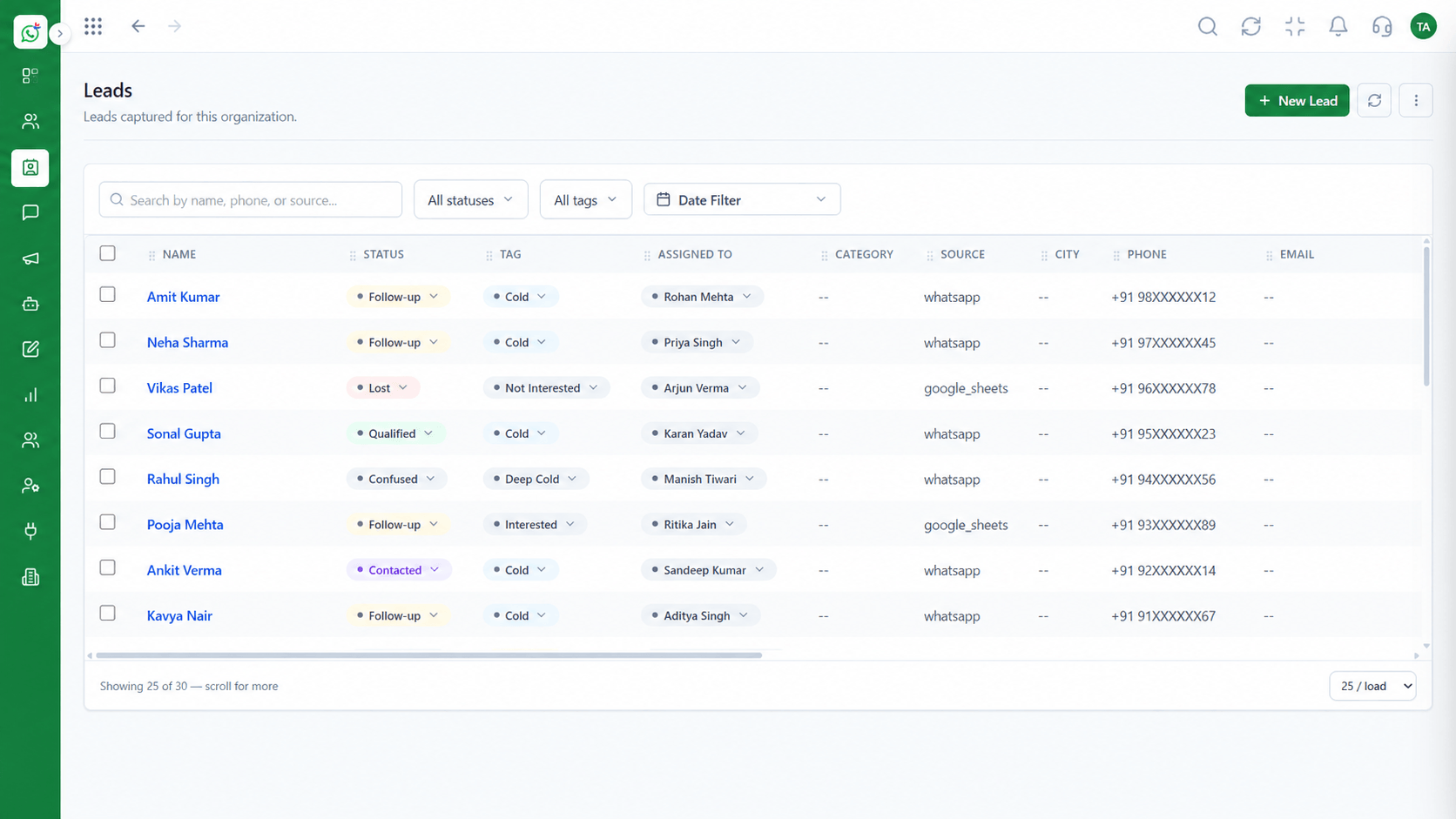 Leads
LeadsCapture and qualify leads from conversations
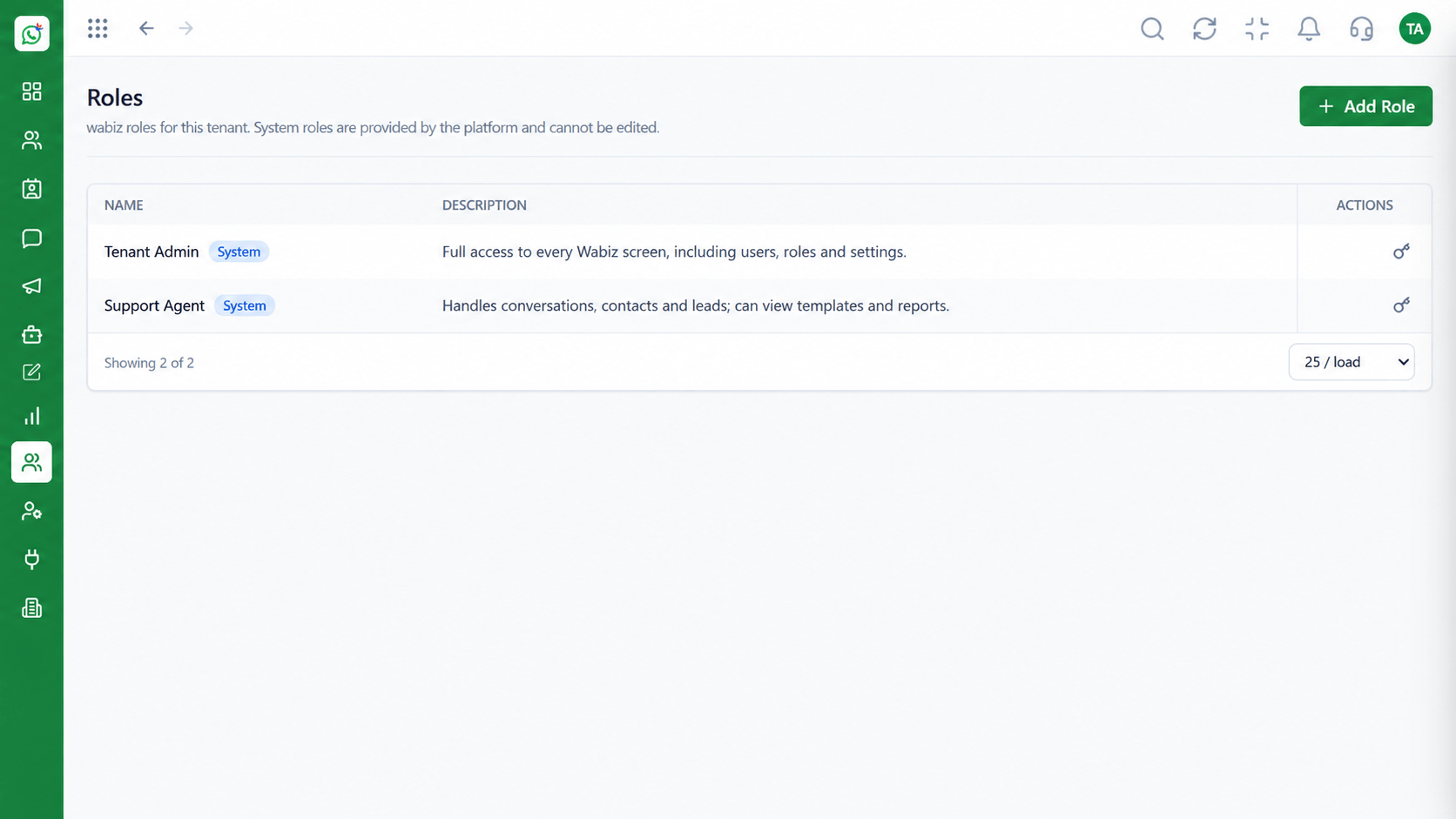 Access
Control who can see and do what
Feature Breakdown
Captured from the Triostack Wabiz workspace.
What You Can DoTemplate, audience, time.
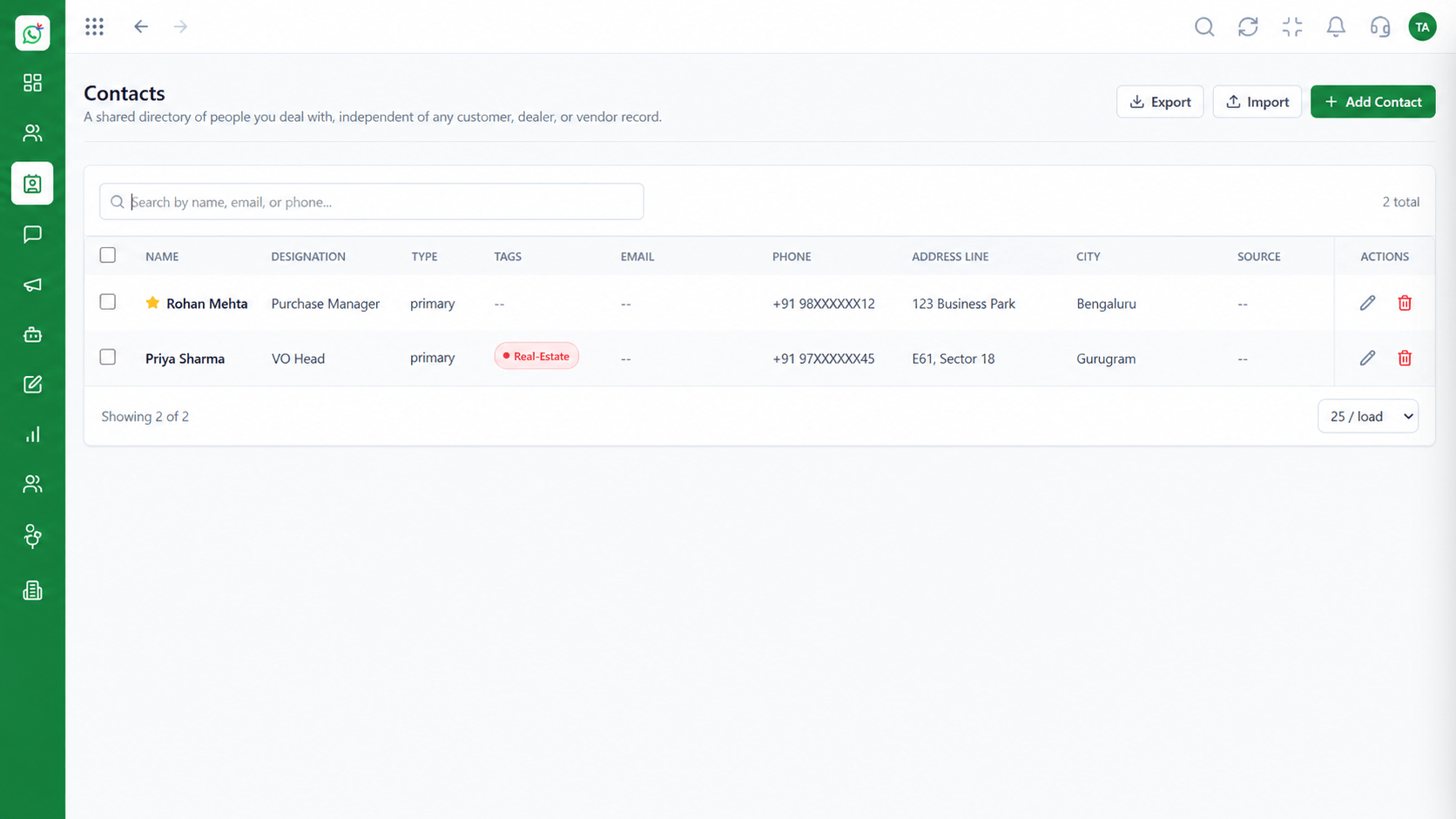 What You Can Do
Target the right people.
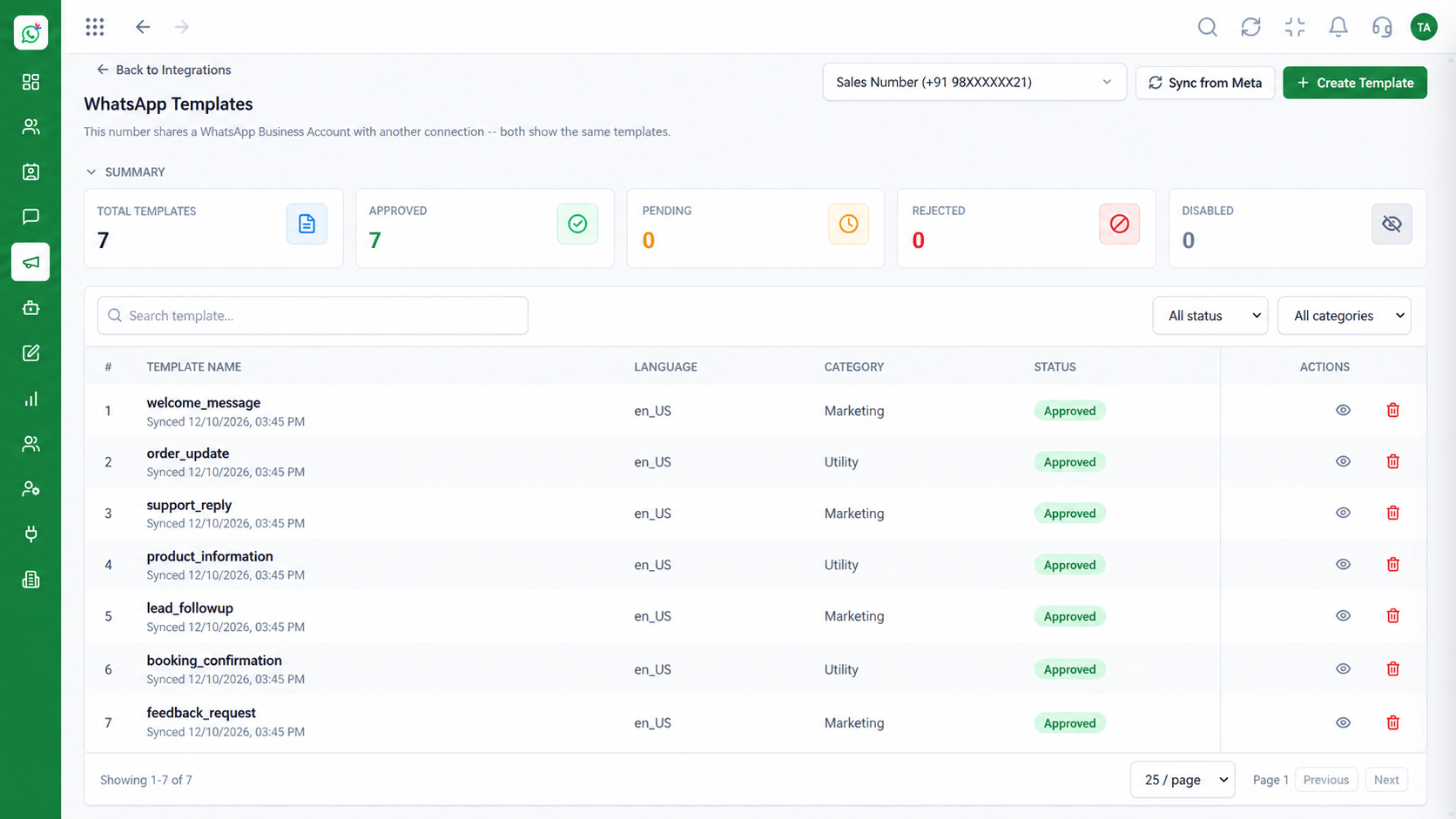 What You Can Do
Choose approved content.
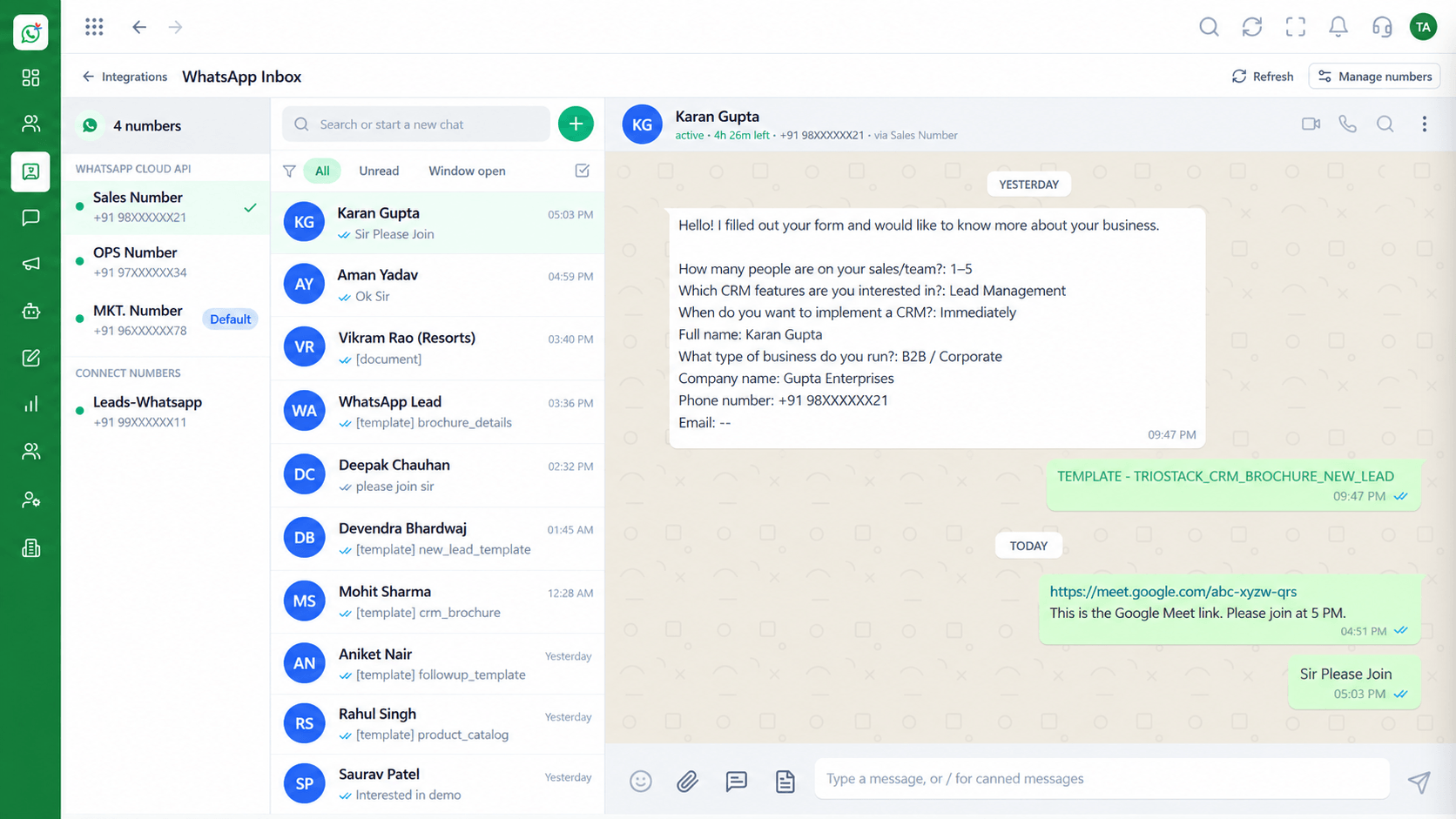 What You Can Do
Handle responses.
Execution Plan
Decide the goal and audience.
Select or submit a template.
Schedule and send.
Review delivery and handle replies.
In Real Life
Scenario 01
Announce to the segment most likely to buy.
Scenario 02
Schedule ahead and handle replies in the inbox.
Scenario 03
Reach customers who have gone quiet.
Frequently Asked Questions
Contacts who have opted in, using approved templates.
Yes.
Yes. Delivery and reply status per campaign.
No. Reuse approved templates.
Into the shared inbox.
Shared inbox, broadcasts, chatbot flows and templates on the WhatsApp Cloud API, built for teams.
Explore All What You Can Do
