The best Business Suite software in India, built to help your business grow. Contact us at +91-8882435276.
[ Contact ]
Phone number
Email address
Head office
Noida office
The right team at TriostackOne will get back to you.
Assign chats, set priorities, leave notes and see what is waiting, so the whole team can handle high volumes without anything falling through.
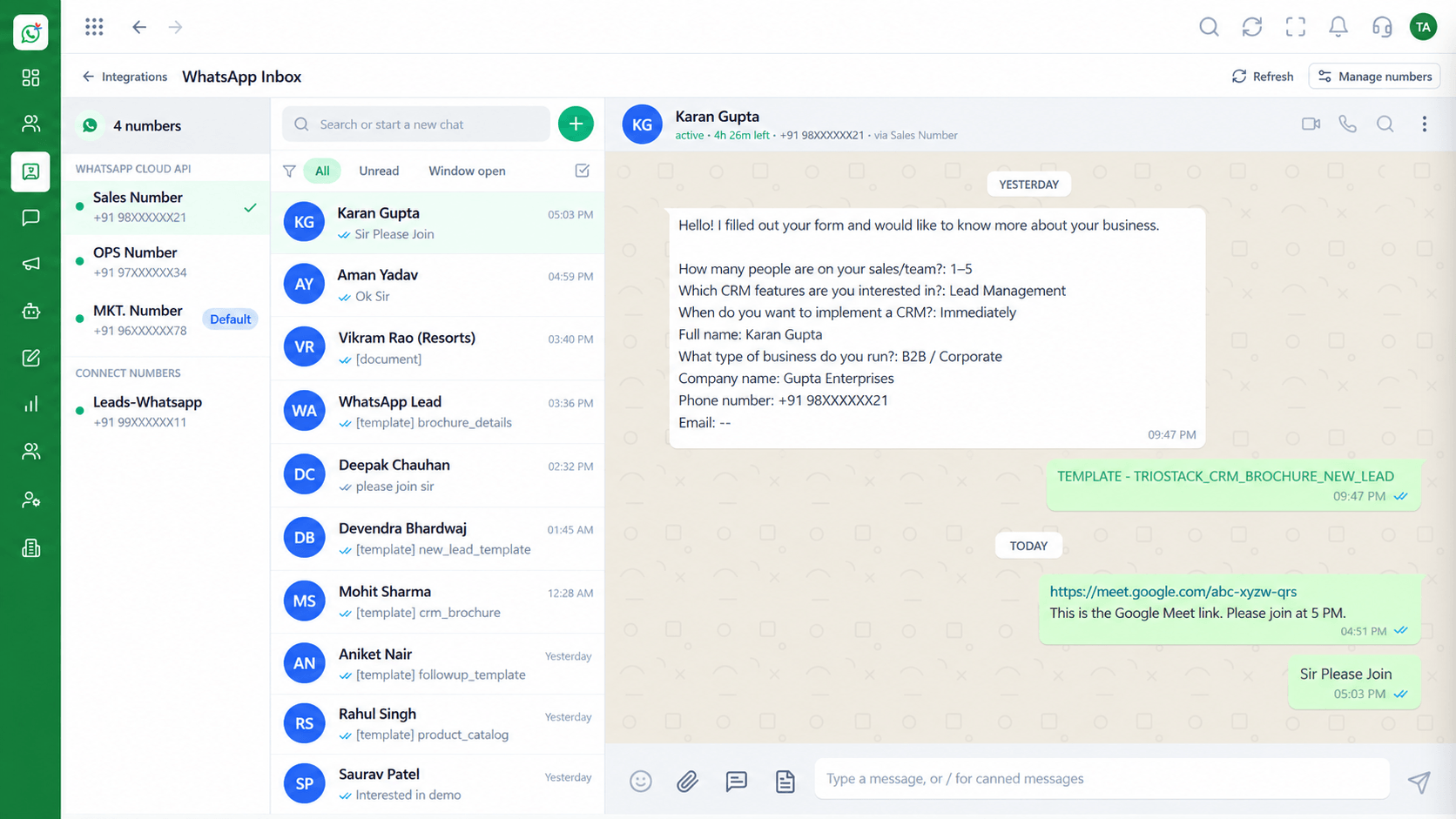
Every chat has an owner and a status
Positioning Assessment
Adding people to an inbox without structure causes duplicate replies, dropped chats and awkward hand-offs.
Wabiz gives each chat an owner and a status. Agents see their own queue, managers see the whole picture and notes carry context from one person to the next.
Working hours, away messages and routing rules keep the inbox sensible outside peak times.
“Once every chat had an owner, 'did anyone reply?' stopped being a question.”
Sample team scenario
Illustrative example, not a customer testimonial
Illustrated Overview
Treat the inbox like a board. Each chat moves from unassigned to an owner to resolved.
No chat sits in limbo.
Hand-offs are smooth and customers do not repeat themselves.
Unanswered chats are easy to find.
Platform Integrity
A person for every chat
Personal and team views
Context for hand-offs
Managers see unanswered chats
How It Works
What structure adds to a shared inbox.
| Dimension | Triostack Wabiz | Free-for-All Inbox |
|---|---|---|
| Ownership | Assigned to an agent | Shared, nobody responsible |
| Duplicates | One owner replies | Two people answer |
| Hand-Off | Notes travel with the chat | Customer repeats themselves |
| Oversight | Unanswered chats visible | Found by accident |
| Hours | Rules for out-of-hours | Silence |
We will help you configure this workflow end to end, from templates to team permissions, in your first session.
Live Interface Tour
Real screens captured directly from the Triostack Wabiz workspace.
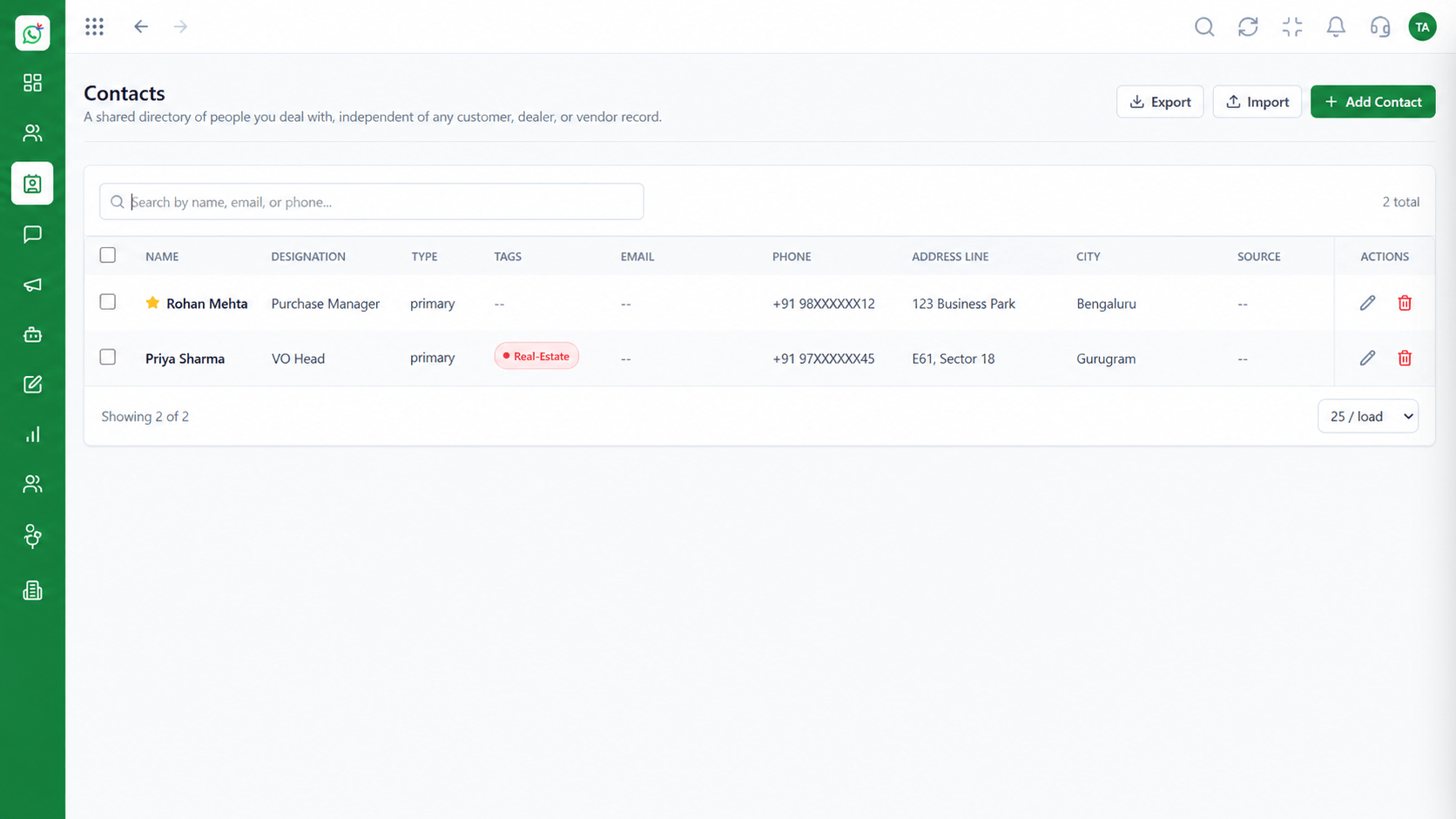 Contacts
Segment and manage your WhatsApp audience
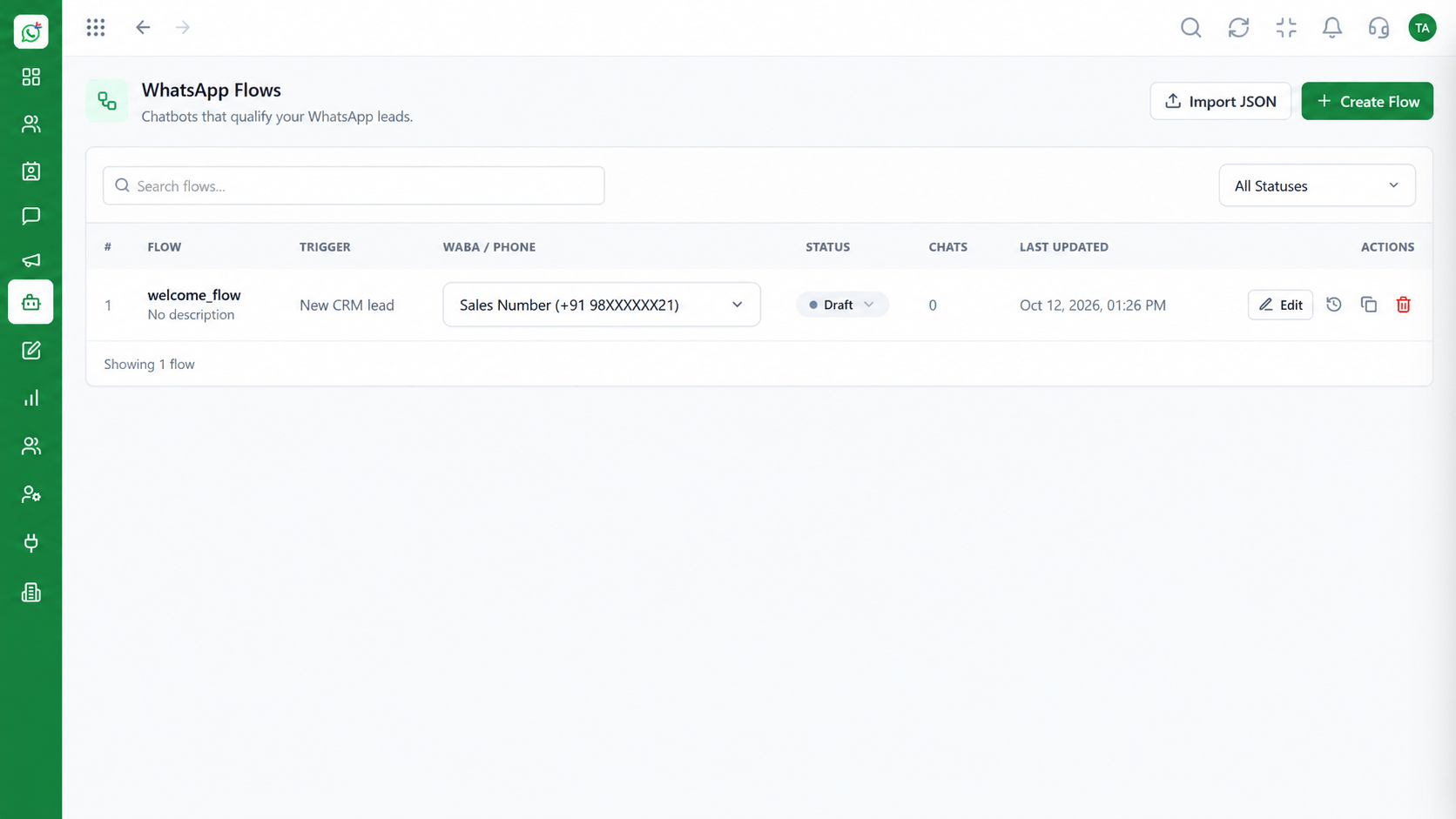 Automation
Build automated conversation journeys
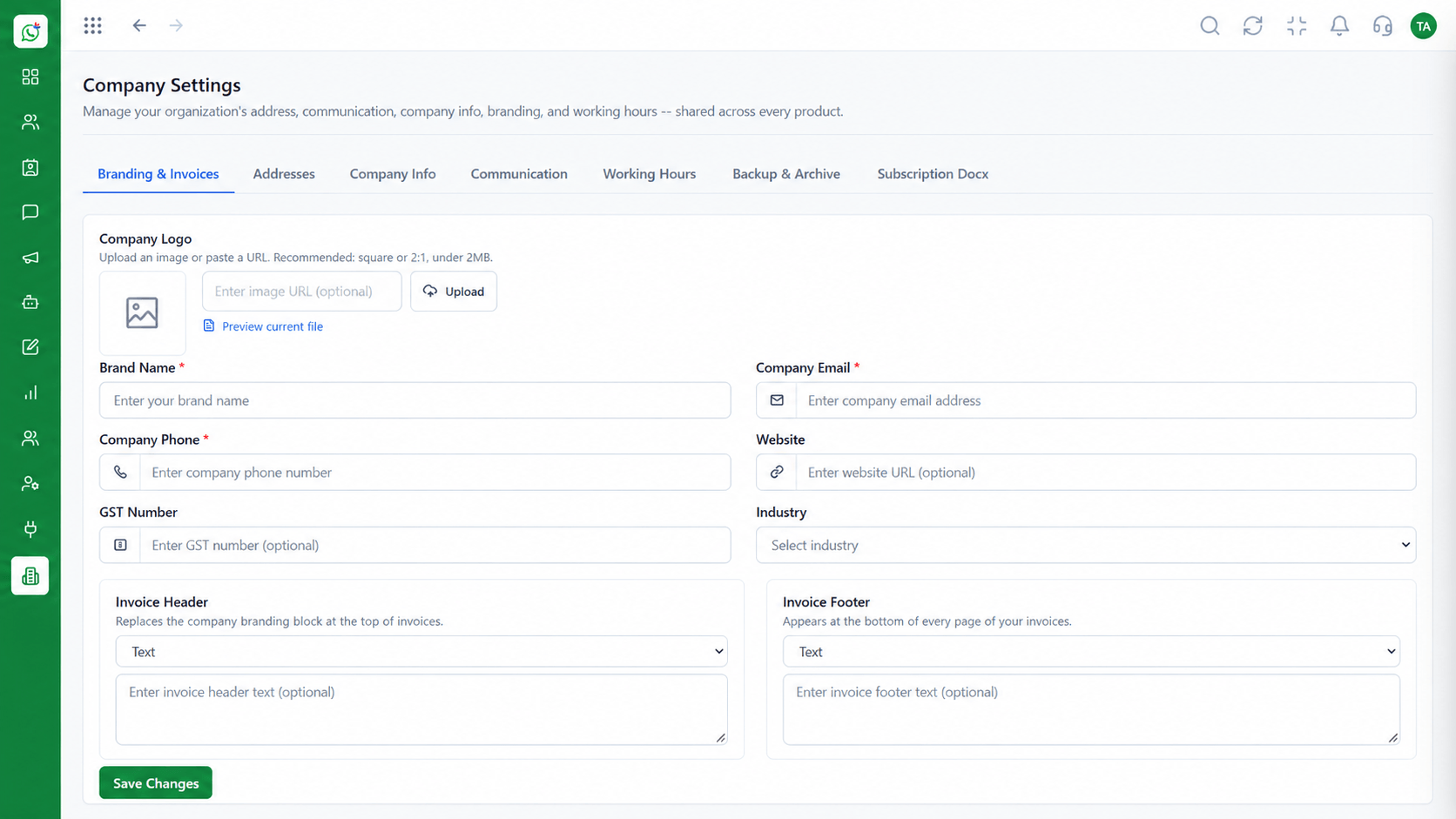 Settings
Business identity and account configuration
Feature Breakdown
Captured from the Triostack Wabiz workspace.
What You Can DoSee what is waiting.
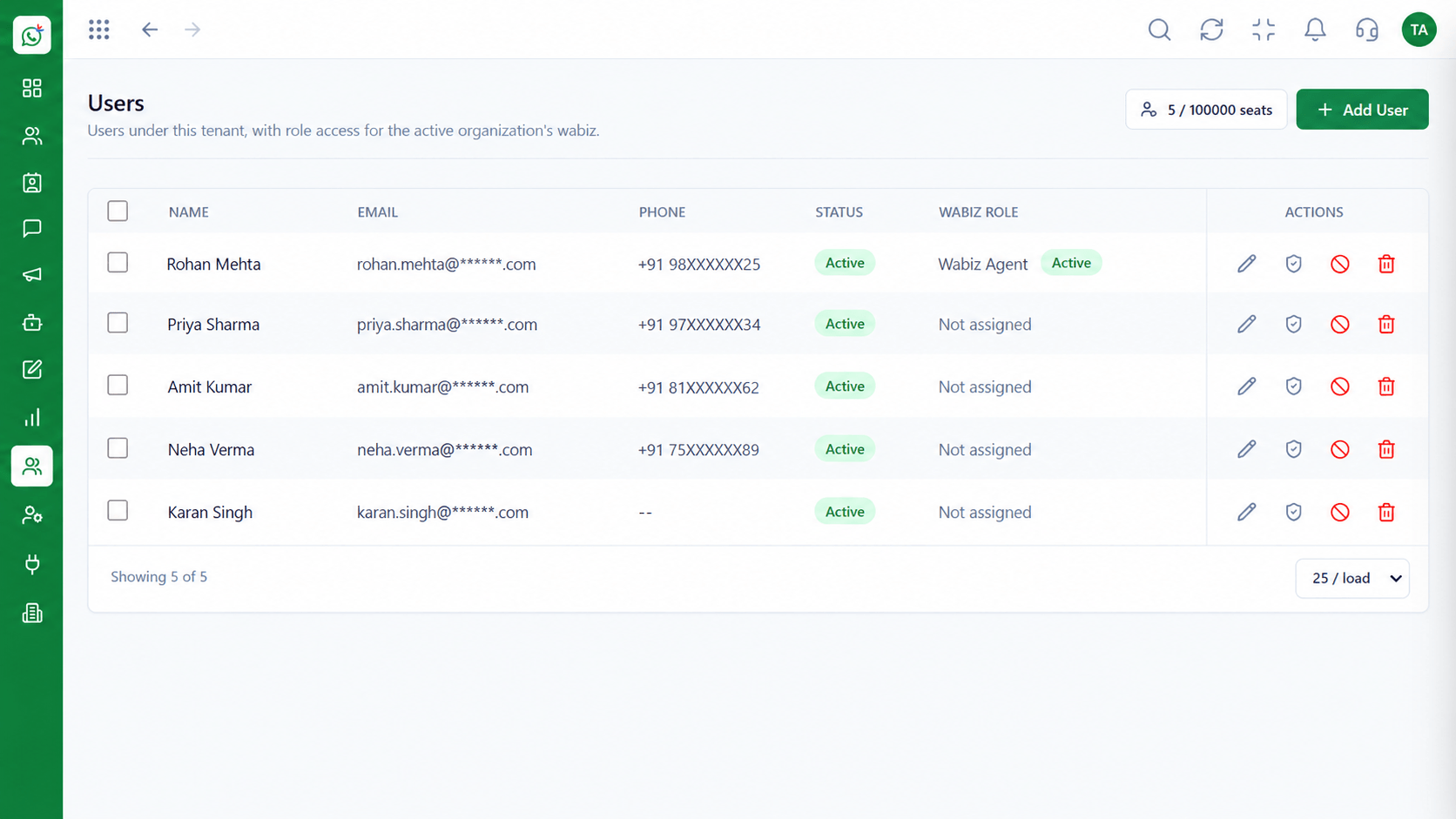 What You Can Do
Decide who handles what.
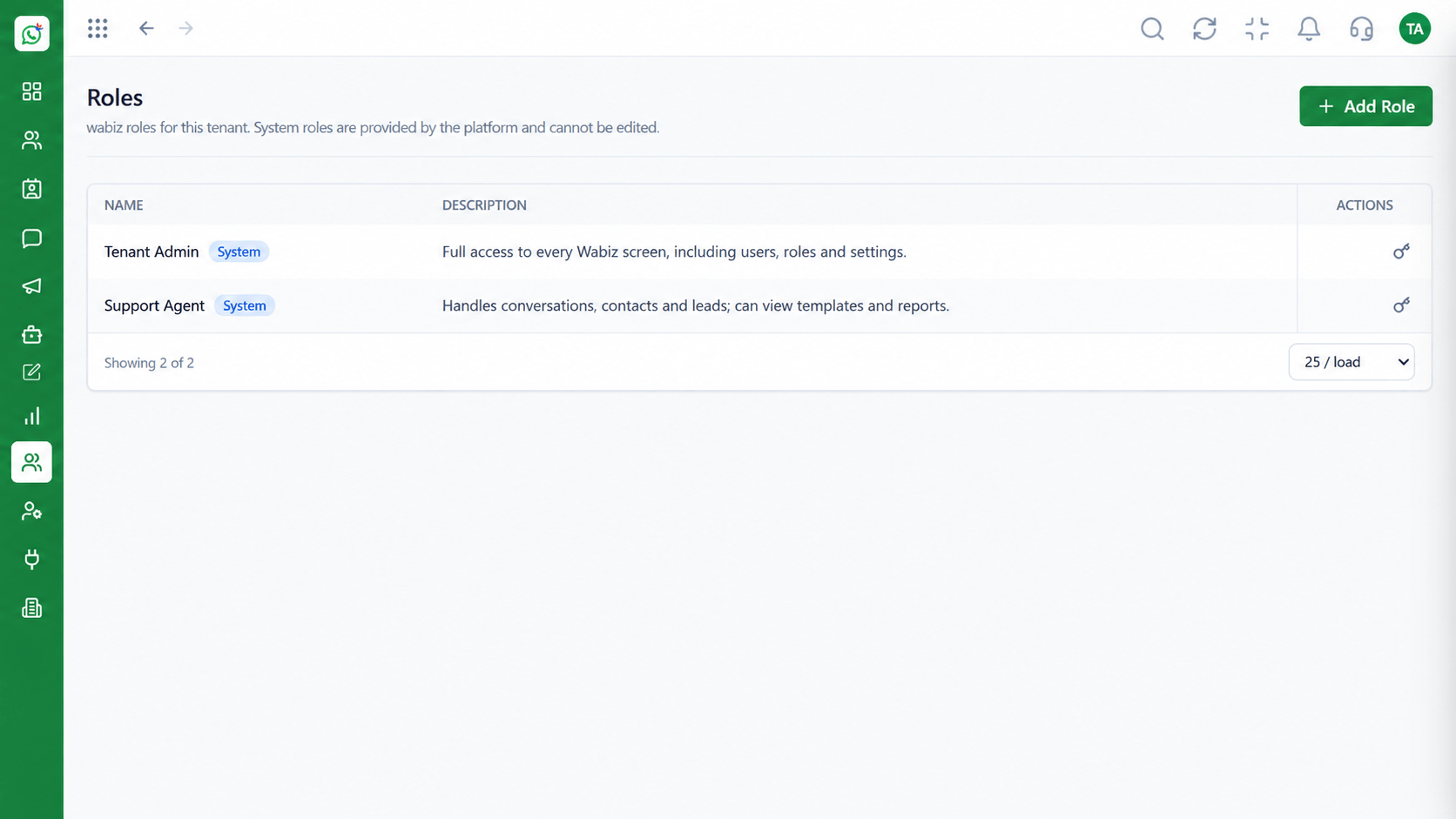 What You Can Do
Restrict sensitive views.
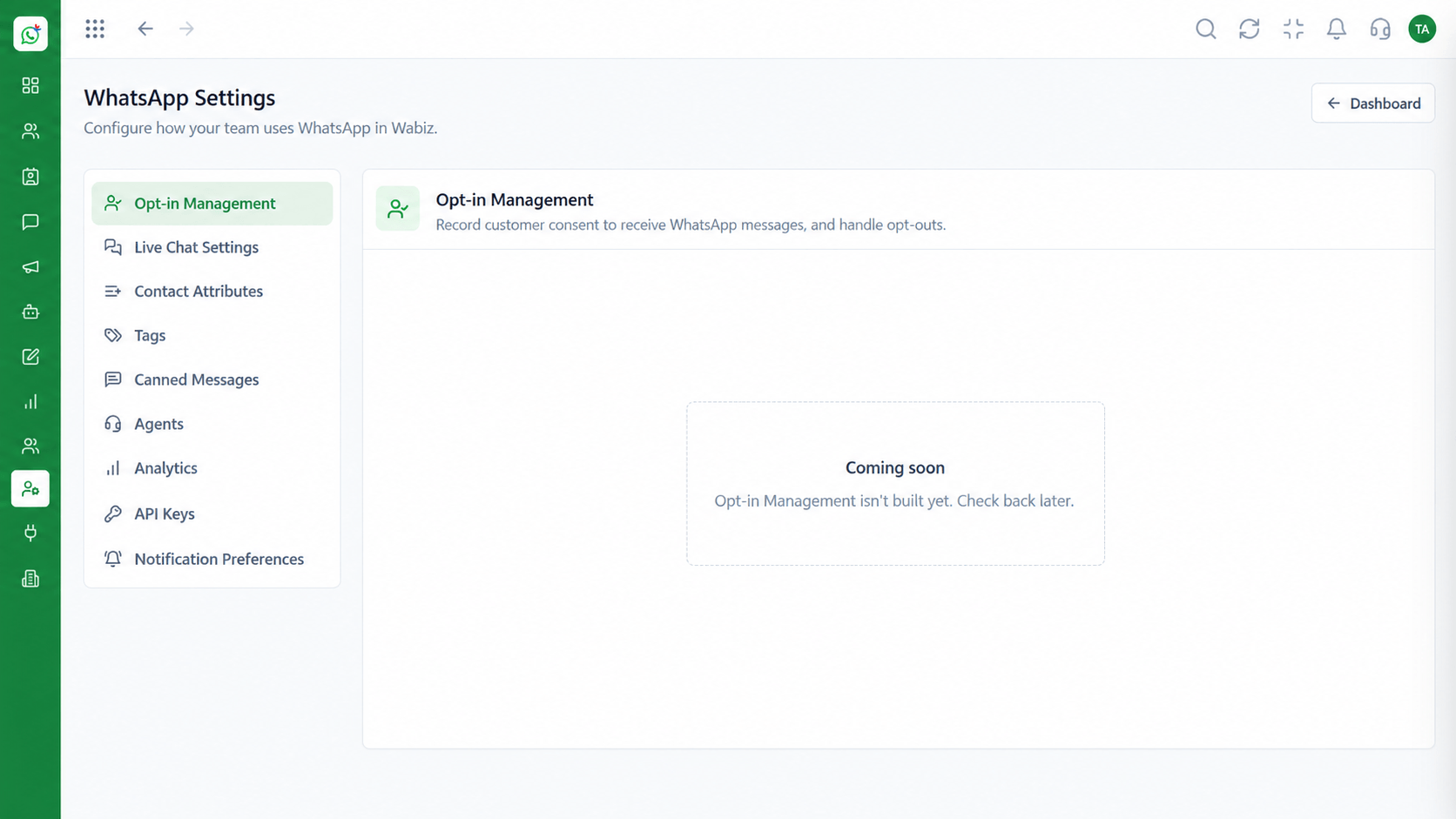 What You Can Do
Match the inbox to your schedule.
Execution Plan
Define when the team is available.
Route chats by rules or manually.
Use notes for hand-offs.
Check unanswered chats daily.
In Real Life
Scenario 01
A lead assigns overnight chats to the team.
Scenario 02
Agents pull from unassigned and keep their own queue short.
Scenario 03
The board is cleared or handed to the next shift.
Frequently Asked Questions
Yes.
Yes. Notes are visible only to your team.
Yes. Filters show open and unassigned chats.
Yes, with away messages outside them.
Yes, with roles and reporting lines.
Shared inbox, broadcasts, chatbot flows and templates on the WhatsApp Cloud API, built for teams.
Explore All What You Can Do
