The best Business Suite software in India, built to help your business grow. Contact us at +91-8882435276.
[ Contact ]
Phone number
Email address
Head office
Noida office
The right team at TriostackOne will get back to you.
Connect lead sources, your CRM, payment links and your own systems through APIs and webhooks, so WhatsApp conversations sit inside the way you already work.
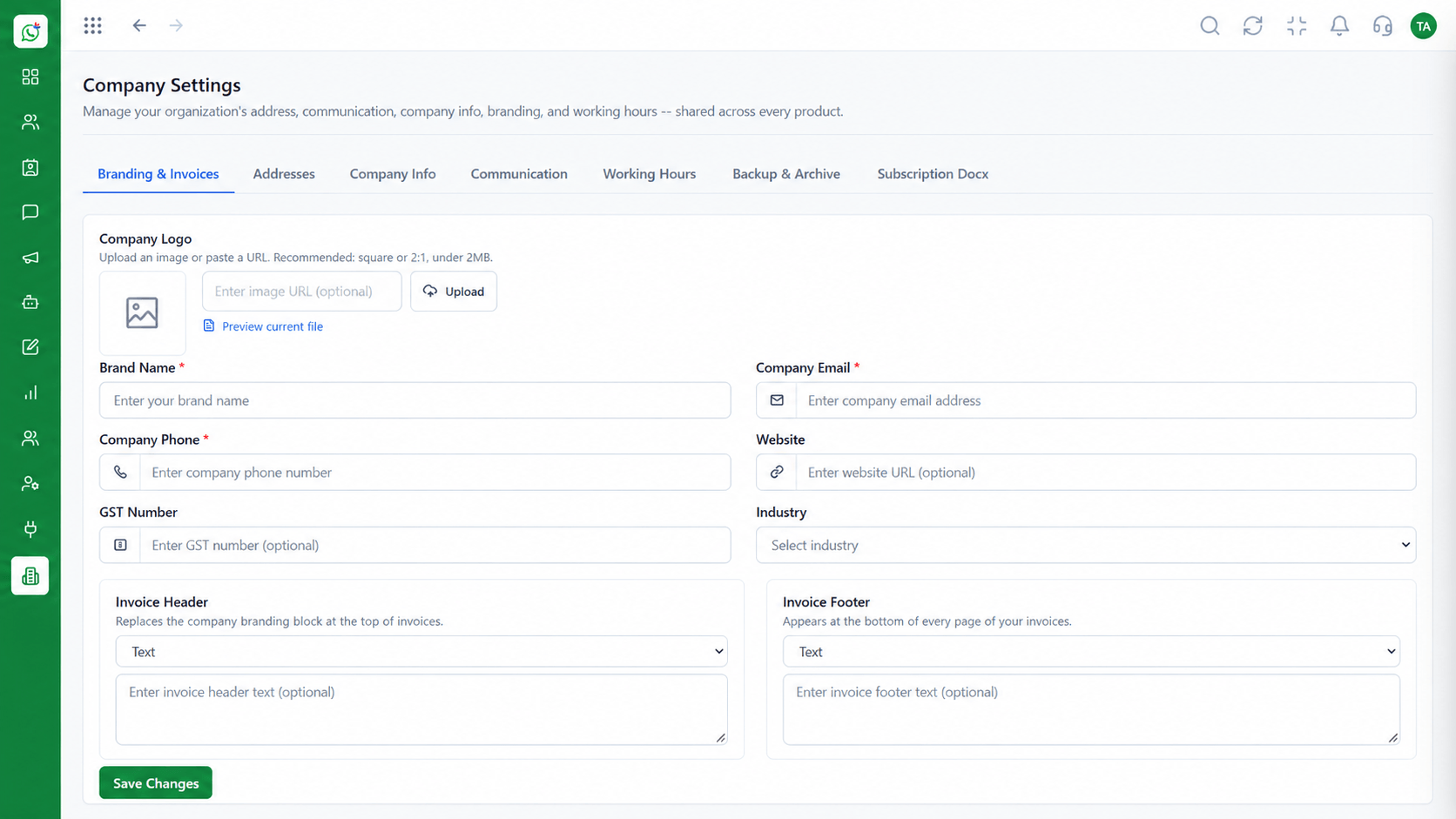
APIs and webhooks for your own systems
Positioning Assessment
Customer data already lives in your CRM, billing and website. A messaging tool that does not connect forces people to copy information between screens.
The Integrations Hub groups connections in one place: lead sources such as Meta, the Triostack CRM, and APIs and webhooks for custom systems.
Events such as a new message or a form submission can trigger actions elsewhere, and your systems can send messages through Wabiz.
“Instead of asking a developer where a connection was set up, the answer is on one screen.”
Sample team scenario
Illustrative example, not a customer testimonial
Illustrated Overview
The Integrations Hub is where lead sources, your CRM and your own systems connect to Wabiz.
One screen shows each connection and its status.
APIs and webhooks let your systems send and receive events.
Only admins can change connections.
Platform Integrity
Every connection in one place
For your own applications
Share leads with Triostack CRM
Roles decide who can change connections
How It Works
Why one control panel beats a set of unrelated setups.
| Dimension | Triostack Wabiz | Scattered Connectors |
|---|---|---|
| Where to Configure | A single hub | Different settings per tool |
| Custom Systems | APIs and webhooks | Depends on the vendor |
| CRM Data | Leads and chats can flow to the CRM | Manual export and import |
| Visibility | Connection status visible to admins | Failures found late |
| Access Control | Role permissions limit changes | Whoever installed it holds the keys |
Our team can walk you through the connection, permissions and first test message so you go live without guesswork.
Live Interface Tour
Real screens captured directly from the Triostack Wabiz workspace.
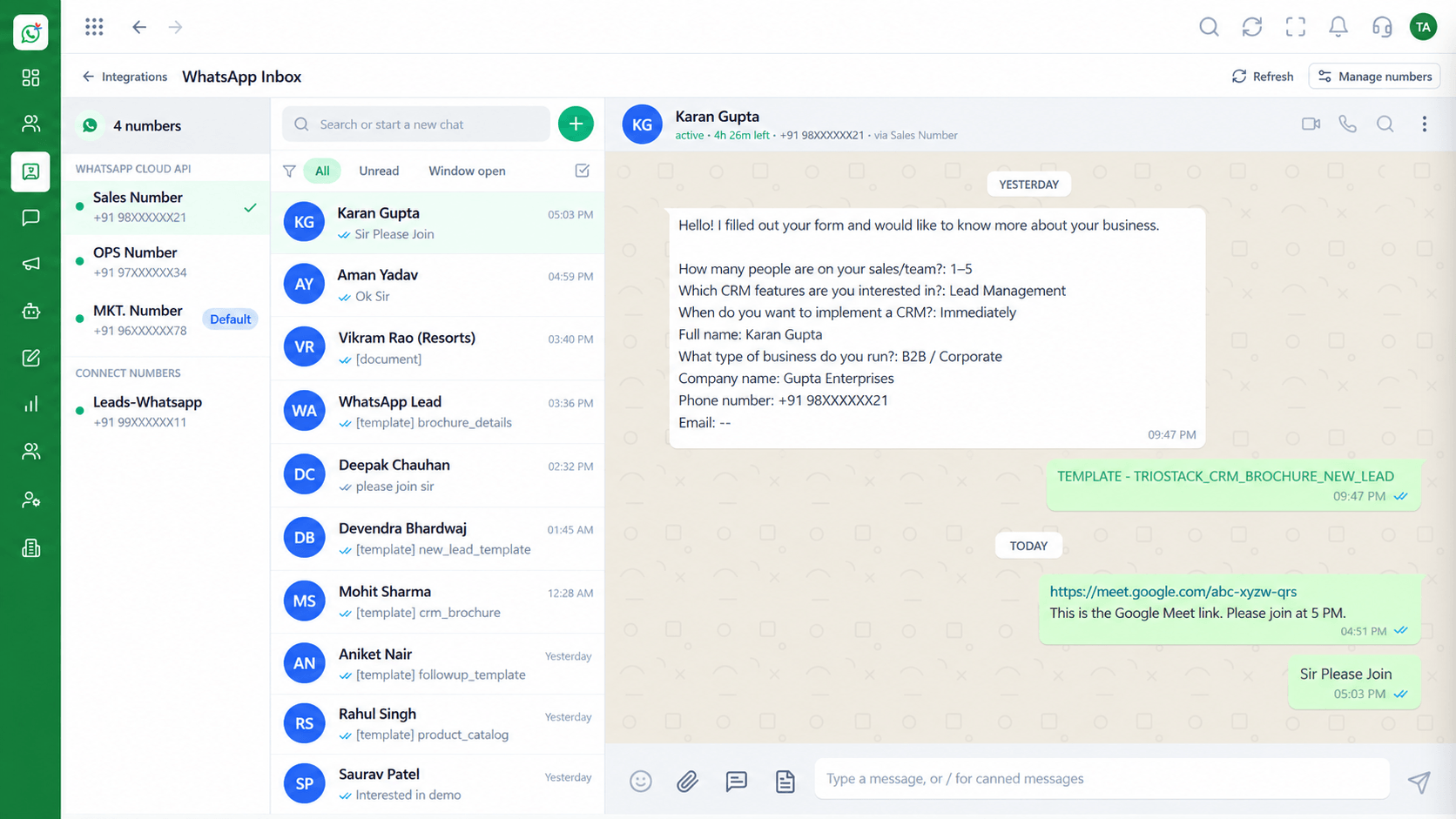 Inbox
InboxEvery WhatsApp conversation in one team view
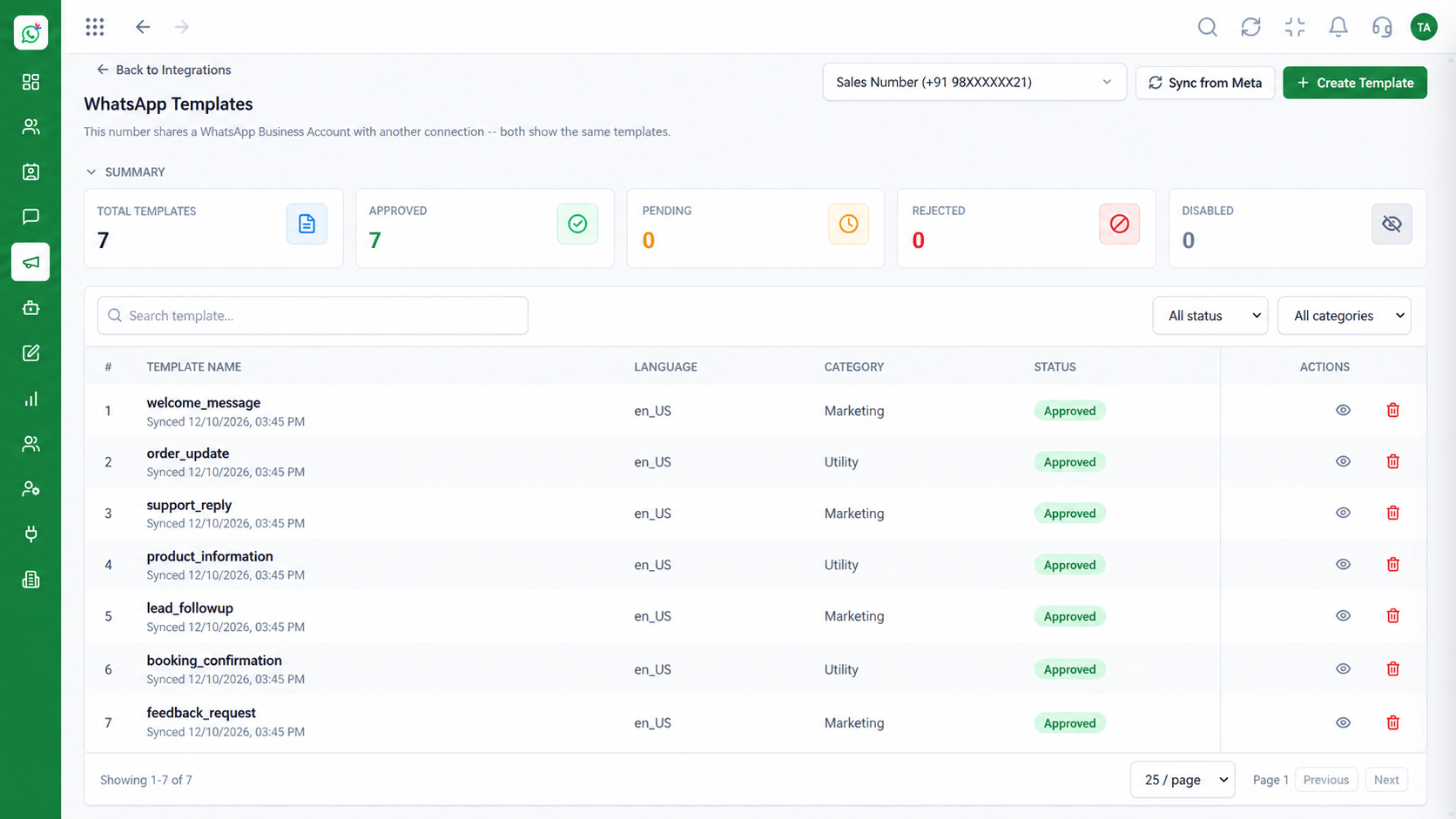 Templates
Manage approved WhatsApp templates
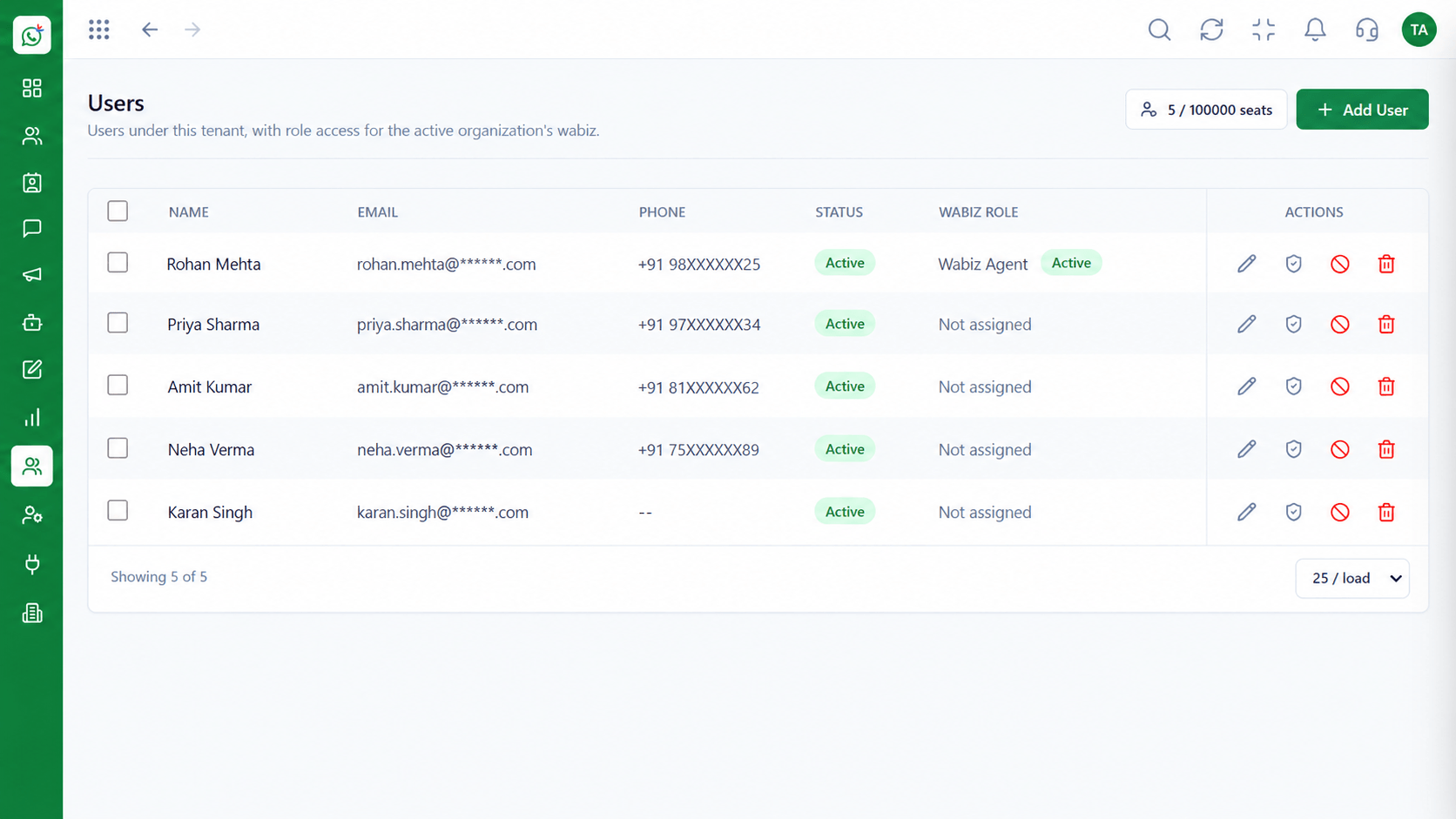 Team
TeamInvite agents and assign ownership
Feature Breakdown
Captured from the Triostack Wabiz workspace.
IntegrationsSee what is connected at a glance.
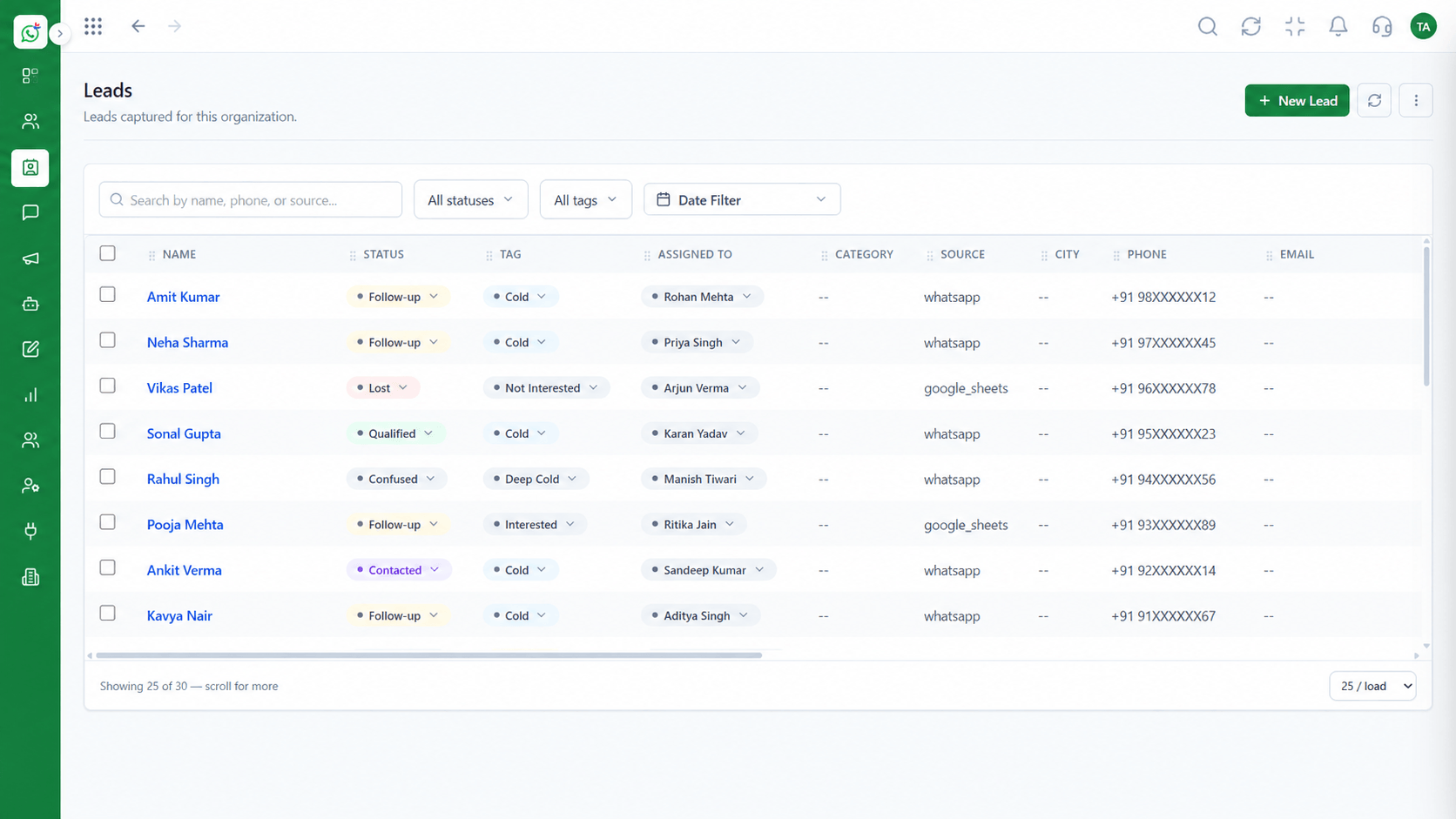 Integrations
Bring in leads from ads and forms.
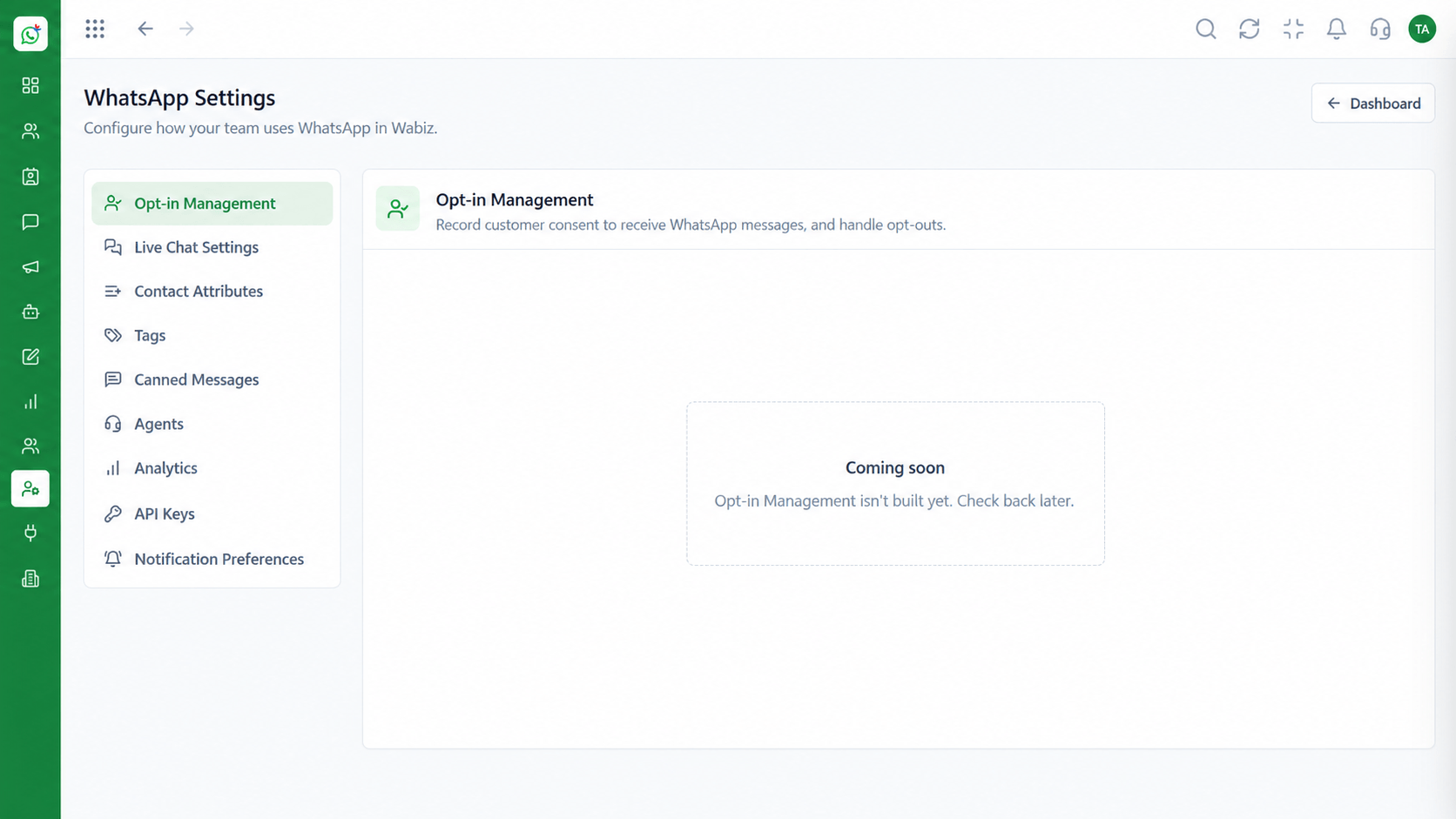 Integrations
Send events to your own systems.
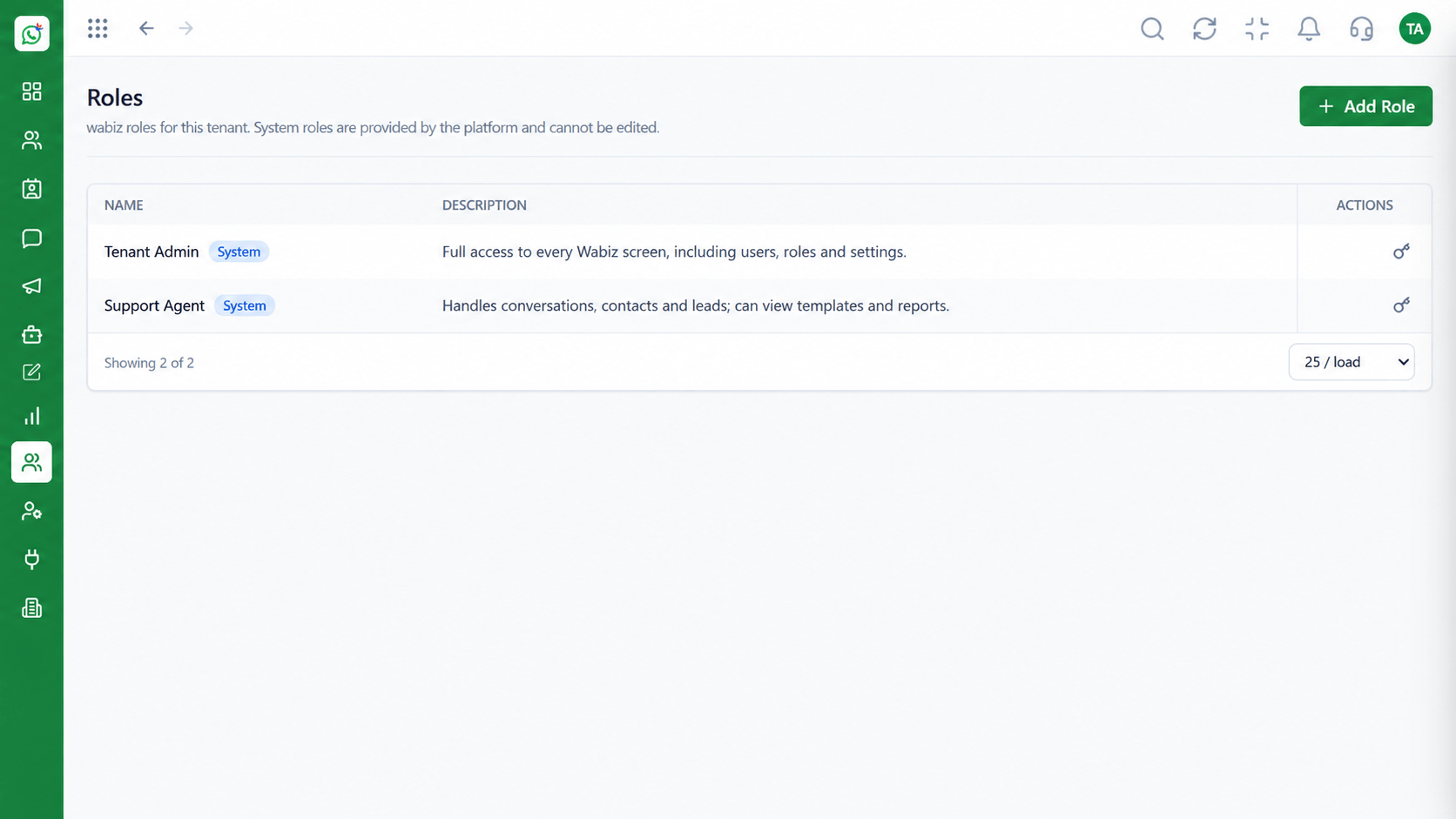 Integrations
Limit who manages integrations.
Execution Plan
Pick the lead source, CRM or API connection.
Sign in or provide the required keys.
Send a test event or message.
Watch status from the hub.
In Real Life
Scenario 01
Connect the lead form and test a message in minutes.
Scenario 02
Your store triggers a shipping template through the API.
Scenario 03
An admin reviews what is connected and removes what is unused.
Frequently Asked Questions
Lead sources, Triostack CRM and your own systems through APIs and webhooks.
For custom connections, yes. Standard connections like Meta lead ads are guided.
Yes. Use the API to send approved templates and messages.
Only roles with permission, typically admins.
See the Developer Resources section of the website.
Shared inbox, broadcasts, chatbot flows and templates on the WhatsApp Cloud API, built for teams.
