The best Business Suite software in India, built to help your business grow. Contact us at +91-8882435276.
[ Contact ]
Phone number
Email address
Head office
Noida office
The right team at TriostackOne will get back to you.
WhatsApp conversations contain personal and commercial information. Wabiz gives admins role-based access, user management and a company-held workspace to keep that data under control.
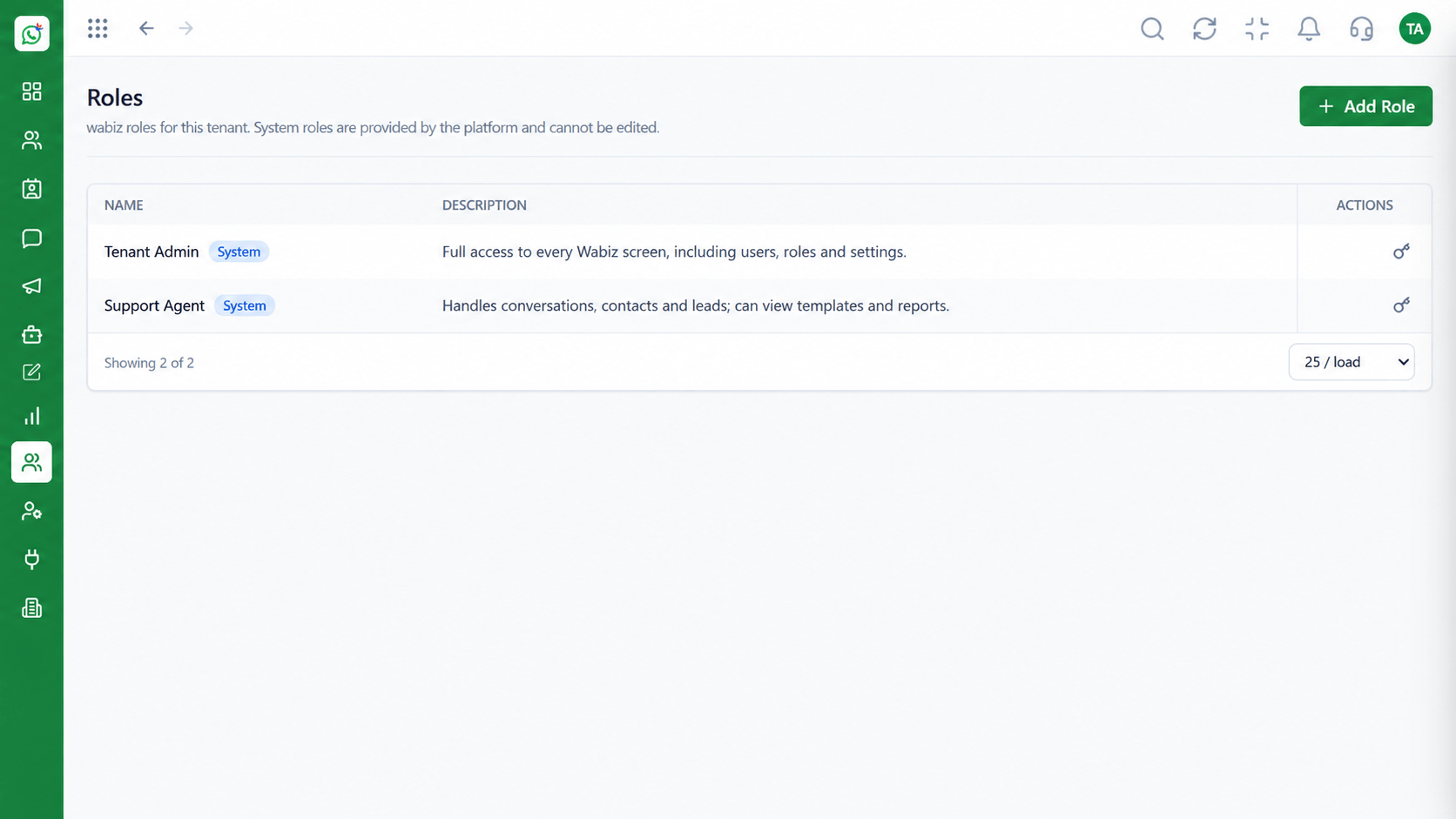
Each user sees only what their role allows
Positioning Assessment
When chats sit on personal handsets, the business cannot control who reads them, who exports them or what happens when someone leaves.
In Wabiz, conversations live in the workspace. Admins define roles, invite and deactivate users and decide which modules each role can open.
Reporting lines mirror your organisation, so managers see their own team. For compliance questions that apply to your sector, talk to our team.
“When someone leaves, we deactivate one user. The conversations stay with the company, exactly where they should.”
Sample team scenario
Illustrative example, not a customer testimonial
Illustrated Overview
Wabiz keeps conversations in a company-held workspace where roles decide who sees what and users can be added or removed in moments.
Agents, managers and admins each see what their job needs.
Deactivate a user and the history stays with the company.
Company settings are managed by admins, in one place.
Platform Integrity
Permissions set per role
Invite and deactivate in seconds
Managers see their own team
History stays in the workspace
How It Works
How workspace controls compare with chats on individual handsets.
| Dimension | Triostack Wabiz | Personal Phones |
|---|---|---|
| Access | Roles limit what each user can open | Whoever holds the phone sees all |
| Offboarding | Deactivate the user, keep the data | Chats leave with the device |
| Oversight | Managers review within their team | No visibility |
| Consistency | One policy across all agents | Each person's own habits |
| Records | History stored with the contact | Screenshots and backups |
Our team can walk you through the connection, permissions and first test message so you go live without guesswork.
Live Interface Tour
Real screens captured directly from the Triostack Wabiz workspace.
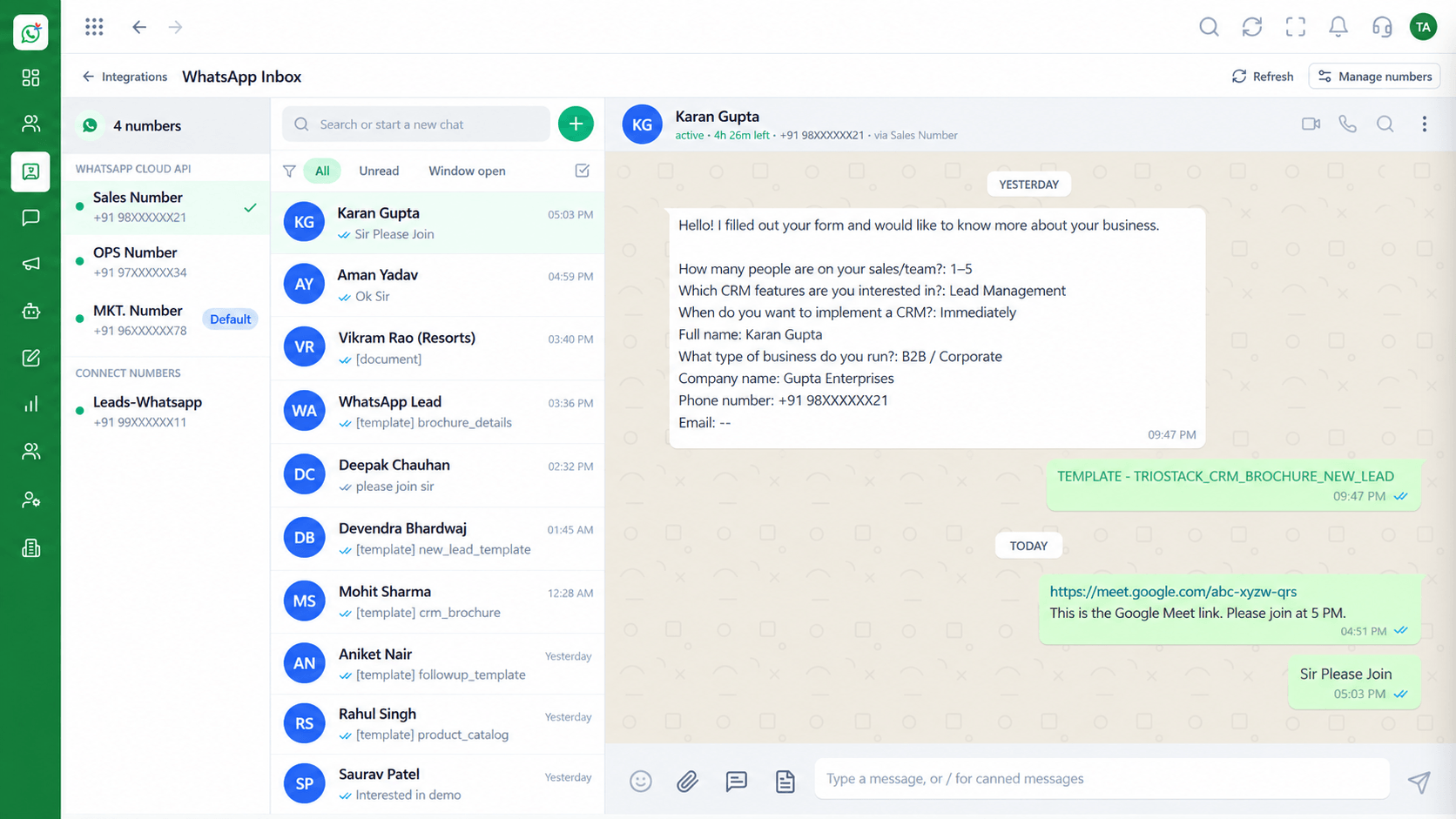 Inbox
InboxEvery WhatsApp conversation in one team view
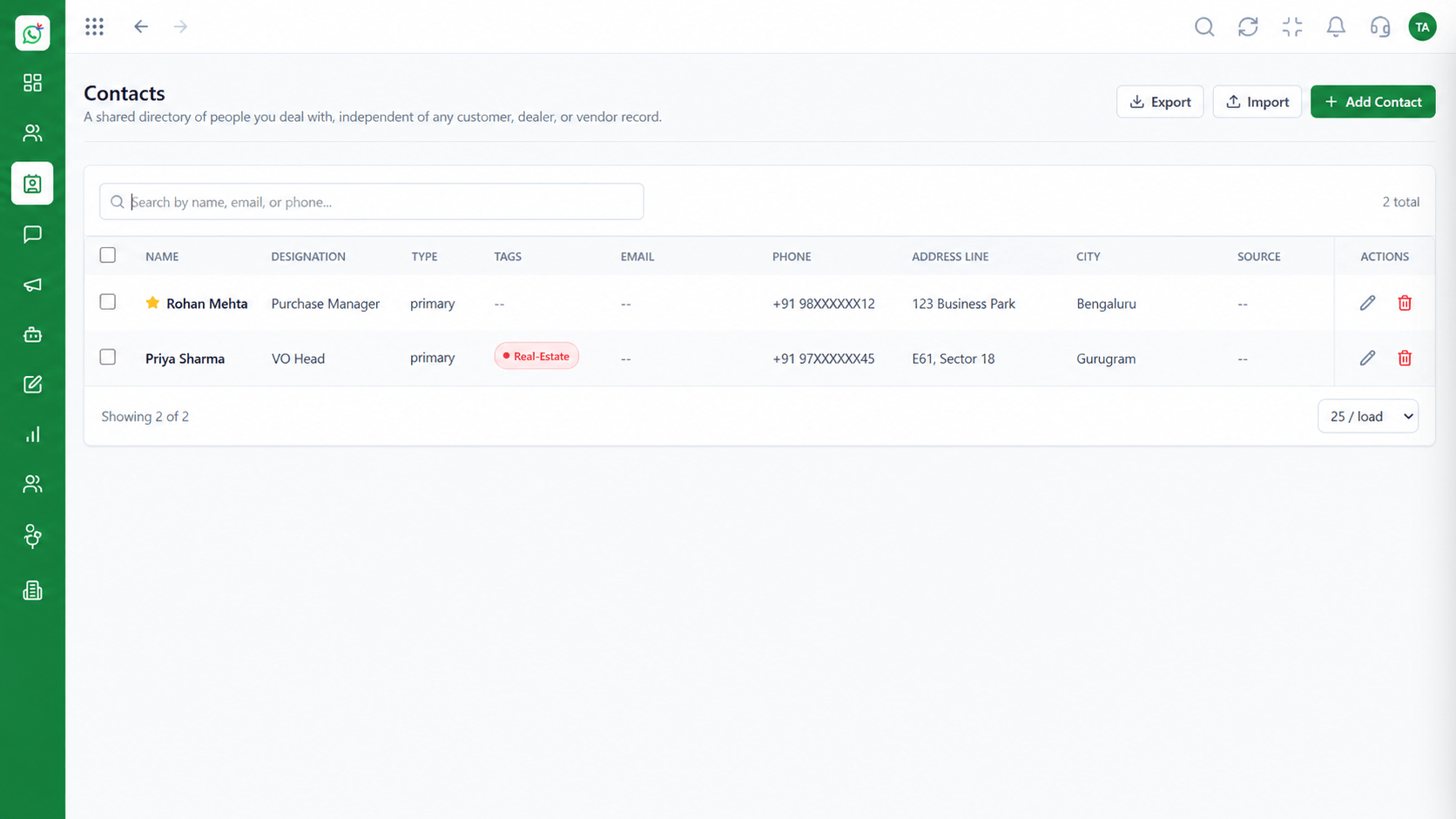 Contacts
Segment and manage your WhatsApp audience
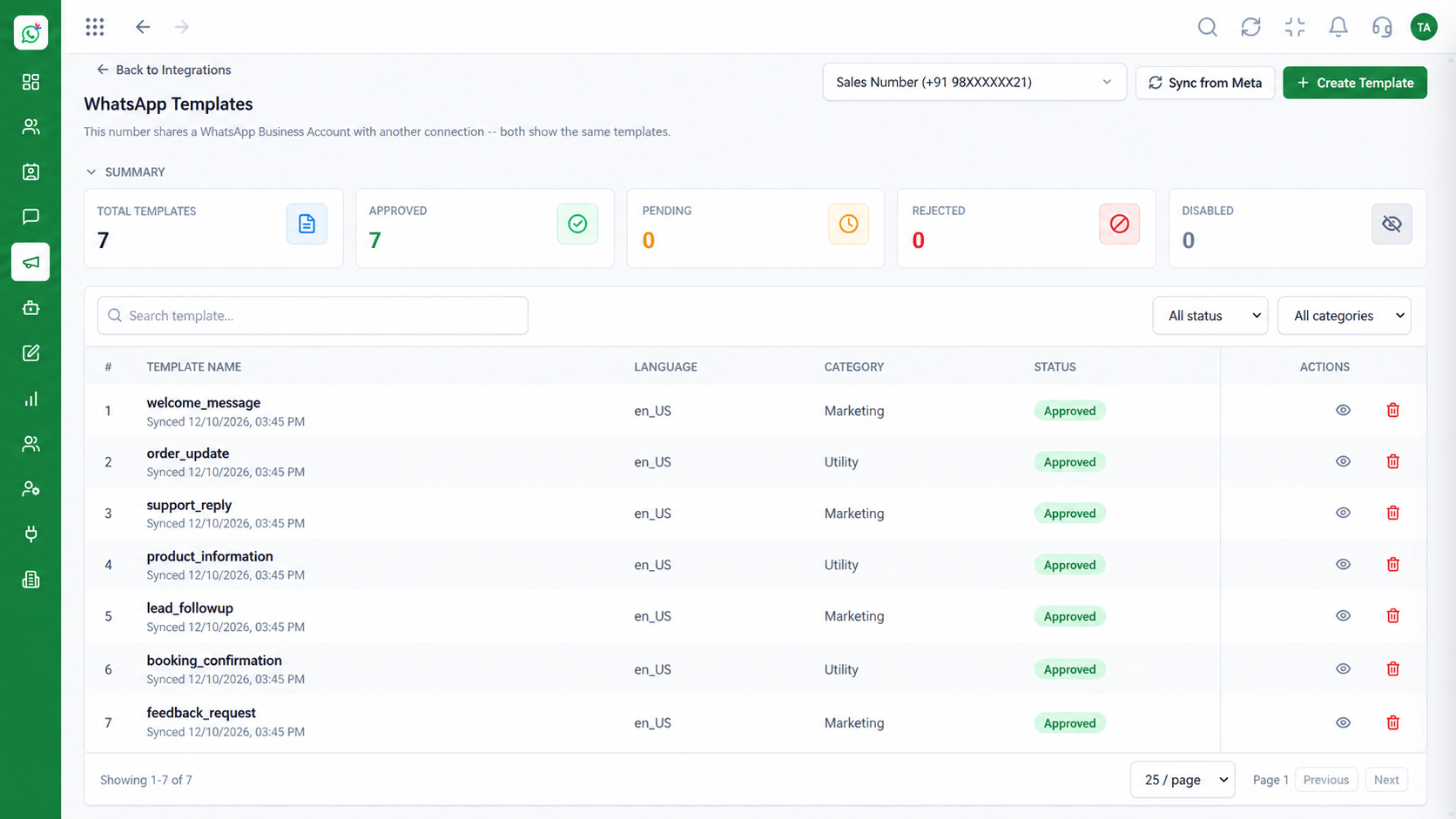 Templates
Manage approved WhatsApp templates
Feature Breakdown
Captured from the Triostack Wabiz workspace.
IntegrationsDefine what each role can do.
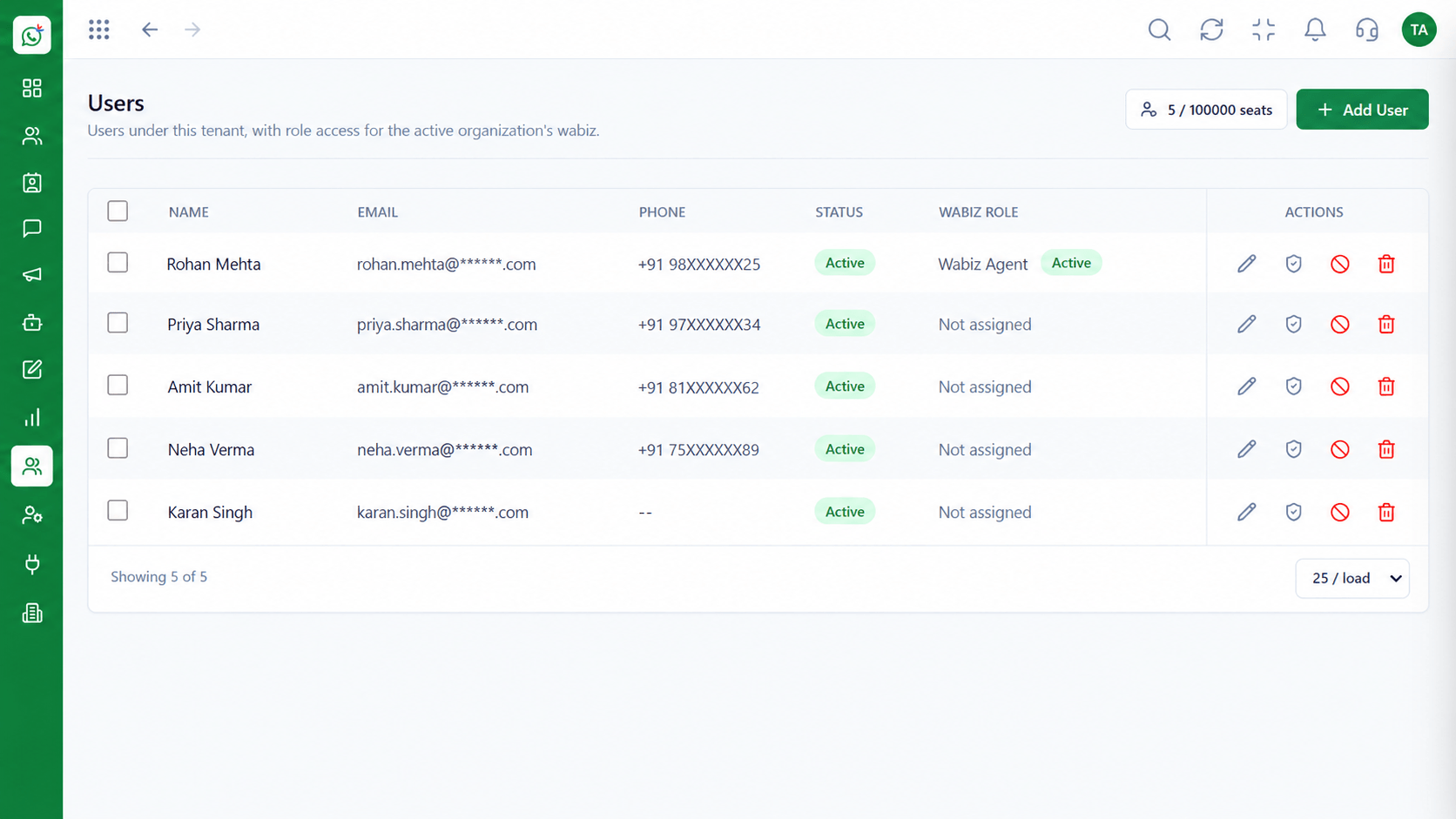 Integrations
Control who has an account.
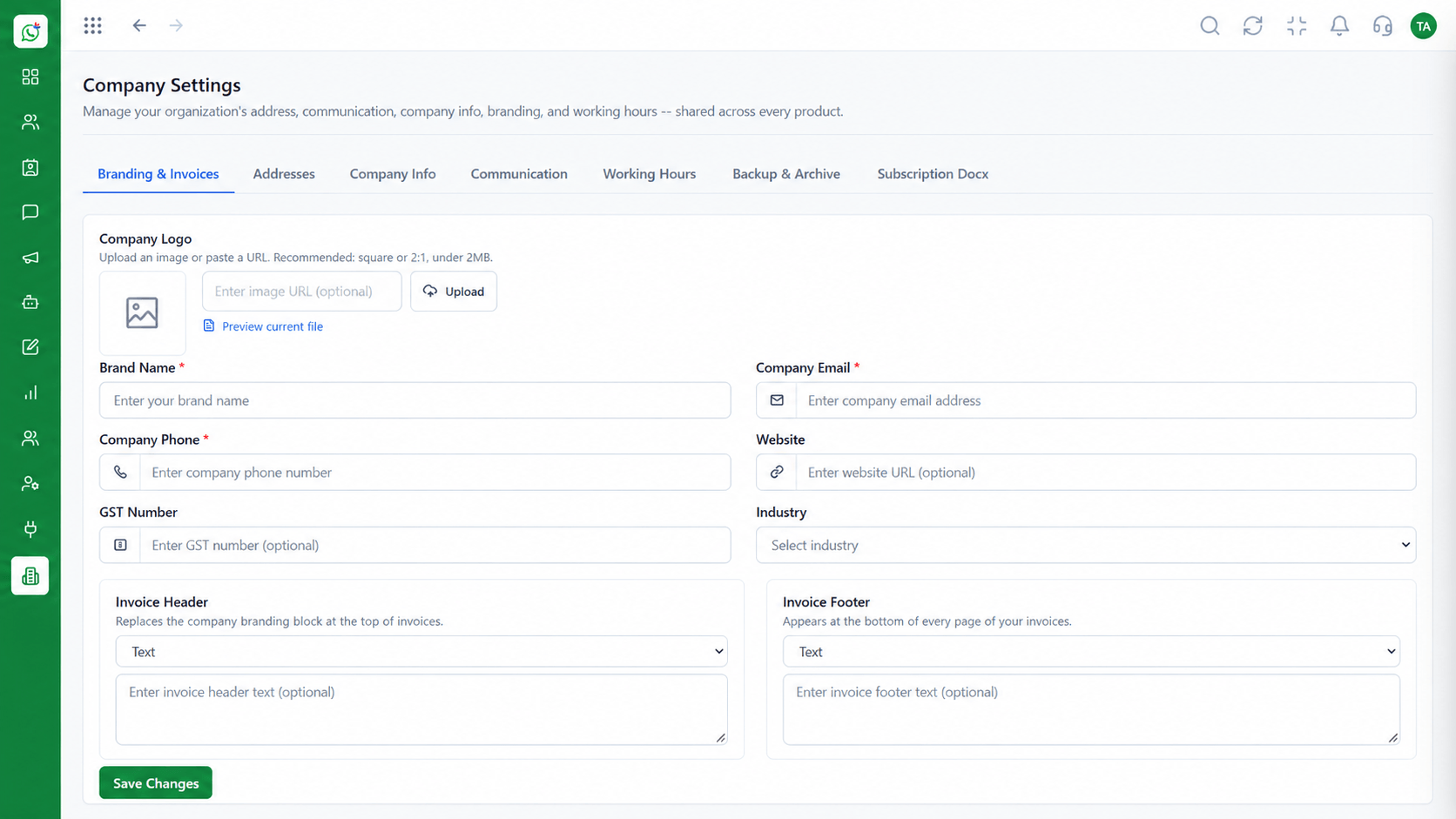 Integrations
Keep identity and settings in one place.
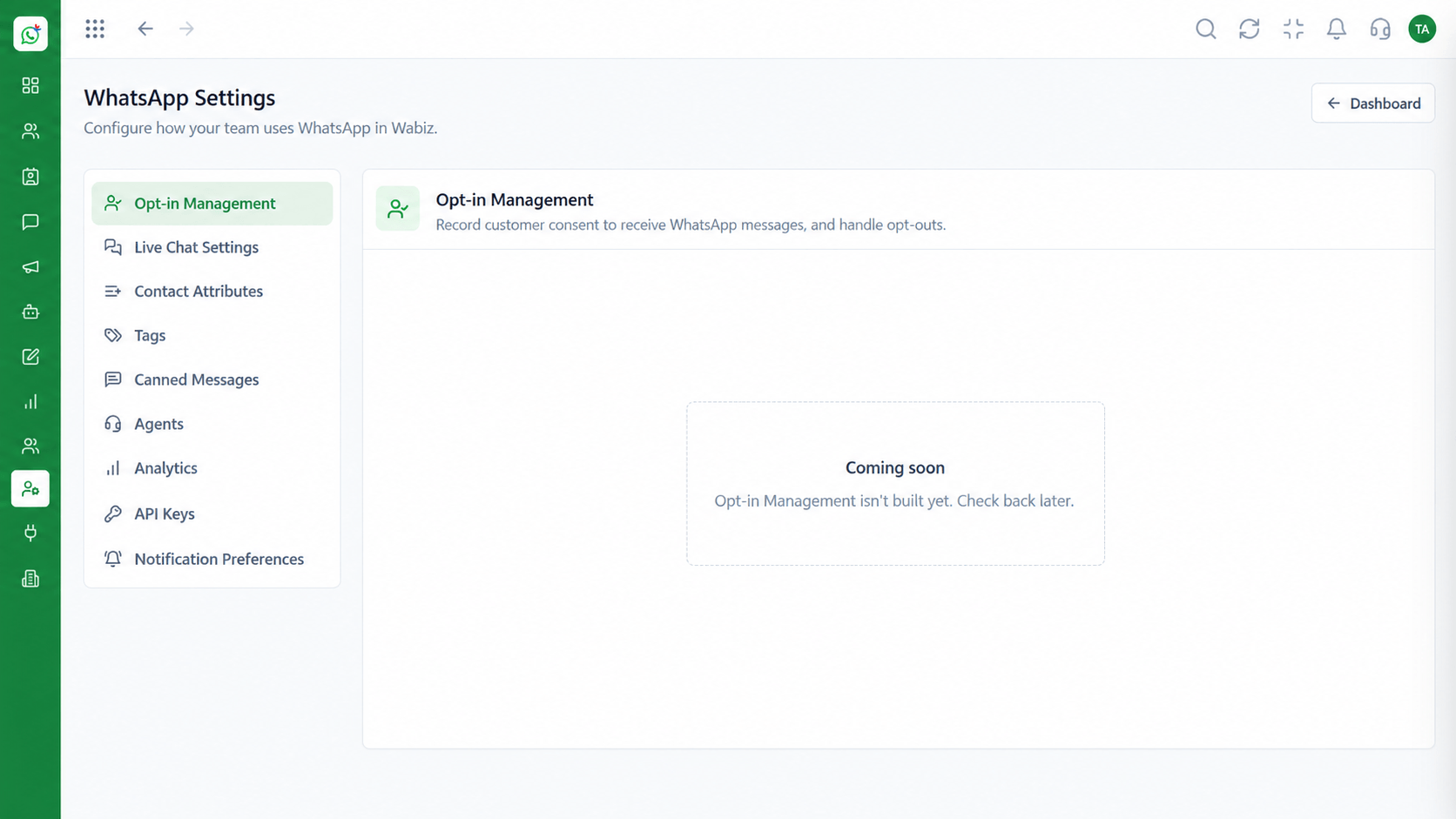 Integrations
Apply rules across the account.
Execution Plan
Decide what agents, managers and admins can access.
Add your team and assign roles.
Match the organisation chart.
Check users and roles as people join and leave.
In Real Life
Scenario 01
An agent gets limited access on day one and more as they grow.
Scenario 02
An admin deactivates the account and no chats leave with them.
Scenario 03
Only a restricted group can see finance or HR conversations.
Frequently Asked Questions
Yes. Roles and reporting lines control visibility.
An admin deactivates the user. The conversation history stays in the workspace.
Yes. Settings and integrations can be limited to admin roles.
Yes. Company settings are managed centrally.
See the Security section of the Triostack One platform pages or contact our team with questions.
Shared inbox, broadcasts, chatbot flows and templates on the WhatsApp Cloud API, built for teams.
