The best Business Suite software in India, built to help your business grow. Contact us at +91-8882435276.
[ Contact ]
Phone number
Email address
Head office
Noida office
The right team at TriostackOne will get back to you.
Track volume, response and resolution times, backlog and agent workload, so you can staff, coach and improve with facts instead of feelings.
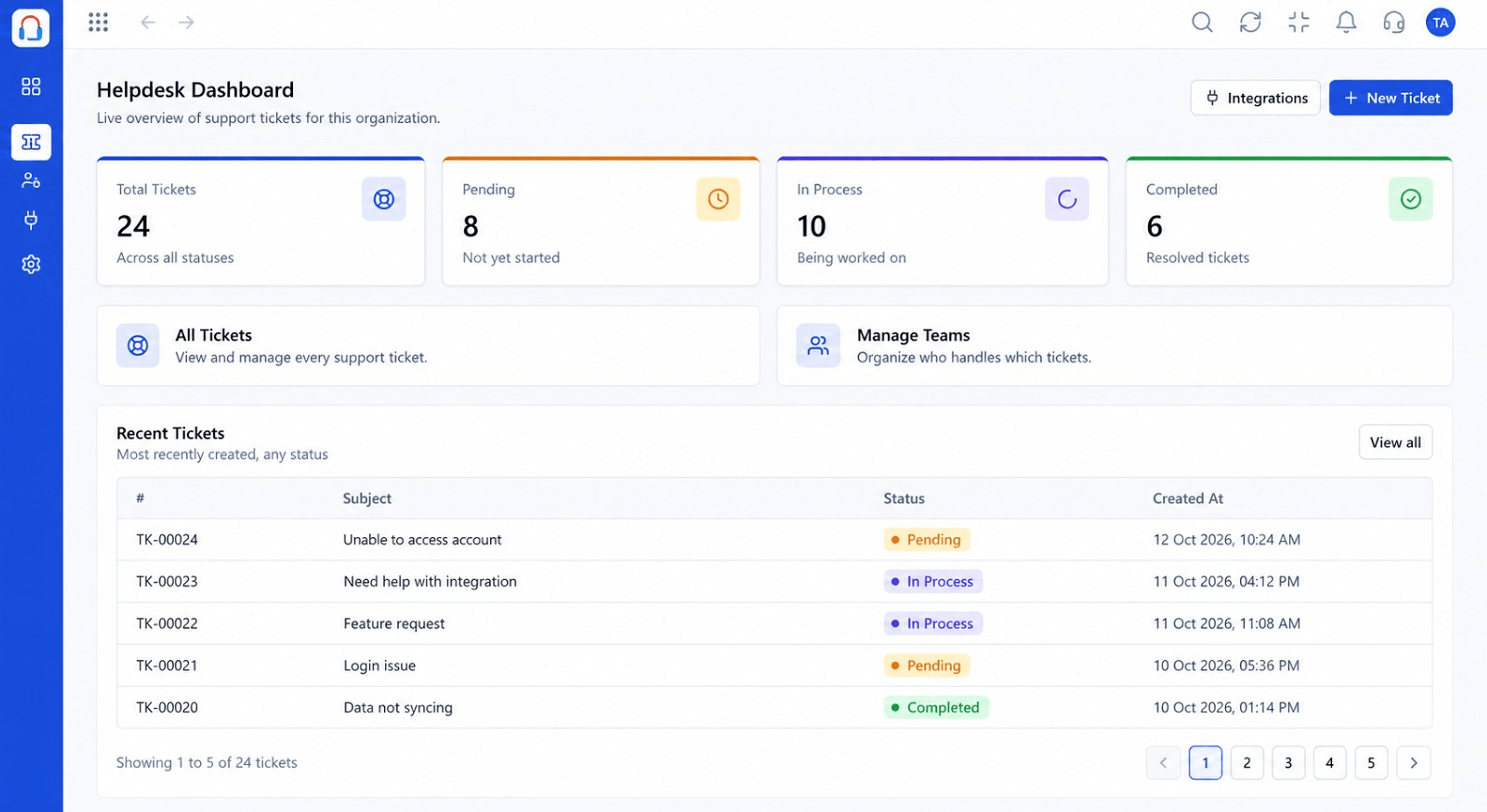
Decisions based on data, not hunches
Positioning Assessment
Support leaders are often asked 'how are we doing?' and answer from memory. Without data it is hard to justify hiring, spot bottlenecks or coach agents.
Desk reports show ticket volume, first-response and resolution times, backlog ageing and workload per agent, with filters by team, channel and period.
“Seeing backlog ageing by team showed us where the delay really was. It was not where we thought.”
Sample team scenario
Illustrative example, not a customer testimonial
Illustrated Overview
Picture a dashboard where flights are tickets: you see which are late, which runways are busy and where to add a hand.
Volume trends by channel and time.
Backlog and response time by queue.
Workload and outcomes per agent.
Platform Integrity
Tickets over time
Response and resolution times
Balance across agents
Where tickets are waiting
How It Works
Where data changes support management.
| Dimension | Triostack Desk | No Reporting |
|---|---|---|
| Volume | Trend by channel and period | Anecdotes |
| Speed | Averages and percentiles | Guesswork |
| Workload | Per agent and team | Whoever complains |
| Backlog | Ageing visible | Unknown |
| Planning | Evidence for hiring | Argument |
Book a walkthrough and we will set up a sandbox with your channels, teams and SLAs so you can try it before you commit.
Live Interface Tour
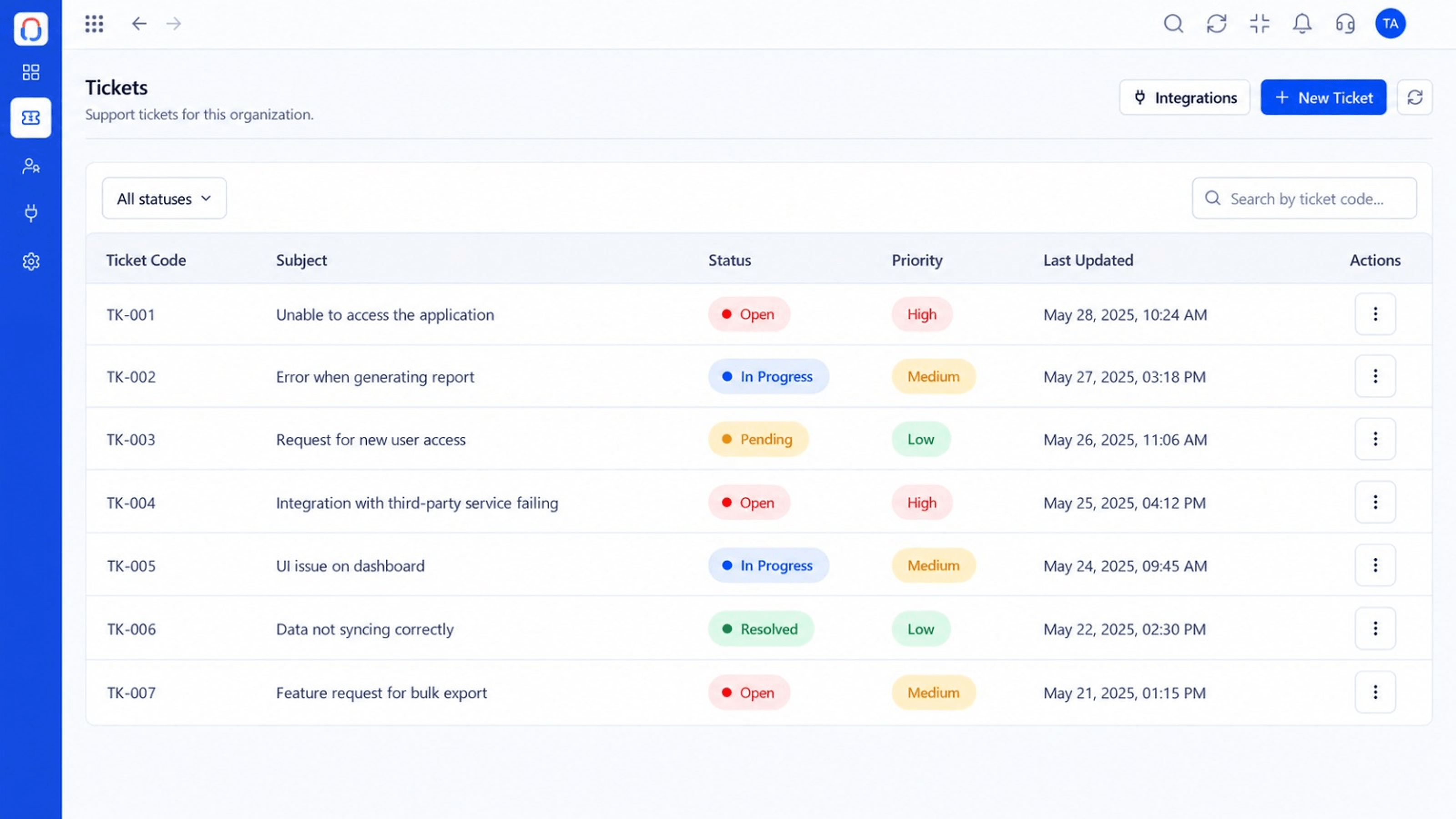
Real screens captured directly from the Triostack Desk workspace.
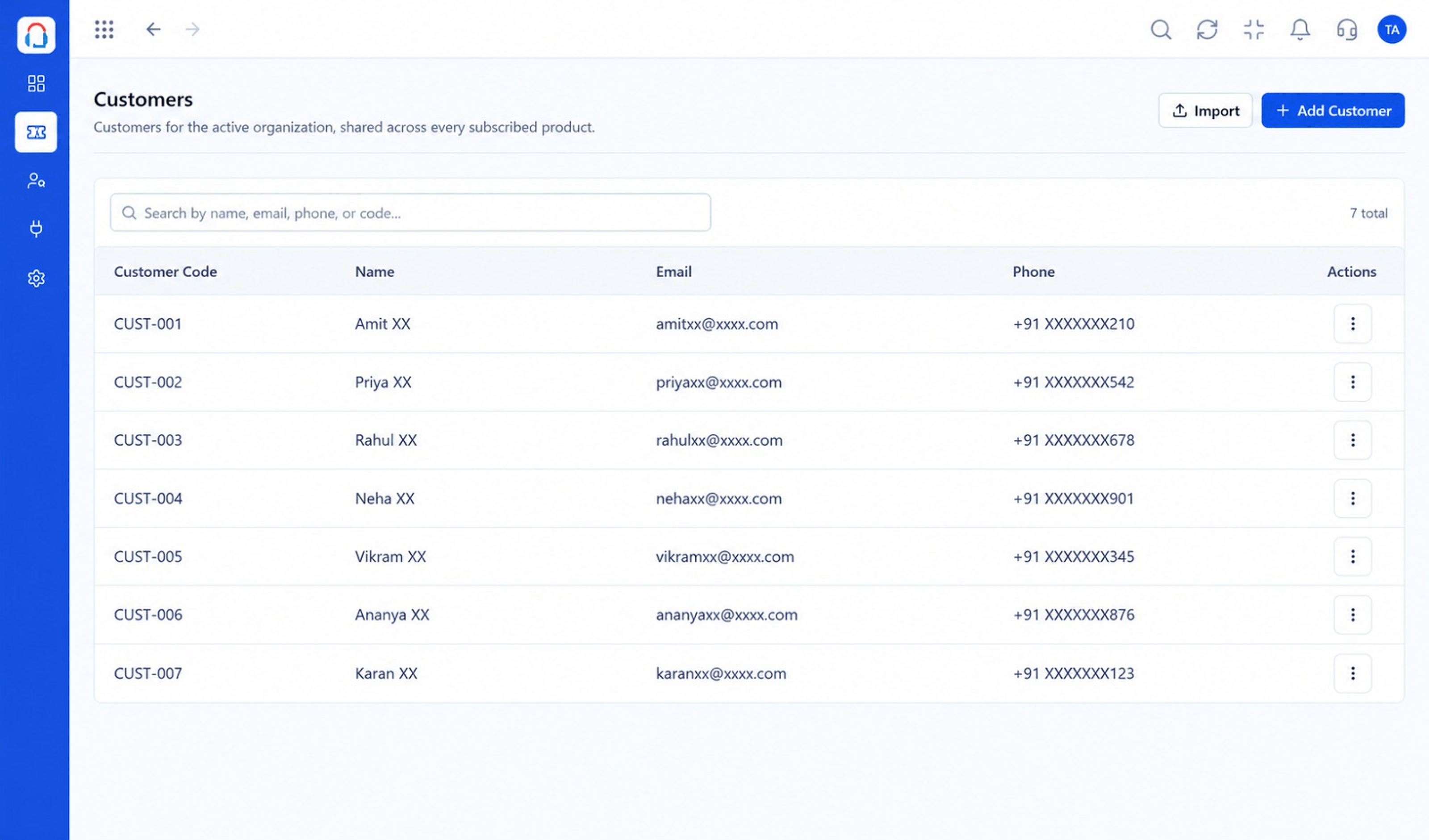 Customers
Every customer with their full ticket history
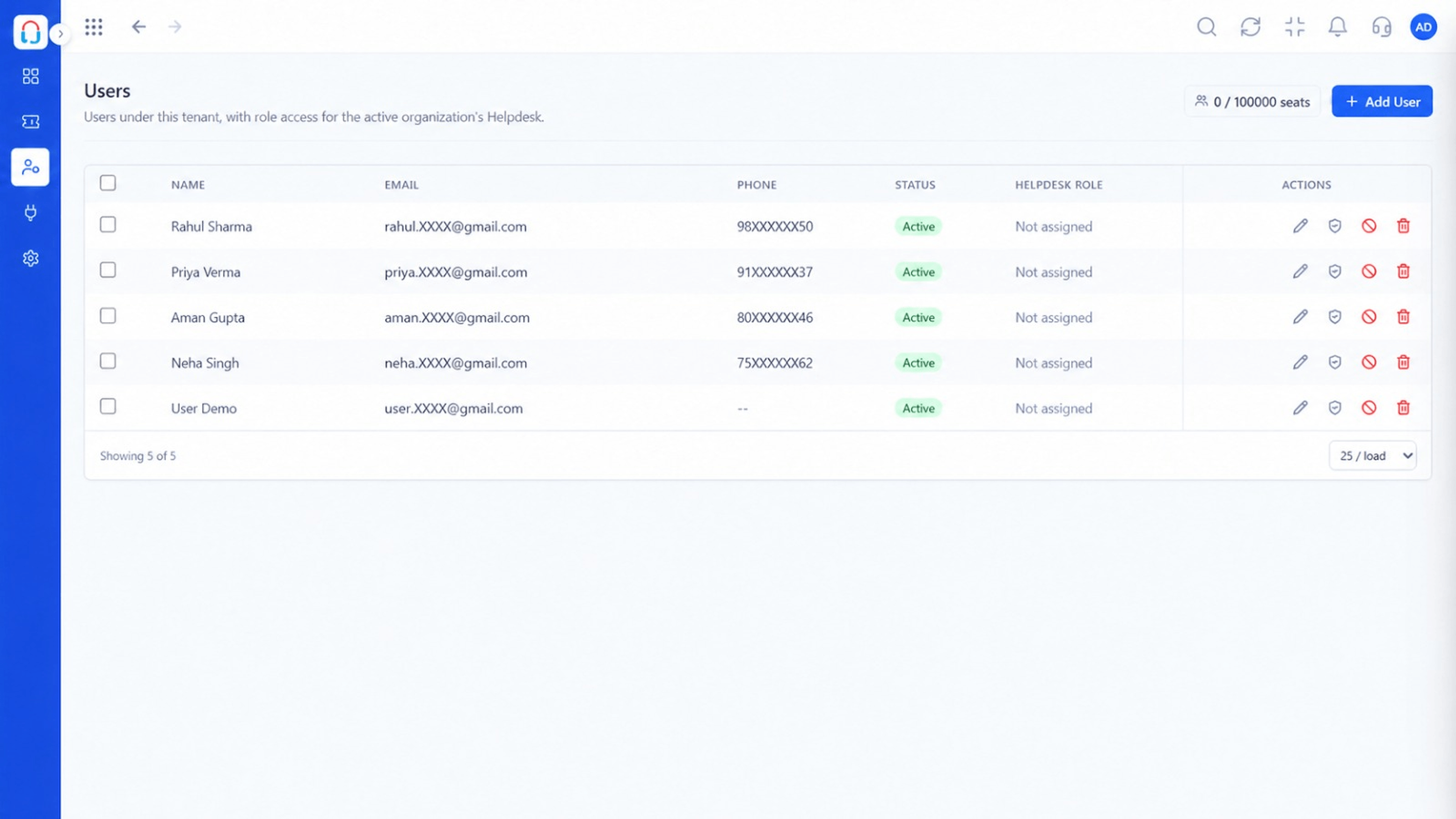 Team
TeamAgents, teams and roles in one place
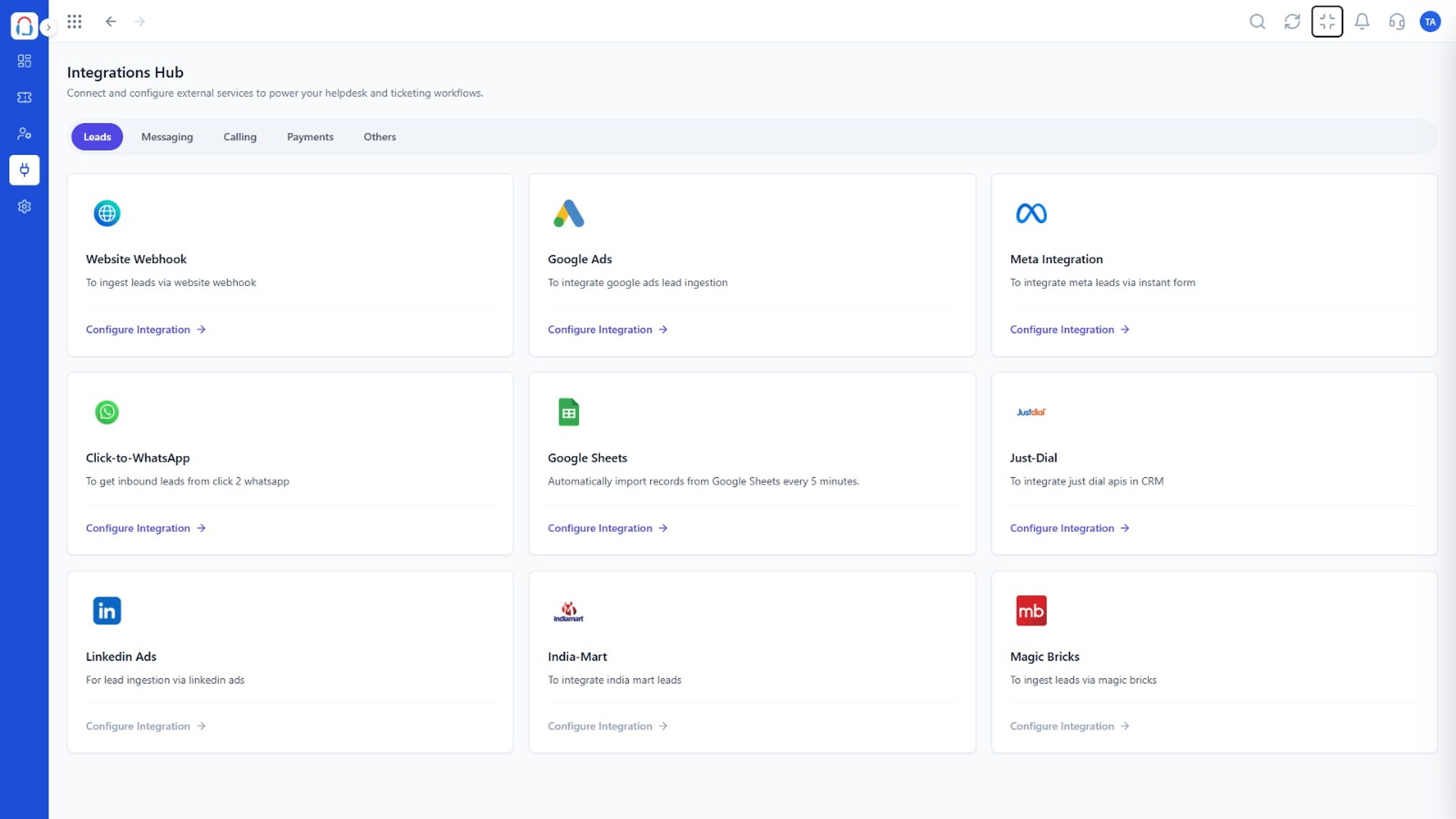 Integrations
Connect channels and tools to your helpdesk
Feature Breakdown
Captured from the Triostack Desk workspace.
Desk FeaturesThe headline numbers.
 Desk Features
What is waiting and why.
Desk FeaturesBalance the team.
Desk FeaturesWho needs the most help.
Execution Plan
Start with volume and backlog.
Look for slow queues and busy agents.
Rebalance, coach or update articles.
Check the next period.
In Real Life
Scenario 01
Peak days justify an extra agent.
Scenario 02
Repeat issues point to missing articles.
Scenario 03
Leaders share a clear, simple summary.
Frequently Asked Questions
Volume, response and resolution times, backlog, workload and more, filtered by team, channel and period.
Yes, with your team or management.
Yes, subject to your role permissions.
Ask us about export options for your plan.
Tickets, shared inbox, automation, SLAs, knowledge base and reports, built for support teams of every size.
