The best Business Suite software in India, built to help your business grow. Contact us at +91-8882435276.
[ Contact ]
Phone number
Email address
Head office
Noida office
The right team at TriostackOne will get back to you.
Use reports and workload views to see completion, delays and who has capacity, so you can improve planning, not just record the past.
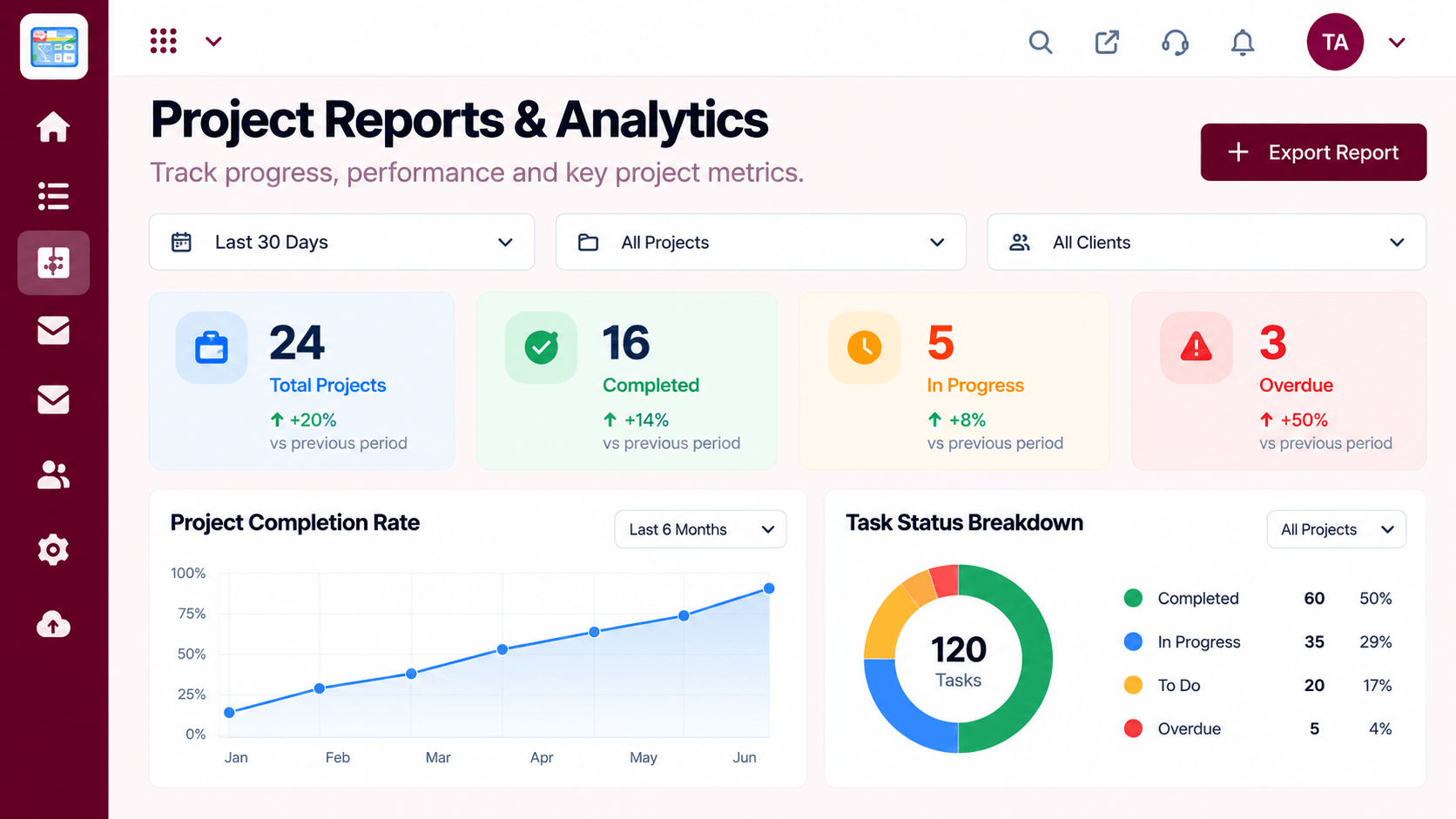
Delivery data that helps you plan better
Positioning Assessment
Teams finish projects and move on, rarely asking why some ran late or who was overloaded. The same problems return in the next project.
Triostack Projects reports show completion and delays over time, and the workload view shows who is stretched and who has room. Together they help you set realistic dates and balance effort.
“The workload view showed one person carrying half the project. We rebalanced before it hurt.”
Sample team scenario
Illustrative example, not a customer testimonial
Illustrated Overview
Imagine a map where heavy clouds show overloaded people and clear skies show spare capacity.
Overload is visible before burnout.
Patterns across projects.
Better estimates next time.
Platform Integrity
Completion and delays
Patterns across projects
Who is stretched
Who has room
How It Works
What changes when performance is visible.
| Dimension | Triostack Projects | Hindsight Only |
|---|---|---|
| Delivery | Reported from the work | Remembered later |
| Delays | Trends visible | Blamed on circumstances |
| Workload | Balanced with data | Whoever shouts |
| Planning | Informed by history | Optimistic guesses |
| Retros | Backed by numbers | Based on impressions |
We will help you create your first project and board end to end, from tasks to timeline, in your first session.
Live Interface Tour
Real screens captured directly from the Triostack Projects workspace.
 Tasks
TasksTasks moving across the stages of work
 Planning
Dates, dependencies and milestones on one timeline
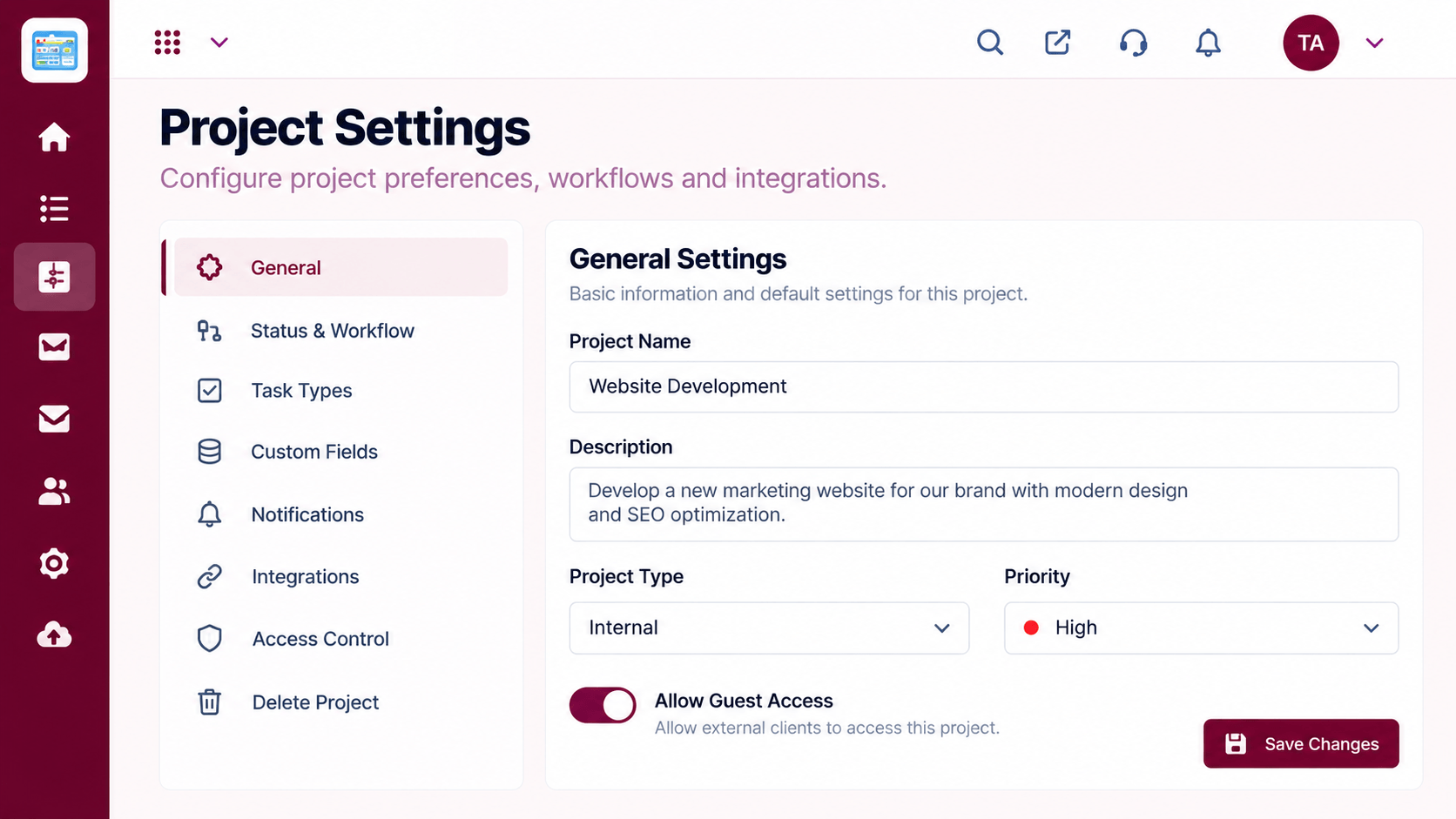 Settings
Configure statuses, access and preferences
Feature Breakdown
Captured from the Triostack Projects workspace.
What You Can DoHow delivery is going.
 What You Can Do
Who has capacity.
 What You Can Do
Status in context.
 What You Can Do
People behind the numbers.
Execution Plan
Review completion and delays.
Look for overload and spare capacity.
Spot repeated causes of delay.
Adjust estimates and assignments.
In Real Life
Scenario 01
Assignments are balanced with the workload view.
Scenario 02
Delay trends start the conversation.
Scenario 03
Capacity data supports asking for help.
Frequently Asked Questions
Completion, delays and workload, over time and by project.
It is about balancing work and improving plans. Use it to support the team.
Yes, according to permissions.
Ask us about the views available on your plan.
Tasks, boards, timelines, workload and reports in one workspace, built for teams who deliver on time.
