The best Business Suite software in India, built to help your business grow. Contact us at +91-8882435276.
[ Contact ]
Phone number
Email address
Head office
Noida office
The right team at TriostackOne will get back to you.
Lay out tasks on a timeline to see when work starts and ends, how it overlaps and where one delay could push everything else.

Every task placed against real dates
Positioning Assessment
Tasks with due dates do not show how they relate. You cannot see that three tasks collide in the same week, or that one late task blocks the next.
The timeline places tasks on a calendar as bars, so you can see overlap, spot clashes and adjust before a deadline slips. Ask us about the dependency features available on your plan.
“On the timeline we saw four things landing in the same week. We moved two and the crunch was gone.”
Sample team scenario
Illustrative example, not a customer testimonial
Illustrated Overview
Imagine laying the project out on a long strip of calendar, with each task a coloured bar. You can see the busy weeks and the quiet ones.
Duration and overlap become visible.
Always know how far along you are.
Adjust the schedule without starting over.
Platform Integrity
Start and end for every task
Clashes show up visually
Know where you are in the plan
Shift dates as plans change
How It Works
What a timeline adds to a list of deadlines.
| Dimension | Triostack Projects | Due Dates Only |
|---|---|---|
| Schedule Shape | Bars across a calendar | A column of dates |
| Clashes | Overlaps are obvious | Discovered in the crunch |
| Delays | See what a slip affects | Guesswork |
| Planning | Drag dates to adjust | Edit each task |
| Communication | Share one picture of the plan | Explain it in words |
Book a walkthrough and we will set up a sandbox with a sample project so you can try boards, timelines and reports before you commit.
Live Interface Tour
Real screens captured directly from the Triostack Projects workspace.
 Tasks
TasksTasks moving across the stages of work
 Overview
Status, progress and key numbers at a glance
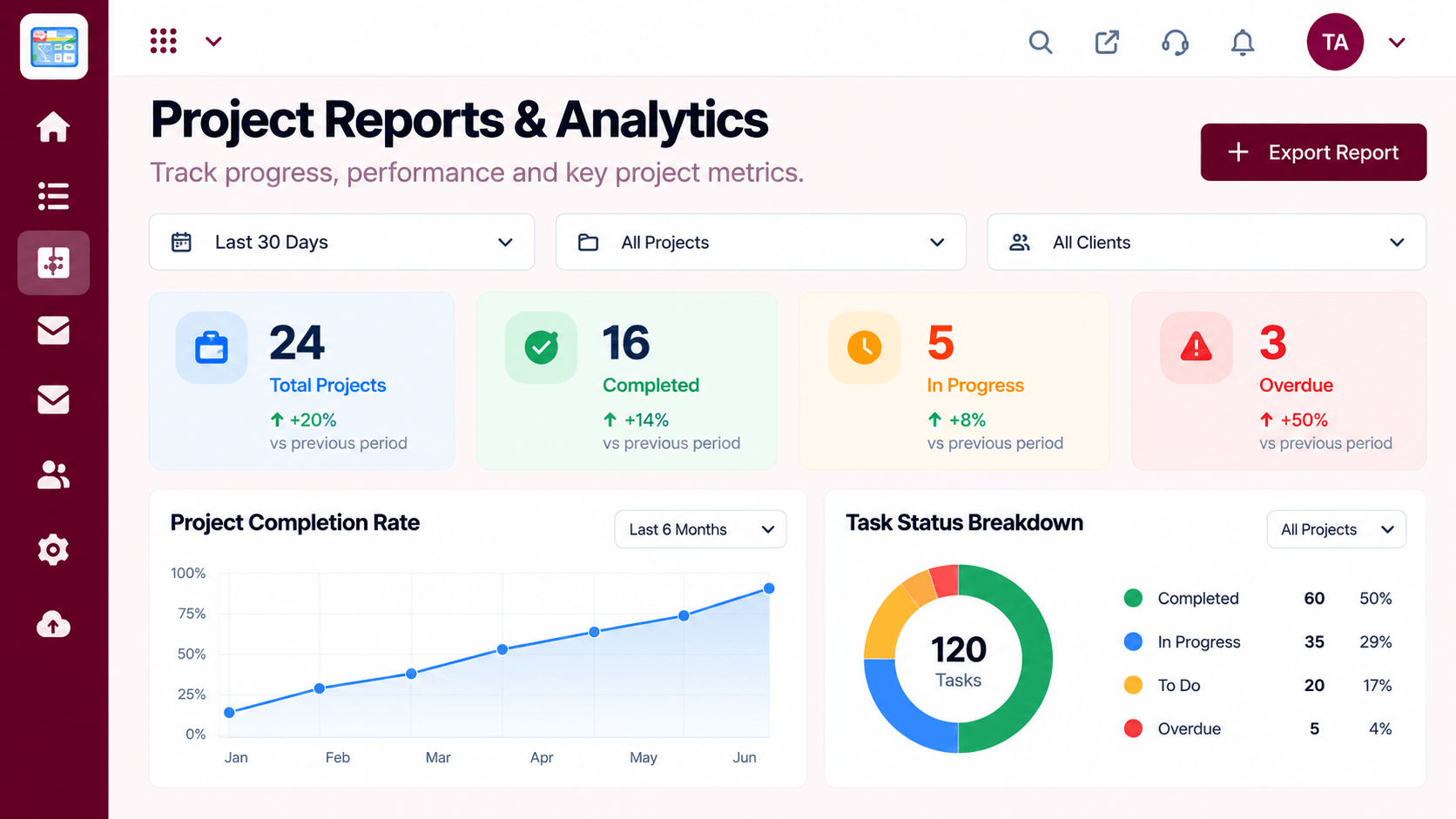 Reports
Progress, time and delivery insights
Feature Breakdown
Captured from the Triostack Projects workspace.
Project FeaturesTasks as bars on a calendar.
 Project Features
Is the plan realistic?
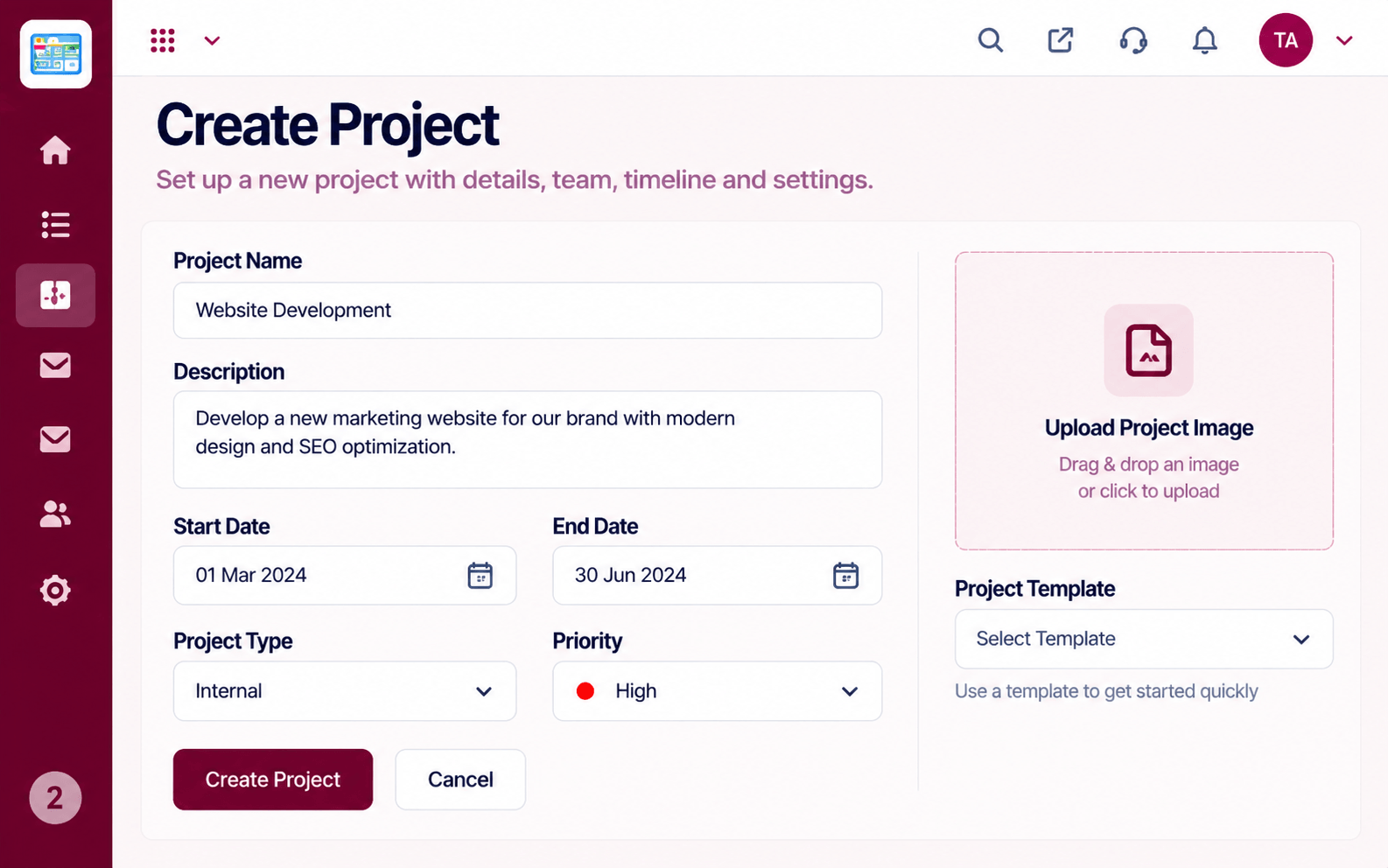 Project Features
Dates from the start.
Project FeaturesHow the plan is tracking.
Execution Plan
Give each task a start and an end.
Look for clashes and crowded weeks.
Move bars until the plan is realistic.
Watch actual progress against the plan.
In Real Life
Scenario 01
The team sees which work must finish before the date.
Scenario 02
Overlapping bars reveal a week that is too full.
Scenario 03
One picture of the schedule replaces a long email.
Frequently Asked Questions
A view that shows tasks as bars across a calendar, so you can see timing and overlap.
Ask us about the editing options available on your plan.
Ask us about the dependency features available on your plan.
Yes. It is shared with everyone on the project.
Tasks, boards, timelines, workload and reports in one workspace, built for teams who deliver on time.
