The best Business Suite software in India, built to help your business grow. Contact us at +91-8882435276.
[ Contact ]
Phone number
Email address
Head office
Noida office
The right team at TriostackOne will get back to you.
Asana is a widely known work-management tool. Triostack Projects offers boards, timelines and workload inside a wider business suite. Compare on how work connects to the rest of your company.

Projects that connect to CRM, Desk and HRMS
Positioning Assessment
Asana and Triostack Projects both help teams plan tasks, assign owners and track progress on boards and timelines. The day-to-day task experience is comparable in category.
The difference is what surrounds it. Triostack Projects sits inside Triostack One, so a won deal in CRM, a support ticket in Desk or a team member in HRMS can relate to project work. Check each vendor's current plans, since both evolve.
“Both tools managed tasks well. The tie-breaker was seeing client deals and project work in the same family of apps.”
Sample team scenario
Illustrative example, not a customer testimonial
Illustrated Overview
Picture a balance scale: both pans hold a task board, until you add the apps each one connects to.
Boards, owners and dates.
CRM, support and people data nearby.
A pilot beats a brochure.
Platform Integrity
Both manage tasks, boards and timelines
CRM, Desk and HRMS in the same suite
See who has capacity
We assist with the move
Detailed Comparison
A general comparison. Verify current features and prices with each vendor.
| Dimension | Triostack Projects | Typical Project Tool |
|---|---|---|
| Task Boards | Boards with stages and owners | Boards, lists and owners |
| Timeline & Milestones | Timeline with milestones | Review current timeline features |
| Workload | Workload view across members | Review current workload features |
| Suite Integration | Connects to the Triostack One suite | Via integrations and connectors |
| Pricing | Review our pricing page | Review the vendor's pricing |
We help bring over projects, tasks and members, and plan the cut-over so no work is lost in the move.
Live Interface Tour
Real screens captured directly from the Triostack Projects workspace.
 Team
TeamWho is on the project and what they own
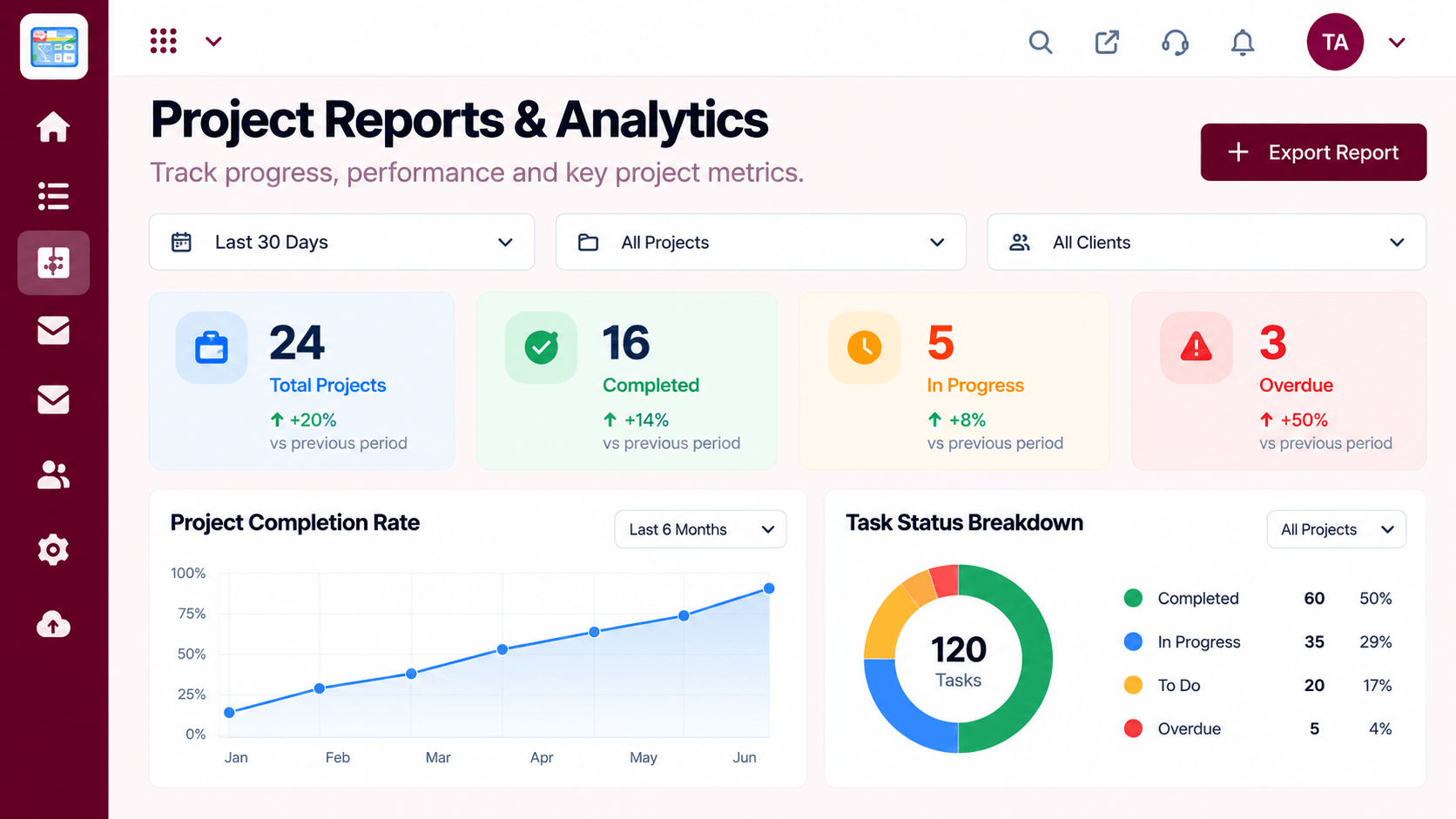 Reports
Progress, time and delivery insights
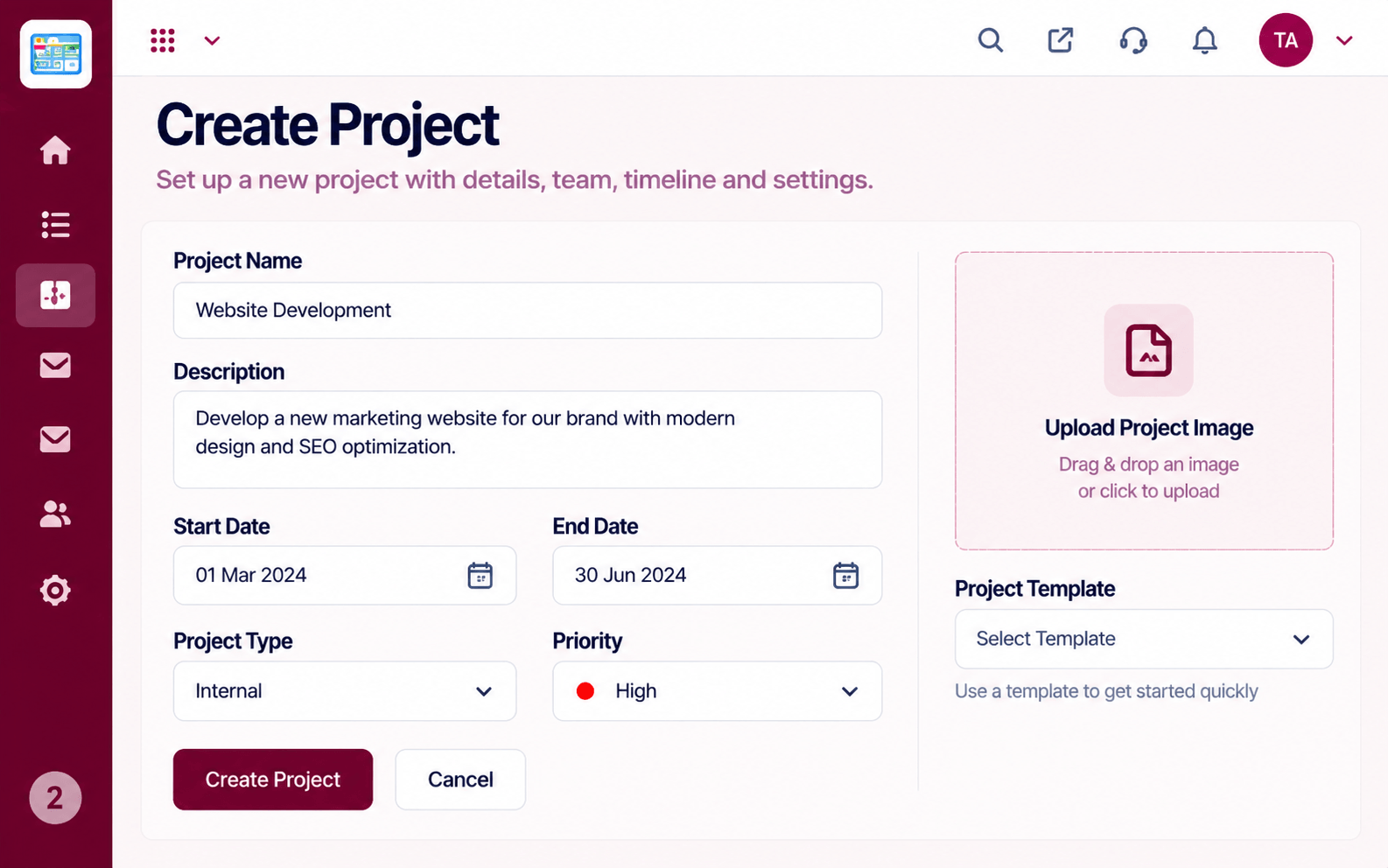 Projects
Set up a project with scope, dates and owners
Feature Breakdown
Captured from the Triostack Projects workspace.
CompareThe everyday work surface.
 Compare
Plan dates and key moments.
 Compare
See capacity before assigning.
 Compare
Status for stakeholders.
Execution Plan
Write down must-haves and nice-to-haves.
Run one real project on each.
Map projects, tasks and members.
Move with a short parallel run.
In Real Life
Scenario 01
Run the same project on both and compare effort.
Scenario 02
Which tool would they open first each morning?
Scenario 03
Include add-ons, connectors and seats.
Frequently Asked Questions
It depends on your needs. Trial both on a real project.
Yes. Ask our team how projects, tasks and members are brought across.
Yes, it is part of the suite alongside CRM, HRMS, Desk and Mail.
Verify features and pricing on each vendor's site.
Tasks, boards, timelines, workload and reports in one workspace, built for teams who deliver on time.
