The best Business Suite software in India, built to help your business grow. Contact us at +91-8882435276.
[ Contact ]
Phone number
Email address
Head office
Noida office
The right team at TriostackOne will get back to you.
Notion is known as a flexible workspace for notes, docs and databases. Triostack Projects is purpose-built for tasks, timelines, workload and delivery reporting. Compare flexibility against ready-made structure.
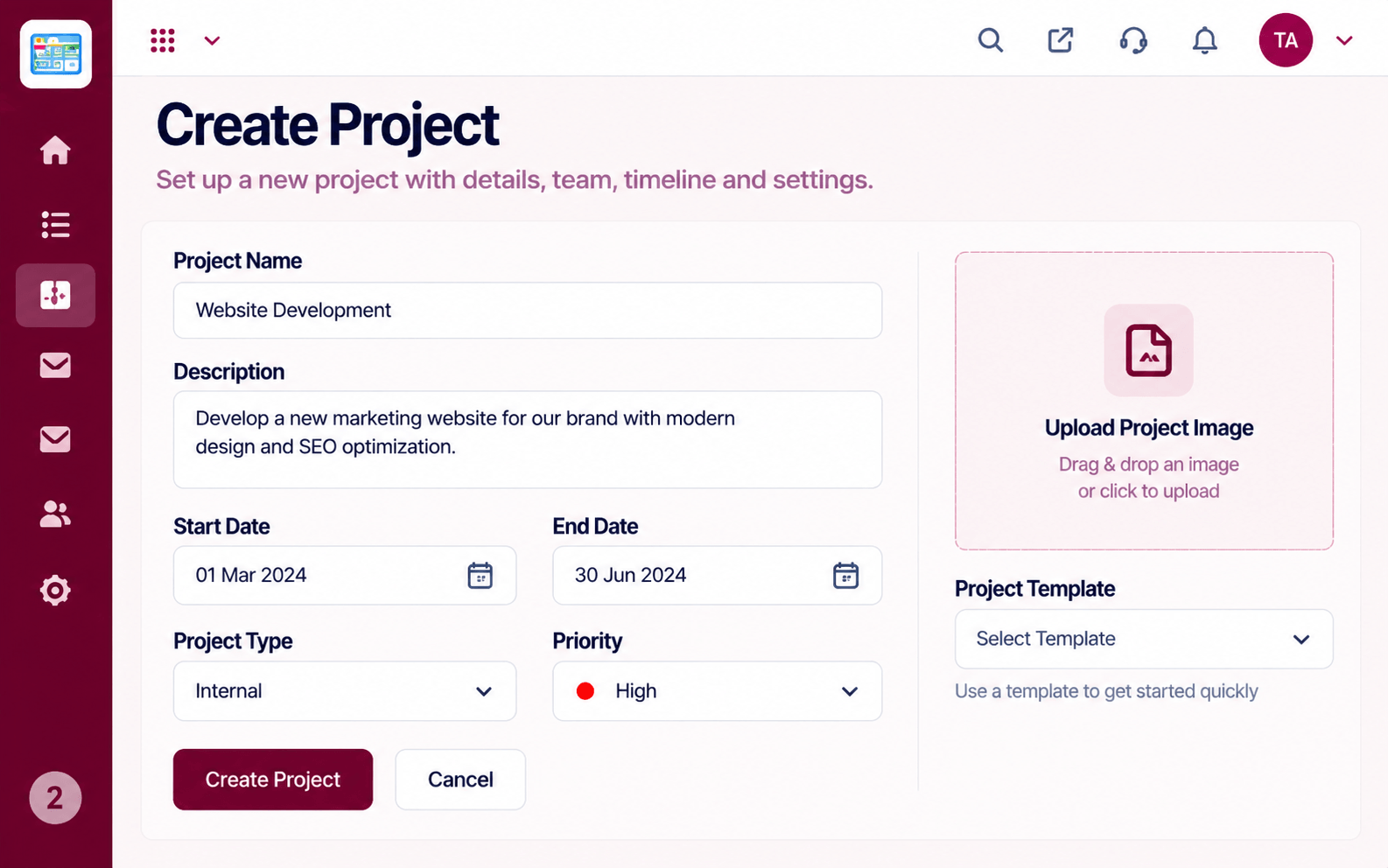
Project structure without building it yourself
Positioning Assessment
Notion is widely used as a flexible workspace where teams build their own docs, databases and boards. That freedom is powerful, and it also means someone has to design and maintain the project setup.
Triostack Projects arrives with the structure delivery teams use: create project, task board, timeline and milestones, workload and reports. Compare current features and pricing on each vendor's site.
“We could build anything in a flexible workspace, but we kept rebuilding the same project template. We wanted that structure ready.”
Sample team scenario
Illustrative example, not a customer testimonial
Illustrated Overview
Imagine handing a team a blank canvas, or a canvas with the frame, grid and colours already laid out for delivery.
Someone designs and maintains it.
Common views come ready.
Builders or doers?
Platform Integrity
Projects, tasks and timelines out of the box
Start without designing a system
Delivery views included
Part of Triostack One
Detailed Comparison
A general comparison. Verify current features and prices with each vendor.
| Dimension | Triostack Projects | Typical Flexible Workspace |
|---|---|---|
| Starting Point | Project structure ready to use | Flexible blank workspace you design |
| Task Boards | Built-in task board | Boards built from databases or templates |
| Timeline & Workload | Timeline and workload views | Review how to build and maintain them |
| Maintenance | Structure maintained for you | Someone maintains the setup |
| Suite Integration | Connects to Triostack One | Via integrations |
We help bring over projects, tasks and members, and plan the cut-over so no work is lost in the move.
Live Interface Tour
Real screens captured directly from the Triostack Projects workspace.
 Overview
Status, progress and key numbers at a glance
 Resources
Who is overloaded and who has capacity
 Team
TeamWho is on the project and what they own
Feature Breakdown
Captured from the Triostack Projects workspace.
CompareStructure from the first click.
 Compare
Ready-made work surface.
 Compare
Planning included.
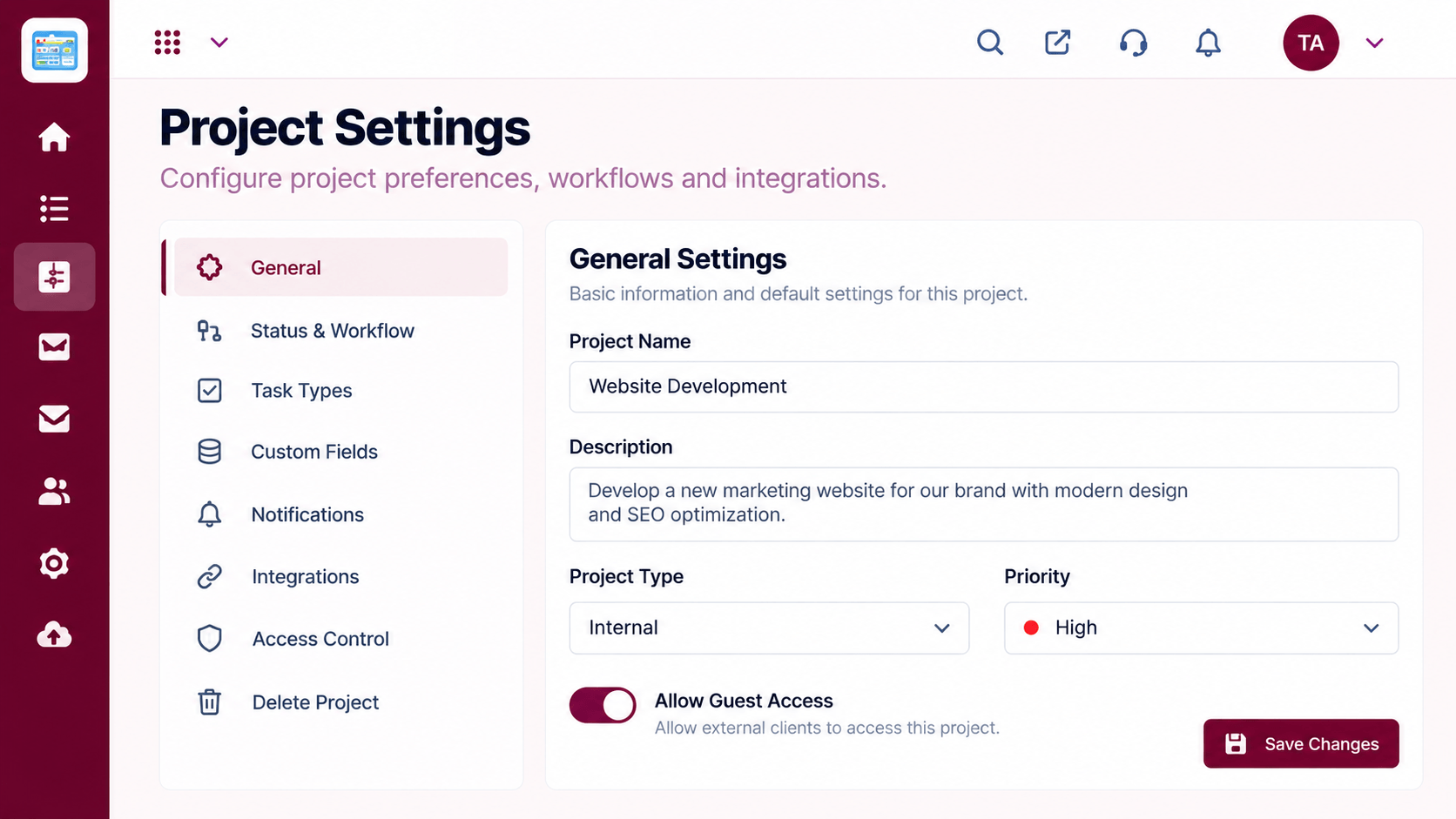 Compare
Configure without building.
Execution Plan
Which project views do you rely on?
How long to build each view yourself?
Run one project on each.
Plan migration if switching.
In Real Life
Scenario 01
A flexible workspace may suit notes and docs.
Scenario 02
Ready structure saves setup time.
Scenario 03
You might use both for different jobs.
Frequently Asked Questions
Many teams build project systems in flexible workspaces. Compare the effort to maintain them.
Create project, task board, timeline and milestones, workload and reports.
Ask our team how to bring tasks and projects across.
Verify with each vendor.
Tasks, boards, timelines, workload and reports in one workspace, built for teams who deliver on time.
