The best Business Suite software in India, built to help your business grow. Contact us at +91-8882435276.
[ Contact ]
Phone number
Email address
Head office
Noida office
The right team at TriostackOne will get back to you.
Let sales, support and success teams answer from the same WhatsApp Business number. Every chat is assigned, tracked and stored with the contact, so no customer is left waiting.
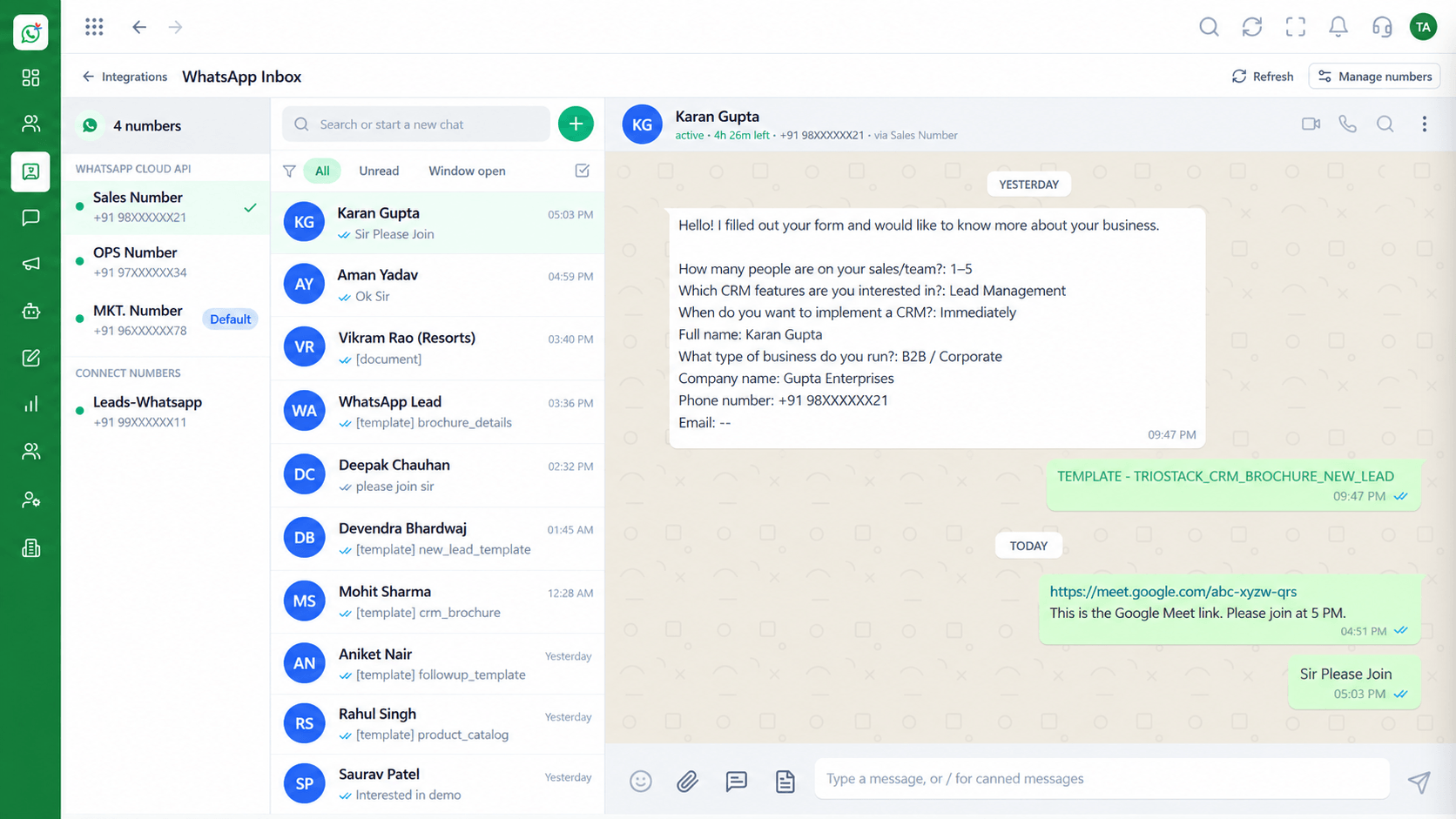
Many agents answering from one WhatsApp Business number
Positioning Assessment
When a business number lives on a single phone, only one person can reply, nobody else sees the history, and a resignation takes the relationship with it.
The shared inbox puts the number on the WhatsApp Cloud API and opens it to your team. Conversations are assigned to agents, kept in one list and stored against the contact.
Managers see response status at a glance, and agents can leave internal notes that the customer never sees.
“A customer's chat does not vanish when an agent is off. Anyone on the team can pick up the thread.”
Sample team scenario
Illustrative example, not a customer testimonial
Illustrated Overview
Picture three teammates answering the same business number at the same time, without stepping on each other. That is the shared inbox.
Assign a conversation so only one person replies, and re-assign it when the work moves.
History, notes and tags sit beside the chat, not on someone's phone.
Spot unanswered chats and balance the load before customers notice a delay.
Platform Integrity
Several people reply from one number
Chats routed to the right owner
Private context beside each chat
Permissions decide who sees what
How It Works
What changes when the number moves into a team workspace.
| Dimension | Triostack Wabiz | Single Phone |
|---|---|---|
| Who Can Reply | Any permitted agent, simultaneously | Only whoever holds the phone |
| Ownership | Chats assigned and re-assignable | Informal, by memory |
| History | Stored against the contact in the workspace | Scattered across handsets |
| Collaboration | Internal notes and hand-offs | Screenshots and forwarded chats |
| Oversight | Managers review conversations by role | No visibility without asking |
Book a walkthrough and we will set up a sandbox with your use case so you can try it before you commit.
Live Interface Tour
Real screens captured directly from the Triostack Wabiz workspace.
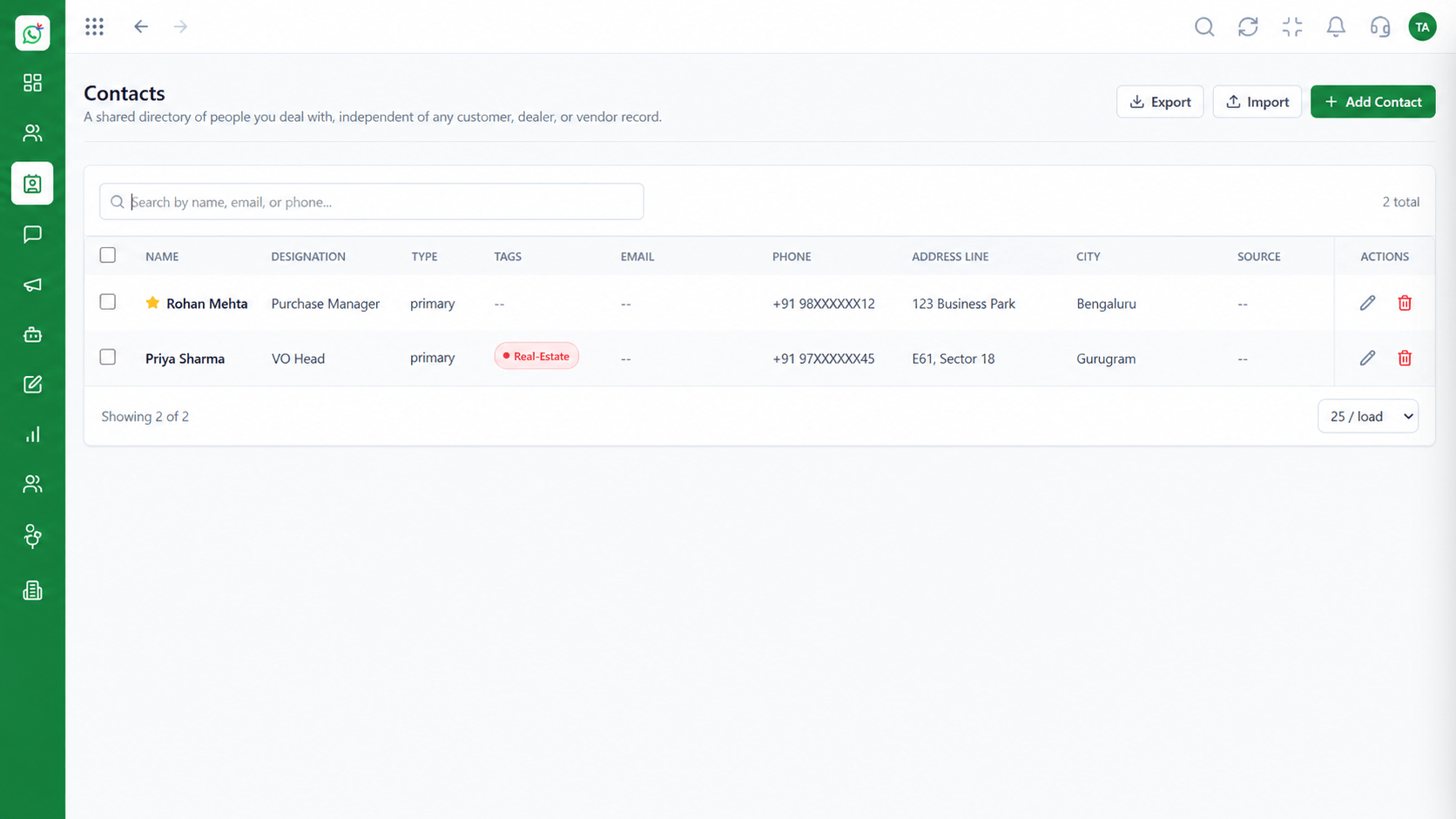 Contacts
Segment and manage your WhatsApp audience
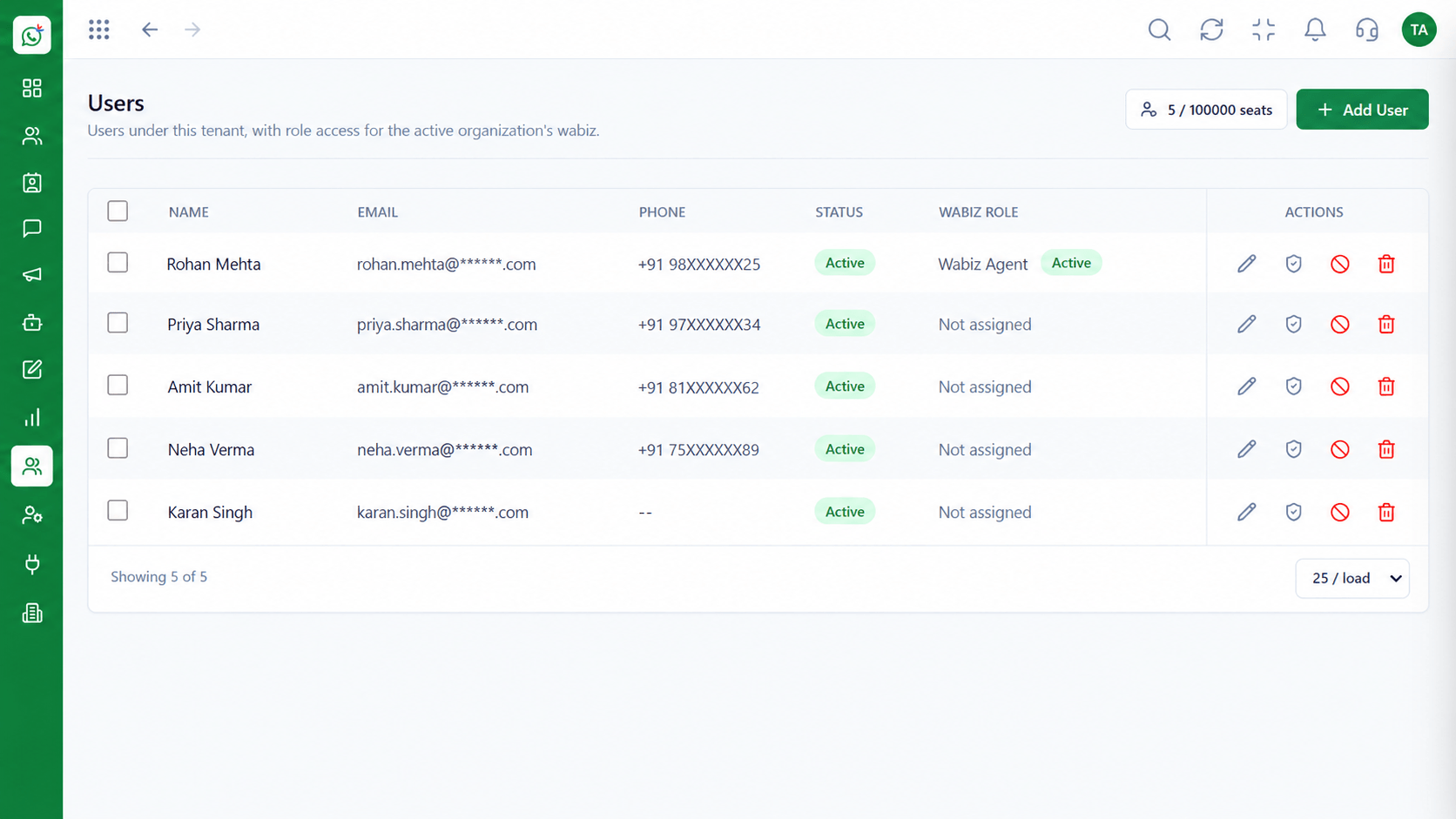 Team
TeamInvite agents and assign ownership
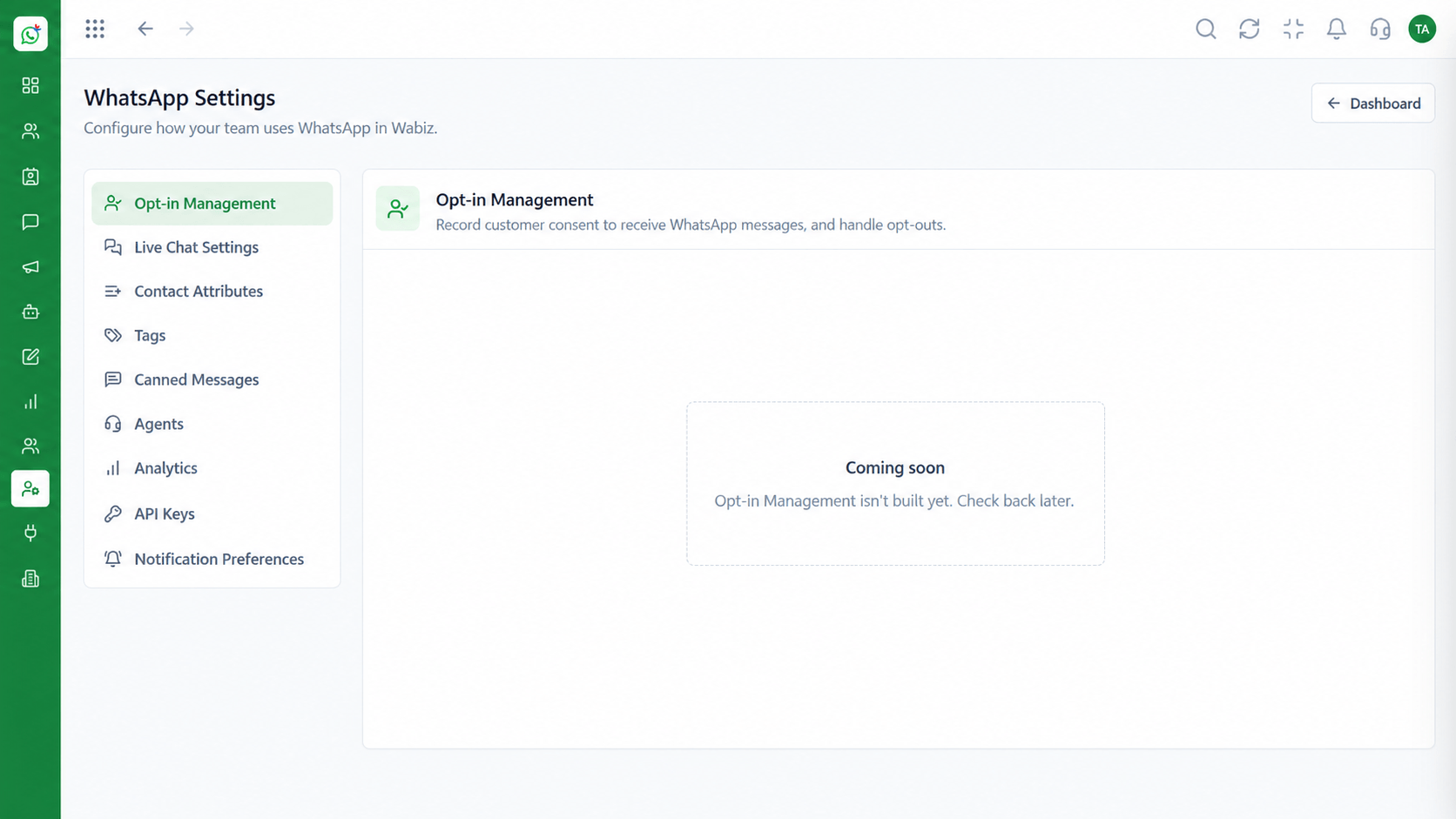 Settings
Configure numbers, hours and preferences
Feature Breakdown
Captured from the Triostack Wabiz workspace.
Wabiz FeaturesAll open chats in one place with filters.
Wabiz FeaturesSee who you are talking to before you reply.
Wabiz FeaturesInvite agents and set their ownership.
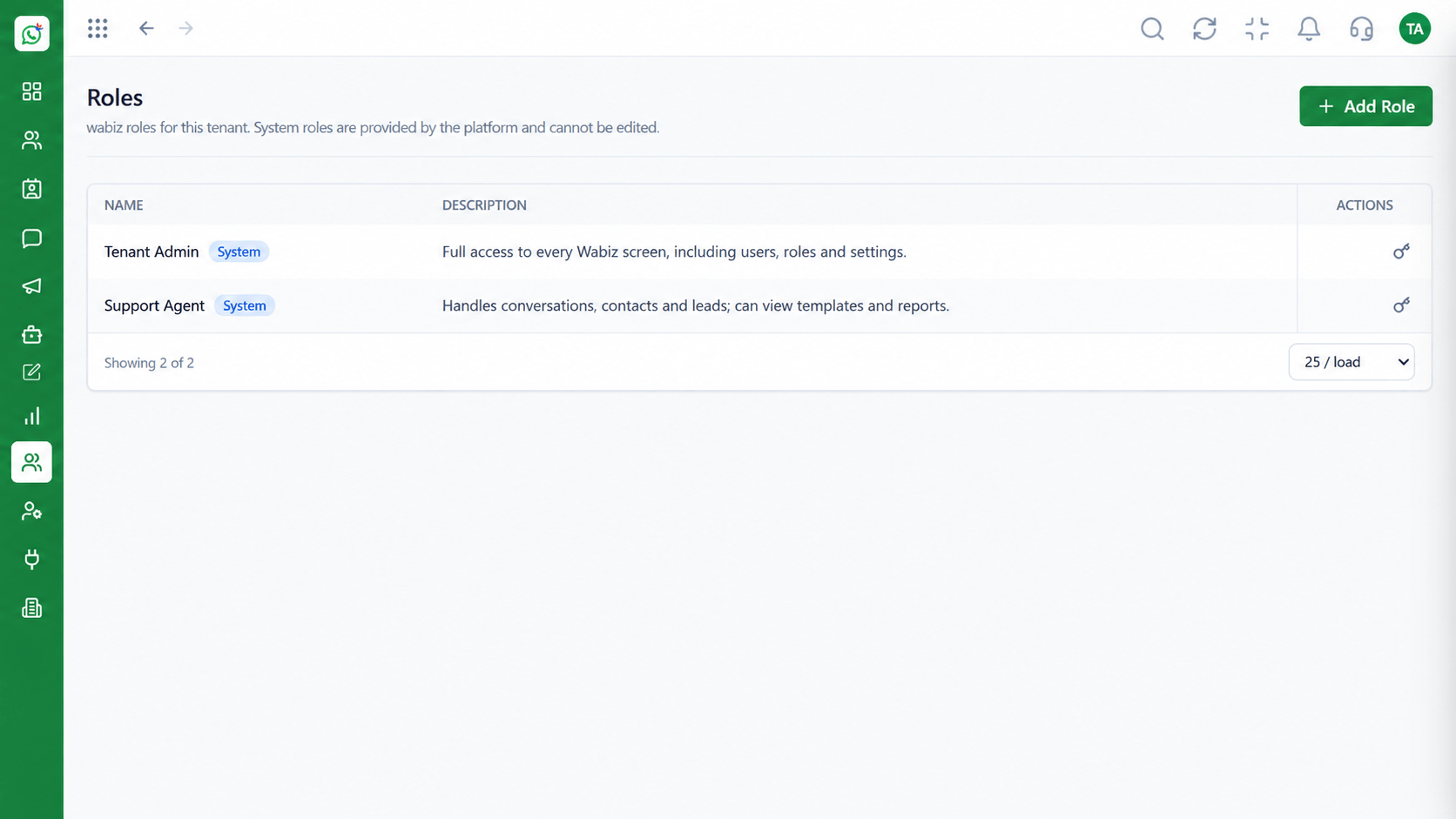 Wabiz Features
Decide what each role can access.
Execution Plan
A customer messages your WhatsApp Business number.
The chat is routed to an available agent.
The agent answers, using templates where useful.
The chat is closed and the history stays on file.
In Real Life
Scenario 01
Orders and questions spike at noon. Three agents split the queue instead of one person drowning.
Scenario 02
The evening agent opens the inbox and sees exactly where the morning agent stopped.
Scenario 03
Nothing is lost. The conversations belong to the company, not to a handset.
Frequently Asked Questions
Yes. The shared inbox lets multiple team members handle conversations for the same number at once.
Yes. Conversations can be assigned and re-assigned as the work moves between people.
No. Notes are visible only to your team.
Yes. History is stored against the contact in the workspace, not on a personal device.
Yes. Roles and permissions limit what each user can view and do.
Shared inbox, broadcasts, chatbot flows and templates on the WhatsApp Cloud API, built for teams.
