The best Business Suite software in India, built to help your business grow. Contact us at +91-8882435276.
[ Contact ]
Phone number
Email address
Head office
Noida office
The right team at TriostackOne will get back to you.
Automate greetings, away messages, follow-ups and routing rules so customers get an immediate answer and your team spends time on conversations that need a human.
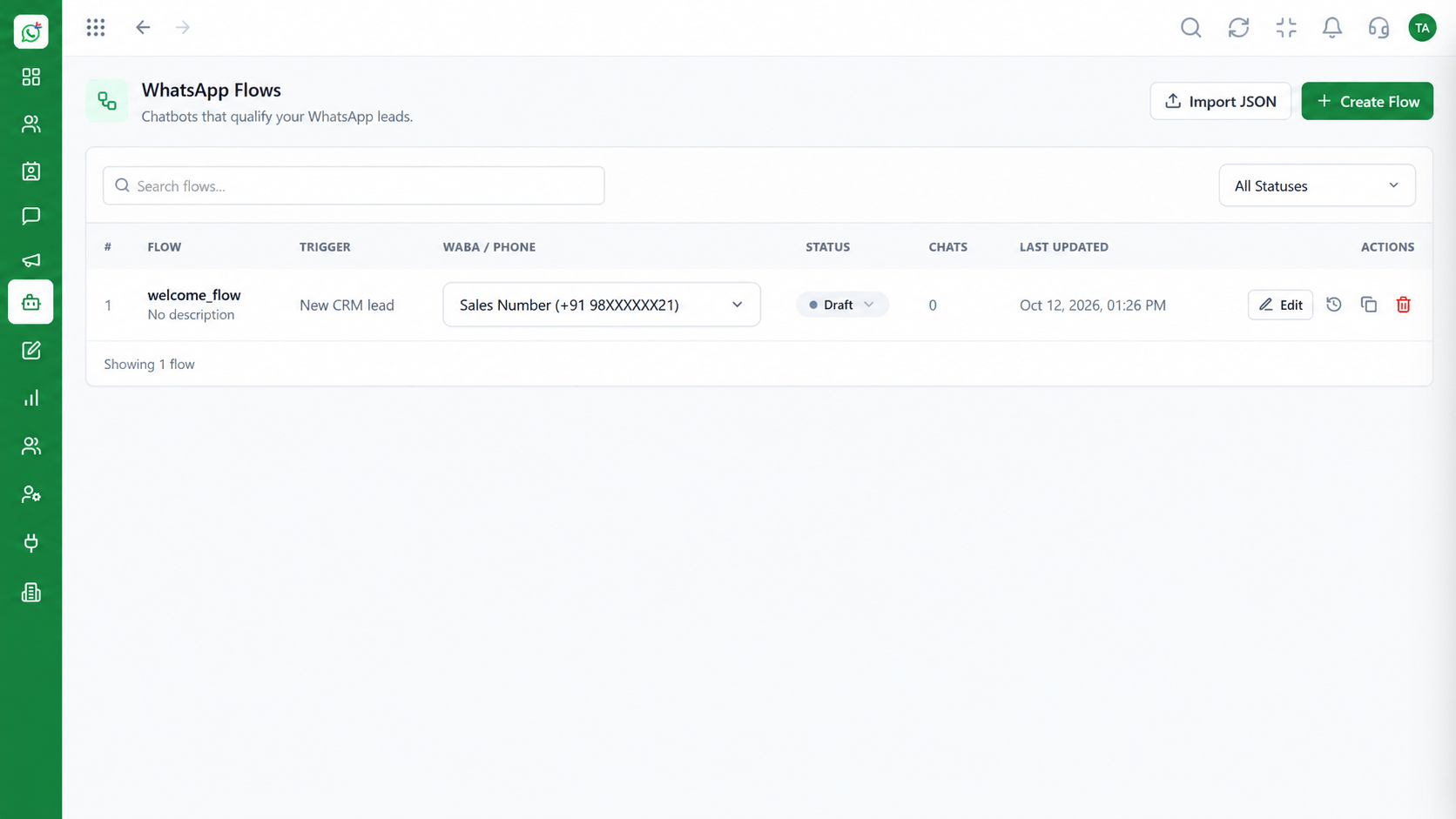
Customers get a first response even when the team is offline
Positioning Assessment
Customers expect an answer in minutes. Teams cannot staff every hour, and follow-ups depend on someone remembering.
Wabiz automation covers the repeatable parts: a welcome message, an away reply outside working hours, routing to the right team and a nudge when a customer goes quiet.
Rules are visual and editable, and a person can take over any conversation at any time.
“An instant first reply does most of the work. The customer feels heard while we get the right person on the chat.”
Sample team scenario
Illustrative example, not a customer testimonial
Illustrated Overview
Automation answers instantly, routes chats to the right team and nudges customers who go quiet, around the clock.
A greeting or away message means no customer waits in silence.
Follow-ups and routing happen because a rule says so, not because someone remembered.
Any conversation can be taken over by an agent the moment it needs judgement.
Platform Integrity
Welcome every new conversation
Away replies outside team hours
Send chats to the right team
Agents step in at any point
How It Works
What changes when the repeatable work runs by itself.
| Dimension | Triostack Wabiz | Manual Handling |
|---|---|---|
| First Response | Immediate, any hour | When someone notices the message |
| Out-of-Hours | Away message with expectations set | Silence until morning |
| Routing | Rules assign to the right team | Manual forwarding |
| Follow-Up | Timed nudges when a customer is quiet | Depends on memory |
| Consistency | Same approved answers every time | Varies by agent |
Book a walkthrough and we will set up a sandbox with your use case so you can try it before you commit.
Live Interface Tour
Real screens captured directly from the Triostack Wabiz workspace.
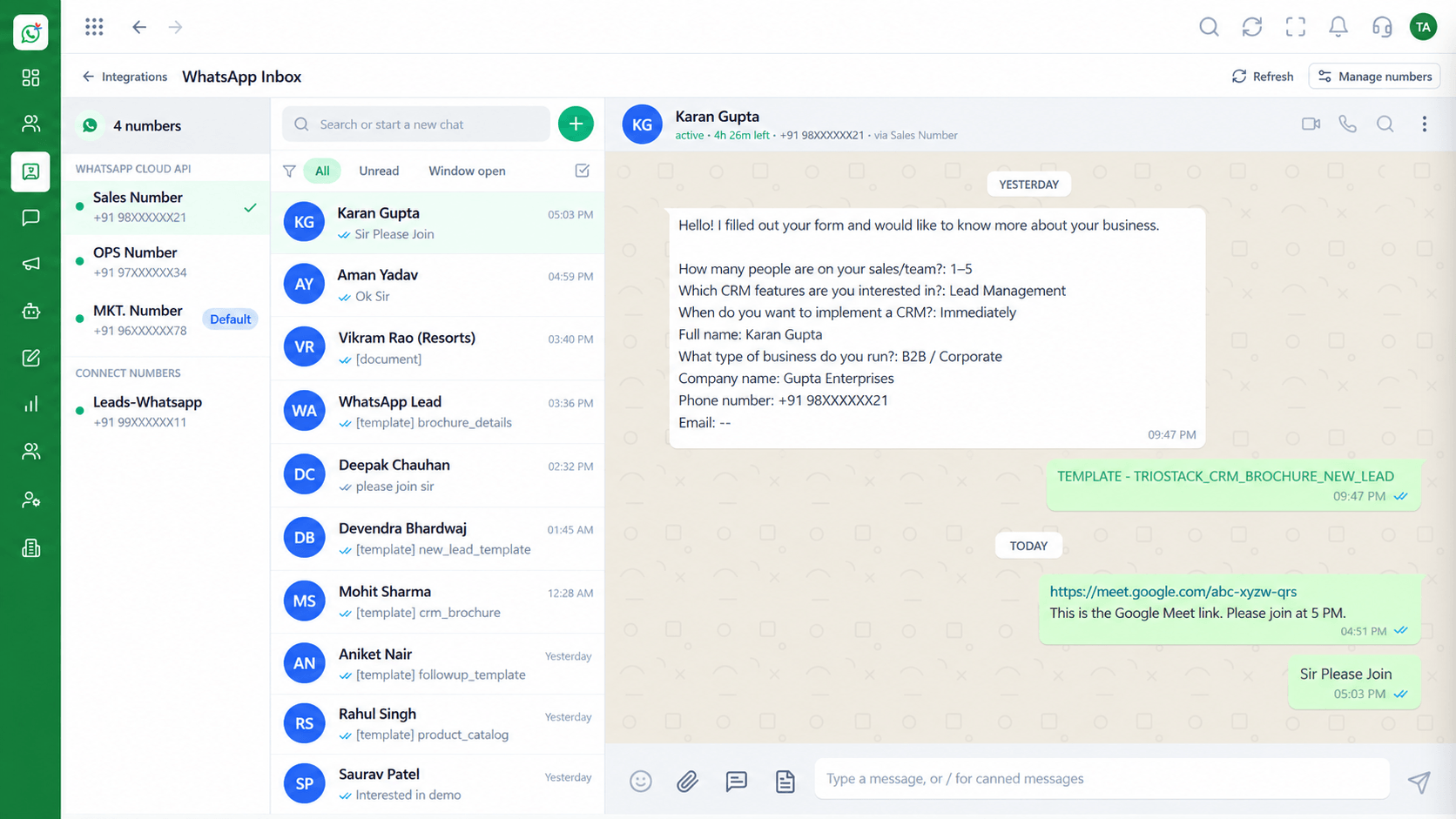 Inbox
InboxEvery WhatsApp conversation in one team view
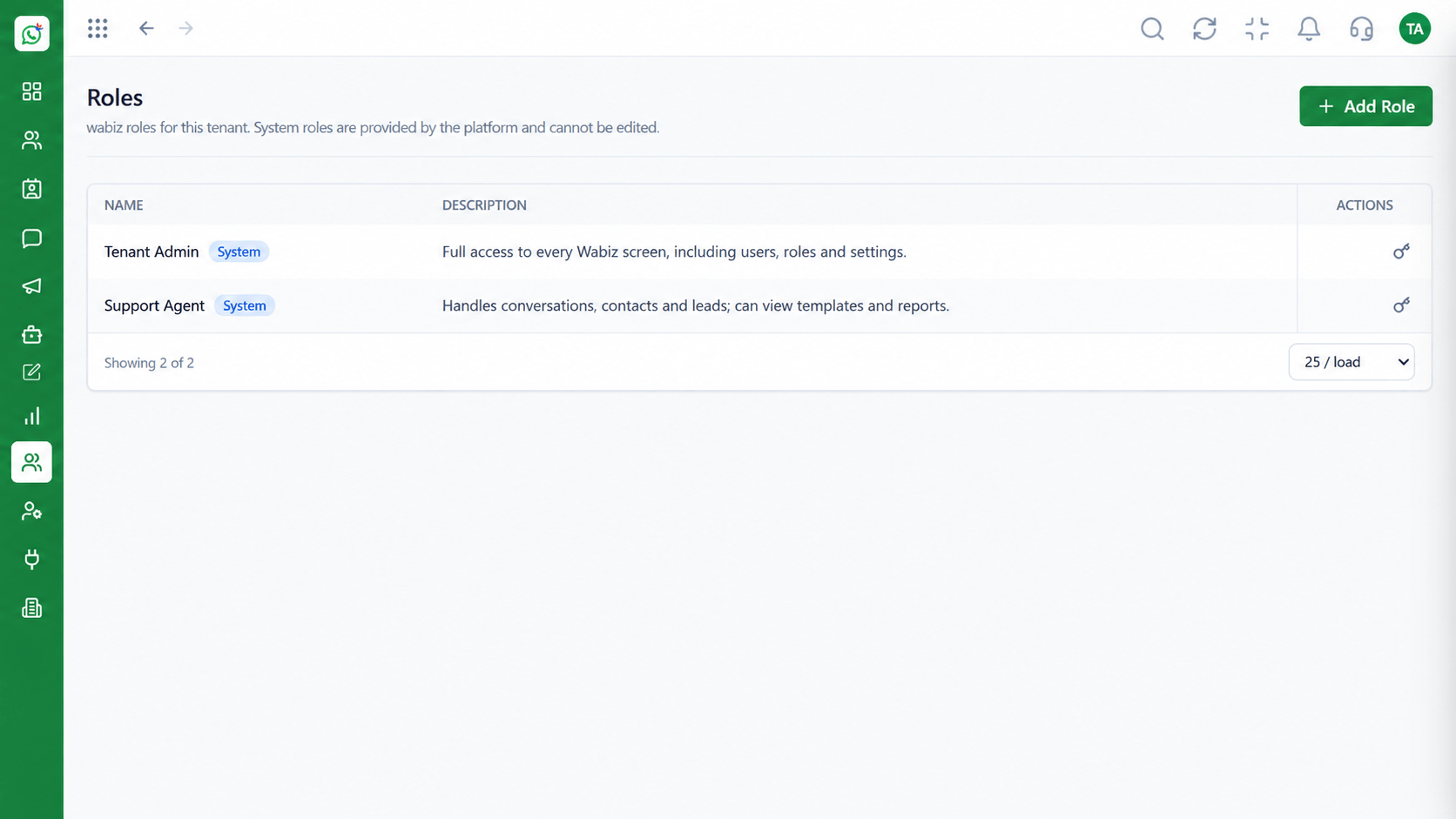 Access
Control who can see and do what
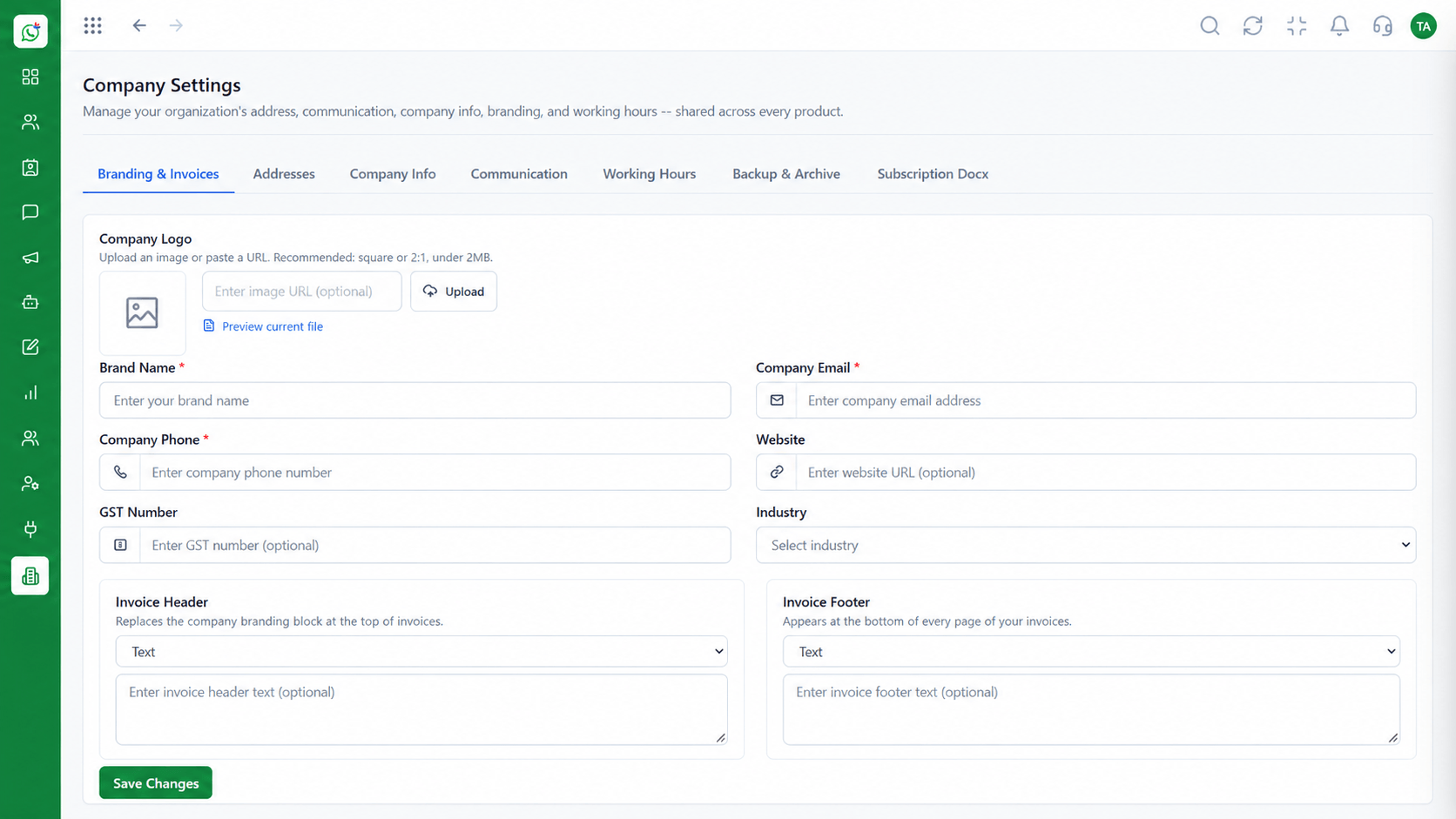 Settings
Business identity and account configuration
Feature Breakdown
Captured from the Triostack Wabiz workspace.
Wabiz FeaturesSet triggers, conditions and actions.
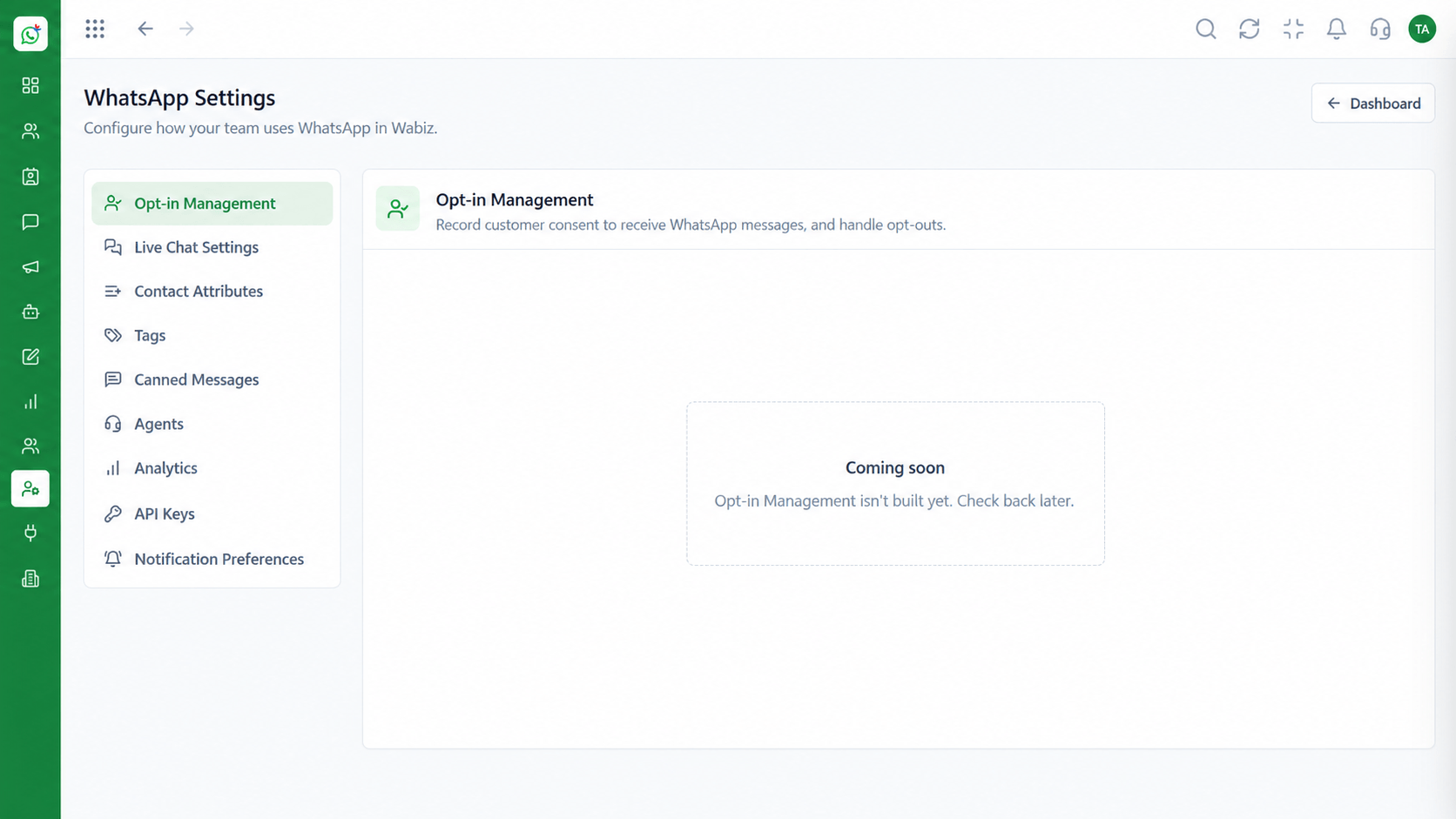 Wabiz Features
Define when the team is available.
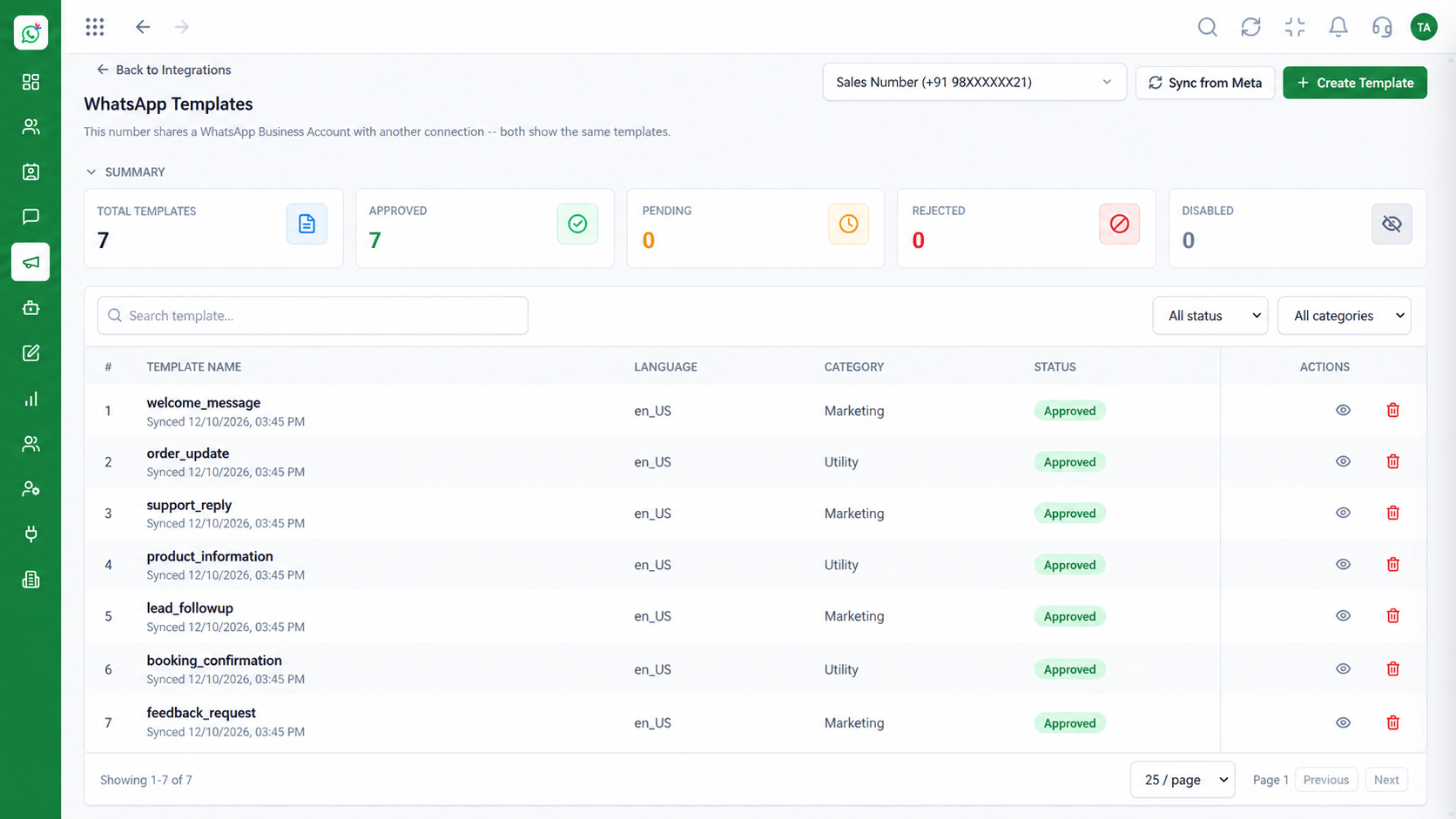 Wabiz Features
Use approved templates in automations.
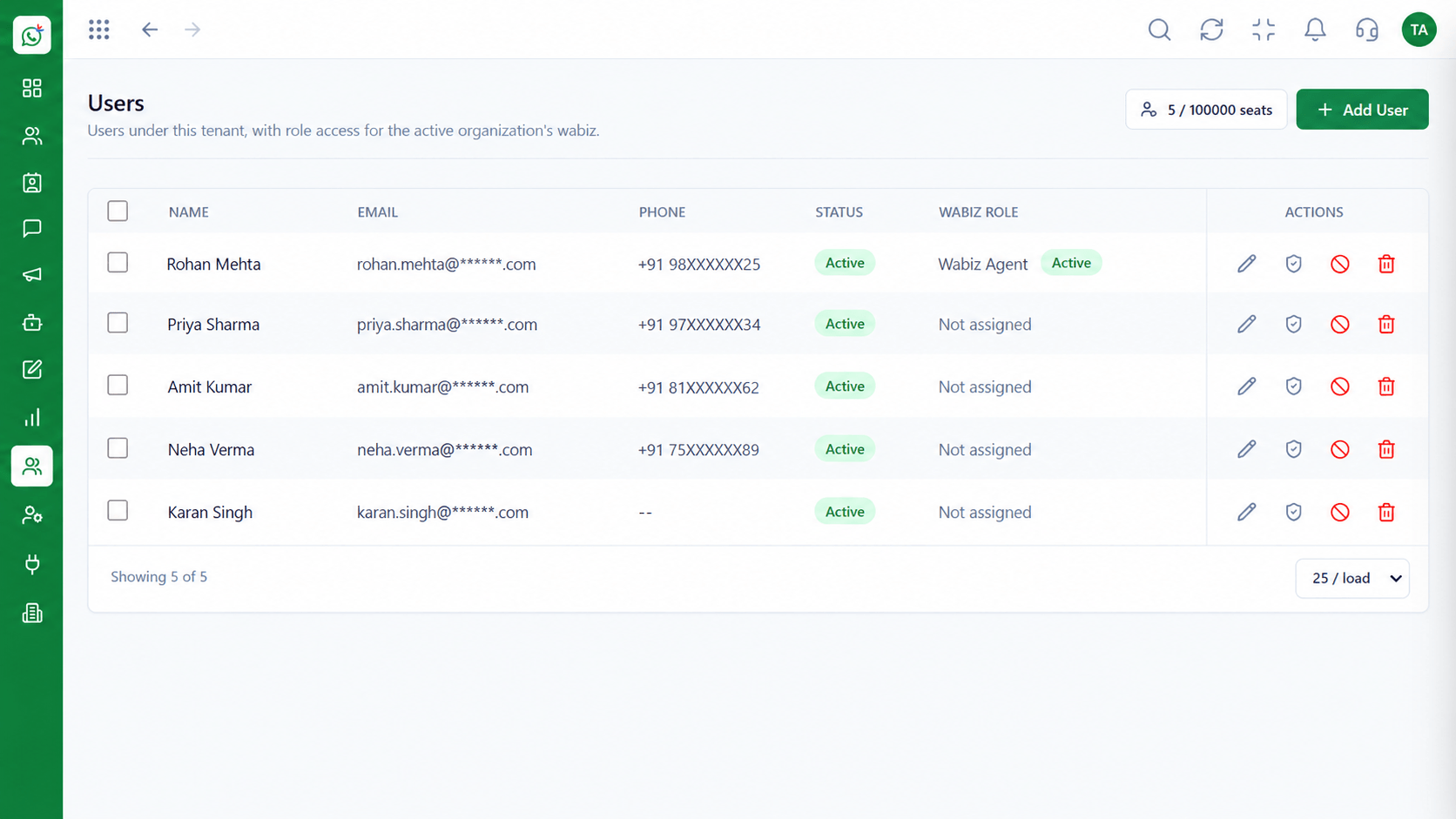 Wabiz Features
Direct chats to the right people.
Execution Plan
New chat, keyword, stage change or silence.
Limit by time, tag or contact attribute.
Send a template, assign an agent or add a tag.
Try it with your own number, then switch it on.
In Real Life
Scenario 01
An away message sets expectations, and the chat is first in the queue in the morning.
Scenario 02
Routing sends it straight to the finance team instead of the general inbox.
Scenario 03
A nudge goes out after a day of silence and stops when the customer replies.
Frequently Asked Questions
Greetings, away messages, routing, tagging and timed follow-ups.
Yes. Any conversation can be taken over by an agent at any moment.
Messages outside the 24-hour customer service window must use approved templates.
Yes. Define working hours so away messages go out at the right times.
No. Rules are set up visually.
Shared inbox, broadcasts, chatbot flows and templates on the WhatsApp Cloud API, built for teams.
