The best Business Suite software in India, built to help your business grow. Contact us at +91-8882435276.
[ Contact ]
Phone number
Email address
Head office
Noida office
The right team at TriostackOne will get back to you.
See all your channels and tools in one place, check their status and manage permissions, instead of hunting through settings pages.
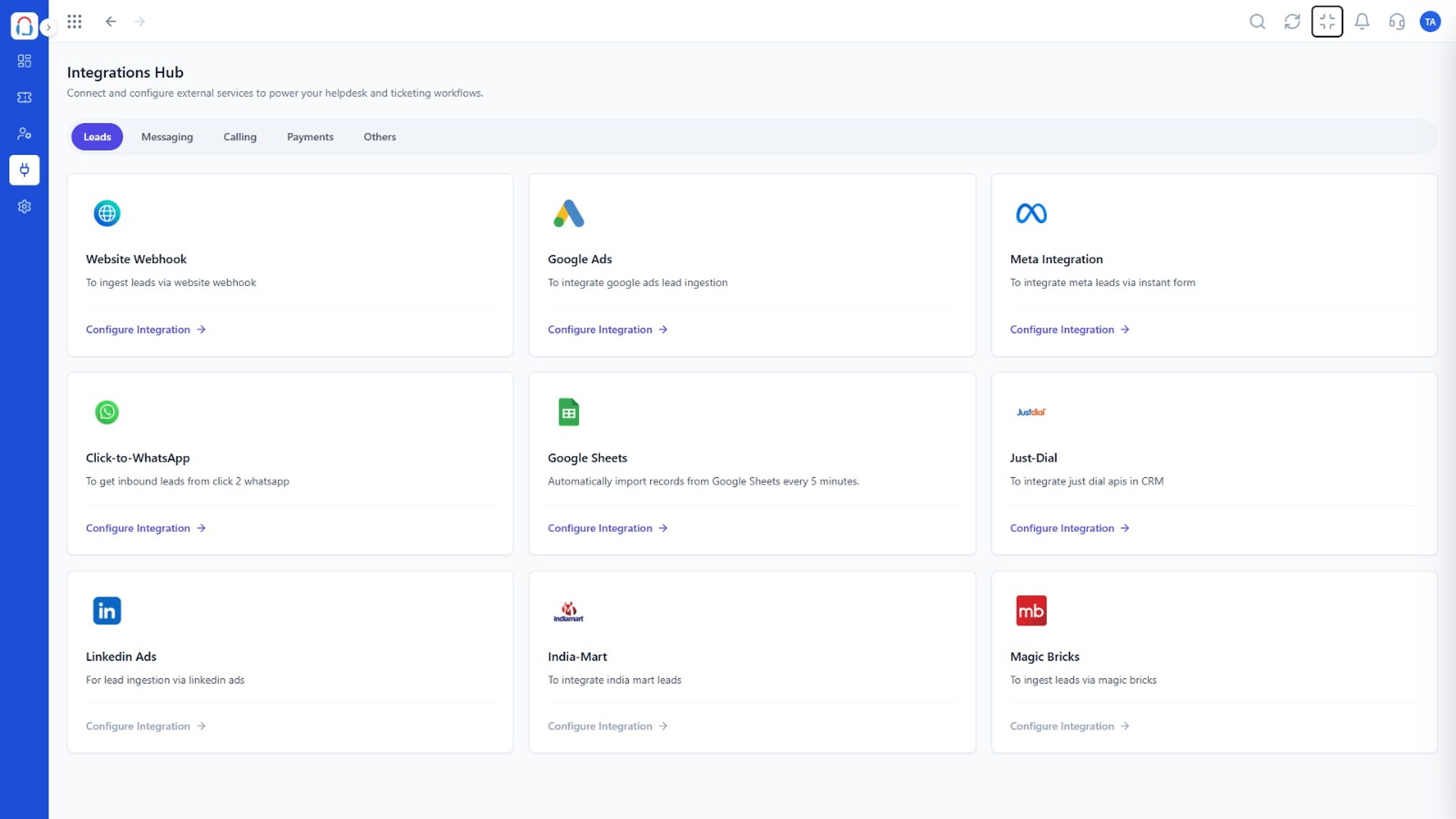
Every channel and tool, visible and managed
Positioning Assessment
Integrations scattered across settings make it hard to know what is live, who set it up and why tickets stopped arriving.
The Integrations Hub lists channels and tools in one place with their status, so admins can answer that question in seconds.
“The hub answered 'is it connected?' in one glance. We used to lose an afternoon on that.”
Sample team scenario
Illustrative example, not a customer testimonial
Illustrated Overview
Picture an old telephone switchboard: each cable is a connection, each lamp a status, and one operator who can see it all.
Every connection listed.
Status is clear at a glance.
Only admins can edit.
Platform Integrity
All connections together
Live, paused or failing
Admin-only changes
Check a connection works
How It Works
How a central panel changes administration.
| Dimension | Triostack Desk | Scattered Settings |
|---|---|---|
| Where to Look | One screen | Many settings pages |
| Status | Visible per connection | Found when tickets stop |
| Access | Admins control changes | Whoever installed it |
| Testing | Built-in checks | Trial and error |
| Audits | Review quickly | Hunt for connections |
Our team can walk you through the connection, permissions and a first test ticket so you go live without guesswork.
Live Interface Tour
Real screens captured directly from the Triostack Desk workspace.
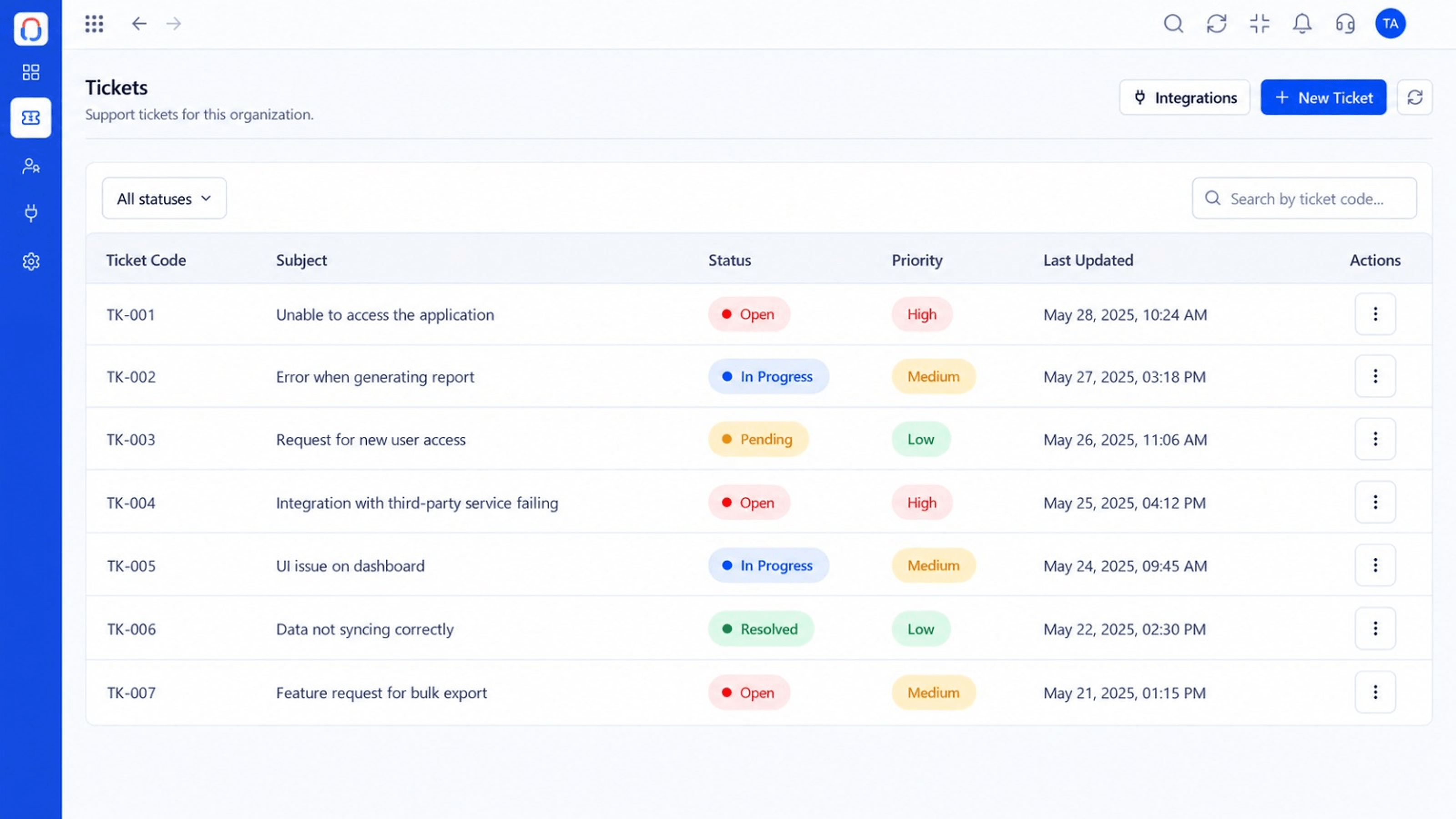 Tickets
Every request in one prioritised queue
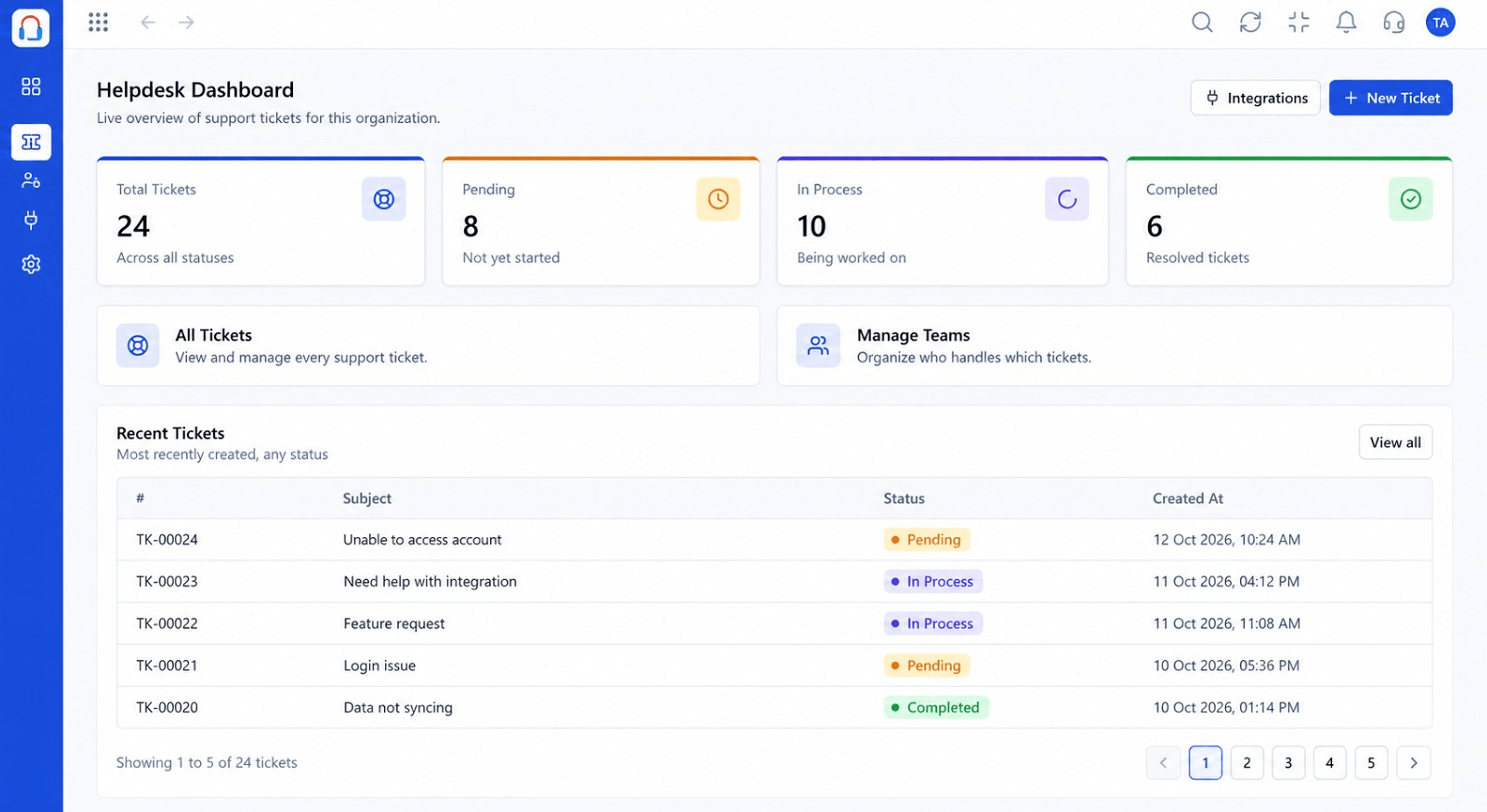 Dashboard
Live view of volume, backlog and response times
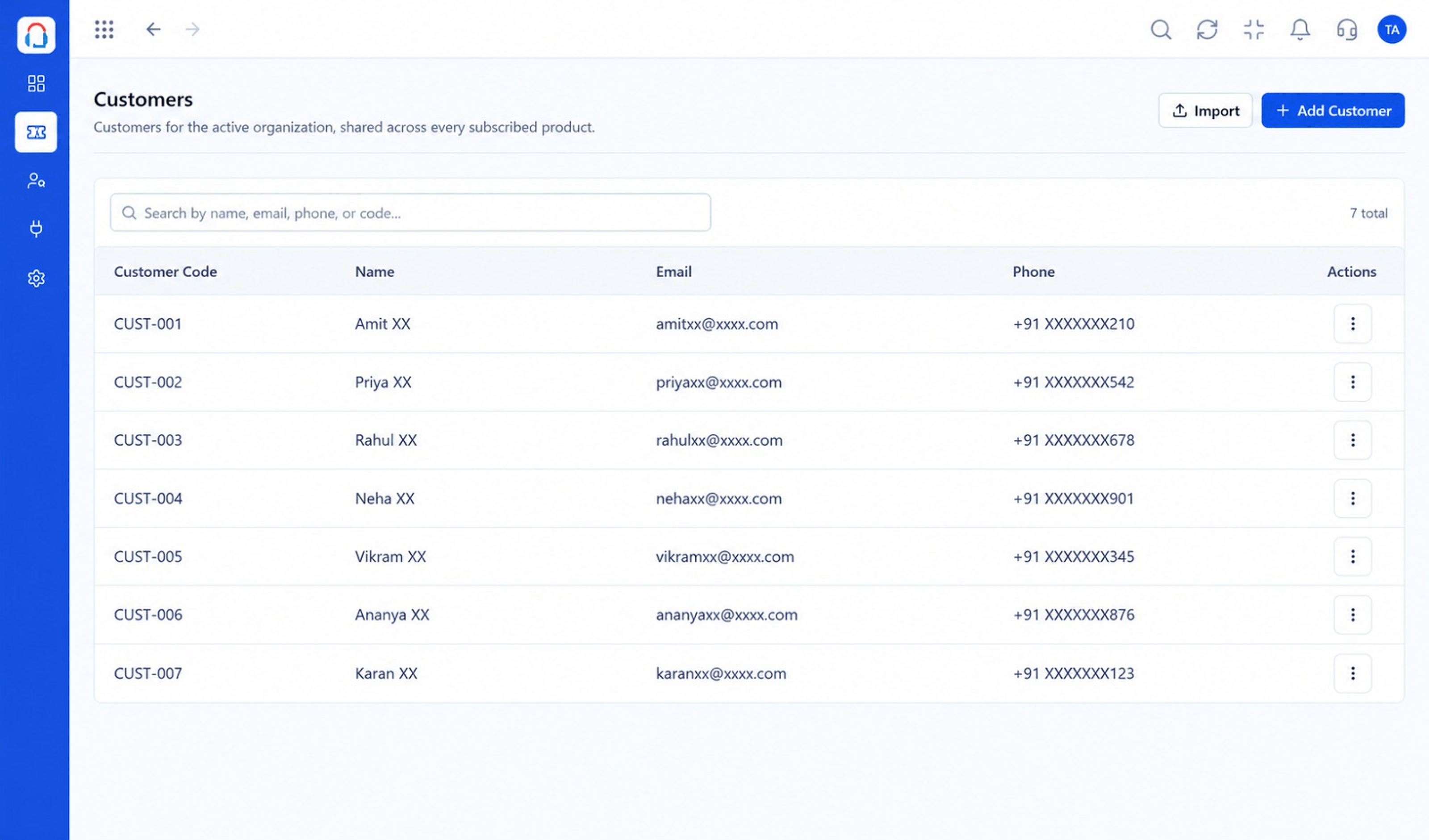 Customers
Every customer with their full ticket history
Feature Breakdown
Captured from the Triostack Desk workspace.
IntegrationsEverything connected.
IntegrationsWhat each source creates.
IntegrationsWho is affected.
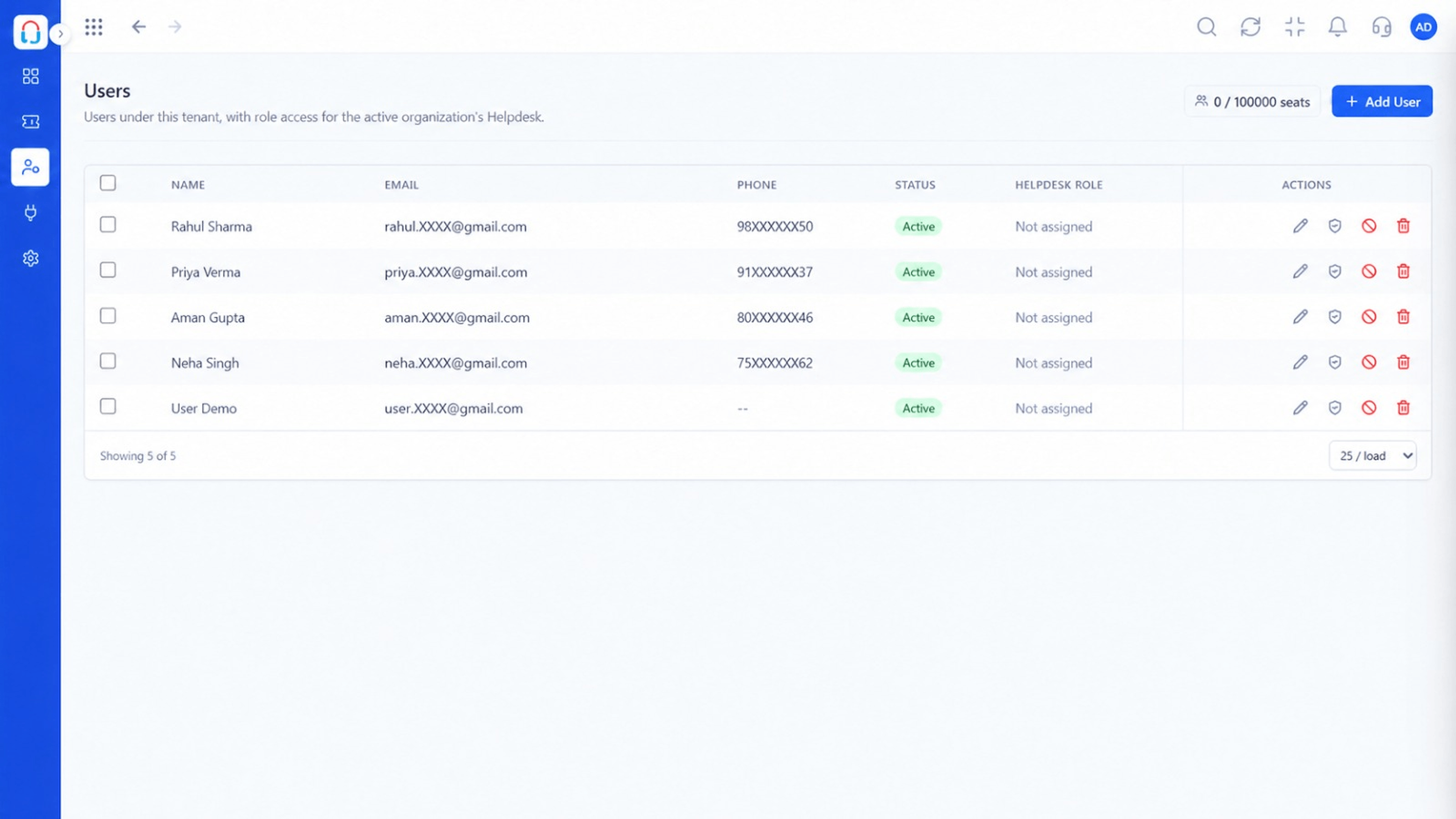 Integrations
Who can change things.
Execution Plan
Open the hub and scan the status.
Connect a new channel or tool.
Send a test ticket or event.
Remove what is unused.
In Real Life
Scenario 01
An admin spots the failing connection immediately.
Scenario 02
Unused connections are removed.
Scenario 03
A new source is added and tested in minutes.
Frequently Asked Questions
Connected channels and tools with their status.
Admins with the right permissions.
Yes, with test tickets or events.
Ask us about your plan.
Tickets, shared inbox, automation, SLAs, knowledge base and reports, built for support teams of every size.
