The best Business Suite software in India, built to help your business grow. Contact us at +91-8882435276.
[ Contact ]
Phone number
Email address
Head office
Noida office
The right team at TriostackOne will get back to you.
A map of how Triostack Projects can connect with workspace suites, chat, issue trackers, code, meetings and calendars, and where to read more about each.
Projects that talk to the tools your team uses
Positioning Assessment
Work does not happen in one tool. Briefs live in documents, conversation lives in chat, code lives in a repository and meetings live on calendars. A project tool that sees none of that is just a list.
Triostack Projects can connect to these tools so tasks and milestones carry context from the places work happens. Availability and setup depend on your plan, and the per-tool pages describe the general value of each. Ask us about anything specific.
“We stopped asking people to update the plan. The plan just knows where the work is.”
Sample team scenario
Illustrative example, not a customer testimonial
Illustrated Overview
Picture the project at the centre of a wheel, with a spoke to each tool your team already uses.
Each tool connects to the same project.
Add connections one at a time.
Admins see every connection.
Platform Integrity
Files, mail and calendars
Updates in conversation
Engineering context
Links and calendars
How It Works
What changes when the project tool can see the tools around it.
| Dimension | Triostack Projects | Standalone Tool |
|---|---|---|
| Files & Docs | Linked from tasks | Pasted URLs |
| Conversation | Updates reach chat | Check the board |
| Engineering | Issues and code relate to tasks | Ask the engineers |
| Meetings | Links beside milestones | Hunt for invites |
| Admin | One place for connections | Scattered settings |
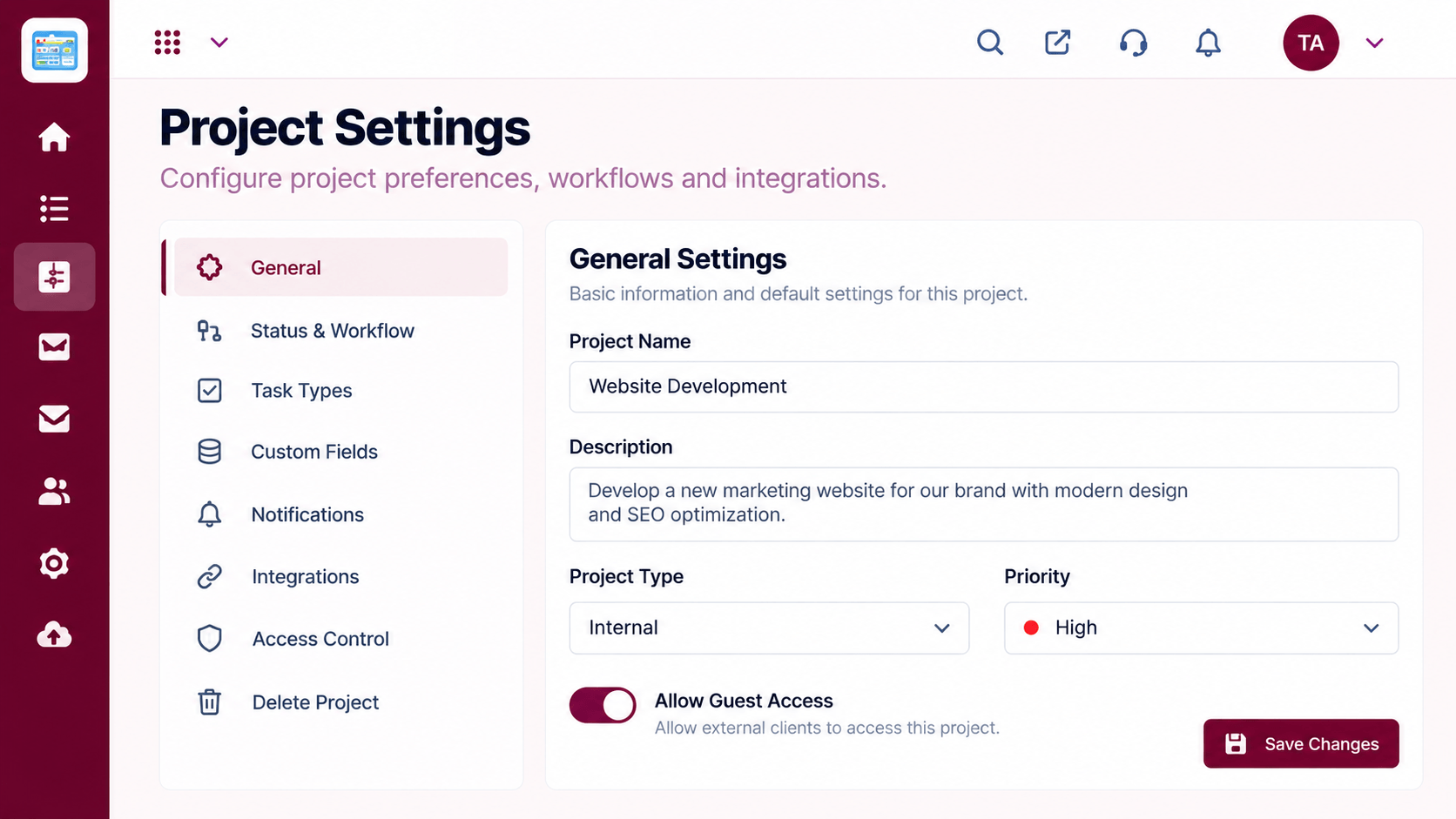
Our team can walk you through the connection, permissions and a first test so projects fit into the tools your team already uses.
Live Interface Tour
Real screens captured directly from the Triostack Projects workspace.
 Team
TeamWho is on the project and what they own
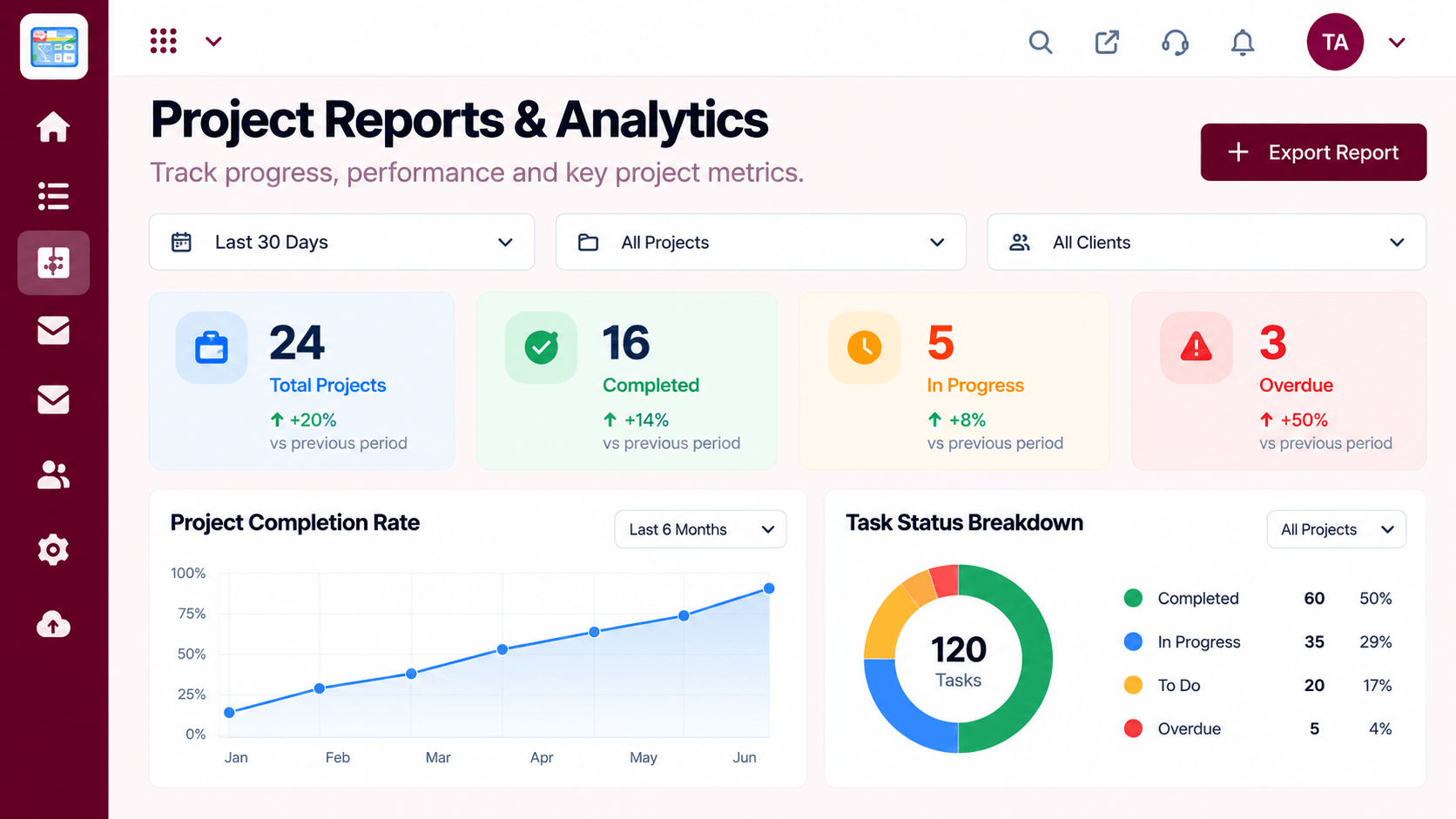 Reports
Progress, time and delivery insights
 Resources
Who is overloaded and who has capacity
Feature Breakdown
Captured from the Triostack Projects workspace.
IntegrationsManage connections.
 Integrations
Work with linked context.
 Integrations
Dates and meetings together.
 Integrations
A project at a glance.
Execution Plan
Connect your workspace suite.
Send updates where the team talks.
Link issues and code.
Bring milestones onto calendars.
In Real Life
Scenario 01
Connect files and calendars.
Scenario 02
Add chat updates.
Scenario 03
Relate engineering work to milestones.
Frequently Asked Questions
Workspace suites, chat, issue trackers, code hosting, meetings and calendars. Availability depends on your plan, so ask us.
No. Start with one and add more.
Admins.
Yes. Contact us and tell us what you use.
Tasks, boards, timelines, workload and reports in one workspace, built for teams who deliver on time.
Explore All Integrations
