The best Business Suite software in India, built to help your business grow. Contact us at +91-8882435276.
[ Contact ]
Phone number
Email address
Head office
Noida office
The right team at TriostackOne will get back to you.
Link the Office documents, mail and calendars your team lives in to tasks and milestones, so the plan and the paperwork stop drifting apart.

Office work and project work in the same view
Positioning Assessment
Organisations that run on Office documents, shared mailboxes and calendar invites often keep their project plan in a different world. Updates are copied by hand and the two sides disagree.
Connecting Microsoft 365 lets tasks and milestones link to the documents and calendars your team already uses. Capabilities and setup depend on your plan and configuration, so ask us what fits your tenant.
“Our documents stay where they are. The project just knows where to find them.”
Sample team scenario
Illustrative example, not a customer testimonial
Illustrated Overview
Imagine your Office documents on one bank and your project plan on the other, with a sturdy bridge so nothing is carried across by hand.
Links, not copies.
Meetings meet milestones.
No new accounts.
Platform Integrity
Documents linked to tasks
Meetings beside deadlines
Use accounts people already have
Managed by workspace admins
How It Works
What changes when plan and paperwork share a view.
| Dimension | Triostack Projects | Parallel Systems |
|---|---|---|
| Documents | Linked from tasks | Copied into a second tool |
| Meetings | Visible beside milestones | Separate calendar |
| Sign-In | Existing accounts | Another password |
| Updates | Changes visible in one place | Re-keyed manually |
| Governance | Admin permissions | Informal sharing |
Our team can walk you through the connection, permissions and a first test so projects fit into the tools your team already uses.
Live Interface Tour
Real screens captured directly from the Triostack Projects workspace.
 Overview
Status, progress and key numbers at a glance
 Resources
Who is overloaded and who has capacity
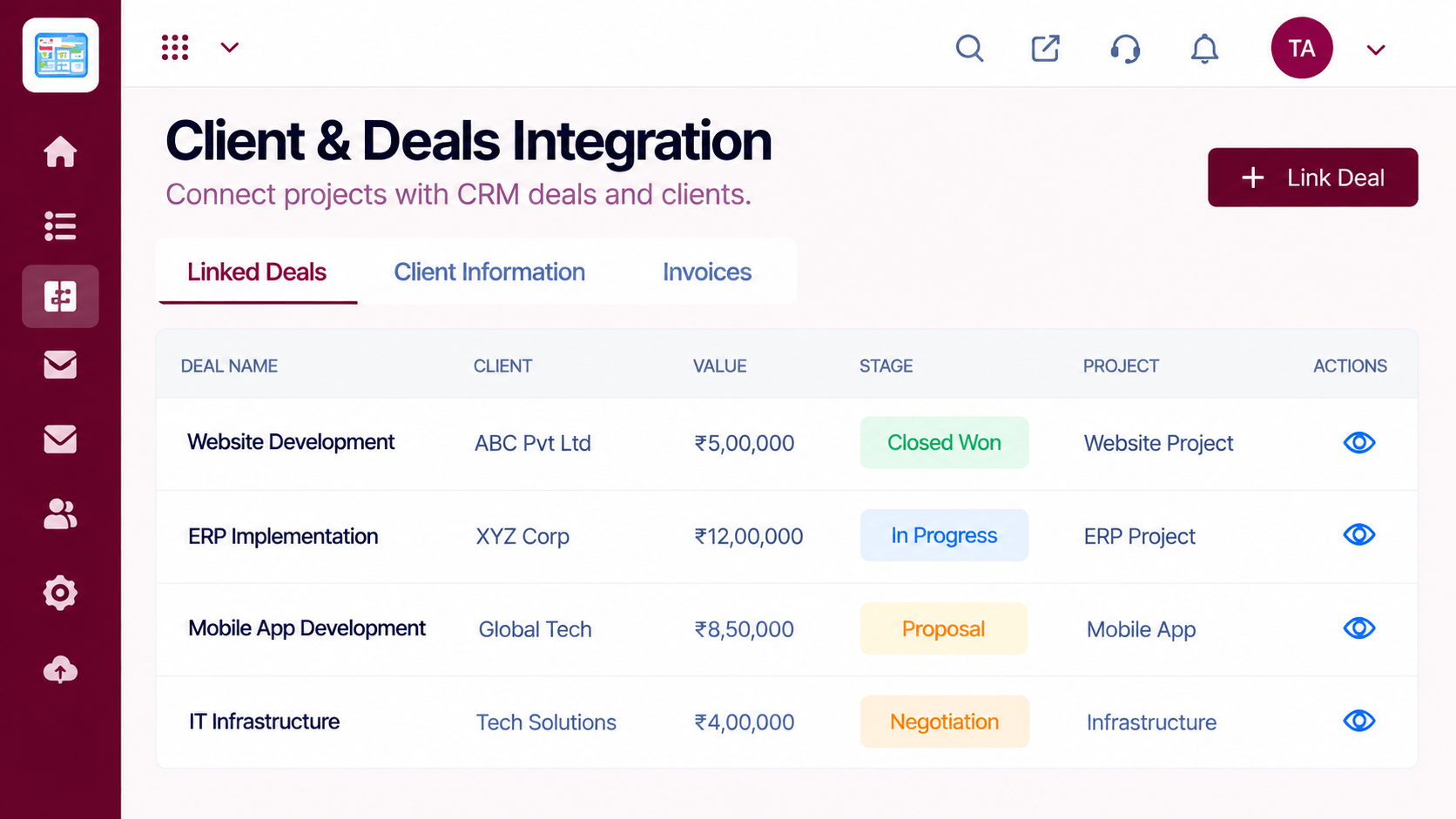 Clients
Client work and deals linked to projects
Feature Breakdown
Captured from the Triostack Projects workspace.
IntegrationsWho is on the project.
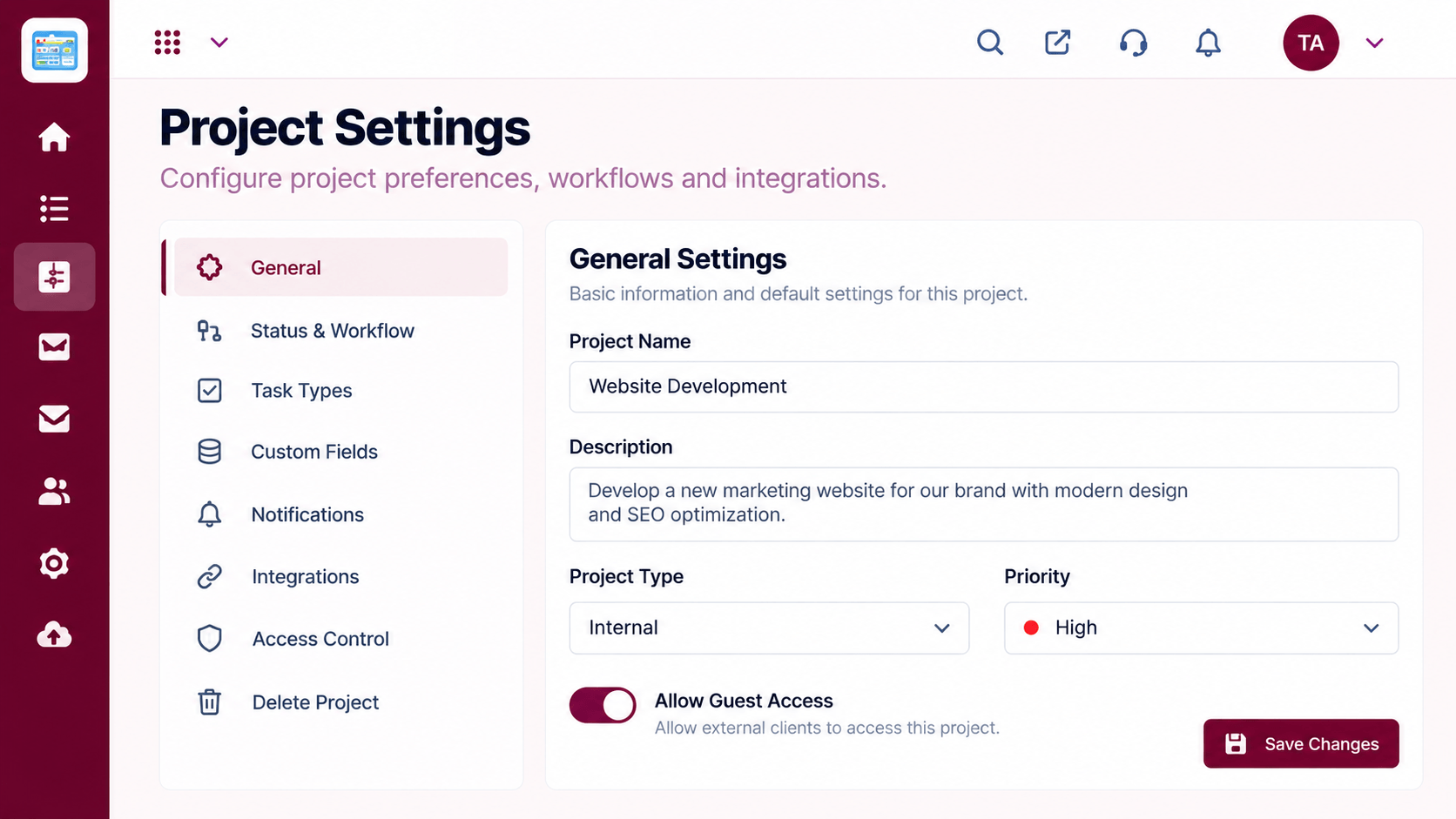 Integrations
Control the connection.
 Integrations
Tasks with linked material.
 Integrations
Deadlines with meeting context.
Execution Plan
An admin authorises the connection.
Pick which teams and projects use it.
Attach documents and invites to work.
Review access as people join and leave.
In Real Life
Scenario 01
The steering deck, the plan and the meeting live together.
Scenario 02
A project inbox links to the tasks it creates.
Scenario 03
A new lead sees the linked documents on day one.
Frequently Asked Questions
It can connect to the documents and calendars your team uses. Availability depends on your plan, so ask us.
No, they keep their existing accounts.
An admin, with guidance from our team.
Yes, by team and project.
Tasks, boards, timelines, workload and reports in one workspace, built for teams who deliver on time.
Explore All Integrations
