The best Business Suite software in India, built to help your business grow. Contact us at +91-8882435276.
[ Contact ]
Phone number
Email address
Head office
Noida office
The right team at TriostackOne will get back to you.
Attach meeting links to milestones and tasks so stand-ups, reviews and kickoffs are one click away from the plan they are about.

From the task to the meeting about it
Positioning Assessment
Project meetings start late because someone is hunting for the invite, and end without a clear link back to the work discussed.
Connecting Zoom lets meeting links sit beside the milestones and tasks they relate to, so the right people can join and the right context is visible. Capabilities and setup depend on your plan, so ask us what is supported.
“The review link sits on the milestone. We stopped scrolling through chat for the invite.”
Sample team scenario
Illustrative example, not a customer testimonial
Illustrated Overview
Imagine a small video window pinned beside each milestone, ready to open when the team needs to talk about it.
The invite lives with the work.
One click from the plan.
Context is not lost afterwards.
Platform Integrity
Attached to tasks and milestones
One click from the plan
Agenda lives with the work
Everyone sees upcoming meetings
How It Works
What changes when meetings sit beside the plan.
| Dimension | Triostack Projects | Loose Invites |
|---|---|---|
| Finding the Link | On the task or milestone | Search chat or email |
| Context | Plan visible for the call | Share the screen late |
| Follow-Up | Notes back on the task | Lost in a doc |
| Attendance | Team sees what is coming | Ask around |
| Setup | Connected once by an admin | Created by hand each time |
Our team can walk you through the connection, permissions and a first test so projects fit into the tools your team already uses.
Live Interface Tour
Real screens captured directly from the Triostack Projects workspace.
 Tasks
TasksTasks moving across the stages of work
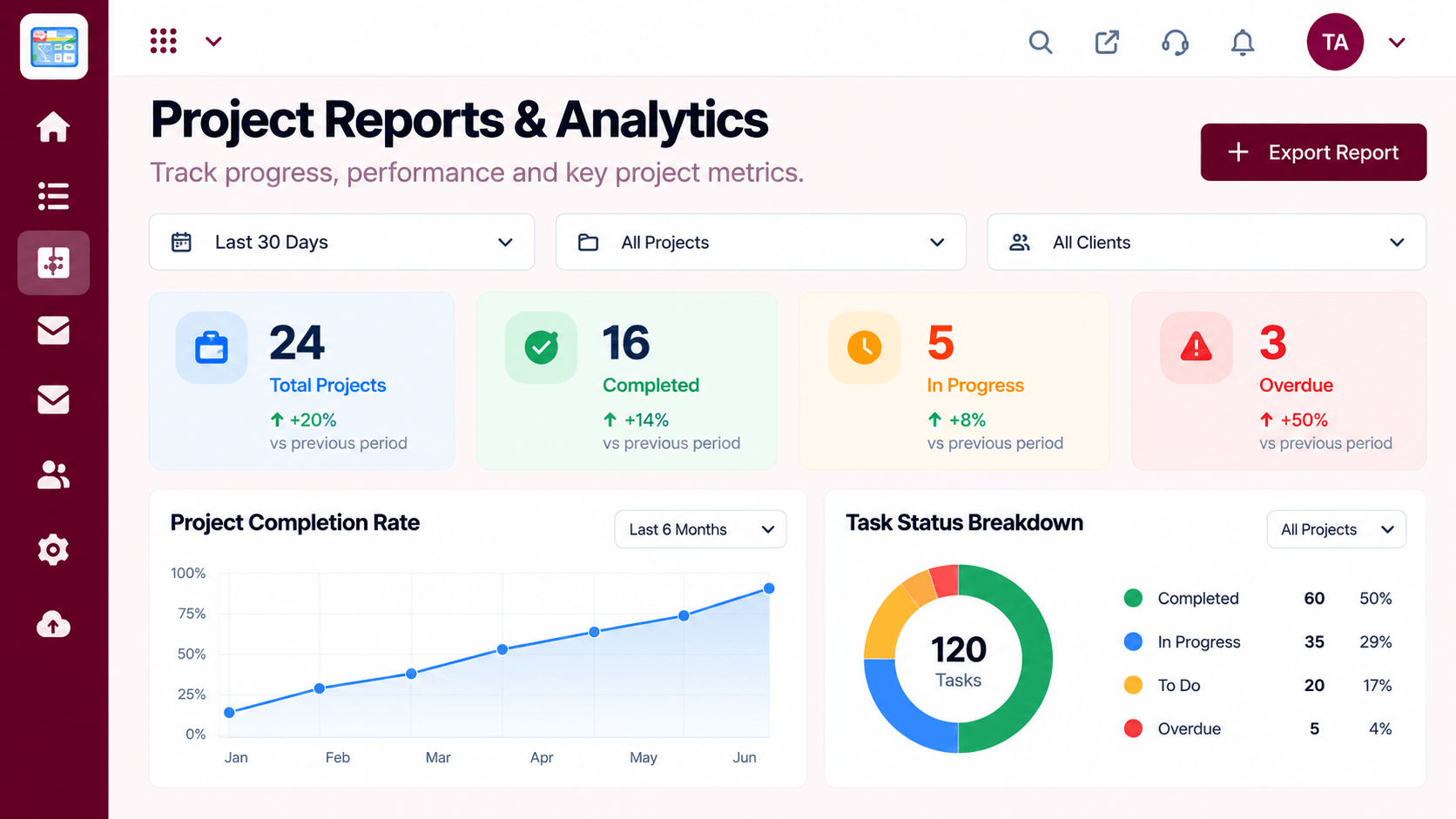 Reports
Progress, time and delivery insights
 Resources
Who is overloaded and who has capacity
Feature Breakdown
Captured from the Triostack Projects workspace.
IntegrationsWho joins which meeting.
 Integrations
Meetings beside milestones.
 Integrations
Upcoming and recent meetings.
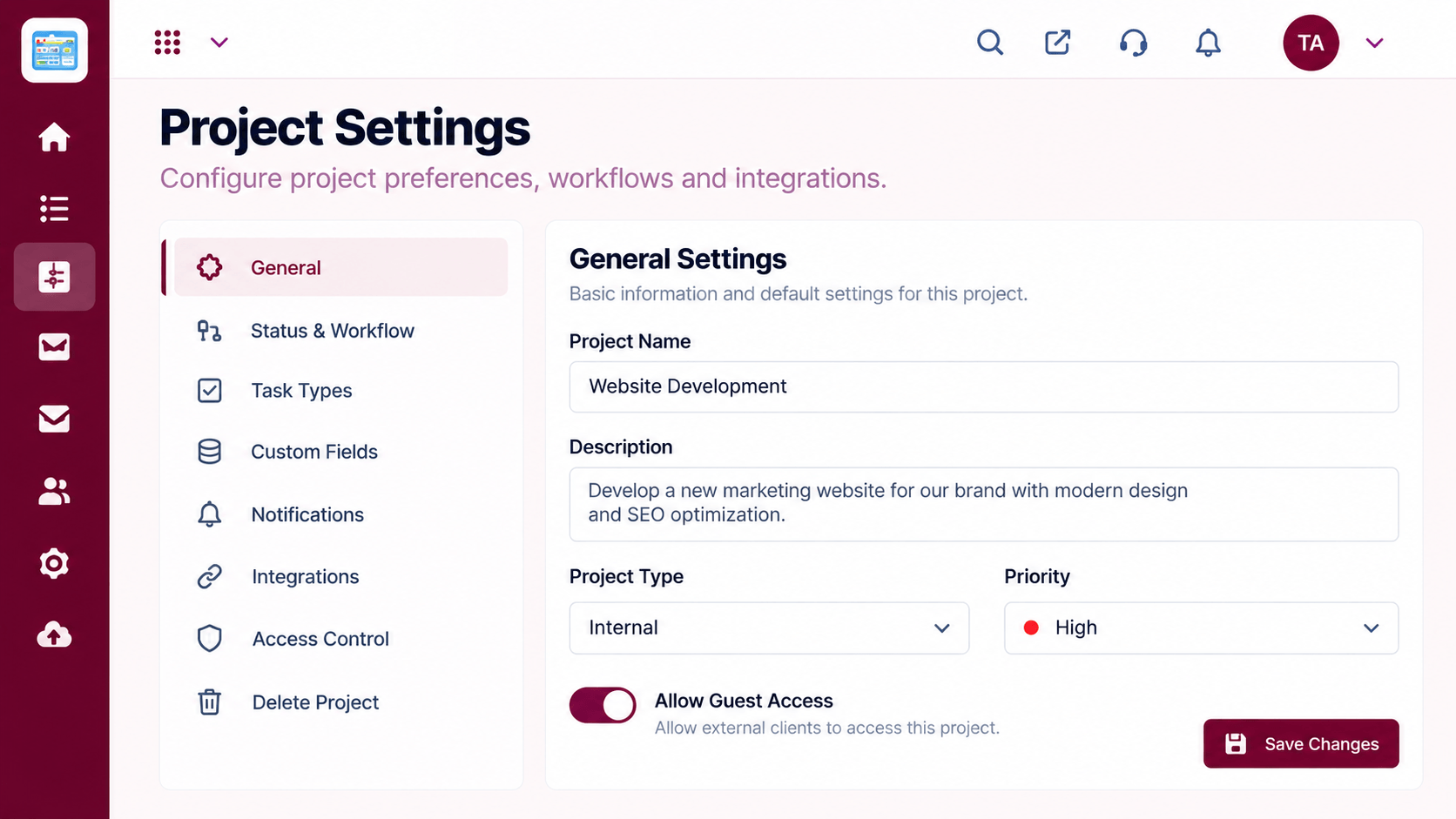 Integrations
Control the connection.
Execution Plan
An admin links the meeting tool.
Add a meeting link to a milestone.
Attendees open it from the plan.
Record decisions back on the task.
In Real Life
Scenario 01
The link and the board are on the same screen.
Scenario 02
The invite sits on the first milestone.
Scenario 03
Everyone opens the same link from the same place.
Frequently Asked Questions
That is the idea. Availability depends on your plan, so ask us.
You use your existing meeting account.
An admin, with guidance from our team.
Recording is handled by your meeting tool.
Tasks, boards, timelines, workload and reports in one workspace, built for teams who deliver on time.
Explore All Integrations
