The best Business Suite software in India, built to help your business grow. Contact us at +91-8882435276.
[ Contact ]
Phone number
Email address
Head office
Noida office
The right team at TriostackOne will get back to you.
Send task and project updates into the channels your team watches, so progress shows up in conversation instead of waiting for someone to open a board.

Updates arrive where people already talk
Positioning Assessment
A task is finished, a deadline moves, a blocker appears, and the only way to know is to open the project tool. Meanwhile the conversation happens somewhere else.
Connecting Slack lets project events surface in the channels your team already follows, so people notice changes without hunting for them. Exact events, setup and availability depend on your plan, so ask us what is supported.
“The channel tells us when something moves. We stopped sending 'any update?' messages.”
Sample team scenario
Illustrative example, not a customer testimonial
Illustrated Overview
Imagine each important change sending a small, friendly nudge to the room where the team is already talking.
No need to open the board to know.
Channels per project or team.
Every message links back to the task.
Platform Integrity
Updates in the right channel
Fewer 'any update?' messages
The team sees what changed
Choose what is sent where
How It Works
What changes when updates reach the conversation.
| Dimension | Triostack Projects | Checking the Board |
|---|---|---|
| Awareness | Updates arrive in the channel | Someone has to look |
| Status Pings | Reduced | Constant |
| Blockers | Visible quickly | Found at the next stand-up |
| Context | Link back to the task | Search and ask |
| Noise | Choose what is posted | Everything or nothing |
Our team can walk you through the connection, permissions and a first test so projects fit into the tools your team already uses.
Live Interface Tour
Real screens captured directly from the Triostack Projects workspace.
 Planning
Dates, dependencies and milestones on one timeline
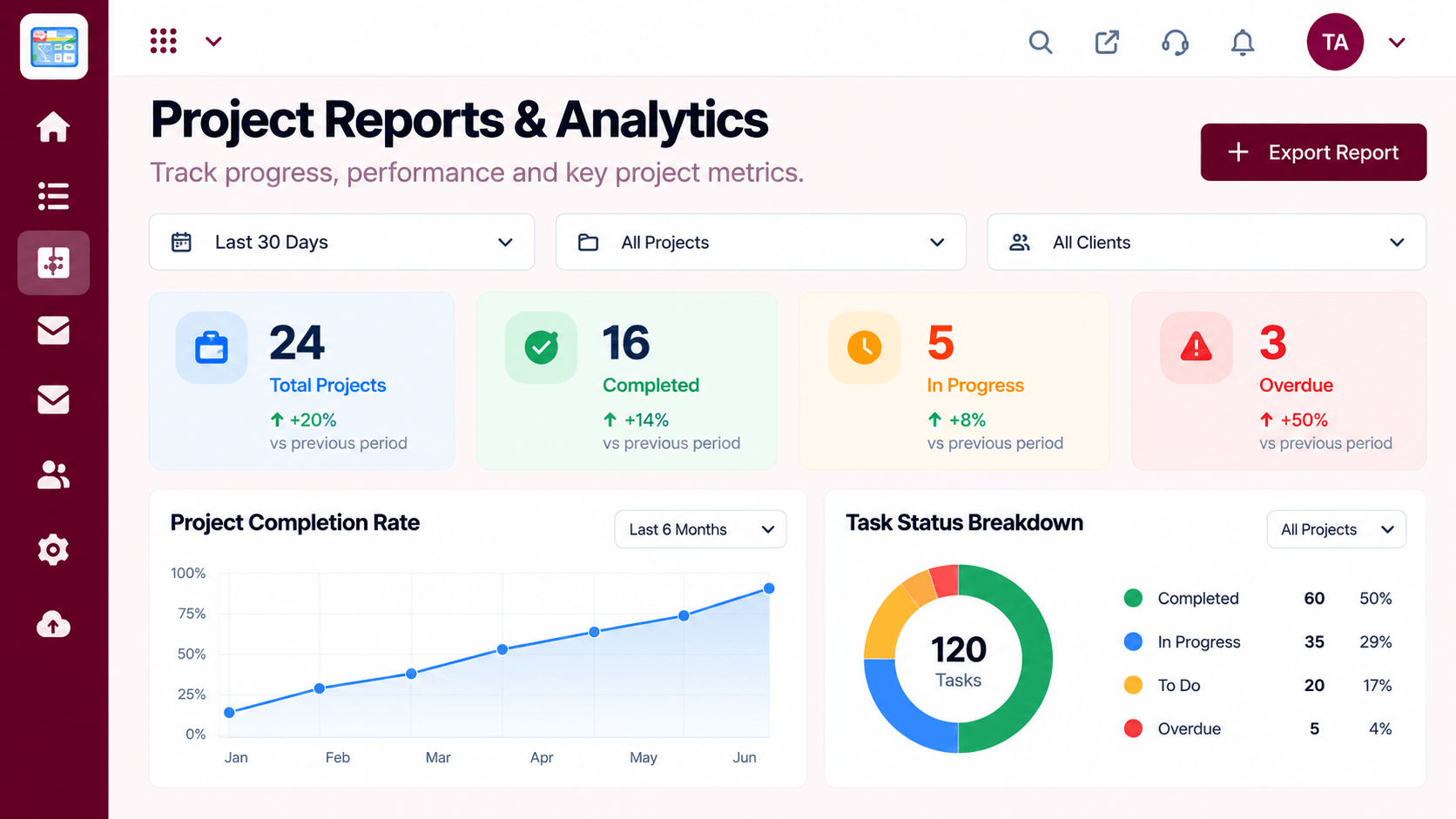 Reports
Progress, time and delivery insights
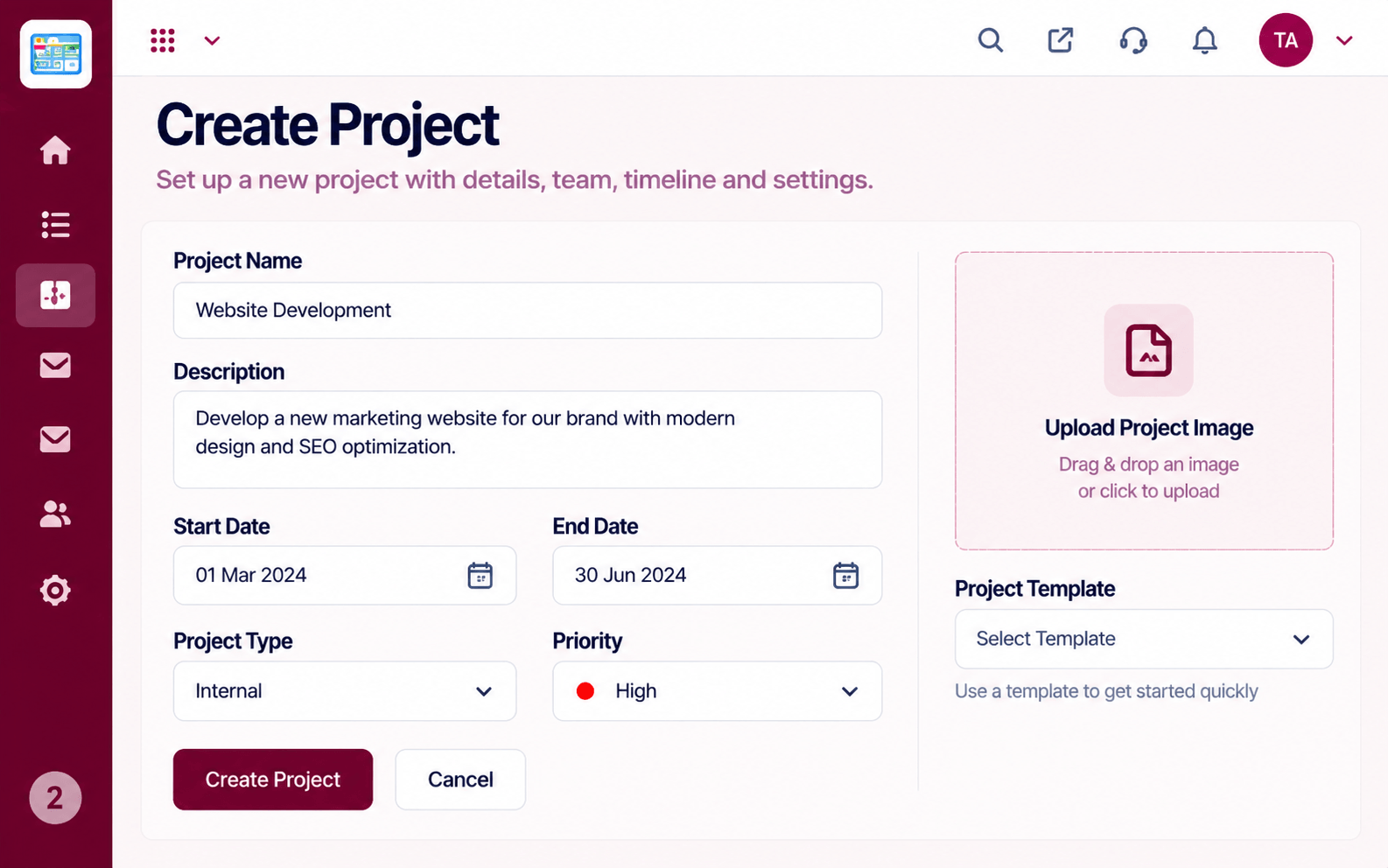 Projects
Set up a project with scope, dates and owners
Feature Breakdown
Captured from the Triostack Projects workspace.
IntegrationsWhat the channel reports on.
 Integrations
Where the events come from.
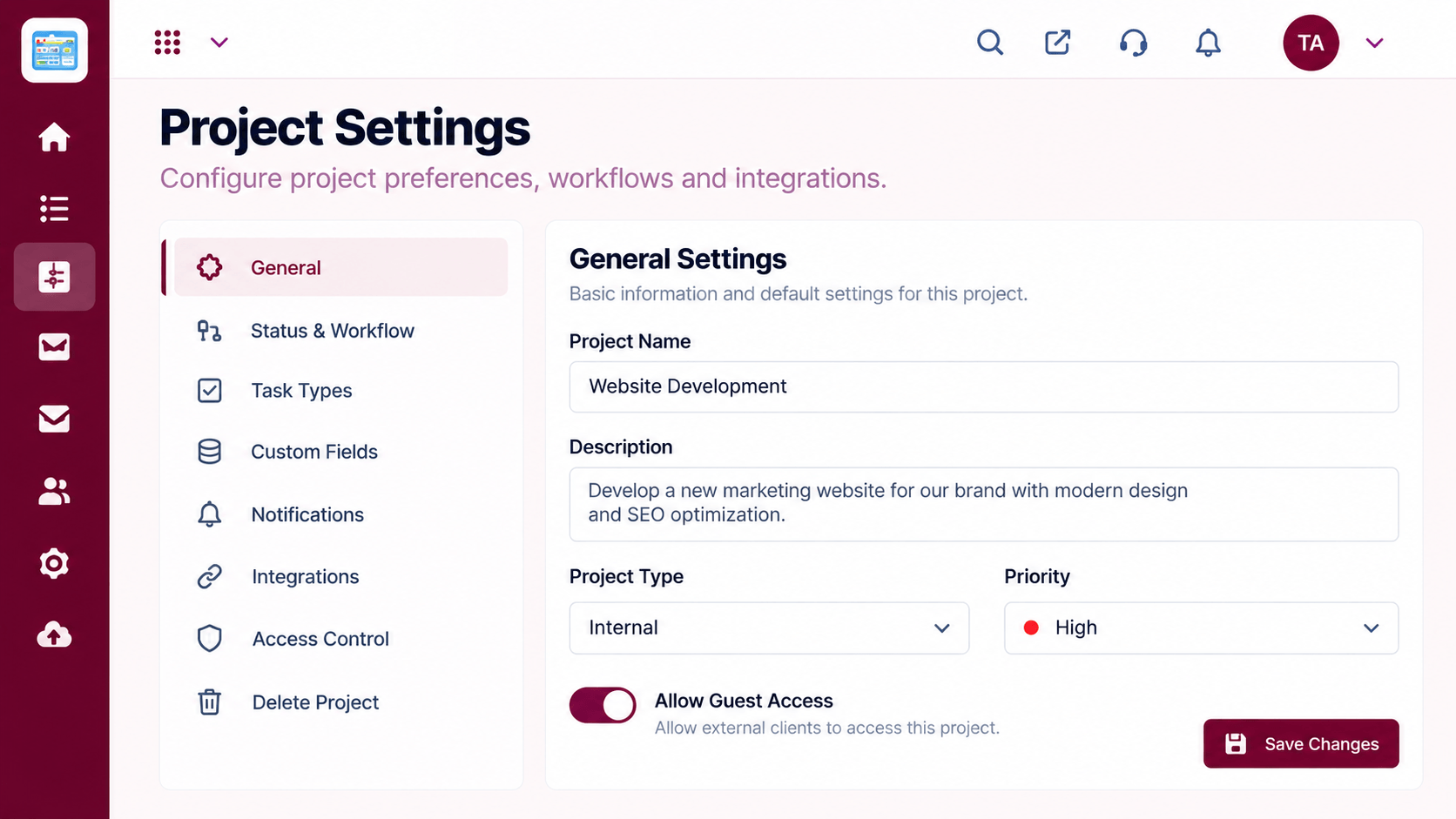 Integrations
Choose what is sent.
 Integrations
Who sees the updates.
Execution Plan
An admin connects the workspace.
Map projects to channels.
Select which updates to send.
Reduce noise as the team learns what helps.
In Real Life
Scenario 01
Done and blocked tasks appear in the release channel.
Scenario 02
People in different time zones read the same updates.
Scenario 03
An internal channel follows each client project.
Frequently Asked Questions
Typically task and project events. Exact events and availability depend on your plan, so ask us.
Yes. You map projects to channels.
You choose what is sent so the channel stays useful.
An admin, with help from our team.
Tasks, boards, timelines, workload and reports in one workspace, built for teams who deliver on time.
Explore All Integrations
