The best Business Suite software in India, built to help your business grow. Contact us at +91-8882435276.
[ Contact ]
Phone number
Email address
Head office
Noida office
The right team at TriostackOne will get back to you.
Show milestones and due dates on the calendars your team checks every day, so deadlines are seen without opening the project tool.

Deadlines appear where people already look
Positioning Assessment
Plans list due dates, but people plan their day from their calendar. If the two never meet, deadlines get noticed late.
Calendar sync brings milestones and due dates onto the calendars your team already uses, so they sit beside meetings and leave. Exact behaviour, direction of sync and availability depend on your plan and setup, so ask us.
“Milestones appear next to my meetings. I plan my week around them without opening anything else.”
Sample team scenario
Illustrative example, not a customer testimonial
Illustrated Overview
Picture a milestone peeling off the plan and sticking itself onto your calendar, between a meeting and a lunch.
The calendar is the daily home.
Meetings and deadlines in one view.
Only the dates you care about.
Platform Integrity
Milestones next to meetings
Seen before they are late
Shared view of what is due
Choose what appears
How It Works
What changes when deadlines reach the calendar.
| Dimension | Triostack Projects | Dates in the Plan Only |
|---|---|---|
| Visibility | On the daily calendar | Only in the project tool |
| Planning | Next to meetings and leave | Mentally merged |
| Reminders | Where people already get them | Another notification |
| Missed Dates | Fewer surprises | Noticed late |
| Maintenance | Updates follow the plan | Re-entered by hand |
Our team can walk you through the connection, permissions and a first test so projects fit into the tools your team already uses.
Live Interface Tour
Real screens captured directly from the Triostack Projects workspace.
 Tasks
TasksTasks moving across the stages of work
 Team
TeamWho is on the project and what they own
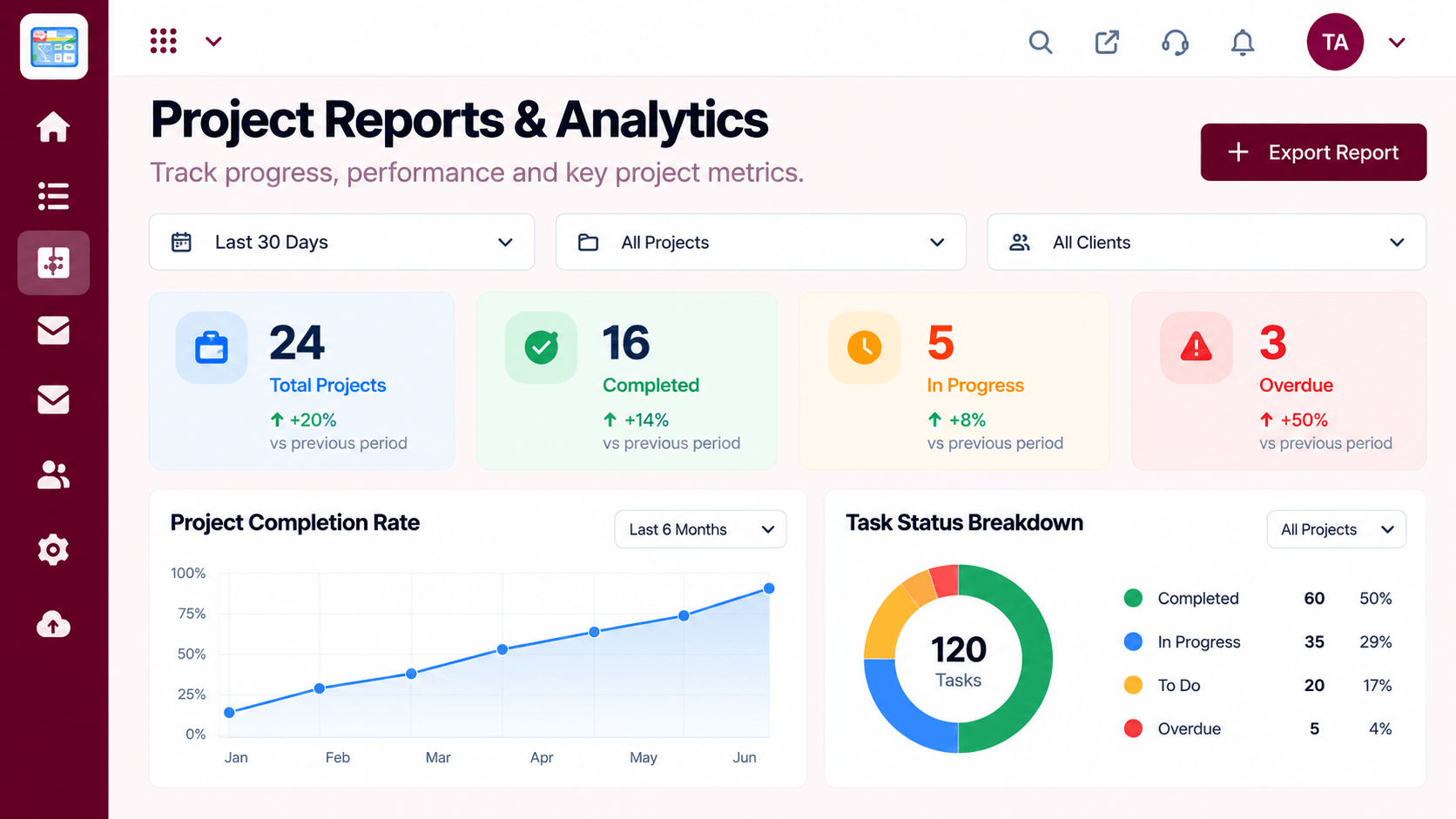 Reports
Progress, time and delivery insights
Feature Breakdown
Captured from the Triostack Projects workspace.
IntegrationsWhere dates come from.
 Integrations
See load against dates.
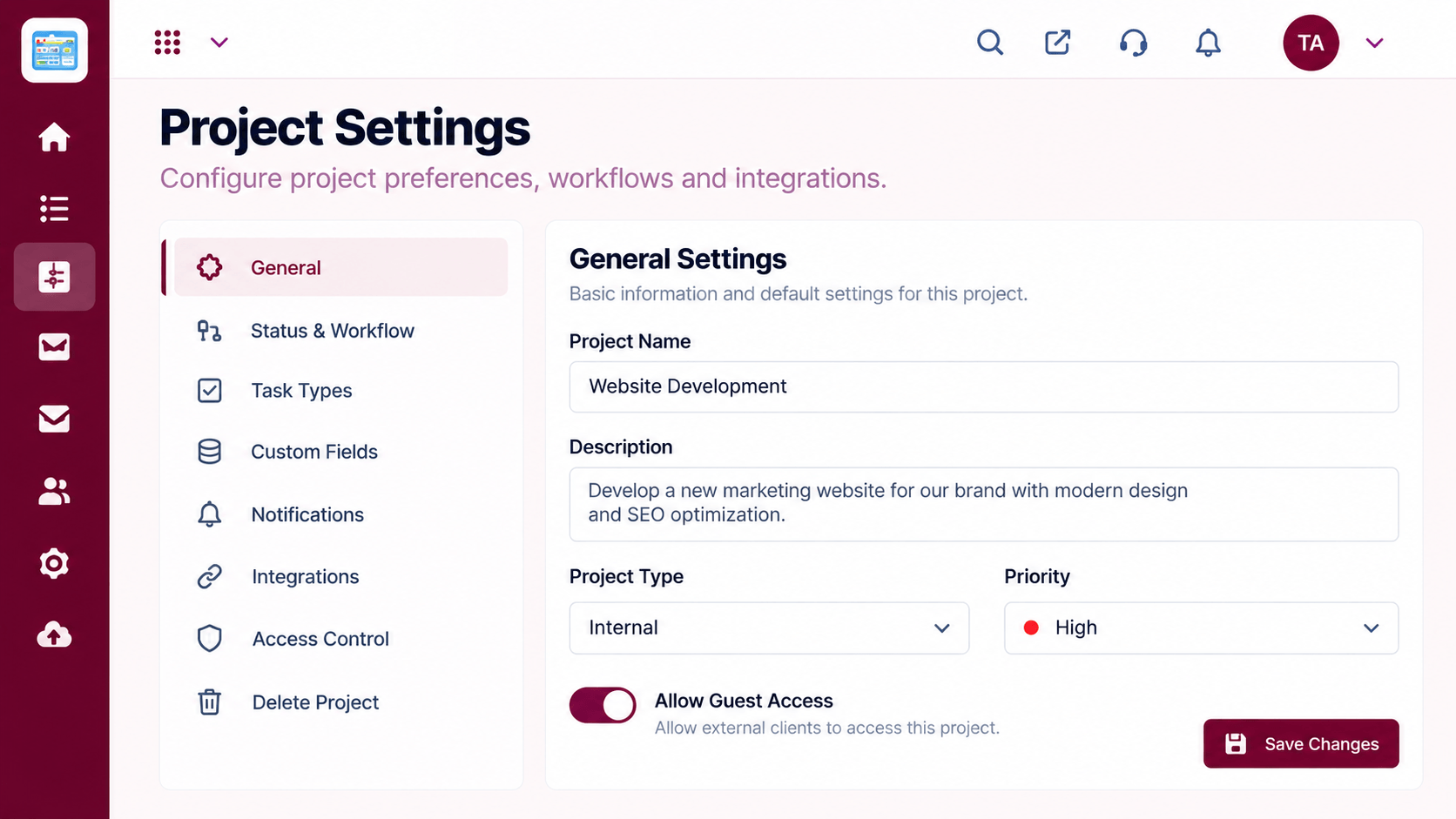 Integrations
Control what syncs.
 Integrations
Upcoming dates at a glance.
Execution Plan
Link a calendar.
Choose which dates to show.
Check how events appear.
Tune what your team needs to see.
In Real Life
Scenario 01
Key dates sit among the launch meetings.
Scenario 02
They see only the dates that affect them.
Scenario 03
A holiday clash with a deadline is spotted early.
Frequently Asked Questions
That depends on your plan and setup. Ask us about your calendar.
Direction and detail of sync vary. Ask us what applies to you.
Admins and members can choose what they see, according to settings.
You choose which dates appear.
Tasks, boards, timelines, workload and reports in one workspace, built for teams who deliver on time.
Explore All Integrations
