The best Business Suite software in India, built to help your business grow. Contact us at +91-8882435276.
[ Contact ]
Phone number
Email address
Head office
Noida office
The right team at TriostackOne will get back to you.
Relate branches, pull requests and commits to project tasks so progress reflects what was actually built, not only what someone reported.
From task to the code that delivered it
Positioning Assessment
Product and project leads often ask whether something is really finished. Engineers answer from memory, and the answer depends on who you ask.
Connecting GitHub lets tasks relate to the branches and pull requests that deliver them, so a reviewer can follow the trail from request to change. What is linked and how it appears depend on your plan and setup, so ask us for specifics.
“I can open a task and see the change that delivered it. That ends a lot of 'is this really done?' conversations.”
Sample team scenario
Illustrative example, not a customer testimonial
Illustrated Overview
Picture a bright thread running from a task card through a branch and a pull request, so anyone can follow it end to end.
Follow the trail either way.
Status backed by work.
A record that exists without effort.
Platform Integrity
See what delivered a task
Link pull requests to tasks
Progress backed by work
Choose which repos connect
How It Works
What changes when tasks and code relate.
| Dimension | Triostack Projects | Unlinked Tasks |
|---|---|---|
| Traceability | Task to change and back | Ask the author |
| Done Means Done | Evidence is visible | A status someone typed |
| Review | Context beside the task | Search the repo |
| Audit | A clear trail | Reconstruct later |
| Handover | New owner follows links | Interview the team |
Our team can walk you through the connection, permissions and a first test so projects fit into the tools your team already uses.
Live Interface Tour
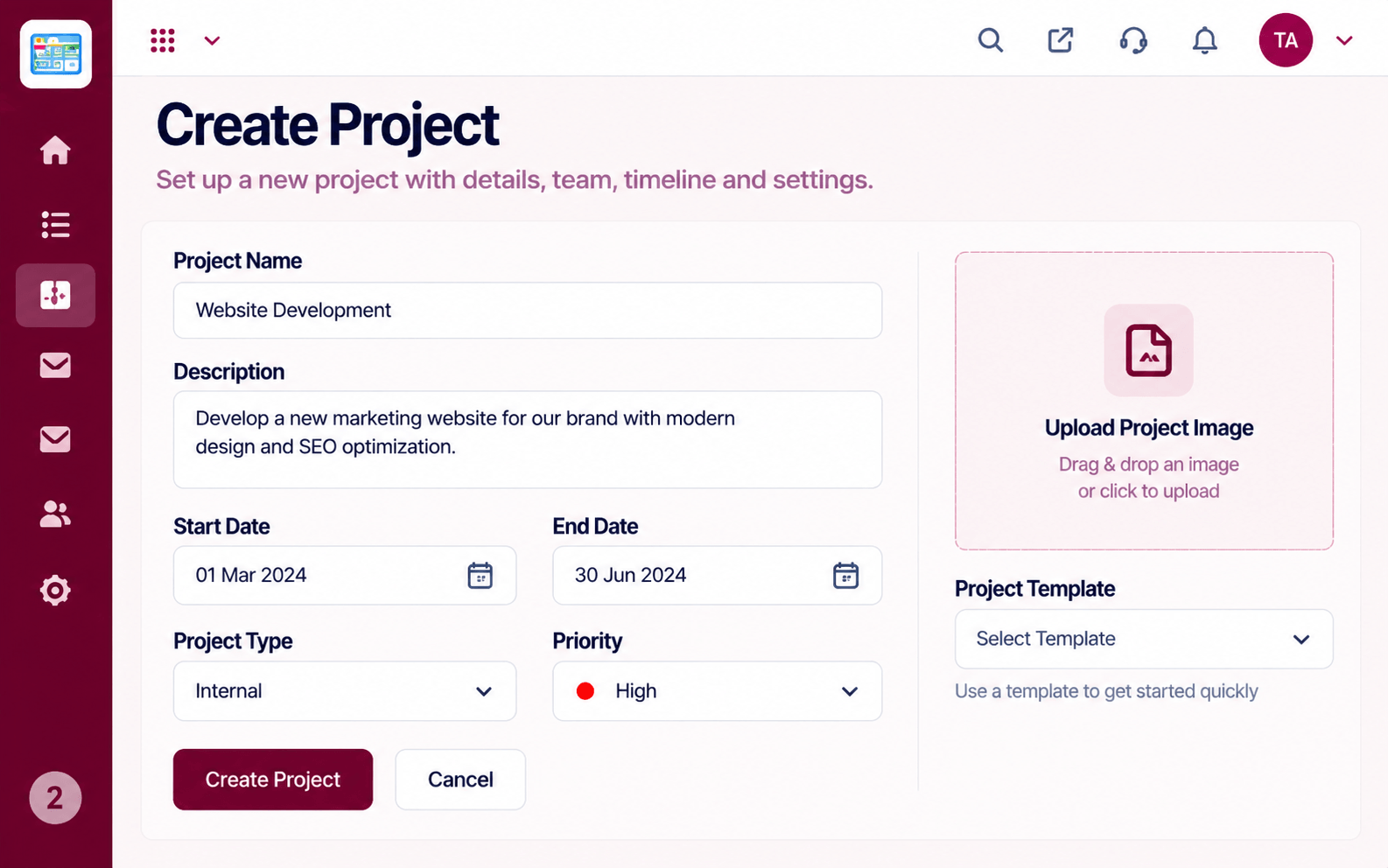
Real screens captured directly from the Triostack Projects workspace.
 Planning
Dates, dependencies and milestones on one timeline
 Team
TeamWho is on the project and what they own
 Resources
Who is overloaded and who has capacity
Feature Breakdown
Captured from the Triostack Projects workspace.
IntegrationsStart with a clear scope.
 Integrations
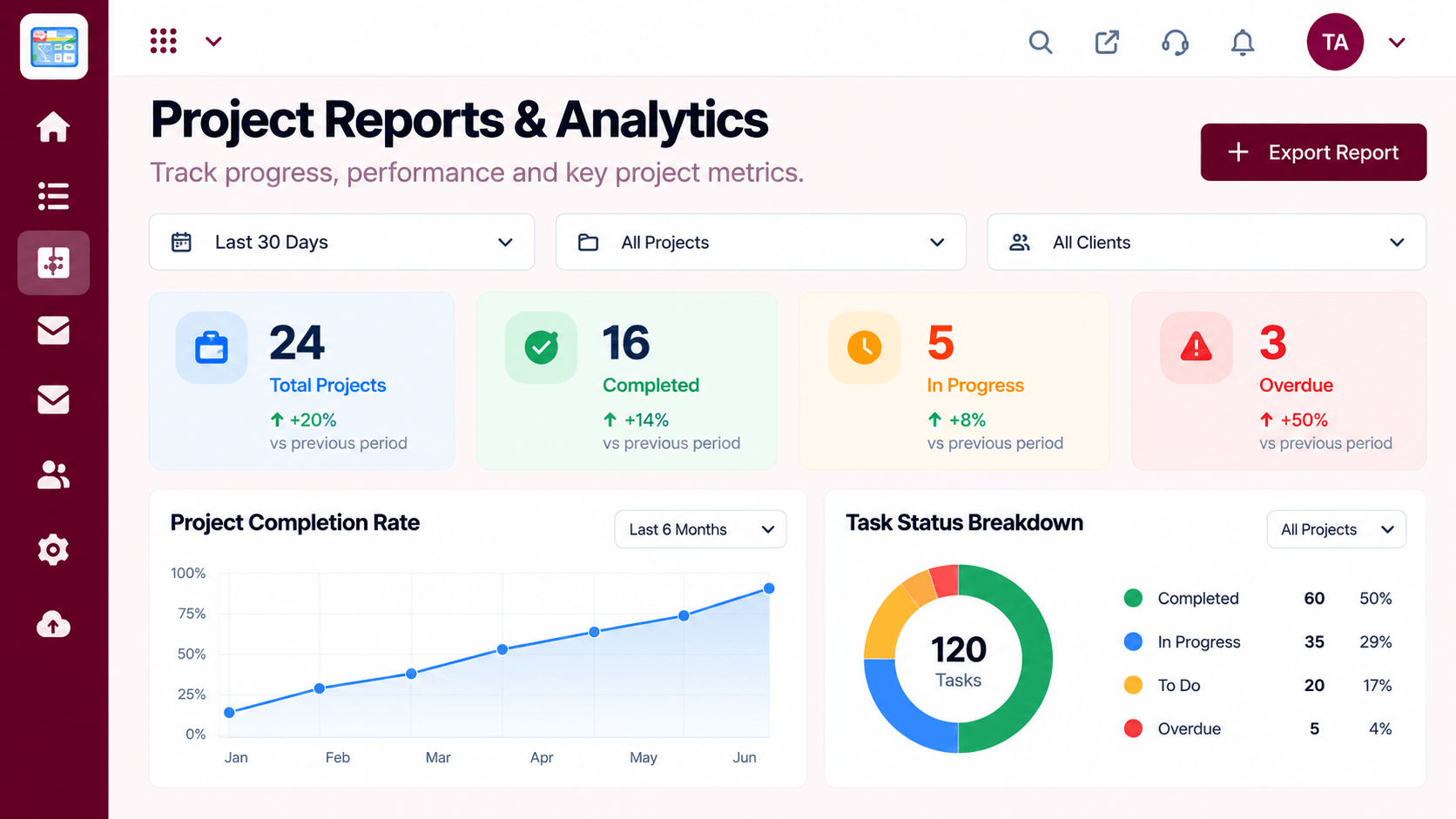
Tasks tied to changes.
 Integrations
Delivery trends.
 Integrations
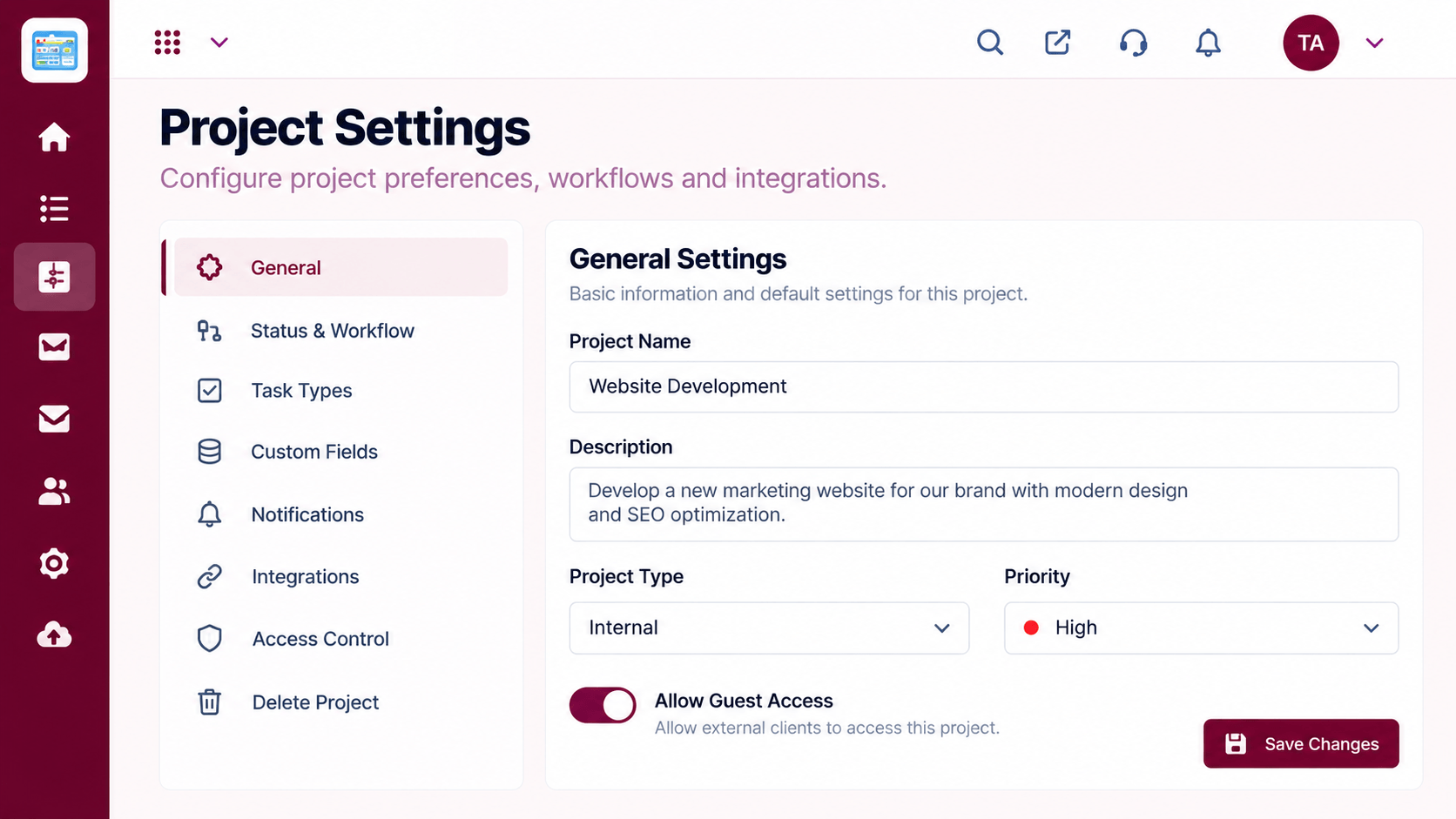
Choose connections.
Execution Plan
An admin authorises the connection.
Choose which repositories relate to which projects.
Mention a task when you change code.
Open a task and follow the link.
In Real Life
Scenario 01
A lead checks that every task has a linked change.
Scenario 02
Support traces a fix back to the original request.
Scenario 03
Follows links to understand why code changed.
Frequently Asked Questions
Typically branches and pull requests to tasks. What is supported depends on your plan, so ask us.
Only to reference the task when they work on it.
Yes, an admin chooses.
No. It adds context to tasks.
Tasks, boards, timelines, workload and reports in one workspace, built for teams who deliver on time.
Explore All Integrations
