The best Business Suite software in India, built to help your business grow. Contact us at +91-8882435276.
[ Contact ]
Phone number
Email address
Head office
Noida office
The right team at TriostackOne will get back to you.

Write
State the rule: trigger, data, action, exceptions.
Choose
Pick a validator, a hook or a headless automation.
Build
Write the script and its tests.
Stage
Run it in staging, then promote it.
Positioning Assessment
Teams reach for scripting when configuration is not enough: a field that must match a pattern, a value that depends on three others, a job that should run without anyone clicking. Triostack CRM supports three kinds of custom script.
Client-side validators run in the browser as someone fills a form, and can reject a bad value or show a message before a record is saved. Calculation hooks run when a record is created or changed and compute a value, such as a discount, a commission or a score, from other fields. Headless automations run on the server with no screen involved, triggered by an event or a schedule, and can create records, call external APIs and send messages. Develop and test all three in a staging environment before you apply them to production.
“A phone-number validator and a discount calculation went live together. Staging caught both mistakes.”
Sample team scenario
A made-up scenario about Custom Business Logic Scripting Guide, not a customer testimonial

All Leads
Custom Business Logic Scripting Guide: every lead with its source, status and owner
In the Product
Imagine every dish written down before anyone lights a stove.
First.
For three jobs.
Always.
Platform Integrity
Before save
On create or change
Event or schedule
Test safely
At a Glance
What each kind of script is for.
| Dimension | Triostack CRM | Manual Rules |
|---|---|---|
| Bad data | A validator stops it at entry | Cleaned up afterwards |
| Calculated values | A hook computes them every time | Typed in by hand |
| Repeated jobs | A headless automation runs them | Someone clicks each time |
| Testing | In staging, with sample data | In production |
| Ownership | A named owner per script | Unknown |
Book a walkthrough of Custom Business Logic Scripting Guide. We set up a sandbox so you can try Client-side validators, Calculation hooks and Headless automations before you commit.
Live Interface Tour
The screens below belong to Custom Business Logic Scripting Guide: All Leads, Lead Follow-Ups and Sales Dashboard, all from the product.
Company Settings
Custom Business Logic Scripting Guide: validate, calculate, automate
Feature Breakdown
4 screens from the live product that show Custom Business Logic Scripting Guide at work.

Where scripts act.
How it fits the plan
Write. State the rule: trigger, data, action, exceptions.
Choose. Pick a validator, a hook or a headless automation.
Practical tip
Give every script an owner and a one-line description, so it can be changed or retired later.
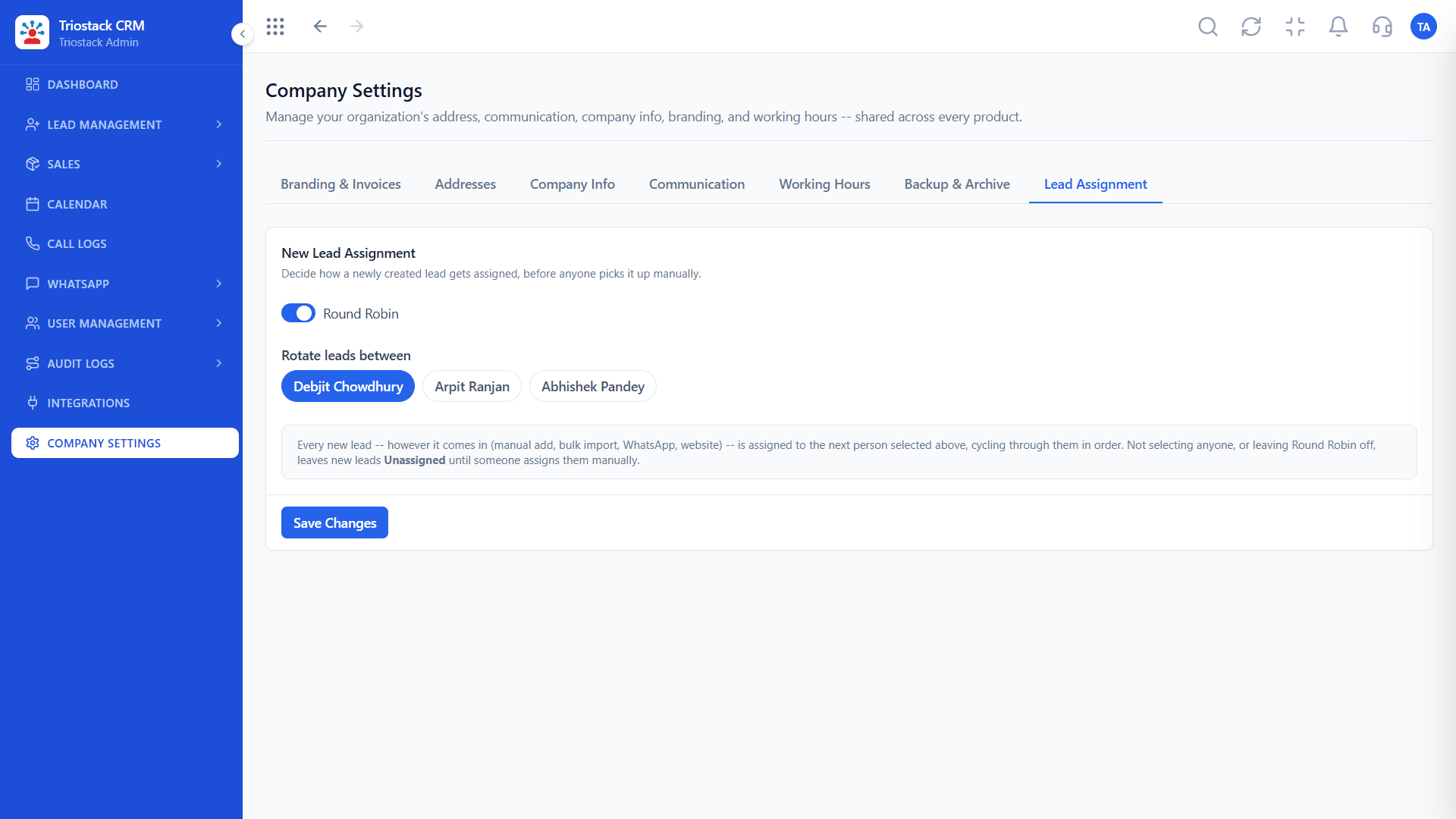
Rule-based routing.
How it fits the plan
Choose. Pick a validator, a hook or a headless automation.
Build. Write the script and its tests.
In real life
Phone validation
Bad numbers are stopped at entry.

Triggers and actions.
How it fits the plan
Build. Write the script and its tests.
Stage. Run it in staging, then promote it.
Watch out for
Putting heavy work in a client-side validator, which slows every form for every user.
Where it is configured.
How it fits the plan
Stage. Run it in staging, then promote it.
Write. State the rule: trigger, data, action, exceptions.
Before you start
Execution Plan
State the rule: trigger, data, action, exceptions.
Pick a validator, a hook or a headless automation.
Write the script and its tests.
Run it in staging, then promote it.
Practical Guide
Before you start
A tip that helps
Give every script an owner and a one-line description, so it can be changed or retired later.
A common mistake
Putting heavy work in a client-side validator, which slows every form for every user.
Availability: What Custom Business Logic Scripting Guide covers can depend on your plan and setup. Please confirm with our team which parts are live for your account, and any prerequisites, before you plan around it.
In Real Life
Scenario 01
Bad numbers are stopped at entry.
Scenario 02
A hook computes them every time.
Scenario 03
A headless automation runs them.
Straight answers about Custom Business Logic Scripting Guide, from setup to what happens next.
Have a question about Custom Business Logic Scripting Guide?
Book a free callClient-side validators, calculation hooks and headless automations.
A script that runs when a record is created or changed and computes a value from other fields.
A server-side script that runs on an event or a schedule with no screen involved.
In a staging environment, before you apply a script to production.
Documentation on building proprietary client-side validators, calculation hooks and headless automations within Triostack CRM, with examples and testing in staging.
It runs in 4 steps: Write, Choose, Build and Stage. State the rule: trigger, data, action, exceptions.
The real screens on this page include All Leads, Lead Follow-Ups, Sales Dashboard and Lead Pipeline, all captured from the product.
Request a demo and ask to see Custom Business Logic Scripting Guide. Our team can also walk you through setup, so your first session ends with something working.
We will walk you through Custom Business Logic Scripting Guide, from Client-side validators, Calculation hooks and Headless automations, on sample data shaped like yours.


