The best Business Suite software in India, built to help your business grow. Contact us at +91-8882435276.
[ Contact ]
Phone number
Email address
Head office
Noida office
The right team at TriostackOne will get back to you.
Built for
Enterprise HIPAA Compliance and BAA
Agreement before data
A BAA signed before any PHI is processed
Positioning Assessment
US healthcare organisations, and companies that serve them, must treat protected health information carefully. A vendor that handles it is a business associate and must sign a BAA setting out what it will and will not do with the data.
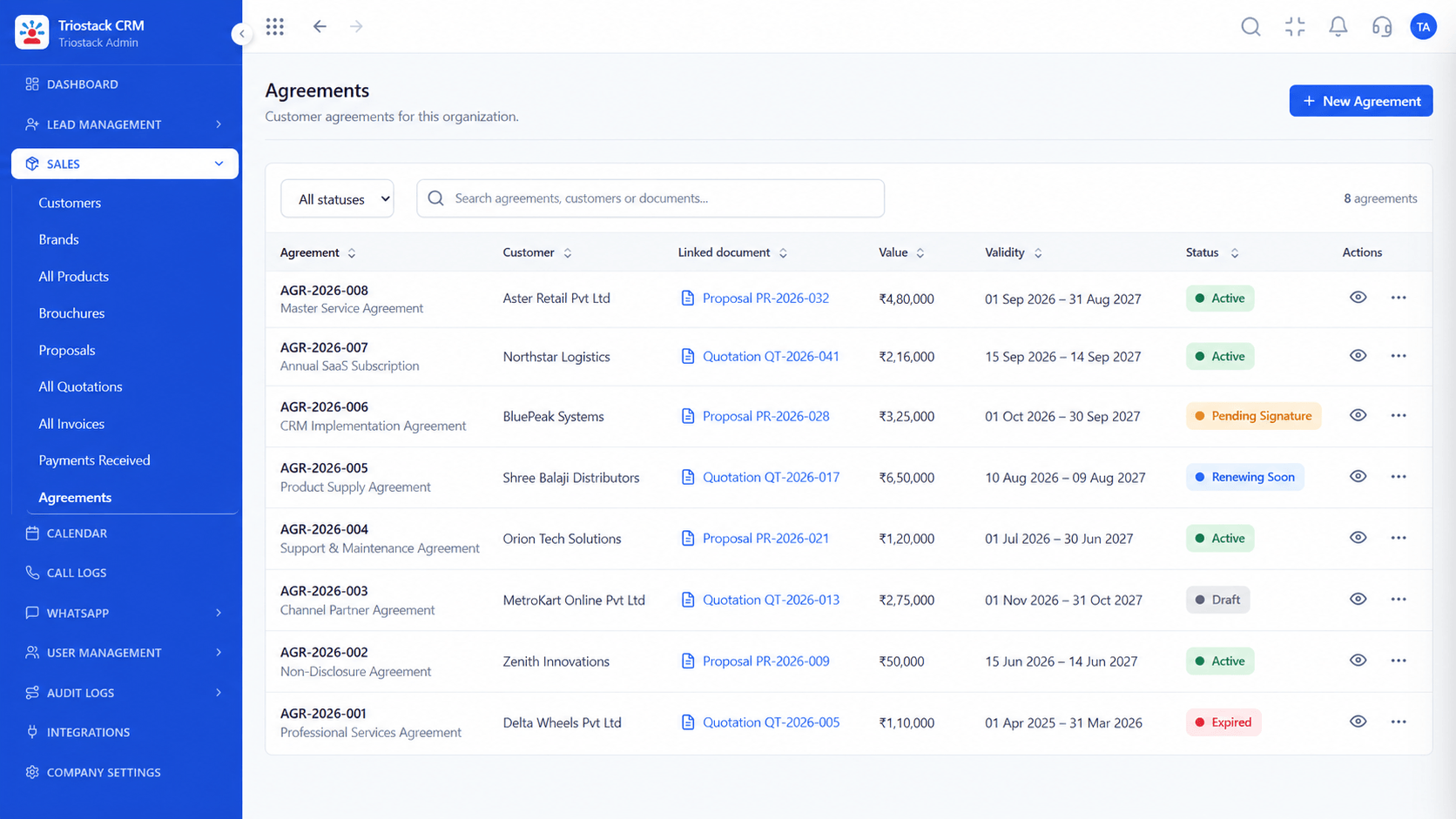
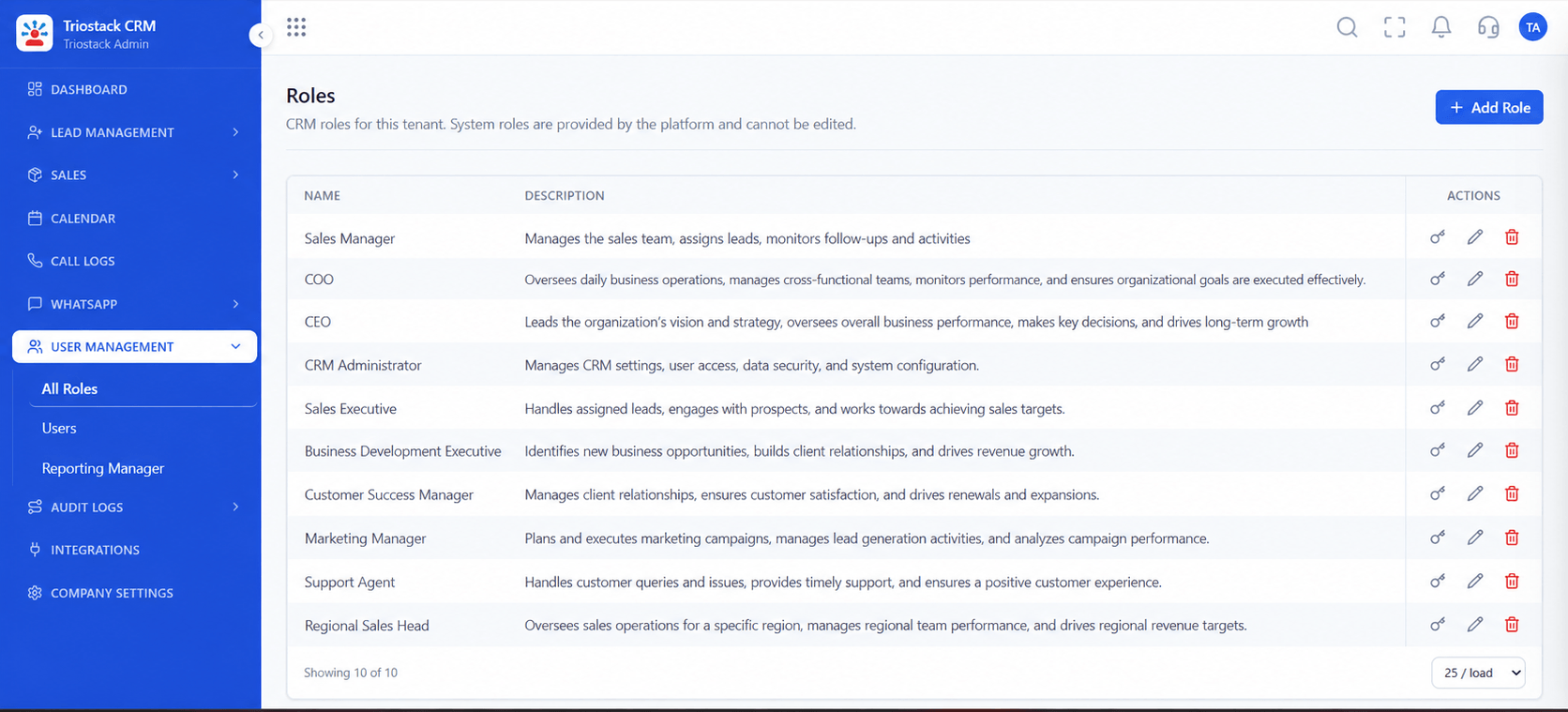
This page is for enterprise healthcare buyers. A Business Associate Agreement is signed before any PHI is processed, and it is negotiated through our enterprise team, not accepted by default in the standard terms. Technical safeguards that support HIPAA compliance include role-based access limiting who sees which records, audit logs showing who viewed or changed what, encryption in transit and at rest, and retention and deletion controls. How you configure and use the service decides whether your own use is compliant. For a broader overview of healthcare use, see the HIPAA-compliant healthcare CRM page.
“Legal would not allow a pilot until the BAA was signed. Having it in the process from day one avoided a delay.”
Sample team scenario
A made-up scenario about Enterprise HIPAA Compliance and BAA, not a customer testimonial

All Leads
Enterprise HIPAA Compliance and BAA: every lead with its source, status and owner
In the Product
Imagine the agreement sitting before the data.
Always.
By role.
Of every view.
Platform Integrity
Before PHI
By role
Who saw what
In transit and at rest
At a Glance
What a healthcare buyer should require.
Agreement
A BAA negotiated and signed
Standard Terms Only: Standard terms alone
PHI access
Limited by role
Standard Terms Only: Broad
Audit trail
Views and changes logged
Standard Terms Only: Limited
Encryption
In transit and at rest
Standard Terms Only: Varies
Responsibility
Shared and written down
Standard Terms Only: Unclear
Book a walkthrough of Enterprise HIPAA Compliance and BAA. We set up a sandbox so you can try Security safeguards, PHI handling and Signed BAA before you commit.
Live Interface Tour
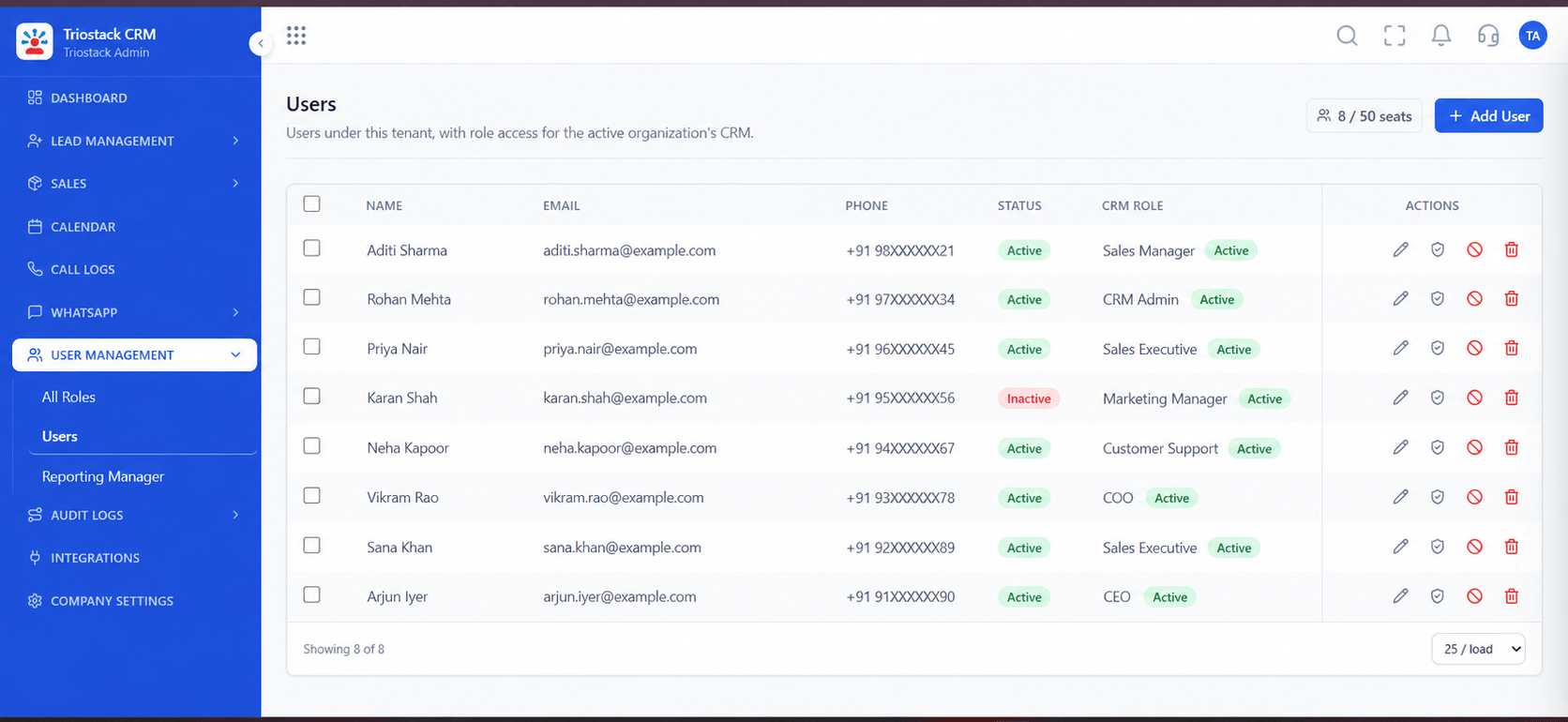
The screens below belong to Enterprise HIPAA Compliance and BAA: All Leads, Lead Pipeline and Sales Dashboard, all from the product.
Agreements
Enterprise HIPAA Compliance and BAA: a BAA signed before any PHI is processed
Feature Breakdown
4 screens from the live product that show Enterprise HIPAA Compliance and BAA at work.
Limit access.
How it fits the plan
Scope. Decide whether you will store PHI at all.
Sign. Execute the BAA with our enterprise team.
Practical tip
Store the minimum. If a CRM does not need a diagnosis to do its job, keep the diagnosis out of it.
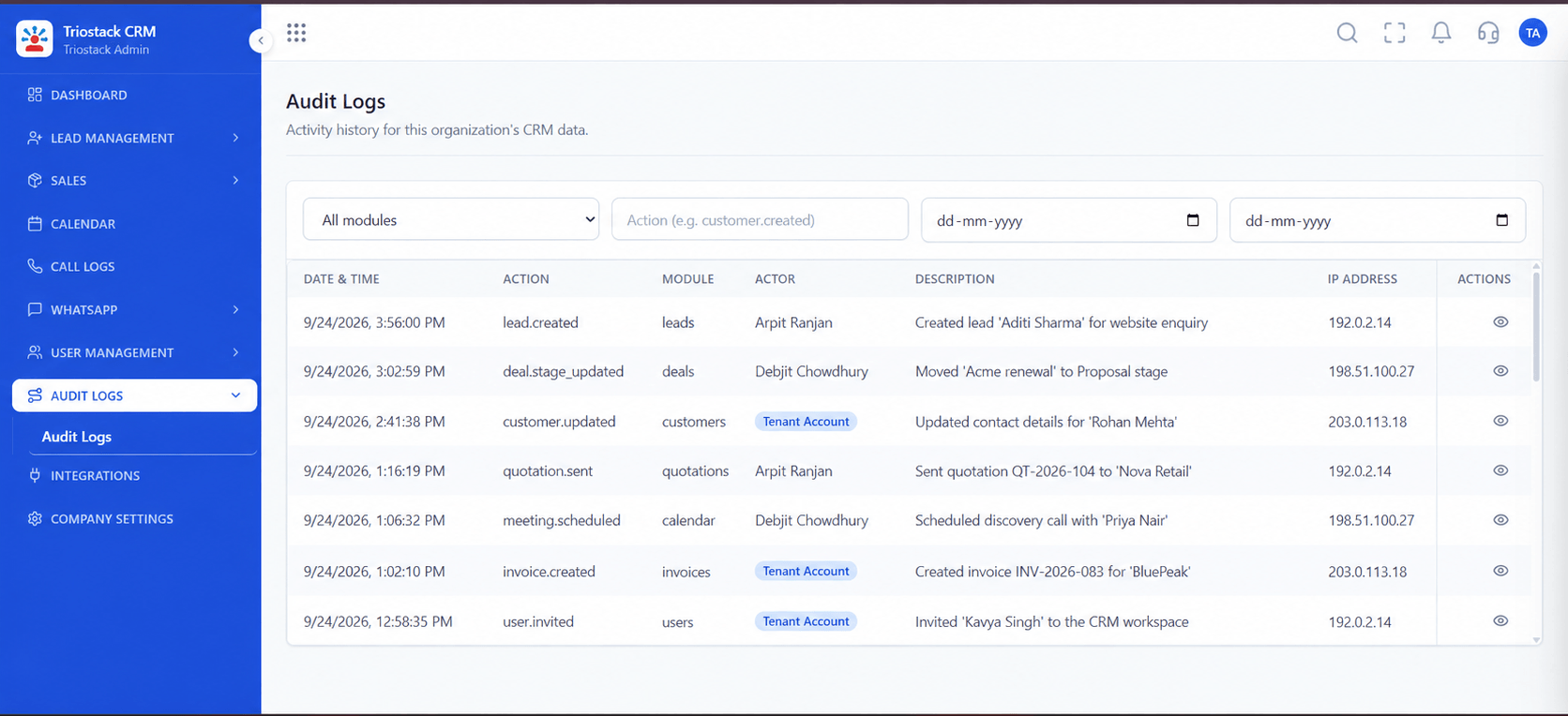
Trail of access.
In real life
Healthcare providers
Procurement can proceed with clarity.
BAA on record.
Watch out for
Starting a pilot with real patient data before the BAA is signed.
Retention.
Before you start
Execution Plan
Decide whether you will store PHI at all.
Execute the BAA with our enterprise team.
Set roles, audit and retention.
Check the audit trail regularly.
Practical Guide
Before you start
A tip that helps
Store the minimum. If a CRM does not need a diagnosis to do its job, keep the diagnosis out of it.
A common mistake
Starting a pilot with real patient data before the BAA is signed.
Availability: What Enterprise HIPAA Compliance and BAA covers can depend on your plan and setup. Please confirm with our team which parts are live for your account, and any prerequisites, before you plan around it.
In Real Life
Scenario 01
Procurement can proceed with clarity.
Scenario 02
The compliance steps are ordered.
Scenario 03
Responsibilities are written.
Straight answers about Enterprise HIPAA Compliance and BAA, from setup to what happens next.
Have a question about Enterprise HIPAA Compliance and BAA?
Book a free callBusiness Associate Agreements are handled by our enterprise team. Ask before storing PHI.
Compliance depends on both the vendor's safeguards and your configuration and use.
Role-based access, audit logs, encryption and retention controls.
In the HIPAA-compliant healthcare CRM page.
For healthcare buyers: HIPAA security safeguards, protected health information handling, signed Business Associate Agreements and access controls in Triostack CRM.
It runs in 4 steps: Scope, Sign, Configure and Review. Decide whether you will store PHI at all.
The real screens on this page include All Leads, Lead Pipeline, Sales Dashboard and Roles & Permissions, all captured from the product.
Request a demo and ask to see Enterprise HIPAA Compliance and BAA. Our team can also walk you through setup, so your first session ends with something working.
We will walk you through Enterprise HIPAA Compliance and BAA, from Security safeguards, PHI handling and Signed BAA, on sample data shaped like yours.
Explore All Enterprise CRM