The best Business Suite software in India, built to help your business grow. Contact us at +91-8882435276.
[ Contact ]
Phone number
Email address
Head office
Noida office
The right team at TriostackOne will get back to you.
Built for
Enterprise Custom Backup and S3 Archival
Your bucket, your copy
A daily backup stored in storage you control
Positioning Assessment
Compliance teams want a copy of their data in storage they own, in a region they choose, kept for a period they define. Relying only on a vendor's backups is a reason some procurements stall.
For enterprise plans, Triostack CRM can write an automated daily database export to storage you own: an Amazon S3 bucket, a Google Cloud Storage bucket or an Azure Blob container. You supply the storage and grant the CRM write access, ideally with credentials limited to that location. Retention policies keep exports for the period you set and expire older ones. Exports are encrypted in transit, and you can add encryption at rest on your own storage. Each run is logged with its time and outcome so a missed backup is visible. Availability depends on your plan and agreement.
“Our auditor asked for proof of an independent copy. The bucket and the run log were the answer.”
Sample team scenario
A made-up scenario about Enterprise Custom Backup and S3 Archival, not a customer testimonial

All Leads
Enterprise Custom Backup and S3 Archival: every lead with its source, status and owner
In the Product
Imagine a daily copy sitting in your own account.
Daily.
To define.
Every time.
Platform Integrity
Automated
S3, GCS, Azure Blob
Your period
Success and failure
At a Glance
What changes for audit and recovery.
Where the copy lives
In storage you own
Vendor-Only Backups: Inside the vendor's systems
Frequency
Daily
Vendor-Only Backups: Per vendor schedule
Retention
Period you define
Vendor-Only Backups: Per vendor policy
Proof
Run log and your own bucket
Vendor-Only Backups: A statement
Control
Region and access are yours
Vendor-Only Backups: The vendor's
Book a walkthrough of Enterprise Custom Backup and S3 Archival. We set up a sandbox so you can try Daily dumps, AWS S3 and Google Cloud Storage before you commit.
Live Interface Tour
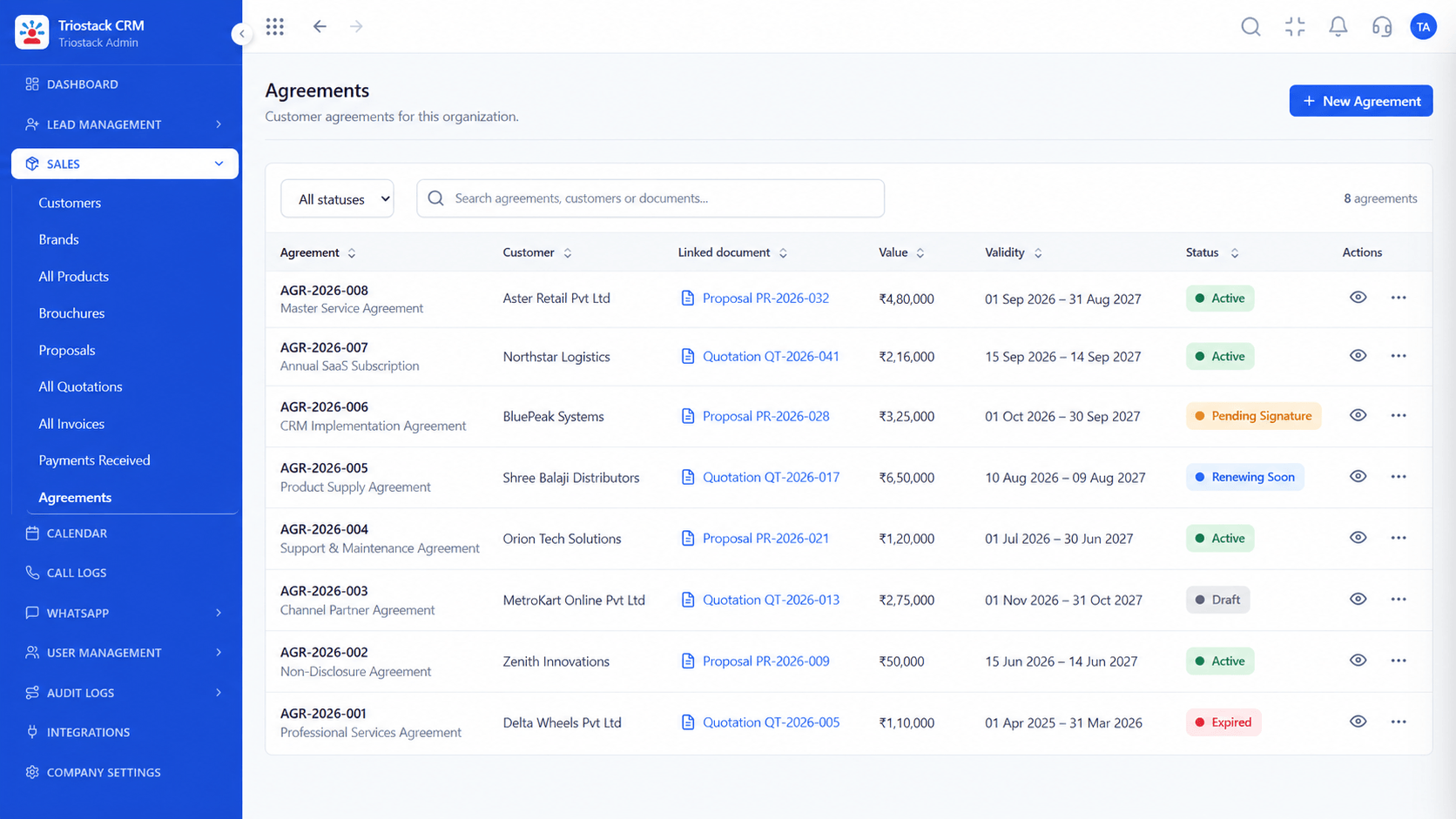
The screens below belong to Enterprise Custom Backup and S3 Archival: All Leads, Sales Dashboard and Lead Pipeline, all from the product.
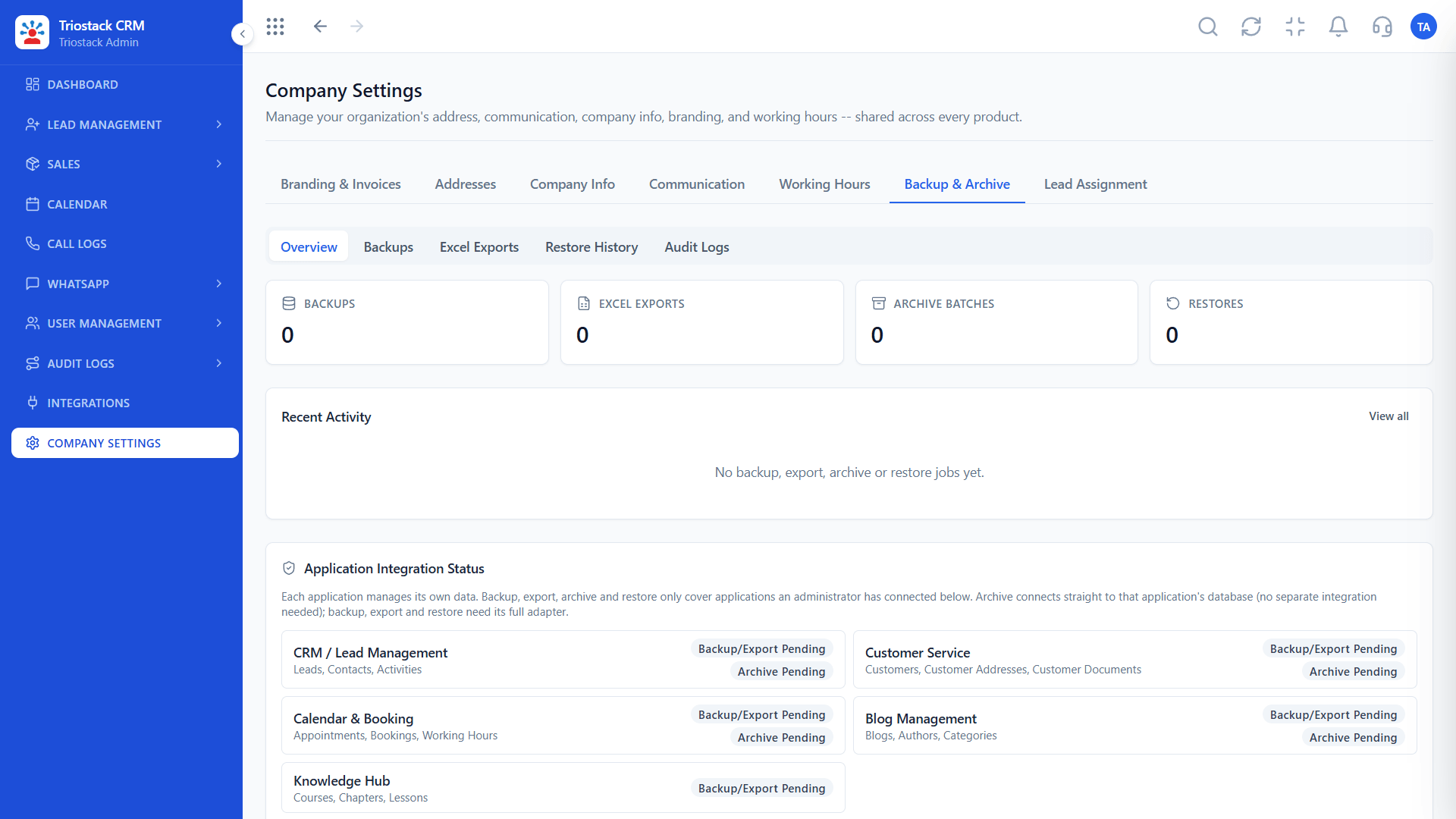
Backup and Archive
Enterprise Custom Backup and S3 Archival: a daily backup stored in storage you control
Feature Breakdown
4 screens from the live product that show Enterprise Custom Backup and S3 Archival at work.
Backup settings.
How it fits the plan
Prepare. Create a bucket or container in your cloud.
Grant. Give the CRM write access to that location only.
Practical tip
Test a restore from your own copy once. A backup you have never restored is only a hope.
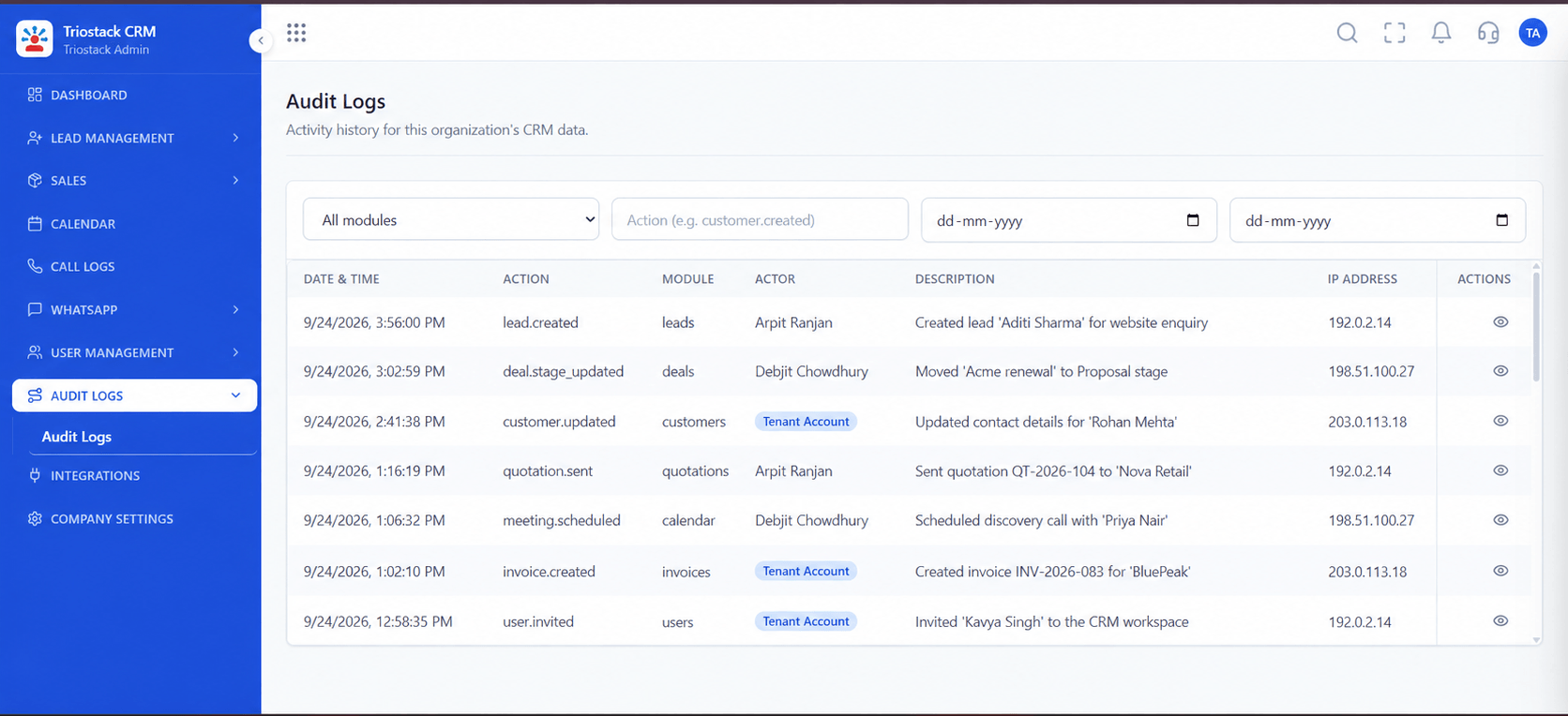
Run history.
In real life
Audit
An independent copy exists.
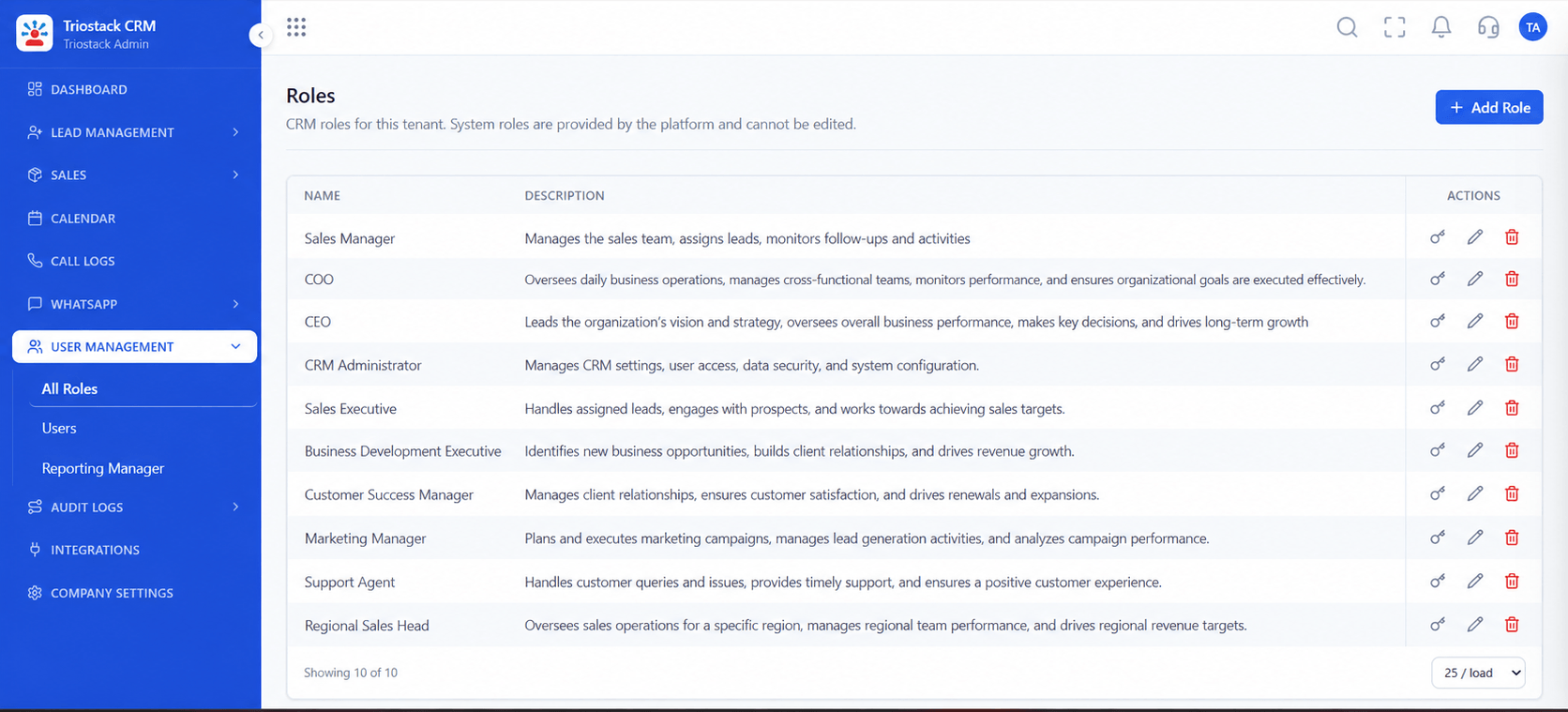
Who can configure.
Watch out for
Giving the CRM broad storage credentials. Limit access to one bucket and write-only.

Enterprise setup.
Before you start
Execution Plan
Create a bucket or container in your cloud.
Give the CRM write access to that location only.
Choose the schedule and retention period.
Review the run log and test a restore.
Practical Guide
Before you start
A tip that helps
Test a restore from your own copy once. A backup you have never restored is only a hope.
A common mistake
Giving the CRM broad storage credentials. Limit access to one bucket and write-only.
Availability: What Enterprise Custom Backup and S3 Archival covers can depend on your plan and setup. Please confirm with our team which parts are live for your account, and any prerequisites, before you plan around it.
In Real Life
Scenario 01
An independent copy exists.
Scenario 02
Region and access are yours.
Scenario 03
Your data is never only with us.
Straight answers about Enterprise Custom Backup and S3 Archival, from setup to what happens next.
Have a question about Enterprise Custom Backup and S3 Archival?
Book a free callTo your own Amazon S3, Google Cloud Storage or Azure Blob storage.
Daily dumps, with retention you set.
It is an enterprise option, so confirm with our team.
Yes, each run is logged.
Automated daily database dumps to client-owned AWS S3, Google Cloud Storage or Azure Blob, with retention policies, for enterprise data-ownership needs.
It runs in 4 steps: Prepare, Grant, Set and Check. Create a bucket or container in your cloud.
The real screens on this page include All Leads, Sales Dashboard, Lead Pipeline and Backup and Archive, all captured from the product.
Request a demo and ask to see Enterprise Custom Backup and S3 Archival. Our team can also walk you through setup, so your first session ends with something working.
We will walk you through Enterprise Custom Backup and S3 Archival, from Daily dumps, AWS S3 and Google Cloud Storage, on sample data shaped like yours.
Explore All Enterprise CRM