The best Business Suite software in India, built to help your business grow. Contact us at +91-8882435276.
[ Contact ]
Phone number
Email address
Head office
Noida office
The right team at TriostackOne will get back to you.
Positioning Assessment
Audit trails matter in two moments: when something goes wrong, and when someone asks you to prove it did not. A good one records the actor, the action and the time, and is only visible to the people who should see it.
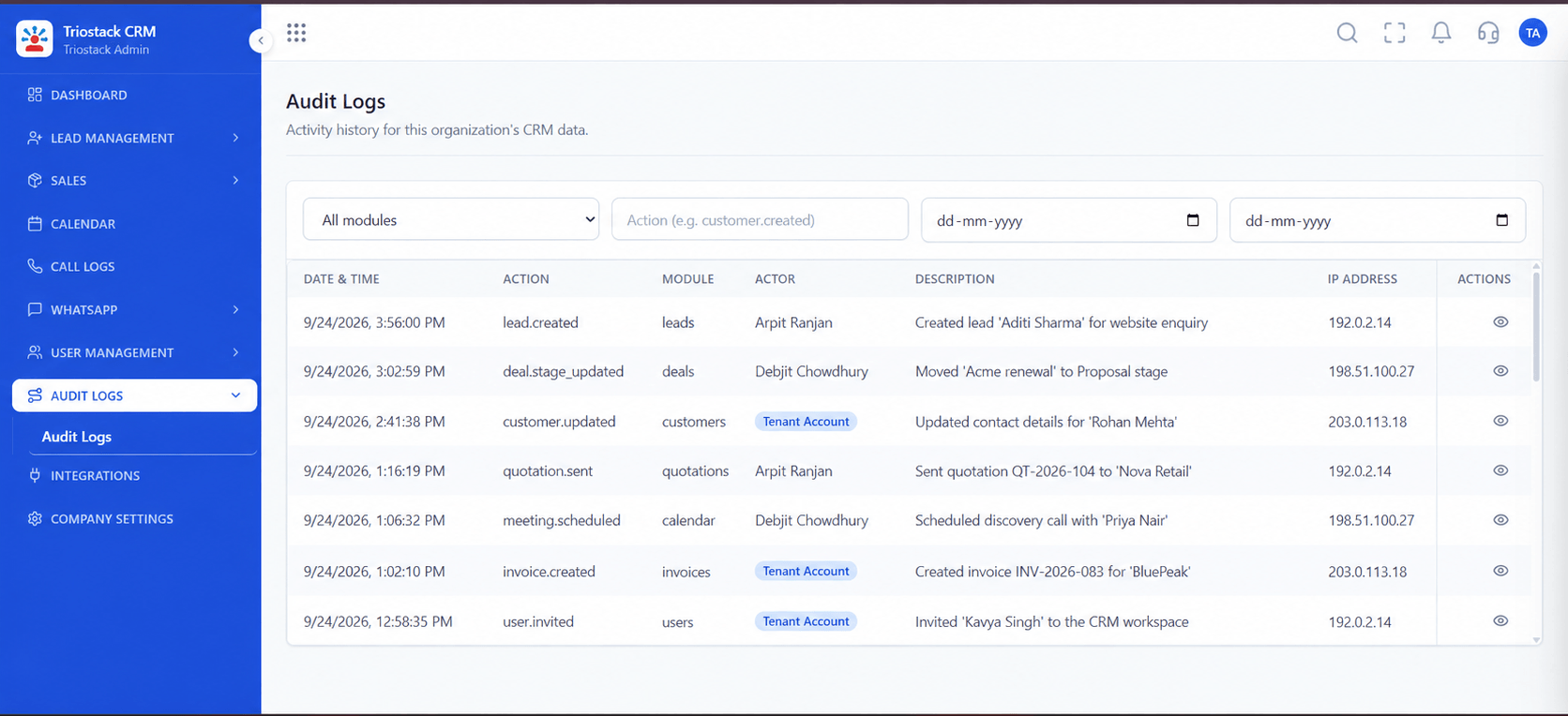
Triostack CRM has an Audit Logs area in the product for reviewing activity in the workspace. Exactly which events are captured, how long logs are kept, whether details like IP addresses are recorded, and how logs can be exported are confirmed with our team for your plan. We do not describe the logs as tamper-proof or as meeting any regulation. Retention is described on the Data Retention page under Legal.
Pair audit logs with careful roles and permissions, so fewer people can change what matters.
“A record changed on a Friday. On Monday we could see who and when.”
Sample team scenario
Illustrative example, not a customer testimonial

All Leads
Every lead with its source, status and owner
In the Product
Imagine every entry signed and timed.
Who and when.
Seen by the right people.
No overclaiming.
Platform Integrity
In the product
Actor and time
By role
See Legal pages
At a Glance
What traceability gives you.
| Dimension | Triostack CRM | No Audit Trail |
|---|---|---|
| Who changed it | Visible | Unknown |
| When | Time recorded | Guessed |
| Permission changes | Ask us what is captured | Invisible |
| Access to logs | Limited by role | Not applicable |
| Retention | Described on the Legal pages | None |
Book a walkthrough and we will set up a sandbox with sample leads, a WhatsApp inbox and a pipeline, so you can try it before you commit.
Live Interface Tour
Real screens captured directly from the production Triostack CRM interface.
Audit Logs
A dedicated area in the CRM
Feature Breakdown
Captured directly from the production Triostack CRM interface.
Review activity.
On this screen: A record of who did what in the workspace.
How it fits the plan
Decide. Pick who may view the logs.
Review. Look at activity on a regular rhythm.
Practical tip
Decide who reviews the logs and how often. A log nobody reads protects nobody.
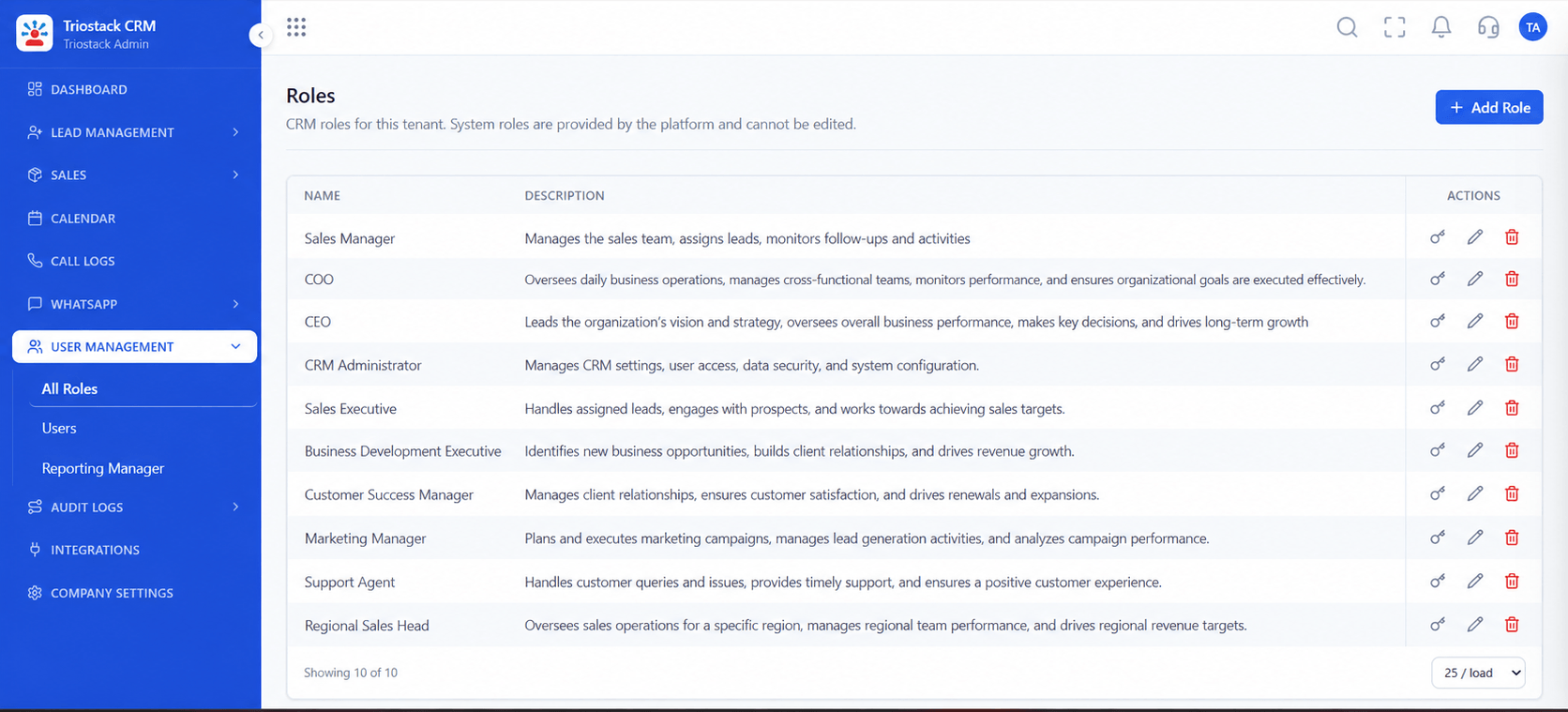
Limit who can change.
On this screen: Control what reps, managers and admins can see.
How it fits the plan
Review. Look at activity on a regular rhythm.
Investigate. Trace a change to a user and time.
In real life
Dispute
You trace a change to its source.
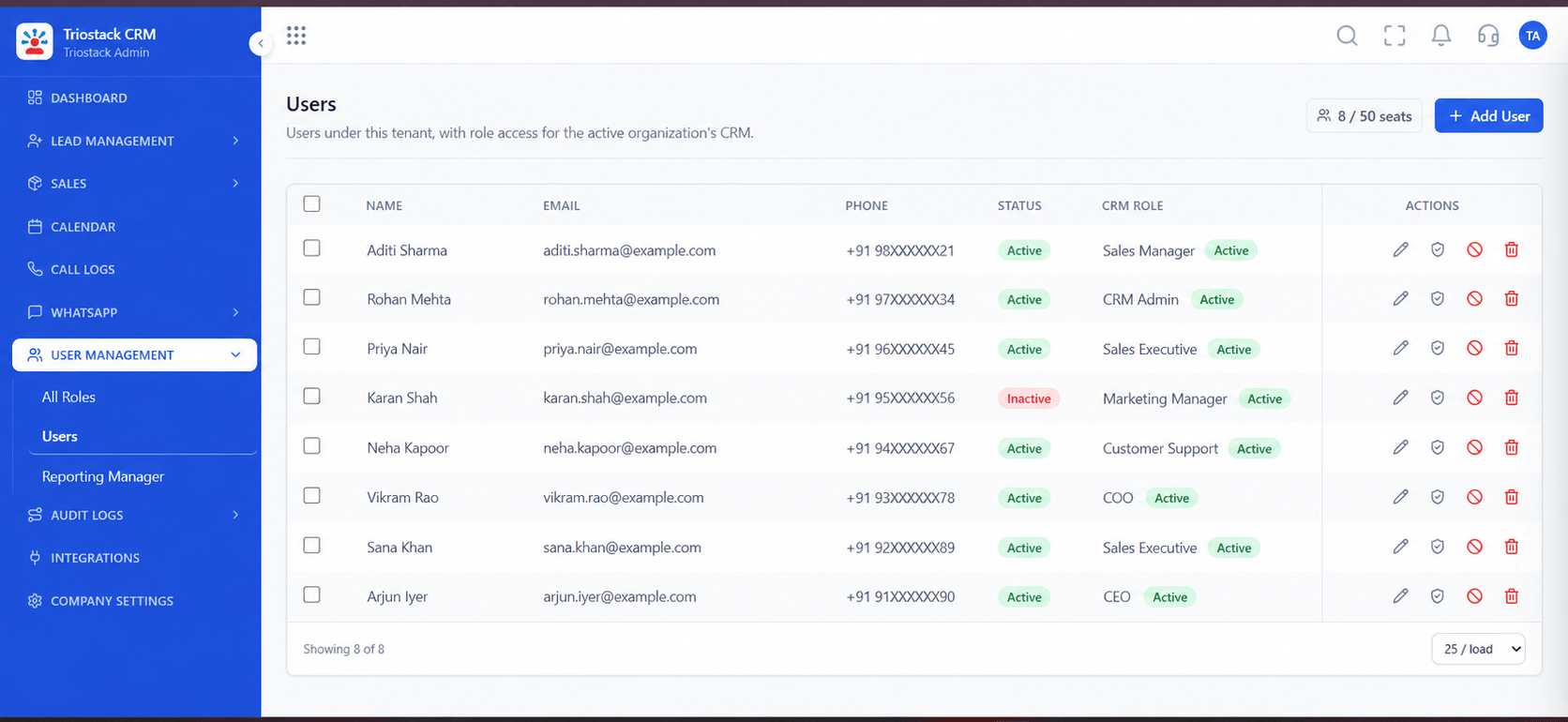
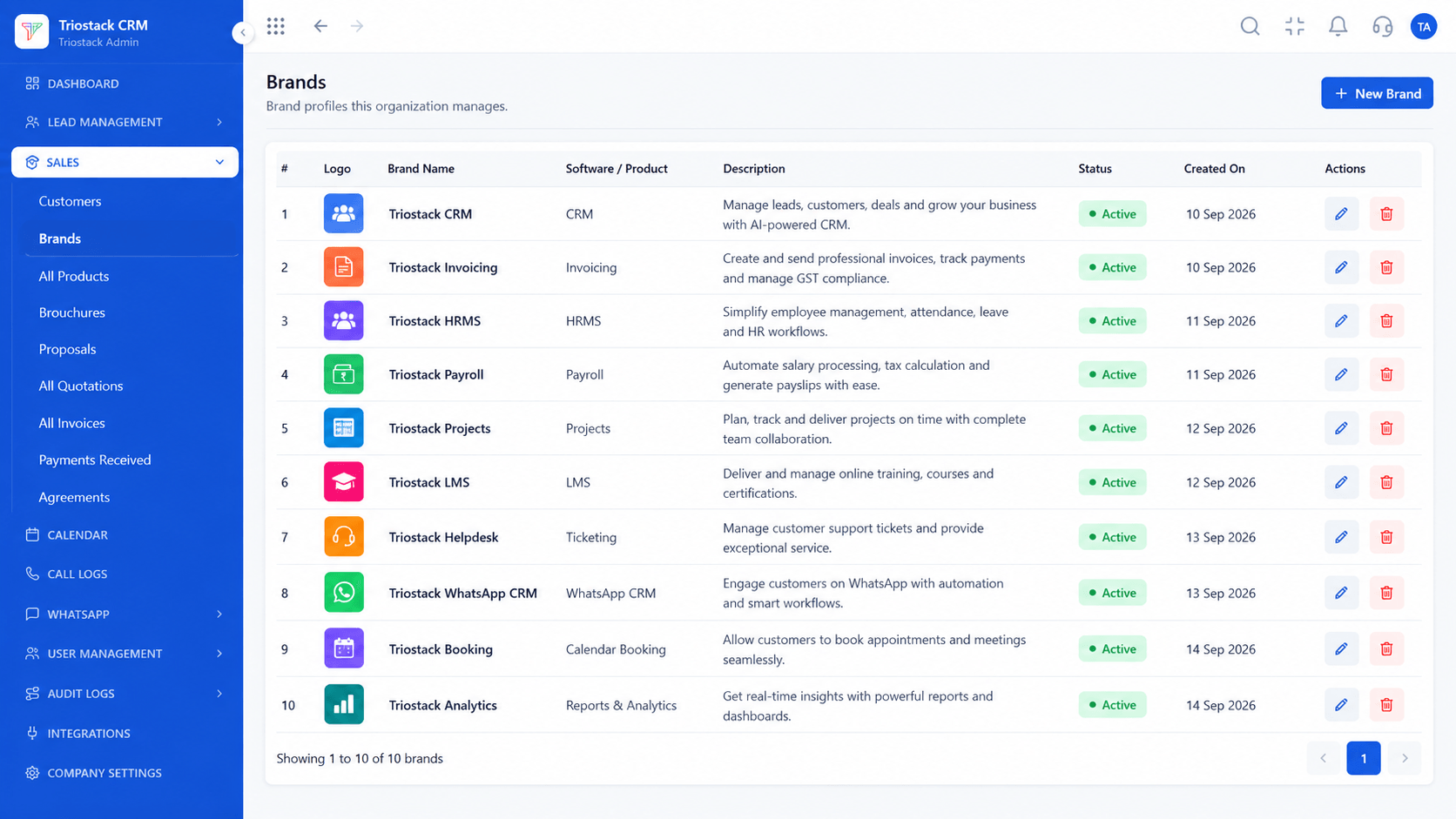
Who has access.
On this screen: Team members and their access.
How it fits the plan
Investigate. Trace a change to a user and time.
Tighten. Adjust roles where the trail shows gaps.
Watch out for
Assuming every action is captured in detail without confirming which events are recorded.

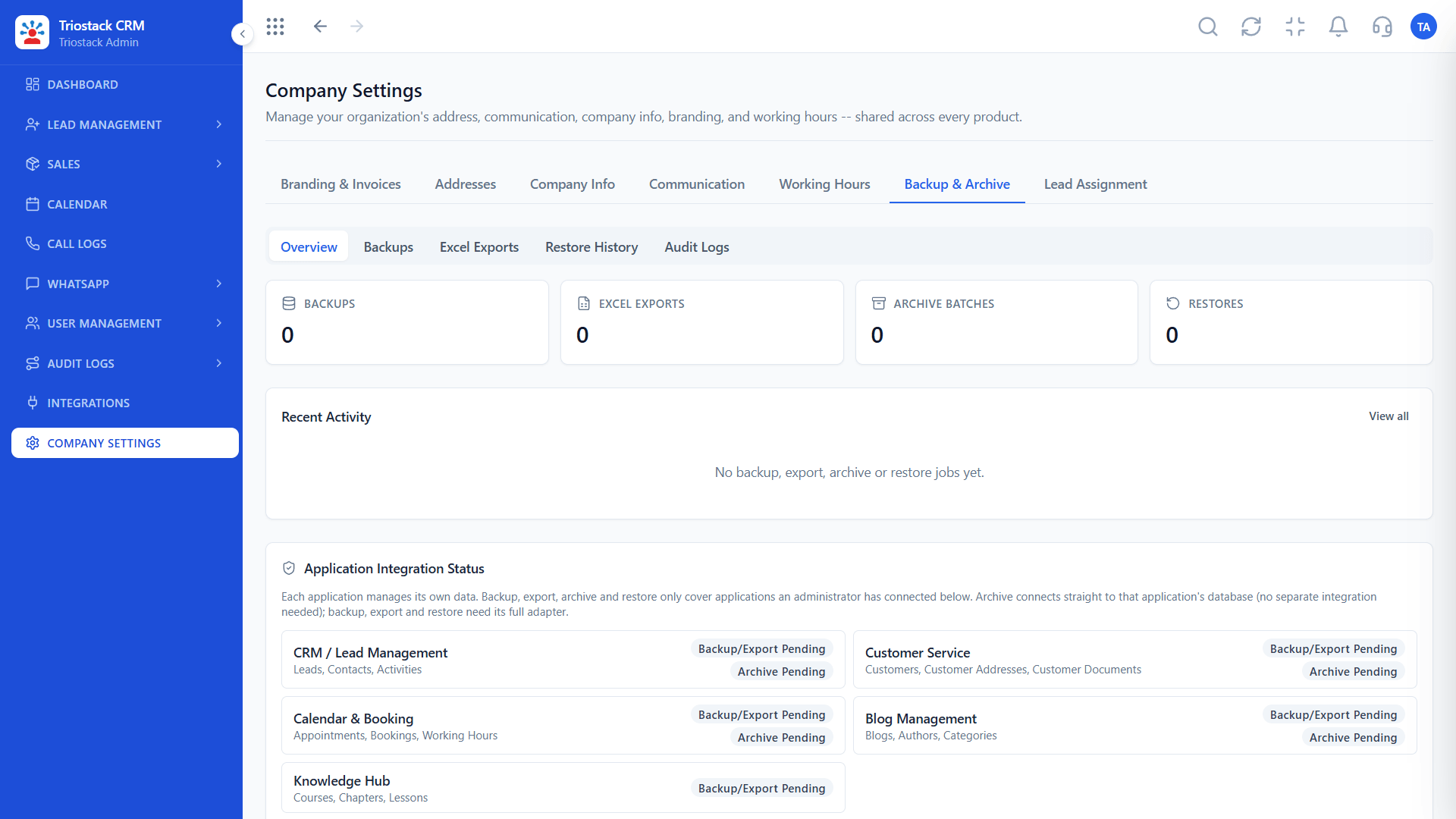
Workspace controls.
On this screen: Company-wide settings in one place.
How it fits the plan
Tighten. Adjust roles where the trail shows gaps.
Decide. Pick who may view the logs.
Before you start
Execution Plan
Pick who may view the logs.
Look at activity on a regular rhythm.
Trace a change to a user and time.
Adjust roles where the trail shows gaps.
Practical Guide
Before you start
A tip that helps
Decide who reviews the logs and how often. A log nobody reads protects nobody.
A common mistake
Assuming every action is captured in detail without confirming which events are recorded.
Availability: Availability can depend on your plan and setup. Please confirm with our team which capabilities are live for your account, and any prerequisites, before you plan around this page.
In Real Life
Scenario 01
You trace a change to its source.
Scenario 02
You see who touched what.
Scenario 03
You show controls, not slogans.
Straight answers about Enterprise Audit Trail and Activity Logs, from setup to what happens next.
Have a question about Enterprise Audit Trail and Activity Logs?
Book a free callYes. There is an Audit Logs area in the product. Ask our team which events are recorded on your plan.
We do not claim that. Ask our team about integrity and access for your account.
See the Data Retention and Deletion page under Legal, and ask our team about your plan.
Ask our team what export options apply.
How an audit trail helps governance: recording user activity and permission changes, what the CRM's Audit Logs area is for, and what to confirm with our team.
It runs in 4 steps: Decide, Review, Investigate and Tighten. Pick who may view the logs.
The real screens on this page include All Leads, Lead Pipeline, Customers and Audit Logs, all captured from the product.
Request a demo or start a free trial. Our team can also walk you through a guided setup, so your first session ends with something working.
Keep Exploring
Unify Meta leads, WhatsApp conversations, Android SIM calls, and GST invoices without per-seat price taxes.
Explore All Enterprise CRM