The best Business Suite software in India, built to help your business grow. Contact us at +91-8882435276.
[ Contact ]
Phone number
Email address
Head office
Noida office
The right team at TriostackOne will get back to you.

Positioning Assessment
Using WhatsApp for business at scale means going through Meta: a business account, business verification, a number on the Cloud API and approved templates. Each step has its own waiting time and its own ways to go wrong.
Triostack guides you through that route and connects the result to Triostack CRM, including Meta lead ad forms feeding the pipeline. This page explains the setup and what to ask for. Ask our team about Triostack's specific status and onboarding options for your case.
“We lost a fortnight to verification the first time. This time someone told us the order to do things in.”
Sample team scenario
Illustrative example, not a customer testimonial

WhatsApp Team Inbox
Shared conversations with customer context beside them
In the Product
Imagine someone who knows exactly which queue to join, and which papers to have ready.
Fewer wasted weeks.
Number, templates, CRM.
Ask us what applies to you.
Platform Integrity
Number on the official API
Business and number checks
Meta forms into the CRM
Chats on the lead
At a Glance
What a guide through Meta's process changes.
| Dimension | Triostack CRM | Going Alone |
|---|---|---|
| Business verification | Guided, step by step | Trial and error |
| Number on the API | Planned with you | Check what happens to the app |
| Templates | Drafted and submitted with guidance | Rejections and retries |
| Lead ads | Connected to the CRM | Manual export |
| Provider status | Ask us about your case | Varies |
Book a walkthrough and we will set up a sandbox with sample leads, a WhatsApp inbox and a pipeline, so you can try it before you commit.
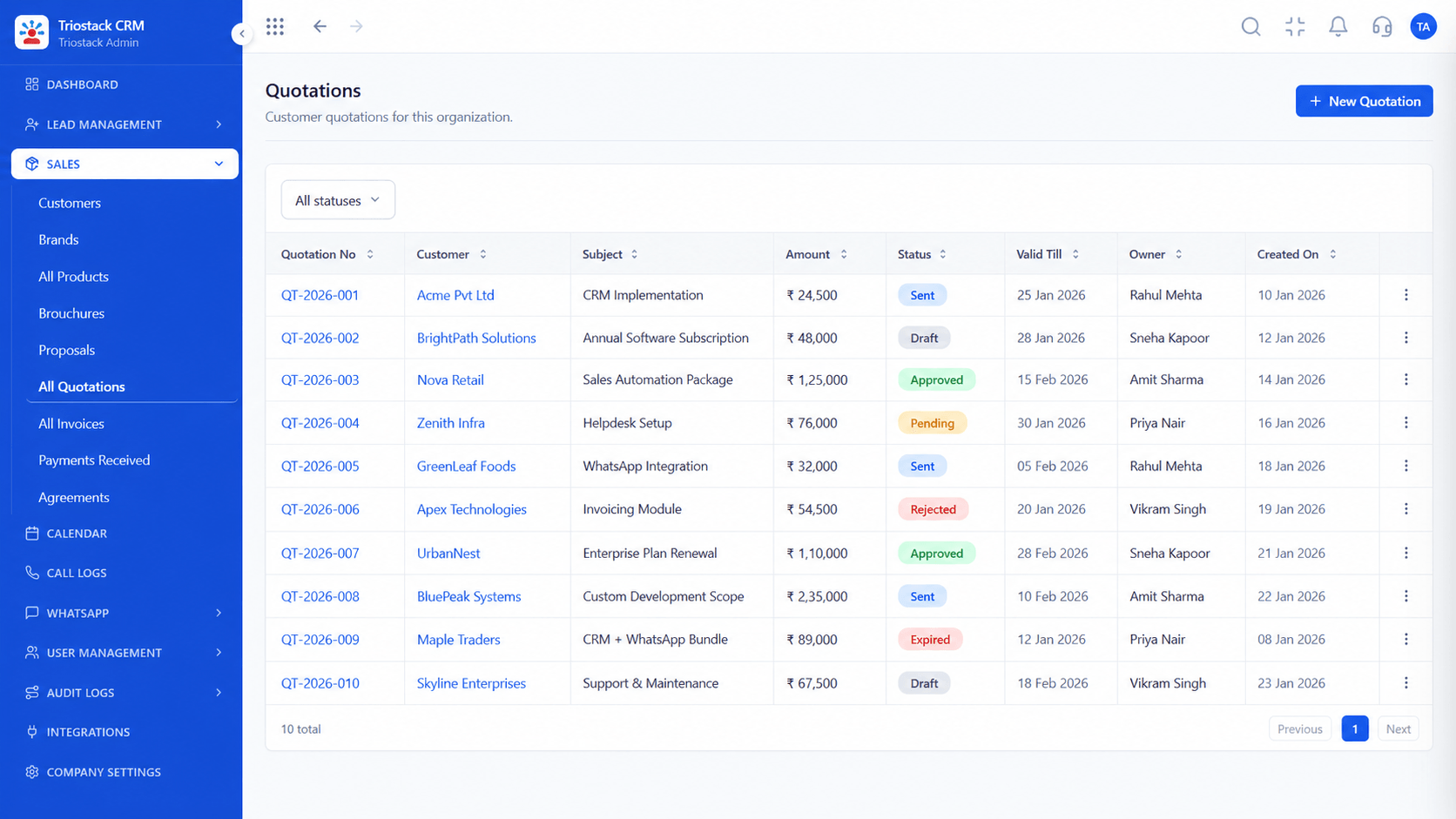
Live Interface Tour
Real screens captured directly from the production Triostack CRM interface.
Integrations Hub
Business and number verification, step by step
Feature Breakdown
Captured directly from the production Triostack CRM interface.
01
CRMConnections in one place.
On this screen: Lead sources and tools connected in one place.
How it fits the plan
Prepare. Gather business details and documents.
Verify. Complete business and number verification.
Practical tip
Start verification early and in parallel with drafting templates. The waiting time is rarely the part you control.

02
CRMTemplates that send.
On this screen: Trigger template messages on stage changes and form fills.
How it fits the plan
Verify. Complete business and number verification.
Connect. Link the number to the Cloud API and the CRM.
In real life
First WhatsApp number
Verification is planned from day one.

03
CRMWhere lead ads land.
On this screen: Every lead with its source, status and owner.
How it fits the plan
Connect. Link the number to the Cloud API and the CRM.
Launch. Submit templates and start messaging.
Watch out for
Applying for a number before business details match across every document.
04
CRMThe day-to-day.
On this screen: Shared conversations with customer context beside them.
How it fits the plan
Launch. Submit templates and start messaging.
Prepare. Gather business details and documents.
Before you start
Execution Plan
Gather business details and documents.
Complete business and number verification.
Link the number to the Cloud API and the CRM.
Submit templates and start messaging.
Practical Guide
Before you start
A tip that helps
Start verification early and in parallel with drafting templates. The waiting time is rarely the part you control.
A common mistake
Applying for a number before business details match across every document.
In Real Life
Scenario 01
Verification is planned from day one.
Scenario 02
Meta lead form leads reach the CRM at once.
Scenario 03
We help adjust and resubmit.
Straight answers about Meta Tech Provider, from setup to what happens next.
Have a question about Meta Tech Provider?
Book a free callIt helps businesses onboard to and use the WhatsApp Business Platform, including setup, verification and integration.
Please ask our team about Triostack's current status and the onboarding options that apply to your case.
Yes. We guide you through business and number verification.
Yes, through the Integrations Hub.
What a Meta tech provider does for businesses using the WhatsApp Business Platform, and how Triostack's Cloud API setup, verification help and lead ads link-up fit around it.
It runs in 4 steps: Prepare, Verify, Connect and Launch. Gather business details and documents.
The real screens on this page include WhatsApp Team Inbox, All Leads, Lead Follow-Ups and Integrations Hub, all captured from the product.
Request a demo or start a free trial. Our team can also walk you through a guided setup, so your first session ends with something working.
Keep Exploring
Unify Meta leads, WhatsApp conversations, Android SIM calls, and GST invoices without per-seat price taxes.
Explore All CRM Guides