The best Business Suite software in India, built to help your business grow. Contact us at +91-8882435276.
[ Contact ]
Phone number
Email address
Head office
Noida office
The right team at TriostackOne will get back to you.

Positioning Assessment
Managers ask the same questions every week: how many new leads, from where, how many calls, which deals are stuck, who is on track. If the answers need an export and an hour, they are rarely asked.
The Triostack CRM dashboard shows leads, deals and follow-ups at a glance, and the pipeline shows where deals sit. Filter by rep, source or period to answer the question you actually have.
Ask us about custom metrics, scheduled reports and executive-level views on your plan.
“Monday's review used to start with an export. Now it starts with a screen everyone can see.”
Sample team scenario
Illustrative example, not a customer testimonial

Lead Follow-Ups
Never miss the next call or message
In the Product
Imagine only the gauges you need, in front of you, always current.
No exports.
Filter and see.
Shared in meetings.
Platform Integrity
One-screen view
Where deals sit
Filter what matters
Ask us about your plan
At a Glance
What changes when the numbers are always current.
| Dimension | Triostack CRM | Exported Reports |
|---|---|---|
| Freshness | Live | As of the last export |
| Effort | Open and look | Export, clean, chart |
| Filters | By rep, source, period | Rebuild per question |
| Funnel | Visual pipeline | Counts in a sheet |
| Custom metrics | Ask us about your needs | Hand-built formulas |
Book a walkthrough and we will set up a sandbox with sample leads, a WhatsApp inbox and a pipeline, so you can try it before you commit.
Live Interface Tour
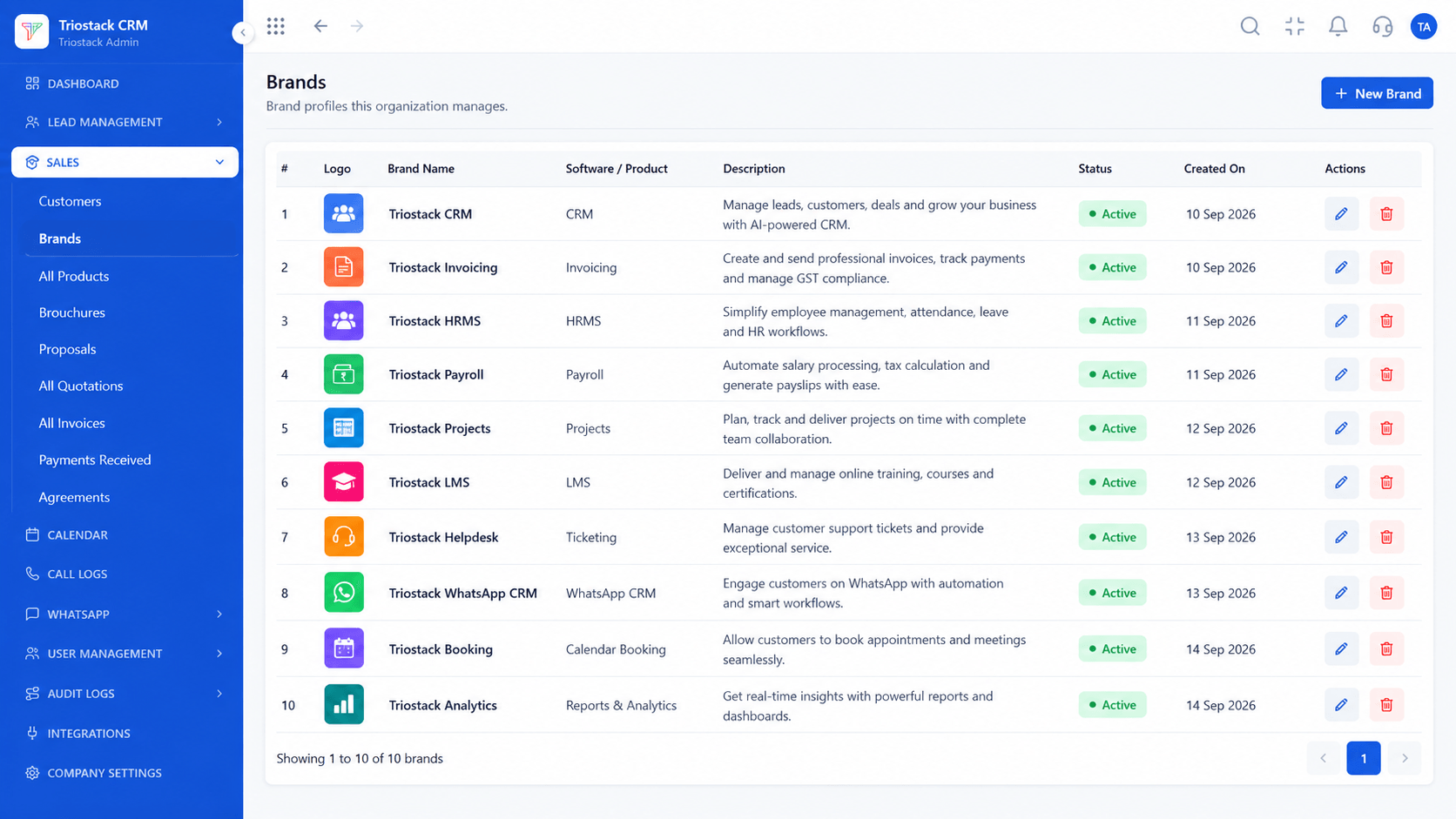
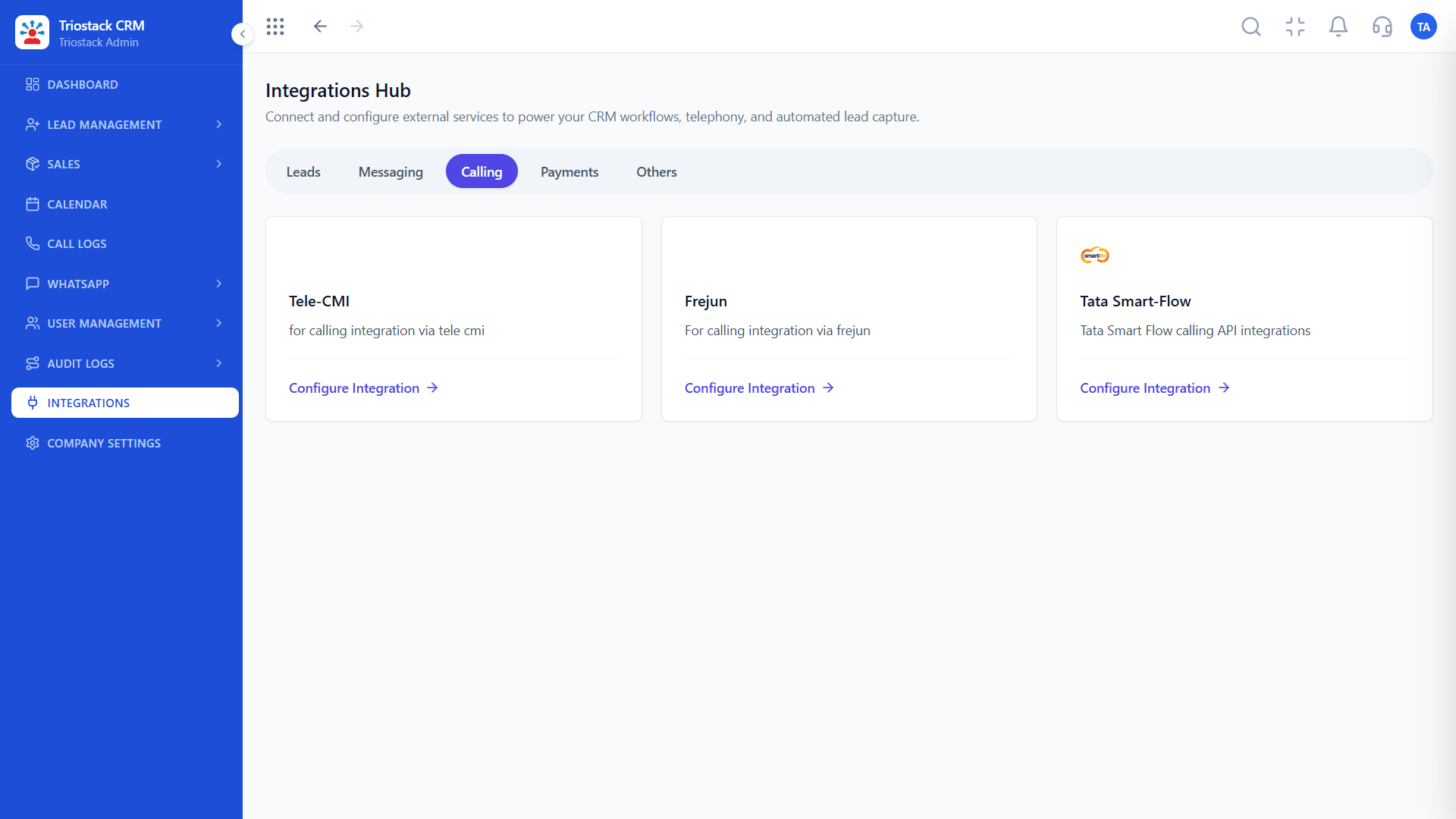
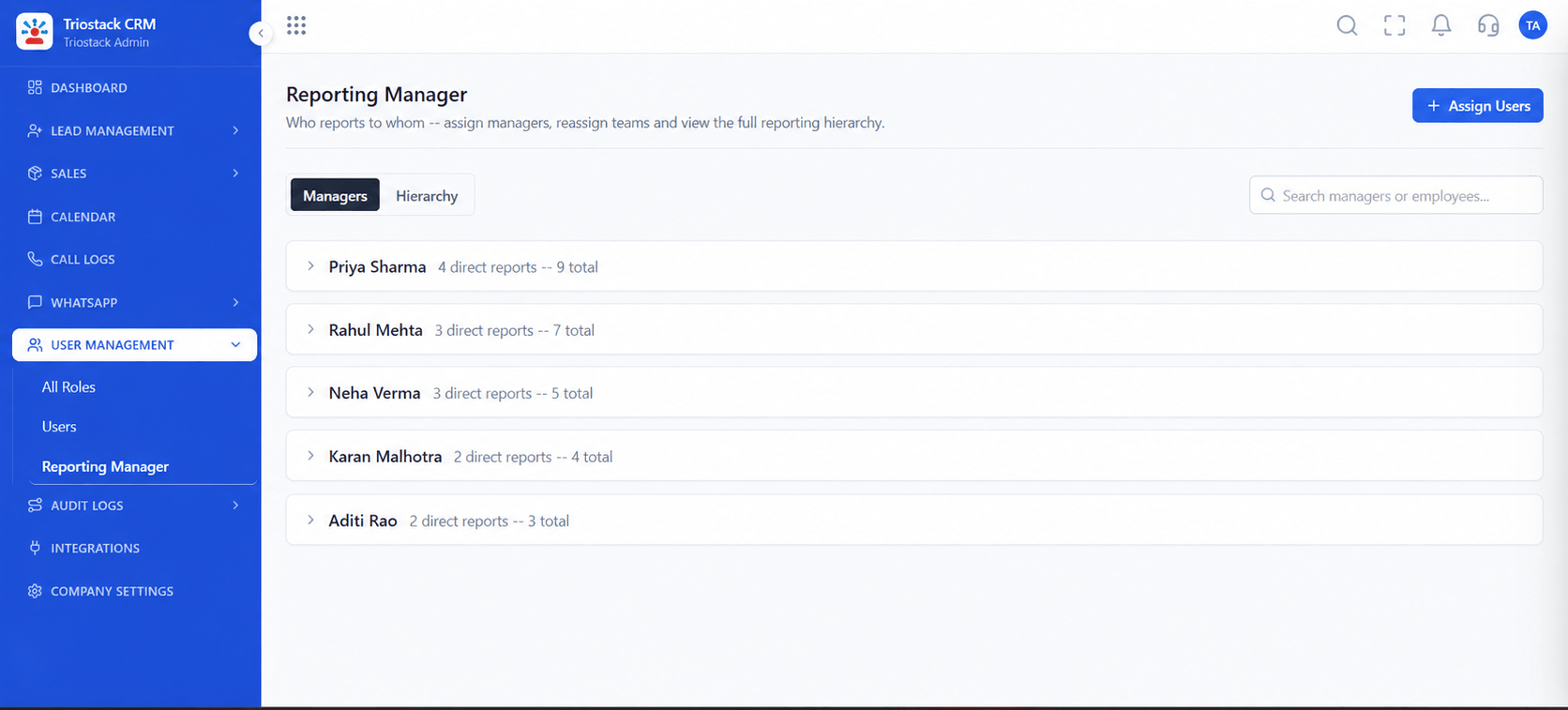
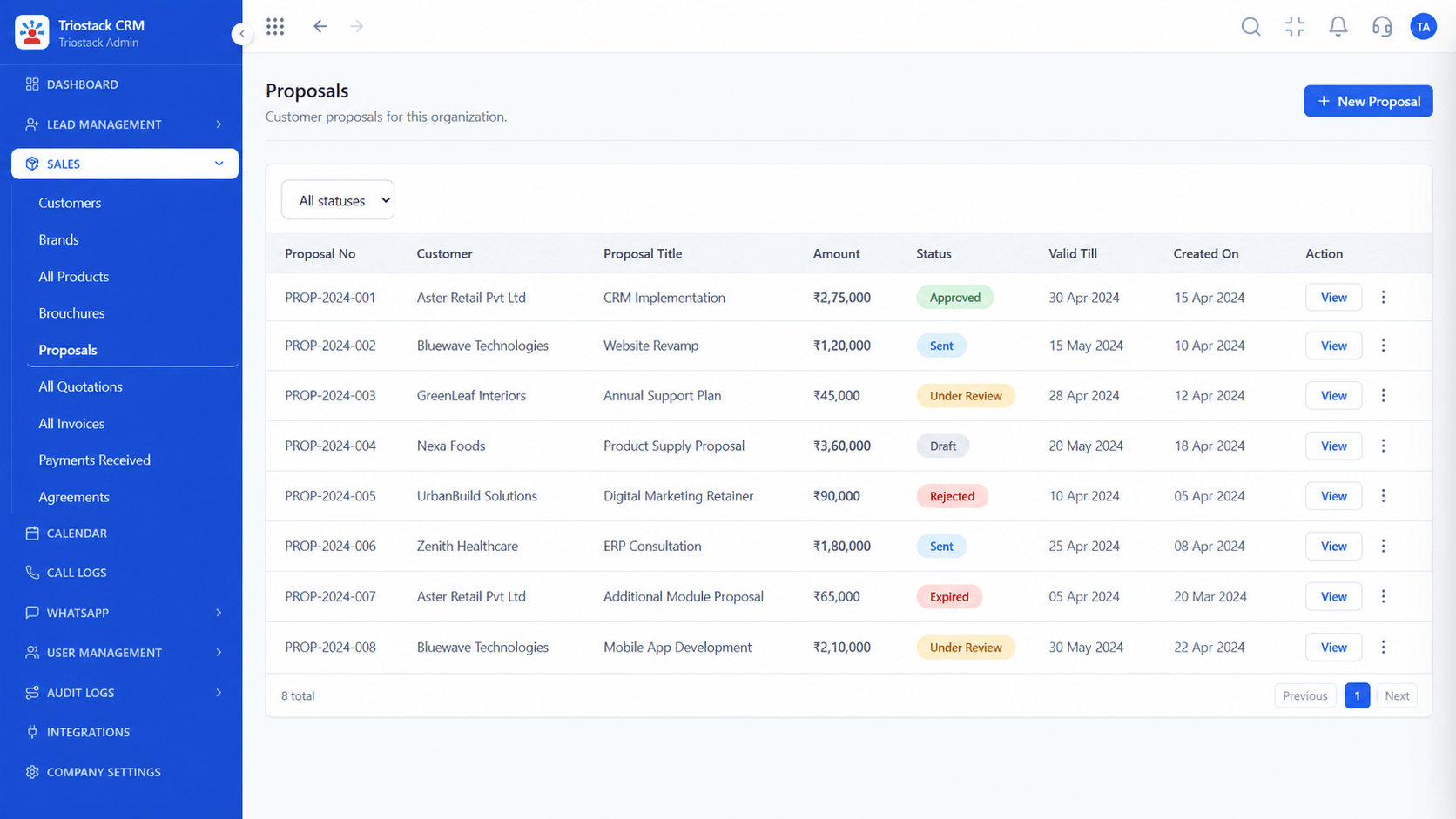
Real screens captured directly from the production Triostack CRM interface.
Sales Dashboard
Leads, deals and follow-ups on one screen
Feature Breakdown
Captured directly from the production Triostack CRM interface.
The main view.
On this screen: Leads, deals and follow-ups at a glance.
How it fits the plan
Ask. Decide the three questions you review every week.
Filter. Set the view that answers them.
Practical tip
Pick three numbers and review them every week. A short dashboard used weekly beats a long one used never.

The funnel.
On this screen: Drag deals across your own sales stages.
How it fits the plan
Filter. Set the view that answers them.
Share. Use the same screen in team meetings.
In real life
Weekly review
Everyone looks at the same numbers.

Filter by source and owner.
On this screen: Every lead with its source, status and owner.
How it fits the plan
Share. Use the same screen in team meetings.
Refine. Ask us for the metrics you still lack.
Watch out for
Measuring activity, like calls made, without ever looking at outcomes.

Calling activity.
On this screen: Calls from Android phones logged against the lead.
How it fits the plan
Refine. Ask us for the metrics you still lack.
Ask. Decide the three questions you review every week.
Before you start
Execution Plan
Decide the three questions you review every week.
Set the view that answers them.
Use the same screen in team meetings.
Ask us for the metrics you still lack.
Practical Guide
Before you start
A tip that helps
Pick three numbers and review them every week. A short dashboard used weekly beats a long one used never.
A common mistake
Measuring activity, like calls made, without ever looking at outcomes.
Availability: Availability can depend on your plan and setup. Please confirm with our team which capabilities are live for your account, and any prerequisites, before you plan around this page.
In Real Life
Scenario 01
Everyone looks at the same numbers.
Scenario 02
Leads by source at a glance.
Scenario 03
A manager sees where deals stall.
Straight answers about Custom CRM Reporting and Dashboards, from setup to what happens next.
Have a question about Custom CRM Reporting and Dashboards?
Book a free callLeads, deals and follow-ups at a glance, with the pipeline beside it.
Yes. Filter to answer a specific question.
Ask us about scheduled reports on your plan.
Ask us. We will tell you what is available and what would need tailored work.
Highlight sales metrics, executive widgets, scheduled reports and visual sales funnel analytics.
It runs in 4 steps: Ask, Filter, Share and Refine. Decide the three questions you review every week.
The real screens on this page include Lead Follow-Ups, Customers, Lead Assignment and Sales Dashboard, all captured from the product.
Request a demo or start a free trial. Our team can also walk you through a guided setup, so your first session ends with something working.
Keep Exploring
Unify Meta leads, WhatsApp conversations, Android SIM calls, and GST invoices without per-seat price taxes.
Explore All CRM Customisation