The best Business Suite software in India, built to help your business grow. Contact us at +91-8882435276.
[ Contact ]
Phone number
Email address
Head office
Noida office
The right team at TriostackOne will get back to you.

Positioning Assessment
A company's leads and records come from many places: a website form, a booking page, an invoicing tool, a helpdesk. Each tool is fine alone. Together, they need to feed one workflow, or someone ends up copying data between screens.
The Integrations Hub in Triostack CRM lists the connections: a website webhook to ingest leads, an appointment webhook for meeting management, and APIs for invoicing, tickets, blogs and expenses. Enquiries that arrive this way flow into the same lead list, assignment rules and follow-ups as everything else.
Technical details depend on your setup. Ask us, and our team will guide your developers.
“Our website form, our booking page and our invoicing tool all end up in the same lead list now.”
Sample team scenario
Illustrative example, not a customer testimonial

Lead Pipeline
Drag deals across your own sales stages
In the Product
Imagine every tool you use plugged into one clear board.
Every source.
Fewer mistakes.
Webhooks and APIs.
Platform Integrity
Leads in
Meetings in
Third-party invoices
Helpdesk records
At a Glance
What APIs and webhooks save.
| Dimension | Triostack CRM | Manual Copying |
|---|---|---|
| Lead entry | Website webhook creates the lead | Retyped from a form |
| Meetings | Appointment webhook | Added by hand |
| Invoices | Invoicing API | Entered twice |
| Tickets | Tickets API | Separate system |
| Assignment | Same rules for every source | Per tool |
Book a walkthrough and we will set up a sandbox with sample leads, a WhatsApp inbox and a pipeline, so you can try it before you commit.
Live Interface Tour
Real screens captured directly from the production Triostack CRM interface.
Webhooks and APIs
External tools feeding the same lead list
Feature Breakdown
Captured directly from the production Triostack CRM interface.
01
CRMThe connections.
On this screen: Appointment webhook, Google Calendar, Invoicing, Tickets, Blogs and Expense APIs.
How it fits the plan
Choose. Pick the webhook or API in the Integrations Hub.
Configure. Set it up with your developer.
Practical tip
Send a test record from each tool before going live, and check that the fields land where you expect.

02
CRMLead sources.
On this screen: Lead sources and tools connected in one place.
How it fits the plan
Configure. Set it up with your developer.
Test. Send a test lead or record.
In real life
Custom website
Form leads land in the CRM.

03
CRMOne list for all sources.
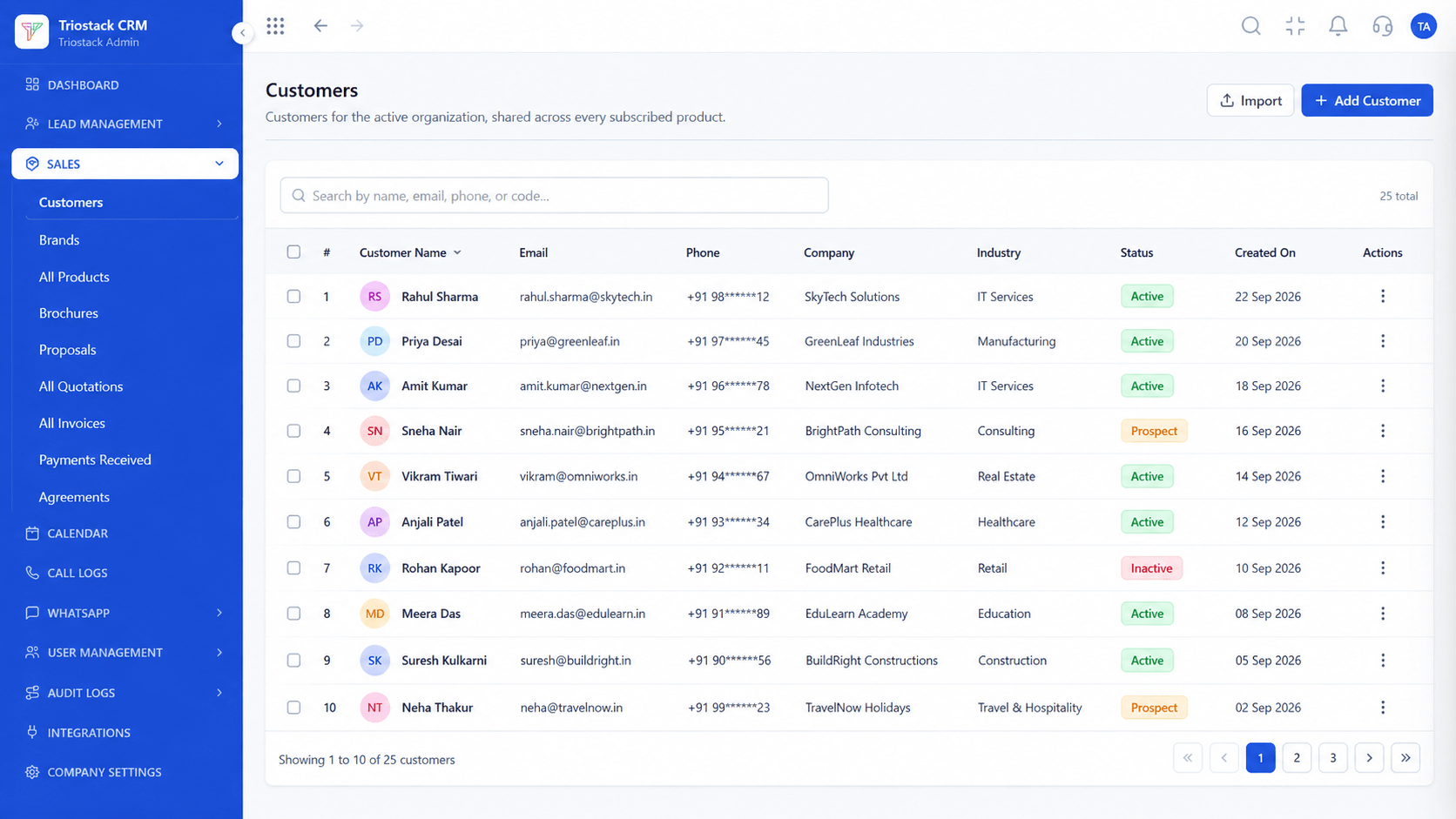
On this screen: Every lead with its source, status and owner.
How it fits the plan
Test. Send a test lead or record.
Run. Records flow into the CRM on their own.
Watch out for
Pointing several tools at the CRM without agreeing how duplicates should be handled.
04
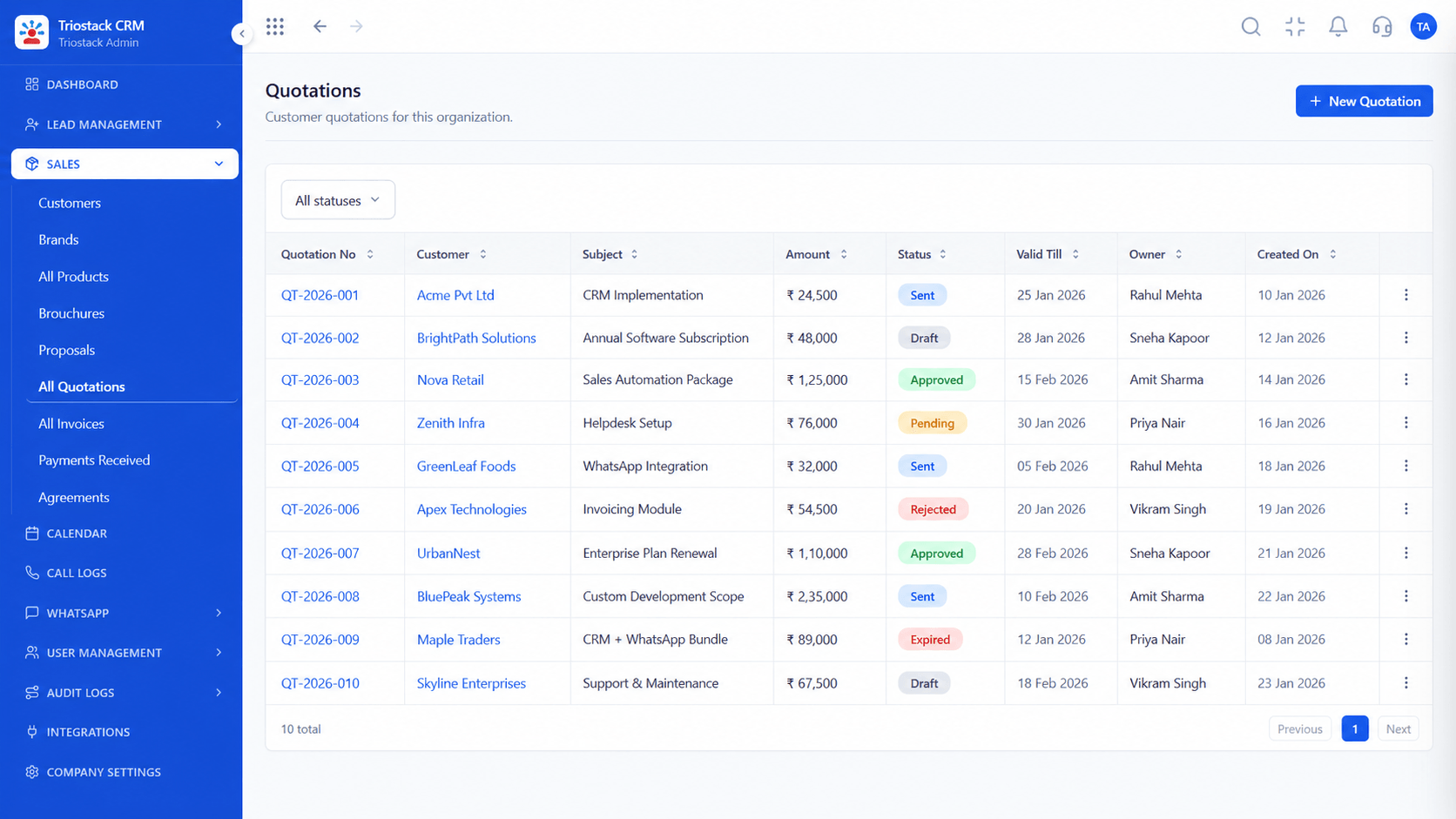
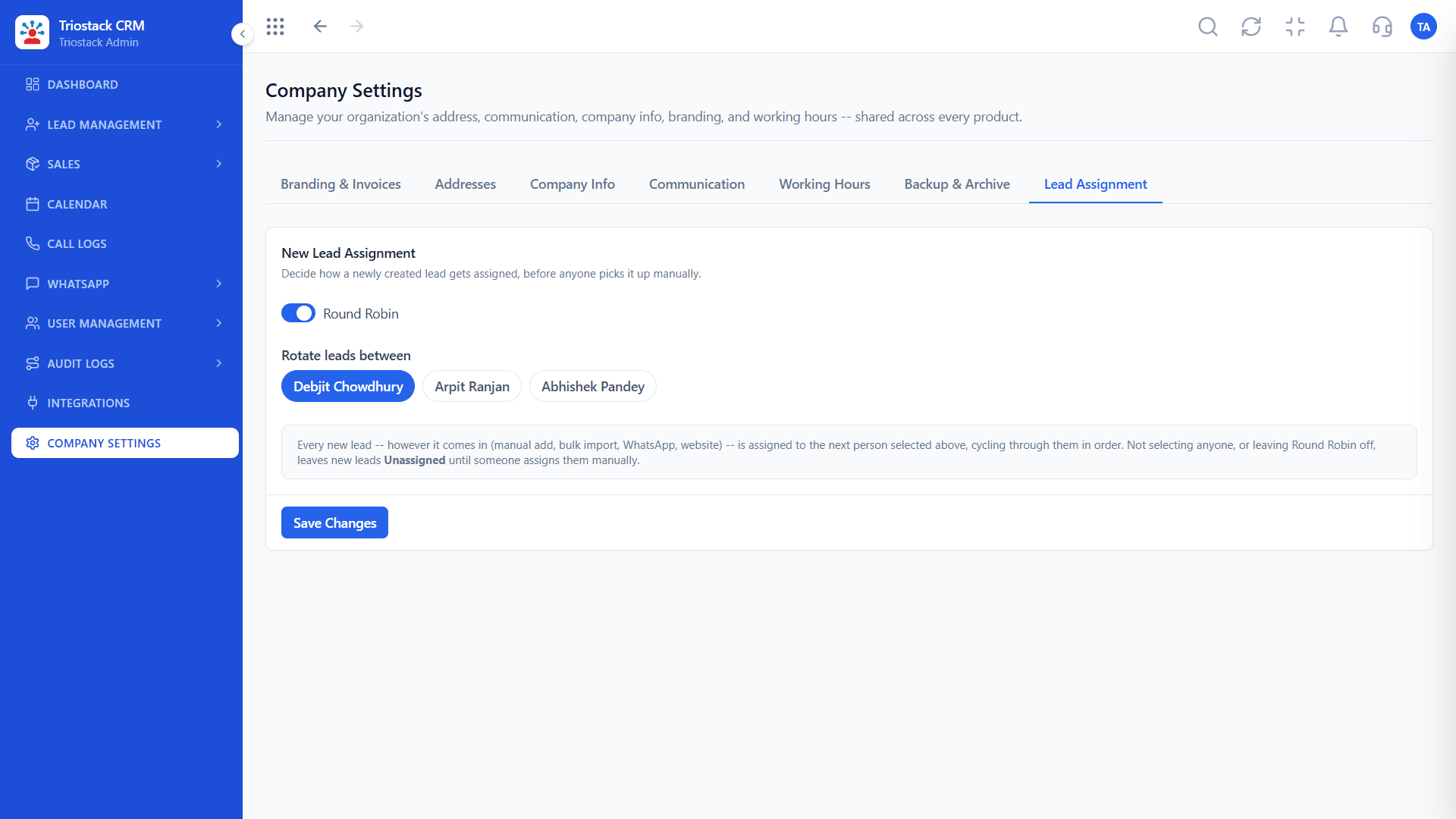
CRMSame rules, every source.
On this screen: Route new leads to the right rep automatically.
How it fits the plan
Run. Records flow into the CRM on their own.
Choose. Pick the webhook or API in the Integrations Hub.
Before you start
Execution Plan
Pick the webhook or API in the Integrations Hub.
Set it up with your developer.
Send a test lead or record.
Records flow into the CRM on their own.
Practical Guide
Before you start
A tip that helps
Send a test record from each tool before going live, and check that the fields land where you expect.
A common mistake
Pointing several tools at the CRM without agreeing how duplicates should be handled.
Availability: Availability can depend on your plan and setup. Please confirm with our team which capabilities are live for your account, and any prerequisites, before you plan around this page.
In Real Life
Scenario 01
Form leads land in the CRM.
Scenario 02
Appointments become records.
Scenario 03
Billing data joins the customer record.
Straight answers about CRM API and Webhook Integration, from setup to what happens next.
Have a question about CRM API and Webhook Integration?
Book a free callThe Integrations Hub lists a website webhook for leads and an appointment webhook for meetings.
Invoicing, Tickets, Blogs and Expense APIs are listed. Ask us what applies to your plan.
Usually a developer helps. Ask us and we will guide your team.
Yes. They join the same assignment and follow-up workflow.
Explain how businesses connect external tools and lead sources to Triostack CRM through APIs and webhooks, bringing enquiries into one workflow.
It runs in 4 steps: Choose, Configure, Test and Run. Pick the webhook or API in the Integrations Hub.
The real screens on this page include Lead Pipeline, Call Logs, Lead Follow-Ups and Webhooks & APIs, all captured from the product.
Request a demo or start a free trial. Our team can also walk you through a guided setup, so your first session ends with something working.
Keep Exploring
Unify Meta leads, WhatsApp conversations, Android SIM calls, and GST invoices without per-seat price taxes.